










/ month


/ month


/ month
quarterly commitment
Because there's a better way to hire an AI UX designer

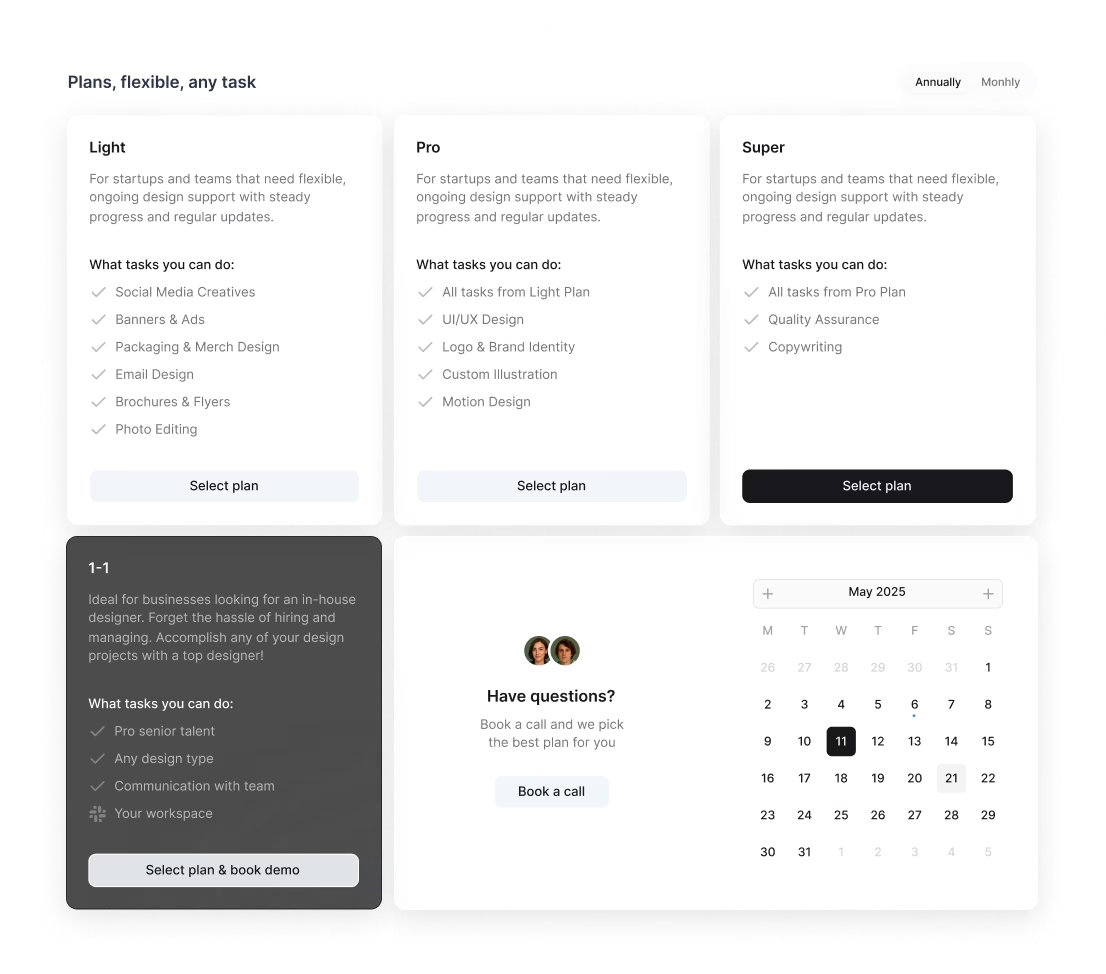

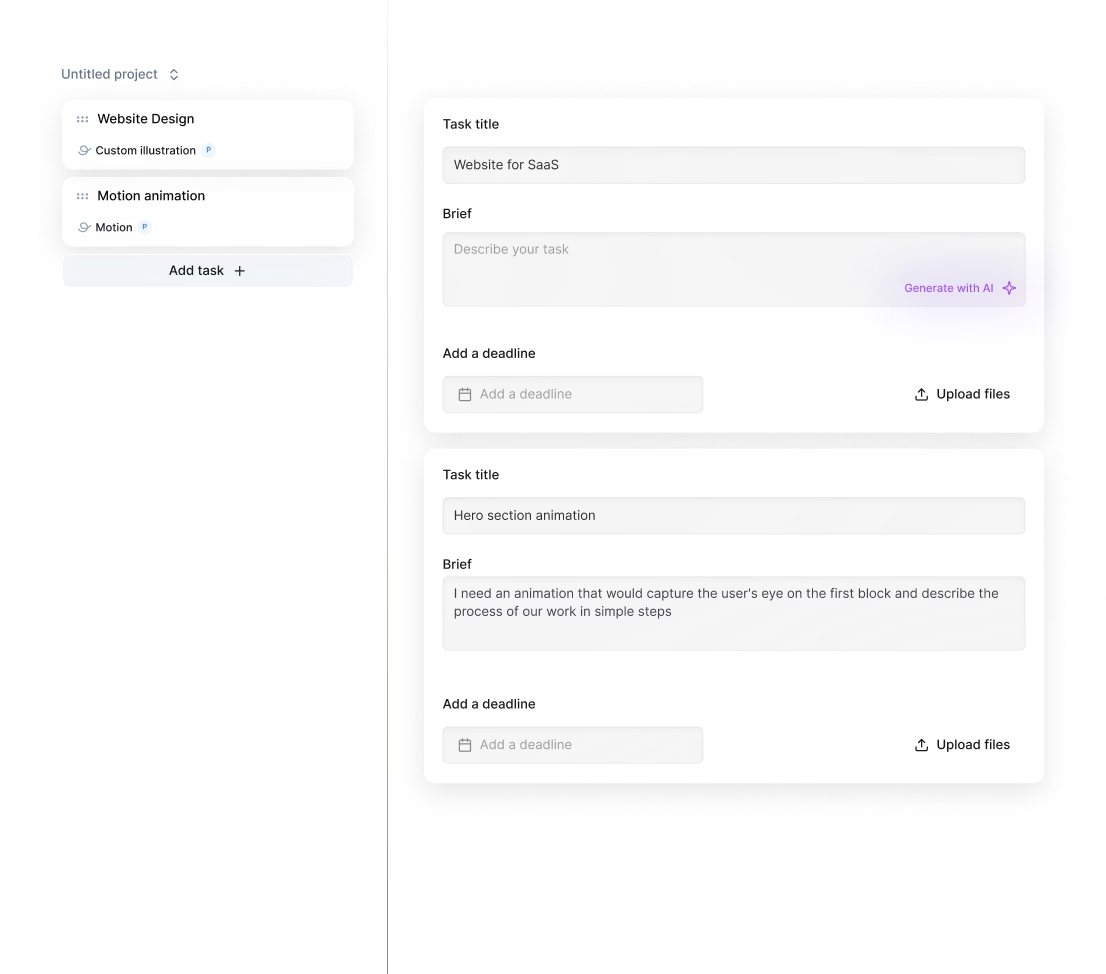
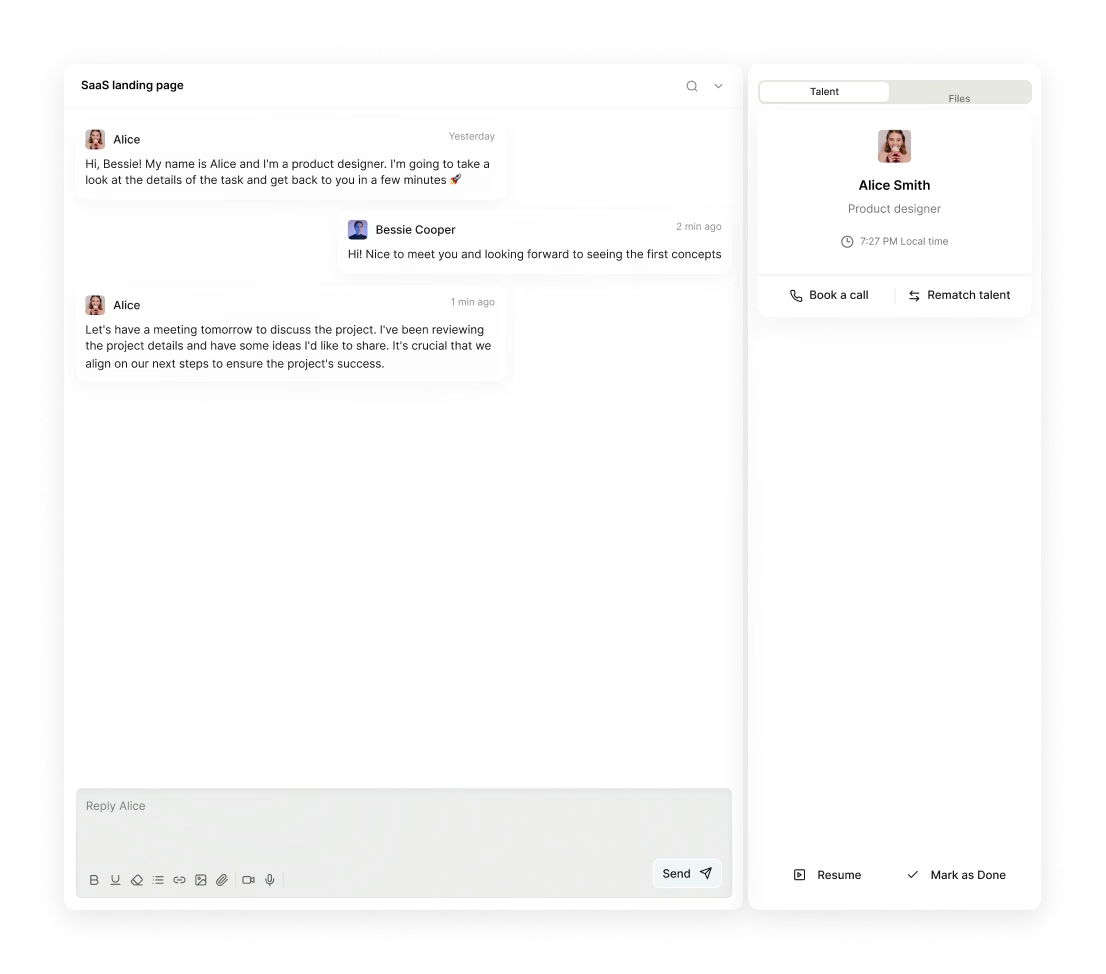
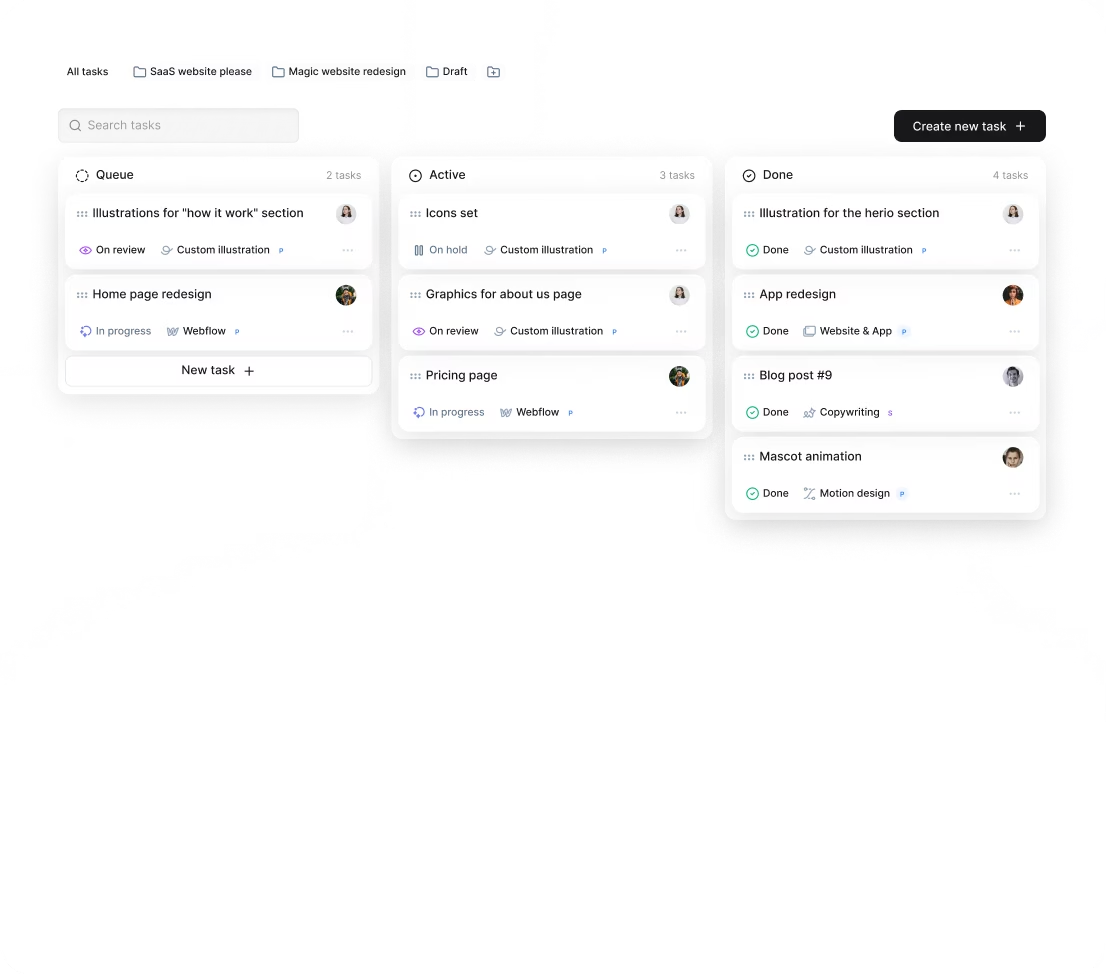


The choice of 4,000+ growing companies.
































Why awesomic





0.82% talent





One subscription and your hiring problems solved

0.82%. That's how many AI UX designers we accept.




FAQ


How quickly can I start working with a UX AI designer?
You can start working with a UX AI designer in as little as 24 hours. Just subscribe, submit your project, and get tasks matched to vetted experts. Expect daily updates and unlimited revisions until your design is perfect. No hiring delays or management hassle.
Can I hire AI UX designers for short-term or one-off projects?
Yes, you can hire AI UX designers through Awesomic for short-term or one-off projects. Our subscription model lets you submit tasks anytime and get daily updates with unlimited revisions. Scale your workload easily by adding subscriptions or switching talents as needed.
Are AI UX designers experienced in startups, SaaS, or enterprise teams?
Yes. Our AI UX designers bring 7 to 15+ years of experience working with startups, SaaS, FinTech, HealthTech, and enterprise clients. They deliver high-quality product designs, landing pages, and web apps using modern tools like Webflow and Framer, ensuring fast, scalable results.
Can I switch designers if my needs change?
Absolutely. With Awesomic, you can request a talent rematch at any time at no extra cost. Our subscription model offers unlimited revisions and daily updates, so switching to the best AI UX designer for your evolving projects is seamless and fast.
What does “top 1% AI UX designers” actually mean?
It means these AI UX designers passed a tough vetting process with only 0.82% approval. They prove skills through portfolio reviews, multi-step tests, peer evaluations, and leadership approval. Expect senior-level talent delivering fast, high-quality designs that fit your exact needs.
How many revisions are included?
Every Awesomic subscription with UX AI designers includes unlimited revisions. You get daily progress updates and can request changes as often as needed until the design is perfect. If needed, you can switch designers anytime at no extra cost, ensuring the best results for your project.
Is this cheaper than hiring a full-time AI+ UX designer?
Absolutely. With Awesomic, you pay $2995/month for part-time AI+ UX designers delivering daily updates and unlimited revisions. It’s 70% cheaper than freelancers or agencies, no hiring delays, no overhead, and you get fast, quality results without managing anyone.
Can I pause or cancel my AI UX designer subscription at any time?
Yes, you can pause or cancel your AI UX designer subscription anytime without hassle. No long-term contracts or hidden fees. Enjoy full control over your plan, scaling up or down as your project needs change—flexibility built for real-world demands and fast-paced workflows.
Do AI UX designers work in my time zone?
Yes. Our best AI UX designers are located globally to ensure flexibility. You get daily updates and seamless communication through our app, Slack, or email, matching your schedule. Projects start in as little as 24 hours, with unlimited revisions until perfect.
Can I work with the same AI UX designer long-term?
Yes, you can work with the same AI UX designer long-term. Awesomic pairs you with vetted experts who fit your project needs. You get daily updates, unlimited revisions, and can scale up by adding subscriptions. This offers flexibility and consistent quality without hiring hassles.

Related roles you may need

Hiring guide:


What does an AI UX designer actually do?
If you’re thinking about AI features in your product, understanding what an AI UX designer does is key. They craft smooth experiences for users interacting with AI. It goes far beyond just making things look good—they focus on how AI powers features like recommendations, predictions, automation, or personalization. They start by defining clear AI use cases that meet both your business goals and user needs.
An AI UX designer shapes user flows where AI is part of the decision process. They make sure users know when AI is involved and how it affects what they see or choose. This clarity is crucial to avoid confusion. Also, they work closely with data scientists and engineers to understand complex data sets, model outputs, and AI limitations. This teamwork lets them turn complex AI behavior into simple, digestible experiences.
Designing the AI output interface is another major task. Whether it’s a text explanation, a visual hint, or a confidence indicator, it has to make AI responses clear, trustworthy, and useful. And this is not a set-it-and-forget-it role. AI UX designers continuously test with real users to ensure the AI suggestions really help without causing mistakes.
Ethics always play a big part. Good AI UX designers think hard about problems like bias, privacy, and managing user expectations about what AI can and cannot do.
If you want to hire an AI UX designer with this well-rounded approach, consider our platform, Awesomic. Our subscription service connects you with vetted UX designers who specialize in AI and help you integrate AI-driven features ethically and effectively, saving time and hassle.
When do you need to hire an AI UX designer?
Knowing when to bring in an AI UX designer can save you from costly mistakes.
The first big moment is when you’re adding AI features to a product for the first time. This is where specialized design helps users understand and trust AI instead of getting lost or frustrated.
Another common scenario is upgrading or redesigning existing AI features that users struggle with. Maybe adoption is low, complaints are high, or interfaces just don’t feel right. Sometimes, your AI works fine behind the scenes but users don’t trust or use it correctly—they might ignore recommendations or misread outputs.
If you notice frequent errors, support tickets about AI, or user feedback expressing confusion, that’s a clear sign to hire an AI UX designer. They translate complex AI logic into smooth user journeys, boosting confidence through clear communication and consistency.
When you’re in a hurry or need expert help fast, consider how Awesomic’s fast matching system works. You can quickly hire an AI UX designer who fits your urgent requirements, perfect for critical or evolving projects where delays aren’t an option. This makes bringing AI features to life easier and quicker.
What skills should a great AI UX designer have?
Finding a skilled AI UX designer means looking for a mix of classic UX skills and solid AI knowledge. Here’s what to look for:
- Strong foundation in UX basics like user research, wireframing, prototyping, and usability testing.
- Basic understanding of AI concepts like supervised vs unsupervised learning, model accuracy, biases, and ethics to work effectively with tech teams.
- Expertise in prompt design—especially for conversational AI and generative models—to craft clear input that gets useful AI responses.
- Data thinking skills to interpret AI outputs and turn data insights into clear interfaces.
- Communication skills that help them explain complex AI behavior simply to users and stakeholders.
Plus, they should be familiar with key tools such as Figma, Sketch, Adobe XD for design; AI platforms like OpenAI Playground or Hugging Face for model understanding; and analytics tools like Hotjar or FullStory for monitoring AI feature use.
Knowledge of frameworks like Human-Centered AI design or Explainable AI (XAI) principles is a bonus, ensuring ethical and transparent design.
To make hiring easier, Awesomic vets all AI for UX designer candidates for these critical skills. That means when you use our platform, you get peace of mind knowing the talent you work with is top-notch and ready to handle the challenges of the latest AI UX methodologies.
What types of AI UX designers can you hire?
Depending on your project, budget, or timeline, different types of AI UX designers might fit better:
- Freelancers: Great for short-term projects or when you need specialized help, like prompt engineering, without long commitments.
- In-house designers: Best for ongoing AI integration, giving you deep product knowledge and tight collaboration with engineering teams.
- AI UX design agency: Ideal for big or complex projects needing multidisciplinary expertise in AI, UX, and user research.
- Specialized roles: These include AI prompt designers who focus on conversational AI or generative tools and AI product designers who blend AI strategy with UX design.
Choosing the right type depends on your needs. If you want a flexible yet reliable option, our platform at Awesomic offers subscription-based access to expert AI UX designers and specialists. This combines freelancer flexibility with agency-level reliability, and our vetted pros can start working within 24 hours.
Here is a quick comparison table that might help:
| Hiring Option | Best for | Pros | Cons |
|---|---|---|---|
| Freelancer | Short-term, specific tasks | Flexible, cost-effective | Less product knowledge |
| In-house designer | Long-term, core AI features | Deep integration, collaboration | Higher fixed costs |
| AI UX design agency | Large or complex projects | Broad expertise, team support | More expensive, slower start |
| Specialized roles | Focused AI domains | Highly skilled in niche areas | Limited scope |
How much does it cost to hire an AI UX designer?
Costs vary based on experience, location, and project needs. Usually, mid-level AI UX designers charge around $60 to $120 per hour. Senior experts can go from $120 up to $200 or more per hour, reflecting the rarity of combined AI and UX knowledge.
Several factors influence costs:
- Complexity of the AI tech you’re using (simple rules vs deep learning)
- How much user research and testing is needed
- Number of design iterations and integration challenges
- Coordination effort with engineering and data teams
- Additional tools or software licenses required
Don’t forget indirect costs like ramp-up time for understanding your AI models and ongoing iteration after launch since AI evolves constantly.
To manage this, consider our subscription plans on Awesomic. They offer flat monthly fees with unlimited revisions and no hidden costs. Plans start from $990 a month and scale to meet startups or enterprise needs.
This approach removes the unpredictability of hourly billing and helps you budget smarter when you want to hire an AI UX designer or the best AI UX designer for your team.
Where can you find the right AI UX designer?
Finding great talent can feel overwhelming, but some places stand out:
- Design marketplaces like Dribbble, Behance, and Upwork for freelance AI UX designers
- AI-focused networks such as AI UX Collective or LinkedIn groups dedicated to AI and UX
- Referrals from your professional circles or AI product teams
- Agencies known for AI and tech UX, like Fjord or IDEO
- University programs combining AI with human-computer interaction (HCI)
- Job boards targeting tech and AI pros like AngelList and Stack Overflow Careers
Alongside these, our platform Awesomic streamlines the process by curating and vetting AI UX designers. You get access to a ready database of professionals with AI and UX experience, plus instant matching that cuts down time spent on interviews and resumes. It’s a fast and efficient way to hire an AI UX designer without the usual headaches.
How do you evaluate an AI UX designer’s portfolio?
When reviewing portfolios, focus on projects involving real AI use cases. These might include recommendation engines, chatbots, predictive dashboards, or generative design tools. Look carefully for how the designer deals with AI uncertainty—do they build in fallback options, confidence scores, or user explanations?
Also, evaluate their ability to make AI outputs interpretable, actionable, and aligned with user goals. Trust and transparency matter a lot here. Good portfolios will show case studies with collaboration details (working with engineers and data teams) and results from user tests proving improvements.
The best portfolios include impact data like higher engagement, fewer errors, or better user satisfaction thanks to smart AI UX decisions.
If you want an easier route, hiring through Awesomic means you get professionals with portfolios pre-checked against these standards. Plus, we offer help to review relevant case studies so you can be sure the AI for UX designer you pick is a great fit for your needs.
What questions should you ask before hiring?
Before you hire, clear communication is crucial. Here are five key questions to ask:
- What AI projects have you worked on? What was your role and what challenges did you face?
- How do you design for ambiguous or probabilistic AI outputs?
- Can you give examples of explaining AI behavior to non-technical users?
- How do you collaborate with engineers, data scientists, and product managers?
- What tools and frameworks do you use to prototype AI features and test usability?
Additionally, ask how they evaluate AI feature success from a UX perspective, how they handle ethical issues like bias and user trust, and examples of improving AI features based on user feedback.
Our platform, Awesomic, supports these conversations by facilitating initial consultations during matching and onboarding. This streamlines communication and ensures clarity so you and your AI+ UX designer start off on the right foot.
How do you work successfully with an AI UX designer?
Collaboration is key to success with AI UX designers. Here’s how you can work well together:
- Set clear, measurable goals that match AI capabilities and user needs from the start.
- Give early and ongoing access to data sets, AI documentation, and time with data scientists.
- Encourage regular interaction between designers, engineers, and data teams through standups and design reviews.
- Test early prototypes with both internal and real users to catch confusion about AI outputs quickly.
- Provide feedback not only on visuals but on how AI decisions are communicated—request confidence scores or fallback messages if needed.
- Plan for continuous iteration since AI models change and improve over time.
Our AI UX design agency model at Awesomic makes this smooth. The platform supports daily updates, unlimited revisions, and integrated feedback tools—so your collaboration stays tight without extra management stress.
How do you know you hired the right AI UX designer?
Seeing positive results is the surest way to confirm you made the right hire. Watch for these signs:
- User comprehension and trust improve, shown in surveys or user feedback.
- Usage of AI features goes up, like more people clicking on AI recommendations or automating tasks.
- Complaints, confusion, or support tickets about AI capabilities drop.
- Collaboration with product, engineering, and data teams is smooth, avoiding delays or misunderstandings.
- Design solutions transparently communicate AI limitations to users.
- Ongoing improvements happen aligned with user and business goals for AI features.
Our platform Awesomic offers client testimonials and case studies with real metrics from past AI UX engagements. This helps you track ROI and qualitative benefits, making it easier to trust that your best AI UX designer delivers the value you expect.


