 Awesomic Team
Key takeaways:
- For 2 builders and 25 employees on one private app, Glide's Classic Business plan runs $199 a month on yearly billing ($249 monthly), and keeping that app to those 27 people on GlideOS means Pro at $375 a month.
- Outside Google Workspace, one of the six builders undercuts GlideOS Plus at $50 (link-plus-sign-in access) on the same monthly toggle: Zite Pro at $25 ($20 a month billed yearly).
- All six builders cost less than Classic Business on the matching billing toggle (Bubble before any workload-unit overage), and AppSheet adds nothing to the bill on most paid Google Workspace editions.
- GlideOS doesn't write back to Google Sheets and has no migration tool from Classic, so moving to it is a rebuild, just as moving to any tool here is.
Glide turns a spreadsheet into an app your team opens on a phone or laptop, and for a small ops team it's often the quickest route from a Google Sheet to a tool people use every day. It now sells two products, Glide Classic and the newer GlideOS, and they meter different things.
The search for Glide alternatives usually starts with the invoice. Classic bills by users and updates, while GlideOS bills by team members and AI credits, so one internal app can cost $50 or $375 a month depending on who's allowed to open it.
This list prices seven Glide app alternatives against one team, using each vendor's pricing page on October 8, 2026. Each entry names the Glide price it beats and on which billing toggle, because "cost less" doesn't hold against every Glide plan.
Why people look for Glide alternatives
Most reasons teams compare Glide alternatives sit in Glide's own pricing pages and docs, and three arrived with GlideOS, which entered open beta on July 14, 2026.
Classic meters users, updates and rows
Glide Classic Business costs $199 a month billed yearly or $249 monthly. It includes 30 users, 5,000 updates, 10 editors and 25,000 spreadsheet rows, and past those limits each extra user costs $5 a month on yearly billing ($6 monthly) and each extra update costs 2 cents.
The cheaper Classic plans don't fit a company team. Maker ($49 billed yearly) covers personal users only, and the pricing page sends anyone signing in with a business email to Business. Glide does bill only users who were active in a period, which helps with occasional visitors.
At 60 users, Business reaches $349 a month on yearly billing, headcount creep of the kind that hits teams scaling design ops from one designer to a department.
GlideOS is a new product on a new bill
GlideOS isn't an upgrade inside Classic. Its pricing FAQ calls it "a standalone product, completely separate from the original Glide platform" that requires "a separate subscription," and says Glide has "no tool or technique" yet for moving Classic apps across.
In August 2026 a Classic customer posted on Reddit that they couldn't find a way to get GlideOS features without paying for a whole new subscription, and had expected an offer for existing users. That's one person's experience, but it matches the FAQ: moving to GlideOS means a rebuild, so price the alternatives first.
GlideOS imports your sheet instead of writing back
Glide's data docs are direct about the change: "GlideOS does not write back to Google Sheets. It creates a database table and pulls the sheet's data into this table. Any updates made to the data through the app remain on GlideOS."
So if finance still reads the sheet, the sheet stops being current the day you switch.
AI credits you can't forecast
Every GlideOS plan runs on AI credits, which pay for building and for AI features inside your apps. Its usage docs say credit use per message "is not reliably predictable," with Balanced mode drawing 3 times what Light mode draws and Heavy drawing 5 times. At zero, GlideOS stops new AI requests, and extra credits are sold on paid plans only.
How we picked
We priced every builder in this list against one benchmark team: 2 builders plus 25 employees who sign in with company email addresses, one private internal app, about 10,000 rows of data and about 3,000 record updates a month. That's a typical ops-team app, and it touches every meter Glide uses.
On Glide, that team lands on Classic Business: 27 people fit inside its 30 users and 3,000 updates inside its 5,000. GlideOS can look cheaper. Plus costs $50 a month, billed monthly only (its FAQ says annual plans are "coming soon"), but its "Public with sign in" setting lets anyone who has the link sign in, not just your 27 people.
Keeping the app to your 27 people means making all of them members. On GlideOS Pro the smallest member tier that holds 27 is 30, at $375 a month, while Basic ($25) allows 2 members and Plus 3.
The ordering rule: our own product, Awesomic Studio, goes first, and that's no benchmark verdict, since it makes no app-login claim. The other six run from lowest to highest benchmark cost on yearly billing, for a company not already paying for Google Workspace.
All six undercut Classic Business on the same billing toggle, but outside Workspace only Zite beats GlideOS Plus's $50 month to month.
Noloco, another of the alternatives to Glide software we priced, also undercuts Classic Business at $150 a month billed yearly ($181 monthly), but it was the dearest of seven builders at this benchmark, so it's the first one left out.
The best Glide alternatives compared
The final column gives the lowest-cost plan able to serve the benchmark team, calculated from the rates each vendor publishes and labeled by billing basis. Glide sits in the bottom row for reference.
| Tool | Best for | Starting price (billing basis) | Free plan? | Monthly cost at the benchmark (yearly / monthly) |
|---|---|---|---|---|
| Awesomic Studio | Internal dashboards your team reviews | Basic $20 a month (usage budget) | No | $20, $200 or $500 (usage budget, no seats); no app-user logins claimed |
| Zite | Internal apps for a growing headcount | $0; Pro $20 billed yearly, $25 monthly | Yes | $20 / $25 (Pro) |
| Knack | Database apps with many logins | Starter $49 billed yearly, $59 monthly | Not on its pricing page; free trial, no card | $49 / $59 (Starter) |
| Adalo | App-store apps for field teams | $0; Starter $36 billed yearly, $45 monthly | Yes, but no published apps | $52 / $65 (Professional) |
| Bubble | Custom web apps past templates | $0; Starter $29 billed yearly, $32 monthly | Yes | $119 / $134 (Growth), plus any workload-unit overage |
| Google AppSheet | Companies on Google Workspace | Starter $5 per user a month | Prototype testing with up to 10 users | $135 (27 users at $5; no separate yearly rate shown), or $0 extra on most paid Workspace editions |
| Softr | Staff tools on live Sheets or Airtable data | $0; Pro $99 billed yearly, $119 monthly | Yes, 5 app users | $144 / $164 (Pro plus 15 extra team users) |
| Glide (reference) | Spreadsheet apps for small teams | $0 (Classic Free, GlideOS Free) | Yes | Classic Business $199 / $249; GlideOS Plus $50 monthly only (link plus sign-in); GlideOS Pro $375 monthly only (members only) |
Two cells need a caveat. Bubble's figure leaves out workload units, and AppSheet's $0 holds only when every app user already has a Workspace account on an edition that includes AppSheet Core.
1. Awesomic Studio

Best for: Internal dashboards your team reviews together
Overview: Awesomic Studio is our AI workspace. You hand it files, links or a rough brief, and agents (Codex, Claude Code and OpenCode) build an internal app or dashboard, then host it at a link you share privately with your team or publicly.
Studio does a different job. Glide connects an app to a spreadsheet and signs users in, while Studio's pages make no claim about app-user logins or a Google Sheets connector. You bring the data as files, and the result is closer to a hosted tool your team reviews than a signed-in data-entry app.
The Automated setup is why it belongs here. Comments, revisions and approvals from your team all happen in one shared workspace, and recurring work (translations, resizes, campaign variants and more) becomes a reusable workflow anyone on the team can run.
Studio is the first step, extending a designer's or developer's work and never replacing them. If an agent keeps missing on a build, a vetted designer or developer from Awesomic, the team behind 20,000+ delivered projects, takes it over in the same workspace.
Key features:
- Apps and dashboards built by agents from uploaded files, links or text.
- Hosting is built in, so each build gets a live link and you set up no server.
- One shared workspace where the team comments, revises and approves.
- Reusable workflows turn a repeat job into a task anyone on the team can run.
- Refreshes and reports that run on a schedule without anyone starting them.
- Integrations with eight tools, Slack, Notion, Google Drive and GitHub among them.
Pricing: Studio has no per-user line: Basic at $20 a month, Pro at $200, Maximum at $500, with each fee doubling as that month's usage budget. Glide's $0 plans undercut it, because Studio has no free plan or trial. Basic's fee sits below every paid Glide plan billed monthly, but Studio claims no app-user logins, so it doesn't run this benchmark's signed-in app. A human expert is a separate setup, quoted on its own.
Pros: No seat count, built-in hosting, team review and approval in one place, reusable workflows, an Awesomic expert can take over a stuck build
Cons: No Google Sheets, Airtable or database connector on its integrations list (Google Drive is there, but its pages don't say it syncs a sheet live) and no app-user login claim, so it can't stand in for a signed-in data-entry app; usage-budget pricing with no published rate per model
How to start using it:
- Export the sheet your team checks most often to a file.
- Start on Basic and describe the screens or charts you want.
- Add the file, then describe each change you want in plain words.
- Invite the team to comment on and approve the build.
- Save the weekly update as a workflow anyone can rerun.
Why it's a good Glide alternative: For reporting and review work it swaps Glide's user and update meters for one budget, with an Awesomic expert able to take over a stuck build.
Final verdict: Choose Studio when the "app" is really a dashboard or a repeat job your team reviews, and keep a data-entry tool for anything that needs logins.
2. Zite
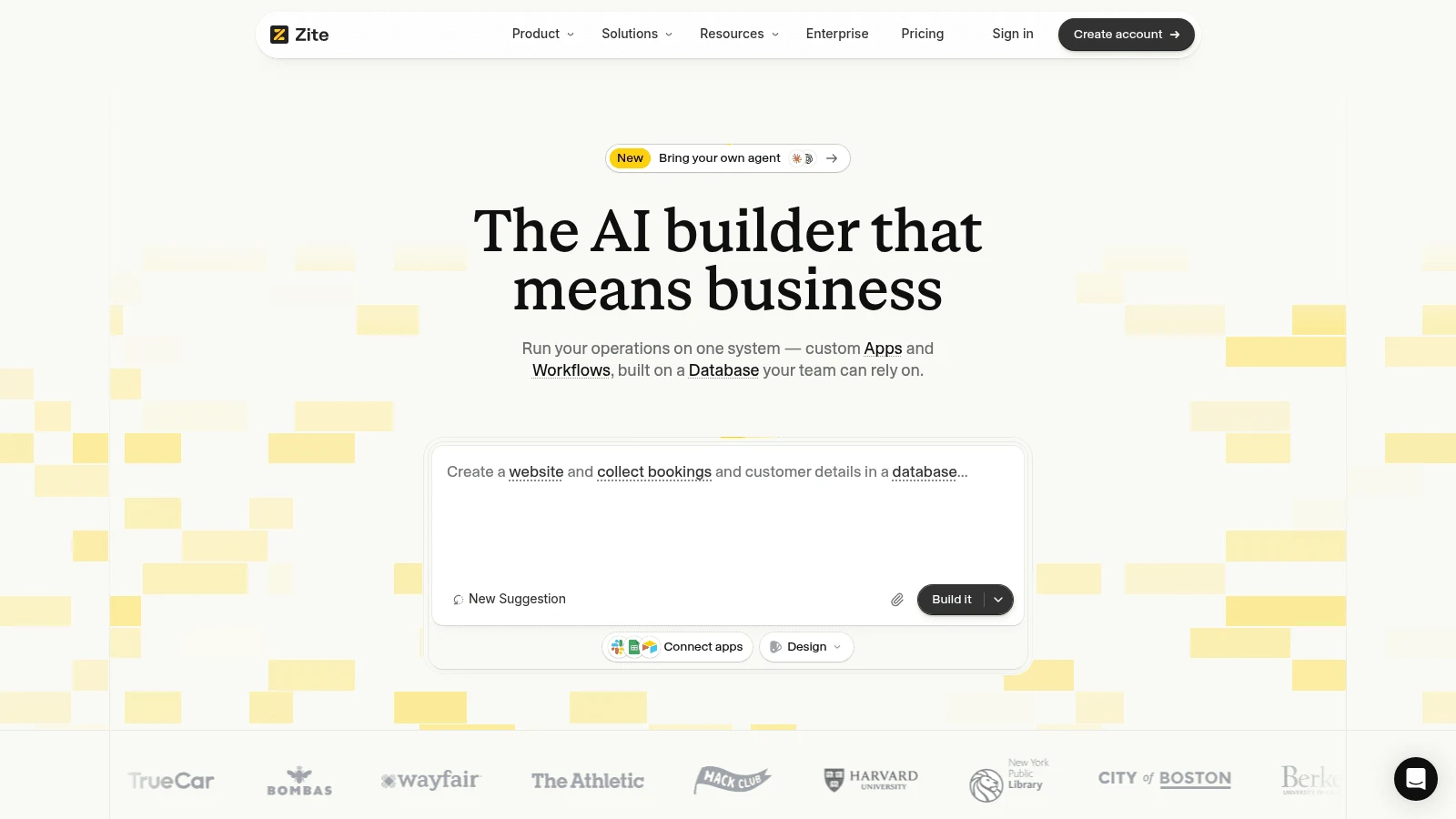
Overview: Zite is the app builder made by Fillout's team. You build internal apps on its own Zite Database, or connect to Airtable and Google Sheets, which it reads and writes live, so the sheet your finance team checks stays current.
Its pricing page says "Unlimited users on every plan. Even free." and lists unlimited editors too, so neither builders nor employees touch the bill.
Key features:
- Live read and write on Airtable and Google Sheets, or the built-in Zite Database.
- 100,000 records and 5,000 workflow runs a month on Pro.
Pricing: Free costs $0 with 50 AI credits a month (at most 10 messages a day), 5,000 records and 1,000 workflow runs. Pro is $20 a month billed annually or $25 billed monthly with 100 credits, and Business is $75 billed annually or $89 monthly.
Pros: No per-user fee at any size, live Sheets and Airtable data, a free plan with unlimited users
Cons: Credits meter AI building, the database agent and AI fields, so heavy AI editing needs a bigger credit tier; Pro includes one custom domain; a single app can't be exported on its own
Where it beats Glide: At the benchmark it saves $179 a month against Classic Business billed yearly and $224 billed monthly, and it comes in $25 under GlideOS Plus month to month.
Final verdict: The lowest bill at the benchmark among the six builders unless you already pay for Workspace, and it stays flat as the team grows.
3. Knack
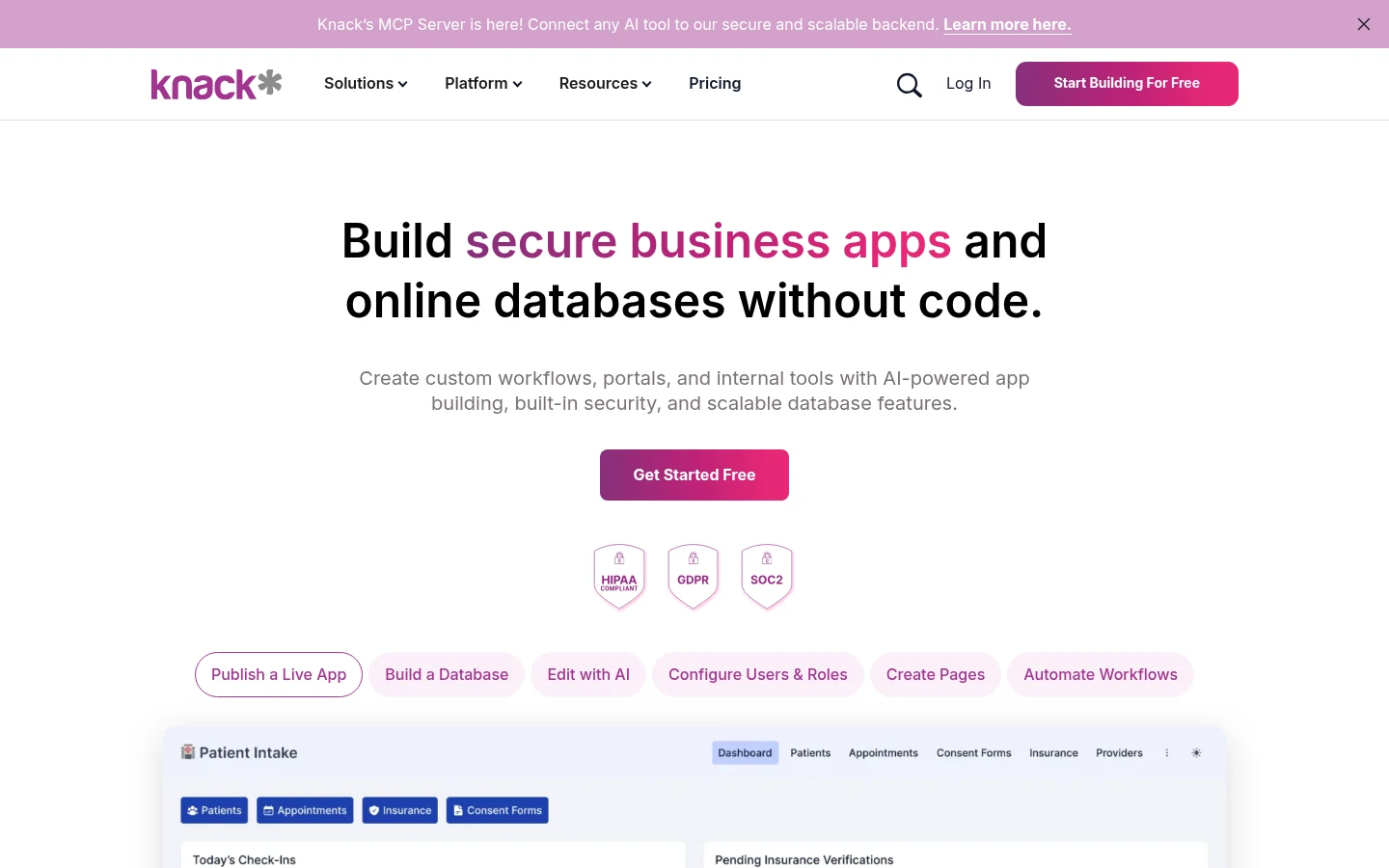
Overview: Knack is a database-first builder. You define tables and fields, then put pages, forms and logins on top. Its FAQ answers the per-user question head on: "there is no limit on users who can optionally log in and access your app. Each user just counts as a record stored in your database."
So the benchmark's 25 employees add just 25 records, well inside Starter's 20,000.
Key features:
- Unlimited users and roles on every plan, with each login stored as a record.
- 20,000 records, 3 apps and 2 GB of storage on Starter.
- Two-factor sign-in for app users and a custom domain from Pro.
Pricing: Starter costs $49 a month billed annually or $59 monthly, and new customers on monthly billing pay $19 a month for the first 3 months. Pro runs $110 billed annually ($130 monthly), with 50,000 records and unlimited apps. Its pricing page lists no free plan, and the FAQ offers a trial without a credit card.
Pros: Logins never raise the price, roles on the entry plan, two months free on annual billing
Cons: Starter allows the owner plus one shared builder and 3 apps, two-factor sign-in for app users waits for Pro, no free plan on its pricing page
Why it made this list: It costs $150 less than Classic Business on yearly billing and $190 less on monthly. Against GlideOS Plus, sold monthly only, its $59 monthly price is $9 more.
Final verdict: A good match when the app is mostly records and logins and two people build it.
4. Adalo
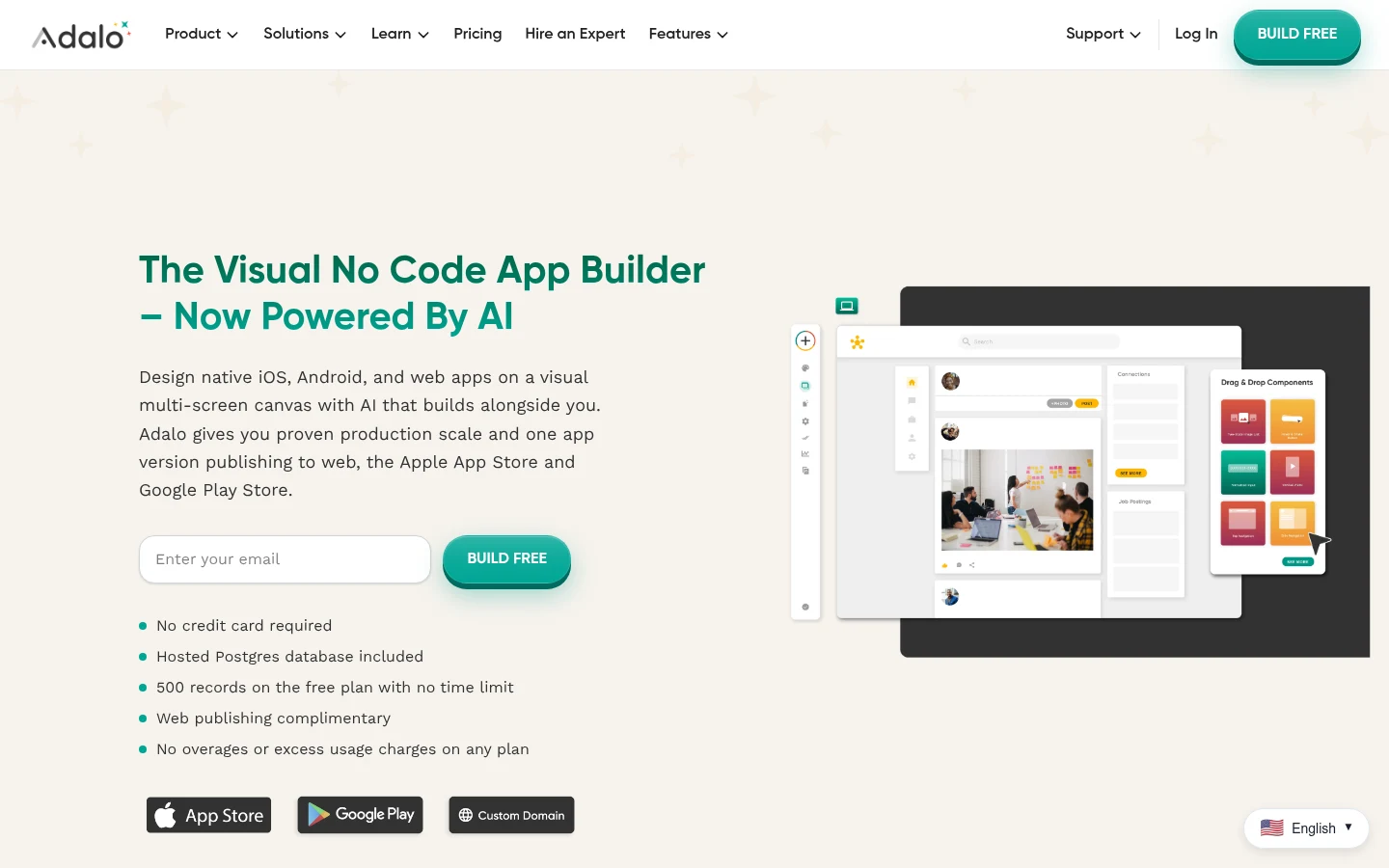
Overview: Adalo builds native mobile apps without code and compiles them for Apple's and Google's stores. Glide Classic makes progressive web apps, which its help center says can't be published in traditional app stores, so Adalo suits a field team that wants a real app on the home screen.
The benchmark's 2 builders rule out Starter, which has 1 editor. Professional allows 5.
Key features:
- Automated App Store publishing from Starter up.
- Google Sheets integration, push notifications and geolocation on Professional.
- Up to 5 editors, 2 published apps and 25 GB of team data storage on Professional.
Pricing: Free costs $0 with 500 records per app and no published apps. Starter is $36 a month billed annually ($45 monthly) for 1 published app, Professional $52 or $65, and Team $160 or $200. Its FAQ says "Adalo's paid plans have no usage-based charges."
Pros: A flat price with no usage charges, real app-store apps, Sheets data on Professional
Cons: Two published apps is the cap on Professional, the Sheets integration skips Starter, and its help center says it can't export editable code
Where it fits: It costs $147 less than Classic Business billed yearly and $184 less billed monthly, though its $65 monthly price sits above GlideOS Plus.
Final verdict: A strong pick for a team whose app has to live in the stores, at a price that doesn't move with use.
5. Bubble
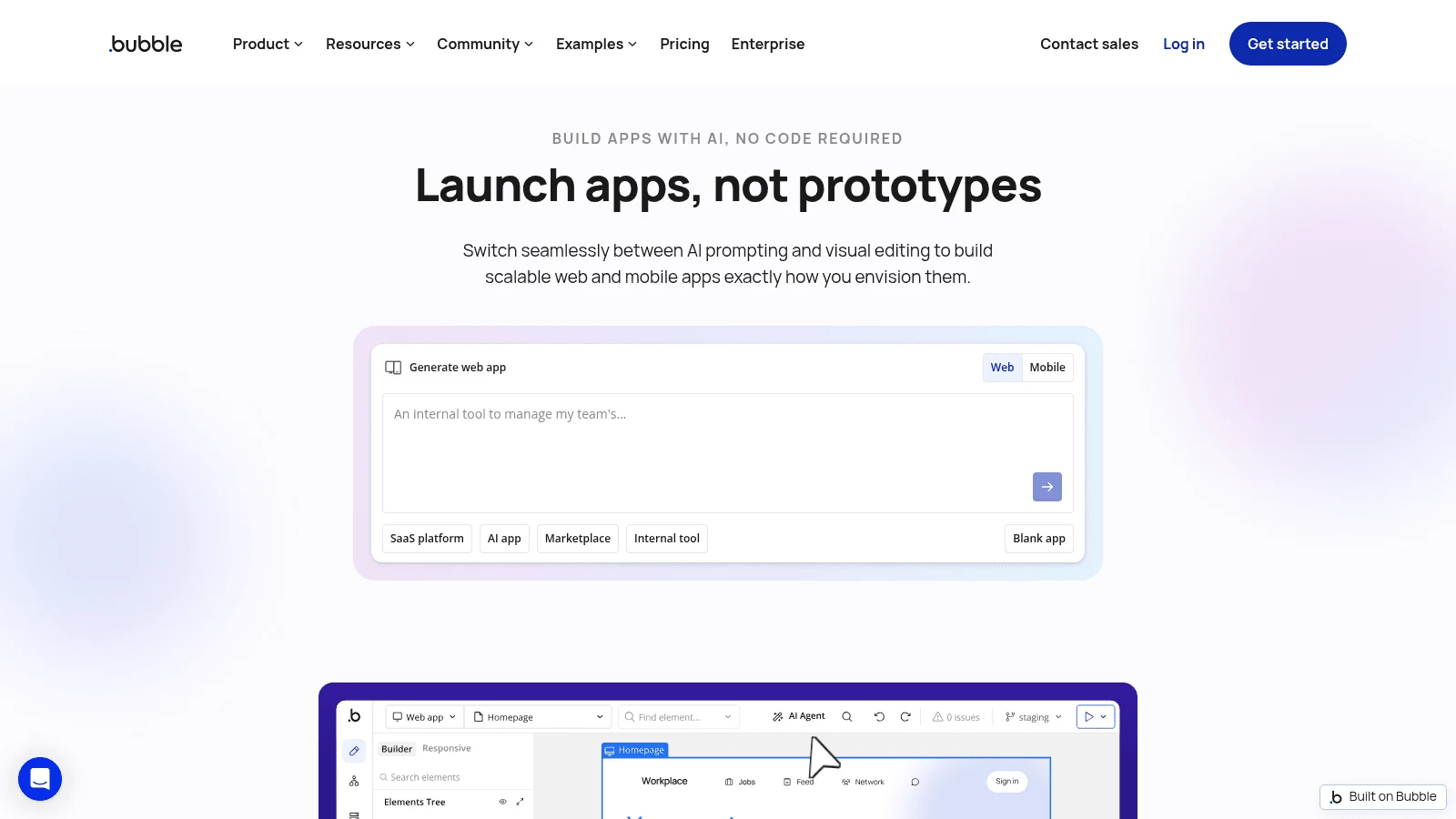
Overview: Bubble is a full visual web-app builder. You design pages, a database and workflows from scratch instead of starting from a sheet, so the learning curve is steeper than Glide's and the ceiling much higher.
Bubble has no per-user fee on any plan. You pay for a plan plus workload units, Bubble's measure of the server work your app does.
Key features:
- 250,000 workload units and 2 app editors on Growth.
- Overage at $0.30 per 1,000 units, or a switch to turn overages off.
Pricing: Free costs $0 with 50,000 units, and Starter $29 a month billed yearly ($32 monthly) with 175,000. Growth is the first web plan whose card lists app editors (2), at $119 billed yearly or $134 monthly, and Team runs $349 or $399 with 5 editors.
Pros: A fully custom web app, no user fee, a free plan for prototypes
Cons: Workload units are hard to forecast, and its FAQ says there's "no traditional codebase to export"
What to watch: Whether 3,000 updates stay inside 250,000 units depends on how the app is built, so the benchmark can't predict overage. With overages off, an app that runs out is taken offline.
Final verdict: Worth the extra cost when the app has outgrown a spreadsheet's shape, $80 under Classic Business billed yearly before any overage.
6. Google AppSheet
Overview: AppSheet is Google's no-code app builder, and it runs on Google Sheets, Excel or its own database. Unlike GlideOS, it keeps the spreadsheet as the system of record: Google's support page says "App user activity syncs to the connected data source(s)."
Google's admin help also says "AppSheet Core licenses are included at no cost with most Google Workspace editions," naming Business Starter, Standard and Plus, Enterprise and Frontline among them.
Key features:
- Apps that read and write Google Sheets and Excel, so the sheet stays current.
- Core licenses included in most paid Workspace editions.
- Free prototyping with up to 10 users.
Pricing: Starter costs $5 per user a month, Core $10 and Enterprise Plus $20. The pricing FAQ says billing occurs "monthly or annually" but shows no separate annual rate. At the benchmark, 27 users on Starter come to $135, or nothing extra on a Workspace edition that includes Core.
Pros: $0 extra for most Workspace companies, the sheet stays the source of truth, Excel support
Cons: Price climbs with headcount (27 users on Core outside Workspace cost $270, more than Classic Business), its own database caps at 2,500 rows per database below Enterprise Plus, so 10,000 rows belong in Sheets, and the license an app needs depends on its creator's license
Why buyers shortlist it: As a Glide apps alternative, it can cut the app's bill to zero for a company that already pays Google.
Final verdict: The first tool to test if your team signs in with Google Workspace accounts today.
7. Softr
Overview: Softr builds internal tools and portals on data you already keep, with two-way sync to Google Sheets and Airtable, so app edits land back in the sheet.
Its pricing counts people three ways. Builders edit the app, and Pro includes 2. Team users are app users "who share the same business email domain as any builder," and Pro includes 10. Client users are everyone else. Builders can use the app without counting as users, so at the benchmark the 25 employees are the team users you pay for.
Key features:
- Two-way sync with Google Sheets and Airtable, or the built-in Softr Databases.
- 2 builders, 10 team users and 50 client users on Pro.
- Granular permissions plus OTP and Google sign-in for app users on Pro.
Pricing: The Free plan allows 5 app users and 5,000 database records. Pro is $99 a month billed yearly or $119 monthly, and each team user past 10 adds $3 a month, up to 50, billed monthly even on a yearly plan. At the benchmark that's $99 + 15 x $3 = $144 a month on yearly billing, or $164 monthly. Business runs $329 or $395 with 30 team users.
Pros: Live two-way Sheets and Airtable data, staff permissions on Pro, a free plan for a first build
Cons: Team users cost extra past 10 and stop at 50 on Pro, two-factor sign-in and domain-restricted signup wait for Business, and the bill climbs with headcount
Where it fits: It saves $55 a month against Classic Business on yearly billing and $85 on monthly. Past 50 staff it needs Business, so a team weighing Softr against its rivals at that size should rerun the numbers.
Final verdict: The right call when the sheet must stay current and different staff should see different records.
What each pick costs against Glide
"Cost less" depends on which Glide plan you'd otherwise pay for. This table sets each benchmark cost against Classic Business and both GlideOS routes, which bill monthly only, so those columns compare monthly prices.
| Tool | Benchmark cost (yearly / monthly) | vs Classic Business ($199 / $249) | vs GlideOS Plus ($50, link plus sign-in) | vs GlideOS Pro ($375, members only) |
|---|---|---|---|---|
| Awesomic Studio | $20, $200 or $500 budget | Basic $179 / $229 less; Pro $1 more / $49 less | Basic $30 less, with no app logins claimed | Basic and Pro less; Maximum $125 more |
| Zite | $20 / $25 | $179 / $224 less | $25 less | $350 less |
| Knack | $49 / $59 | $150 / $190 less | $9 more | $316 less |
| Adalo | $52 / $65 | $147 / $184 less | $15 more | $310 less |
| Bubble | $119 / $134 plus overage | $80 / $115 less before overage | $84 more | $241 less |
| Google AppSheet | $135, or $0 on Workspace | $64 / $114 less | $85 more, or $50 less on Workspace | $240 less |
| Softr | $144 / $164 | $55 / $85 less | $114 more | $211 less |
Against the members-only GlideOS route, each of the six builders saves at least $211 a month.
The subscription is rarely the whole cost of a move. Add the hours to rebuild screens, logins and automations, the labor line you'd put first to budget a design project, and compare yearly totals.
Should apps like Glide keep your data in a spreadsheet?
Glide made its name building apps on top of a spreadsheet. The research on spreadsheet errors is a reason to ask whether the sheet should stay in charge.
In a review presented to the European Spreadsheet Risks Interest Group in 2000, Raymond Panko found errors in 24% of 367 audited spreadsheets overall, and in 91% of the 54 audited from 1997 on with better methods. In lab studies with about 1,000 subjects, 51% of spreadsheets had errors, though most were 25 to 50 cells. Developers' median estimate of their own error chance was 10%; in one study 86% had made one.
A later dataset points the same way. Felienne Hermans and Emerson Murphy-Hill studied Enron's spreadsheets in 2015: of 9,120 files with formulas, 2,205 (24%) held at least one Excel error value such as #REF! or #DIV/0!. Those are visible errors only; wrong-but-plausible numbers can't be detected that way.
An app database with typed fields, required values and dropdowns stops typed-in mistakes at entry, the kind of enterprise UX decision that catches a typo before it reaches a report. AppSheet, Zite and Softr keep the sheet and put forms in front of it, while Knack, Adalo and Bubble hold the records in their own databases.
How to move an app off Glide
Expect a rebuild. In a September 2026 r/glideapps thread, the owner of a school reading-log app used by about 2,000 children was hitting row limits, and a self-described seven-year Glide user replied on Reddit that an app built on Glide Tables means "it's going to be a rebuild." It's one user's advice, but it applies to every destination here, GlideOS included.
Six steps for a clean move
Screens nobody liked cost least to fix during a rebuild, and a product designer can redraw those flows before anyone builds them. These steps keep the old app running until the new one proves itself.
- Export every table: Sheets-backed data already sits in your sheet, and Glide Tables and GlideOS tables download as CSV.
- List the screens people open each week and drop the rest.
- Rebuild the data model first, with field types, required fields and links between tables.
- Recreate logins and roles, then test with two or three real users per role.
- Run both apps for one billing cycle, with all new edits going to the new app.
- Cancel Glide after the new app's first full month of updates.
Step 5 is where a missing field or role surfaces while the old app still works.
How to choose the right Glide alternative
The no-code app builder alternatives to Glide split into three pricing models: flat plans (Zite, Knack, Adalo), plan plus usage (Bubble) and per-seat pricing (AppSheet, and Softr past 10 team users). Pick the model first, then the tool.
If headcount will grow
Zite, Knack, Adalo and Bubble don't charge per user, so the 26th and the 60th employee cost the same as the first. Softr and AppSheet both add a fee per person, which is fine at 27 and expensive at 200.
If your company runs on Google Workspace
Start with AppSheet. Most paid Workspace editions include Core free, and edits made in the app land in the sheet, the behavior GlideOS dropped.
If the app has to be in the app stores
Adalo publishes native apps from its Starter plan up, and Professional adds the Google Sheets integration a Glide team will miss.
If the app is mostly charts
When people read numbers rather than edit records, a data visualization tool may fit better than any app builder on this list.
If different staff should see different records
Softr puts granular permissions on top of live Sheets or Airtable data from its Pro plan, and Knack includes roles on Starter.
When Glide is still the cheaper choice
Glide still beats most Glide alternatives in two cases. If link-plus-sign-in access is acceptable for your data, GlideOS Plus at $50 a month undercuts five of the six builders on monthly billing, all but Zite, unless AppSheet comes free with your Workspace. If your users sign in with personal accounts rather than company email, Classic Maker at $49 billed yearly covers unlimited personal users.
If the reason you're leaving is the editor rather than the bill, Base44's Starter ($16 a month billed yearly, $20 monthly) lists authentication and user management on every plan, which puts it with the prompt-first app builders rather than the database tools above.
Price your own team before you switch
Put your own builders, users, rows and updates next to the benchmark and rerun the cost table. Across these alternatives to Glide, app builder costs shift past 30 users or 20,000 rows, so trial your top two picks on your real data for a week before you cancel anything.
If the job is a dashboard or a repeat task your team reviews, you can Get started on Studio's $20 Basic plan.
FAQ
What are the best alternatives to Glide?
At our benchmark of 2 builders and 25 employees, Zite ($20 a month billed yearly) and Knack ($49 billed yearly) cost least and don't charge per user. Adalo suits app-store apps, AppSheet suits Google Workspace companies, Bubble suits custom web apps and Softr suits permission-based tools on live Sheets or Airtable data.
What are alternatives to Glide for a Google Workspace company?
AppSheet comes first, because most paid Workspace editions bundle Core free, including Business Starter, Standard and Plus, and app activity syncs back to the sheet. Zite also reads and writes Google Sheets live, from $20 a month billed yearly.
Is there a free Glide alternative?
Zite, Adalo, Bubble and Softr all have $0 plans. Zite Free allows unlimited users with 5,000 records, and Softr Free allows 5 app users with 5,000 records. Adalo Free can't publish an app, and Glide itself has $0 plans in both products.
Can you move a Glide app to another builder?
Yes, but plan for a rebuild. Your data moves as a sheet or CSV, while the screens, logic and roles get rebuilt in the new tool, and Glide's own FAQ says it has no tool to migrate Classic apps to GlideOS either. If nobody on your team has the hours, one of the no-code agencies can scope and rebuild it.
Which Glide alternatives publish to the app stores?
Adalo does, with automated App Store publishing from its Starter plan at $36 a month billed yearly, and Bubble does on its Mobile plans. Glide Classic's progressive web apps, by its own help center's account, can't go into the traditional stores. Apple and Google charge their own developer fees on top of any builder.





