 Awesomic Team
Key takeaways:
- Whimsical Free gives you unlimited boards but caps you at 50 board objects a month, plus 50 doc blocks, so the paywall is the object count. Pro costs $10 per editor a month billed annually, or $12 on monthly billing.
- Whimsical does three jobs in one app, and most tools below are strongest at one of them: Lucidchart, draw.io and Eraser at diagrams, Balsamiq and Visily (which also does flowcharts and prototypes) at wireframes, Xmind at mind maps.
- FigJam's Collab seat is the cheapest paid plan on this list, at $3 a month billed annually or $5 monthly, while the drawio.com app has no paid plan at all.
- Five tools here have a paid plan below Whimsical Pro's $10 annual seat: FigJam, Xmind, Excalidraw, Miro and Lucidchart.
Whimsical calls itself "the whiteboard for product builders," and it suits small product teams who want flowcharts, wireframes and mind maps in one tidy app.
Teams start comparing Whimsical alternatives for three reasons. The free plan runs out of objects sooner than expected, one of Whimsical's jobs needs a deeper tool, or the team would rather skip the wireframe and review a page that works. Picking from the wider field of UX design tools gets easier once you know which of those reasons is yours.
Below, ten tools are sorted by what each one is really built for, priced per editor on every billing toggle shown, and checked for where the free plan stops.
Why teams look for Whimsical alternatives
Whimsical's own pricing page and help center explain most of the trade-offs, so you can judge them before you switch anything.
The free plan counts objects, not boards
Whimsical Free lets you create as many boards as you like, but each month it allows 50 board objects and 50 doc blocks across all of them. So the object count is the real paywall: a team mapping one signup flow, with its branches and error states, can reach 50 objects in a single afternoon.
Free exports also carry a watermark, and version history covers 7 days. AI is a one-time allowance: Whimsical's help center lists 10 AI credits per editor as a lifetime total, not a monthly refill, and Pro and Business get that same 10. Anything beyond it is bought at 10 cents a credit, from a 250-credit pack for $25.
Pro lifts the object cap and the watermark at $10 an editor on annual billing ($12 month to month), and Business costs $20 or $24.
One app, three different jobs
Whimsical's homepage pitches diagrams, wireframes and collaboration in one line, and its menu adds flowcharts and mind maps. Its wireframe page promises "low-fidelity wireframes in a clutter-free experience," which is the right depth for a first sketch and the wrong one for a screen a developer will build from.
That split matters more than it sounds. In Larkin and Simon's paper, published in Cognitive Science in 1987, the authors argue that "diagrams can group together all information that is used together, thus avoiding large amounts of search." Their caveat is the useful part: "To be useful a diagram must be constructed to take advantage of these features."
An architecture diagram, a mind map and a wireframe group information in different ways, and in our experience a tool built around one of them handles it with less fiddling than a board that does all three. Teams that move through several UX design frameworks feel this most, because discovery, flows and layout each produce a different kind of picture.
A wireframe still isn't a working page
A wireframe answers what goes where. It can't show how the page behaves at phone width or whether a user finds the button, and Whimsical's AI Wireframes, which turn "a text prompt into editable wireframes and wireflows," still leave the real page to be designed and built afterward.
Whimsical alternatives compared
Each figure was checked on its maker's pricing page on October 8, 2026, and carries its billing basis. Read the "Built for" column before the price, because it tells you which of Whimsical's jobs each tool takes over.
| Tool | Built for | Free plan | Paid from | Main limitation |
|---|---|---|---|---|
| Awesomic Studio | Working pages built from a described flow | No | $20/month (Basic) | Its pages list no diagrams, mind maps or whiteboard canvas |
| FigJam | Whiteboarding for teams already in Figma | 3 FigJam files | $3/Collab seat/month billed annually ($5 monthly) | UI design needs a Figma Design Full seat |
| Miro | Whiteboard, diagrams and docs on one canvas | 3 editable boards | $8/member/month billed yearly ($10 monthly) | Prototypes and the full shape library need Business |
| draw.io | Free formal diagrams, no account needed | Everything, no sign-up | No paid plan (drawio.com app) | You supply the storage |
| Excalidraw | Hand-drawn sketches and quick diagrams | 1 scene, unlimited collaborators | $6/user/month billed yearly ($7 monthly) | Sketch style only, no built-in wireframe kit |
| Lucidchart | Formal diagrams: flowcharts, org charts, process maps | 3 documents, 75 shapes each | $9/month billed annually | Whiteboarding is a separate product (Lucidspark) |
| Eraser | Technical diagrams and diagram-as-code | 3 files, 3 AI diagrams | $15/member/month billed annually ($20 monthly) | Built for engineers; Business is $45 a seat |
| Visily | AI wireframes and mockups | 2 editable boards per workspace | $14/editor/month (billing basis not shown) | Figma import and export are paid |
| Balsamiq | Low-fidelity wireframes | No (14-day trial) | $16/editor/month billed annually ($23 monthly) | Project caps on every tier |
| Xmind | Mind maps | Up to 10 online maps | $4.92/month billed yearly ($10 monthly) | Mind maps first; no flowchart canvas |
We put Awesomic Studio first because it's our product. The rest follow the "Built for" column in groups: boards (FigJam, Miro), then diagram tools (draw.io, Excalidraw, Lucidchart, Eraser), then wireframe tools (Visily, Balsamiq), then Xmind for mind maps, with the cheapest listed seat first inside each group.

1. Awesomic Studio
Best for: Turning a described flow into a live page
Overview: Awesomic Studio is our AI workspace for teams that want to skip the static wireframe. You describe the flow in plain words, attach any files or links you already have, and Codex, Claude Code and OpenCode agents build a working page you can click through, published on Studio's own hosting.
That changes what a review looks like: in the Automated setup, your team comments on, revises and approves the real page in one shared workspace.
Studio doesn't replace our designers and developers; it's where a project starts before one of them is needed. When the agents can't get a screen right, a vetted Awesomic designer or developer can pick up the work where it stands and return it to you, on a quote that sits outside the plan. We're backed by Y Combinator.
Key features:
- A described flow becomes a working page you can click, not a static mock-up.
- Built-in hosting puts the page at a live link, shared with your team or with everyone.
- Comments, revisions and approvals happen on the page itself in the Automated setup.
- Recurring work turns into reusable workflows that anyone on the team can run.
- Exports to code or to other tools for whoever builds the page out.
- Eight connections, Figma, Slack, Notion and GitHub among them.
Pricing: The monthly fee doubles as the usage allowance for agents and models: $20 on Basic, $200 on Pro, $500 on Maximum. How much of it one build consumes isn't stated anywhere on Studio's pages, and you can't try it free.
Pros: Reviews happen on a working page, hosting included, team approvals in one place, export to code, a human takeover when you need one (quoted separately)
Cons: Studio's list of what it makes names no diagrams, flowcharts, mind maps or whiteboard canvas, and it isn't a vector editor, so pair it with one of the diagram tools below; no free plan, while Whimsical has one; no published spend rate per build
How to start using it:
- Choose the flow you'd otherwise wireframe first, such as signup or a pricing page.
- Open a Basic plan and describe each step in plain words, the way you'd brief a designer.
- Attach your current wireframe or a screenshot so the agents start from your layout.
- Share the live link and collect your team's comments on the page itself.
- Bring in an Awesomic designer, quoted separately, when a screen needs real design judgment.
Why it beats a wireframe: Your team reviews a page that already behaves like the real thing, so fewer decisions are left for whoever builds it out.
Final verdict: Choose Studio when the wireframe is only a step toward a live page, and keep a diagramming tool for flowcharts, mind maps and architecture.
2. FigJam
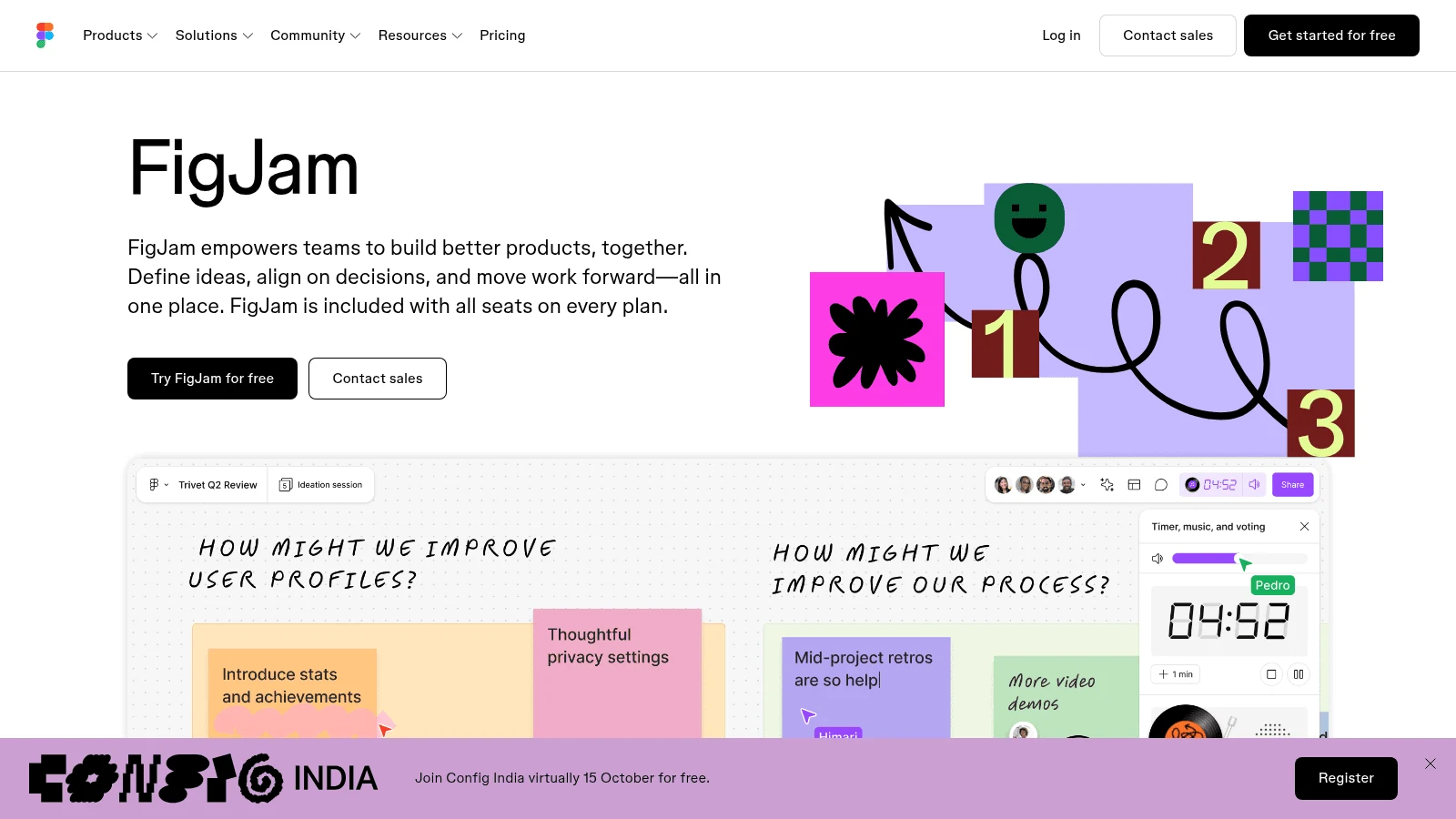
Overview: FigJam is Figma's whiteboard, built for brainstorming, diagramming, meetings and agile rituals, with 300+ templates. Figma AI runs inside it and can draft user flows, and the stickies sit next to the Figma files your designers already use.
Key features:
- A Collab seat covers FigJam, Figma Slides and Figma Buzz, plus view and comment access in Figma Design.
- 500 AI credits a month on the free Starter plan.
- Workshop, retro and flow templates.
Pricing: The Professional Collab seat costs $3 a month on annual billing, $5 if you pay monthly, the lowest paid price on this list. Starter is free, with 3 FigJam files.
Pros: The cheapest paid seat here, sits beside Figma, a generous free AI allowance
Cons: UI design in Figma needs a Full seat ($16 billed annually, $20 monthly), only 3 files on the free plan
Worth knowing: One Reddit user wrote that "the FigJam boards aren't infinite, which we found out the hard way by filling it up in the middle of making a touch-point map." That's one team's experience, not a Figma statement, but it argues for splitting a big customer experience map across files early.
Final verdict: The obvious pick for a team that already pays for Figma.

3. Miro
Overview: Miro is the broadest board here. Whiteboards, diagrams, docs, tables, slides and Kanban sit on one canvas, with 7,000+ templates and 250+ integrations, and its Business plan generates interactive prototypes "from screenshots, HTML, code, prompts, or any board content."
Key features:
- 4,700+ shapes on Business, including Mermaid, UML, AWS and BPMN.
- AI workflows, agents and an MCP server, the connector standard that lets AI assistants work with your boards.
- Unlimited members on the free plan, so the whole team can join.
Pricing: Starter costs $8 per member a month billed yearly or $10 monthly, with unlimited private boards and 25 AI credits per member a month. Business is $20 yearly or $25 monthly.
Pros: Covers nearly all of Whimsical's board work, a deep template library, prototypes on the same canvas
Cons: The free plan stops at 3 editable boards against Whimsical's unlimited boards, prototypes and the full shape library need Business, Business costs more than twice Starter
Why it's a good Whimsical alternative: It's the closest one-for-one swap if your team uses Whimsical mainly as a shared board.
Final verdict: Pick Miro when the board is where the whole team works.
4. draw.io
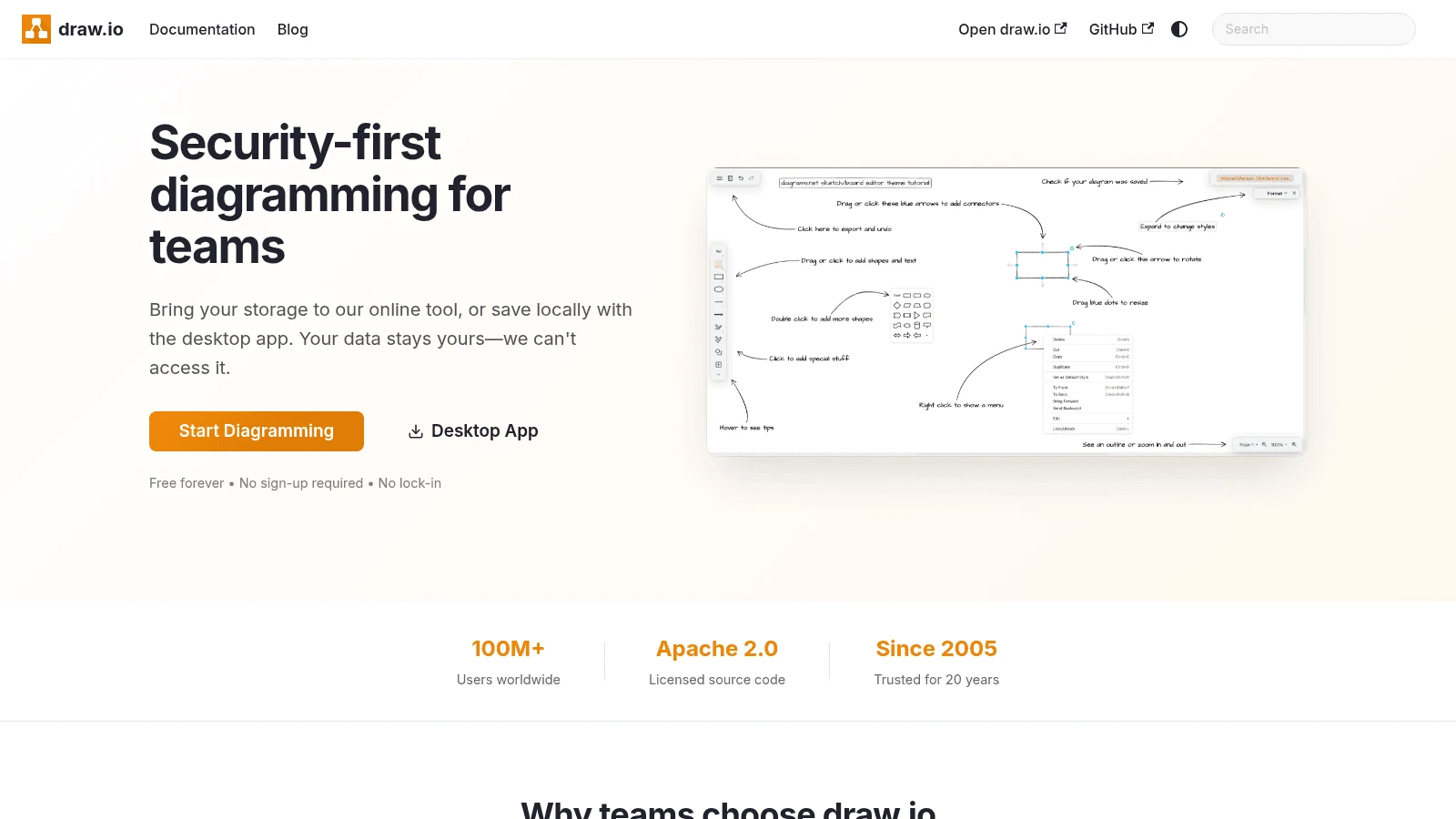
Overview: draw.io, whose editor runs at app.diagrams.net, is formal diagramming with no bill. Its homepage promises "Free forever • No sign-up required • No lock-in." You connect your own storage or save locally with the desktop app, and the source is published under the Apache 2.0 license.
Key features:
- Real-time collaboration with shared cursors.
- A Generate tool that drafts interface mock-ups, infrastructure diagrams and Mermaid diagrams.
- An MCP server for outside AI tools.
Pricing: There's nothing to buy in the drawio.com app. draw.io says it has no paywalls and no Enterprise tier, not even for SSO, so your only cost is the storage you connect. The separate draw.io app for Confluence on the Atlassian Marketplace is free for up to 10 users and paid above that.
Pros: Free with no account, files stay in storage you control, open source
Cons: Polished visuals take effort, its docs warn that "AI tools may not return sensible results," no sticky-note brainstorming focus
Why it's a good Whimsical alternative: It covers Whimsical's flowcharts at no cost, with no seats to count.
Final verdict: Choose draw.io when price matters more than polish.
5. Excalidraw
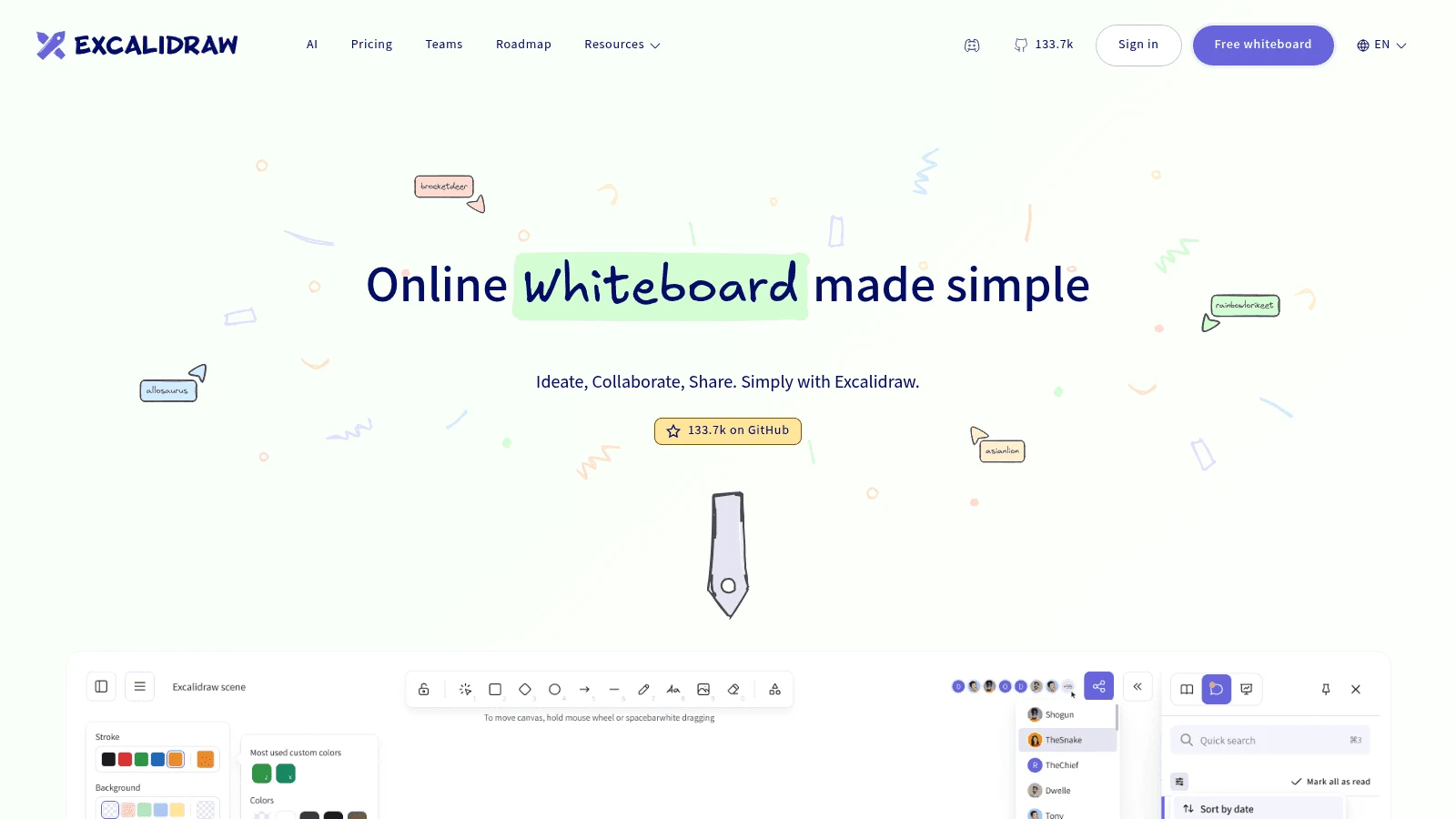
Overview: Excalidraw is a whiteboard with a deliberately hand-drawn look, quick enough to sketch a system during a call. The free editor gives you one infinite scene with unlimited collaborators, end-to-end encryption and PNG or SVG export.
Key features:
- Text-to-diagram AI, at 10 requests a day free and 100 on Excalidraw+.
- Unlimited scenes and folders with cloud save on Excalidraw+.
- Comments, presentations and voice hangouts on the paid plan.
Pricing: Excalidraw+ costs $6 per user a month paid yearly or $7 paid monthly, with a 14-day free trial.
Pros: A free editor that's useful on its own, almost nothing to learn, a cheap paid tier
Cons: One saved scene on the free plan, a sketch style that won't suit client-facing diagrams, no built-in wireframe components or mind-map mode
Why buyers shortlist it: The rough style keeps a meeting on the idea rather than on lining up boxes.
Final verdict: Good for engineers and quick working sessions, not for polished deliverables.
6. Lucidchart
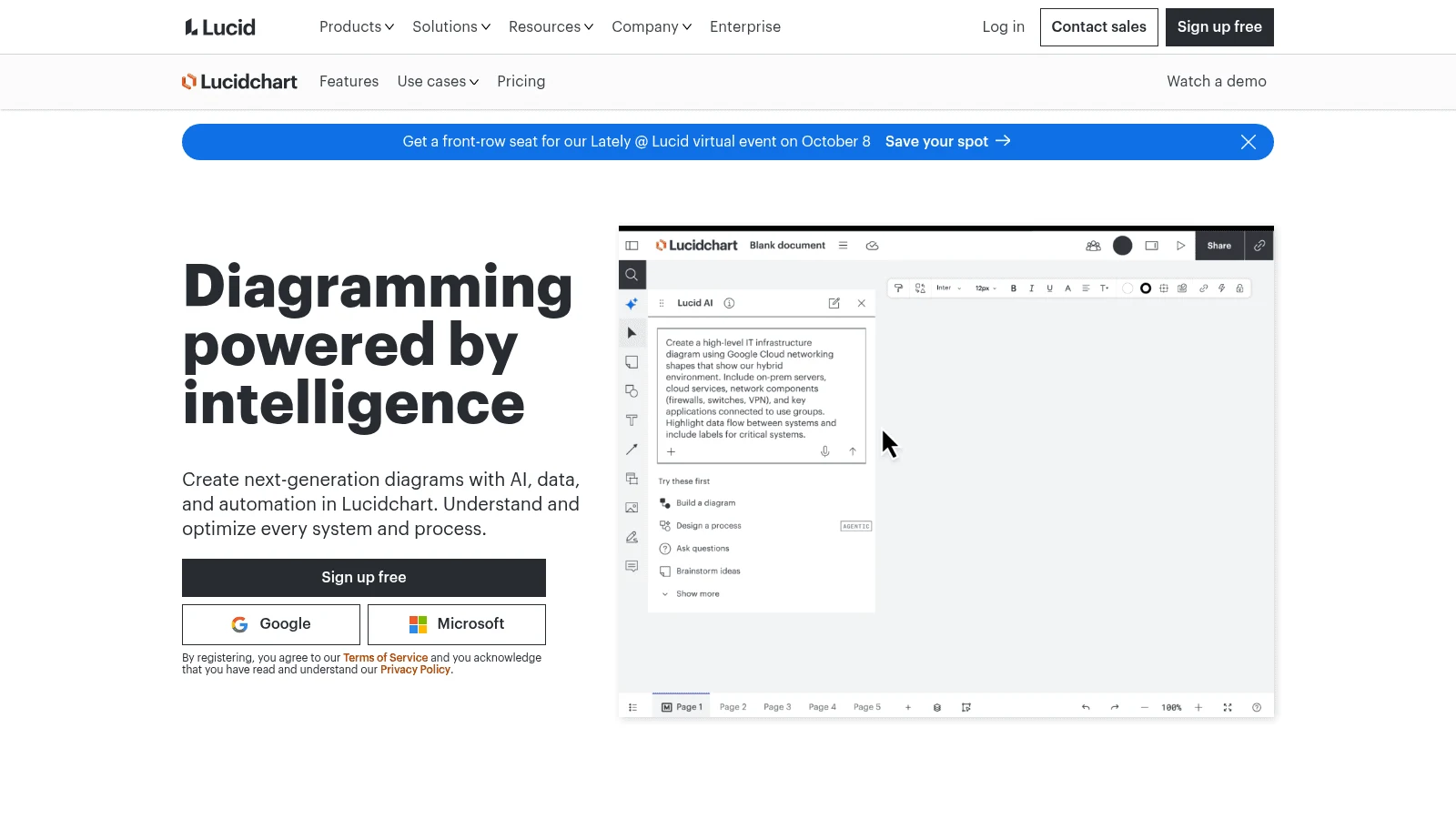
Overview: Lucidchart is formal diagramming for flowcharts, org charts and process maps, with Visio import and export on paid plans. Whiteboarding lives in a separate product, Lucidspark, which comes bundled on Enterprise or is bought on its own.
Key features:
- Unlimited documents and objects from the Individual plan.
- Revision history with versioning, plus Microsoft 365, Confluence and Jira integrations, on Team.
- Lucid AI on the free plan.
Pricing: Individual is $9 a month and Team $10 per user a month, both billed annually. The FAQ says you can pay monthly, but the page shows no monthly figure, and the 7-day trial asks for payment details at signup.
Pros: Visio compatibility, integrations for Microsoft and Atlassian shops, unlimited documents from $9
Cons: The free plan caps each document at 75 shapes, whiteboarding is a separate product, no wireframing focus
What it's genuinely good at: Process maps and org charts that someone outside the product team has to read and sign off.
Final verdict: Worth the seat when your diagrams leave the product team.
7. Eraser
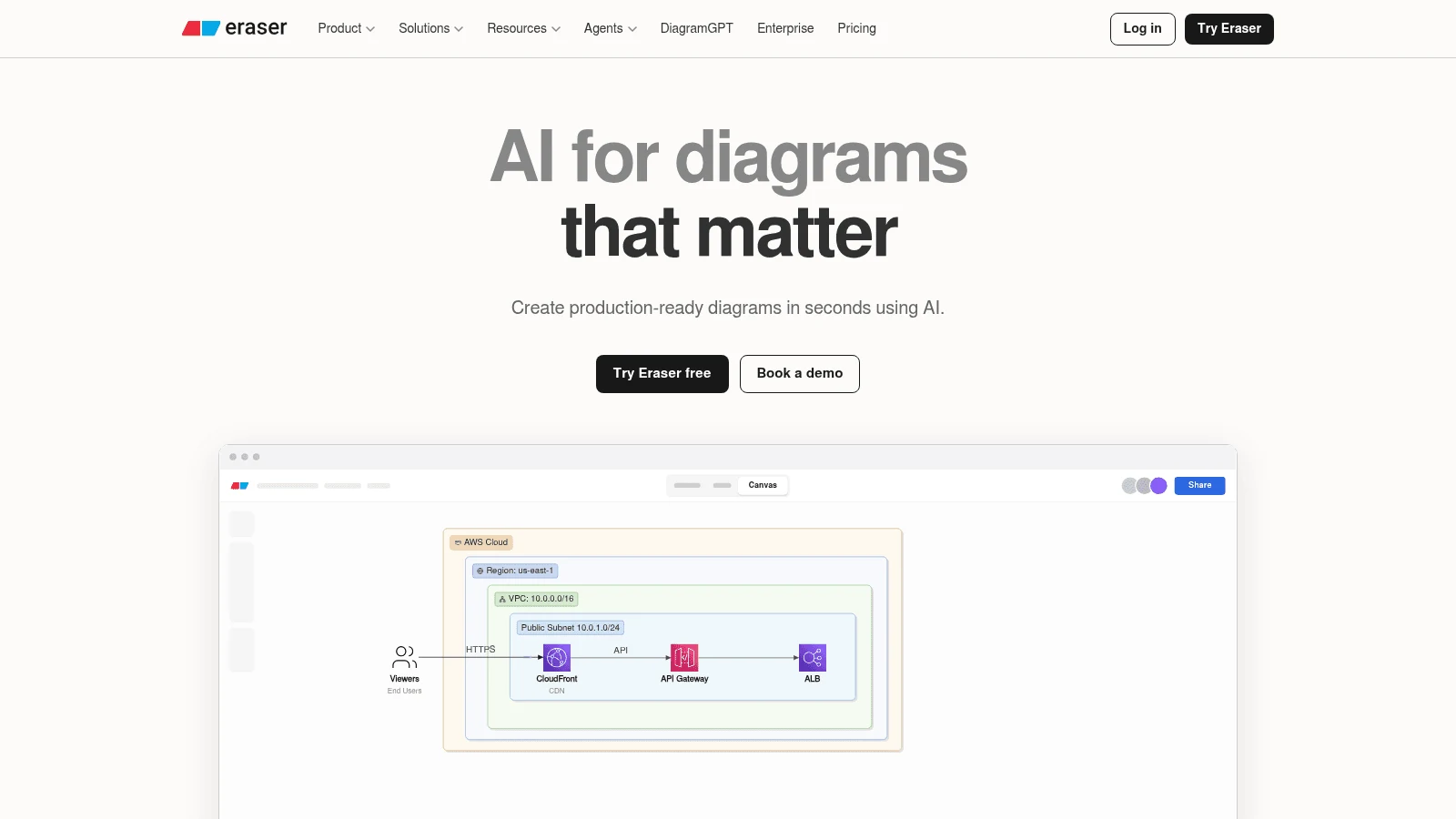
Overview: Eraser, whose homepage reads "AI for diagrams that matter," turns text, code or files into technical diagrams: paste a prompt or Terraform, or upload a design doc. Each file pairs an infinite canvas with a note editor, and diagrams can be written as code.
Key features:
- Git repo references, so a diagram can draw on real code.
- GitHub, Notion, Confluence and VS Code integrations on the free plan.
- An API from Starter up.
Pricing: Starter is $15 per member a month billed annually or $20 monthly, with unlimited files and 40 AI diagrams. Business runs $45 annually or $60 monthly for 250 AI diagrams and SAML SSO.
Pros: Diagrams stay close to the code, notes and diagrams in one file, unlimited guests
Cons: Only 3 files and 3 AI diagrams free; Business, at $45 a seat, is the priciest published plan among the diagram tools here; its wireframes page pitches AWS, GCP and Azure icons rather than UI components
Where it fits: Engineering teams who used Whimsical for system diagrams and would rather write them as code.
Final verdict: Built for architecture docs; product designers will want a wireframe tool beside it.

8. Visily
Overview: Visily makes wireframes and mockups with AI, working from a screenshot, a diagram or a written prompt. Its Pro plan adds Figma import and export and Export to Code, the steps that carry a screen past the stage where Whimsical's low-fidelity kit stops.
Key features:
- Screenshot to design, for redrawing a screen you already have.
- Figma import and export on Pro.
- An MCP server on Pro.
- Diagramming and interactive prototyping, so a flowchart can sit beside the screens.
Pricing: Pro is $14 per editor a month with 3,000 AI credits, and the page shows no billing toggle for it. Business costs $29 per editor a month billed annually.
Pros: Starts from material you already have, a Figma round trip on Pro, 300 free AI credits a month
Cons: The free plan holds 2 editable boards per workspace, Figma exchange is paid, credit-metered AI makes a heavy month hard to predict
Where it beats Whimsical: Redesigns that start from a screenshot of your current app.
Final verdict: The pick when the wireframe has to end up in Figma.
9. Balsamiq
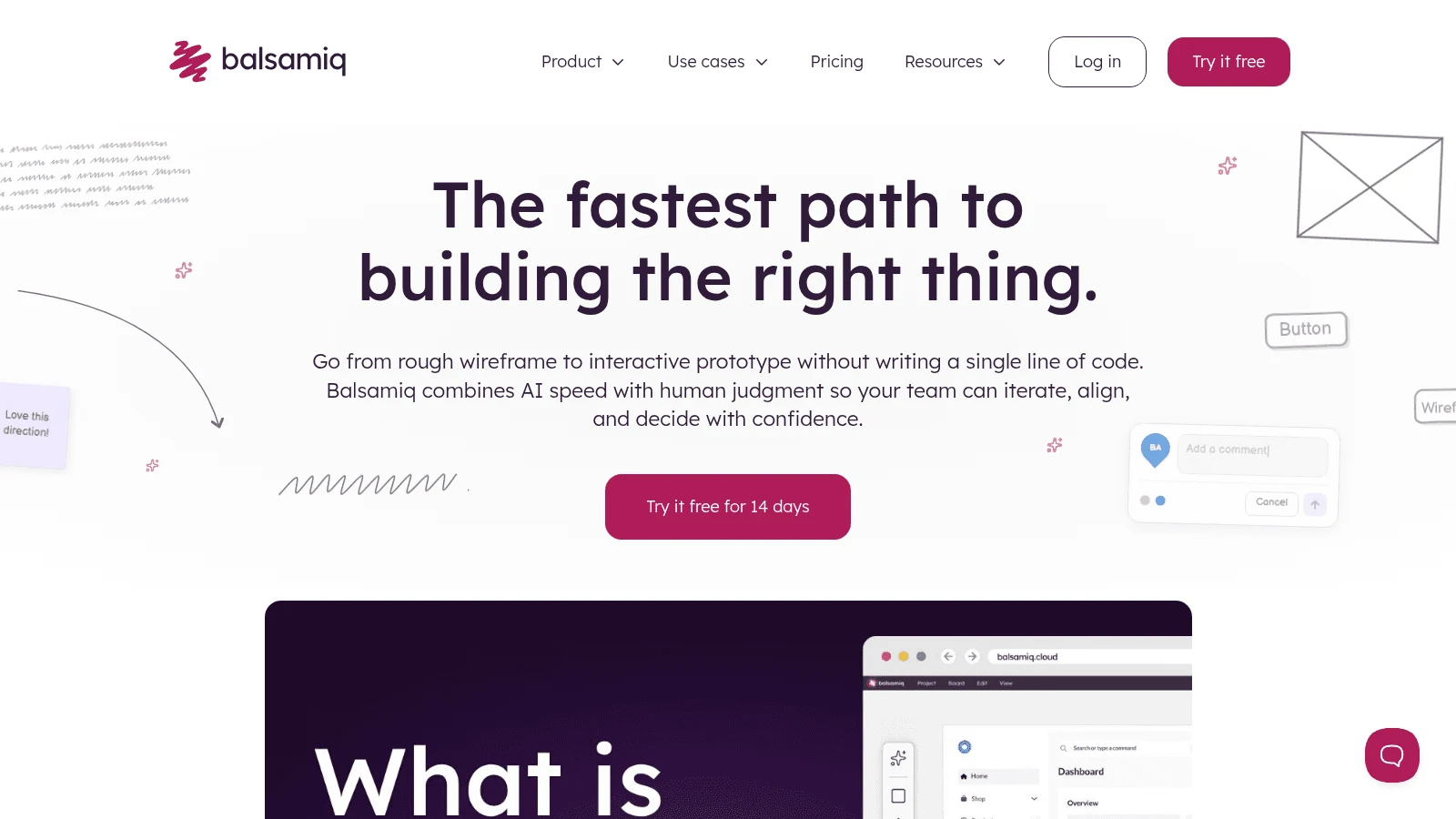
Overview: Balsamiq makes low-fidelity wireframes on purpose, in a sketch style that keeps reviewers on layout rather than color. Its AI drafts wireframes from a prompt, and Balsamiq estimates Starter's 500 monthly AI credits at "around 31 wireframes or 10 prototypes."
Key features:
- Unlimited free reviewers who can view and comment.
- An MCP server and a Slack integration.
- AI top-ups at $15 per 500 credits.
Pricing: Starter is $16 per editor a month billed annually or $23 monthly, for up to 10 projects. Teams costs $24 annually or $34 monthly for up to 100, and Enterprise ($35) is annual only.
Pros: A tool built only for wireframes, free reviewers, an AI allowance stated in wireframes
Cons: No free plan (Whimsical has one), only a 14-day trial, project caps on every tier, no diagrams or mind maps
Its real strength: Early wireframes that nobody mistakes for finished design.
Final verdict: Choose Balsamiq if wireframes were the main thing you did in Whimsical.
10. Xmind
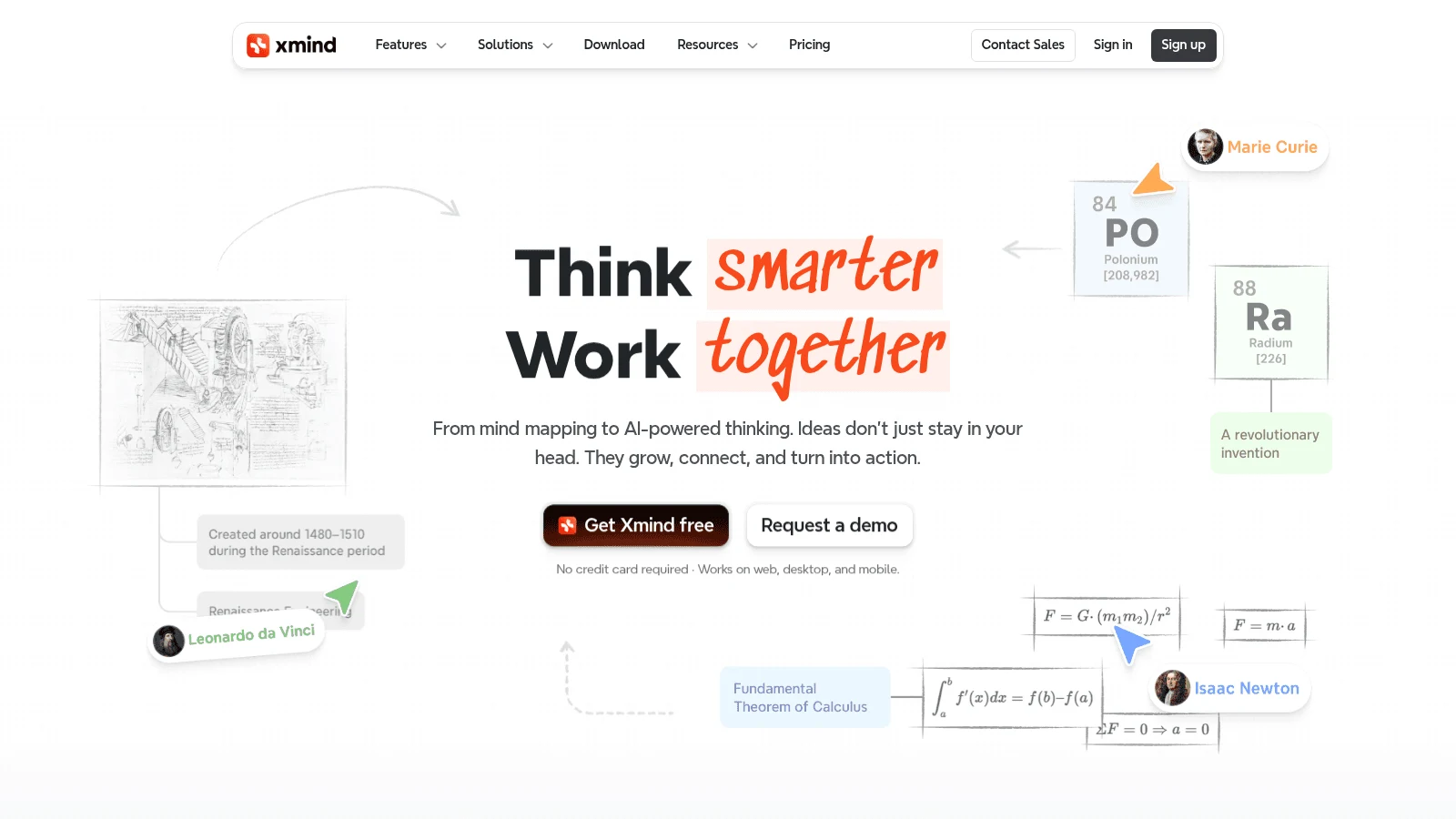
Overview: Xmind does one job, mind maps, with apps for Windows, macOS, Linux, iOS and Android. One subscription covers five computers and five mobile devices, and Premium adds Gantt charts, tasks and text-to-mind-map AI.
Key features:
- Exports without a watermark on Pro: PNG, SVG, PDF, Markdown and Office.
- Real-time collaboration on Premium.
- Premium refills 500 AI credits every month.
Pricing: Pro is $4.92 a month on a yearly plan, $10 month to month, for up to 50 online maps. Premium is $8.25 yearly or $15 monthly, priced per individual user.
Pros: A low yearly price, full focus on mind maps, apps on every major platform
Cons: No flowchart canvas or wireframes, real-time collaboration needs Premium, the 7-day trial and refunds apply to yearly plans only
Why it made this list: Mind maps are one feature among many in Whimsical, and in Xmind they're the whole product.
Final verdict: Pair Xmind with a diagram tool if you need both.
What you give up by leaving Whimsical
Most Whimsical competitors win on one job, so be honest about what the all-in-one app does well before you split it up. Four things are worth weighing before you switch.
- Viewers are free and unlimited on every Whimsical plan, Free included.
- Boards are unlimited on the free plan, which suits a team with many tiny flows of a few objects each.
- Diagrams, wireframes and mind maps share one workspace, one login and one bill.
- Students and teachers can apply for free access, and nonprofits get 20% off.
Whimsical also lists SOC 2 Type 2, GDPR and CCPA on its pricing page, and its desktop app for macOS and Windows comes with every plan, Free included. Its help center adds connectors for Claude, Grok and Copilot Studio, plus a Cursor plugin, which puts it level with the alternatives to Whimsical here that ship MCP servers, such as Miro, draw.io, Balsamiq and Visily.
The fair test is your own usage. If one of the three jobs fills most of your boards, a specialist pays off; if your week touches all three a little, staying on Whimsical Pro may be the simpler answer, and not always the pricier one.
How much Whimsical alternatives cost per editor
Seat names differ across these vendors (editor, member, user, Collab seat), so compare the number and the billing basis together. Whimsical sits in the first row for reference.
| Tool | Where the free plan stops | Cheapest paid plan, billed annually | Same plan, billed monthly |
|---|---|---|---|
| Whimsical (for reference) | 50 board objects and 50 doc blocks a month | Pro, $10 per editor | $12 per editor |
| Awesomic Studio | No free plan | No annual rate listed | Basic, $20 (a usage budget) |
| FigJam | 3 FigJam files | Collab seat, $3 | $5 |
| Miro | 3 editable boards | Starter, $8 per member | $10 per member |
| draw.io | No limit | No paid plan (drawio.com app) | No paid plan |
| Excalidraw | 1 scene | Excalidraw+, $6 per user | $7 per user |
| Lucidchart | 3 documents, 75 shapes each | Individual, $9 | Not published |
| Eraser | 3 files, 3 AI diagrams | Starter, $15 per member | $20 per member |
| Visily | 2 editable boards per workspace | Pro, $14 per editor, basis not shown | Not shown separately |
| Balsamiq | No free plan (14-day trial) | Starter, $16 per editor | $23 per editor |
| Xmind | 10 online maps | Pro, $4.92 per user | $10 per user |
The free plans stop in different places, and that decides which one stretches further for you. Whimsical meters objects and leaves boards unlimited, while Miro, FigJam, Lucidchart, Eraser, Visily and Xmind cap the number of boards, files or maps, and Excalidraw saves one scene.
So a team that sketches lots of tiny boards, a handful of objects each, gets more from Whimsical Free, and a team with one huge map does better on Excalidraw's single infinite scene or on draw.io.
The free route has a cost of its own. In a Reddit thread asking for an alternative to Whimsical, the poster said of draw.io that "it was always a pain to get beautiful charts there," and the top reply noted that draw.io can be self-hosted. That's one person's view, but it matches the trade: you save the seat fee and spend the time on layout.
Diagrams, wireframes or working screens: match the tool to the job
Choose by the thing your team hands over at the end of the week, not by the longest feature list. Writing down a few UX scenarios first makes that handover concrete, because each scenario names who does what on which screen.
- Use Lucidchart for process maps that leave the product team, or draw.io if the budget is zero.
- Use Eraser when the diagram describes infrastructure and an engineer will maintain it.
- Use Excalidraw for rough diagrams sketched live during a call.
- Use Miro or FigJam for workshops, retros and sticky-note brainstorming, FigJam if you already pay for Figma.
- Use Balsamiq or Visily for wireframes, Visily if the result has to reach Figma.
- Use Xmind for mind maps you'll keep and export.
- Use Awesomic Studio when the next step after a wireframe would be building the page anyway.
If you end up with two tools, one board and one specialist, the pair can still cost less than one Whimsical Pro seat at $10 billed annually: FigJam's $3 seat plus Xmind's $4.92 comes to $7.92.
Reviews when your team isn't in one room
Remote teams lean on written comments more than meetings, and a large study shows why. In peer-reviewed research published in 2021, Yang, Holtz and colleagues tracked 61,182 US Microsoft employees over the first six months of 2020 and found that firm-wide remote work made collaboration networks "more static and siloed, with fewer bridges between disparate parts," with "a decrease in synchronous communication and an increase in asynchronous communication."
Fewer meetings means the comments on a board or page carry the decision, so check who can comment for free before you switch. Whimsical keeps viewers free on every plan, Balsamiq offers unlimited free reviewers, Eraser allows unlimited guests, and Miro's free plan admits unlimited members.
An async comment thread only works when the request behind it is written down. A clear creative brief stating the goal, the audience and the deadline saves a reviewer from guessing what "looks off" means on a flow nobody explained.
Mistakes to avoid when switching from Whimsical
Most bad switches come from comparing headline prices instead of what each plan lets you keep. Watch for these before you commit:
- Comparing an annual price on one site with a monthly price on another.
- Assuming "free" means the same thing everywhere, when Whimsical caps objects and Miro caps boards.
- Moving everything to one whiteboard when a specialist would serve half your boards better.
- Forgetting that every editor is a paid seat, while viewers and reviewers are often free.
- Expecting AI credits to refill, when Whimsical's allowance is a lifetime total of 10 per editor on every plan.
Treating a wireframe as finished design is the costliest one, since the page still needs layout, copy and states nobody drew. If the site matters to revenue, a website designer can turn the approved flow into pages that hold up on every screen.
Which Whimsical alternative to try first
Pick the job you use Whimsical for most, then trial two Whimsical alternatives from the table built for it (for mind maps, Xmind against Whimsical itself), using the same real board on each. Note where each free plan stopped you and what the first paid seat would cost on both billing toggles.
If your boards mostly end in a page someone has to build, describe that flow to our Studio and review a working version instead. Get started on the $20 Basic plan.
FAQ
What is the best free alternative to Whimsical?
draw.io, if you mainly draw flowcharts and diagrams: it's free with no sign-up and no paywalls, and your files stay in storage you choose. For brainstorming, Miro's free plan gives you 3 editable boards and Excalidraw's gives you one infinite scene.
Which Whimsical competitors are best for wireframes?
Balsamiq and Visily. Balsamiq keeps wireframes deliberately low fidelity from $16 per editor a month billed annually, and Visily starts from a prompt, screenshot or diagram and exports to Figma on its $14 Pro plan.
How much does Whimsical cost?
The Free plan keeps boards unlimited and limits each month to 50 board objects and 50 doc blocks. Pro is $10 per editor billed annually or $12 on monthly billing, and Business is $20 or $24. Viewers are free on every plan.
Does Whimsical include AI?
Yes. Whimsical offers AI flowcharts, mind maps and wireframes, plus a Whimsical Agent chat labeled beta. Each editor gets 10 AI credits for life, whatever the plan, so paying for Pro doesn't raise the allowance; extra credits sell in bundles priced at $0.10 a credit.
Which alternatives to Whimsical have free plans?
Eight of the ten tools here do: Miro, FigJam, Lucidchart, Excalidraw, draw.io, Eraser, Visily and Xmind. Balsamiq offers a 14-day trial instead, and Awesomic Studio starts at $20 a month with no free plan.





