




Best UX Design Tools in 2026 (Free and Paid)

.png)
Key takeaways:
- Seven of the 11 UX design tools on this list have a permanent free plan, and two of the four that don't, Lookback and Balsamiq, offer trials instead.
- The list is grouped by stage of the UX process, and most teams need two or three tools: one to research, one to map or wireframe, and often Hotjar's free plan for analytics.
- AI now drafts discussion guides, summaries and wireframes across this list, but it can't widen your sample. In Faulkner's 2003 study, some 5-user samples found 99% of usability problems while others found just 55%.
- Maze and Dovetail now publish only a free plan and a custom Enterprise plan, so paying for either starts with a sales call.
UX design tools help you learn what users need and shape a product around it, from research and testing platforms to repositories, behavior analytics, whiteboards and wireframing apps. We wrote this list for founders, PMs and designers choosing a 2026 stack, and grouped it by stage of the UX process so you can fill the gap you actually have.
The scope is the UX side of the work. Visual interface design and vector editing are a separate job with separate buying criteria, so we ranked those UI design tools on their own, and interactive prototyping gets its own roundup too.
Our own Awesomic Studio sits at number one, and we'll be plain about where it stops: it builds, and it doesn't do research. Every other plan and price here was read off the vendor's pricing page in September 2026, and where a vendor publishes no price, we say so instead of guessing.
What are UX design tools?
UX design tools are the apps a team uses to understand users and turn that understanding into a structure worth building. The UX process runs through several stages, so each stage has its own UX design software: research and testing, synthesis, information architecture, mapping and wireframing, and behavior analytics once something ships.
Research sits at the front for a reason. On discovery research, the GOV.UK Service Manual is blunt: "You must do this before you start planning, designing or building your service." That's why most of the tools below serve research and structure rather than pixels.
No tool decides which user problems matter this quarter. That call belongs to your UX strategy, and writing it down first stops you from paying for seats in a stage you don't need yet.
The best UX design tools at a glance
The table follows the order of the list below, grouped by stage. Prices are the lowest option each vendor published as of September 2026, and the billing basis is noted wherever it changes the number.
| Tool | Best for | Key features | Main limitation | Pricing (from) | Rating |
|---|---|---|---|---|---|
| Awesomic Studio | Building flows with a designer on call | AI agents, human takeover, shared workspace | No research, testing or analytics | $20/month (no free plan) | ★★★★★ |
| Figma (with FigJam) | Flows and journey maps beside your screens | AI flows in FigJam, shared libraries, Dev Mode | No research or testing features | $0 (free) | ★★★★★ |
| Maze | AI-assisted prototype tests and interviews | AI Moderator, AI Study Builder, surveys | No self-serve paid tier | $0 (free) | ★★★★★ |
| Lyssna | Quick unmoderated and IA tests | Card sorts, tree tests, first-click tests | Panel responses always cost extra | $0 (free) | ★★★★★ |
| Lookback | Frequent moderated interviews | Live interviews, unmoderated sessions, AI analysis | Annual billing only | $299/year | ★★★★☆ |
| Dovetail | An AI-searchable research repository | AI summaries, semantic search, clips | Free or custom Enterprise only | $0 (free) | ★★★★☆ |
| Hotjar (Contentsquare) | Seeing where users click and quit | Heatmaps, session replay, surveys | Testing is a separate product | $0 (free) | ★★★★★ |
| Optimal | Teams standardized on IA testing | Card sorting, tree testing, participant panel | 5 studies a year on Starter | $199/month, billed annually | ★★★★☆ |
| Miro | Cross-functional journey mapping | Templates, AI diagrams, guest access on Business | General-purpose whiteboard | $0 (free) | ★★★★☆ |
| Balsamiq | Rough wireframes for early sign-off | Low-fi wireframes, AI wireframing, MCP server | No free plan | $16/editor/month, billed annually | ★★★★☆ |
| UX Pilot | AI wireframes and flows, fast | AI UX Flow Generator, Figma and code export | Daily credit cap on Free | $0 (free) | ★★★★☆ |
Each rating scores a tool on the job in its "Best for" cell, so a five-star research platform and a five-star wireframing tool aren't being ranked against each other.
Workspaces that map and build the flow
A flow gets sketched before research and built once research has validated it, and the two tools in this group cover those two ends.
1. Awesomic Studio
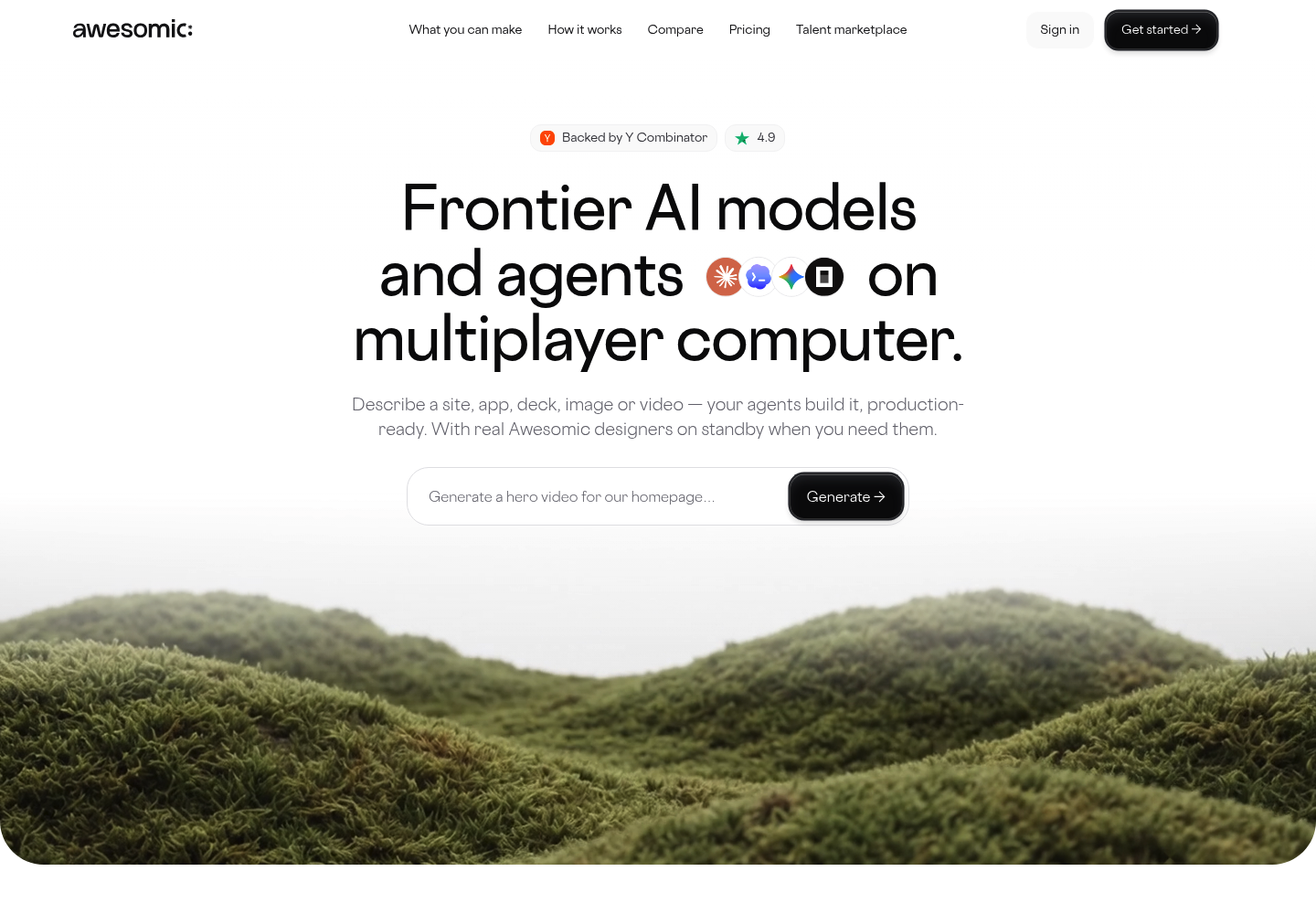
Best for: Turning validated flows into builds
Overview: Once research has told you what users need, Awesomic Studio turns the validated flow into something they can open. AI agents do the building, while your projects, files and brand assets stay in one shared workspace connected to Notion, Linear, Figma and Slack, so each brief starts with context.
We built the safety net with UX teams in mind. When the agents misread a brief, one of our designers steps in, picks up the files already in the workspace and returns the project once it's right. Our vetting accepts the top 0.82% of applicants, and Studio's FAQ calls the safety net "built in, not an upsell."
Studio has no research, testing or analytics features, so it follows Maze or Lyssna in your stack rather than replacing them.
Key features:
- On-demand takeover by an Awesomic designer when a flow stalls
- A persistent workspace that keeps files and brand assets between projects
- Integrations with Slack, Notion, Linear and Figma, among eight listed
- Web UX/UI and mobile app design from the same place
- Agents that stay on after you log off, so work continues without you
- Private or public sharing, so reviews happen on a live build
Pricing: The three monthly tiers cost $20 (Basic), $200 (Pro) and $500 (Maximum), and whatever you pay is what your agents can spend that month. Basic comes with email support, while Pro and Maximum add priority support and early access to new features.
Pros: a vetted designer on standby, context that carries between projects, agents that work while you're away, web and mobile in one place, code export
Cons: no free plan or trial, and no research, usability testing or analytics features (pair it with Maze or Lyssna)
How to start using it:
- Pick Basic, Pro or Maximum on the Studio pricing page.
- Connect the tools holding your UX context, such as Notion or Linear.
- Describe the flow, adding files, links or a rough idea.
- Review the build, then share it with your team or publicly.
- If it misses, hand it to a vetted Awesomic designer.
Why it's one of the best UX design tools: Most tools here end in a finding or a file, while Studio turns a validated flow into a working, hosted build. The designer takeover means a brief the agents misread becomes a handoff instead of a dead end.
Final verdict: Choose Studio when research already says what users need and the bottleneck is building it without a design hire. Keep a research tool beside it, since Studio tests nothing on its own.

2. Figma (with FigJam)
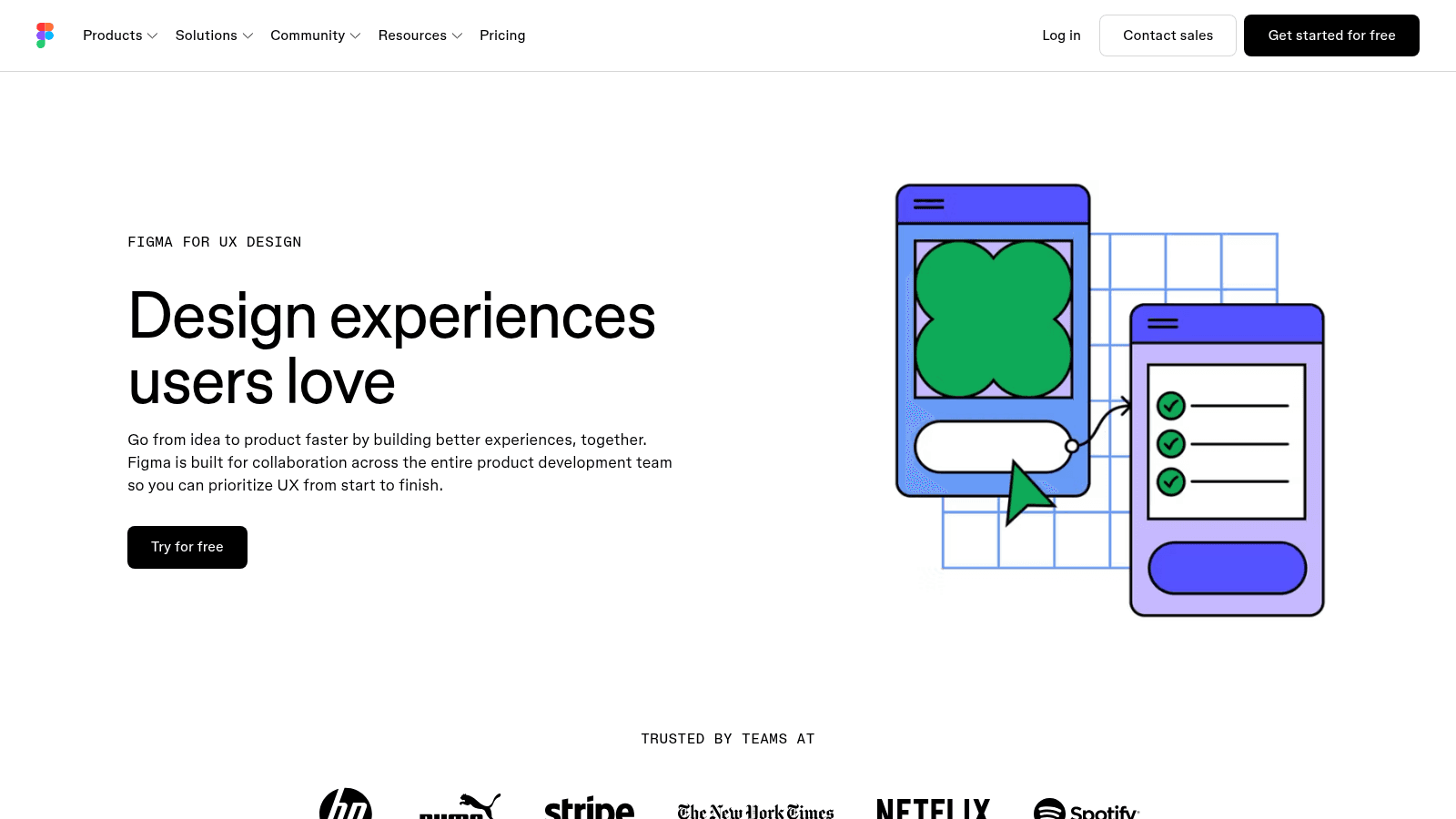
Overview: FigJam, Figma's whiteboard, comes in the same seats, so a team already designing in Figma can map flows and journeys without a second subscription. Its AI drafts user flows, and journey maps start from a ready-made template.
Key features:
- AI-generated user flows and a journey-map template in FigJam
- Shared libraries that keep maps and screens consistent
- Dev Mode for handing designs to engineers
Pricing: Starter is free, with unlimited drafts and capped AI credits. Professional seats cost $16 (Full), $12 (Dev) or $3 (Collab) a month, and Organization and Enterprise are billed annually.
Pros: FigJam included, unlimited free drafts, one file from map to handoff
Cons: no moderated sessions or panel, capped AI credits on every plan, $90 Enterprise Full seats
Where it fits: Teams already in Figma who want journey maps without another tool.
Final verdict: The natural place to map flows when your screens already live in Figma.
Research and testing tools
Maze, Lyssna and Lookback put your flows in front of real people, and each leans a different way: Maze toward AI-assisted studies, Lyssna toward quick tests and IA methods, Lookback toward live interviews.
A researcher on Reddit who says they're forced to use UserTesting recommended Maze plus a separate moderation tool instead, calling Maze "miles ahead" for unmoderated prototype tests and saying Dovetail has "a far superior insights tagging system." That's one practitioner's experience rather than a benchmark, but it matches how these tools divide the work.
3. Maze
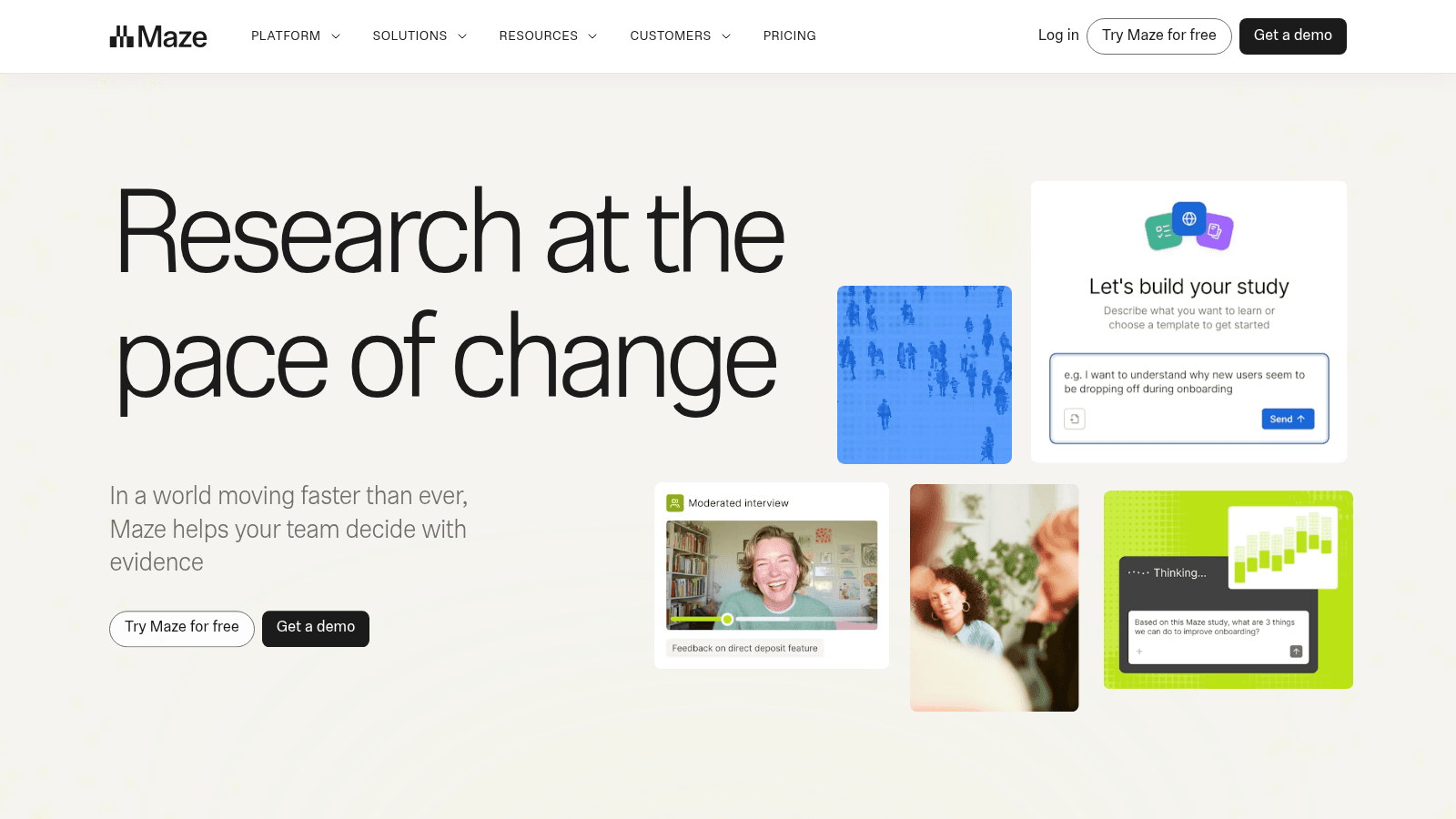
Overview: Maze ("Research at the pace of change") runs prototype tests and surveys, with moderated interviews on Enterprise. It dropped its self-serve paid tiers, leaving Free and a quote-only Enterprise plan.
Key features:
- AI Moderator on Enterprise, which drafts and runs a discussion guide
- AI Study Builder for setting up studies
- Card sorting and tree testing on Enterprise
Pricing: Free costs $0 for 1 study a month, 5 seats, prototype testing and surveys, with panel credits paid per use. Enterprise is custom.
Pros: 5 free seats, prototype tests and surveys together, AI moderation on Enterprise
Cons: 1 study a month on Free, no self-serve paid tier, paid panel credits even on Free
Why it's among the best tools for UX design: It runs AI-assisted unmoderated and moderated studies in one place.
Final verdict: Start free, and expect a sales call once one study a month runs short.
4. Lyssna

Overview: Lyssna, formerly UsabilityHub, bills itself as "All your user research. One platform." It covers card sorting, tree testing, first-click and five-second tests, prototype testing and surveys.
Key features:
- Card sorting and tree testing for checking navigation
- First-click and five-second tests on key screens
- AI follow-up questions and summaries on Growth
Pricing: You can run unlimited quick studies free, with 3 seats and 15 self-recruited responses. Growth costs $166 a month billed annually, and the research panel is priced separately on every plan.
Pros: unlimited quick studies on Free, IA and first-click tests together, uncapped self-recruiting on Growth
Cons: only 15 self-recruited responses on Free, panel responses always extra, 5 in-depth studies a month on Growth
What it is genuinely good at: IA tests and quick unmoderated studies on a real free tier.
Final verdict: A quick way to run a tree test this week, no sales call needed.
5. Lookback
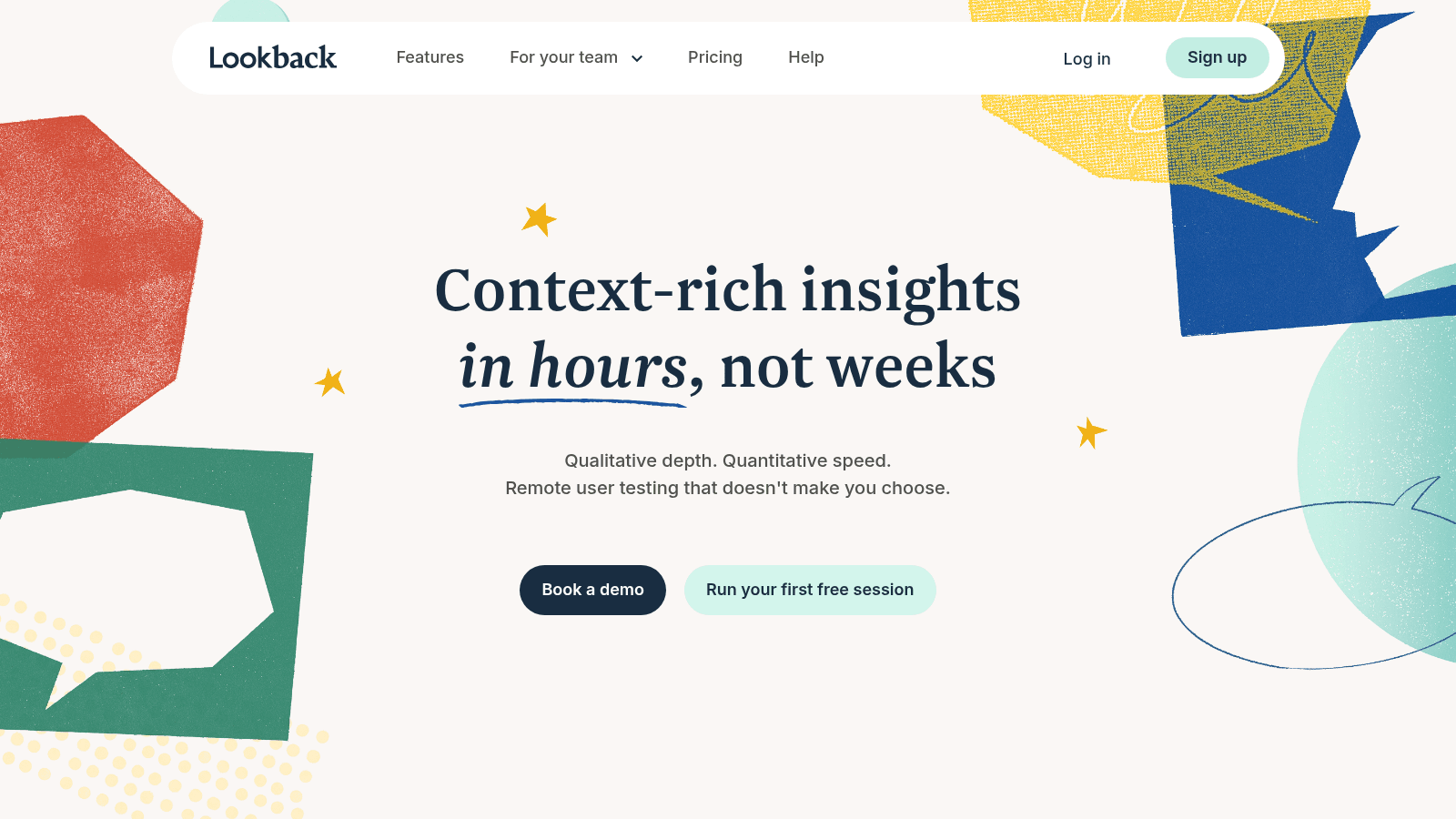
Overview: Lookback is built for talking to users, in live moderated interviews or unmoderated sessions, with AI-assisted analysis across sessions. There's no permanent free plan, just a 60-day trial capped at 5 sessions.
Key features:
- Live moderated interviews, where you can ask why someone hesitated
- Unmoderated sessions for tasks that don't need you present
- AI-assisted analysis across every session and note
Pricing: Plans bill annually only: Freelance is $299 a year (10 sessions, one seat plus unlimited guests), Team $1,782 (100 sessions) and Insights Hub $4,122 (300 sessions). Extra session packs and panel participants cost more on all of them.
Pros: built around moderated interviews, unlimited guests on Freelance, clear session allowances
Cons: annual billing only, no permanent free plan, panel recruits beyond each plan's allowance cost extra
Who it suits: Teams running frequent moderated interviews.
Final verdict: Worth the annual fee once interviewing users is a habit.
Synthesis, analytics and information architecture tools
Research pays off only once someone makes sense of it. Dovetail stores and searches what users said, Hotjar shows what they did on the live product, and Optimal tests whether they can find things in your navigation.
Recordings and heatmaps from a tool like Hotjar are the raw material of a UX audit report, which turns what you watched into a ranked list of fixes.
6. Dovetail
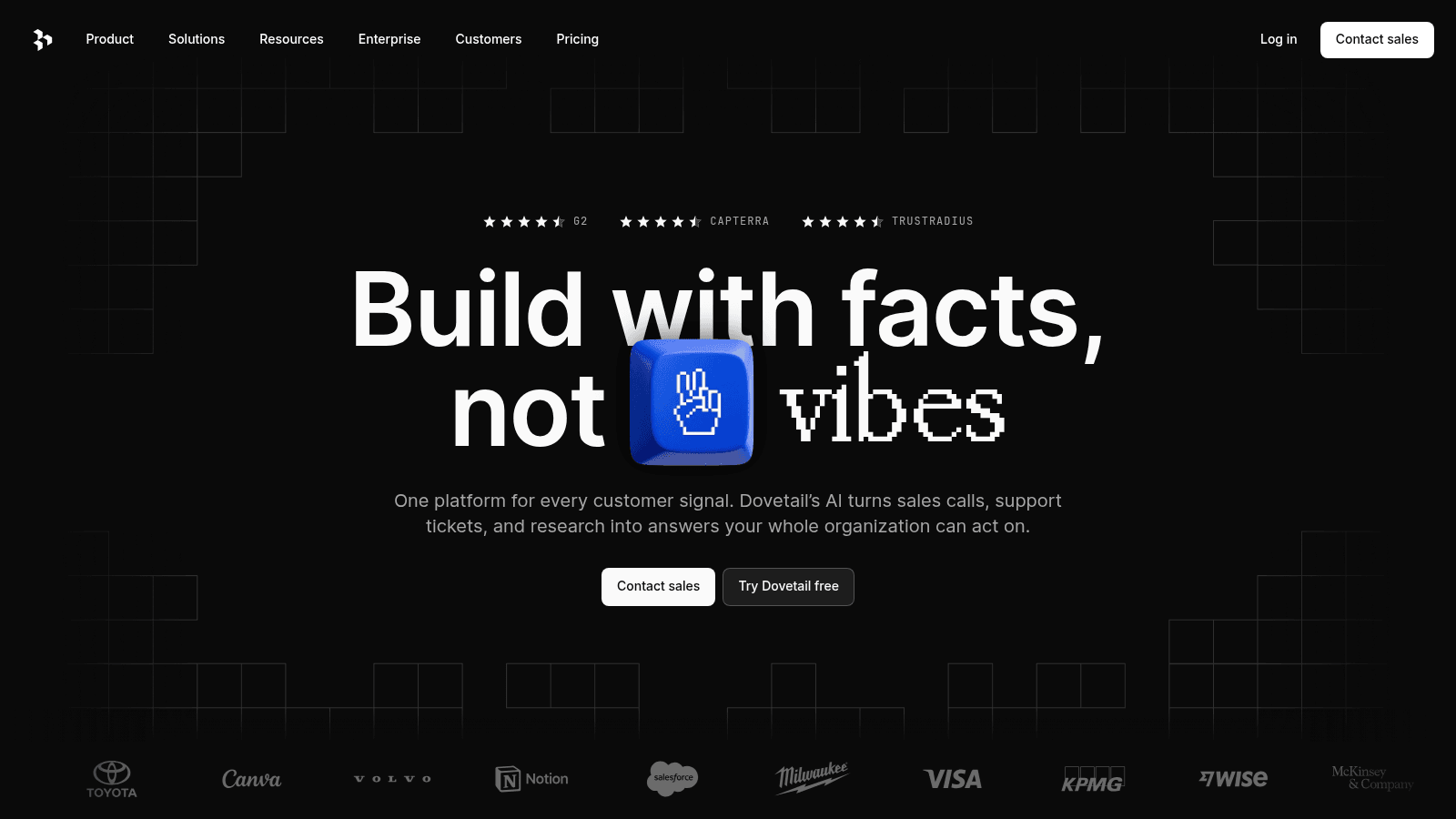
Overview: Dovetail has repositioned as an "AI native customer intelligence platform." Its AI summarizes and searches across calls, docs and surveys, and its pricing page now shows two options: Free and a custom-priced Enterprise tier.
Key features:
- Semantic search on Enterprise, which finds an insight by meaning
- AI summaries across calls, docs and surveys
- Clips and reels for sharing what users said
Pricing: The free tier is limited to 1 channel and 1 project, with AI chat summaries inside that project. Everything beyond it is Enterprise, priced by quote.
Pros: AI search across research sources, a free project to test it on, shareable clips
Cons: one project and one channel on Free, no self-serve paid plan, semantic search held back for Enterprise
Its real strength: An AI-searchable repository, so old interviews answer new questions.
Final verdict: Pick it when research exists but nobody can find it.
7. Hotjar (now part of Contentsquare)

Overview: Hotjar's own pricing page says "Hotjar is now part of Contentsquare," and its plans are now sold as Contentsquare Experience Analytics. It shows where users click, hover and scroll.
Key features:
- Heatmaps of where attention goes
- Session replay of the path before a drop-off
- Surveys, error monitoring and AI insights
Pricing: The free plan is $0 forever with 200,000 sessions a month. Growth is $39 a month billed yearly, or $49 paying month to month, and Pro and Enterprise go through sales.
Pros: 200,000 free sessions a month, heatmaps and replay together, surveys in the same tool
Cons: interviews and usability testing sit in a separate Voice of Customer product, no published Pro or Enterprise price, a bigger Contentsquare platform to learn since the merger
Why teams shortlist it: It answers "where do users get stuck?" with recordings instead of opinions.
Final verdict: Install the free plan early, since it shows which screens deserve a proper study.
8. Optimal (formerly Optimal Workshop)
Overview: Optimal Workshop now goes by "Optimal" on its site and logo, on the same domain. Its toolkit spans card sorting, tree testing, first-click tests, session recordings and an on-demand participant panel.
Key features:
- Card sorting that shows how users group content
- Tree testing on a navigation before it's built
- An on-demand panel, so recruiting doesn't stall a study
Pricing: There's no free plan. Starter costs $199 a month billed annually for 5 studies launched a year, with unlimited seats and unlimited responses per study, and Enterprise is custom.
Pros: unlimited seats, AI insights, the main IA tests in one tool
Cons: no free tier, only 5 studies a year on Starter, a single self-serve plan
Where it beats the alternatives: Depth on IA testing for teams that have standardized on it.
Final verdict: Choose it when navigation is the recurring problem and five studies a year will do.
Mapping and wireframing tools
Miro, Balsamiq and UX Pilot turn research into a structure the whole team can see. Miro suits mapping with people outside design, Balsamiq keeps wireframes rough on purpose, and UX Pilot drafts flows and screens with AI.
Decide what you're mapping before you pick the board, because a customer journey map of one product and an experience map across every touchpoint need a different scope and different people in the room.
9. Miro
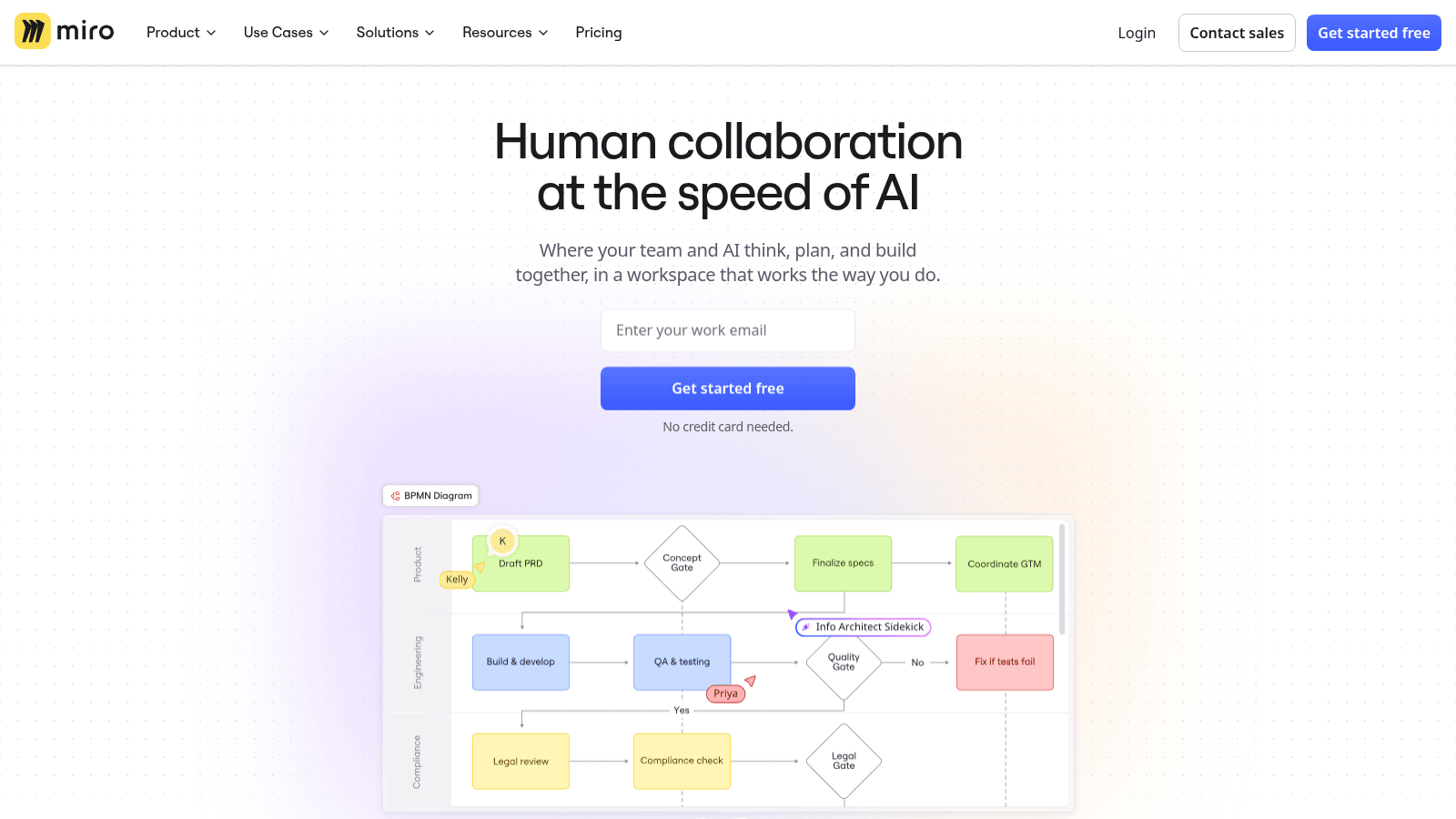
Overview: Miro ("Human collaboration at the speed of AI") is an infinite whiteboard with journey-mapping and flow templates. It isn't UX-specific, which helps when product, sales and support map a journey together.
Key features:
- Journey-mapping and flow templates to start from a structure
- AI diagram generation for a first draft
- Guest access on Business for outside stakeholders
Pricing: Free is $0, while Starter costs $8 and Business $20 per member per month billed yearly, which Miro says saves 20% over monthly billing. Enterprise is custom from 30 members.
Pros: journey and flow templates, unlimited private boards on Starter, 50 AI credits per member on Business
Cons: a general-purpose whiteboard, AI credits capped per member each month, 3 editable boards on Free
Why it made this list: Cross-functional journey and flow mapping.
Final verdict: The better board when half the room has never opened a design tool.
10. Balsamiq

Overview: Balsamiq makes deliberately low-fidelity wireframes, so feedback stays on structure rather than colors and fonts. It also offers AI wireframing and an MCP server.
Key features:
- Low-fidelity wireframes that keep reviews on structure
- AI wireframing on every plan (500 credits a month on Starter)
- An MCP server for connecting AI assistants
Pricing: Plans are per editor per month, billed annually: Starter $16, Teams $24, Enterprise $35, with reviewers free. There's no free plan, only a 14-day no-card trial, and nonprofits get 50% off.
Pros: unlimited free reviewers, AI credits included, a no-card trial
Cons: no free tier, per-editor pricing that grows with the team, a 10-project cap on Starter
What it does well: Fast, rough wireframes for early flow sign-off.
Final verdict: Pick it when the argument is about what goes on a screen, not how it looks.
11. UX Pilot
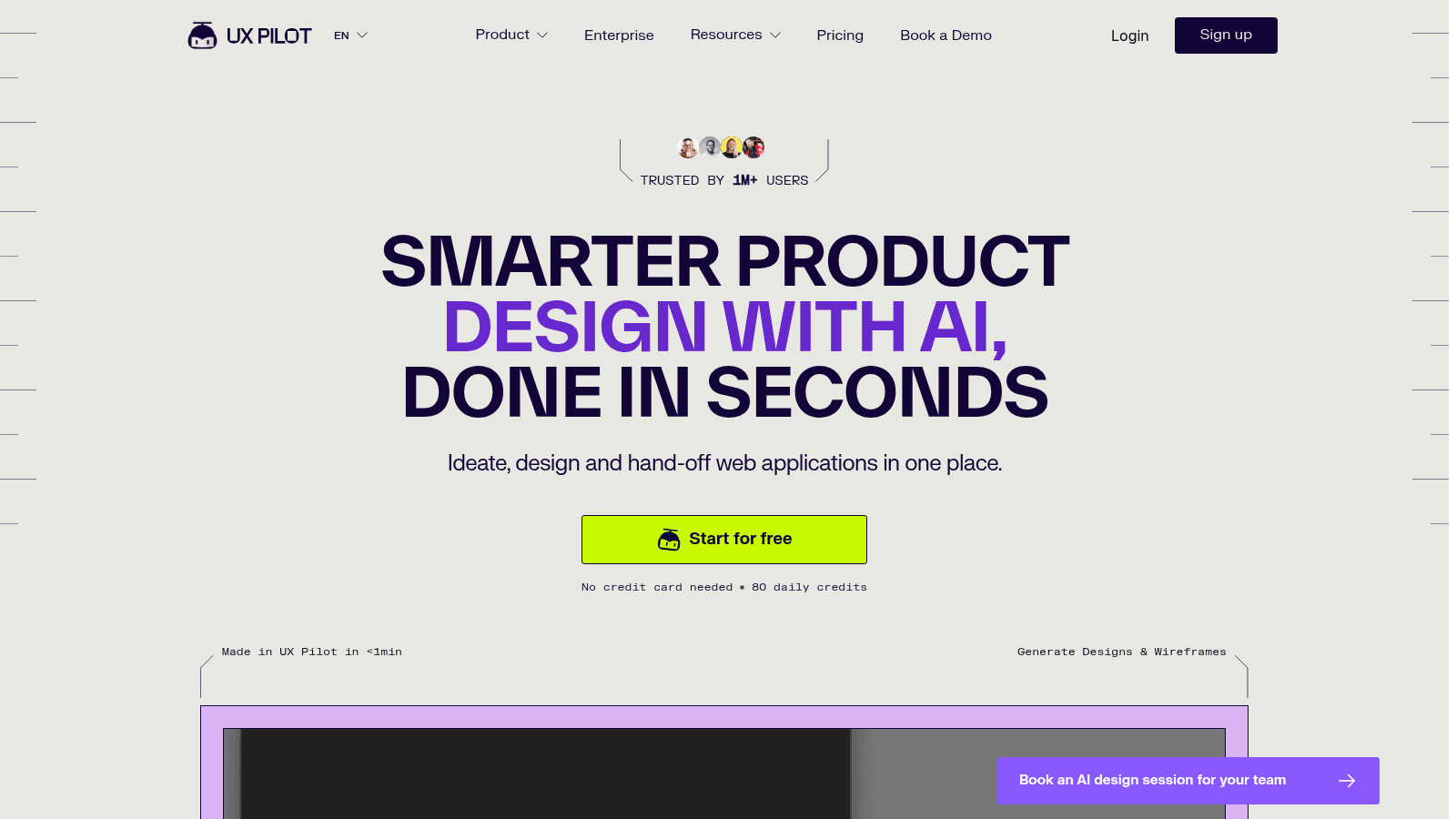
Overview: UX Pilot turns a prompt, a reference image or a document into wireframes, flows and hi-fi screens, with Figma and code export. It includes an AI UX Flow Generator for mapping flows.
Key features:
- The AI UX Flow Generator for user flows
- Prompt, image or document input
- Figma and code export on Pro
Pricing: Free gives 80 credits a day, enough for up to 13 screens. Pro is $19 a month and Teams $31 per user a month, billed annually at discounts from $29 and $39.
Pros: a free daily allowance, flows and screens from one prompt, Figma export
Cons: 80 daily credits limit iteration on Free, no rollover, discounted prices that may end
Where it earns its place: AI-generated wireframes and flows when you need a first draft fast.
Final verdict: A fast first draft, before a person decides which parts are right.
How we chose these tools
We picked by stage rather than by fame, then opened each tool's homepage and pricing page ourselves in September 2026. That's how we caught Maze dropping its self-serve paid tiers, Dovetail's pricing shrinking to two tiers and Hotjar folding into Contentsquare.
Every tool had to pass four checks:
- It does one UX stage well enough to be a team's default for it
- Its pricing page shows a price, or says plainly that a plan is custom
- Its free plan, where one exists, does real work rather than serving as a demo
- Its limits, such as study, session or credit caps, are visible before you pay
Whimsical made our research set but overlapped too much with Miro and Balsamiq to earn a slot. The stages follow the UX design frameworks that sequence work from discovery to delivery, so each entry maps to a phase you'll recognize.
AI tools for UX design: what they do and what they can't
AI features now turn up across this list, from Maze's AI Moderator to UX Pilot's AI UX Flow Generator. So the useful question about AI tools for UX design is what the AI actually touches, and here it touches four kinds of work:
- Drafting and running a discussion guide, which Maze's AI Moderator does from a research goal
- Summarizing what users said on Lyssna's Growth plan, or searching it by meaning in Dovetail
- Generating first-draft flows, diagrams and wireframes in FigJam, Miro, Balsamiq and UX Pilot
- Turning a prompt into working code, which Figma Make does inside Figma
If you're comparing the best AI UX design tools, sort them by that list rather than by how often a vendor says "AI."
What AI can't do is fix who was in the study. A summary of five sessions is only as complete as those sessions, and Faulkner's 2003 study showed how much that varies: of random sets of 5 users drawn from 60, some found 99% of the problems and others only 55%. With 10 users the worst set still found 80%, and with 20 users, 95%.
The GOV.UK Service Manual sets a second limit: "You must do research with a broad range of users, including disabled people and people with low digital skills." A model's guess about those users isn't research with them, and deciding which finding matters stays a human call.
If nobody on your team has done that synthesis before, it can be faster to hire an experience designer than to buy a repository and hope its AI fills the gap.
How to choose the best tools for UX design
Choosing software for UX design starts with the gap in your process. Name what your team keeps guessing about, buy for that stage first, and add a second tool only once the first is in weekly use.
The table matches common gaps to the tools on this list that close them.
| If your team keeps... | Start with | Why it helps |
|---|---|---|
| Guessing what users need | Lookback or Maze | You hear it from users, live or unmoderated |
| Losing findings in old slide decks | Dovetail | One searchable home for calls, docs and surveys |
| Arguing about where users drop off | Hotjar | Replays and heatmaps settle it with evidence |
| Getting navigation labels wrong | Optimal or Lyssna | Card sorts and tree tests check structure early |
| Redrawing the same flow in meetings | FigJam, Miro or Balsamiq | A shared map or rough wireframe to mark up |
| Waiting days for a first draft | UX Pilot | A prompt becomes a draft flow and screens |
Testing how a transition or micro-interaction feels is a different job, handled by the prototyping tools we rank separately because buyers judge them on different criteria.
How much UX design tools cost
Pricing models on this list don't line up neatly. Figma, Miro and Balsamiq charge per seat or per editor, Lookback sells a yearly session allowance, and Optimal caps studies per year. The table groups what each stage costs, as published in September 2026.
| Stage | Free plans here | Published paid prices | Sales-only tiers |
|---|---|---|---|
| Mapping and wireframing | Figma Starter, Miro Free, UX Pilot Free | Figma Professional Full seat $16/month; Miro from $8/member/month (yearly); Balsamiq from $16/editor/month (annual); UX Pilot Pro $19/month (annual) | Miro and UX Pilot Enterprise |
| Research and testing | Maze Free, Lyssna Free | Lyssna Growth $166/month (annual); Lookback from $299/year | Maze, Lyssna and Lookback Enterprise |
| Synthesis | Dovetail Free | None | Dovetail Enterprise |
| Behavior analytics | Hotjar Free | Growth $39/month billed yearly ($49 monthly) | Pro and Enterprise |
| Information architecture | None | Optimal Starter $199/month (annual) | Optimal Enterprise |
For research tools, the seat price isn't the whole bill. Maze's free plan, Lyssna and Lookback all charge extra for panel participants, so the sample size that moved Faulkner's results so much is also a line in your budget. Check the per-participant rate before the seat price, and plan for 10 users a round when a flow carries real risk.
Is free UX design software enough?
For a team of one or two, it often is. Seven of the 11 tools here have a permanent free plan. The four that don't are Lookback, Optimal, Balsamiq and our Awesomic Studio, which has no trial. Lookback does offer a 60-day trial limited to 5 sessions, and Balsamiq a 14-day trial with no card.
A free stack that covers most stages looks like this:
- Hotjar Free for 200,000 sessions a month of heatmaps and replays
- Maze Free for 1 study a month of prototype testing or surveys
- Lyssna Free for unlimited quick studies and 15 self-recruited responses
- Dovetail Free for 1 project of AI-summarized research
- Figma Starter for FigJam flows, or Miro Free for 3 editable boards
- UX Pilot Free for 80 AI credits a day of draft screens
The caps show up fast: one Maze study a month, 15 Lyssna responses, a single Dovetail project. When one bites, check what the next step costs: Maze and Dovetail have nothing between Free and Enterprise, which is quote-only, while Lyssna sells panel responses separately on any plan.
One researcher on Reddit who couldn't find one tool that does everything said Lyssna has been solid for tree testing and card sorting, and that paying as they went "helped me stay under budget." That's one person's experience, but it's a sensible way to stretch a small research budget.
Which UX stack to start with this quarter
Start with the stage where your team guesses most. For most early teams that means one research tool and one mapping tool, Maze or Lyssna to test and FigJam or Miro to map, with Hotjar's free plan running from day one. Add Dovetail when interviews pile up, Optimal when navigation keeps failing, and Lookback when interviews become weekly.
Testing early with real users is one of the best UX design practices that no subscription does for you. Once your flows are validated and building them is the bottleneck, that's where our Awesomic Studio fits.
FAQ
What's the difference between UX design tools and UI design tools?
UX tools cover understanding users and structuring the experience: research, testing, analytics, journey maps and wireframes. UI tools handle the visual layer: layout, color, type and components. Figma spans both, which is why it shows up on both kinds of list, while a research platform like Lyssna tests designs rather than making them.
What is the best free UX design tool?
The answer depends on the stage you need. Figma's Starter plan gives you FigJam for flows and journey maps with unlimited drafts, Lyssna Free runs unlimited quick studies, and Hotjar's free plan covers 200,000 sessions a month. If you can adopt only one, pick the stage where your team guesses most and start there.
What are the best AI UX design tools?
That depends on what you want the AI to do. UX Pilot drafts wireframes and flows from a prompt, Maze's AI Moderator runs discussion guides on its Enterprise plan, and Dovetail summarizes and searches research. AI can moderate, summarize and draft, but it can't decide who belongs in your sample, so use AI UX design tools for speed and keep that call with your team.
Is Figma enough for UX design on its own?
For mapping and handoff, often yes: FigJam comes in the same seats, generates user flows with AI, and Dev Mode carries the result to engineers. It isn't a research tool, though. Its plans list no moderated sessions, research repository or participant panel, so most teams pair Figma with Maze or Lyssna for testing and Dovetail for storing what they learn.
How many users should a usability test include?
More than five when the decision matters. In Faulkner's 2003 study, some random groups of 5 users found nearly every problem (99%) while others found just over half (55%), and groups of 10 never fell below 80% while groups of 20 never fell below 95%. When you compare software for UX design, check what extra participants cost, since that decides how many you can afford.
One subscription and your hiring problems solved


FAQ


Awesomic is a revolutionary app that matches companies with vetted professionals across 30+ skill sets, from design and development to marketing and product. Based in San Francisco with a global core team, we offer a faster and more flexible alternative to traditional hiring through a subscription-based model. Awesomic delivers high-quality talent on demand, without the delays of recruiting.
We function as a subscription-based service that matches you to top-tier, vetted talent. Submit a project in just a few clicks and start receiving deliverables in as little as 24 hours. Scale your Awesomic plan up or down as your business needs change.
Every Awesomic subscription comes with unlimited revisions. You receive daily progress updates via the app, and you can provide feedback or request iterations as needed. If your project requires a different approach, you can request a talent rematch at any time, at no extra cost. You can also add teammates to collaborate and streamline feedback
A talent marketplace is a platform that utilizes data and intelligent matching algorithms to connect professionals with projects based on their skills, experience, and availability. While often used internally by large companies, Awesomic applies this model at scale, matching vetted global talent to your most critical business needs.
Hiring is time-consuming, expensive, and risky. Awesomic eliminates that problem. We rigorously vet all talent for technical ability, communication, and soft skills, ensuring only senior-level professionals work on your projects. You skip the job posts, interviews, and delays, and get straight to results.
No, Awesomic goes beyond design. While many clients utilize us for branding, UI/UX design, or motion graphics, we also provide vetted talent in no-code web development, product design, marketing, and more. Think of us as an extension of your team. A flexible, high-performing creative partner from planning to execution, whether you're building awesome products or scaling your team.
You can talk directly with your matched talent via the Awesomic app, connect via Slack, email, or schedule video calls. No matter the plan, you’ll receive daily updates in the app for every active task. You can also tag us in for any issues through our in-app customer chat.


