




Webflow Alternatives That Are Actually Better

Key takeaways:
- Every tool here earns its place by beating Webflow at one named job, from agency client handoff (Wix Studio) to A/B-tested landing pages (Unbounce) to website code your developers keep (TeleportHQ).
- Webflow's Basic site plan ($15 a month billed yearly, $25 month to month) has no CMS, while Framer's Basic includes 2 collections and 1,000 CMS items for $10 billed yearly ($15 monthly).
- Switching isn't automatically cheaper: Squarespace Basic costs $19 a month billed annually, more than Webflow Basic's $15 but less than Premium's $25, the cheapest Webflow plan with a CMS, and self-hosted WordPress with Elementor Pro on Kinsta's entry hosting comes to $35 a month on annual billing.
- Webflow's code export can't be reimported and leaves forms broken, so budget most moves as a rebuild, with design time included.
Webflow sits at the most technical end of no-code websites: you style pages with CSS classes in a visual Designer, then publish to Webflow's hosting with a CMS and a store available on top. That depth is why teams pick it, and it's also why some start pricing Webflow alternatives once the bill, the learning curve or the lock-in outweighs it.
We used one test for alternatives to Webflow: a tool only counts as better if it beats Webflow at one specific job, with a fact to back it, and we say what you give up to get that win.
Here are the 11 best alternatives to Webflow by that test. We read every price on the vendor's own pages on September 11, 2026, and we ranked our own Awesomic Studio first for one job: getting from a written brief to a live landing page without learning the Designer.
Why people look for Webflow alternatives
Most reasons to leave fall under price, the effort the Designer takes, or the cost of getting out.
Price comes in layers. A site plan covers hosting: Basic is $15 a month billed yearly ($25 monthly) with no CMS, and Premium is $25 ($39) with 40 collections and 20,000 items. Teams then add a workspace plan, such as Core at $19 a month yearly or Growth at $49, plus $39 a month on yearly billing for each Full seat beyond the one included.
The ceiling is steep, too. For a content site that outgrows Premium, the next plan up is Team, which costs $2,500 a month, requires an annual contract and still includes 20,000 CMS items (100 collections instead of 40), with more items at a separate fee.
Leaving carries a price of its own. Webflow warns that exported code "can't be reimported," and an export brings dynamic content out one collection at a time while forms stop working.
One team's exit shows those costs adding up. A B2B healthcare marketer with about 370 pages posted on Reddit about quitting Webflow after four years, and three of the bolded reasons were blunt: "The Designer got slow enough that we stopped using it," "We did not control our own assets," and "Fees were confusing and too high."
That team moved to a static Next.js setup, not another builder, and it's one team's account rather than a survey, so check each complaint against your own site.
What Webflow still does best
A switch that fixes one problem can cost you strengths you'd miss, so weigh these four before you move anything:
- Premium's CMS holds 40 collections and 20,000 items for $25 a month billed yearly, eight times the 2,500 items Framer's Pro plan includes.
- Styling runs on a class-based visual CSS system, so changing one class updates every element that carries it.
- Developers get code export on paid workspace plans, plus code components on Premium.
- Selling stays self-serve up to the Advanced ecommerce plan, which lists 15,000 items for $212 a month billed yearly ($235 monthly).
Webflow's interactions also run on GSAP, an animation library that GSAP says is free for everyone "thanks to Webflow's support." That depth takes real skill to use, which is why Webflow design agencies can build a whole business on it.
The bill doesn't always shrink when you leave, either. In a Reddit thread asking for alternatives, one user who wanted out "after the last round of price increases" said of Squarespace: "I think it's a buck or two more expensive than Webflow."
That's one person's estimate, and the list prices lean the same way: Squarespace's entry plan costs $19 a month on annual billing, against $15 for Webflow Basic billed yearly, though Webflow Basic has no CMS and Premium, which does, costs $25.
Webflow alternatives compared by the job each does better
Read the table as a Webflow alternatives website builder comparison sorted by job: find the job that's failing you in the Best for column, then check the limitation and entry price beside it.
| Tool | Best for | Key features | Main limitation | Pricing (from) | Rating |
|---|---|---|---|---|---|
| Awesomic Studio | A brief to a live landing page | Agent-built pages, built-in hosting, scheduled automations | No custom-domain details published; no free plan | $20/month | ★★★★☆ |
| Framer | Design-led marketing sites | Free plan with a CMS, custom domain from $10, Webflow migration guide | No store or checkout on its pricing page | $0 (free plan) | ★★★★★ |
| WordPress + Elementor | Owning the whole stack | Open-source core, plugins, free Elementor editor | You run updates, security and hosting | $0 (software; hosting extra) | ★★★★☆ |
| Wix Studio | Agencies handing sites to clients | Co-editing with roles, live comments, client workspace | Multi-site management and SSO are Enterprise-only | $0 (free plan) | ★★★★☆ |
| Webstudio | Open source without hosting lock-in | Cloud or self-hosting, unlimited sites on Pro, external CMS | No CMS editor: Markdown files for a small blog, else an external CMS; self-hosting means running servers | $0 (self-hosted) | ★★★★☆ |
| Squarespace | Polished sites without a developer | Templates, guided setup, selling from Basic | Far less layout control; custom CSS from Core; exports only some content | $19/month (yearly) | ★★★★★ |
| Shopify | Stores where selling comes first | Store-first plans, card rates down to 2.25% + 30¢ on Plus, CSV product import | Content-heavy marketing sites take more work | $29/month (yearly) | ★★★★★ |
| Duda | Many client sites in one account | 4 published sites on Agency, White Label tier, 14-day trial | Moving sites in is a manual rebuild, 3-5 hours each | $19/month (yearly) | ★★★★☆ |
| Unbounce | Landing pages you A/B test | Unlimited A/B testing, AI traffic optimization, free hosting | Pages only; every plan caps traffic | $22/month (yearly) | ★★★★☆ |
| TeleportHQ | Website code your developers keep | Six code-export targets, AI from a prompt, no-card trial | Web-app projects need Premium or a $19.99 add-on | $14/month (yearly) | ★★★★★ |
| Ycode | A self-hosted visual builder with a CMS | Open source, built-in CMS, Cloud with 20,000 CMS items | Self-hosting means deploying and maintaining it | $0 (self-hosted) | ★★★★☆ |
Each rating scores only the job in the Best for column: five stars where the main limitation falls outside that job, and four where it lands on the job itself. Price moved no rating: Framer, Wix Studio and the three self-hosted tools all start at $0, yet only Framer gets five stars, because Wix Studio's Enterprise-only multi-site tools and the others' servers land on their jobs.
1. Awesomic Studio
Best for: Brief to live landing page
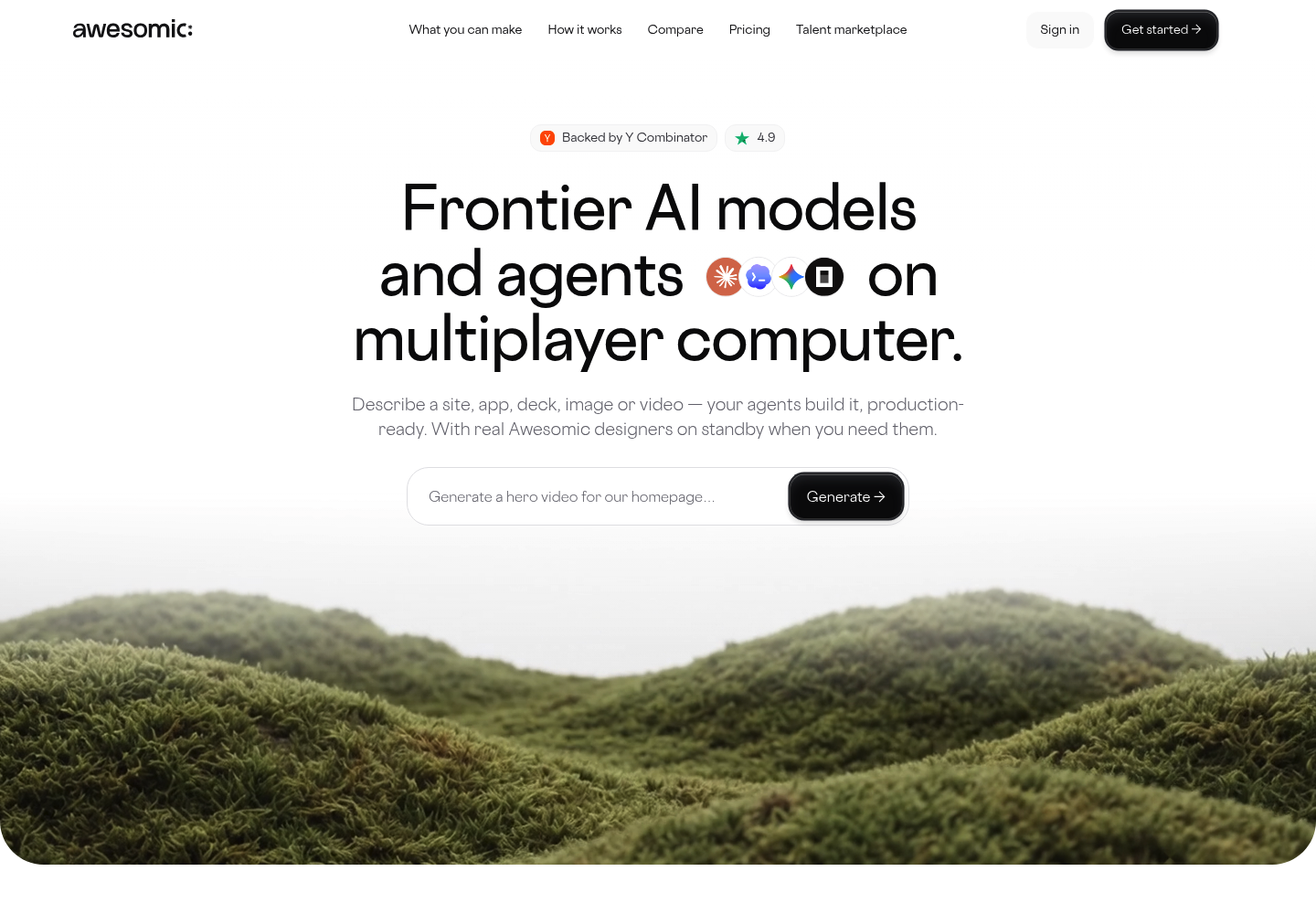
Overview: We built Awesomic Studio for the week you need a landing page live and can't spend it learning Webflow's Designer. You say what the page should do in plain language, attach text, files or links, and AI agents build it inside a shared workspace.
Nothing stops when you shut the browser: the agents carry on, and scheduled automations handle the refreshes and updates a page needs once it's out. Studio then hosts and publishes the result, so there's no separate hosting plan to buy.
Studio's eight connections include Webflow, alongside Figma, Framer, GitHub and Slack. Awesomic, the company behind Studio, is backed by Y Combinator.
Key features:
- Plain-language briefs, so text, files, links or a rough idea stand in for the Designer.
- Coding agents that build the page end to end, production-ready rather than a mockup.
- Hosting and publishing built in, private while your team reviews and public at launch.
- Always-on agents, so a build continues while you're offline.
- Scheduled automations that run refreshes, reports and updates on their own.
- Export to code or other tools if a developer takes the page further.
Pricing: Studio's plans run $20, $200 and $500 a month for Basic, Pro and Maximum, and each month's fee becomes the budget your agents spend. Studio doesn't publish what a single build costs, so run one real brief on Basic before you size up.
Pros: No Designer to learn, hosting built in, agents that keep going while you're offline, scheduled refreshes and updates, Webflow among its eight connections
Cons: No CMS or ecommerce claim anywhere on its page, nothing free to try it on, per-build costs unpublished, and no word on custom domains, so check before moving a live campaign URL
How to start using it:
- Pick the next page on your Webflow backlog, such as a campaign or launch page.
- Describe the audience and the action you want in a short paragraph, then attach copy, a logo or reference links.
- Subscribe to Basic, where the $20 funds that month's agent work.
- Review the draft privately with your team and request edits in everyday language.
- Publish it on Studio's hosting, then schedule an automation for the updates it will need.
What it does better than Webflow: A one-page job skips the Designer entirely and still ends as a hosted, live page, with automations keeping it current afterward.
Final verdict: Choose Studio when a page has to ship before anyone could learn the Designer. Keep Webflow, Wix Studio or Ycode for content-heavy sites, since Studio makes no CMS claim.

2. Framer
Best for: Design-led marketing sites
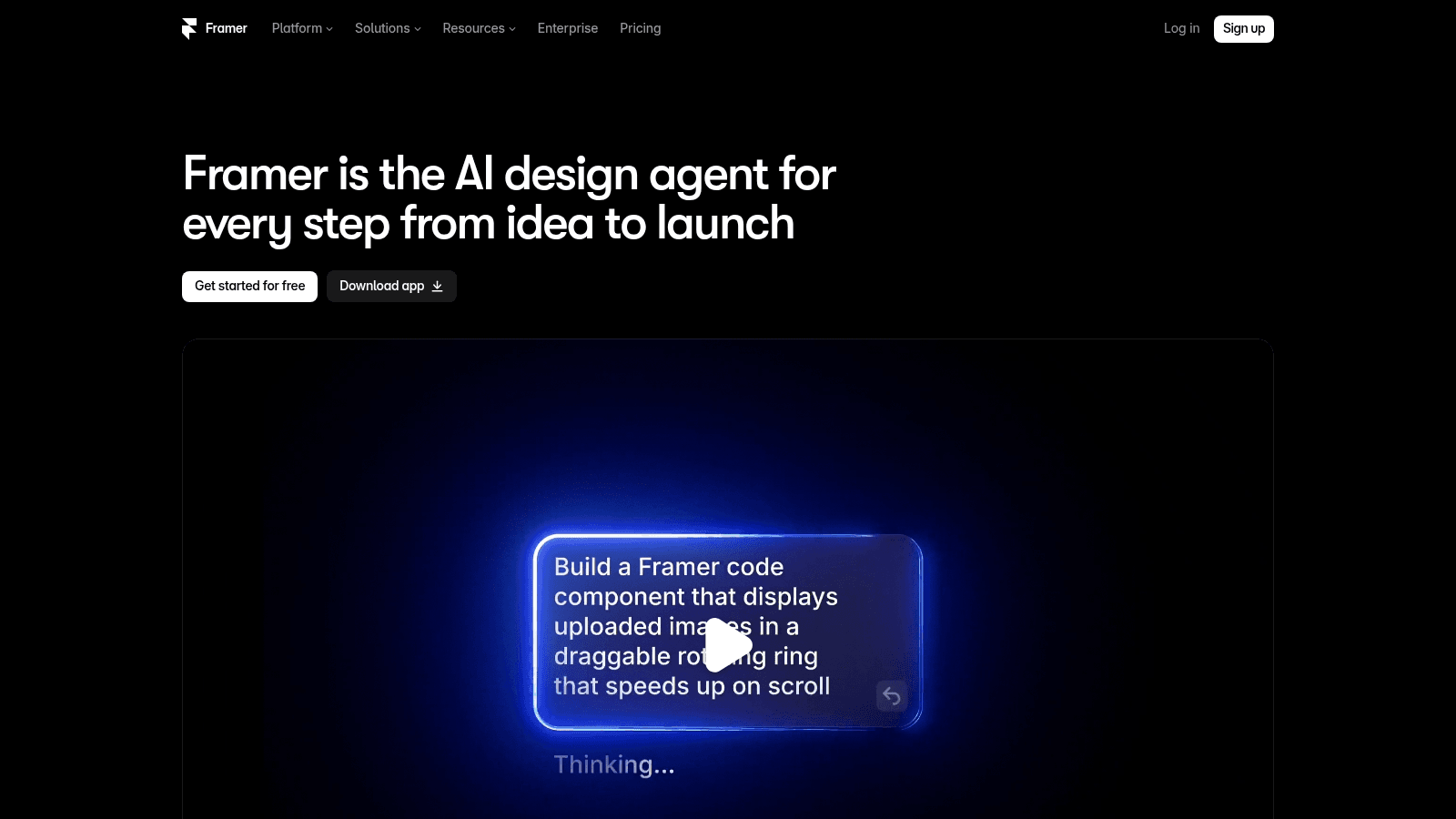
Overview: Framer now pitches itself as an AI design agent that covers the path "from idea to launch," so the page you lay out on its canvas is the page that publishes.
Key features:
- A CMS on every plan, with your own domain from the $10 Basic plan.
- A free plan to build and test on before you pay.
- A published guide for moving CMS collections off Webflow by CSV.
Pricing: Basic is $10 a month billed yearly or $15 monthly, with 2 CMS collections and 1,000 items, and Pro is $30 yearly or $45 monthly.
Pros: A CMS on the cheapest paid plan, a free plan, a documented route off Webflow
Cons: No store or checkout on its pricing page, only 2,500 CMS items on Pro before paid add-ons, pages still get rebuilt, with Framer's Agent doing a first pass that a person reviews
Why it's a good Webflow alternative: A small blog on your own domain costs $10 a month billed yearly here, against $25 on Premium, Webflow's cheapest paid plan with a CMS.
Final verdict: Pick Framer for a design-first site with a modest CMS, and price Pro's add-ons ($20 a month per 10,000 items, billed yearly) against Framer alternatives before the blog passes 2,500 items.
3. WordPress
Best for: Owning the whole stack
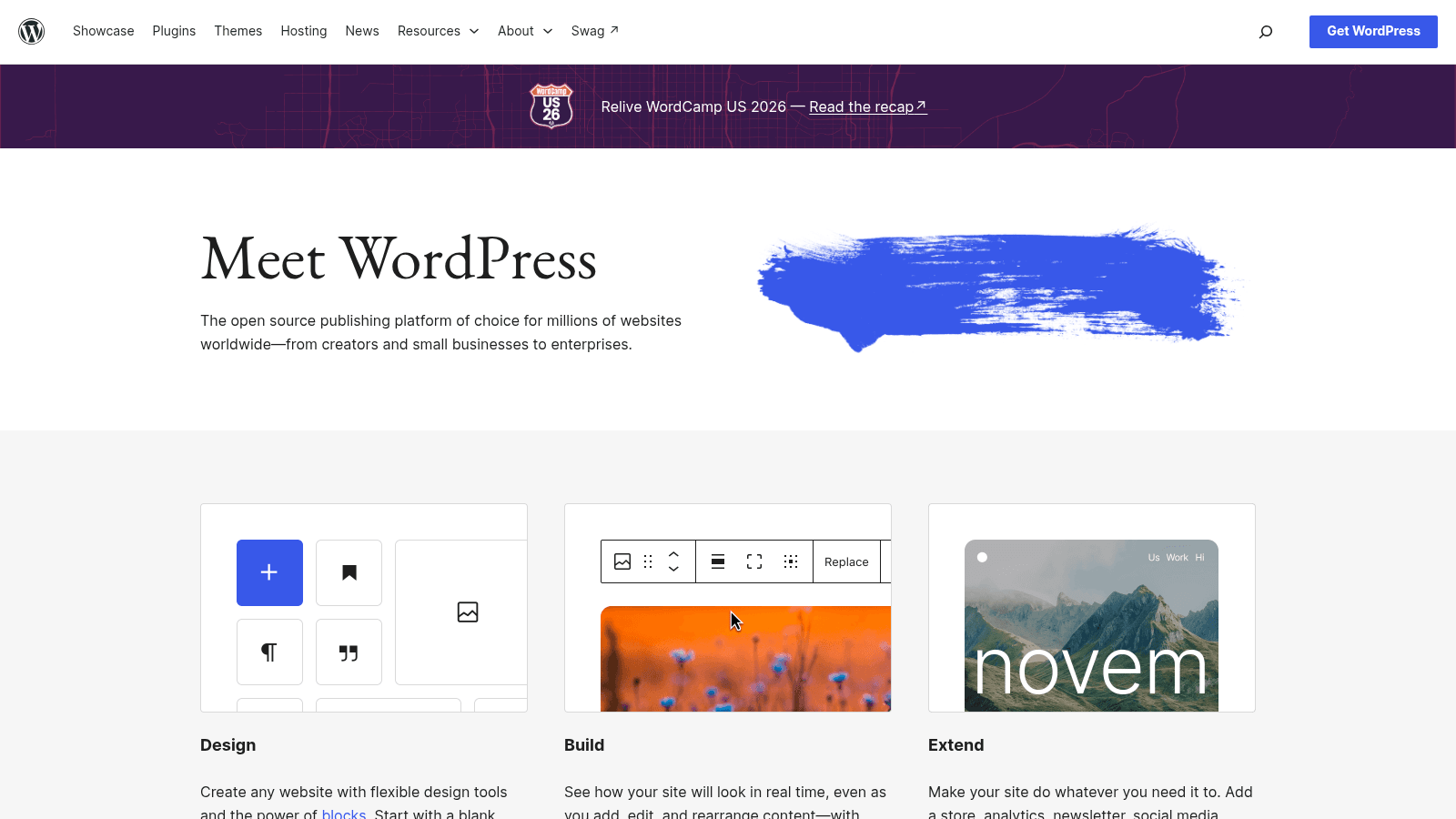
Overview: Self-hosted WordPress, the free, open-source software from wordpress.org, runs on a server you choose, with the Elementor page builder as its visual editor.
Key features:
- An open-source core that no vendor can reprice.
- Plugins that extend the site past what the core ships with.
- A free visual editor through Elementor's core plugin.
Pricing: WordPress is free, and Elementor Pro runs $5, $7, $9 or $17 a month from Essential to Expert, all billed annually, with Essential renewing at the same $60 a year. Kinsta's entry hosting is $35 a month, or $30 billed annually.
Pros: $0 software, your own files and server, a plugin for most jobs
Cons: You own updates, security and hosting, a manual rebuild from Webflow, bills from several vendors
Where it beats Webflow: Your files and your server are yours, which answers the "We did not control our own assets" complaint head-on. That control is paid for in hours, which is what most Webflow vs WordPress decisions come down to.
Final verdict: The pick when owning everything matters more than having someone else run the servers.
4. Wix Studio
Best for: Agencies handing sites to clients
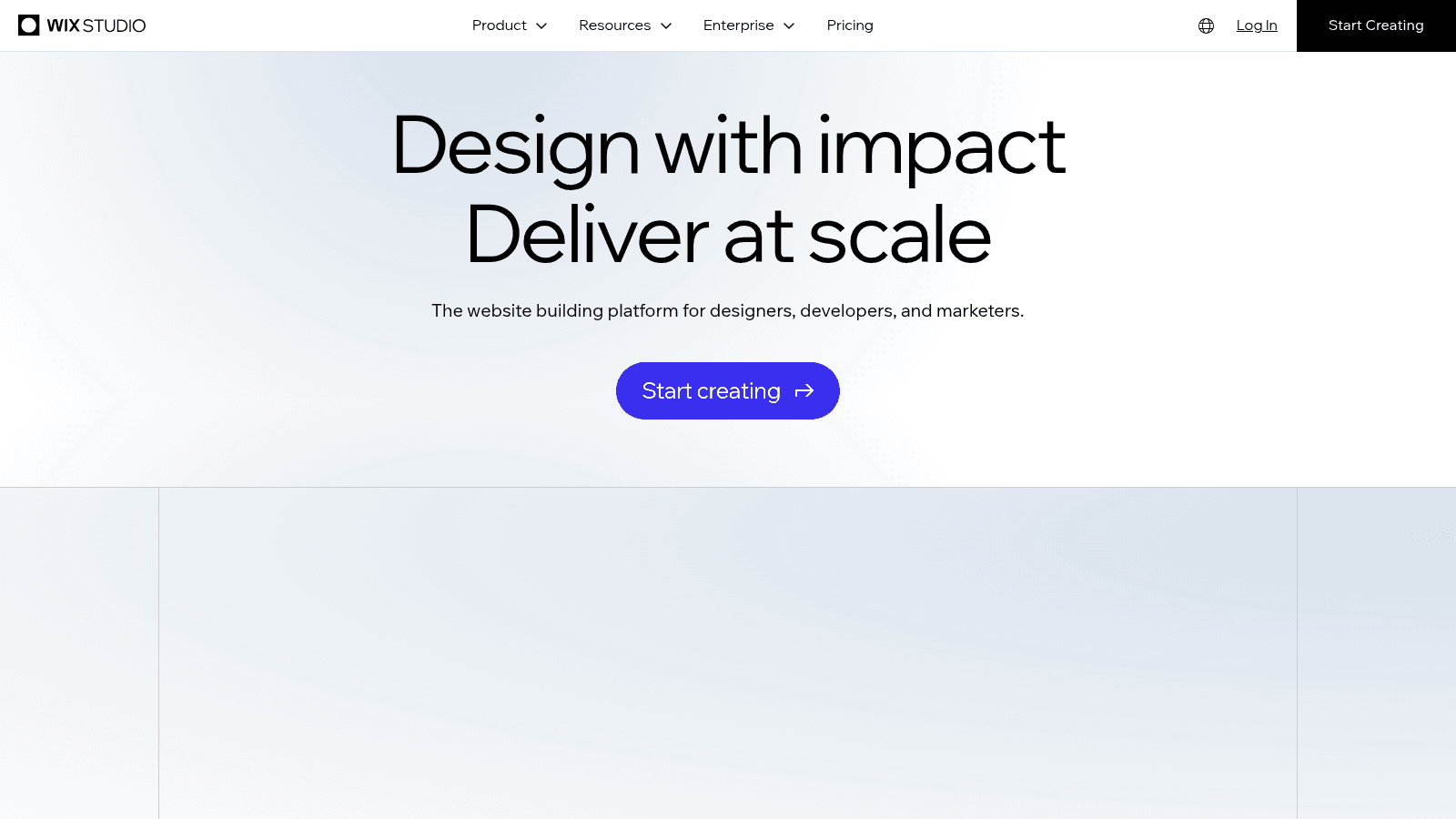
Overview: Wix Studio calls itself "The website building platform for designers, developers, and marketers," and it sells plans of its own, separate from core Wix.
Key features:
- Shared editing, in its words: "Work on the same site at the same time, with custom roles and permissions."
- Live comments during reviews.
- Customizable client handovers, with client-specific resources and roles.
Pricing: Basic is $19 a month, Standard $27, Plus $34 and Elite $159 (Enterprise is custom), and "Displayed prices are for yearly subscriptions, paid in full." Those four plans allow 3, 5, 10 and 100 collaborators and 1,500, 4,000, 20,000 and 10 million CMS items.
Pros: Co-editing with roles and permissions, live comments, a 14-day money-back guarantee
Cons: Multi-site management and SSO only on Enterprise, listed prices assume a year paid up front, 3 collaborators on Basic
Its edge over Webflow: Clients update content in a code-free CMS on the $19 Basic plan, billed yearly, where a paid Webflow site needs Premium ($25 yearly) for a CMS.
Final verdict: A strong home for agency client work, as long as you don't need multi-site management before Enterprise.
5. Webstudio
Best for: Open source without hosting lock-in
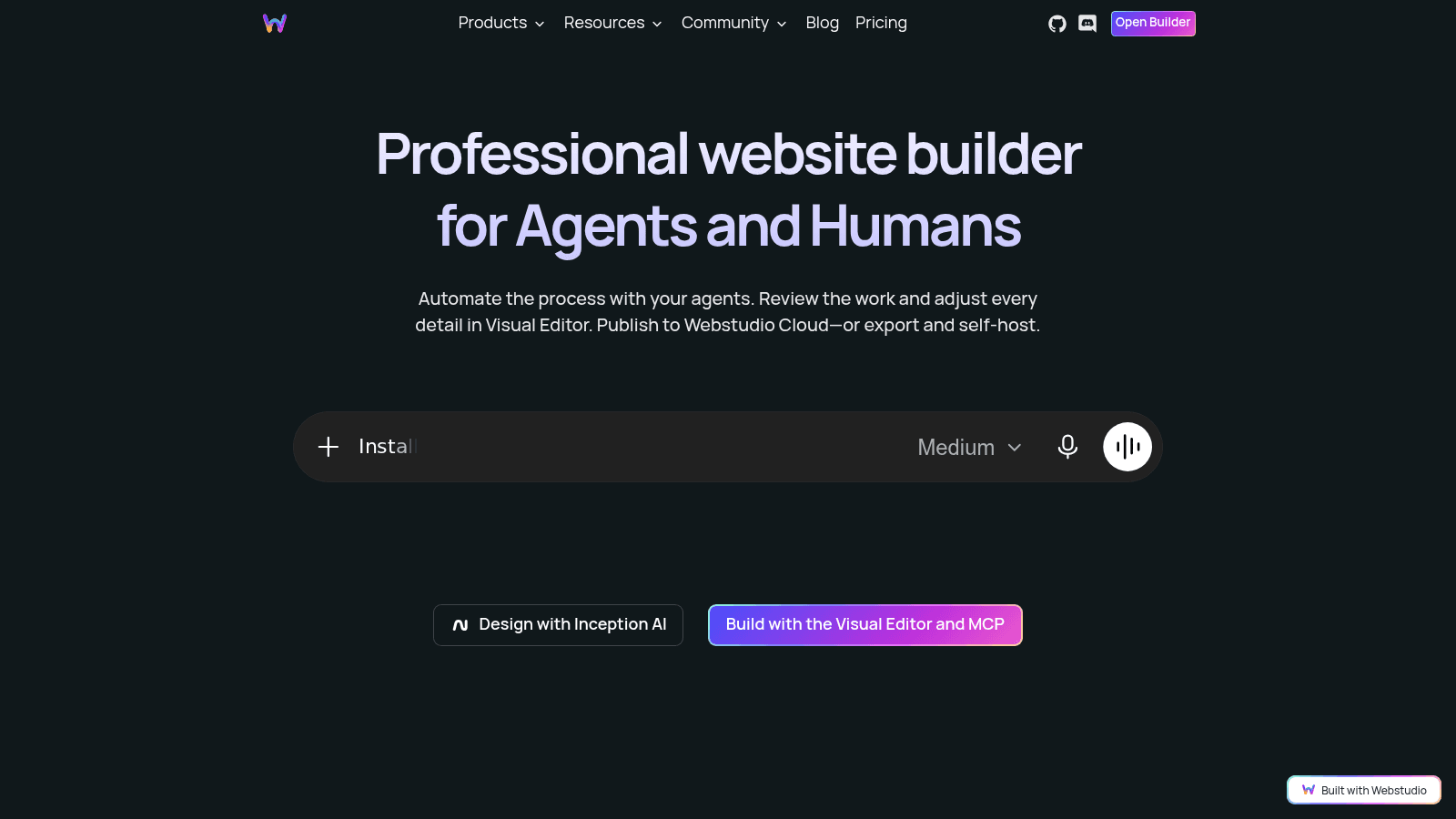
Overview: Webstudio bills itself as a "Professional website builder for Agents and Humans," and its pitch is about where the site lives: "Publish to Webstudio Cloud, or export and self-host."
Key features:
- Open-source code, with export for self-hosting.
- Unlimited sites with custom domains on Pro.
- Content pulled from an external CMS or API.
Pricing: Pro is $15 a month billed yearly for unlimited sites with custom domains and 100,000 page views a month, then $20 per extra 100,000. Self-hosting the site costs nothing, but dynamic CMS pages still need Pro unless you self-host the builder too.
Pros: Open source, $0 self-hosting, unlimited custom-domain sites on Pro
Cons: No CMS editor beyond Markdown files sized for small blogs, self-hosting means running the infrastructure, page-view charges past 100,000 a month
The job it wins: Self-hosting is a normal way to run a Webstudio site, and its own page says you can deploy anywhere "without paying Webstudio."
Final verdict: Right for teams that already have a developer and a content source in place.
6. Squarespace
Best for: Polished sites without a developer
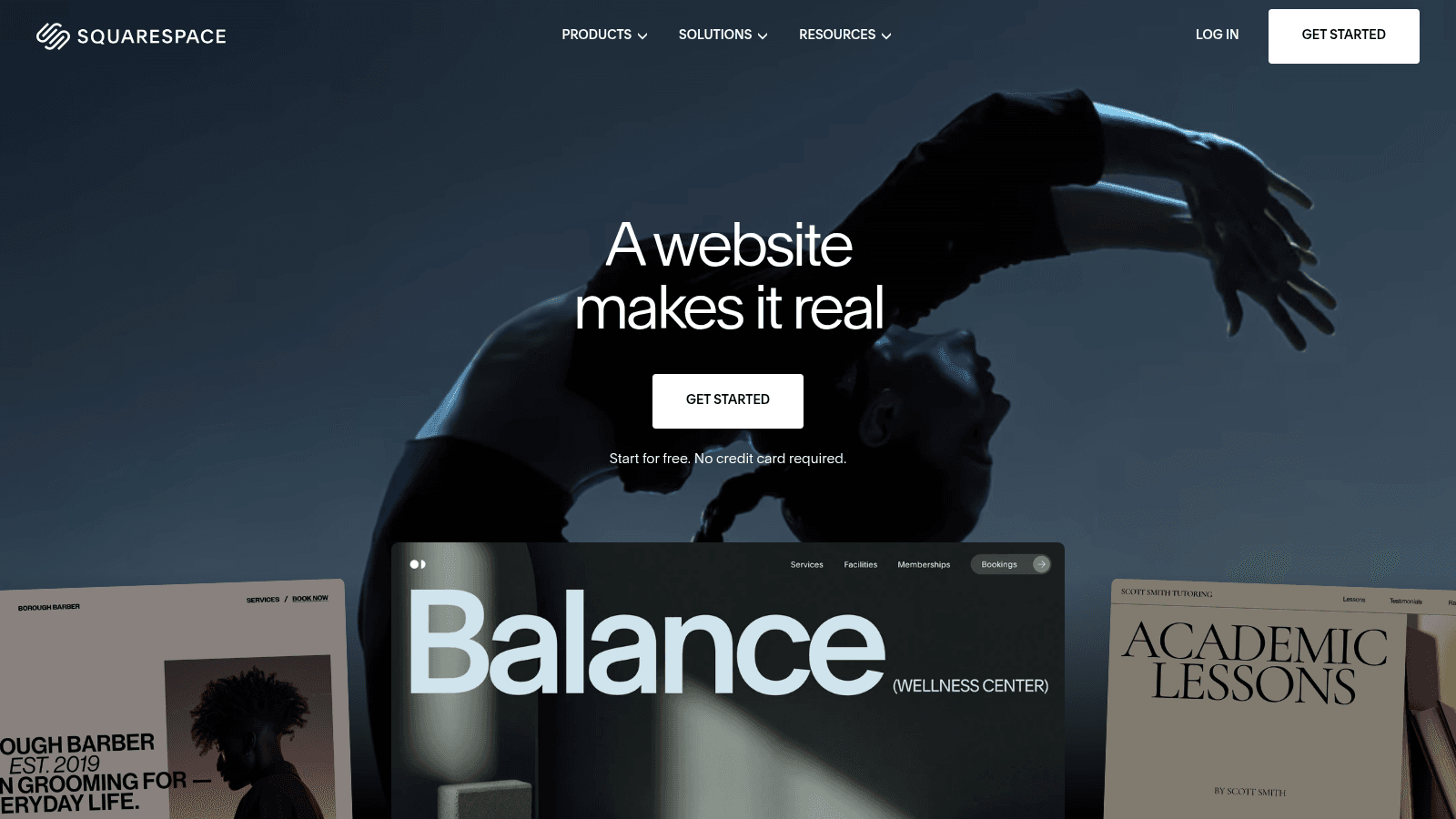
Overview: Squarespace ("A website makes it real") is for owners who want a finished-looking site without learning layout tools. Its own blog says it pairs "great design with intuitive, guided tools."
Key features:
- Polished templates as the starting point.
- Guided setup that walks an owner through the build.
- Selling from the Basic plan.
Pricing: Basic is $19 a month billed annually, then Core $29, Plus $49 and Advanced $99 on the same basis. Basic adds a 2% transaction fee, and Core and above charge 0%.
Pros: Polished templates, guided setup, no transaction fee from Core
Cons: Far less structural control than Webflow and custom CSS only from Core ($29), exports only some content (as an .xml file), a 2% fee on Basic
Better than Webflow at: Getting a non-designer to a site that looks good, because the template does the layout work Webflow's Designer leaves to you. The trade is the usual one in templates vs custom design: speed now, less control later.
Final verdict: Choose it when nobody on the team wants to touch a class name.
7. Shopify

Best for: Stores where selling comes first
Overview: Shopify's homepage tells would-be founders to "Dream big and build fast on Shopify," and every plan is built around the store.
Key features:
- Card rates that drop from 2.9% + 30¢ on Basic to 2.5% + 30¢ on Advanced and 2.25% + 30¢ on Plus.
- CSV product import, the same file format Webflow uses to export products and variants.
- Plus for large stores, from $2,300 a month on a 3-year term or $2,500 on a 1-year term.
Pricing: Basic is $29 a month yearly or $39 monthly, Grow $79 or $105, and Advanced $299 or $399. After a 3-day trial, you pay $1 a month for 3 months.
Pros: Store-first plans, falling card rates, a $1-a-month start
Cons: Content-heavy marketing sites take more work, card fees on each sale, Plus only on 1- or 3-year terms
Why it's a good Webflow alternative: Webflow caps its store plans at 500, 5,000 and 15,000 items, while every Shopify plan lets you sell unlimited products.
Final verdict: Move here when selling is the job: the catalog travels by CSV, and the storefront design is what Shopify website design agencies get hired to rebuild.
8. Duda
Best for: Many client sites in one account
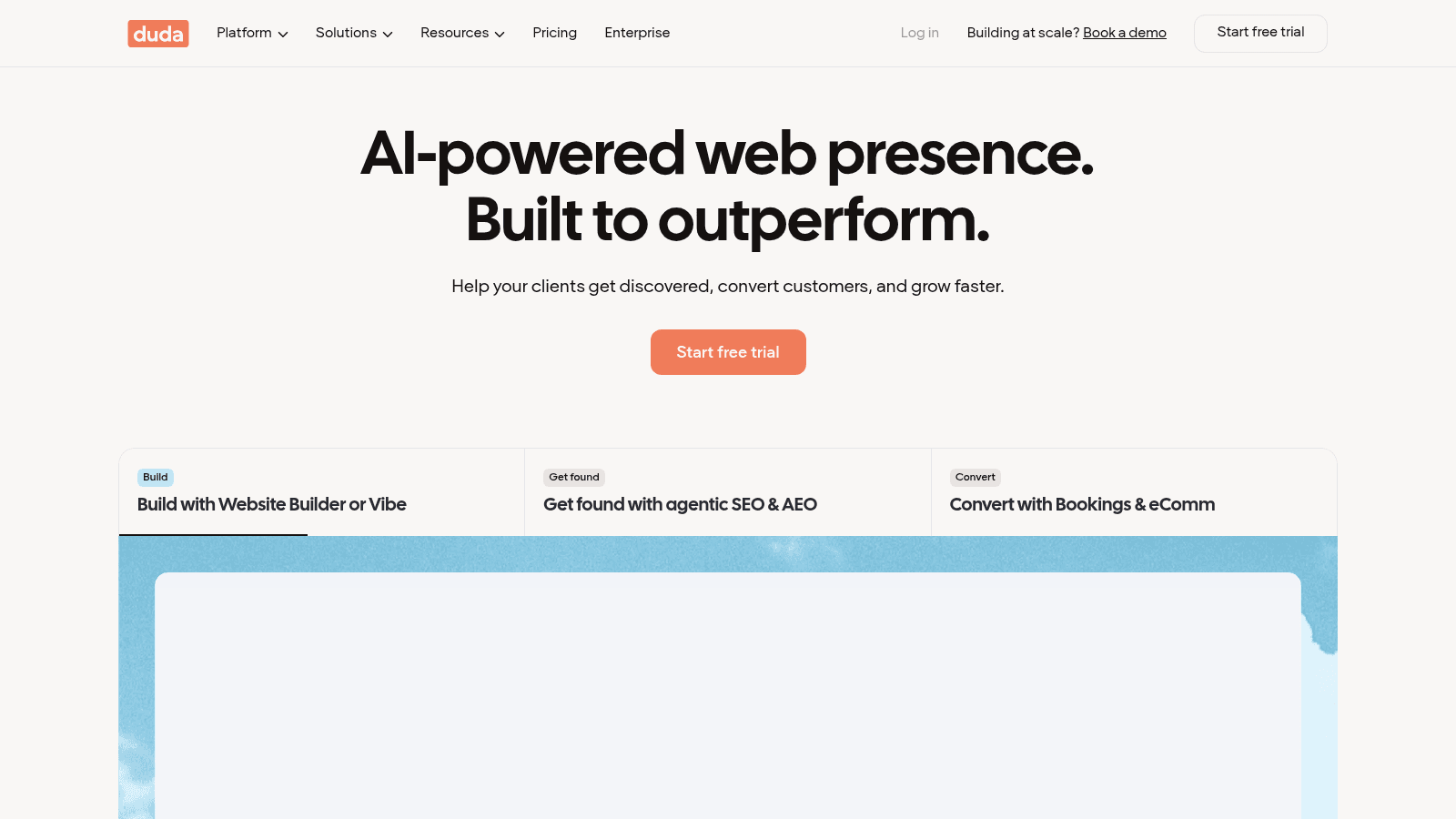
Overview: Duda's hero reads "AI-powered web presence. Built to outperform." Its plans run from Basic to White Label.
Key features:
- 3 team seats on Team and 6 on Agency.
- 4 published sites on Agency, then $17 a month for each extra site.
- A 14-day free trial before you commit.
Pricing: Duda's Basic costs $19 a month on annual billing or $25 monthly, Team $29 or $39, Agency $52 or $69, and White Label $149 or $199.
Pros: One account for a client roster, yearly or monthly billing on every tier, a 14-day free trial
Cons: A manual rebuild for each site you move, 3-5 hours per site by Duda's own estimate, a jump from $52 to $149 a month (yearly) for White Label
Where it pulls ahead: Duda's Agency plan covers 4 published client sites for $52 a month, while Webflow's $35 Agency workspace still needs a paid site plan for each one, both billed yearly.
Final verdict: Worth it for agencies with a roster, and Duda's support doc calls its rebuild approach "generally more manageable for agencies with up to 20 sites to migrate."
9. Unbounce
Best for: Landing pages you A/B test
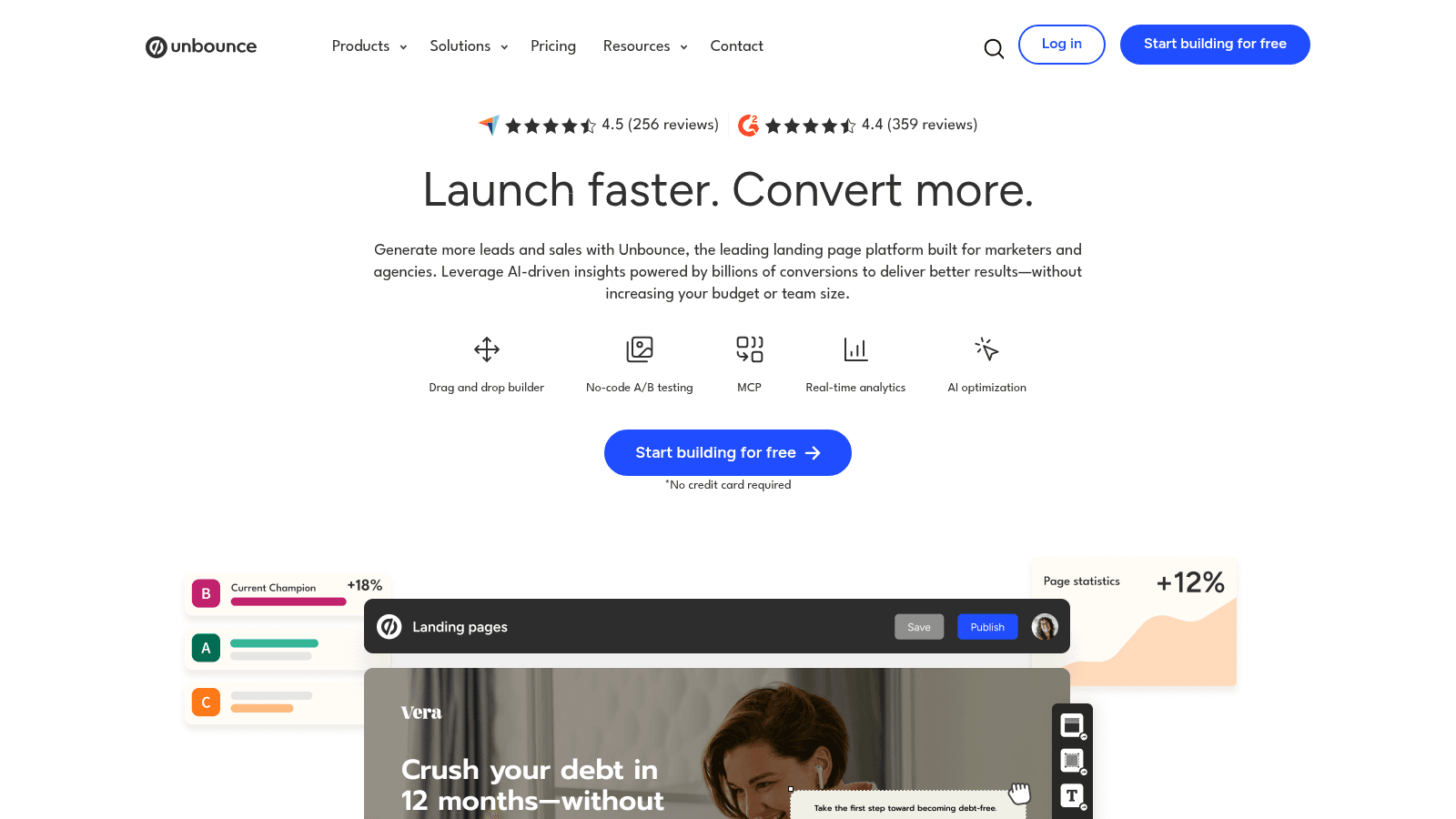
Overview: Unbounce ("Launch faster. Convert more.") builds landing pages rather than whole sites. If your Webflow site mostly exists to run campaigns, it's one of the best Webflow alternatives for landing pages.
Key features:
- Unlimited A/B testing from the Experiment plan.
- AI traffic optimization on Optimize.
- Unlimited conversions and free hosting on every plan.
Pricing: Billed annually, Starter is $22 a month (5 pages, up to 500 visitors), Build $74 (unlimited pages, 20k visitors), Experiment $112 (30k) and Optimize $187 (50k), or $29, $99, $149 and $249 month to month. A 14-day free trial comes first.
Pros: Testing built into the plans, unlimited conversions, free hosting
Cons: Landing pages only, a traffic cap on every plan, A/B testing from $112 a month billed annually
The job it does better: Unlimited A/B testing comes in the $112 Experiment plan, billed annually, while Webflow sells testing and AI optimization as its Optimize add-on from $299 a month billed yearly.
Final verdict: Keep the main site where it is and move campaign pages here once you're testing offers every month.
10. TeleportHQ
Best for: Website code your developers keep
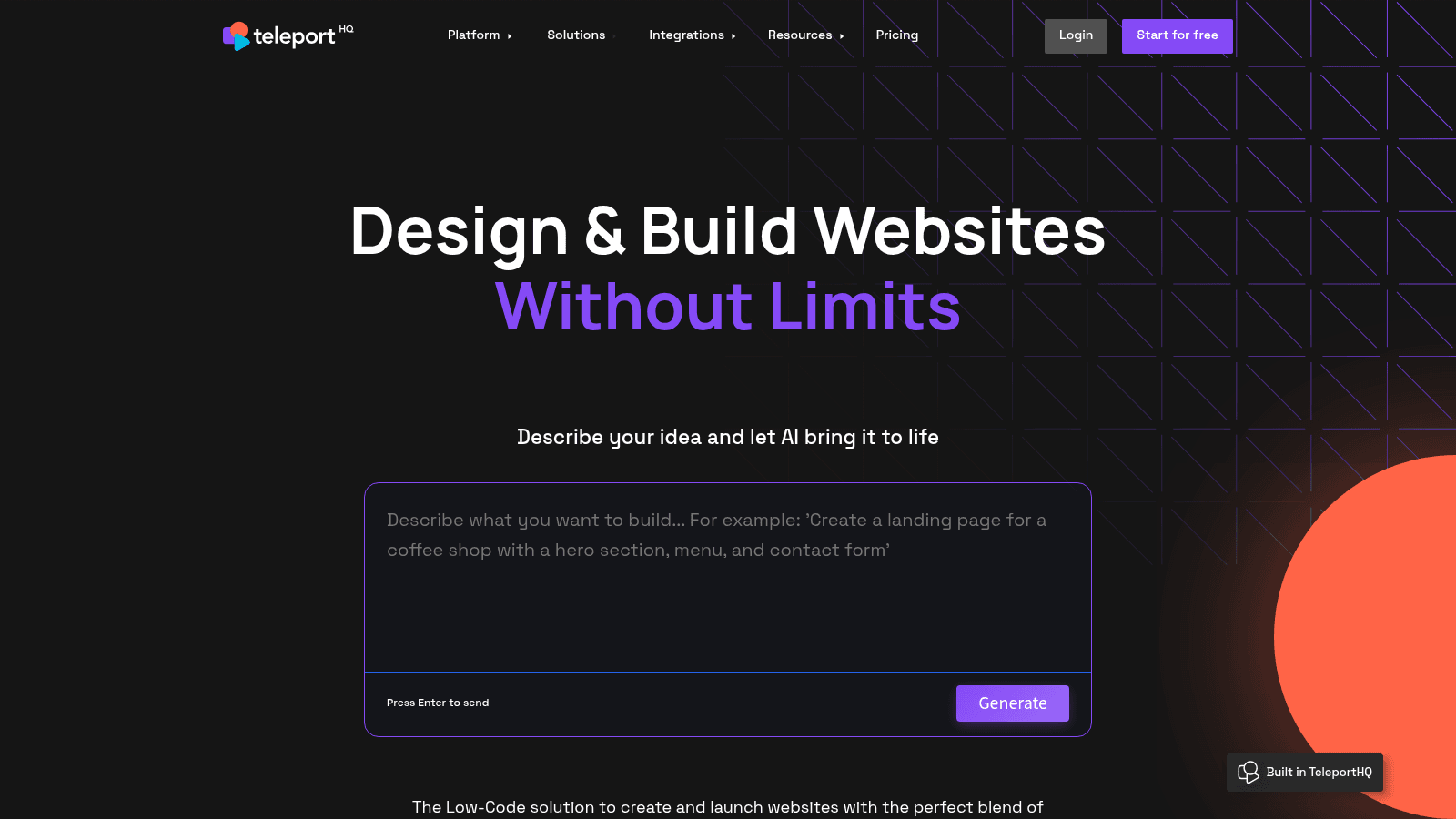
Overview: TeleportHQ ("Design & Build Websites Without Limits") can start a site from a prompt ("Describe your idea and let AI bring it to life"), and on Pro it exports what you build as code.
Key features:
- Code export to HTML, CSS, React, Next.js, Vue and Angular on Pro.
- AI generation from a written description.
- Headless CMS integrations, including Strapi, Contentful and WordPress.
Pricing: Pro is $14 a month and Premium $28, both billed yearly, which TeleportHQ says saves 33%. Web-app projects need Premium or an add-on slot at $19.99 a month.
Pros: Six export targets, a $14 Pro plan, a trial with no card
Cons: Web apps need Premium or the add-on, headline prices assume yearly billing, a 7-day trial window
Where it wins: Export is the point here, so developers leave with React, Next.js, Vue or Angular code they can keep building on.
Final verdict: Pick it when the site is a starting point for developers rather than a finished product.
11. Ycode
Best for: A self-hosted visual builder with a CMS
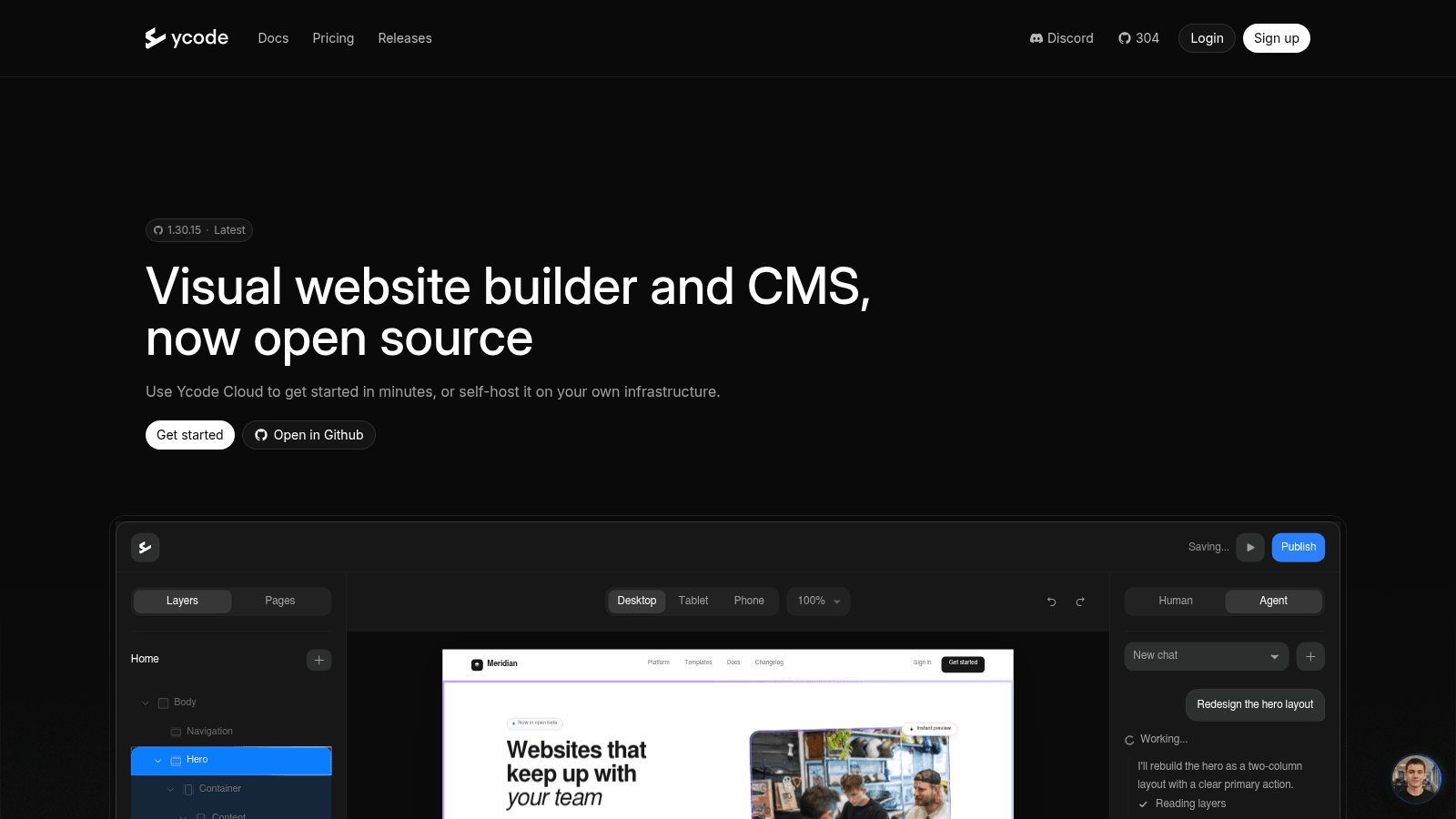
Overview: Ycode describes itself as a "Visual website builder and CMS, now open source," and runs a page titled "Open Source Webflow Alternative." Unlike Webstudio, whose Content Engine runs small blogs from Markdown files, it ships a full CMS inside the builder.
Key features:
- A built-in CMS, with 20,000 items on Cloud.
- Self-hosting at no cost.
- Unlimited users and custom domains on Cloud.
Pricing: Self-hosting is $0 with unlimited CMS items, and Cloud costs $25 a month yearly or $30 monthly, with a free trial.
Pros: A Webflow-style visual builder, a CMS in the box, free self-hosting
Cons: Self-hosting means deploying it yourself, maintenance stays with you, no more CMS room on Cloud than Webflow Premium
Its real strength: It keeps the shape Webflow users know, a visual builder plus a CMS, and lets you run it on servers you control.
Final verdict: The pick for Webflow users who want the same kind of tool on infrastructure they own.
The best Webflow alternatives for landing pages
When a site's real job is launching campaign pages, three tools here beat Webflow at it, and they split by what happens after launch. Unbounce is the testing pick: its Experiment plan adds unlimited A/B testing for $112 a month billed annually, while the $22 Starter plan stops at 5 pages and 500 visitors.
Framer suits a page whose design carries the message, and its free plan lets you build one before paying. Our Studio fits a page that has to go live from a brief this week and then stay current through scheduled automations.
Pick by traffic and testing: Unbounce prices by monthly visitors, and a page you'll never split-test doesn't need its Experiment plan.
Affordable alternatives to Webflow and what they cost
The affordable alternatives to Webflow depend on what you'd pay Webflow for, which for one site with a CMS is Premium at $25 a month billed yearly, before any team costs. The table lists each tool's cheapest paid plan and the first thing that raises the bill.
| Tool | Cheapest paid plan | Price and billing | What raises the bill |
|---|---|---|---|
| Webflow (for reference) | Basic, no CMS | $15/month yearly, $25 monthly | Premium for a CMS; workspace plans and seats for teams |
| Awesomic Studio | Basic | $20/month, spent as agent budget | Pro ($200) or Maximum ($500) |
| Framer | Basic, 2 CMS collections | $10/month yearly, $15 monthly | Pro ($30 yearly) for 10 collections |
| WordPress + Elementor | Elementor Pro Essential | $60/year, billed annually | Hosting, such as Kinsta at $30/month yearly |
| Wix Studio | Basic | $19/month, yearly paid in full | Plus ($34) for 20,000 CMS items |
| Webstudio | Pro | $15/month billed yearly | $20 per 100,000 page views past 100,000 |
| Squarespace | Basic | $19/month billed annually | A 2% transaction fee until Core ($29) |
| Shopify | Basic | $29/month yearly, $39 monthly | Card rates from 2.9% + 30¢ |
| Duda | Basic | $19/month yearly, $25 monthly | Higher tiers, up to White Label at $149 yearly |
| Unbounce | Starter, 5 pages | $22/month yearly, $29 monthly | Experiment ($112 yearly) for A/B testing |
| TeleportHQ | Pro | $14/month billed yearly | Premium ($28) or a $19.99 add-on for web apps |
| Ycode | Cloud | $25/month yearly, $30 monthly | The 20,000-item CMS cap (self-hosting on your own Vercel and Supabase accounts removes it) |
Five of the 11 alternatives start at $0: the free plans of Framer and Wix Studio, which publish on their own subdomains, and the free, self-hosted software of WordPress, Webstudio and Ycode. A $0 license can still cost more than Webflow, though, because Elementor Pro Essential ($60 a year) plus Kinsta's entry hosting ($30 a month billed annually) comes to $35 a month, $10 above Premium's yearly rate.
How hard is it to move off Webflow?
Every move starts from the same export, so know what it gives you before you choose where to go.
What Webflow's export gives you
Code export sits on paid workspace plans. CMS items come out separately as CSV, one collection at a time. Forms, site search, checkout, password protection and every locale but the primary one stop working, and the code can't go back into Webflow afterward, so treat the export as raw material and keep the old site live until the new one passes review.
What each destination asks of you
The vendors describe the work in their own terms:
- Framer's guide has you export each CMS collection as CSV, download your assets and rebuild the pages, and it warns that Webflow's code export "does not recreate Webflow CMS, forms, search, localization, ecommerce, or other hosted behavior in Framer."
- Duda's support doc puts a manual rebuild at 3-5 hours per site.
- Webstudio lets you copy elements in Webflow's Designer and paste them in, translating them into its own components and styles.
- WordPress's own import tools don't list Webflow, so pages get rebuilt by hand in Elementor, though its import docs point to the WP All Import plugin for CSV files, the format Webflow exports CMS collections in.
- Shopify imports products by CSV, and Webflow exports products and variants as CSV, which moves the catalog but not the pages around it.
On every route the pages get rebuilt, so the design budget below matters as much as the plan price.
Budget design time into the rebuild
A rebuild that looks worse than the Webflow site it replaces loses trust fast. In a 2008 study, Robins and Holmes had 20 people make 840 credibility judgments, and the same content with a stronger visual treatment was rated more credible (p < 0.001), which they call "the amelioration effect." The average judgment took 3.42 seconds.
Looks shape perceived ease of use, too. Tractinsky and colleagues found in a 2000 study of 132 participants that perceived aesthetics and perceived usability correlated at r = 0.66 before use, and that after use the system's aesthetics still shaped how usable people judged it, while its actual usability didn't.
So price the move in design hours as well as plan fees: rebuild your highest-traffic templates first, compare each against the live Webflow page, and switch the domain only when they match.
How to choose the right Webflow alternative
Most Webflow alternatives win one job, so name the job Webflow is failing first. Design-led marketing sites point to Framer, agencies handing sites over should look at Wix Studio (or Duda once the roster grows), and a store pushing against Webflow's item caps belongs on Shopify.
Ownership points to WordPress or Ycode if you want the CMS built in, and to Webstudio if you'll connect one. Developers who want the code should start with TeleportHQ, and campaign teams that test every month belong on Unbounce.
If none of those jobs is the one that hurts, staying is a fair answer. When Webflow fits and the gap is hours, we can match you with Webflow developers who already know the Designer.
Start with the page Webflow is slowing down
Don't migrate a whole site to test Webflow alternatives. Take the one page or job that's hurting now, rebuild it on the tool that wins that job, using a free plan or trial where one exists, and compare it with what you'd have shipped in Webflow.
If that page is a landing page you need live this week, Get started with Awesomic Studio on Basic and give the agents your brief.
FAQ
What are the best Webflow alternatives?
The best alternatives to Webflow depend on the job. Framer suits design-led marketing sites, Wix Studio and Duda suit agencies with client sites, Shopify suits stores, and Unbounce suits tested landing pages. WordPress, Webstudio and Ycode suit teams that want to own the stack, and TeleportHQ suits developers who want the code.
What are the most affordable alternatives to Webflow?
Framer's Basic plan is the cheapest vendor-hosted plan here with a built-in CMS on your own domain, at $10 a month billed yearly ($15 monthly) against $25 for Webflow Premium. At $0, Framer's free plan runs a CMS on a Framer domain, and WordPress, Webstudio and Ycode cost nothing to self-host, though hosting and upkeep then land on you.
Is Framer better than Webflow?
For a design-led marketing site with a modest blog, often yes, since Framer's Basic plan includes a CMS and Webflow's Basic doesn't. Webflow wins once content grows (Premium includes 20,000 items, Framer Pro 2,500 before add-ons) or the site needs a native store. The deciding number in most Framer vs Webflow choices is how many CMS items you'll have in a year.
Can I export my Webflow site and move it?
Partly. Paid workspace plans include code export, but dynamic content comes out one collection at a time, forms stop working, and Webflow says exported code "can't be reimported." Plan it as a rebuild: export the CMS collections, rebuild the templates, and map every old URL to its new home before the domain moves.
Is there an open-source alternative to Webflow?
Yes. WordPress, Webstudio and Ycode are all open source and free to self-host. Ycode pairs a visual builder with its own CMS, while Webstudio runs small blogs from Markdown files and connects to an external CMS or API for more, and either way the server and its upkeep become your job.
One subscription and your hiring problems solved


FAQ


Awesomic is a revolutionary app that matches companies with vetted professionals across 30+ skill sets, from design and development to marketing and product. Based in San Francisco with a global core team, we offer a faster and more flexible alternative to traditional hiring through a subscription-based model. Awesomic delivers high-quality talent on demand, without the delays of recruiting.
We function as a subscription-based service that matches you to top-tier, vetted talent. Submit a project in just a few clicks and start receiving deliverables in as little as 24 hours. Scale your Awesomic plan up or down as your business needs change.
Every Awesomic subscription comes with unlimited revisions. You receive daily progress updates via the app, and you can provide feedback or request iterations as needed. If your project requires a different approach, you can request a talent rematch at any time, at no extra cost. You can also add teammates to collaborate and streamline feedback
A talent marketplace is a platform that utilizes data and intelligent matching algorithms to connect professionals with projects based on their skills, experience, and availability. While often used internally by large companies, Awesomic applies this model at scale, matching vetted global talent to your most critical business needs.
Hiring is time-consuming, expensive, and risky. Awesomic eliminates that problem. We rigorously vet all talent for technical ability, communication, and soft skills, ensuring only senior-level professionals work on your projects. You skip the job posts, interviews, and delays, and get straight to results.
No, Awesomic goes beyond design. While many clients utilize us for branding, UI/UX design, or motion graphics, we also provide vetted talent in no-code web development, product design, marketing, and more. Think of us as an extension of your team. A flexible, high-performing creative partner from planning to execution, whether you're building awesome products or scaling your team.
You can talk directly with your matched talent via the Awesomic app, connect via Slack, email, or schedule video calls. No matter the plan, you’ll receive daily updates in the app for every active task. You can also tag us in for any issues through our in-app customer chat.


