




Best Website Builders in 2026: Our Top Picks


Key takeaways:
- Eight of the eleven builders here can sell on at least one plan, but often not the cheapest: Wix needs its $29 Core plan, and GoDaddy keeps its full store on Ultimate at $99.99 a month.
- Intro and renewal prices differ. Hostinger's $2.99-a-month Premium plan, sold on a 48-month term, renews at $10.99, and GoDaddy says its rates cover the first year only without publishing the renewal.
- The other three show no way to run a store: Durable offers invoicing and lead capture rather than a cart, Framer's pricing page lists no store or checkout plan, and our own Awesomic Studio claims no checkout.
- Speed varies by platform. HTTP Archive data for 2025 puts the share of mobile sites with good Core Web Vitals at 85% for Duda, 74% for Wix and 45% for WordPress.
Website builders let you put a business online without code: you type a prompt or pick a template, edit the pages, and the vendor hosts the result for a monthly fee. In 2026 they work very differently, since some hand you a template gallery, some draft the whole site from a sentence, and some are store platforms with pages attached.
This list is for small business owners and founders choosing a first or replacement site, from a services firm that needs bookings to a shop that needs a checkout. We checked every price on the vendor's own pricing page on September 11, 2026, and for each builder we name the plan you need to sell and, where it's published, the renewal price.
We put our own Awesomic Studio first, and we're upfront about its limit: it builds and hosts sites from a description, but it isn't a store builder. Every tool below publishes a website to a URL, while an app's screens usually end up in a developer's build, so we ranked app design apps as a separate list.
What is a website builder?
A website builder is hosted software that rolls three jobs into one subscription: a visual editor, a server for the site to live on and a way to connect your domain. You don't install anything or patch a server, and in exchange the vendor sets the limits, from storage and editor seats to which plan can sell.
Most builders start you from a template library (Wix lists 2,000+ templates, Hostinger 400+) or a prompt box where AI drafts the pages. Either way the builder publishes the finished site, which is the line between it and the UI design tools that produce screens for someone else to build.
The 11 best website builders for 2026, compared
The table follows the list order. Pricing (from) is the lowest price we verified for each tool, with the billing basis in parentheses, and the rating measures how well it does the job in its Best for column, not overall quality.
| Tool | Best for | Key features | Main limitation | Pricing (from) | Rating |
|---|---|---|---|---|---|
| Awesomic Studio | Describing a site and getting it live | Agent-built pages, hosting, code export | No ecommerce or checkout | $20/month | ★★★★★ |
| Wix | All-round small business sites | AI site builder, 2,000+ templates, built-in SEO tools | Selling starts at Core ($29) | $0 (free plan) | ★★★★★ |
| Shopify | Stores where selling is the point | Sidekick AI, Shopify Payments, Plus for scale | No free plan; card fees stack | $29/month (yearly) | ★★★★★ |
| Squarespace | Design-led sites that sell | Built-in AI Tools, selling from Basic | 2% store fee on Basic | $19/month (yearly) | ★★★★★ |
| GoDaddy Website Builder (Airo) | Local services taking bookings | Airo AI agent, bookings, payments | Full store only on Ultimate | $0 (free plan) | ★★★★☆ |
| Durable | Service firms wanting AI upkeep | Site from a prompt, AI Agents, light CRM | No storefront or cart | $0 (free plan) | ★★★★☆ |
| Webflow | Design teams that want control | Visual canvas to HTML/CSS, CMS, Webflow AI | Steeper learning curve | $0 (free plan) | ★★★★☆ |
| WordPress.com | WordPress without running a server | Guided AI builder, plugins, WooCommerce | WooCommerce only on Commerce ($45) | $0 (free plan) | ★★★★☆ |
| 10Web | AI-built WordPress sites | Redesign, cloning and Figma agents | WordPress quirks underneath | $10/month (discounted annual) | ★★★★☆ |
| Hostinger Website Builder | Budget sites on a long term | AI credits, 400+ templates, drag-and-drop | Renews at more than 3x intro | $2.99/month intro (renews $10.99) | ★★★★☆ |
| Framer | Polished marketing sites | AI design agent, CMS collections, staging | No store or checkout plan listed | $0 (free plan) | ★★★★☆ |
Six of the eleven offer a $0 plan, and each entry below adds the plan you'd need to sell and any published renewal rate.
1. Awesomic Studio
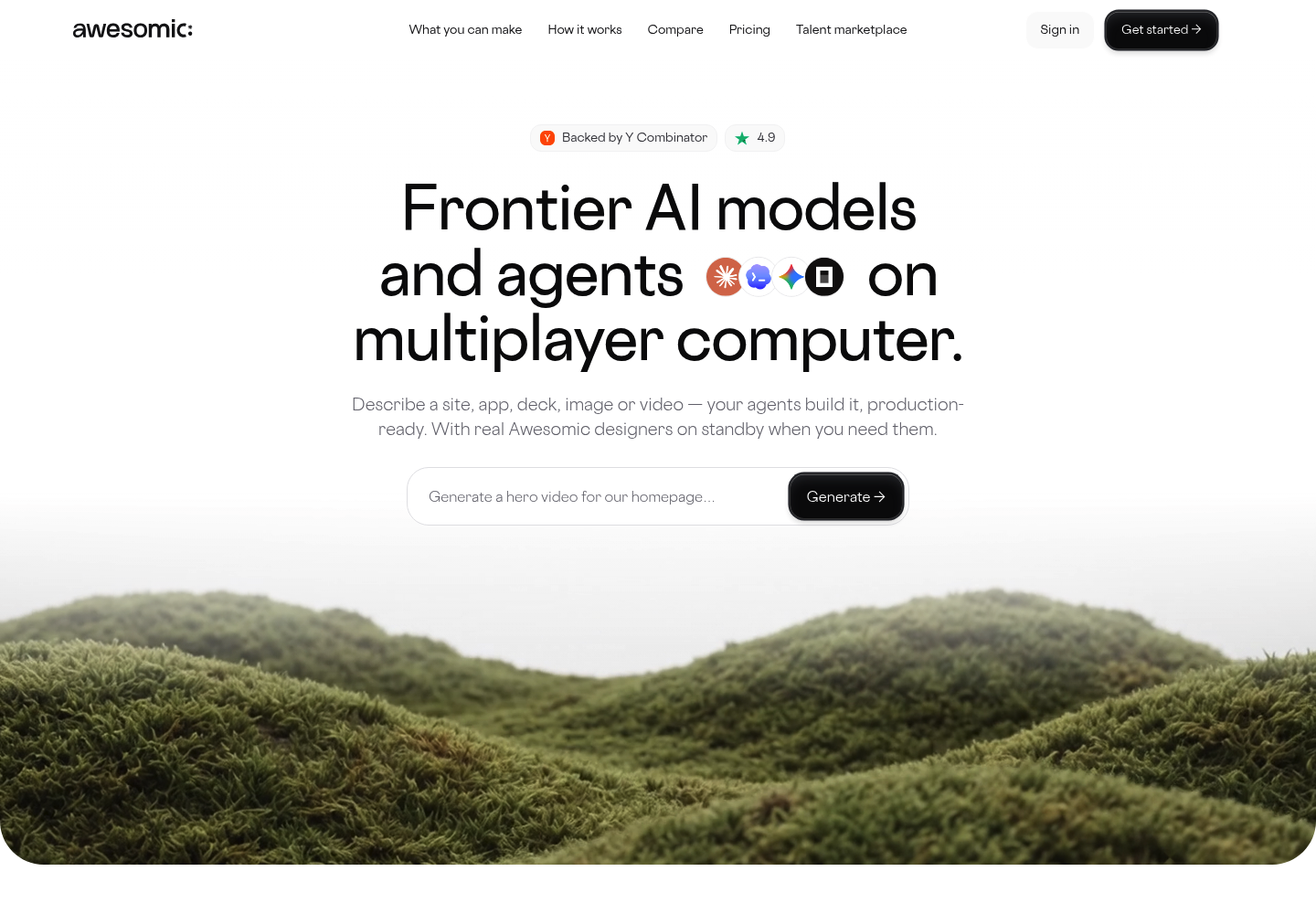
Best for: Describing a site, then publishing it
Overview: We built Awesomic Studio for owners who know what their site should say but don't want to learn an editor. You describe it in plain words, add files or links, and Studio's agents write the code, build the pages and put the site online.
What makes it a website builder is the last step. Studio hosts what the agents build and publishes it to a live URL, private while your team reviews it and public when it's ready, and you can export the result to code if the site should live elsewhere.
Awesomic is backed by Y Combinator, and Awesomic Studio is our self-serve product, with a vetted designer on call when the agents miss.
Key features:
- Plain-language briefs from text, files or links, so you describe the site instead of arranging blocks
- Coding agents that build end to end, so the pages are real code
- Built-in hosting, so there's no separate host to buy
- Private or public publishing, so your team checks a live link first
- Export to code or other tools, so the site can leave Studio later
- Scheduled updates that run on their own, even with the tab closed
Pricing: Studio sells three plans: Basic at $20 a month, Pro at $200 and Maximum at $500. Each price doubles as that month's spend budget, though the page doesn't say how fast a build uses it.
Pros: plain-language briefs, exportable code, built-in hosting, private review links, a human designer on standby
Cons: it isn't an ecommerce builder, with no checkout or payments claim anywhere on its page, and there's no free plan or trial
How to start using it:
- Write two or three sentences on who the site is for and what visitors should do.
- Add what you have: a logo, photos, current copy, links to sites you like.
- Start on Basic, where the $20 is also your first month's agent budget.
- Review the draft on a private link and ask for changes in plain words.
- Publish to a public URL, or export the code to host it elsewhere.
Why it's a good website builder: You go from a description to a hosted, custom site without learning an editor. For a services business or a launch that can't wait, that's most of the job.
Final verdict: Choose Studio when you'd rather describe a site than assemble one. If you sell products, run the store on Shopify, Wix or Squarespace instead, because nothing on Studio's page offers a checkout or payments.

2. Wix
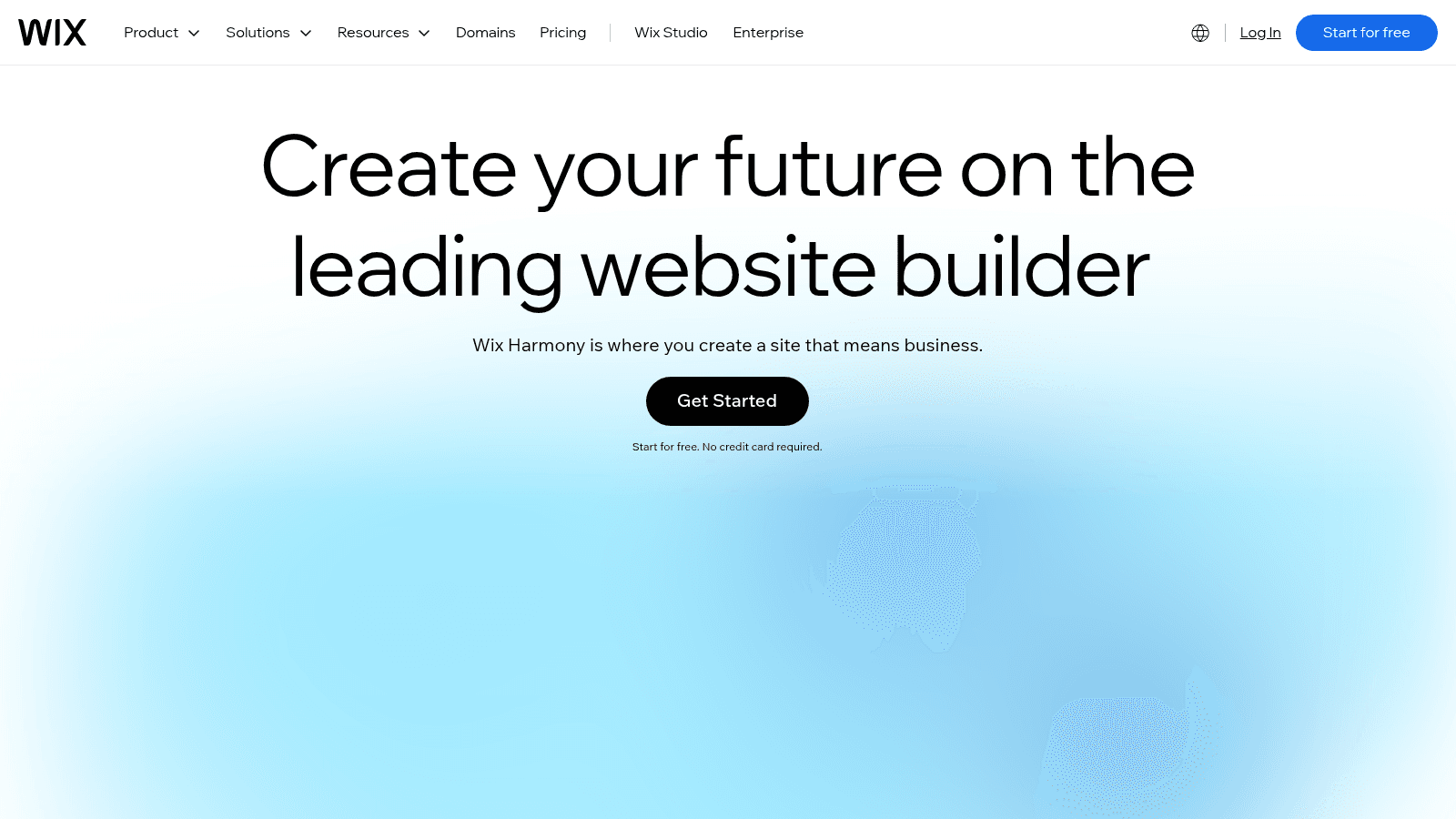
Overview: Wix is the all-rounder: 2,000+ templates plus an AI website builder that drafts a full site from a prompt, which its homepage now calls Wix Harmony.
Key features:
- Prompt-to-site AI for a fast first draft
- Built-in SEO tools for search basics
- Payments from Core, so checkout sits in the same account
Pricing: Yearly plans, paid in full, run Light $17, Core $29, Business $39 and Business Elite $159 a month, above a $0 plan with no custom domain. Wix shows USD prices for reference, and your billing location sets the final price.
Pros: a free plan to test, prompt-to-site AI, selling from Core
Cons: no selling on Free or Light, storage and collaborator caps, location-based final pricing
Why it's a good website builder: A site can start as pages and add a store later without switching platforms.
Final verdict: Start on Core at $29 if you'll sell anything.
3. Shopify

Overview: Shopify is a commerce platform first: the storefront, checkout and payments come before the pages around them. Sidekick, its AI assistant, works inside the store admin.
Key features:
- Shopify Payments, with card rates that drop by plan
- Sidekick, an AI assistant in the admin
- Plus, from $2,300 a month, for larger stores
Pricing: Basic is $29 a month paid yearly ($39 monthly), Grow $79 ($105) and Advanced $299 ($399). After a 3-day free trial, Shopify says most plans cost $1 a month for the first three months.
Pros: sells from Basic, card rates down to 2.5% + $0.30, $1 first months
Cons: no free plan, card fees on top, an annual contract for Plus
Where it beats the alternatives: Its plans are organized around the store, not the pages.
Final verdict: The default for a product business, and more than a services site needs.
4. Squarespace
Overview: Squarespace is built for design-led small businesses that want commerce in the same tool. Its Built-in AI Tools run on AI credits, with a bigger allowance on each higher plan.
Key features:
- Selling from the $19 Basic plan
- Unlimited contributors from Core
- Invoices with no transaction fees on any plan
Pricing: On annual billing you'll pay $19 a month for Basic, $29 for Core, $49 for Plus and $99 for Advanced. Basic also adds a 2% online-store fee on top of its 2.9% + $0.30 card rate.
Pros: sells from the entry plan, AI tools built in, a 2.5% + $0.30 card rate on Advanced
Cons: 2 contributors on Basic, a 2% store fee on the same plan, metered AI credits
Its real strength: A designed site and a working store under one subscription.
Final verdict: A good fit for a shop that wants pages and products in one place.
5. GoDaddy Website Builder (Airo)
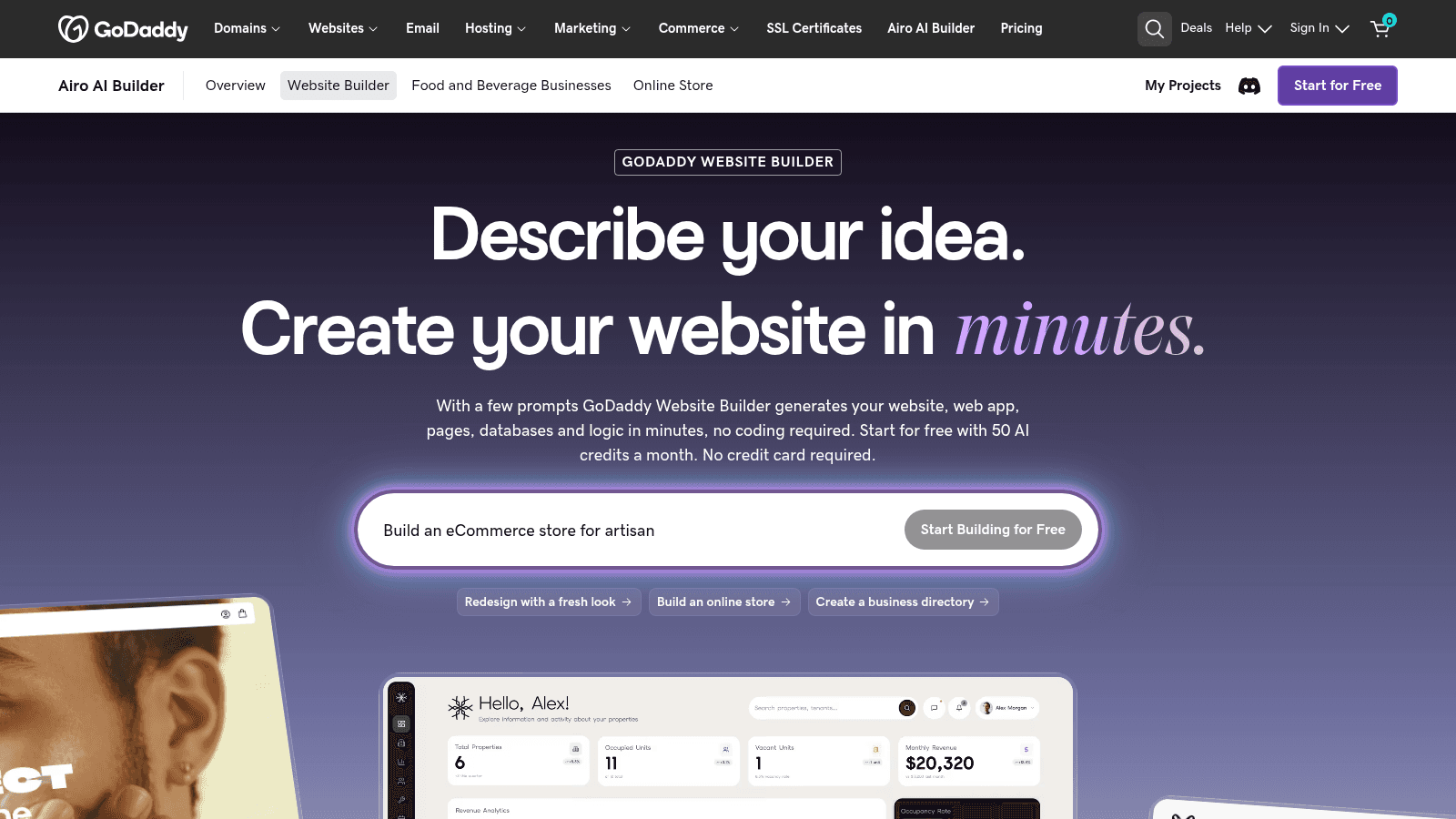
Overview: GoDaddy's builder now runs on GoDaddy Airo, an AI agent that generates the site from a description ("Describe your idea. Create your website in minutes," its page says).
Key features:
- Airo, which drafts the site from a short description
- Bookings and payments on Professional, marked "Most Popular"
- Online stores and client-site management on Ultimate
Pricing: Starter is $9.99 a month billed annually, Professional $24.99 and Ultimate $99.99, above a free plan. Those rates cover the first year only and renew at current prices the page doesn't publish.
Pros: a free plan, AI drafting, bookings and payments on the middle plan
Cons: full store selling only on Ultimate, no published renewal price, AI credits capped by plan
Who it suits: A salon, clinic or trade business that needs bookings more than a catalog.
Final verdict: Worth it on Professional, once you know the renewal price.
6. Durable
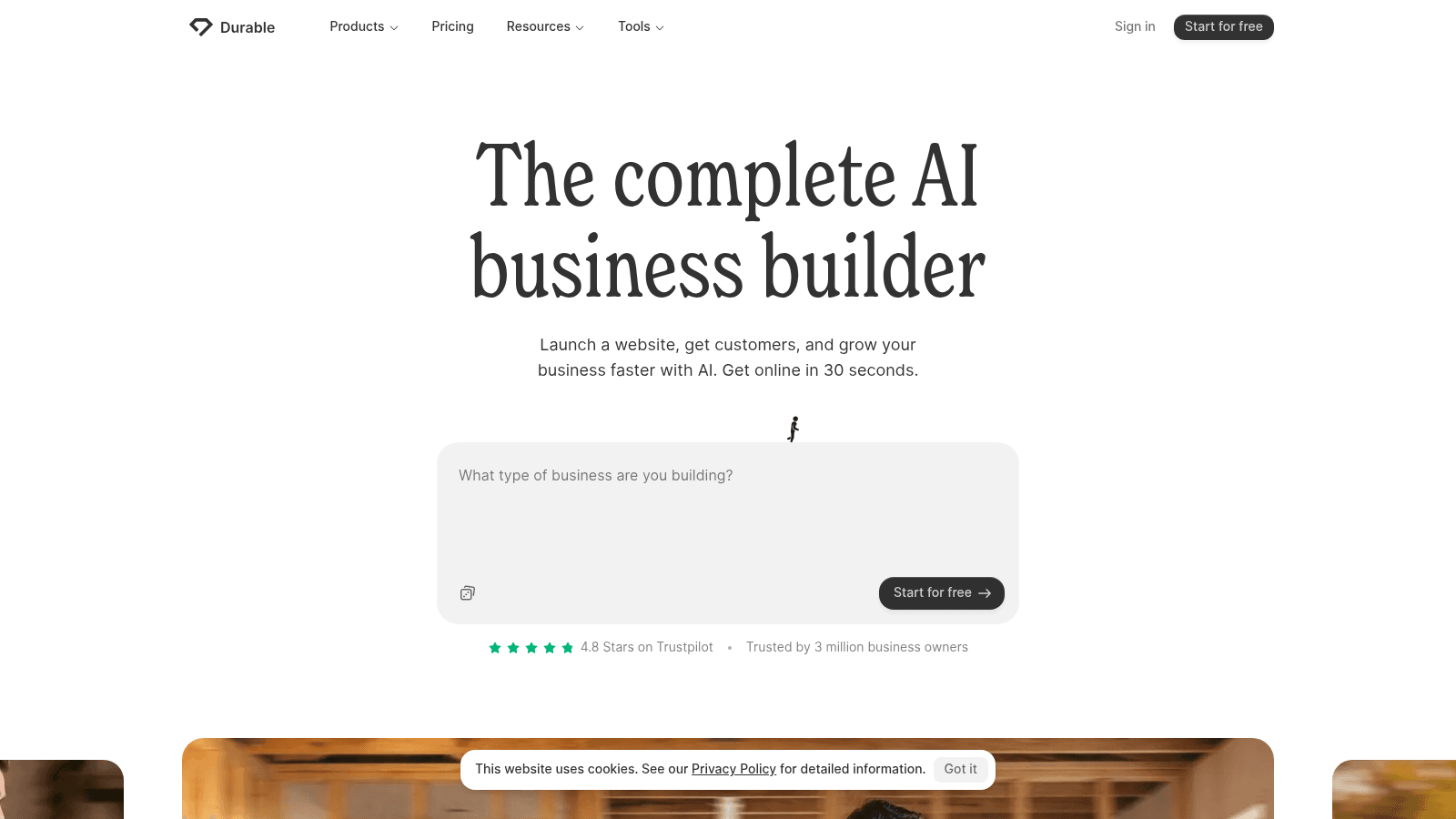
Overview: Durable calls itself "the complete AI business builder" and says it gets you online in 30 seconds, after which its AI Agents write blog posts, reply to leads and research competitors.
Key features:
- A whole site generated from one prompt
- Unlimited booking from the Launch plan
- A lightweight CRM, up to 10 customers on Free
Pricing: Launch costs $25 paid monthly or $22 a month billed annually, and Grow $49 or $41 on the same terms. Free runs on a Durable subdomain with 5 images and 10 AI chat messages a month.
Pros: a usable free plan, a weekly visibility ranking from Launch, unlimited team members on Grow
Cons: no storefront or cart (invoicing and lead capture only), no custom domain on Free, tight image limits
What it is genuinely good at: Keeping a service business's site active when nobody has time to log in.
Final verdict: A strong match for a solo service business, not for selling products.
7. Webflow
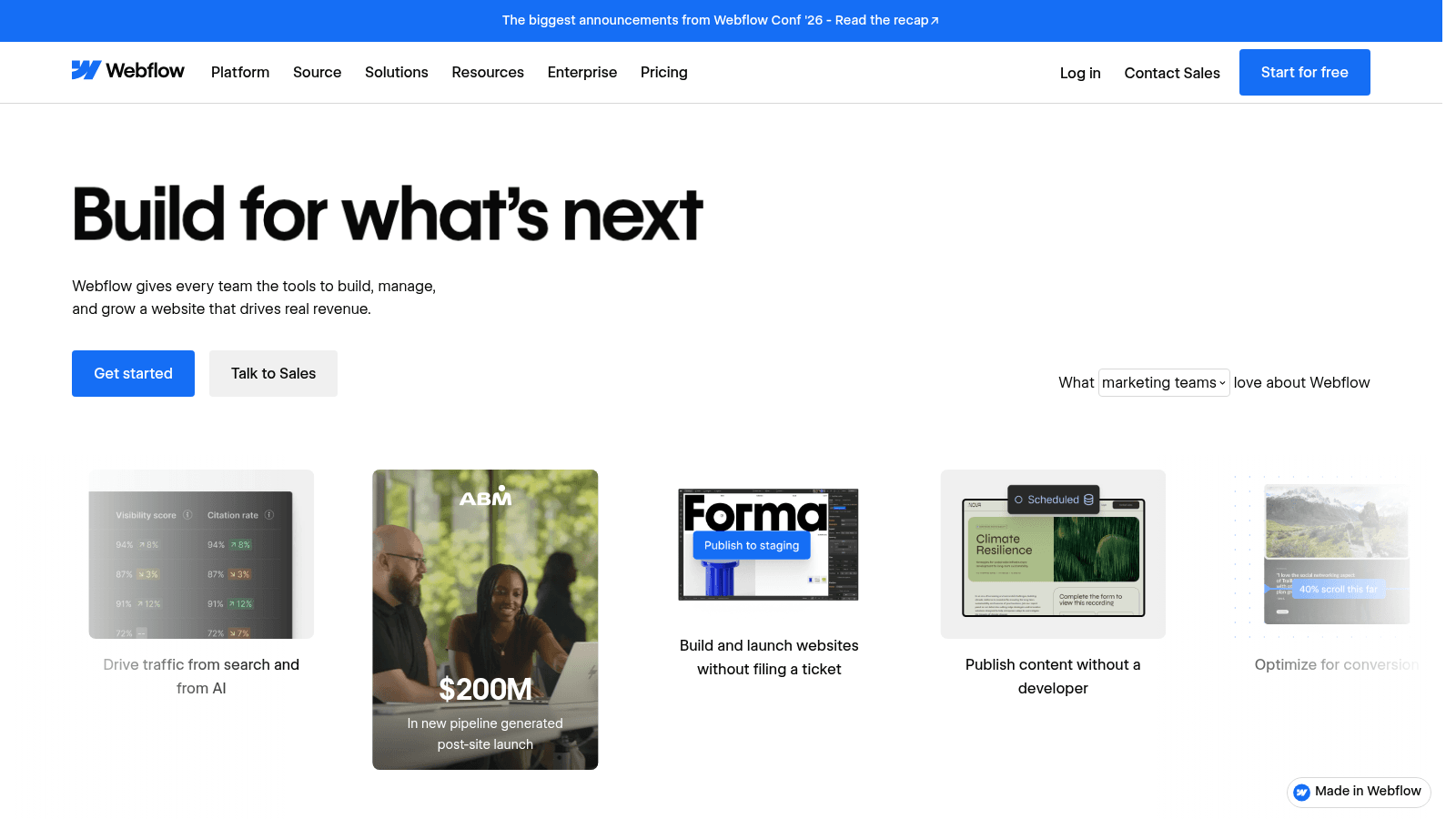
Overview: Webflow's visual canvas maps to real HTML and CSS, so it works closer to front-end development than a template editor does, with a CMS and separate ecommerce plans on top.
Key features:
- Webflow AI and an MCP server
- CMS, code components and site search on Premium
- Ecommerce plans with a custom cart and checkout
Pricing: Billed yearly, site plans run from a free Starter plan on a webflow.io subdomain to Basic at $15 and Premium at $25 a month. Selling needs a per-site ecommerce plan: Standard at $29 (2% transaction fee), Plus at $74 or Advanced at $212 (both 0%).
Pros: precise layout control, a real CMS on Premium, 0% fees from ecommerce Plus
Cons: a steep learning curve, a separate per-site plan to sell, 2% fees on Standard ecommerce
Why teams shortlist it: Full layout control, with room to grow into a CMS or a store.
Final verdict: Pick it if someone on your team will actually learn it.
8. WordPress.com
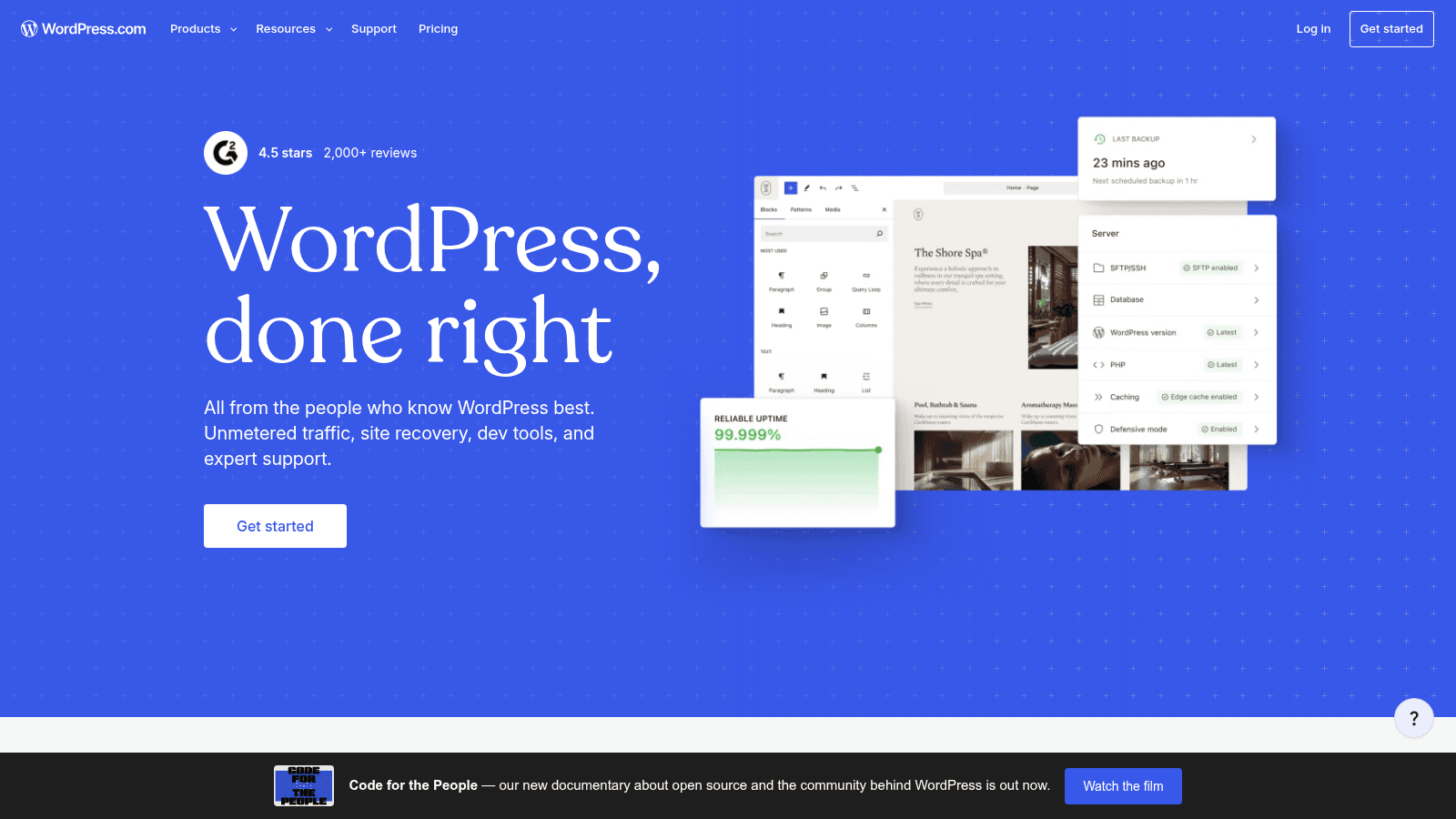
Overview: WordPress.com is Automattic's hosted service, not WordPress.org, the free software you install on your own server. You get WordPress without managing hosting, on plans that step up to payments and a full store.
Key features:
- A guided builder that drafts the site from a chat with AI
- WordPress plugins on every paid plan
- Full WooCommerce on Commerce
Pricing: Yearly billing gets you Personal at $4 a month (renewing at $5), Premium at $8 ($9), Business at $25 ($28) and Commerce at $45 ($50), above a free plan that shows WordPress.com ads. Premium adds payment buttons, and Enterprise is WordPress VIP.
Pros: a free plan to start, plugins from the $4 plan, a path to WooCommerce
Cons: ads on the free plan, full ecommerce only on Commerce, 6GB of storage on Personal
Why it made this list: Its renewal rates sit right beside the first-term prices, so you can plan for year two.
Final verdict: Pick it when you want WordPress plugins without the server work.
9. 10Web
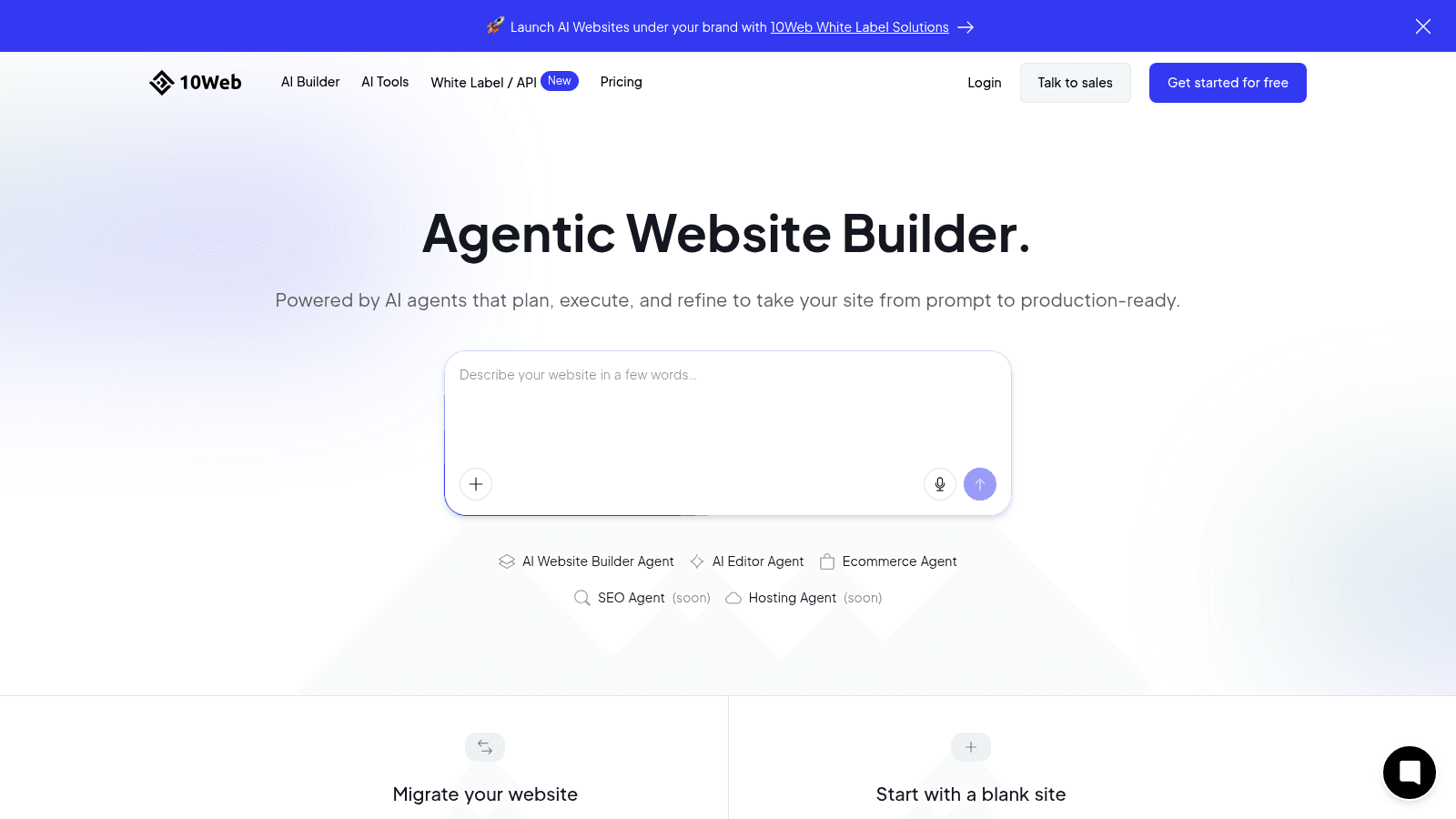
Overview: 10Web bills itself as an "Agentic Website Builder": AI agents working on top of WordPress, sold on multi-site plans that suit agencies as well as single businesses.
Key features:
- Redesign, cloning and Figma agents
- An ecommerce dashboard on AI Starter
- Google Cloud hosting and Cloudflare CDN on AI Ultimate
Pricing: Listed prices are a discounted annual rate, about 50% off, and 10Web's own page puts the regular rate at roughly double. AI Starter is $10 a month for one site, AI Premium $15 for two, AI Ultimate $22.50 for four and Agency Starter $42.50 for ten.
Pros: agents for specific jobs, a low discounted entry price, multi-site plans for agencies
Cons: WordPress quirks come along, the headline rate is a discount, multi-site pricing is hard to compare
Where it fits: Teams that want WordPress underneath and an agent, not a developer, doing the rebuild.
Final verdict: Useful for a WordPress rebuild; check the regular rate before year two.
10. Hostinger Website Builder
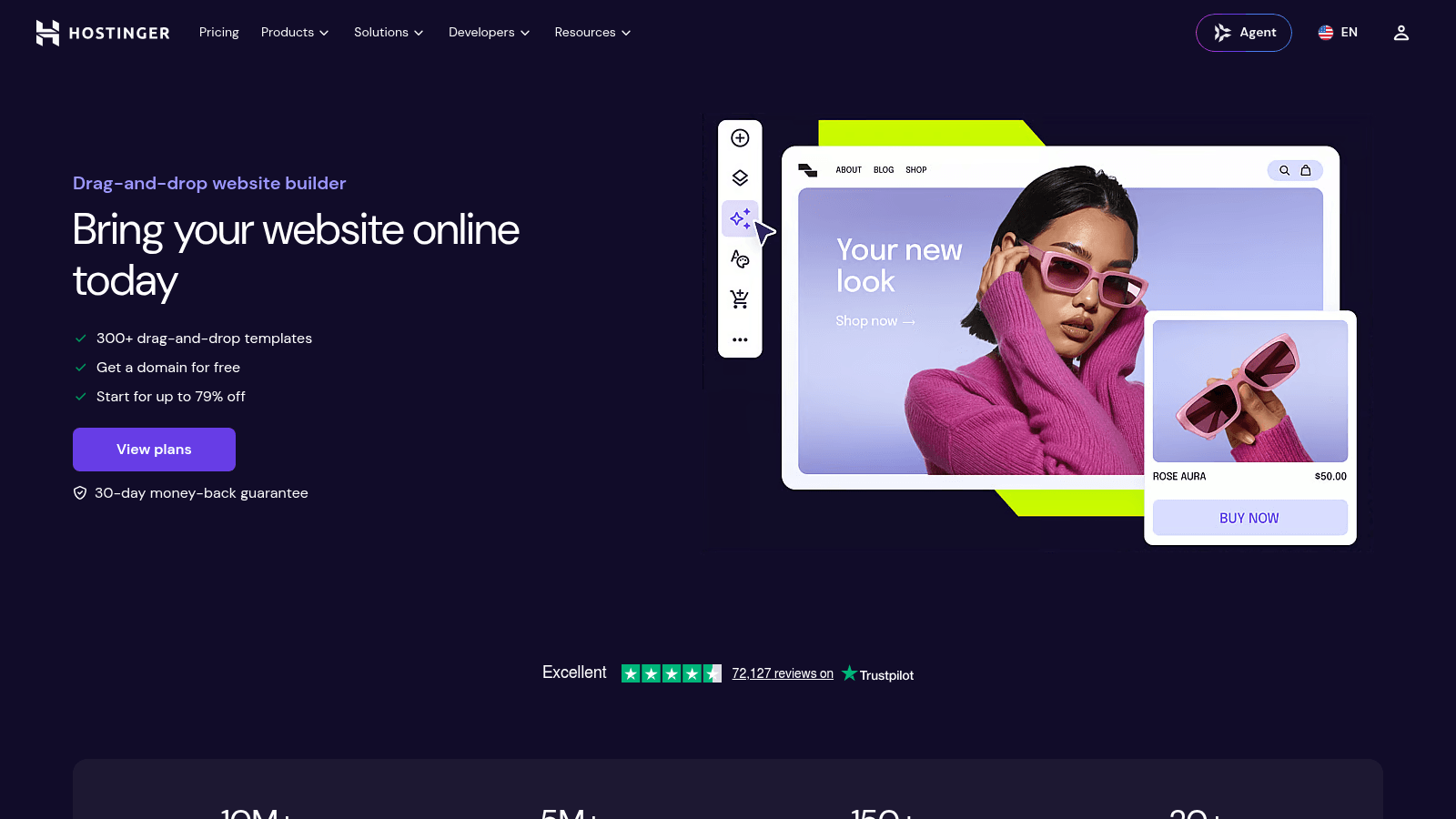
Overview: Hostinger Website Builder pairs a drag-and-drop editor and 400+ templates with AI credits for building pages. The intro prices are low and the renewals aren't, so read both lines before you buy.
Key features:
- AI credits for site creation, 5 on Premium and 15 on Unlimited
- Up to 3 sites on Premium
- Ecommerce from the Unlimited plan
Pricing: Premium costs $2.99 a month on a 48-month term and renews at $10.99, Unlimited $3.99 renewing at $16.99, and Cloud Startup $7.99 renewing at $25.99. Each renewal is more than triple its intro rate.
Pros: a very low first-term price, unlimited sites on Unlimited, ecommerce on the middle plan
Cons: renewals more than triple, ecommerce only from Unlimited, a 48-month term behind the $2.99 headline
What it does well: Getting a simple site live for little up front, if the renewal fits your budget.
Final verdict: A sensible starter if you plan around the $10.99-and-up renewal.
11. Framer
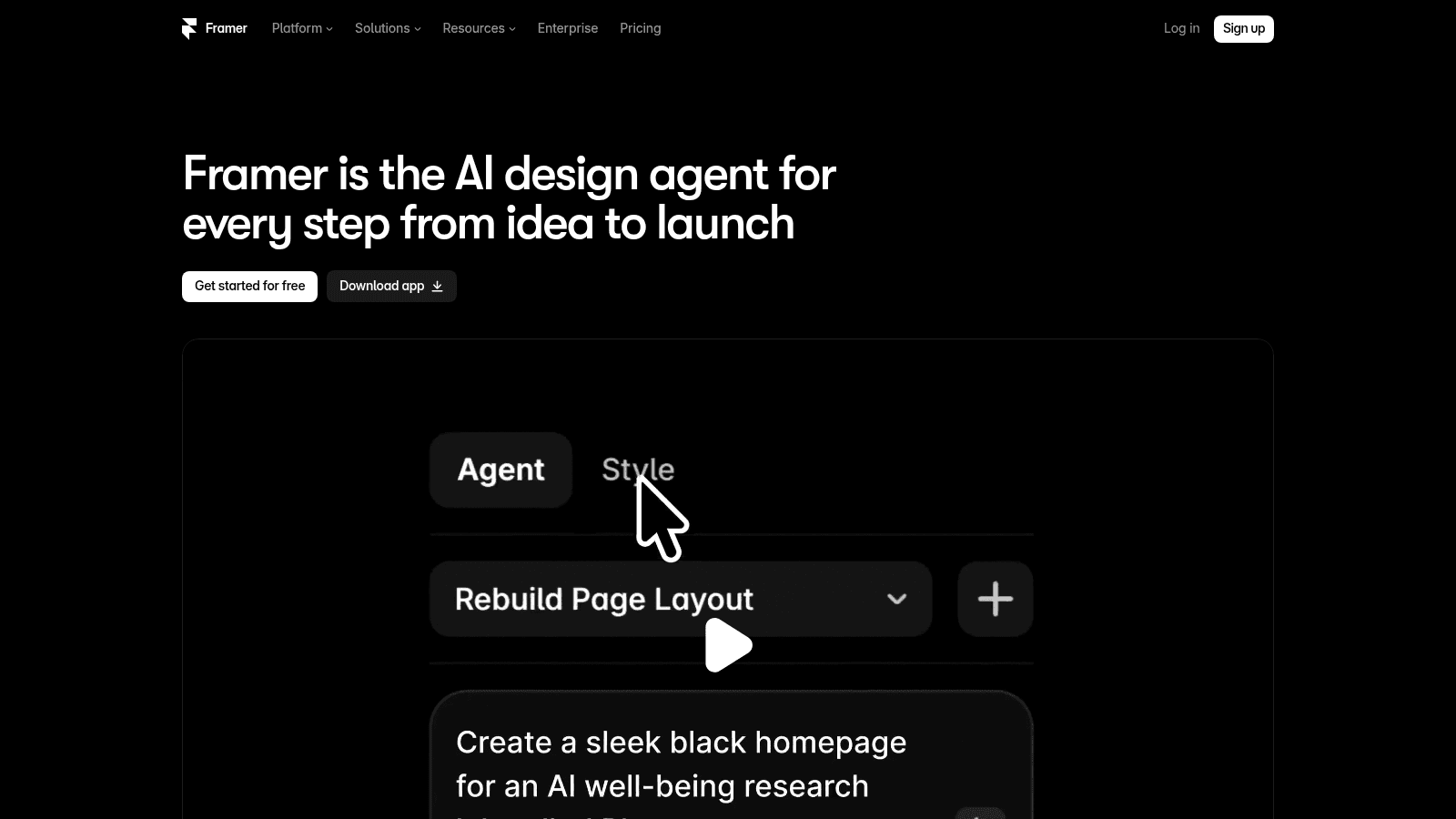
Overview: Framer now describes itself as "the AI design agent for every step from idea to launch." It's built for design-led marketing sites: portfolios, landing pages and startup homepages where polish matters most.
Key features:
- 500 AI credits on the free plan
- CMS collections (2 on Basic, 10 on Pro)
- Staging and branching on Pro
Pricing: Framer's Basic plan is $10 a month billed yearly with a custom domain, and Pro is $30, while the free plan runs on a Framer subdomain. Extra editors cost $20 a month each, and Enterprise is custom.
Pros: a free plan to design on, a custom domain from $10, 100GB of bandwidth on Pro
Cons: no store or checkout plan listed on its pricing page, 2 CMS collections on Basic, paid extra editors
Why designers pick it: On a portfolio or launch site, the design does most of the selling.
Final verdict: Pick it for a polished marketing site, not a store.
How we chose these 11 builders
We started from the tools that rank for website builders today and kept the ones that work as website builders for small business, meaning an owner can buy one and publish without a developer. Where a pricing page doesn't publish something, such as GoDaddy's renewal price, we say so rather than estimating it.
Each tool also had to be a sensible first choice for at least one job: selling, AI drafting, design control or a low first-year price.
We also looked at speed. The HTTP Archive's Web Almanac found that 74% of Wix sites had good Core Web Vitals on mobile in 2025, up from 55% in 2024. Duda, which we didn't rank this time, was the top performer at 85%, while WordPress remained among the lowest-ranked at 45%, a figure for WordPress as a whole, not WordPress.com alone.
AI website generators: what the prompt actually builds
Most builders here now ship some form of AI, and at least six draft a first site from a prompt. What separates them is what you're left holding afterward, and they fall into four groups:
- Wix, GoDaddy Airo, Hostinger and WordPress.com's guided builder draft a first version, then hand you an editor for everything after.
- Durable and 10Web keep agents working after launch, writing posts and answering leads on Durable and redesigning or cloning sites on 10Web.
- Our Studio hands the brief to coding agents that write and host the site, so you edit by describing changes.
- Shopify's Sidekick, Squarespace's Built-in AI Tools, Webflow AI and Framer's agents assist inside a platform you still drive yourself.
If you're comparing the best AI website builders, give each the same three-sentence brief and judge what happens after the first draft: how easily you swap in your own copy, whether edits survive a regenerated section, and what the AI costs after the free credits.
Cloning needs one caution. 10Web's cloning agent is a quick way to move your own site off an old platform, but pointing it at someone else's site is another matter: the steps to copy a website are easy, and the design and words still belong to whoever made them.
Which website builders can sell, and from which plan?
Selling online is worth planning for even if you start with services: the U.S. Census Bureau put seasonally adjusted retail ecommerce sales at $340.2 billion in the second quarter of 2026, 17.1% of total retail sales. Here's the cheapest plan on each builder that lists a way to sell.
| Builder | Sells? | Plan you need | Fees and catches |
|---|---|---|---|
| Awesomic Studio | No | None; no checkout claim | Run a store elsewhere |
| Wix | Yes | Core, $29/month (yearly) | Free and Light can't sell |
| Shopify | Yes | Basic, $29/month (yearly) | 2.9% + $0.30 card rate on Basic |
| Squarespace | Yes | Basic, $19/month (yearly) | 2% store fee on Basic |
| GoDaddy (Airo) | Yes | Ultimate, $99.99/month (first year), for a store | Payments from Professional |
| Durable | No cart | None; invoicing and lead capture only | No storefront |
| Webflow | Yes | Standard ecommerce, $29/month per site (yearly) | 2% fee on Standard |
| WordPress.com | Yes | Commerce, $45/month (yearly), for WooCommerce | Payment buttons from Premium |
| 10Web | Yes | AI Starter, $10/month (discounted annual) | Ecommerce dashboard listed |
| Hostinger | Yes | Unlimited, $3.99/month intro | Renews at $16.99 |
| Framer | Not listed | None on its pricing page | Built for marketing sites |
Read the fees column as closely as the price: Squarespace's 2% store fee on Basic and Webflow's 2% fee on Standard ecommerce both disappear on higher plans, which can pay for the upgrade once sales pick up.
Among the best ecommerce AI website builders, Wix and Squarespace pair AI tools with selling from their $29 and $19 plans, while Shopify puts Sidekick inside a store-first admin.
When the store is the business, the builder is only half the choice. Product pages and the checkout flow are where sales are won or lost, and that's when ecommerce design companies tend to earn their fee.
What to look for in website builders for small business
Feature grids look alike, so check these before you commit:
- The cheapest plan that lets you sell, if you'll ever sell anything
- The renewal price as well as the first-term price
- Whether the plan includes a custom domain, since Wix Free, Durable Free, Webflow Starter and Framer Free don't
- How many editors you get, since Squarespace Basic allows 2 and Framer charges $20 a month per extra seat
- How AI use is metered, since Squarespace, Hostinger, Framer, GoDaddy and 10Web all count it in credits
- How you'd leave, including export options and whether your content moves with you
Portability is easy to overlook until you want to leave. One commenter in a small-business thread on Reddit argued that WordPress page builders such as Elementor are very similar to Wix and Squarespace, with the difference that you own the site, can back it up elsewhere and move hosts freely. That's one commenter's view, not a benchmark.
Ownership also decides who handles upkeep. A hosted builder runs the servers and updates for you, while self-managed WordPress hands you that work along with the freedom, the central trade-off in Webflow vs WordPress.
How to choose the right website builder
Start from the one job the site has to do in its first year, then pick from the matching row.
| If the site needs to... | Start with | Watch for |
|---|---|---|
| Sell products from day one | Shopify, or Wix on Core | Card fees on top |
| Take bookings for a local service | GoDaddy Professional or Durable Launch | Unpublished GoDaddy renewal; no cart on Durable |
| Look designed, with a blog | Framer or Webflow | No store plan listed on Framer; Webflow's learning curve |
| Go live this week from a description | Awesomic Studio, Durable or Wix's AI builder | Studio claims no checkout; Durable has no cart |
| Run WordPress with plugins | WordPress.com or 10Web | WordPress.com renewals; 10Web's discounted headline rate |
A template gets you live fast, but it also starts you from the same layout other sites on that builder use, the hidden cost in any templates versus custom design decision.
How much website builders cost after year one
For several builders here, the pricing-page number is a first-term price, so this table sets it against what you'll pay next.
| Plan | Advertised price | What you pay next |
|---|---|---|
| Hostinger Premium | $2.99/month (48-month term) | $10.99/month |
| WordPress.com Personal | $4/month (yearly) | $5/month |
| GoDaddy Professional | $24.99/month (first year) | Current prices, not published on the page |
| Shopify Basic | $1/month for 3 months, after a 3-day trial | $29/month yearly or $39 monthly |
| 10Web AI Starter | $10/month (discounted annual) | Roughly double, per 10Web's own page |
| Awesomic Studio Basic | $20/month | No intro rate shown |
Even a regular price can move at renewal. A Squarespace user on Reddit reported an annual renewal jumping 48%, to $208 a year, with no new features, and replies described moving to self-hosted WordPress or free static hosting to keep costs flat. That's one person's bill, not a published policy, but it's reason to put your renewal date in the calendar on day one.
Budget for hours too: once edits land every week, the hours can cost more than the plan, which is why web design monthly packages compete with full-time hires rather than with builders.
Is a free website builder plan enough?
Six builders here offer a $0 plan: Wix, GoDaddy, Durable, Webflow, WordPress.com and Framer. That's a good way to test an editor and a weak way to run a business, since Wix, Durable, Webflow and Framer all keep a free site off your own domain, and WordPress.com shows its own ads on free sites.
Shopify has no free plan, though its 3-day trial and $1 months come close. Use a free plan to find an editor you like, then pay before the URL goes on a business card.
How to pick your builder in one afternoon
Testing beats reading feature pages, and it takes about an afternoon:
- Write a three-sentence brief: who the site is for, what visitors should do, and whether you'll sell.
- Give it to two or three builders that fit, using free plans or trials where they exist.
- Replace the placeholder copy on one page with your real words and see which editor fights you least.
- Check the renewal price and the plan you'd need in year two before you pay for year one.
Some sites need a designer rather than a builder: a rebrand, a custom booking flow, or a launch that must convert on day one. That's the point to hire an AI website designer for the build and keep the builder for weekly edits.
FAQ
What is the best website builder for a small business?
Wix is the safest all-round choice, Shopify fits a business built on selling products, and Squarespace suits design-led shops. For bookings, GoDaddy's Professional plan and Durable's Launch plan both cover local services.
Which are the best ecommerce AI website builders?
Wix, Squarespace and Shopify pair AI tools with real selling: Wix's Core plan sells from $29 a month billed yearly, Squarespace sells from its $19 Basic plan, and Shopify adds Sidekick to a store-first platform from $29 billed yearly. Durable offers no store, and Framer shows no store or checkout plan on its pricing page.
Are AI website generators good enough to launch a business site?
For a services site they usually are, once you swap the placeholder copy and photos for your real offer, prices and contact details. For a store you still need a builder with a checkout plan, such as Wix, Shopify or Squarespace.
Do website builders cost more after the first year?
Several do. Hostinger's Premium plan renews at $10.99 a month after a $2.99 intro on a 48-month term, WordPress.com's paid plans renew $1 to $5 a month higher, and GoDaddy's first-year rates renew at current prices it doesn't publish. Check the renewal line before you pay for the first term.
What are the best AI website builders for a first site?
Wix and GoDaddy Airo pair a prompt-built draft with a familiar editor and a free plan to test on. Durable goes further, with agents that write posts and answer leads. Choose by whether you'll need to sell later.
One subscription and your hiring problems solved


FAQ


Awesomic is a revolutionary app that matches companies with vetted professionals across 30+ skill sets, from design and development to marketing and product. Based in San Francisco with a global core team, we offer a faster and more flexible alternative to traditional hiring through a subscription-based model. Awesomic delivers high-quality talent on demand, without the delays of recruiting.
We function as a subscription-based service that matches you to top-tier, vetted talent. Submit a project in just a few clicks and start receiving deliverables in as little as 24 hours. Scale your Awesomic plan up or down as your business needs change.
Every Awesomic subscription comes with unlimited revisions. You receive daily progress updates via the app, and you can provide feedback or request iterations as needed. If your project requires a different approach, you can request a talent rematch at any time, at no extra cost. You can also add teammates to collaborate and streamline feedback
A talent marketplace is a platform that utilizes data and intelligent matching algorithms to connect professionals with projects based on their skills, experience, and availability. While often used internally by large companies, Awesomic applies this model at scale, matching vetted global talent to your most critical business needs.
Hiring is time-consuming, expensive, and risky. Awesomic eliminates that problem. We rigorously vet all talent for technical ability, communication, and soft skills, ensuring only senior-level professionals work on your projects. You skip the job posts, interviews, and delays, and get straight to results.
No, Awesomic goes beyond design. While many clients utilize us for branding, UI/UX design, or motion graphics, we also provide vetted talent in no-code web development, product design, marketing, and more. Think of us as an extension of your team. A flexible, high-performing creative partner from planning to execution, whether you're building awesome products or scaling your team.
You can talk directly with your matched talent via the Awesomic app, connect via Slack, email, or schedule video calls. No matter the plan, you’ll receive daily updates in the app for every active task. You can also tag us in for any issues through our in-app customer chat.


