




10 Framer Alternatives That Cost Less

Key takeaways:
- Every plan here costs less than Framer Pro ($30 a month billed yearly, $45 billed monthly) on the same billing basis, and each review shows the arithmetic.
- Savings run from $5 a month (Webflow Premium, yearly) to $36 (WordPress.com Personal, month to month), and Carrd covers 10 one-page sites for $19 a year.
- Framer Basic, at $10 a month billed yearly, still undercuts 7 of the 10 comparable plans, so a site that fits in 30 pages may be cheaper staying put.
- Framer Motion is now Motion, a free, MIT-licensed animation library that sits outside the website builder's pricing.
Framer turns a design canvas into a published website, which is why designers like it and why its bills catch some of them out. Pro is the first paid plan with staging, redirects and more than 30 pages, and it costs $30 a month on a yearly plan or $45 month to month.
That makes Pro the benchmark for this list of Framer alternatives. Basic ($10 yearly, $15 monthly) caps you at 30 pages and 2 CMS collections, with no redirects or staging, so it's the wrong yardstick for a growing site.
Our rule for all ten alternatives to Framer website builder plans: name the plan you'd buy in Pro's place, then show it costs less than Pro on the same billing basis. Where we could confirm only a yearly price, we say so and compare it with Pro's yearly $30. Several top-ranking roundups call their picks "affordable" without showing that math.
We ranked our own Awesomic Studio first under the same test. Editors, add-ons and first-year discounts can move Webflow, WordPress and Framer budgets as much as the sticker price, so the best Framer alternatives for your site depend on those extras too, and we priced them.
Why people are shopping for Framer alternatives now
Framer has repriced twice in under a year. The October 9, 2025 round lowered Basic from $15 to $10, set Pro at $30, cut Scale from $200 to $100 and dropped the Mini and Launch plans. On June 16, 2026, Framer retired Scale, halved editor seats from $40 to $20 and priced content-editor seats at $10.
One reaction to the first round was a thread on Reddit titled "Searching for Framer Alternatives after recent Price Changes." Its author, who has about 15 clients on Framer, wrote that "with the new pricing structure their costs will increase something like 400%." That estimate rested on the October 2025 Scale plan, which Framer retired in June 2026, so read it as one person's reaction at the time.
What sits on top of Pro's $30
Pro's price is a floor, because Framer's add-on prices stack on top of it. An added editor runs $20 a month if you pay yearly and $30 if you pay monthly, and those seats are charged month by month even under a yearly plan. Pro plus one added editor comes to $50 a month billed yearly, or $75 billed monthly.
Add-ons raise Pro's limits in blocks, at yearly rates: 100 more pages cost $20 a month and 10 more CMS collections $40. The complimentary custom domain is a yearly-billing perk that lasts one year, so a monthly Pro site brings its own domain from day one.
The best Framer alternatives, compared on price
Each row names the plan we set against Framer Pro, which isn't always the tool's cheapest tier: Webflow's Basic plan, for one, has no CMS, so we compared Premium. The pricing column shows that plan and its billing basis.
| Tool | Best for | Key features | Main limitation | Pricing (from) | Rating |
|---|---|---|---|---|---|
| Awesomic Studio | Getting a hosted site from a description | AI agents build it, hosting built in, code export | No CMS listed, no free plan | Basic, $20/month | ★★★★☆ |
| Webflow | Sites that need a large CMS | 40 CMS collections, 20,000 CMS items, free Starter plan | Harder to learn than Framer, by Webflow's own account | Premium, $25/month yearly | ★★★★★ |
| WordPress.com | Plugins and unlimited pages for less | Plugins on paid plans, unlimited pages, first-year domain | Renews at $8-$10 after year one, 8% fee on payments | Personal, $4/month first year, yearly | ★★★☆☆ |
| Squarespace | Guided setup without a developer | Guided tools, selling from Basic up, monthly billing option | 2% fee on Basic store sales | Basic, $19/month billed annually | ★★★★☆ |
| Wix | Trying the builder free first | Free wixsite.com plan, Wix Harmony, AI site generation | Displayed prices assume a year paid in full | Light, $17/month, yearly | ★★★★★ |
| Figma Sites | Teams already designing in Figma | Publishing from Figma, Sites CMS, custom domains | In beta, 200 items per CMS collection | Full seat, $16/month yearly | ★★★☆☆ |
| Durable | Business sites written by AI | AI site builder, blog-posting agents, free custom domain | Starts from a description, not your Framer pages | Launch, $22/month yearly | ★★★★★ |
| Dorik | AI-built sites with a blog | AI builder, CMS with blog, custom domain | 25 pages, 200 blog posts and 200 CMS items on Personal | Personal, $20.75/month yearly | ★★★★☆ |
| Unicorn Platform | Small sites you can export later | HTML export, unlimited pages, 30-day money-back guarantee | 10 blog posts on Maker | Maker, $9/month yearly | ★★★★☆ |
| Carrd | Single landing pages | One-page builder, 10 sites, custom domains | One page per site, no CMS or blog | Pro Standard, $19/year | ★★★☆☆ |
Every row starts at five stars and loses one for each of these on the plan we compared: no CMS or blog, a cap of 200 blog posts or fewer, beta status, a first-year price that renews higher, or a fee on sales or payments.
A one-page limit costs two stars, which covers its missing CMS, because that plan can only stand in for a landing page. Price moved no rating, since every plan here already undercuts Pro.
1. Awesomic Studio
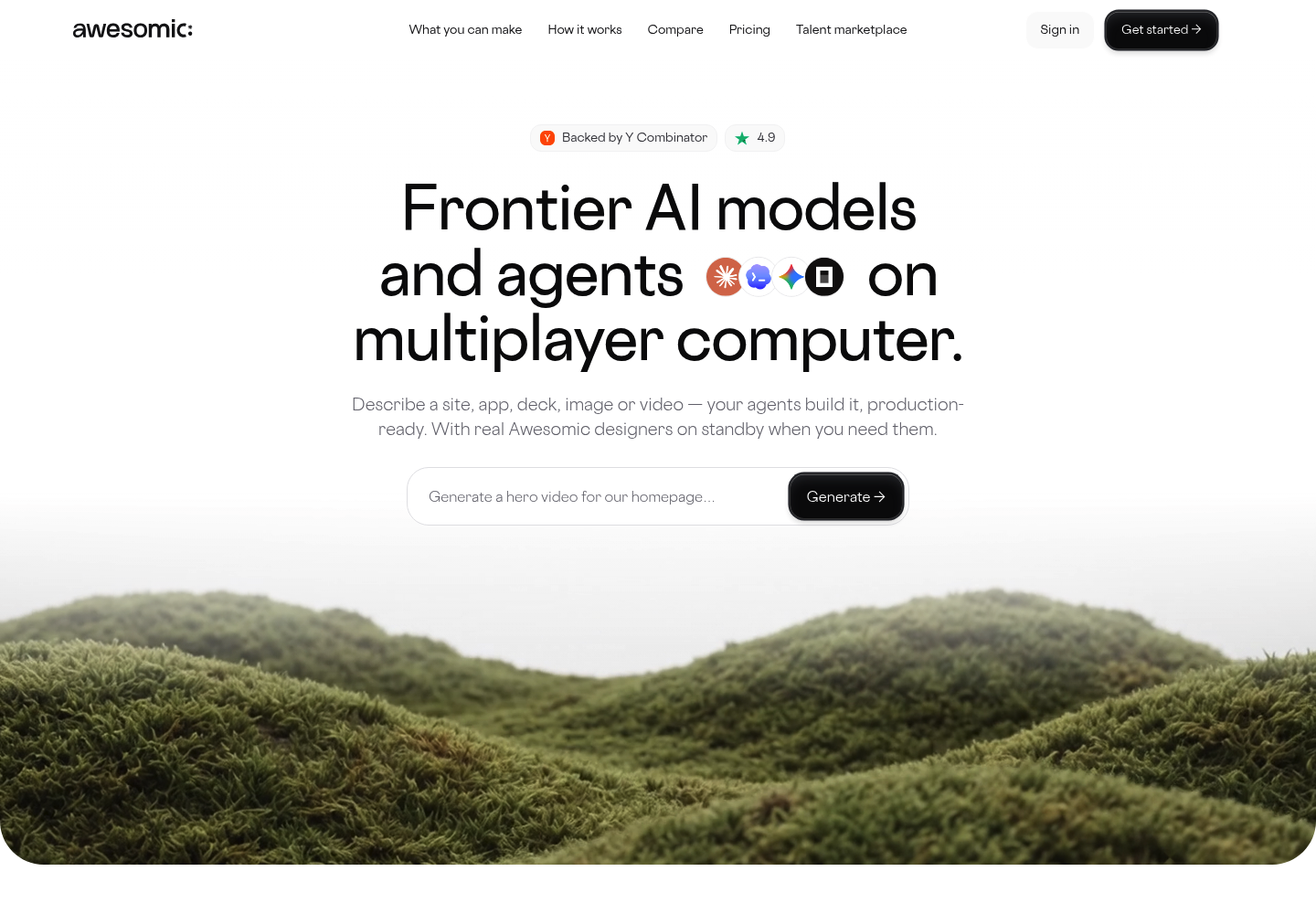
Best for: Hosted sites from a description
Overview: We built Awesomic Studio to turn a plain-words brief into a site, an app, a deck, images or video, made by AI agents (Codex, Claude Code and OpenCode) in a shared workspace. No design skills needed.
Hosting and publishing are built in, so there's no separate site plan to stack on top of the build. You can export the result to code, and Studio's eight connections include Framer, along with Figma, GitHub and Webflow.
Studio comes from the same team as Awesomic's design service, which counts 4,000+ companies as clients. If an agent can't get a page right, an Awesomic designer or developer picks the project up where it stands and returns it to you.
Key features:
- A brief in plain words, plus files or links, becomes a working site.
- Built-in hosting publishes privately for review, then publicly at launch.
- Code export lets a developer carry the site into your own stack.
- Always-on agents keep working after you close the tab.
- Scheduled automations handle refreshes, reports and updates on their own.
- Eight connections, including Slack, Notion, Linear and Google Drive.
Pricing: Whatever you pay for a Studio plan becomes that month's budget for agent work: $20 on Basic, $200 on Pro and $500 on Maximum. Basic comes in $10 under Framer Pro's yearly rate and $25 under its monthly one. Studio lists no price per build or per model, so your first month tells you how far $20 stretches.
Pros: Hosting on the same bill, a Basic plan below Framer Pro either way, code export, a Framer connection, an Awesomic designer on call
Cons: No free plan (Framer has one), no public price per build or per model, no CMS listed, unlike Framer Pro, and no custom-domain setup described, so check your domain can move before you switch
How to start using it:
- Match a plan's budget to the work you expect this month.
- Write the brief in plain words and add your current copy or links.
- Review the first build and request edits the same way.
- Publish privately for review, then publicly when it's ready.
- Export the code, or bring in an Awesomic designer if a page keeps missing.
Why it's a good Framer alternative: It puts building and hosting on one bill that starts below Framer Pro on either billing basis. Code export means the site isn't stuck with us if you outgrow it.
Final verdict: Choose Studio if describing the site suits you better than laying it out on a canvas, and you want hosting inside the same price. If you want to place every element by hand, pick a canvas builder instead.

2. Webflow
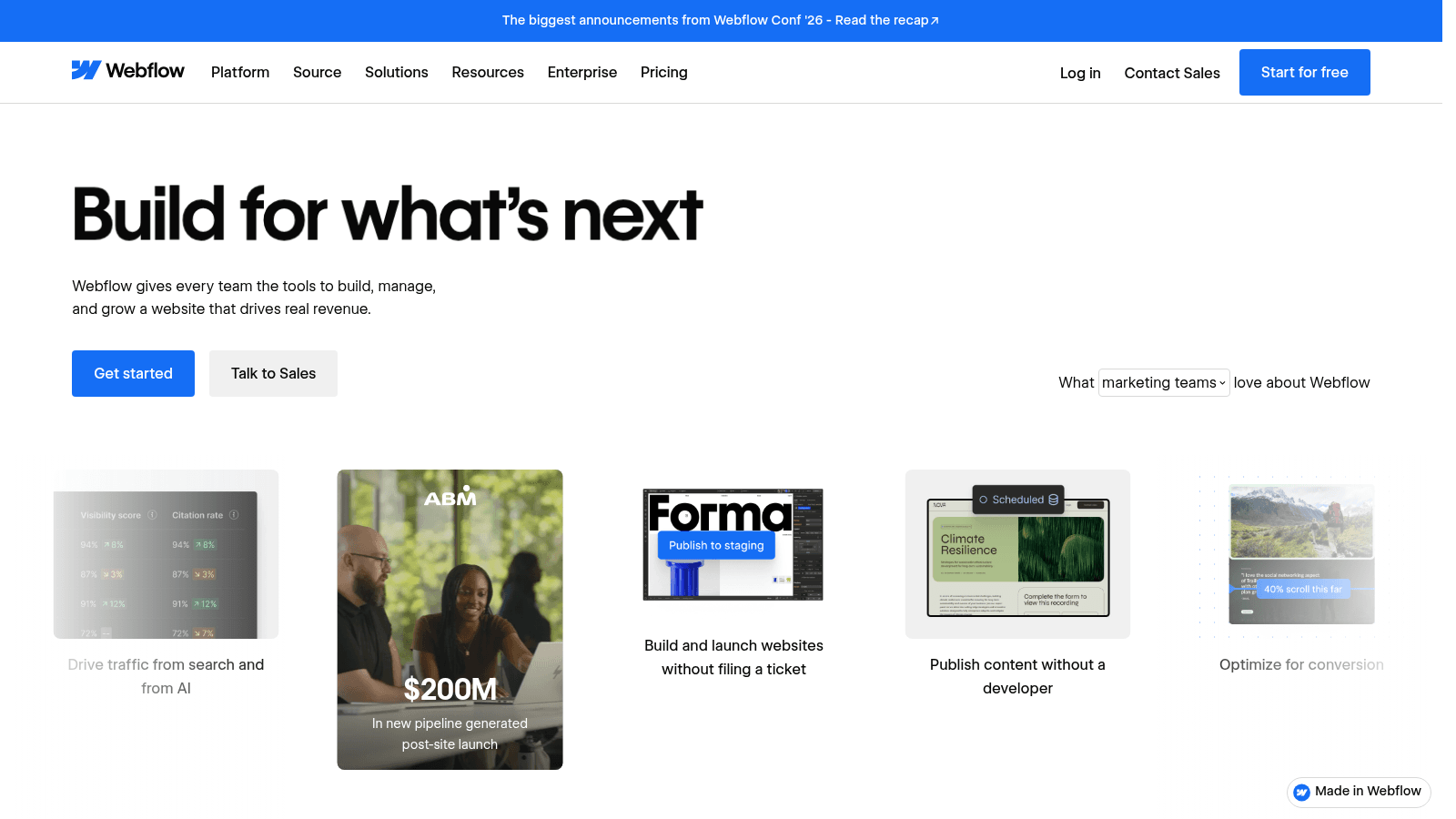
Overview: Webflow's Premium plan is the closest match here for sites that need a big CMS.
Webflow's own page comparing itself with Framer says it "will likely take more time to learn than Framer," and its help center calls a move from Framer "a rebuild, not a transfer."
Key features:
- A CMS on Premium with room for 40 collections and 20,000 items, so a blog and case studies fit.
- Starter is free on a webflow.io domain, so you can rebuild a page before paying.
- Basic, at $15 a month yearly or $25 monthly, covers sites without a CMS.
Pricing: Premium costs $25 a month billed yearly or $39 month to month, $5 and $6 less than Framer Pro.
Pros: A 40-collection CMS on the first paid CMS plan, a free plan for testing, savings on both billing bases
Cons: A steeper learning curve that Webflow itself admits, no Framer importer, the smallest saving on this list
Where it fits: Content-heavy sites run by a team with time to learn a denser tool. If cost is your main reason for leaving Framer, Webflow alternatives such as Squarespace, at $19 billed annually, save more.
Final verdict: The pick for a large CMS at a small saving, if someone on the team can learn it.
3. WordPress.com
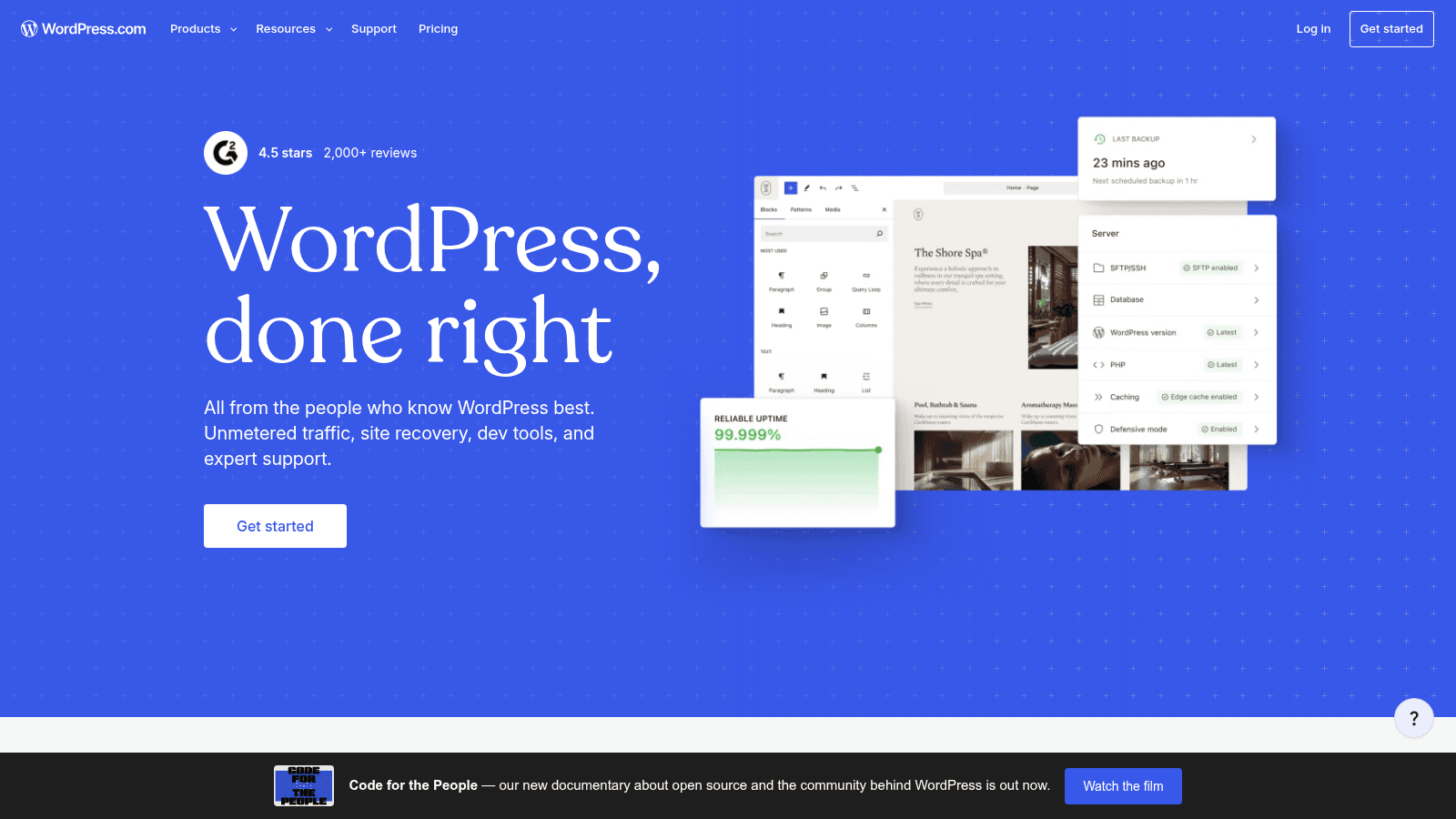
Overview: WordPress.com is the hosted version of WordPress, and its Personal plan has the lowest first-year price for a multi-page site on this list.
Moving from Framer means rebuilding your pages by hand, though Framer's help center says CMS content can be exported through plugins as CSV or JSON.
Key features:
- Plugins run on every paid plan, Personal included.
- Unlimited pages, with no 30-page cap like Framer Basic's and no per-100-page add-on like Pro's.
- A free domain for the first year on an annual plan.
Pricing: Personal costs $4 a month in year one on a yearly plan, then $8 or $10 a month at renewal, still billed once a year (the pricing page gave each figure on a different visit). Paying monthly instead costs $9, $36 under Pro's $45.
Pros: Plugins from the entry paid plan, unlimited pages, a free plan (with ads) for testing
Cons: The $4 rate renews at $8 or $10, an 8% fee on payments taken on Personal, ads on the free plan
Why it made this list: Even after renewal, Personal's $8 to $10 a month sits at least $20 below what Pro costs on yearly billing, with plugins and unlimited pages intact.
Final verdict: A low-cost home for a multi-page site, as long as you budget for the renewal from day one: year two can cost more on a yearly plan than on Personal's $9 monthly rate, so compare the two before you renew.
4. Squarespace
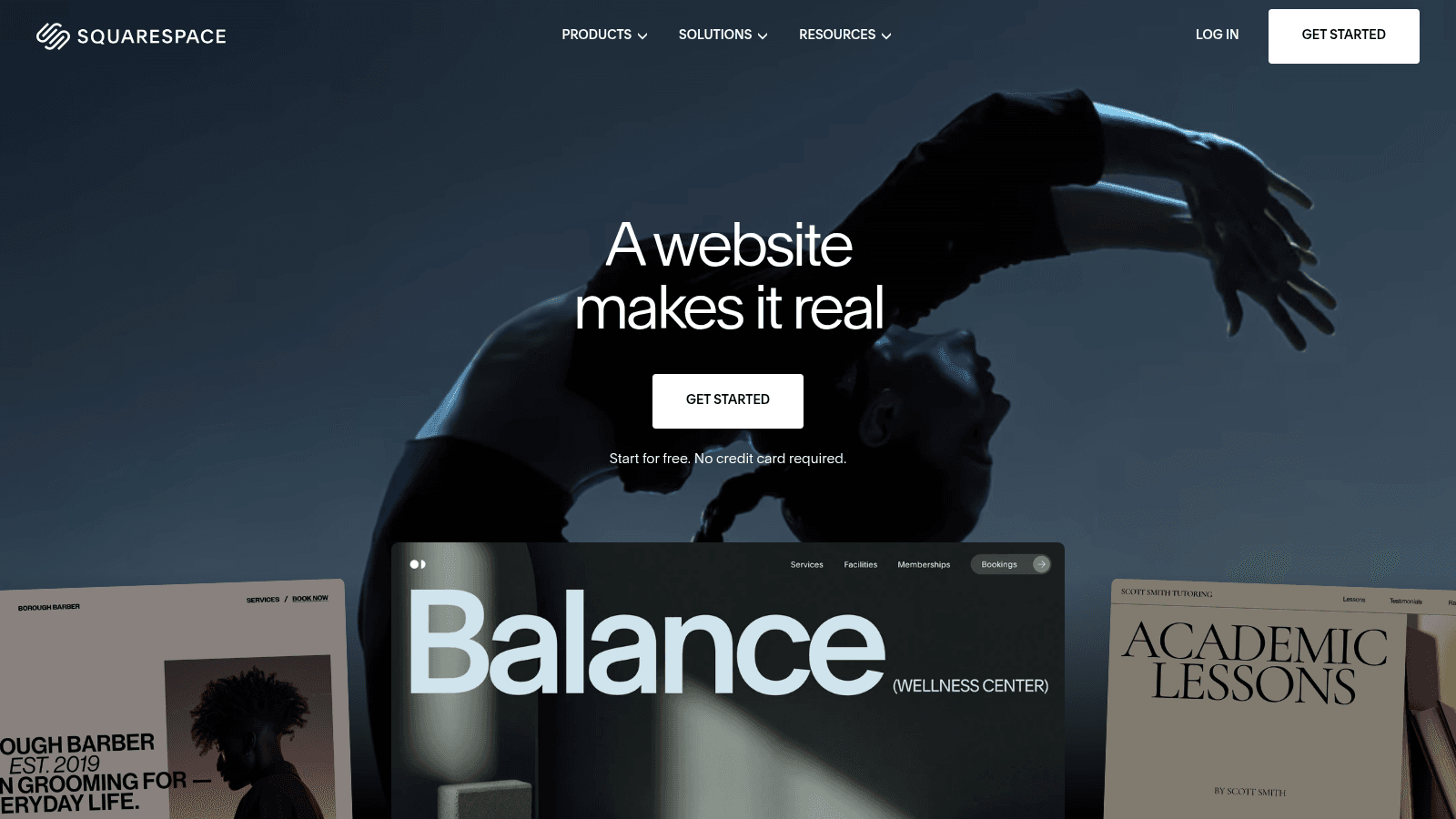
Overview: Squarespace's own blog pitches "guided tools" to people without developer skills, a different approach from Framer's open canvas.
Selling works from the entry plan up, though Basic takes a 2% fee on each online-store sale, which Core and the plans above it drop.
Key features:
- Guided tools walk you through setup without code.
- Selling from Basic up, with no store fee from Core.
- Monthly billing if you'd rather not commit to a year.
Pricing: Basic costs $19 a month billed annually, $11 under Pro's annual-billing price. Monthly billing costs more (the pricing page says paying annually saves up to 36%), so check that figure against Pro's $45.
Pros: Setup that doesn't assume developer skills, selling on the entry plan, a lower annual price than Pro even on Core
Cons: A 2% fee on Basic store sales, dropping it means Core at $29 billed annually (just $1 under Pro's yearly rate), up to 2 contributors on Basic
Its real strength: A non-designer can get a site live without learning a canvas.
Final verdict: A sound fit for owners who want guidance more than layout freedom, if the Basic fee doesn't bite.
5. Wix
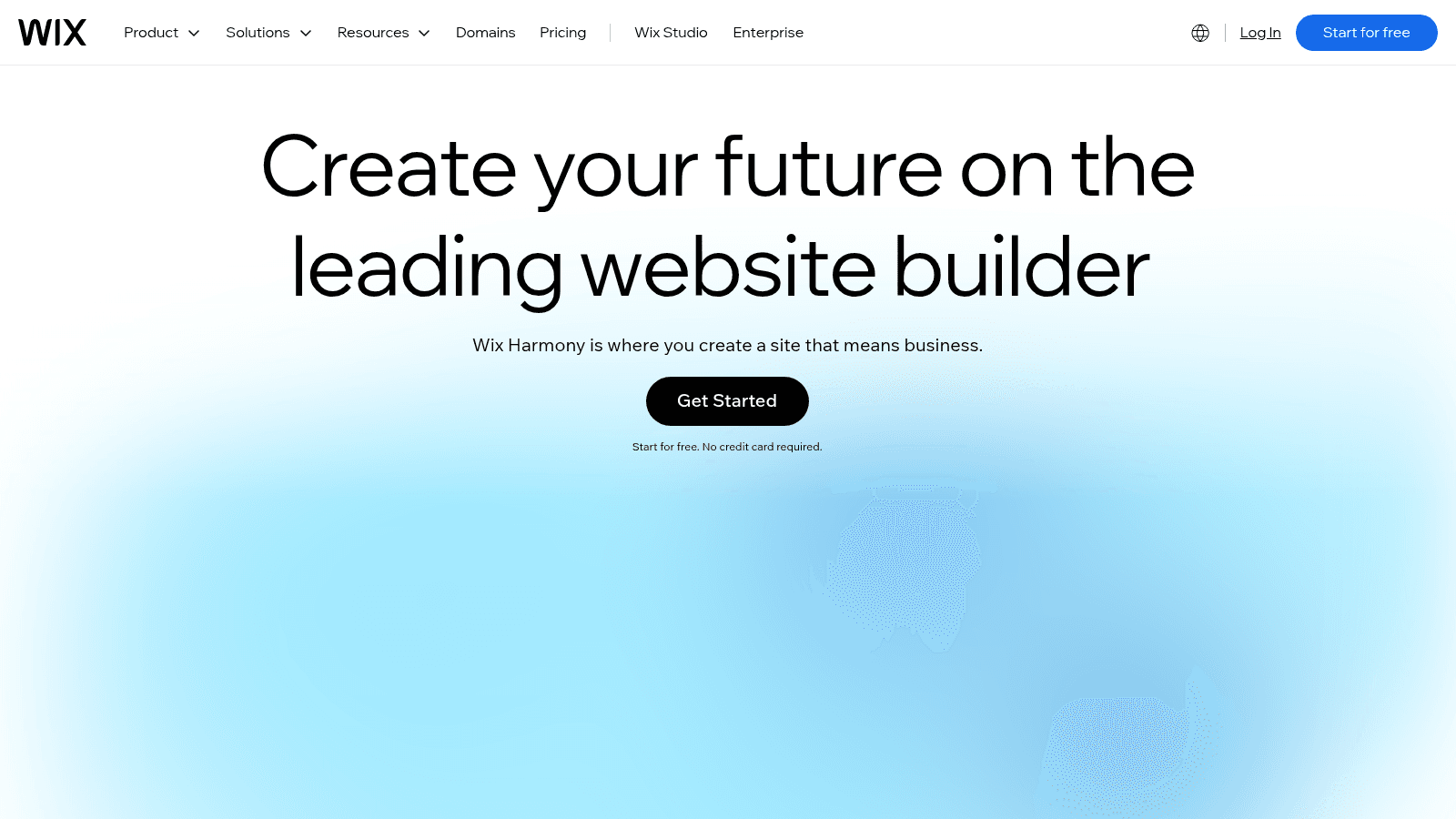
Overview: Wix's homepage now leads with Wix Harmony, pitched as the place to build a site "that means business." Harmony lets you move between AI generation and hands-on editing.
Key features:
- A free plan on a wixsite.com address, with no card needed.
- AI site generation for a starting draft you then edit.
- A voucher for a free first-year domain on Light, valid only for a new domain bought through Wix.
Pricing: Light costs $17 a month, $13 less than Pro billed yearly, and Wix says that price is for a yearly subscription paid in full. Core costs $29 on the same terms if you outgrow Light.
Pros: A $13 monthly saving on Light, Core still under Pro, AI drafting built in
Cons: Prices assume a full year paid up front, the final price varies by billing location, free sites carry a wixsite.com URL
What it does better: You can build the whole site on the free plan and pay only when you're ready to launch it.
Final verdict: A safe first test if you want to try an alternative without spending anything.
6. Figma Sites
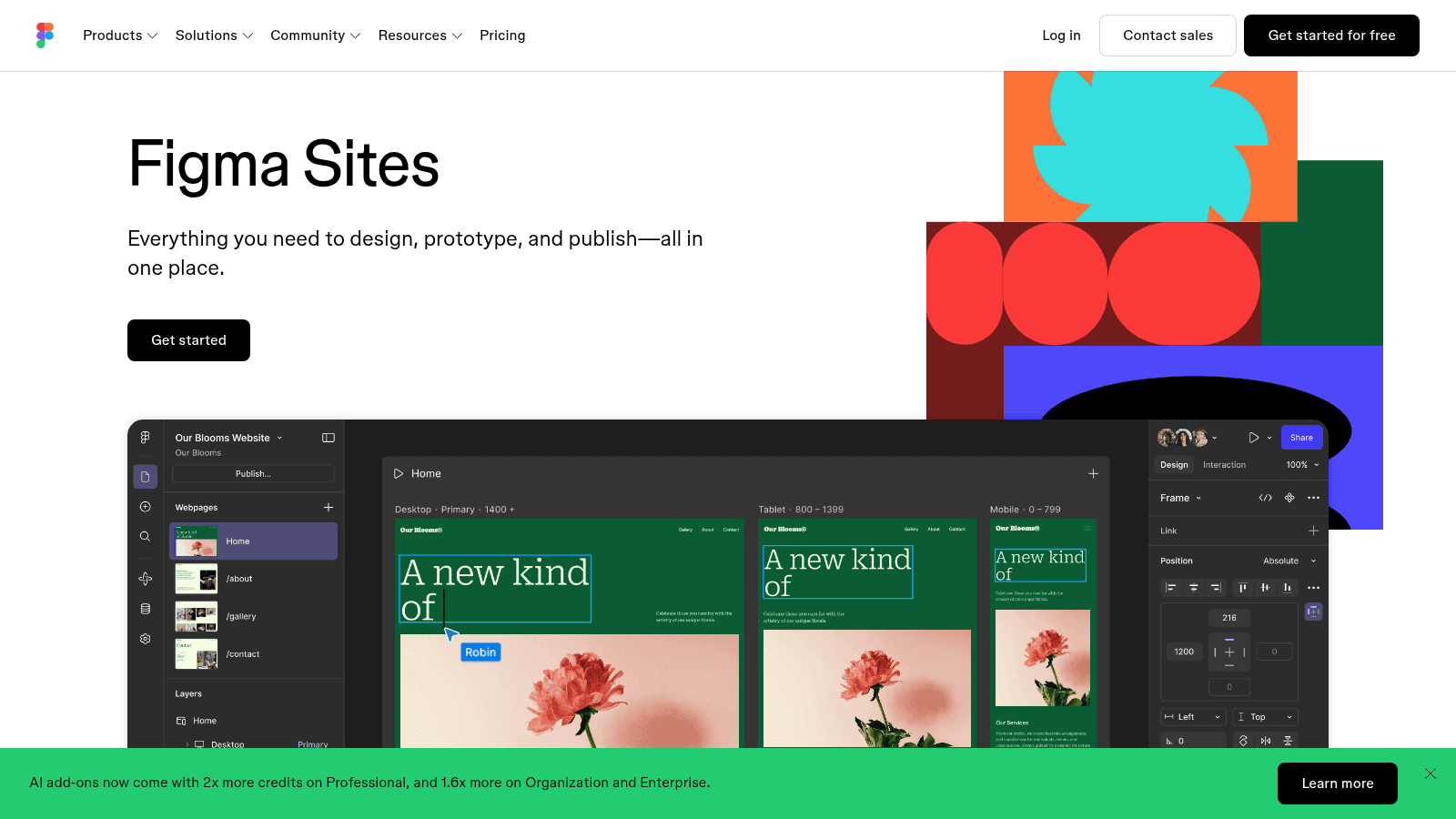
Overview: Figma Sites publishes websites from inside Figma, which pitches it as one place to design, prototype and publish. Sites is still in beta and comes with a Full seat instead of a site plan, so it suits teams already designing in Figma.
Key features:
- Publishing straight from the Figma file you designed in.
- A Sites CMS for content that changes.
- Custom domains, up to 10 on Professional, per Figma's help page.
Pricing: A Full seat on Professional costs $16 a month yearly or $20 monthly, and Figma's pricing page says "Figma Sites beta is available on Full seats." Its help page still calls custom domains "free of charge through 2025" and says the limits are "subject to change after 2025," so ask Figma what applies today.
Pros: No site plan on top of a Full seat, a built-in CMS, $14 or $25 a month under Pro
Cons: Beta status, a Full seat for every editor, 200 items per CMS collection during the beta
Why buyers shortlist it: Two editors on Full seats cost $32 a month billed yearly, against $50 for Framer Pro plus one added editor, if both Figma seats go on the annual plan at the start.
Final verdict: Worth testing if your designers already live in Figma and you're comfortable building on a beta.
7. Durable
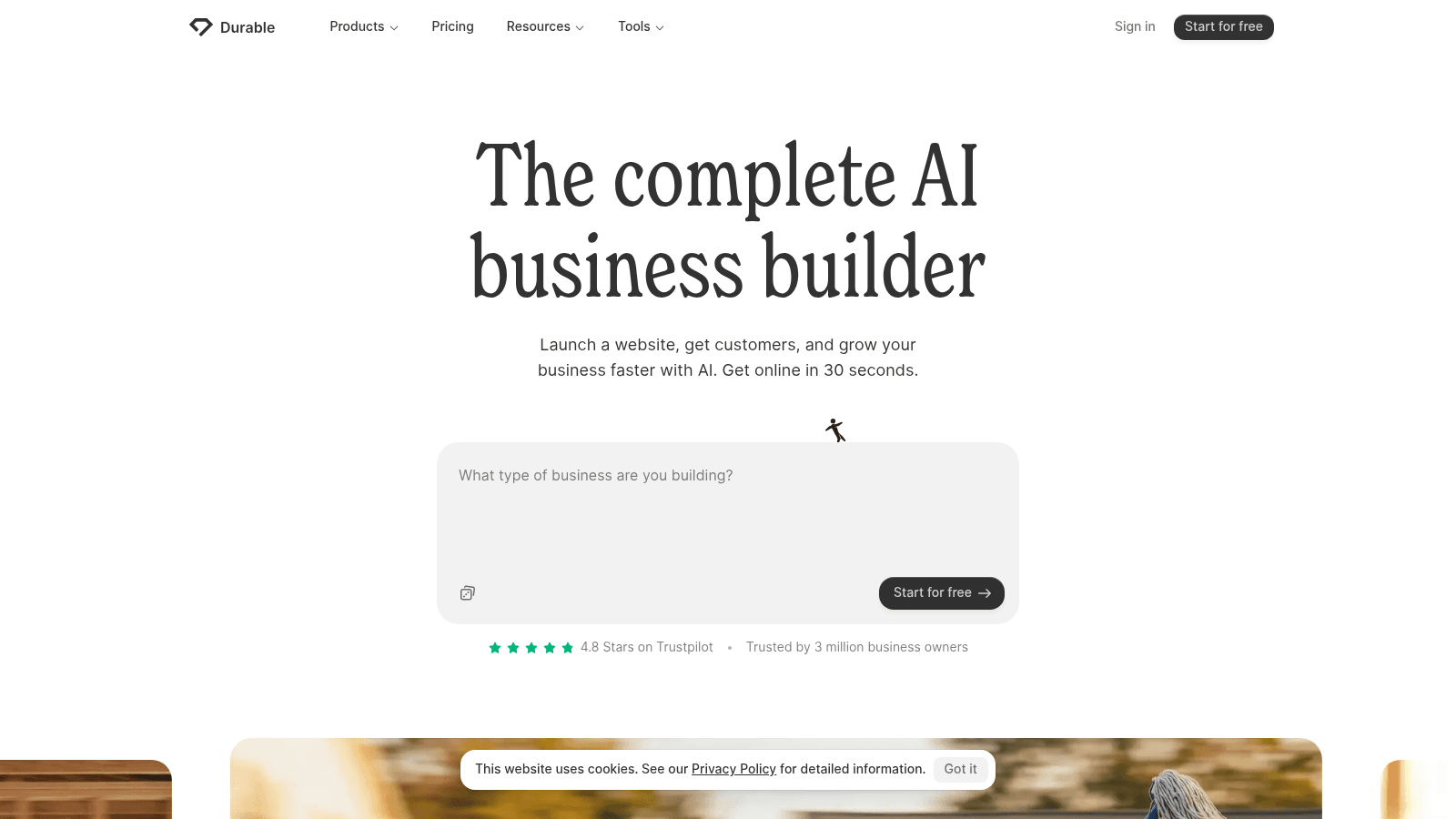
Overview: Durable's own headline is "The complete AI business builder," and it builds your site from your answers to three questions about your business, then hands blog posts and lead replies to AI agents.
Key features:
- A plain description replaces the design work.
- AI agents publish blog posts for you, alongside any you write yourself.
- A free custom domain, worth up to $20 on Launch: "Custom domains are free with every Durable subscription."
Pricing: Launch costs $22 a month on yearly billing or $25 month to month, $8 and $20 under Framer Pro. The domain is included, where Framer's is a first-year, yearly-only perk.
Pros: AI-written blog posts, a custom domain on every subscription, a free plan for testing
Cons: A rebuild from three answers instead of your Framer pages, 10 agent posts a month on Launch, free sites live on a durable.site subdomain
Why it's a good Framer alternative: For a business that wants a site and a blog running without design work, Durable swaps Framer's canvas for a description and saves $8 to $20 a month doing it.
Final verdict: Choose it when getting online matters more than controlling every layout detail.
8. Dorik
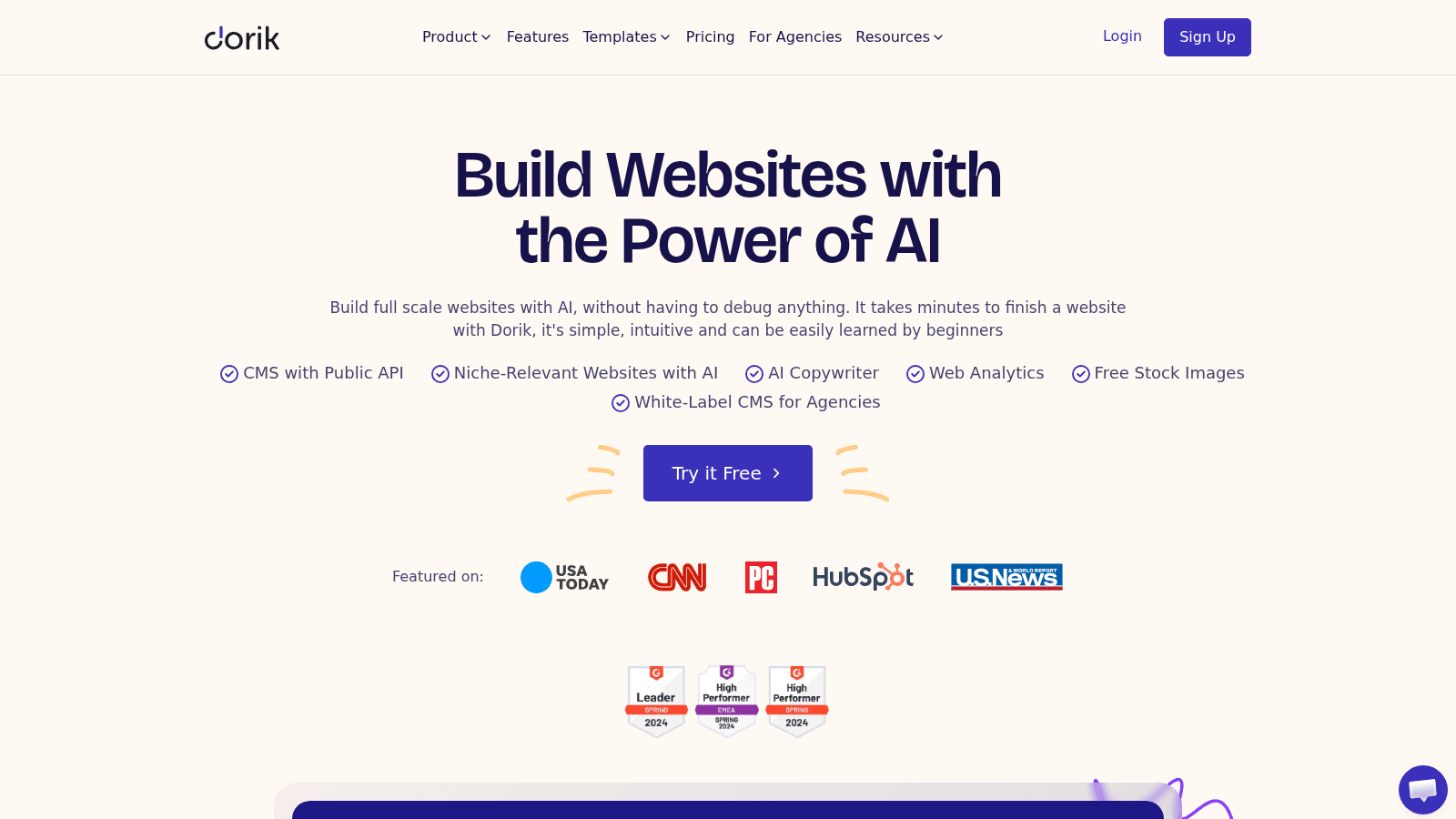
Overview: Dorik's homepage promises you can "Build Websites with the Power of AI," and its Personal plan backs that with a CMS, a blog and a custom domain.
The catch is size: Personal stops at 25 pages, five fewer than even Framer Basic allows.
Key features:
- AI site generation for a first draft.
- A CMS with a blog on Personal.
- A custom domain included.
Pricing: Personal works out to $20.75 a month, charged as $249 once a year, or $29 month to month, which is $9.25 or $16 a month under Pro. Business costs $41.50 a month billed yearly or $59 monthly, more than Pro either way.
Pros: CMS and blog on the entry paid plan, AI site building, a custom domain included
Cons: A 200-post blog cap and 200 CMS items per site on Personal, no collaborators on Personal, a Business tier above Pro's price
Where it wins: You get a CMS, a blog and AI site building for about 70% of what Framer Pro costs on yearly billing.
Final verdict: A strong fit for a small, blog-led site that one person runs.
9. Unicorn Platform

Overview: Unicorn Platform bills itself as an "AI Website Builder for Busy Founders," and its Maker plan covers one published site with unlimited pages, a custom domain and HTML export.
Key features:
- HTML export, so you can take the site's files elsewhere if you outgrow the platform.
- Unlimited pages on your one published site.
- A 30-day money-back guarantee.
Pricing: Maker costs $9 a month on yearly billing or $14 month to month, $21 and $31 below Pro, for 1 published site, 10 blog posts and a custom domain. Startup, $29 a month on yearly billing, removes the blog-post cap and the branding, and adds a collaborator.
Pros: HTML export, unlimited pages, a $14 month-to-month option
Cons: 10 blog posts on Maker, Unicorn Platform branding and no collaborators until Startup, one published site per plan, a free Lurker plan that can't publish a site
Why it earns a spot: At $9 on yearly billing, Maker matches WordPress.com Personal's monthly rate and sits within a dollar of its yearly renewal, so the two are the cheapest ongoing options here for a multi-page site.
Final verdict: A good fit for a small product or project site with a light blog.
10. Carrd
Overview: Carrd does one thing, and its homepage says so plainly: "Simple, free, fully responsive one-page sites for pretty much anything."
There's no CMS or blog, so Carrd replaces a Framer landing page, not a Framer site.
Key features:
- One-page layouts that adjust to any screen size.
- 10 sites with custom domains on Pro Standard.
- Pro Lite for $9 a year if you don't need your own domain.
Pricing: Pro Standard costs $19 a year, not a month, for 10 sites with custom domains, against $360 a year for a single site on Framer Pro.
Pros: The lowest bill on this list, no Carrd branding, little to maintain on a single page
Cons: One page only, no blog, no custom domain on Pro Lite
When it's the right call: You're paying Framer Pro's $30 a month for a landing page or waitlist that will never grow past one page.
Final verdict: Move single landing pages here and keep a multi-page builder for everything else.
What each Framer alternative costs next to Pro
Each row sets a comparable plan against Framer Pro on the same billing basis, using prices we checked on vendor pages in September 2026.
| Tool and plan | Published price | Framer Pro on the same basis | What you save |
|---|---|---|---|
| Awesomic Studio Basic | $20 a month | $30 yearly or $45 monthly | $10 or $25 a month |
| Webflow Premium | $25 a month yearly, $39 monthly | $30 or $45 | $5 or $6 a month |
| WordPress.com Personal | $4 a month first year, then $8-$10, billed yearly; $9 monthly | $30 or $45 | $26 ($20-$22 after renewal) or $36 a month |
| Squarespace Basic | $19 a month billed annually | $30 | $11 a month |
| Wix Light | $17 a month, yearly paid in full | $30 | $13 a month |
| Figma Full seat (Sites) | $16 a month yearly, $20 monthly | $30 or $45 | $14 or $25 a month |
| Durable Launch | $22 a month yearly, $25 monthly | $30 or $45 | $8 or $20 a month |
| Dorik Personal | $20.75 a month billed $249 a year, $29 monthly | $30 or $45 | $9.25 or $16 a month |
| Unicorn Platform Maker | $9 a month yearly, $14 monthly | $30 or $45 | $21 or $31 a month |
| Carrd Pro Standard | $19 a year | $360 a year | $341 a year |
Most savings in the table are per site, and client work multiplies them: a dozen sites on Framer Pro cost $360 a month on yearly billing, the bill Framer agencies either pass on or absorb, while the same 12 on Wix Light would cost $204.
For most businesses, the gap is real money. The U.S. Census Bureau counted 6,395,635 US employer firms in 2022, and 6,374,594 of them, 99.7%, had fewer than 500 employees. At that size, $10 or $20 a month per site is a line someone notices.
One commenter on Reddit put the complaint bluntly: "They charge as a full time design software but that's not how web management works so you end up paying full price just to host a static site." That's one commenter's view, but if your site rarely changes, it's the argument for a cheaper plan.
Framer AI alternatives that build the site for you
Framer's AI runs on credits: Free gets 500 to try (its help center calls them a one-time allowance, its June 2026 announcement a daily one), Basic 1,000 a month and Pro 3,000, and a credits dropdown on the Basic and Pro cards sells more. If you'd rather have AI do most of the building, a few Framer AI alternatives here go further.
Durable turns a description of your business into a site and keeps its blog going through AI agents, while Dorik builds sites with AI on a plan that includes a CMS. Wix and Webflow also generate sites with AI, inside editors you can keep adjusting by hand. Our Studio hands the whole job to coding agents, which build, publish and host the site from your brief.
An AI draft still needs someone to fix what it gets wrong and keep it current, whether that's an in-house designer or one of the monthly web design packages that bill a flat fee.
Best alternatives to Framer forms
Start with what Framer's own forms already do. Its help center says submissions can go to email, Google Sheets or a custom webhook, with spam protection and rate limiting built in. Formspark, HubSpot, Typeform, Calendly and Intercom are built-in integrations, and Tally and Beehiiv forms embed through the Embed component.
Framer's native forms stay behind when you leave. Most builders here have their own (Webflow's Basic plan includes unlimited form submissions, and Wix's Light plan includes lead-capture forms), so a separate tool is for when those fall short. The best alternatives to Framer forms are these four:
- Tally, which offers "unlimited forms and submissions, completely free" within its fair-use rules.
- Fillout, whose free plan includes 1,000 responses a month and unlimited seats, with Starter at $15 a month billed annually.
- Formspree, whose free plan accepts 50 submissions a month.
- Typeform, a built-in Framer integration whose free plan allows "a limited number of responses per month" with no figure published, while Basic includes 100.
Whichever you pick, check how it validates fields while people type. In its research on inline form validation, Baymard Institute found that "31% of sites don't have any inline validation at all" among the e-commerce sites it benchmarks, so test your new form with a mistyped email before you swap the old one out.
Framer Motion alternatives
Framer Motion has nothing to do with the builder's bill. The library is now called Motion; its site, motion.dev, titles it "Motion (prev Framer Motion)" and calls it "Completely free to use, MIT licensed and open source." Motion is a JavaScript and React animation library, separate from the Framer website builder.
Framer Motion alternatives are worth a look if you want a different API or a second option to test:
- GSAP, which its site calls "100% free for all users," with Webflow backing it.
- React Spring, which animates React components with spring physics under the MIT license.
- Anime.js, a JavaScript animation engine, also MIT-licensed.
- AutoAnimate, which adds zero-config transitions to React, Vue and plain JavaScript, again under MIT.
All four are free, so pick one by the framework your developers already use.
How hard is it to move a site off Framer?
Plan on a rebuild if you're moving to another builder: Framer's help center says you can download a published site's files for another host, but Webflow has no Framer importer, a move to WordPress.com means rebuilding pages by hand, and Durable starts over from what you tell it about your business. Treat the move as a small project with its own steps:
- List every page, CMS collection and form on your Framer site.
- Save a screenshot and the text of each page so the rebuild has a reference.
- Rebuild the homepage first and check it against the live Framer version on a phone and a laptop.
- Recreate your CMS content and keep every URL the same where you can, since old links from search results point to them.
- Point your domain at the new site only after a full click-through of every page.
Recreating your own pages elsewhere works like any attempt to copy a website: you rebuild layout, type and spacing from what you see on the live page instead of moving the code, which is why step 2 matters.
When staying on Framer costs less
Before you pay for any of these Framer alternatives, check whether a smaller Framer plan covers you. Basic is $10 a month when billed yearly, cheaper than seven of the ten plans in our comparison, as long as your site fits in 30 pages and 2 CMS collections and never needs a redirect or a staging copy.
If the plan price is fine and the design hours are what hurt, you can keep the site on Framer and hire a Framer designer through us instead of rebuilding it elsewhere.
How to choose the right Framer alternative
Match the plan to the job your Framer site does today. The table pairs common situations with the Framer alternatives that fit them.
| Your situation | Start with | Why |
|---|---|---|
| A content-heavy site with a big CMS | Webflow Premium | 40 collections and 20,000 items |
| Unlimited pages on a tight budget | WordPress.com Personal or Unicorn Platform Maker | Plugins for $4 a month in year one, or HTML export for $9 billed yearly |
| A site built from a description | Awesomic Studio, Durable or Dorik | Studio exports code, Durable blogs, Dorik adds a CMS |
| Guided setup with selling | Squarespace Basic or Core | Guided tools, no store fee from Core |
| A free trial run before paying | Wix, Webflow Starter or Durable | Free plans on their own subdomains |
| A team that designs in Figma | Figma Sites | Comes with a Full seat, still in beta |
| One landing page | Carrd Pro Standard | $19 a year for 10 one-page sites |
If you're a startup, put the site plan on the same sheet as design hours when you budget for design projects, because the plan keeps billing long after launch.
Which Framer alternative to test first
Rebuild one real page before you move a whole site. Pick the row above that matches your site's job, rebuild your homepage on that tool's free plan or cheapest tier, and compare it with your live Framer page before you commit to a year.
If you'd rather describe the site than rebuild it by hand, Get started on Awesomic Studio's Basic plan, $20 a month, and hand its agents the brief for your homepage.
FAQ
What are some alternatives to Framer?
Webflow, WordPress.com, Squarespace, Wix, Figma Sites, Durable, Dorik, Unicorn Platform and Carrd are all alternatives to Framer website builder plans with a tier priced under Pro, compared yearly with yearly and monthly with monthly. Webflow suits big CMS sites, WordPress.com adds plugins, Durable and Dorik build with AI, and Carrd covers single landing pages.
Which Framer alternative costs the least?
For one-page sites, Carrd's Pro Standard is $19 a year for 10 sites. For a multi-page site, WordPress.com's Personal plan starts at $4 a month billed yearly before renewing at $8 to $10, and Unicorn Platform's Maker is $9 a month on yearly billing. Carrd, Webflow, Wix and Durable have free plans on their own subdomains (Carrd's covers three one-page sites), and WordPress.com has a free plan with ads.
Can you move a Framer site to another builder automatically?
Plan to rebuild by hand. Webflow, for one, has no Framer importer. Start with the homepage, copy your text over page by page, and keep your URLs the same where you can so links from search results still work.
Do these prices go up after the first year?
Some do, so check the renewal line. WordPress.com's Personal plan climbs to $8 or $10 a month once its $4 first year ends. Framer's free custom domain is a first-year perk of yearly plans, while Durable includes a custom domain on every subscription.
Is Framer Motion the same as Framer?
No. Motion, the library once called Framer Motion, is a free, MIT-licensed JavaScript and React animation library with no tie to Framer's site plans. GSAP, React Spring, Anime.js and AutoAnimate are free alternatives.
One subscription and your hiring problems solved


FAQ


Awesomic is a revolutionary app that matches companies with vetted professionals across 30+ skill sets, from design and development to marketing and product. Based in San Francisco with a global core team, we offer a faster and more flexible alternative to traditional hiring through a subscription-based model. Awesomic delivers high-quality talent on demand, without the delays of recruiting.
We function as a subscription-based service that matches you to top-tier, vetted talent. Submit a project in just a few clicks and start receiving deliverables in as little as 24 hours. Scale your Awesomic plan up or down as your business needs change.
Every Awesomic subscription comes with unlimited revisions. You receive daily progress updates via the app, and you can provide feedback or request iterations as needed. If your project requires a different approach, you can request a talent rematch at any time, at no extra cost. You can also add teammates to collaborate and streamline feedback
A talent marketplace is a platform that utilizes data and intelligent matching algorithms to connect professionals with projects based on their skills, experience, and availability. While often used internally by large companies, Awesomic applies this model at scale, matching vetted global talent to your most critical business needs.
Hiring is time-consuming, expensive, and risky. Awesomic eliminates that problem. We rigorously vet all talent for technical ability, communication, and soft skills, ensuring only senior-level professionals work on your projects. You skip the job posts, interviews, and delays, and get straight to results.
No, Awesomic goes beyond design. While many clients utilize us for branding, UI/UX design, or motion graphics, we also provide vetted talent in no-code web development, product design, marketing, and more. Think of us as an extension of your team. A flexible, high-performing creative partner from planning to execution, whether you're building awesome products or scaling your team.
You can talk directly with your matched talent via the Awesomic app, connect via Slack, email, or schedule video calls. No matter the plan, you’ll receive daily updates in the app for every active task. You can also tag us in for any issues through our in-app customer chat.


