




Best Branding Tools for Startups to Use in 2026 for Fast Results

Key takeaways:
- A tool cannot decide what your company stands for. Every founder in this guide who was happy with their brand had a point of view before they opened any software.
- The free tiers are genuinely usable now. Canva, Figma, Adobe Express, and Namelix will get a startup to a working identity for $0, and the paid upgrades mostly buy consistency controls rather than better design.
- Brand tooling splits into four jobs: generating an identity, producing assets, keeping them consistent, and building a founder's personal audience. Most startups buy the second and skip the third, which is why brands drift.
- Do this after you have signal, not before. CB Insights analyzed 431 startup shutdowns and found 70% ran out of capital and 43% had poor product-market fit. Neither is fixed by a better logo.
Every founder hits the same week. The product half-works, someone asks for a deck, and suddenly you need a logo, a color, a font, and a one-liner by Friday.
The good news is that the tooling for that week has gotten genuinely good and genuinely cheap. The bad news is that the tools have gotten so good at producing a brand that it is now very easy to spend a weekend and end up with something competent, generic, and wrong.
We're Awesomic, and design is what we do, so we see the aftermath of both routes: the startup that bought a $3,000 identity it never used, and the one that generated a logo in twenty minutes and is still using it three years later. The difference is almost never the tool.
Below are the nine best branding tools for startups in 2026, what each actually costs, and the honest limits of each. All pricing was checked live in August 2026, because this category reprices constantly.
What to look for in a branding tool
Most comparisons rank these on features. That is the wrong axis, because almost all of them can produce a logo and a color palette now. The axis that matters is which job you are hiring the tool to do.
There are four jobs, and confusing them is the most common way founders waste money here.
| Job | What the tool has to do well | Tools on this list that do it |
|---|---|---|
| Generate an identity | Produce a usable logo, palette, and type system from a description | Looka, Namelix, Canva |
| Produce assets | Turn that identity into decks, posts, and pages fast | Canva, Figma, Adobe Express, Marq |
| Keep it consistent | Lock the brand so non-designers cannot drift from it | Frontify, Marq, Canva Business |
| Define the voice | Keep written output sounding like one company | Jasper |
| Build a founder audience | Publish and grow a personal profile alongside the company | Taplio |
Buy for the job you have this quarter. A seed-stage company with three people does not have a consistency problem yet; a Series A company with a contract marketer and two agencies does, and no amount of logo generation will fix it.
How we picked these nine
We wanted tools a startup could actually adopt this week, so the filter was practical rather than exhaustive:
- Every price below came off the vendor's own live pricing page in August 2026, never from a competing roundup
- Each tool needed a real free tier or an entry price under $100 a month, with two deliberate exceptions in the brand-management category
- We opened and captured each homepage, so what we describe is what loads when you click through
- Tools that had repositioned away from branding were cut, which is why Tailor Brands is not here: its site now sells LLC formation, with plans at $0, $199, and $249 a year
- No tool was included because it is popular; each one had to do one of the five jobs above better than the others
That last rule kept the list to nine rather than a padded twelve. A shorter list you can act on beats a longer one you have to filter.
Branding tools compared
Here is the whole list side by side before the detail, with the entry price and the single limitation that matters most for each.
| Tool | Best for | Key features | Main limitation | Pricing (from) | Rating |
|---|---|---|---|---|---|
| Canva | Producing assets without a designer | Brand Kit, 1.6M+ templates, AI generation | Output looks like everyone else's | $0 (free) | ★★★★★ |
| Figma | Designing the identity properly | Vector editing, components, real-time collaboration | Steep learning curve for non-designers | $0 (free) | ★★★★★ |
| Adobe Express | Fast on-brand social and video | 100,000+ templates, Adobe Stock, Firefly AI | Weaker for multi-page documents | $0 (free) | ★★★★☆ |
| Looka | Getting an identity in an afternoon | AI logo generation, full brand kit, ownership | Generated marks can feel familiar | $96/year | ★★★★☆ |
| Jasper | Keeping written voice consistent | Brand Voices, Knowledge assets, Audiences | Expensive for one seat | $59/month | ★★★★☆ |
| Frontify | Enforcing brand at scale | Brand portal, asset library, guidelines | Quote-only, priced per active user | Custom | ★★★★☆ |
| Marq | Locking templates for non-designers | Smart fields, template locking, roles | Small storage on lower tiers | $0 (free) | ★★★★☆ |
| Taplio | Building a founder's audience | LinkedIn scheduling, AI drafting, analytics | Single-channel only | $39/month | ★★★☆☆ |
| Namelix | Naming before anything else | AI name generation, style controls | Names only, no identity | $0 (free) | ★★★★☆ |
Ratings reflect fit for an early-stage startup rather than absolute capability, which is why Frontify scores where it does despite being the most capable tool here.
The 9 best branding tools for startups
Each entry below covers what the tool is, what it costs as of August 2026, and where it stops being the right choice.
Canva
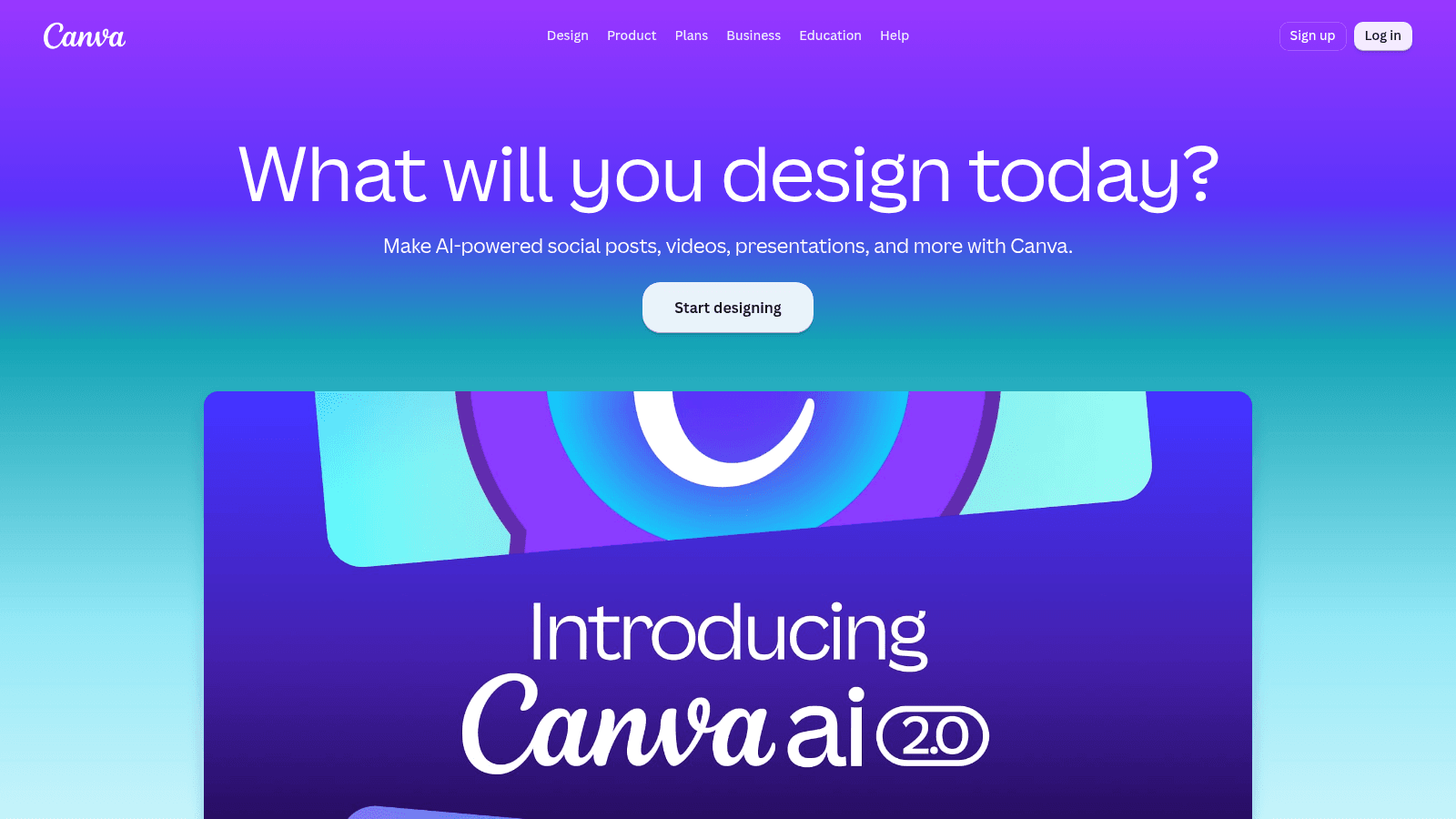
Overview: The default asset factory for teams without a designer. Canva covers decks, social posts, one-pagers, and video from one library, and its Brand Kit pushes your fonts and colors into every template automatically.
For most startups this is the first tool installed and the last one removed.
Key features:
- Brand Kit applies your palette and type across every template, so non-designers stay on-brand
- 1.6 million templates on the free tier, rising to 3.6 million on Pro
- AI generation and background removal built into the editor rather than bolted on
Pricing: Free is $0 a year for one person and includes one Brand Kit limited to three colors. Pro is $180 a year for one person with five Brand Kits, and Business is $250 a year per person with 100 Brand Kits and approvals.
Pros: genuinely capable free tier, fastest route from idea to asset, the whole team can use it without training
Cons: template-driven work is recognizable as template-driven work, brand controls are weak below Business, file organization degrades fast at volume
Why it's a good branding tool for startups: It removes the bottleneck where every small asset waits on one person. That alone changes how fast a small team can move.
Final verdict: Start here, and upgrade to Business only when more than three people are producing assets.

Figma
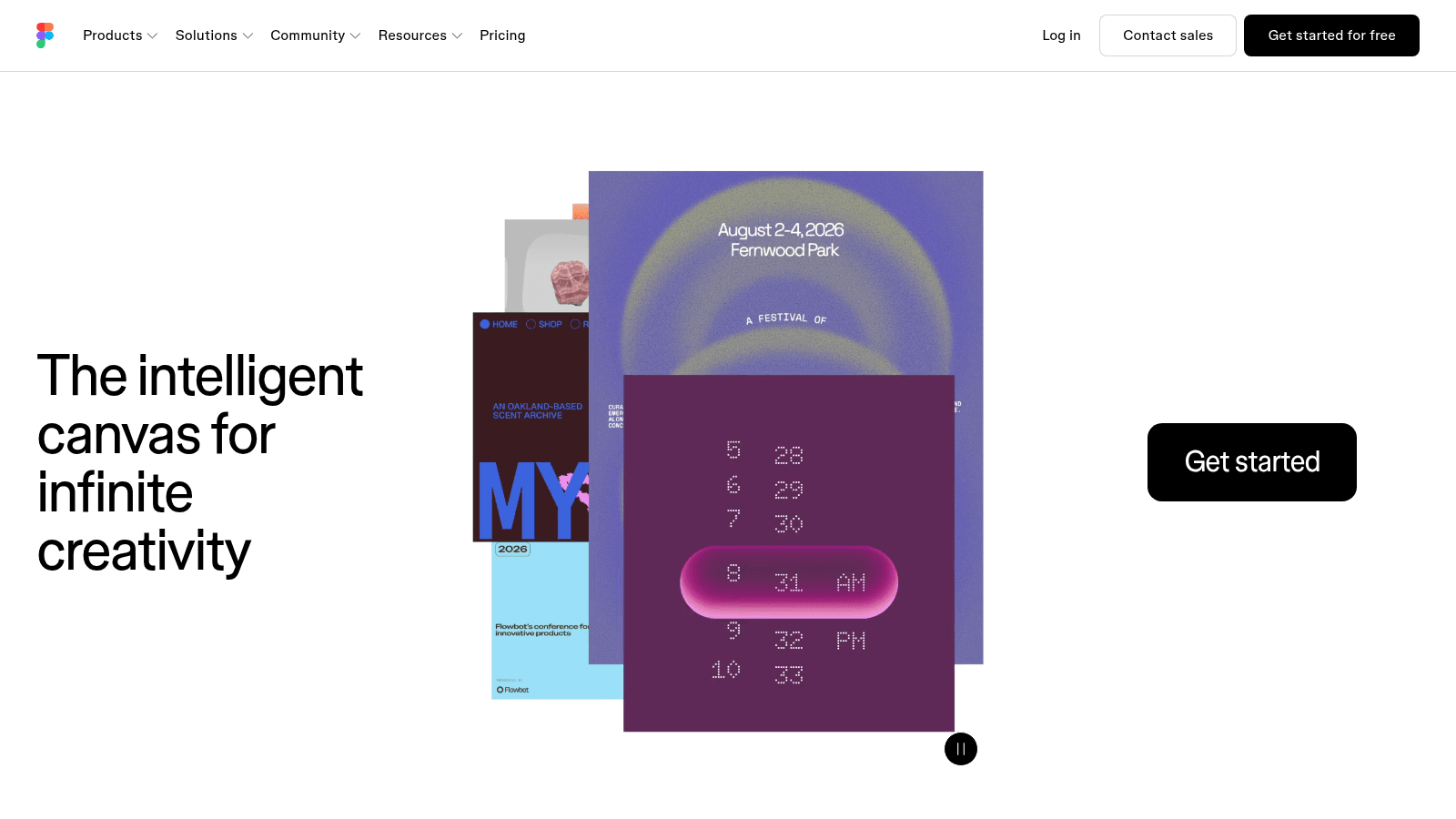
Overview: The professional tool where the identity itself gets built, as opposed to applied. If you hire a designer or an agency, this is almost certainly where they will work.
Founders who learn even a little of it stop being blocked on small changes.
Key features:
- Real vector editing with components, so a logo change propagates everywhere at once
- Multiplayer editing with unlimited free viewers, which makes stakeholder review painless
- A plugin and community ecosystem covering everything from color systems to mockups
Pricing: The Starter plan is free. Professional runs $16 a month for a full seat, with dev seats at $12 and collab seats at $3, and Organization moves to $55 a month per full seat billed annually.
Pros: the seat structure means reviewers cost nothing, the file is the source of truth for designers and developers alike, unmatched ecosystem
Cons: a real learning curve for non-designers, overkill if you only need social posts, full seats add up on bigger teams
Why it's a good branding tool for startups: It is the only tool here where the brand can be built as a system rather than a set of files, which matters the moment you have more than one person touching it.
Final verdict: Essential if anyone on the team designs; skippable if nobody does.
Adobe Express
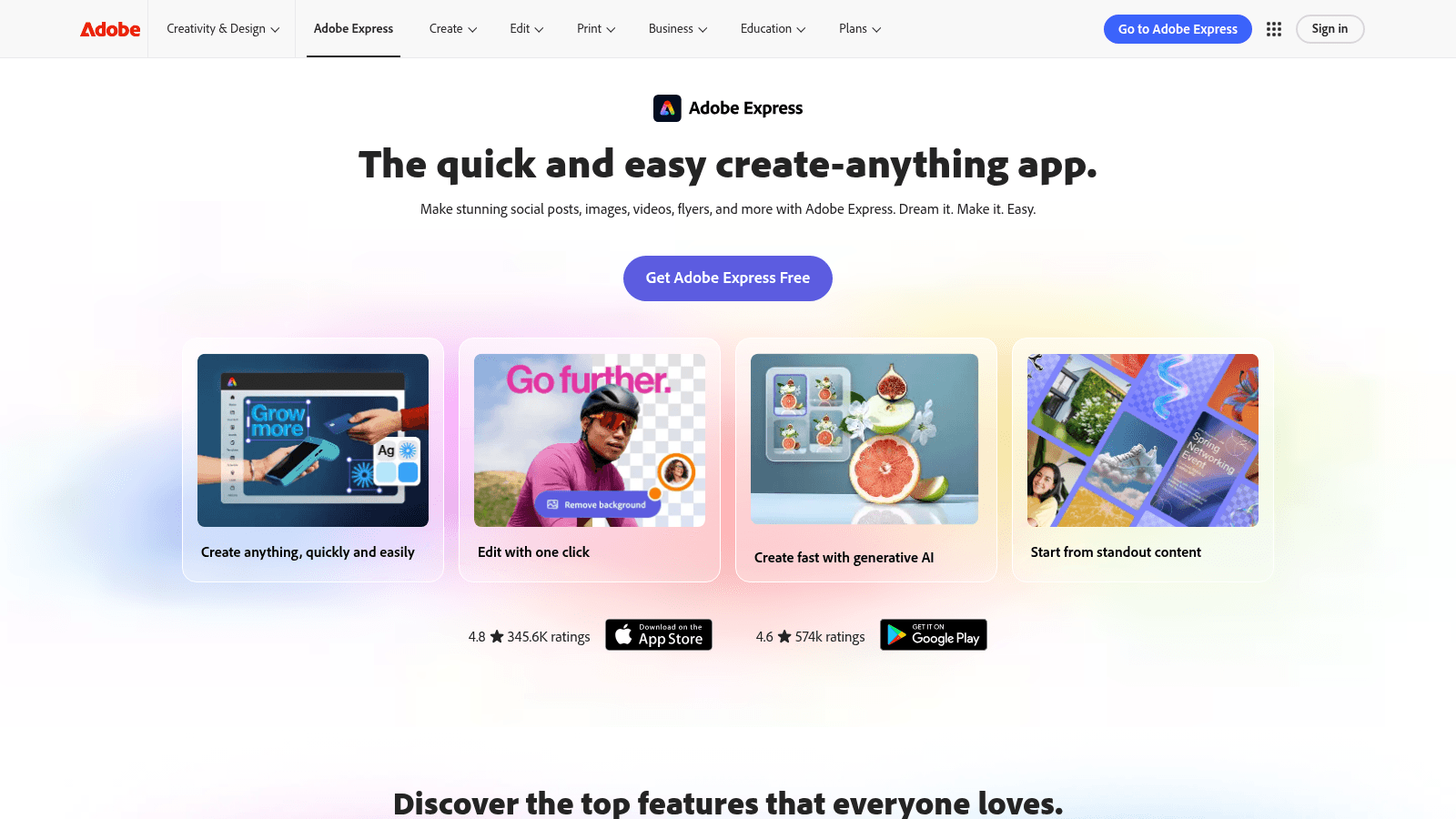
Overview: Adobe's answer to Canva, aimed at fast social and video work with Firefly generative AI attached and the Adobe Stock library behind it.
The free tier is unusually generous, which makes it a real option rather than a trial.
Key features:
- 100,000+ templates and 1 million royalty-free Adobe Stock assets on the free plan
- Firefly generative AI designed to be commercially safe, which matters for anything customer-facing
- 4,000+ Adobe Fonts free, rising to the full 30,000+ collection on the paid tier
Pricing: Adobe Express Free is $0 with no credit card. The paid tier is now bundled as Acrobat Express at $10.99 a month billed monthly with no annual commitment, adding 250 generative credits a month and 200 million assets.
Pros: strongest free asset library in this list, commercially safe AI generation, integrates with the rest of Creative Cloud
Cons: weaker for long multi-page documents, the paid bundling with Acrobat is confusing, fewer collaboration controls than Canva Business
Why it's a good branding tool for startups: The asset and font library alone saves a startup the stock-photo budget it was about to spend.
Final verdict: The better pick if your output is mostly social and video rather than decks.
Looka
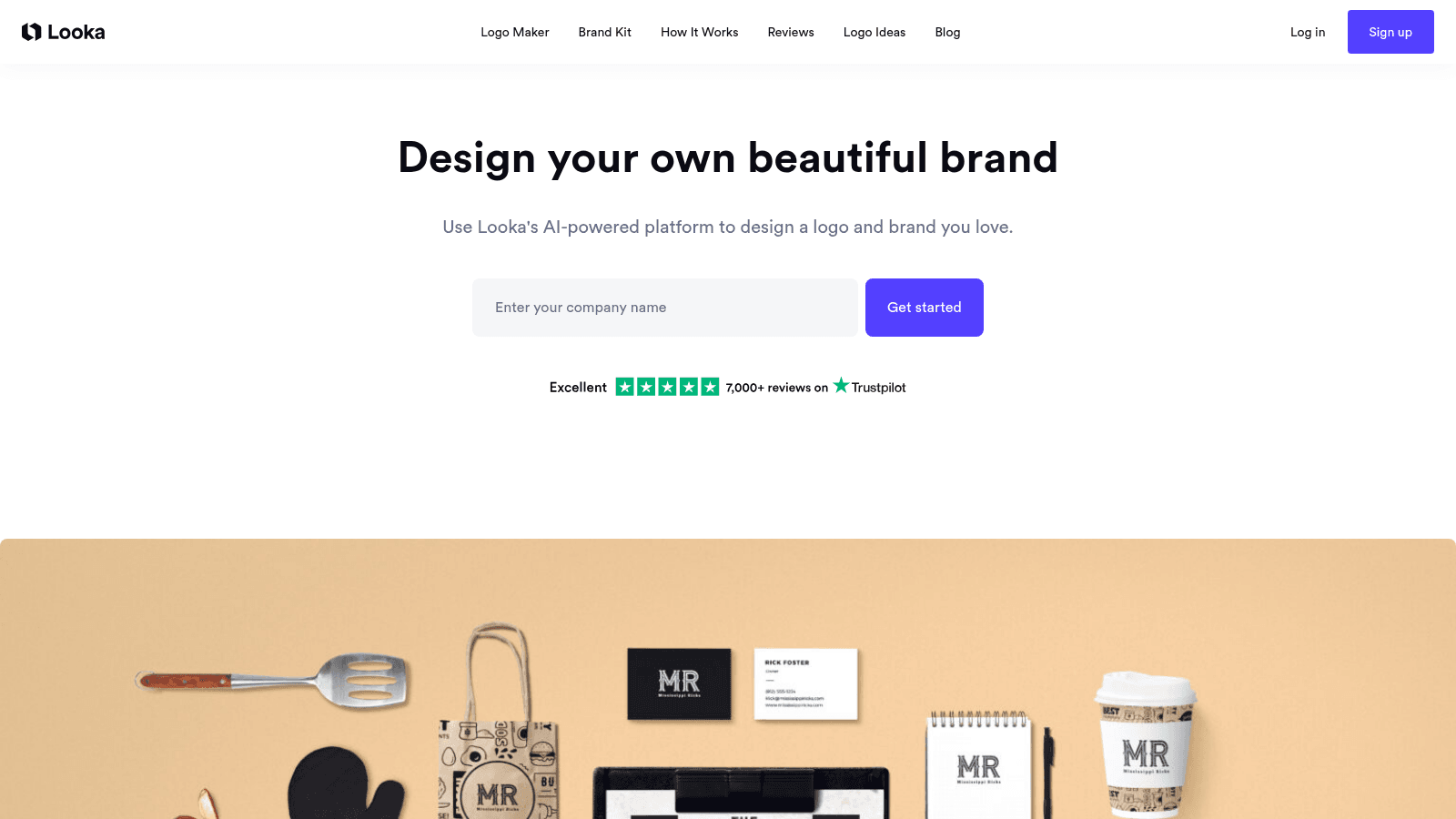
Overview: An AI logo and brand-kit generator that takes you from a company name to a usable identity in an afternoon, including business cards, social profiles, and email signatures.
It is the most complete of the AI branding tools for a founder with no design help at all.
Key features:
- Generates a logo plus a matching palette, type system, and asset set from a short brief
- Unlimited logo changes while subscribed, so early iteration costs nothing extra
- Full ownership of the logo is retained even after the subscription ends
Pricing: The Brand Kit Subscription is $96 a year billed annually. The Brand Kit Web Subscription is $129 a year and adds an AI-generated website on top.
Pros: fastest route to a complete identity, hi-res and vector files included, ownership survives cancellation
Cons: generated marks draw on common visual conventions and can feel familiar, limited help with strategy or naming, subscription rather than one-time by default
Why it's a good branding tool for startups: It solves the specific problem of needing a whole identity, not just a logo, before a launch date you cannot move.
Final verdict: Good value if you treat the output as version one rather than the final answer.
Jasper
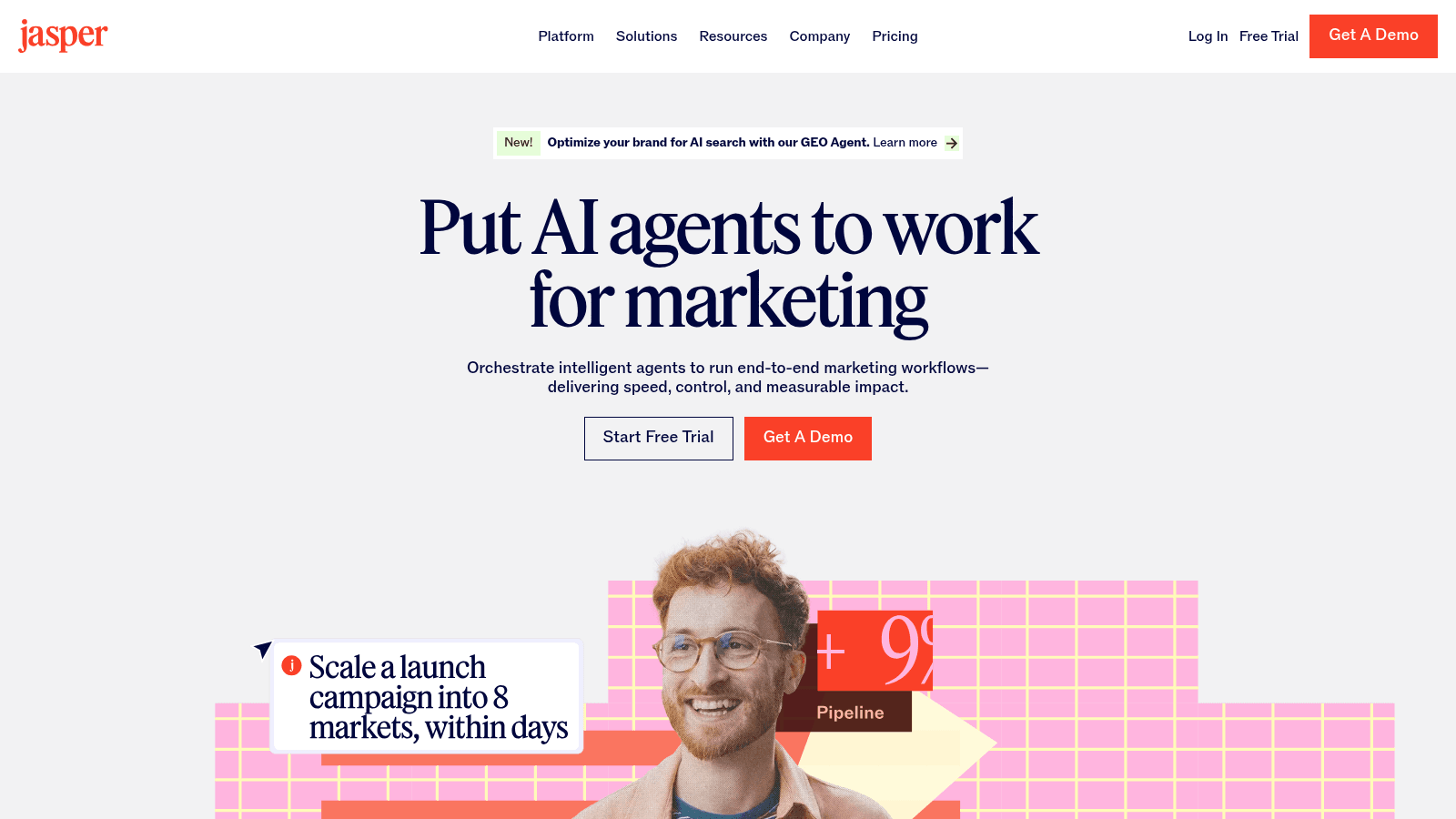
Overview: An AI writing platform built around brand voice rather than raw generation. You define how the company sounds once, and everything produced afterward inherits it.
This is the tool for the half of branding that is not visual and usually gets ignored.
Key features:
- Brand Voices capture tone and vocabulary so output stays consistent across writers
- Knowledge assets let the model reference your actual product facts rather than inventing them
- Audiences let you shift register between segments without rewriting the voice
Pricing: Pro is $69 a month per seat billed monthly, or $59 a month billed annually, and includes two Brand Voices, five Knowledge assets, and three Audiences. Business is custom-priced with a 12-month minimum and unlimited voices.
Pros: genuinely reduces voice drift across a team, knowledge grounding cuts factual errors, 7-day trial before committing
Cons: expensive for a single founder, one seat only on Pro, still needs an editor who knows what good sounds like
Why it's a good branding tool for startups: Verbal identity drifts faster than visual identity because more people write than design, and this is the only tool here that addresses it.
Final verdict: Worth it once two or more people write customer-facing copy, hard to justify before that.
Frontify
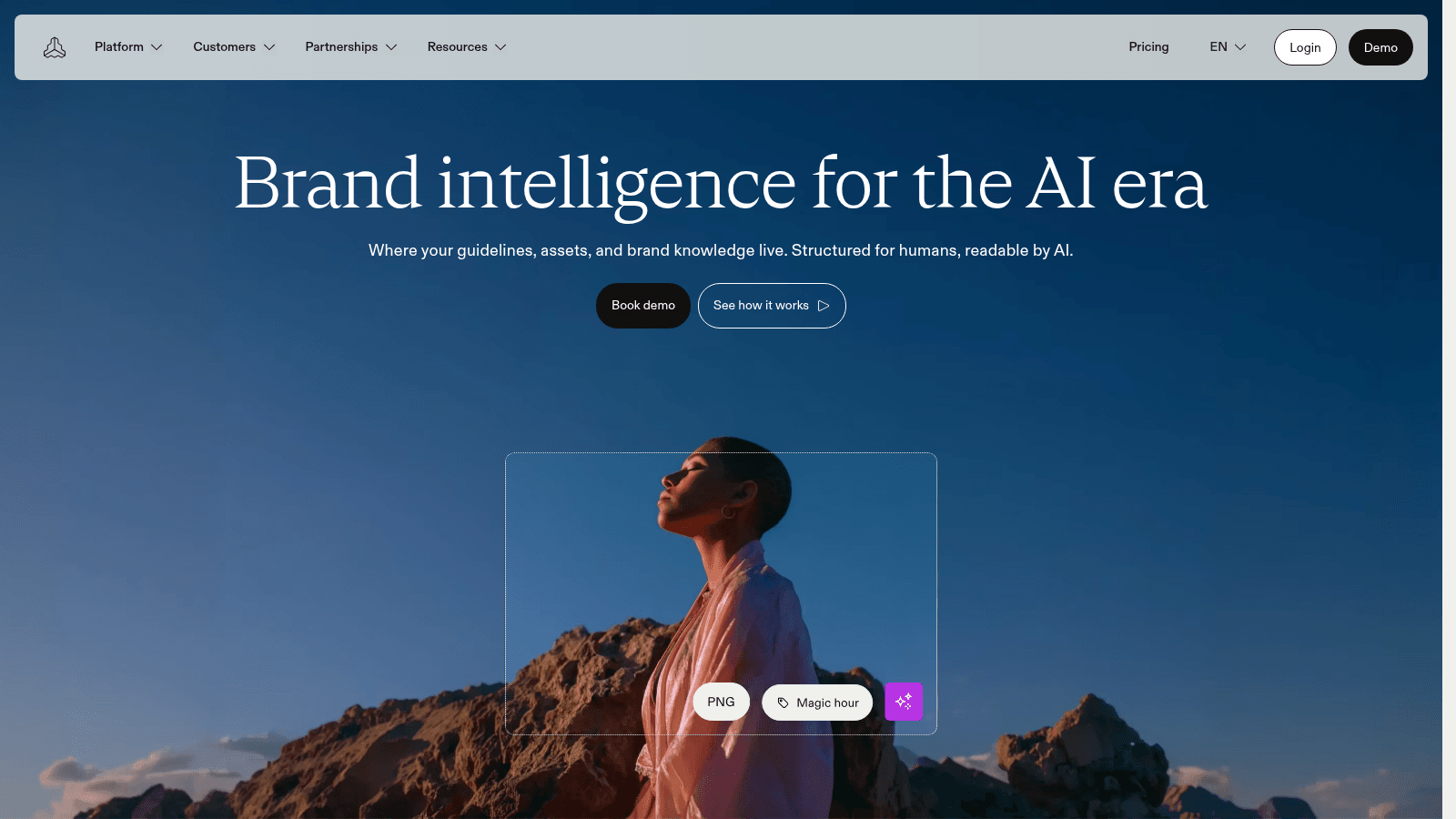
Overview: A brand management platform: a central portal holding guidelines, logos, colors, and approved assets that agencies, contractors, and staff all pull from.
It is the most capable tool on this list and the least appropriate for a five-person company.
Key features:
- A living brand portal replaces the PDF guidelines nobody opens
- Digital asset management so external partners use current files rather than whatever they downloaded last year
- Usage analytics showing which assets are actually being used
Pricing: Frontify does not publish prices. It quotes based on monthly active users, so you pay for people who actually log in, with external agencies and freelancers counting as active if they sign in at least once in a month.
Pros: solves brand drift properly rather than partially, external partners stay current automatically, usage-based pricing scales with real adoption
Cons: quote-only pricing means a sales cycle, overkill below roughly 20 people, MAU model can surprise you when agencies log in
Why it's a good branding tool for startups: For a scaleup with multiple agencies it removes an entire category of expensive mistakes. For a seed-stage team it does not.
Final verdict: Right tool, usually wrong stage; revisit it after Series A.
Marq
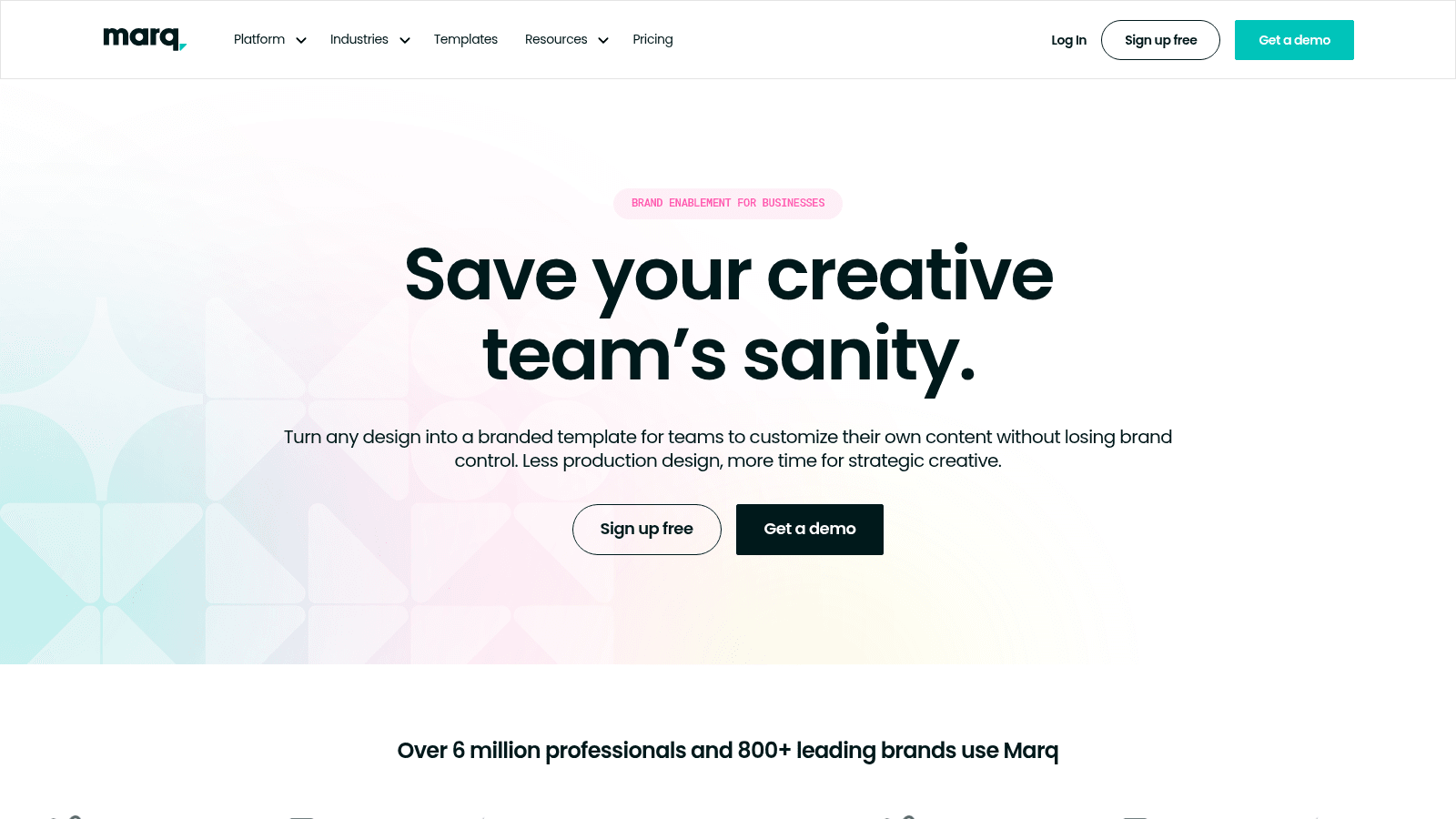
Overview: Template locking for teams where non-designers produce branded material. A designer builds the template, locks what must not change, and sales or HR fills in the rest.
It sits between Canva's freedom and Frontify's governance.
Key features:
- Template locking prevents anyone from moving the logo or changing the palette
- Smart fields update shared content, like an address or a tagline, across every document at once
- Admin and user roles so permissions match how the team actually works
Pricing: The free plan is $0 for one user with 25 MB of storage and a three-project limit. Pro and Team are both $12 a month, or $120 a year, with Team covering 2 to 20 users, and Enterprise is quoted for 10 or more.
Pros: cheap for what it does, genuinely stops brand drift in sales collateral, low training burden
Cons: small storage on the lower tiers, smaller template library than Canva, less useful if nobody outside the design function creates assets
Why it's a good branding tool for startups: The moment a salesperson edits a deck, you have a consistency problem, and this is the cheapest fix for it.
Final verdict: Best value on this list if your problem is other people editing your templates.
Taplio
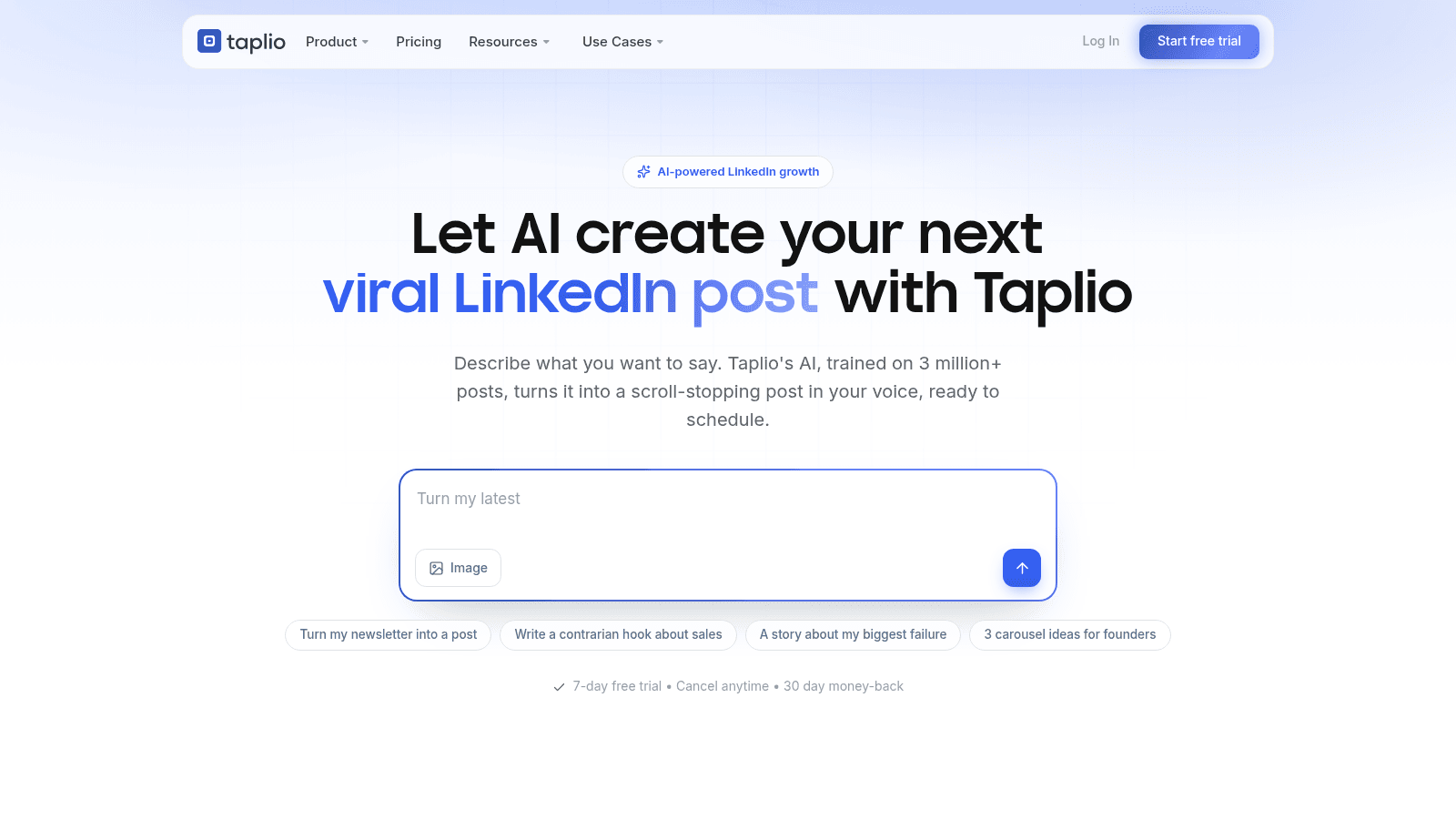
Overview: A LinkedIn-focused tool for the founder's own audience: scheduling, AI-assisted drafting, engagement, and analytics in one place.
For early startups the founder's profile often outperforms the company page, which is why this belongs on the list.
Key features:
- Post scheduling and a content queue so publishing survives a busy week
- AI drafting and rewriting trained on high-performing LinkedIn posts
- Analytics on what actually reaches people rather than vanity impressions
Pricing: Starter is $39 a month, Growth is $69 a month, and Pro is $199 a month, all billed monthly, with roughly 25% off on yearly billing. There is a 7-day free trial and a 30-day money-back guarantee.
Pros: removes the main reason founders stop posting, good analytics for the price, team and agency seats available
Cons: LinkedIn only, AI drafts need real editing to avoid sounding generic, the Pro tier is steep for one person
Why it's a good branding tool for startups: Personal branding tools matter most when the company has no distribution yet and the founder does.
Final verdict: Worth it only if you will genuinely post two or three times a week.
Namelix
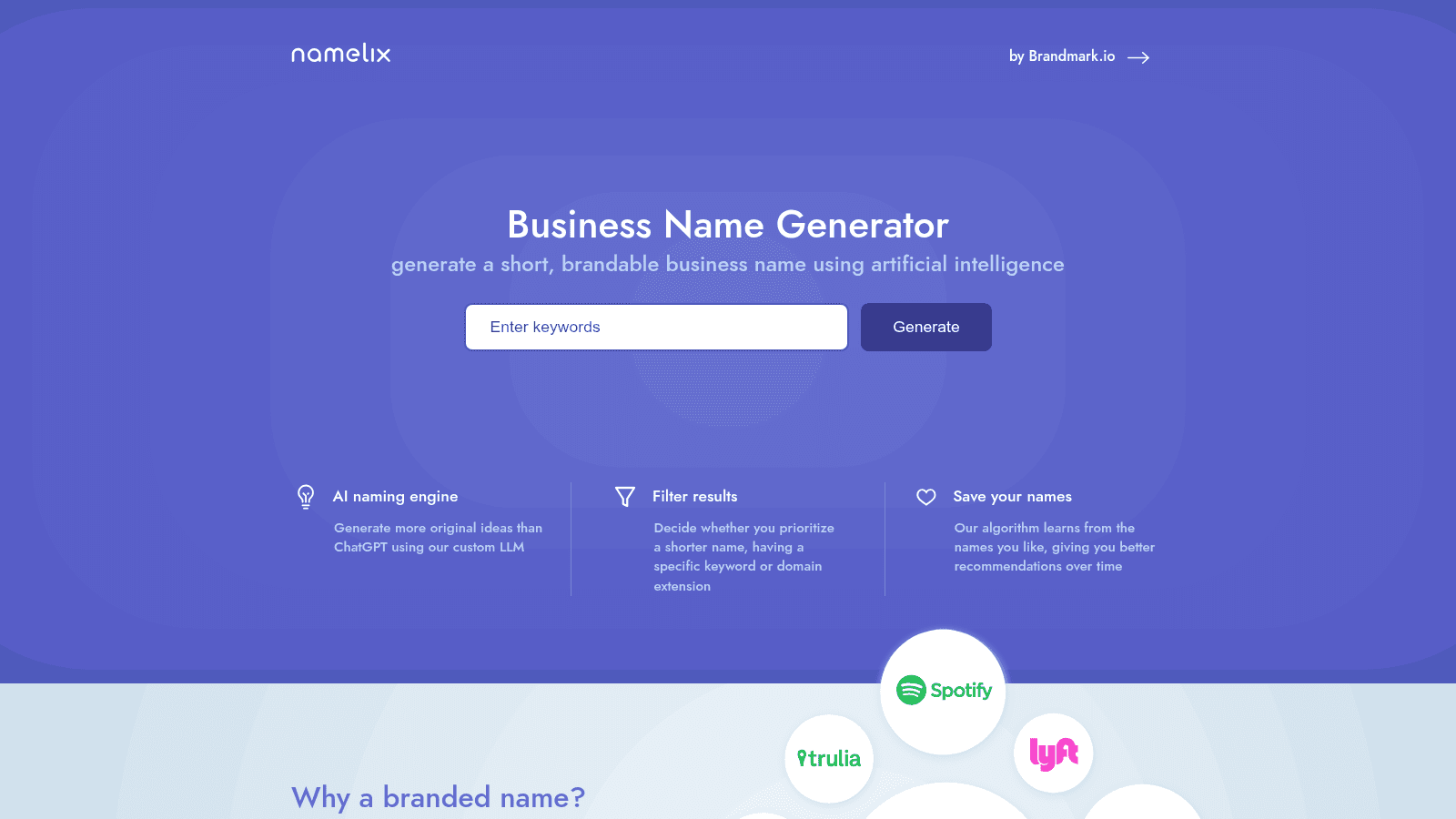
Overview: A free AI business-name generator that produces short, brandable names from a description, with controls for style and length. It is made by Brandmark.
It does one small thing, does it free, and does it before any other tool on this list is relevant.
Key features:
- Generates short, brandable names rather than keyword-stuffed domains
- Style filters let you push toward invented, compound, or real-word names
- Shows a logo preview for each name so you can judge how it will look in use
Pricing: Free. There is no paid tier for the name generator itself, though it promotes Brandmark's paid logo tool alongside it.
Pros: costs nothing, genuinely good at short brandable names, no signup required to start
Cons: names only, no trademark or availability checking of any depth, output needs heavy filtering
Why it's a good branding tool for startups: Naming is the one branding decision that is expensive to reverse later, and this is the cheapest way to generate options.
Final verdict: Use it for the shortlist, then check trademarks properly somewhere else.
The best AI branding tools for startups, and where they stop
The best AI branding tools for startups in this list, chiefly Looka, Namelix, and the generative features inside Canva and Adobe Express, are very good at one thing: producing competent options fast when you have none.
Where they stop is judgment. They can generate fifty logos and cannot tell you which one is right, because rightness depends on who you are selling to, what your competitors already look like, and what you intend to be in three years. That is a strategy question, and no current tool answers it.
The practical consequence is that AI tools reward founders who already have a point of view and punish those who do not. A founder on Reddit described exactly this, saying they spent $3,000 on a branding agency for their first startup and got something that looked nice but did not feel like them, then spent $200 on their second and liked it far more.
Their explanation was the useful part: by the second time they actually knew what they wanted, and if you do not have strong opinions yet, spending more money will not help. That applies equally to spending more on tools.
Tools for personal branding
Personal branding tooling is a smaller category than the vendors would like you to believe, and for most founders it comes down to publishing consistently somewhere your buyers already are.
Taplio covers LinkedIn, which is where most B2B founders should be. For everything else, the honest answer is that a scheduling tool plus the notes app you already use will do, and the constraint is never the software.
What genuinely helps is treating the founder profile and the company brand as one system: the same point of view, the same vocabulary, different register. Teams that split them end up with a founder saying interesting things and a company account posting product screenshots, and the two never compound.
What branding actually costs
Tools are the cheapest line in this budget, which is why the tool question is less important than founders expect. Here is what each route really costs.
| Route | Typical cost | Timeline | Best for |
|---|---|---|---|
| DIY with free tools | $0 to $200/year | A weekend | Pre-seed, pre-revenue, testing positioning |
| AI brand kit generator | $96 to $500/year | An afternoon | Launch deadlines with no design help |
| Freelance brand designer | $2,000 to $15,000 | Under two months | A single identity with a fixed brief |
| Branding agency | $25,000 to $150,000+ | A quarter or more | Funded rebrands that include research |
| Design subscription | Flat monthly (ours runs $1,490 to $2,995) | Ongoing, first task in days | Continuous output after the identity exists |
The number worth holding against all of these is what a designer costs to employ. The U.S. Bureau of Labor Statistics put the median annual wage for graphic designers at $61,300 in May 2024, with employment projected to grow just 2% through 2034. A tool subscription is rounding error against a salary, and an agency project is roughly a quarter of one.
That gap is the whole argument for doing version one yourself and buying help once you know what you want. Awesomic sits in the last row: one flat monthly fee, a vetted designer matched within 24 hours, and unlimited revisions, which suits the phase after the identity exists and the volume of branding work becomes constant. If that is where you are, you can Get started and hand over the first task this week.
Where to start this week
Write your positioning in one sentence before you open anything. Who it is for, what it does, and why it is different. If you cannot, no tool on this list will save you, and the CB Insights finding is the warning: of 431 startup shutdowns analyzed, 70% ran out of capital and 43% cited poor product-market fit, while nobody listed their logo.
Then take the cheapest path that clears your deadline. The best branding tools for startups are, almost always, the ones you will actually open twice. Namelix if you still need a name, Looka if you need a whole identity by Friday, Canva or Adobe Express if you have an identity and need assets. Add Marq or Frontify only when other people start editing your templates.
Once the basics hold, the work shifts to consistency and to what the brand actually says, which is where brand identity and branding strategy do the real convincing. If you decide you want outside help, our guides to finding a branding agency and to branding agencies for startups cover what to ask, and budgeting for design covers what to expect to pay. Our case studies show what the applied version looks like.
If the next problem after branding is the product itself, our roundup of product design software covers the tools on that side, and vibe marketing covers what happens when you point AI at the distribution problem instead.
Frequently asked questions
What is the best free branding software for a startup?
Canva and Adobe Express are the two strongest free options, and they overlap less than they appear to. Canva's free tier includes a Brand Kit and 1.6 million templates and is better for decks and documents.
Adobe Express Free includes 100,000+ templates plus a million Adobe Stock assets and 4,000+ fonts, and is better for social and video. Figma's Starter plan is also free and is the right pick if you want to design the identity yourself rather than apply one.
Are AI branding tools good enough to skip a designer?
For version one, often yes. Looka will produce a complete brand kit in an afternoon for $96 a year, and for a pre-revenue startup testing positioning that is a reasonable trade. What AI branding tools cannot do is decide what your brand should mean, judge which of fifty options fits your market, or notice that your logo resembles a competitor's. Those are the failures that cost money later, so treat generated output as a starting point.
How much should a startup spend on branding?
Less than you think before product-market fit, and more than you think after. A pre-seed company can get to a credible identity for under $200 a year with the free and cheap tools here. Once you have paying customers and multiple people producing assets, the cost shifts from tools to consistency and volume, which is where freelancers, subscriptions, or agencies start earning their fee. Anchor the decision against the $61,300 median salary for a graphic designer rather than against zero.
What are the best tools for personal branding as a founder?
For B2B founders, a LinkedIn tool such as Taplio at $39 a month covers scheduling, drafting, and analytics in one place, which removes the main reason founders stop posting. Beyond that, the tooling matters much less than the cadence. The useful discipline is keeping your personal voice and the company brand pointed at the same idea, so that what you say and what the company publishes compound instead of competing.
Do I need brand management software like Frontify?
Not at seed stage. Brand management platforms solve drift, which is a problem you only have once several people and outside agencies are producing material without a designer checking it. Below roughly 20 people, Canva's Brand Kit or Marq's template locking at $12 a month covers the same need for a fraction of the cost. Revisit Frontify when you can name three external partners who use your logo files.
One subscription and your hiring problems solved


FAQ


Awesomic is a revolutionary app that matches companies with vetted professionals across 30+ skill sets, from design and development to marketing and product. Based in San Francisco with a global core team, we offer a faster and more flexible alternative to traditional hiring through a subscription-based model. Awesomic delivers high-quality talent on demand, without the delays of recruiting.
We function as a subscription-based service that matches you to top-tier, vetted talent. Submit a project in just a few clicks and start receiving deliverables in as little as 24 hours. Scale your Awesomic plan up or down as your business needs change.
Every Awesomic subscription comes with unlimited revisions. You receive daily progress updates via the app, and you can provide feedback or request iterations as needed. If your project requires a different approach, you can request a talent rematch at any time, at no extra cost. You can also add teammates to collaborate and streamline feedback
A talent marketplace is a platform that utilizes data and intelligent matching algorithms to connect professionals with projects based on their skills, experience, and availability. While often used internally by large companies, Awesomic applies this model at scale, matching vetted global talent to your most critical business needs.
Hiring is time-consuming, expensive, and risky. Awesomic eliminates that problem. We rigorously vet all talent for technical ability, communication, and soft skills, ensuring only senior-level professionals work on your projects. You skip the job posts, interviews, and delays, and get straight to results.
No, Awesomic goes beyond design. While many clients utilize us for branding, UI/UX design, or motion graphics, we also provide vetted talent in no-code web development, product design, marketing, and more. Think of us as an extension of your team. A flexible, high-performing creative partner from planning to execution, whether you're building awesome products or scaling your team.
You can talk directly with your matched talent via the Awesomic app, connect via Slack, email, or schedule video calls. No matter the plan, you’ll receive daily updates in the app for every active task. You can also tag us in for any issues through our in-app customer chat.


