




Best Product Design Software for Teams to Use in 2026

Key takeaways:
- "Product design software" covers three different trades. Screen design, 3D and industrial CAD, and packaging or label work barely overlap, and buying the wrong category is the most expensive mistake here.
- Free product design software is real now, not a demo. Figma Starter, Penpot, and Blender will carry a small team a long way, and Penpot is the only one you can self-host.
- CAD is where the money goes. Onshape starts at $1,500 per user per year and Rhino is $995 once, against $16 a month for a Figma seat, so decide which trade you are in before you compare prices.
- AI design tools are worth a seat, not a strategy. DORA's 2025 survey of nearly 5,000 technology professionals found 90% now use AI, but only 24% trust its output much.
Ask ten teams what product design software they use and you will get three unrelated answers, because they are doing three unrelated jobs.
A SaaS team means the tool where screens get drawn. A hardware team means parametric CAD with tolerances and manufacturing output. A consumer goods team means dielines, substrates, and how a label prints. All three call it product design, and a roundup that mixes them without saying so is useless to everyone.
So this one is grouped by trade. Ten tools, every price checked live in August 2026, with what each is genuinely for and where it stops.
We're Awesomic, and our talent works across most of these day to day, which is mainly how we learned that the tool argument is usually a proxy for an unresolved question about what the team is actually building.
What to look for in product design software
Before comparing features, answer three questions. They eliminate most of the list immediately.
What are you designing? A screen, an object, or a package. This decides the category and nothing else matters until it is settled.
Who else needs into the file? Engineers, a manufacturer, a printer, or nobody. Handoff is where tools differ most and where teams feel the pain.
What happens if the vendor changes the terms? Some of these are subscriptions you rent, one is a perpetual license you own, and one is open source you can host yourself. That difference matters more than it used to.
Here is how the categories break down against those questions.
| Category | What it is for | Handoff target | Tools on this list |
|---|---|---|---|
| Digital product design | Screens, flows, prototypes, design systems | Front-end engineers | Figma, Framer, Penpot, Uizard |
| Vector and label design | Logos, labels, print-ready artwork | Printers and packaging suppliers | Adobe Illustrator |
| 3D and industrial CAD | Physical parts, assemblies, tolerances | Manufacturers and CNC or 3D printing | Autodesk Fusion, Onshape, Rhino, Blender |
| Structural packaging | Dielines, cartons, virtual prototypes | Converters and press | Esko ArtiosCAD |
Teams building a physical product with an app usually need one tool from row one and one from row three, which is the single most common two-tool stack in this space.
How we picked these ten
The list is deliberately short and deliberately mixed across trades:
- Every price was pulled from the vendor's live pricing page or store in August 2026, not from another roundup
- Each tool had to be the clear first choice for at least one of the four categories above
- We captured every homepage ourselves, so the descriptions match what you will see
- Anything we could not capture or price cleanly was dropped rather than described from memory, which is why Sketch is not here despite being a reasonable tool
- Free and open-source options were included on merit, not as filler
Ten is where the list stopped being useful to extend, since each remaining candidate duplicated a category already covered.
Product design software compared
Here is the full list before the detail, with the entry price and the limitation that matters most.
| Tool | Best for | Key features | Main limitation | Pricing (from) | Rating |
|---|---|---|---|---|---|
| Figma | Screen design with a team | Components, multiplayer, dev handoff | Subscription lock-in at scale | $0 (free) | ★★★★★ |
| Framer | Designing and shipping a site | Visual canvas plus hosting, CMS | Sites, not app interfaces | $0 (free) | ★★★★☆ |
| Penpot | Teams that want to self-host | Open source, self-hostable, dev tools | Smaller plugin ecosystem | $0 (free) | ★★★★☆ |
| Uizard | Fast AI-generated concepts | Autodesigner, React CSS handoff | Output needs real refinement | $0 (free) | ★★★☆☆ |
| Adobe Illustrator | Labels and print-ready artwork | Vector precision, color separations | Not built for team handoff | $22.99/month | ★★★★☆ |
| Autodesk Fusion | Integrated design and manufacture | Parametric CAD, CAM, simulation | Steep for occasional users | $57/month | ★★★★★ |
| Onshape | Browser-based collaborative CAD | Full parametric CAD, version control | Costly per seat | $1,500/year | ★★★★☆ |
| Rhino | Complex freeform surfaces | NURBS modeling, Grasshopper | No native cloud collaboration | $995 once | ★★★★☆ |
| Blender | 3D visualization on no budget | Modeling, rendering, animation | Not a precision CAD tool | $0 (free) | ★★★★☆ |
| Esko ArtiosCAD | Structural packaging design | Dielines, 3D prototypes, production output | Quote-only, industry-specific | Custom | ★★★★☆ |
Ratings reflect fit for a working team in that tool's own category, not a cross-category ranking, since comparing Rhino to Figma on one scale would be meaningless.
Digital product design tools
These four cover screens, flows, and prototypes. This is what most people mean by product design software, and it is also the most competitive category on the list.
Figma
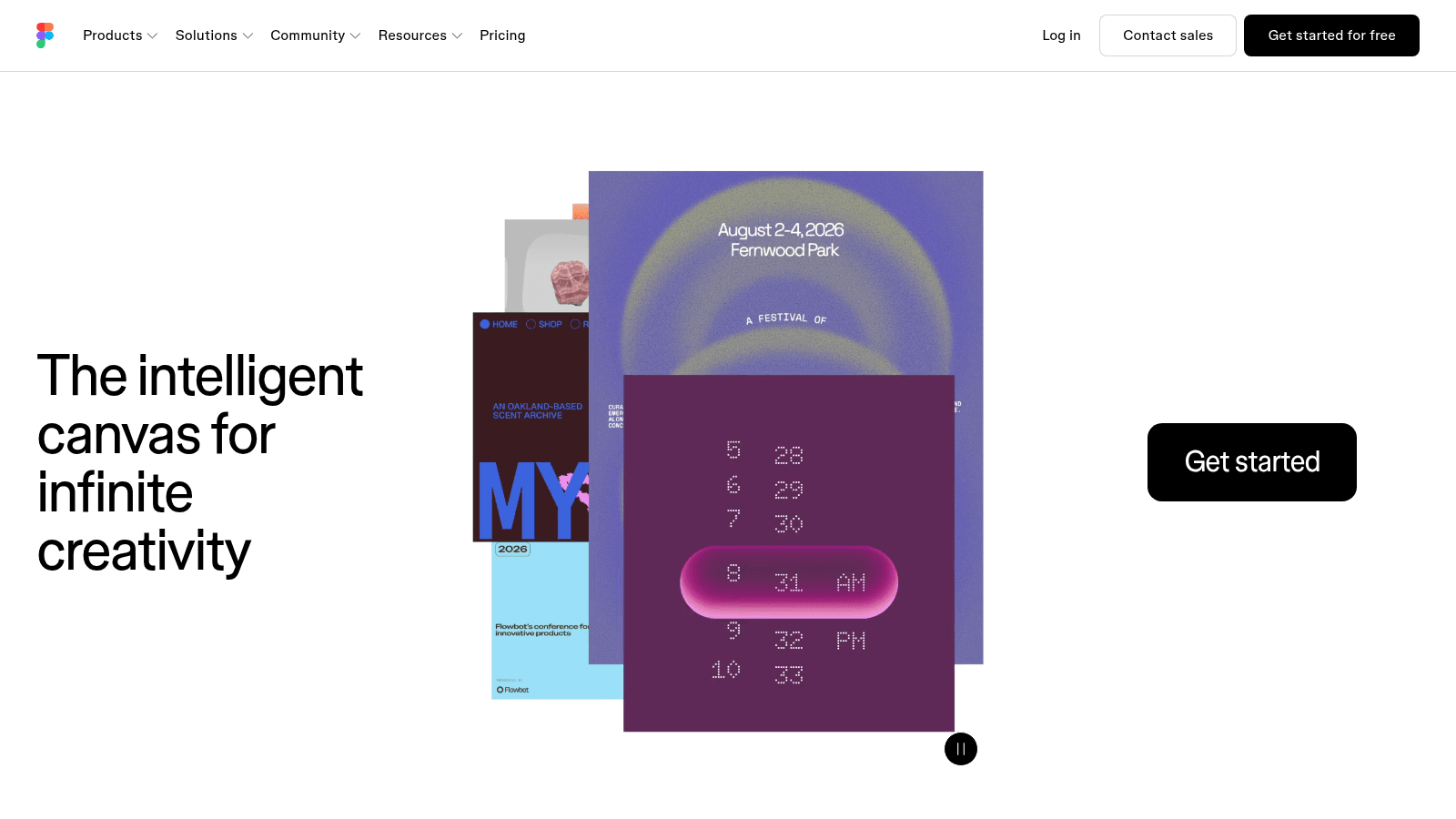
Overview: The default for screen design, and the file format most engineers expect to receive. Components and variants let a change propagate across an entire product, which is what separates it from a drawing tool.
Its seat structure is the underrated part: viewers are free and unlimited.
Key features:
- Components and variants so one change updates every instance
- Multiplayer editing with free unlimited viewers for stakeholder review
- Dev mode handoff with inspectable specs and code snippets
Pricing: Starter is free. Professional is $16 a month for a full seat, $12 for a dev seat, and $3 for a collab seat; Organization is $55 a month per full seat billed annually, and Enterprise is $90.
Pros: the ecosystem is unmatched, free viewers keep review costs at zero, everyone you hire will already know it
Cons: costs climb sharply at Organization and above, you are renting rather than owning, offline work is limited
Why it's a good design tool: It is the only option here where design, prototyping, and developer handoff live in one file that everyone can open.
Final verdict: The safe choice, and safe is worth a lot when you are hiring.
Framer
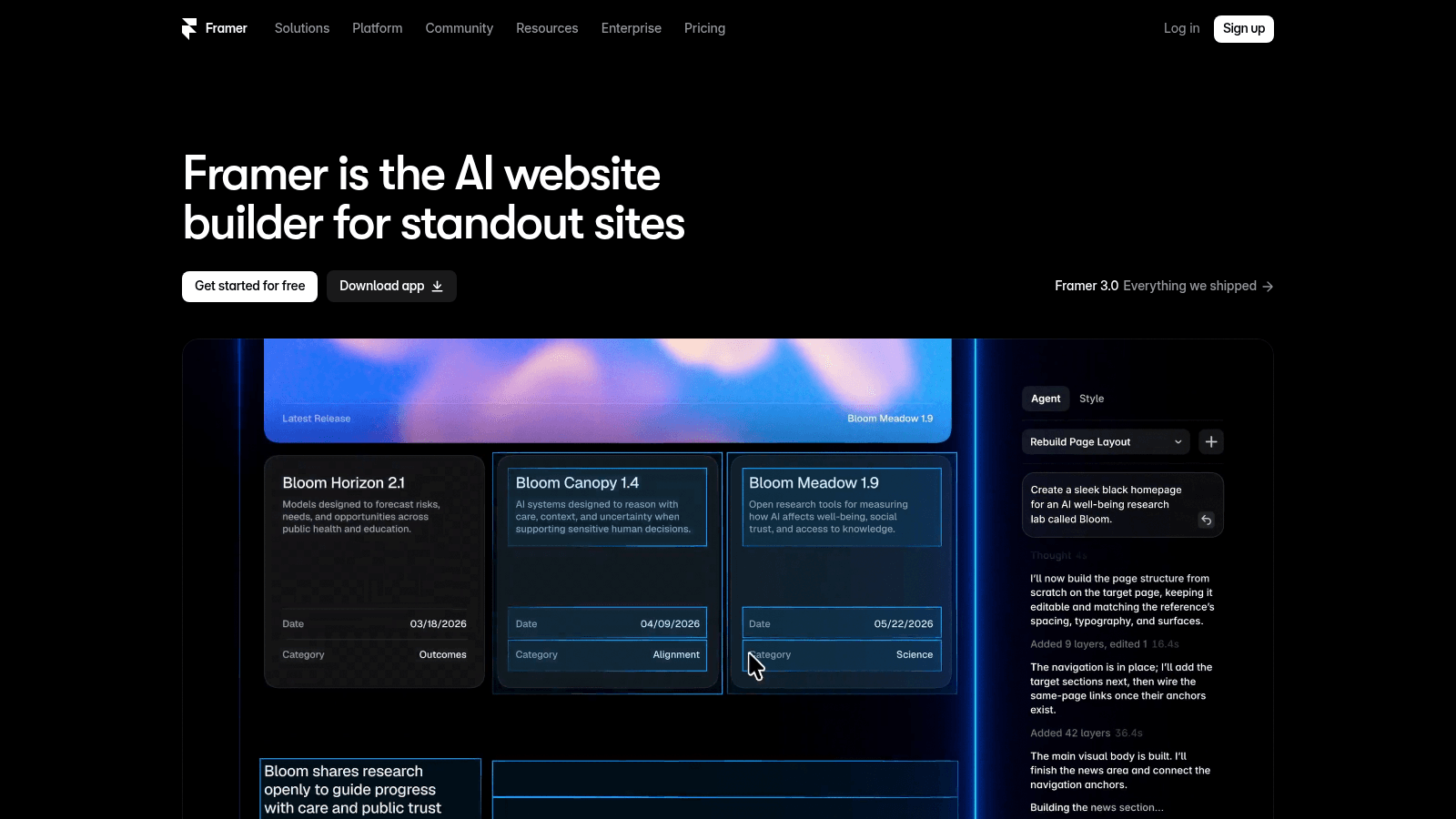
Overview: A visual canvas that publishes a real website, which makes it a design tool and a hosting platform at once. For marketing surfaces it removes the handoff step entirely.
It is not an app-interface tool, and treating it as one is the usual disappointment.
Key features:
- Design and publish from the same canvas, with no separate build step
- CMS collections for content-driven pages
- Staging, branching, and previews on the Pro tier
Pricing: The free tier is $0 with a Framer domain and 1 GB bandwidth. Basic is $10 a month, Pro is $30 a month, and Enterprise is custom; extra editors are $20 a month, or $10 for content-only editors.
Pros: shortest path from design to live site, genuinely good animation controls, predictable hosting cost
Cons: aimed at sites rather than product interfaces, add-ons like localization at $20 per locale accumulate, less useful once engineering owns the front end
Why it's a good design tool: For teams whose "product" includes a marketing site, it collapses design, build, and deploy into one tool.
Final verdict: Excellent in its lane, wrong tool for a dashboard.
Penpot
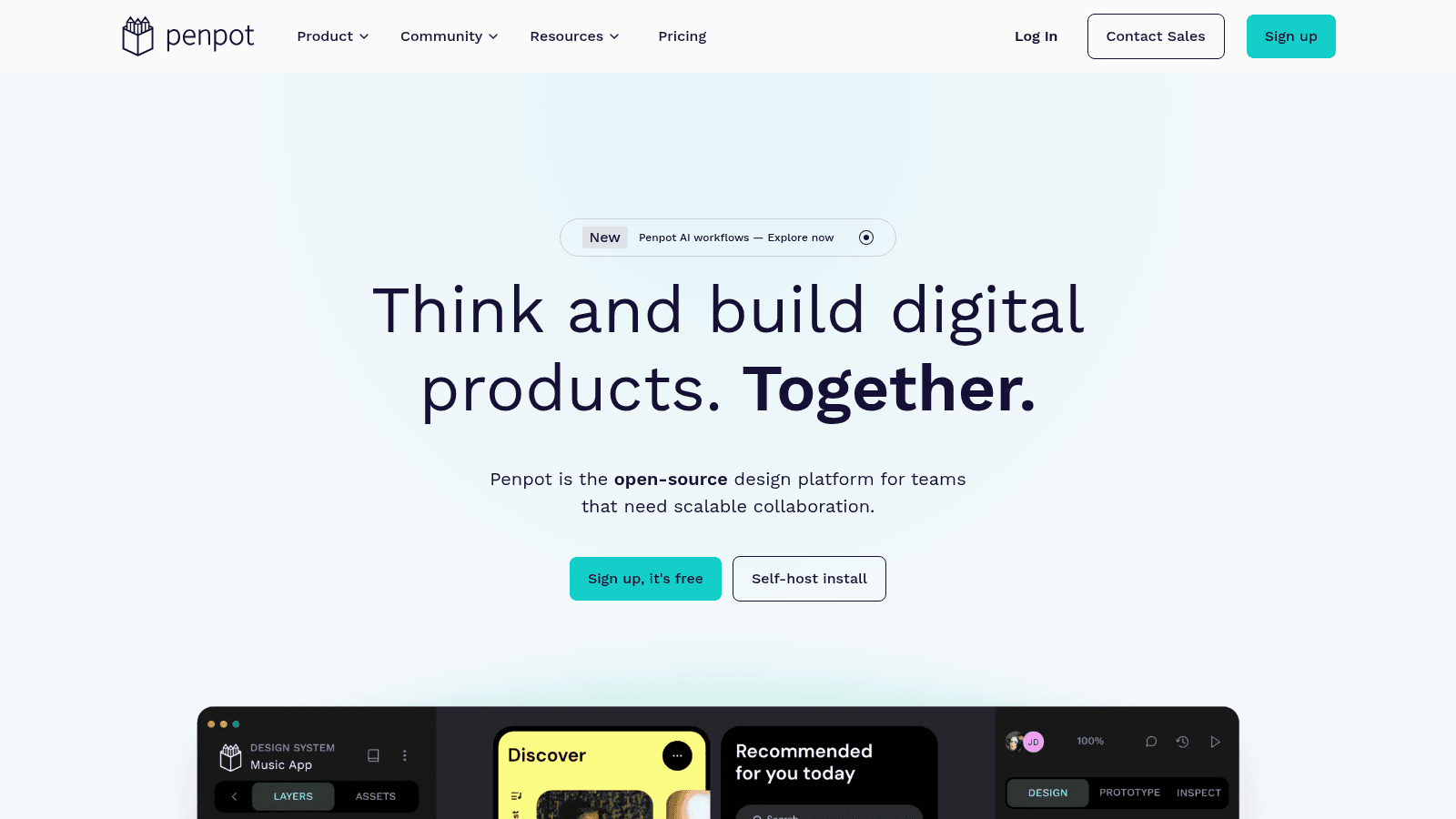
Overview: The open-source design tool, and the only one here you can run on your own infrastructure. Feature parity with Figma is not complete, but the gap is much smaller than it was.
For regulated teams or anyone burned by pricing changes, that ownership is the entire pitch.
Key features:
- Open source and self-hostable, so your files are not hostage to a vendor
- Multiplayer editing, plugins, and code inspection included on the free tier
- Design tokens and standards-based output that map cleanly to CSS
Pricing: The Professional plan is free for up to 8 team members with 10 GB storage. Unlimited is $7 per user a month capped at $175, Enterprise is $25 per user a month starting at $950, and a private server option is listed at $50,000 a year.
Pros: no vendor lock-in, genuinely capable free tier, self-hosting answers most compliance objections
Cons: smaller plugin and community ecosystem, fewer designers know it, private server pricing is enterprise-only territory
Why it's a good design tool: It is the only credible answer to the question of what happens if your design tool changes its terms.
Final verdict: The right pick if ownership matters more than ecosystem.
Uizard
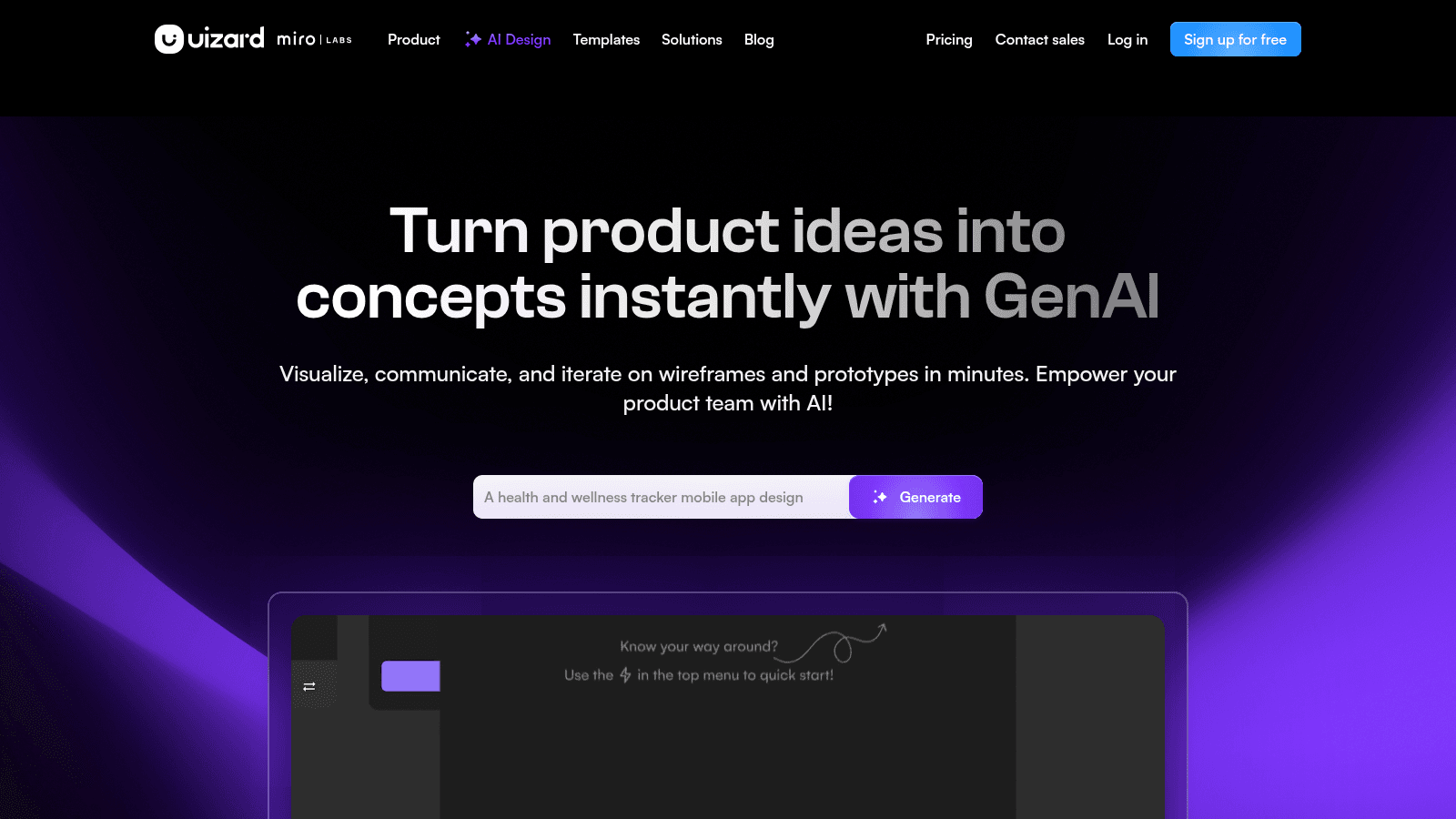
Overview: An AI-first tool that generates screens and flows from a text prompt or a screenshot, aimed at getting to something reviewable before a designer is involved.
Treat it as a thinking tool rather than a production one.
Key features:
- Autodesigner generates multi-screen concepts from a description
- Converts screenshots and hand sketches into editable designs
- Developer handoff in React CSS on paid tiers
Pricing: Free gives 3 AI generations a month across 2 projects. Pro is $12 a month billed annually, or $15 monthly, with 500 generations; Business is $39 a month billed annually with 5,000 generations and a custom brand kit.
Pros: genuinely fast for early concepts, cheap, non-designers can use it unassisted
Cons: output needs substantial refinement, generated layouts converge on the same patterns, weak for complex or data-heavy interfaces
Why it's a good design tool: It closes the gap between an idea and something a stakeholder can react to, which is often the slowest part of the week.
Final verdict: Worth $12 a month as a concept accelerator, not a replacement for design.

Vector, 3D and packaging tools
These cover physical products and print, where the constraints are manufacturing rather than screen sizes and the pricing model changes completely.
Adobe Illustrator
Overview: The vector standard, and the tool most printers and packaging suppliers expect files in. For product label design software this is the practical default rather than a preference.
Precision and color handling are why it survives every challenger.
Key features:
- Vector precision with the color and separation controls print production requires
- The file format most converters, printers, and manufacturers accept without negotiation
- Bundled with Adobe Express Premium on the single-app plan
Pricing: Illustrator as a single app is $22.99 a month on an annual plan billed monthly. Creative Cloud Pro lists at $69.99 a month and is currently $34.99 a month for new subscribers on an annual plan.
Pros: universal acceptance in print and packaging workflows, unmatched vector control, huge talent pool
Cons: not designed for team handoff or versioning, subscription only, overkill for simple label work
Why it's a good product design software: When the output is a physical printed thing, this is the tool that will not cause a problem at the press.
Final verdict: Non-optional if you print anything; skippable if you do not.
Autodesk Fusion
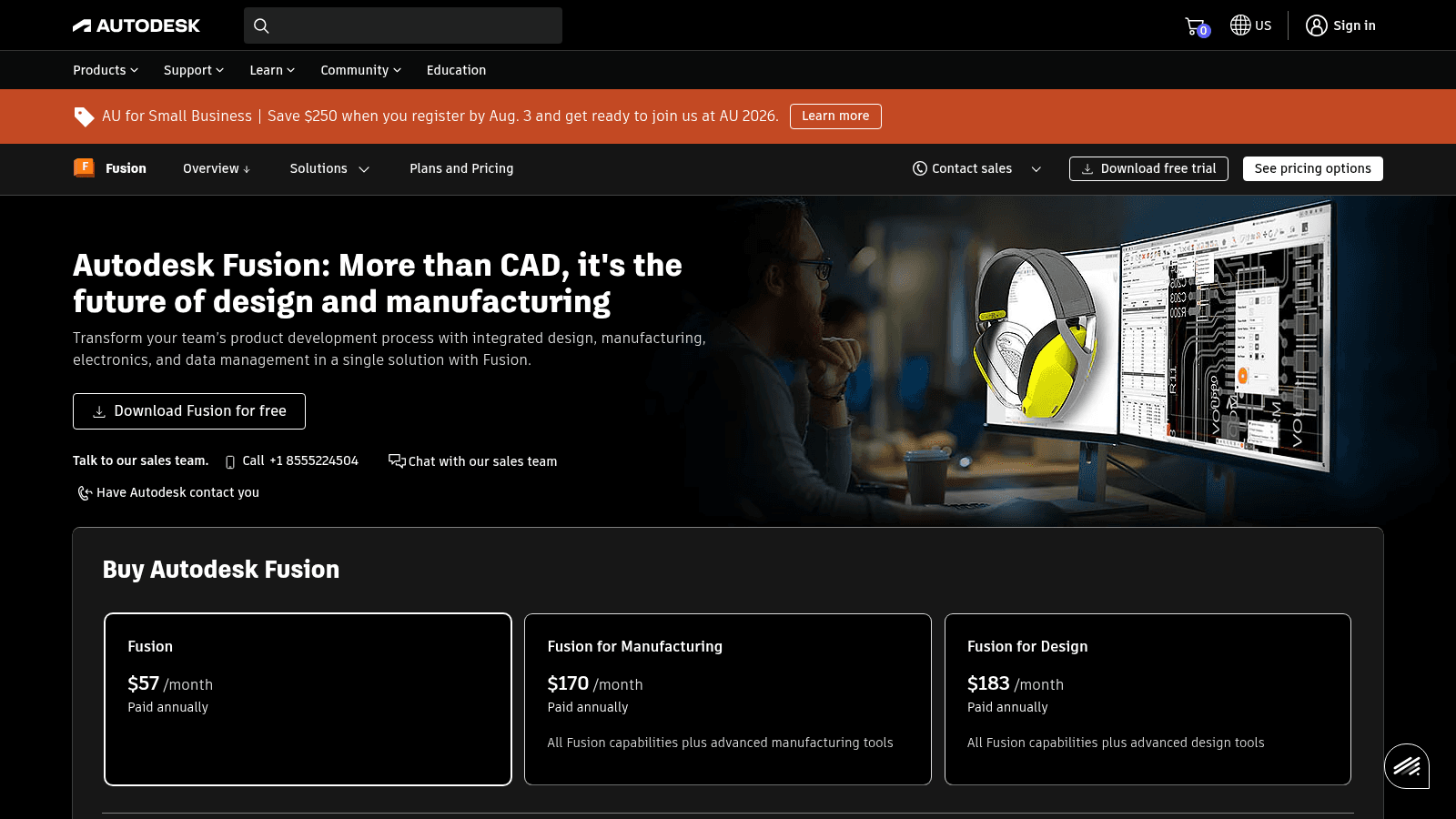
Overview: Parametric CAD, CAM, simulation, and electronics in one environment, which is why small hardware teams standardize on it. You can model a part and generate the toolpaths to cut it without leaving the tool.
For consumer product design software at startup scale, it is usually the best value.
Key features:
- Parametric modeling where changing a dimension updates the whole assembly
- Integrated CAM for CNC toolpaths and manufacturing output
- Simulation and generative design in the higher tiers
Pricing: Fusion is $57 a month paid annually, which the store shows as $680 a year for one user. Fusion for Manufacturing is $170 a month and Fusion for Design is $183 a month, both paid annually, with one-month, one-year, and three-year terms available.
Pros: design and manufacture in one tool, far cheaper than traditional CAD seats, strong learning resources
Cons: steep for occasional users, cloud-dependent data model, the capable tiers are three times the base price
Why it's a good product design software: It is the cheapest credible path from a 3D model to a manufactured part.
Final verdict: The default recommendation for a hardware startup.
Onshape
Overview: Full parametric CAD that runs entirely in a browser, with real version control and branching borrowed from software engineering. No installs, no file copies, no "final_v7" problem.
The collaboration model is genuinely better than desktop CAD; the price reflects it.
Key features:
- Browser-based CAD with no installation, running on any machine including tablets
- Built-in version control, branching, and release management
- Real-time multi-user editing of the same model
Pricing: The free plan is $0 for non-commercial use with unlimited public storage. Standard is $1,500 per user per year and Professional is $2,500 per user per year, both billed annually, with Enterprise quoted.
Pros: best-in-class collaboration and versioning, nothing to install or maintain, works on modest hardware
Cons: expensive per seat, the free tier makes your work public, requires connectivity
Why it's a good product design software: For a distributed hardware team, the version control alone prevents the class of errors that cost tooling money.
Final verdict: Worth the premium if more than two people touch the same model.
Rhino
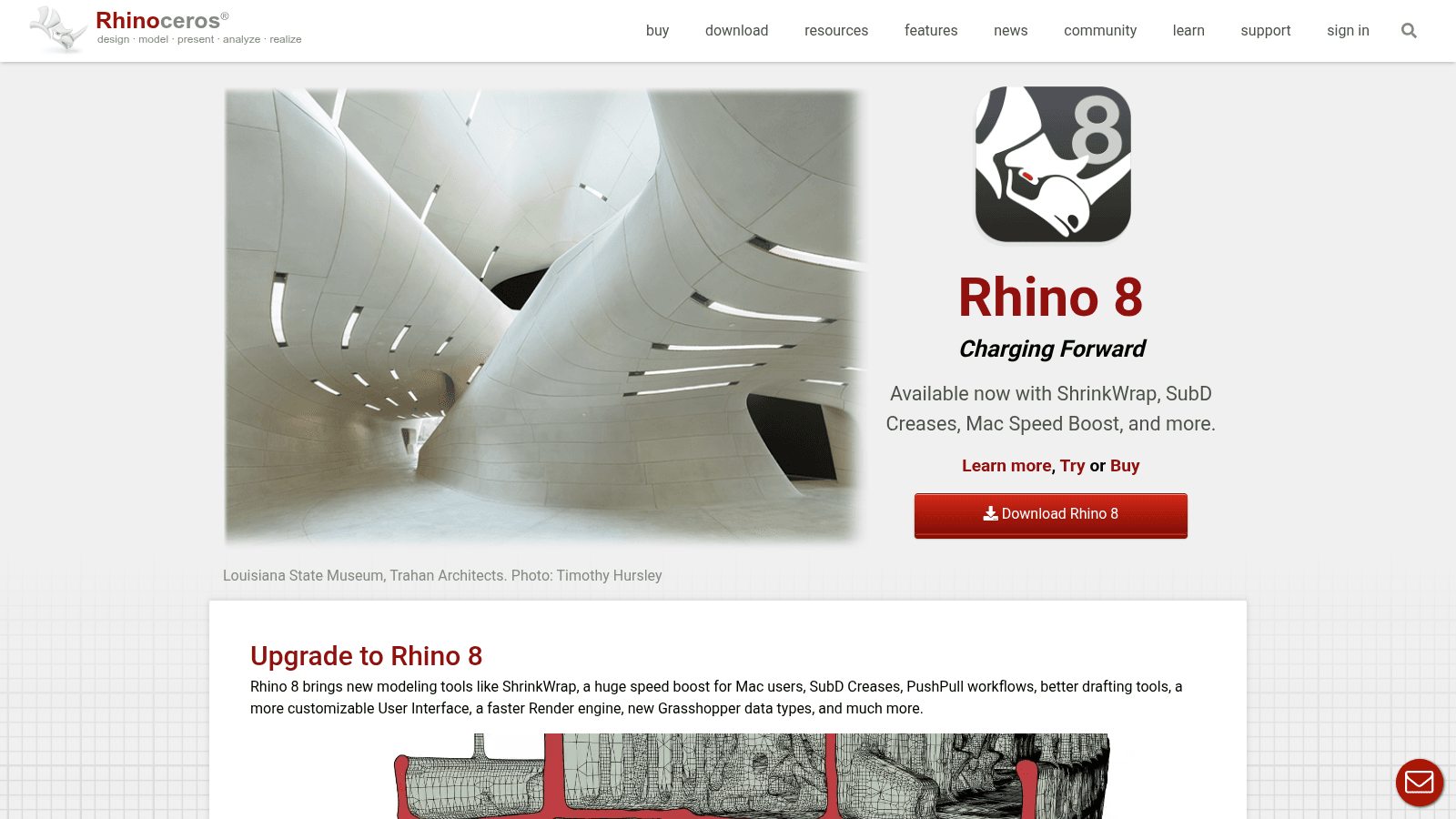
Overview: NURBS surface modeling for shapes parametric CAD struggles with, which is why it dominates footwear, jewelry, furniture, and marine design. Grasshopper adds visual scripting for generative work.
It is also the only tool here you buy once.
Key features:
- NURBS modeling for complex freeform surfaces
- Grasshopper visual programming for parametric and generative geometry
- Reads and writes almost every 3D and CAD format in existence
Pricing: A commercial single-user license is $995 in the US, and an educational license is $195. Licenses are perpetual, do not expire, and carry no maintenance fees.
Pros: one-time cost with no subscription, unmatched for organic shapes, enormous plugin ecosystem
Cons: no native cloud collaboration, weaker parametric history than Fusion, upgrades are paid separately
Why it's a good product design software: For form-driven products, it does things parametric CAD genuinely cannot, and the perpetual license removes it from your recurring costs.
Final verdict: Buy it once if your product has curves that matter.
Blender
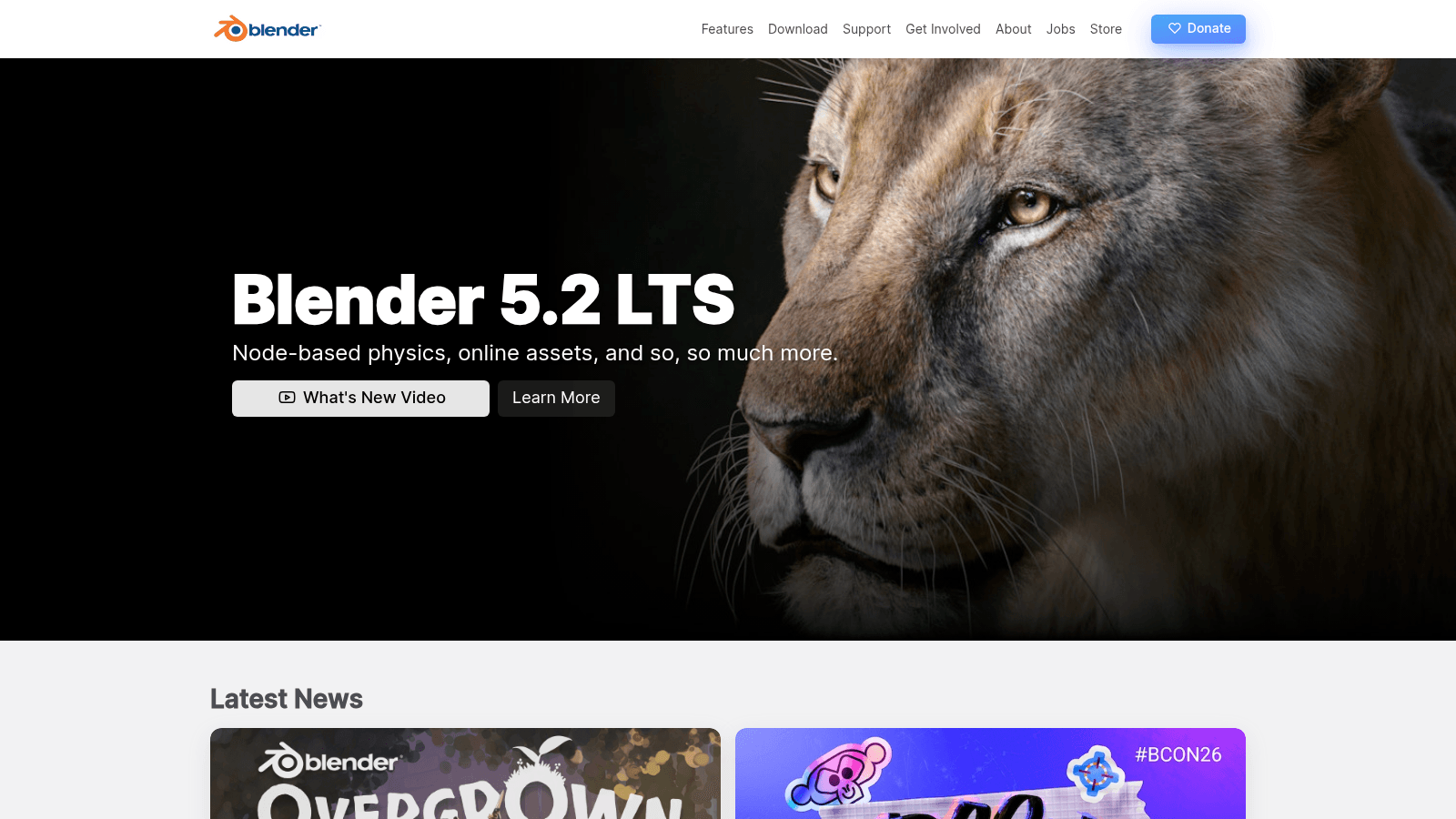
Overview: Free, open-source 3D covering modeling, rendering, and animation. For product visualization, packaging mockups, and marketing renders it competes with software costing thousands.
What it is not is a precision engineering tool.
Key features:
- Full modeling, sculpting, UV, and node-based shading pipeline
- Cycles and EEVEE renderers for photorealistic product imagery
- Animation and simulation for product videos, at no additional cost
Pricing: Free, with no tiers, seats, or commercial restrictions. It is open source and maintained by the Blender Foundation.
Pros: costs nothing for commercial work, render quality rivals paid tools, enormous learning community
Cons: mesh-based rather than parametric, no manufacturing tolerances or CAM, interface takes real time to learn
Why it's a good product design software: It removes the entire visualization budget from a hardware startup's plan, which is often the difference between having renders and not.
Final verdict: Use it for everything visual, and something else for anything that gets machined.
Esko ArtiosCAD
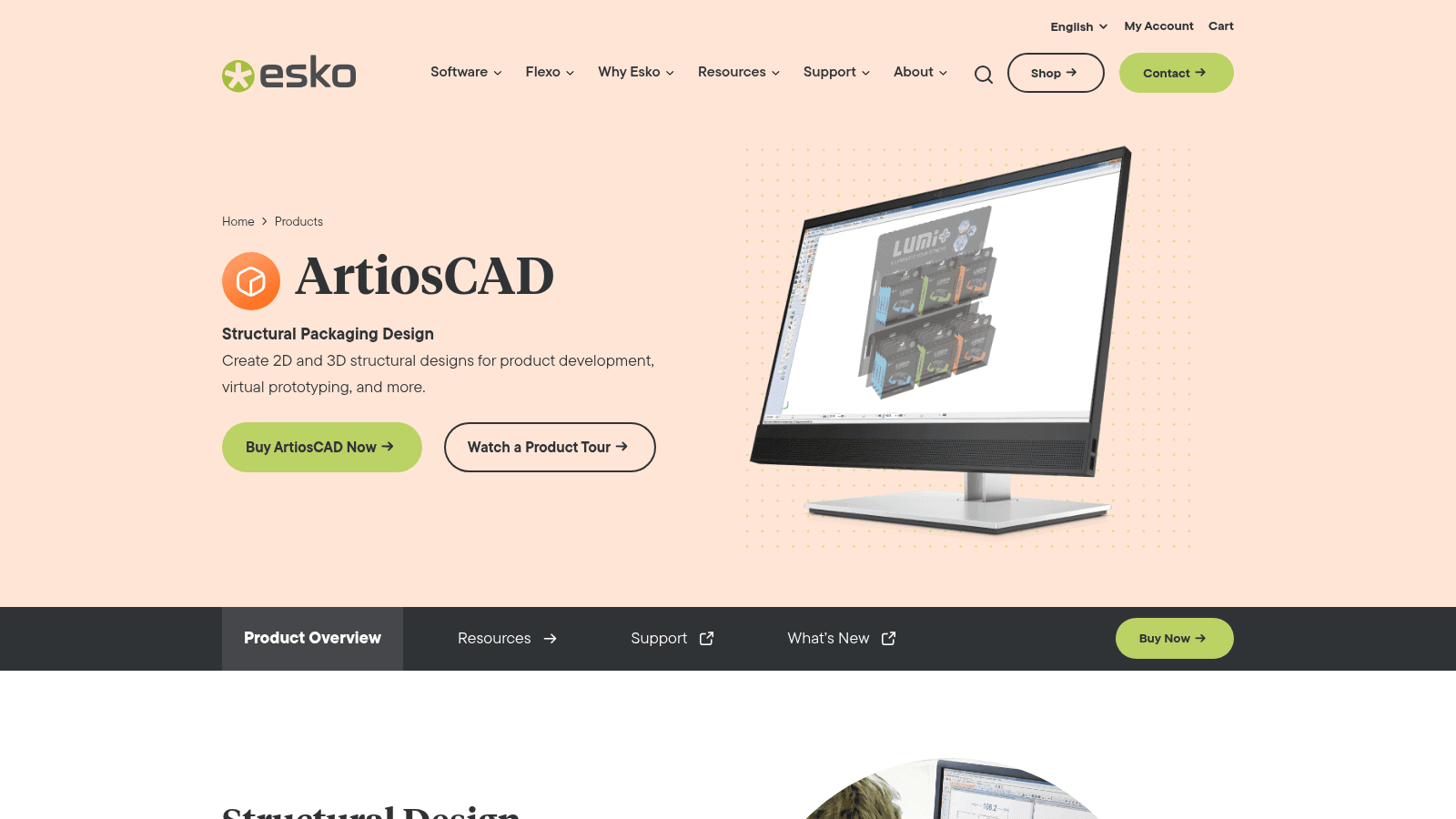
Overview: The structural packaging standard. Its homepage describes it plainly as creating 2D and 3D structural designs for product development and virtual prototyping, which is exactly what it does.
If you are designing a carton rather than what is printed on it, this is the category-defining tool.
Key features:
- Dieline creation and automatic unfolding between 2D and 3D
- Virtual 3D prototypes so a carton can be reviewed before anything is cut
- Production output that converters and presses accept directly
Pricing: Esko does not publish tier pricing on the product page, though it offers direct purchase through its own shop alongside a contact route. Budget for a quote rather than a card payment.
Pros: the industry standard converters already work with, removes physical prototyping rounds, deep production output
Cons: no public pricing, narrow use case, real training investment
Why it's a good product design software: For physical packaging, it is the only tool here that speaks the manufacturer's language natively.
Final verdict: Necessary if you make packaging, irrelevant if you do not.
AI product design software: useful, oversold
Every category above now has AI features layered on, and Uizard is built on them outright. Online product design software has absorbed these fastest, since the models run server-side anyway. The generation quality is real, and the honest framing of what that buys you is less exciting than the marketing.
The best evidence on this is not from a design vendor. Google's DORA research, surveying nearly 5,000 technology professionals for its 2025 report, found AI adoption had reached 90%, up 14 points in a year, with more than 80% reporting a productivity increase. Trust told a different story: only 24% expressed substantial trust in AI output, while 30% reported little or none.
That split is the right mental model for product design AI tools, and for the best AI tools for product design specifically. They compress the blank-page phase and the repetitive phase, and they do not yet earn unsupervised trust on anything that ships. Budget a seat, not a headcount reduction.
The practical use that holds up is generating five variants to react to rather than one to accept. Every team we have watched get value from these tools uses them to widen options early, then switches to a precise tool to finish.
Free product design software, and what the catch is
Three of the ten are product design software free for commercial work, and none of them are crippled trials.
Figma's Starter plan covers a solo designer or a very small team indefinitely. Penpot's Professional plan is free for up to eight people and is the only option you can self-host. Blender is free with no restrictions at all, which for 3D visualization is remarkable given what the paid alternatives cost.
The catch with free tiers is never the features; it is what happens when the vendor reprices. That risk is not hypothetical, and designers argue about it openly.
In a thread on Reddit asking whether anyone had a contingency plan for Figma, the top reply argued that if you are that dependent on one tool you are not really doing UX, since Figma itself displaced Sketch quickly. A well-upvoted reply pushed back, calling that a self-calming exercise: yes, you could work in Illustrator or Balsamiq or on paper, but in practice it would cause enormous headache because the tool sits inside a whole process.
Both are right, which is the useful conclusion. Portability is worth designing for, and pretending switching is free is not the way to do it. That is the strongest practical argument for Penpot.
What these tools cost a real team
Per-seat prices hide the actual bill. Here is what a small team pays annually in each of the three trades.
| Team shape | Typical stack | Annual cost | What drives it |
|---|---|---|---|
| 3-person SaaS team | Figma Professional x3 | ~$576 | Full seats only for people who design |
| Same team, cost-conscious | Penpot free, Blender free | $0 | Self-hosting effort replaces license fees |
| 3-person hardware team | Fusion x3 plus Blender | ~$2,040 | CAD seats, visualization free |
| Distributed hardware team | Onshape Standard x3 | $4,500 | Collaboration and version control premium |
| Consumer goods team | Illustrator x2 plus ArtiosCAD | $552 plus quote | Packaging software is the unknown |
The pattern worth noticing is that screen design is nearly free and physical product design is not. A hardware startup should assume its tooling line is roughly four times a software team's before a single prototype is made.
Set against that, the U.S. Bureau of Labor Statistics put the median wage for industrial designers at $79,450 in May 2024, across about 30,600 jobs, with employment projected to grow 3% through 2034. Even the most expensive stack here is a small fraction of one hire, which is the right way to think about the spend.
That ratio is also why capacity rather than software is usually the real constraint. Awesomic covers the product design work itself rather than the licenses: one flat monthly fee, a vetted designer matched inside a day, and no cap on revisions. If that is the gap, Book demo and we can scope it against your actual volume.
How to choose without a two-month evaluation
Decide the trade first, then the tool. If you are designing screens, start on Figma unless vendor independence matters to you, in which case start on Penpot. If you are designing an object, start on Fusion unless the surfaces are complex, in which case add Rhino. If you are designing a package, you need Illustrator, and you need ArtiosCAD only if you are engineering the structure rather than decorating it.
Then check one thing before committing: open your intended handoff partner's requirements. Manufacturers, printers, and front-end teams all have file formats they accept without friction, and picking a tool that fights that is the mistake that costs months.
For a wider view of the discipline itself, our breakdown of the types of product design covers where each practice starts and stops, and digital product design goes deeper on the software side. Teams running continuous cycles will find the sequencing in continuous product design and SaaS product design more useful than another tool comparison, and our older UI/UX tools roundup covers the adjacent categories. Our case studies show the output.
If the tools are settled and the process is not, the best techniques for product design is the companion piece, and SaaS product development covers what happens after design hands off.
Frequently asked questions
What is the best free product design software?
It depends on the trade. For screen design, Figma's Starter plan and Penpot's free Professional plan for up to eight users are both genuinely usable for commercial work, and Penpot is the only one you can self-host. For 3D, Blender is free with no commercial restrictions and produces render quality that competes with paid tools. There is no free equivalent for parametric CAD or structural packaging beyond Onshape's non-commercial tier, which makes your work public.
What is the best 3D product design software for a small team?
Autodesk Fusion at $57 a month paid annually is the usual answer, because it covers parametric modeling and CAM in one tool at a fraction of traditional CAD pricing. Choose Onshape at $1,500 per user per year instead if your team is distributed and version control matters more than cost. Add Rhino at $995 as a one-time purchase if your product has complex freeform surfaces, since NURBS modeling is something parametric CAD handles badly.
Which software is used for product packaging and label design?
Product packaging design software splits into two different tools for two different jobs. Adobe Illustrator at $22.99 a month handles the printed artwork, the label, and anything a printer needs, and it is the format converters expect. Esko ArtiosCAD handles the structure itself: dielines, carton engineering, and 3D virtual prototypes, with quote-only pricing. If you are only designing what goes on the box, you need Illustrator alone.
Are AI product design tools good enough to use on real work?
For generating options and early concepts, yes. For finished work, not without supervision. Google's 2025 DORA research found 90% of technology professionals now use AI but only 24% express substantial trust in the output, which matches what design teams report. The reliable pattern is using AI tools for product design to widen the option set early, then finishing in a precise tool. Uizard at $12 a month is a reasonable way to test that workflow.
Do I need to pay for design software at all?
Not immediately. A small SaaS team can run entirely on Figma's free tier or Penpot, and a hardware team can do all its visualization in Blender for nothing. You start paying when you need more seats, real collaboration controls, or manufacturing output, and the jump is larger on the physical side. The one cost worth paying early is the tool your handoff partner expects, because fighting that format is more expensive than the license.
One subscription and your hiring problems solved

FAQ


Awesomic is a revolutionary app that matches companies with vetted professionals across 30+ skill sets, from design and development to marketing and product. Based in San Francisco with a global core team, we offer a faster and more flexible alternative to traditional hiring through a subscription-based model. Awesomic delivers high-quality talent on demand, without the delays of recruiting.
We function as a subscription-based service that matches you to top-tier, vetted talent. Submit a project in just a few clicks and start receiving deliverables in as little as 24 hours. Scale your Awesomic plan up or down as your business needs change.
Every Awesomic subscription comes with unlimited revisions. You receive daily progress updates via the app, and you can provide feedback or request iterations as needed. If your project requires a different approach, you can request a talent rematch at any time, at no extra cost. You can also add teammates to collaborate and streamline feedback
A talent marketplace is a platform that utilizes data and intelligent matching algorithms to connect professionals with projects based on their skills, experience, and availability. While often used internally by large companies, Awesomic applies this model at scale, matching vetted global talent to your most critical business needs.
Hiring is time-consuming, expensive, and risky. Awesomic eliminates that problem. We rigorously vet all talent for technical ability, communication, and soft skills, ensuring only senior-level professionals work on your projects. You skip the job posts, interviews, and delays, and get straight to results.
No, Awesomic goes beyond design. While many clients utilize us for branding, UI/UX design, or motion graphics, we also provide vetted talent in no-code web development, product design, marketing, and more. Think of us as an extension of your team. A flexible, high-performing creative partner from planning to execution, whether you're building awesome products or scaling your team.
You can talk directly with your matched talent via the Awesomic app, connect via Slack, email, or schedule video calls. No matter the plan, you’ll receive daily updates in the app for every active task. You can also tag us in for any issues through our in-app customer chat.


