 Awesomic Team
Key takeaways:
- Uizard is still on sale (Pro is $12 a month billed yearly or $19 monthly) and has belonged to Miro since 2024. Some versions of its homepage now point visitors to Miro Prototypes, whose AI generation needs Miro's Business plan at $20 per member a month billed yearly.
- Uizard's help center lists images and PDF as its only export formats, plus React or CSS copied one component at a time. Every third-party tool below moves screens into Figma, code or both.
- Figma export sits behind a paid plan on Figma Make, Visily, UX Pilot, Banani and Magic Patterns, and Miro's AI prototyping needs its Business plan, while Relume's free plan exports to Figma.
- Polish isn't what finds usability problems. A peer-reviewed study of 28 testers found rough and polished prototypes uncovered issues equally well, so judge each tool on how cleanly its output reaches a designer or a developer.
Uizard turns a text prompt, a screenshot or a hand-drawn wireframe into editable app and web mockups. It suits founders, product managers and consultants who need a clickable idea on screen before a designer gets involved.
People start looking for Uizard alternatives at the point of hand-off. The mockup looks right, then someone has to rebuild it in Figma or in code, because Uizard's exports stop at pictures and single components. Since Miro bought Uizard in 2024, some visits to its homepage also point new users somewhere else.
This list judges ten Uizard competitors and alternatives on three things: what it accepts as input, how much cleanup a real design still needs, and what you can actually export.
Why people look past Uizard
Three reasons come up in Uizard's own help pages, in Miro's documentation and in design forums.
Uizard's homepage is testing a Miro route
Uizard announced it had joined Miro on May 27, 2024, and said then that the product would "continue to be available." It still is: the pricing page takes sign-ups for Free and Pro.
The homepage is less settled. Its logo now carries "miro labs" beside the Uizard name, and when we loaded it repeatedly on October 8, 2026, it alternated between two versions. Most visits showed Uizard's usual prompt box and a "Sign up for free" button.
The rest led with "Create prototypes in Miro, powered by Uizard," a "Try out in Miro" button and a note that existing Uizard projects stay accessible. Miro's own prototyping pages don't mention Uizard, but a vendor testing a redirect of its own sign-ups is reason enough to include Miro Prototypes among these Uizard alternatives.
Exports stop at images, PDFs and single components
Uizard's help center is plain about what leaves the app: screens export "as images (JPG, PNG, SVG) or PDF files," and those are "the only file types we are able to provide you at this time." Handoff Mode shows React or CSS for one component at a time, and the same article says exporting a whole project to HTML or JavaScript isn't possible.
On the free plan, exports are JPG, PNG and PDF at 1x.
The Figma connection only runs one way. Uizard's plugin brings Figma designs into Uizard, not the other way. A designer on Reddit put it bluntly in December 2024: "Uizard does this decently, but there's no way to export that into Figma." That's one person's experience, and it matches what the help center still says today.
Generated screens still need cleanup
AI mockups get the layout on screen and leave the finishing to you: spacing, type scale, empty and error states, and components that match your design system. That finishing work is UI design in the strict sense, the spacing, type and component side of the app designer vs UI designer split, and every generator here leaves some of it to you.
A commenter in an r/web_design thread on Reddit who had tried Uizard, Galileo and Figma AI wrote: "They're great for quickly generating wireframes or exploring layout ideas, but I rarely ship the designs as-is." It's one anecdote, but it describes the job these tools do well.
Rough output is fine for testing. In a peer-reviewed study presented at the Human Factors and Ergonomics Society's 2002 meeting, Walker, Takayama and Landay had 28 participants work through low- and high-fidelity website prototypes, on paper and on screen. They found the two fidelity levels "equally good at uncovering usability issues," so the case for polish rests on hand-off rather than on testing.
Uizard alternatives compared by what they export
We read every price below on the tool's own site on October 8, 2026. The "Exports to" column decides how much rebuilding you face after the first draft, so it matters more than the price.
| Tool | Best for | Inputs | Exports to | Pricing (from) |
|---|---|---|---|---|
| Awesomic Studio | Drafts that a designer finishes | Text, files (sketches, screenshots, briefs), links | Hosted live page; "export to code or your favorite tools" (its FAQ) | $20/month, no free plan |
| Figma Make | Teams already working in Figma | Text, images, Figma frames | Figma layers (paid plans), GitHub repo | Free; Professional $16/month billed yearly ($20 monthly) |
| Miro Prototypes | Uizard users following the Miro route | Text or a screenshot, Figma frames | Copy to Figma, image, MCP connection | AI prototyping on Business, $20/member/month billed yearly ($25 monthly) |
| Google Stitch | Exploring a Google Labs experiment | Text, images of sketches or screenshots, voice | Front-end code, Figma paste (launch post), AI Studio and Antigravity | No published price |
| Visily | Non-designers working from screenshots | Screenshots, text, diagrams, templates | Figma and code (paid), images | Free; Pro $14/editor/month |
| UX Pilot | Product teams writing PRDs | Sketches, PDFs, screenshots, PRDs | Figma and code (Pro) | Free; Pro from $19/month billed yearly |
| Banani | Editable Figma files with auto layout | A prompt or a design reference | Figma layers and HTML/CSS (paid), images | Free; Plus $12/month billed yearly ($20 monthly) |
| Magic Patterns | Prototypes headed for a codebase | Text, screenshots, components, Figma | Figma, GitHub, MCP (Starter and up), code ZIP | Free; Starter $17/seat/month billed yearly ($20 monthly) |
| Relume | Marketing website structure | A written brief | Figma (free); Webflow and React (paid) | Free; Starter $18/user/month billed yearly |
| Lovable | Turning a mockup into a working app | Text, images of mockups or sketches, Figma | App code via GitHub, ZIP on paid plans | Free; Pro $21/month billed yearly ($25 monthly) |
Studio leads the list for one reason: we built it. From there the entries run from tools that start on a design canvas (Figma Make, Miro Prototypes, Google Stitch, Visily, UX Pilot, Banani) to tools aimed at a build: Magic Patterns for front-end code, Relume for marketing sites, and Lovable for a running app.
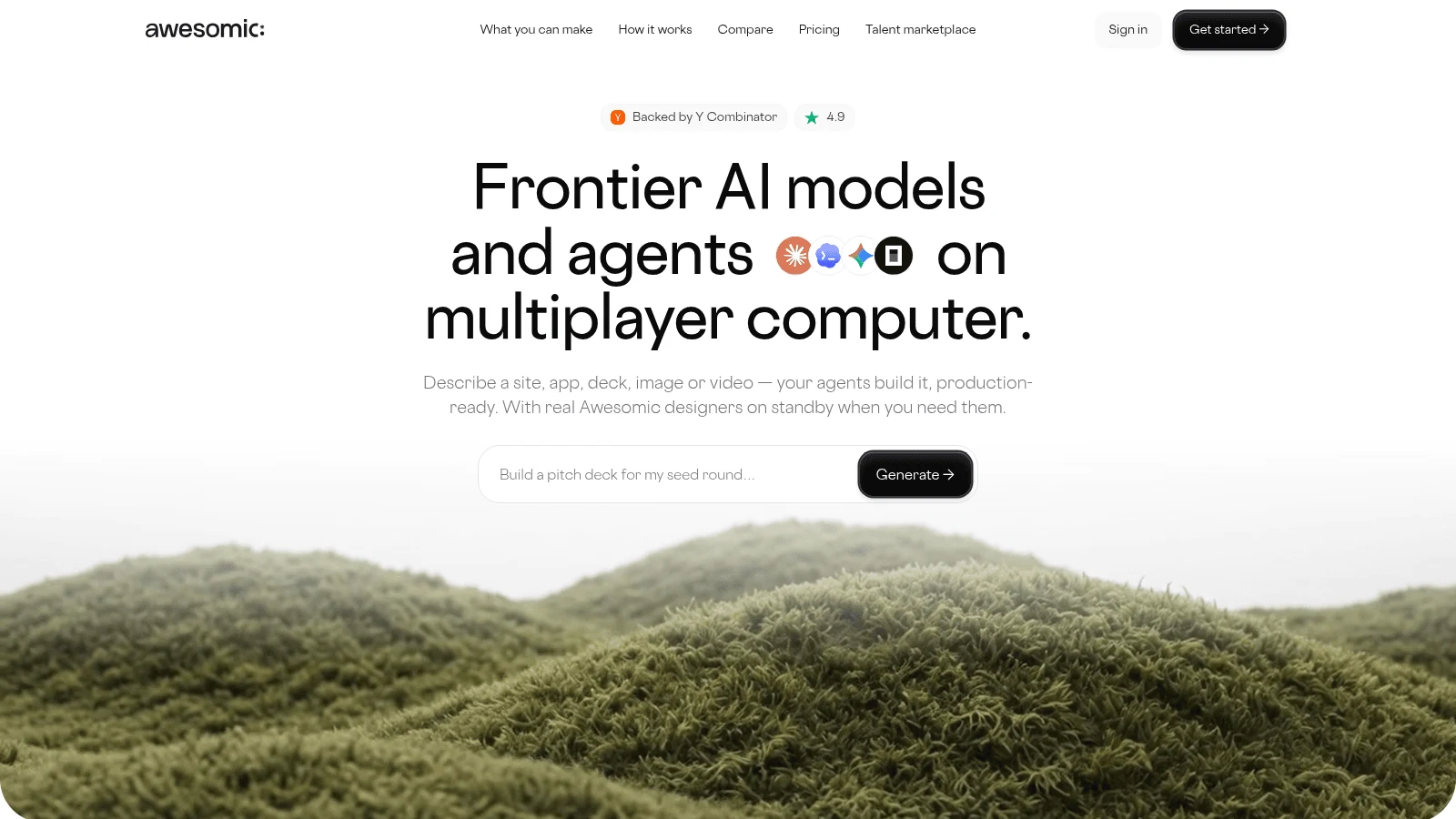
1. Awesomic Studio
Best for: Drafts that a designer finishes
Overview: Awesomic Studio is our AI workspace, and it accepts a described screen or flow as readily as a file: a whiteboard sketch, a screenshot of the current product, or a written brief. Coding agents (Codex, Claude Code and OpenCode) build the screen, and Studio hosts it at a live link your team can open.
The part that matters for this list is what happens when the draft is close but wrong. In the Assisted setup, agents "carry the volume" and a specialist sets the direction, reviews what they produce and takes over wherever experience changes the outcome. That specialist is a vetted Awesomic designer from the top 0.82% of applicants, working in the same workspace.
Studio is where the work begins, and our designers and developers can join it at any point. You can also drive it yourself (Self-serve), hand ongoing work to a dedicated specialist (Dedicated), or turn repeat jobs into team workflows (Automated).
Key features:
- Sketches, screenshots and briefs go in as files, so you don't redraw anything first.
- Assisted setup puts a specialist on the parts where judgment changes the result.
- Built-in hosting gives every draft a shareable live link.
- Agents carry on with a job once you've left the page.
- "Export to code or your favorite tools," as Studio's FAQ puts it, for the next person in line.
- Eight connections, including Figma, GitHub, Slack and Notion.
Pricing: Three tiers at $20, $200 and $500 a month (Basic, Pro, Maximum), with the whole fee spendable on agent and model runs in that month. Per-model spend rates aren't listed, the Assisted setup is a separate option with no published price, and there's no free tier or trial.
Pros: Files in rather than redrawn screens, a human designer through the Assisted setup (quoted separately), live hosting for reviews, three flat plan prices
Cons: Not a vector editor, so pixel-level tweaks happen elsewhere; Studio's pages make no claim to an editable .fig export; no free plan to test it first
How to start using it:
- Save the Uizard screen you'd rebuild first as a PNG.
- Open a Basic plan and attach that image with a two-line brief.
- Mark what's off (spacing, states, copy) as you'd tell a colleague.
- Share the live link with whoever signs off.
- Ask about the Assisted setup when the remaining fixes need a designer's eye.
Why it's a good Uizard alternative: Uizard leaves the cleanup to you. Studio keeps it inside the same workspace, where an Assisted-setup designer, quoted separately, picks up the draft as it stands.
Final verdict: Choose Studio when the bottleneck is getting from a rough draft to a finished screen, and keep a vector editor nearby for pixel work.
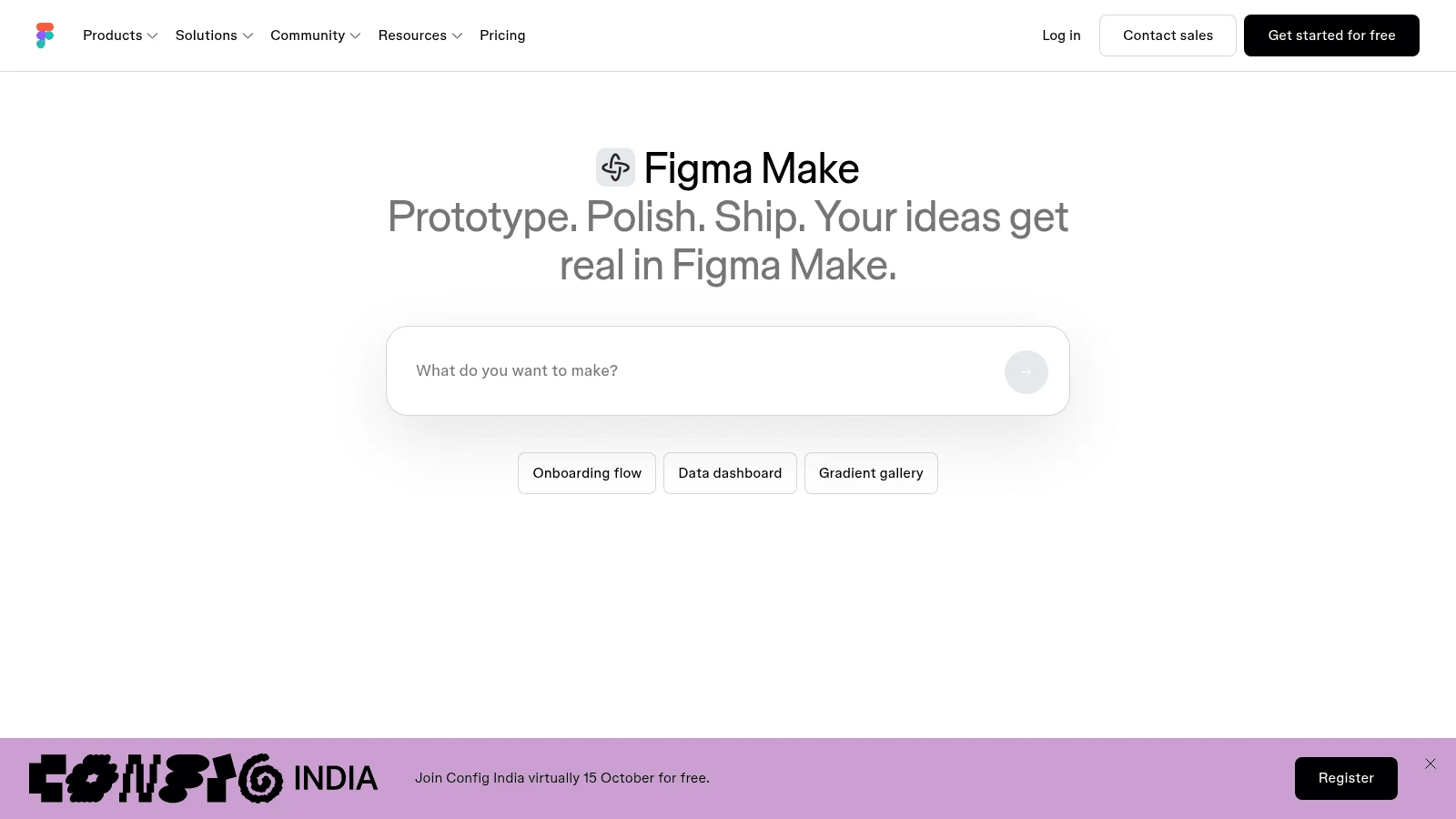
2. Figma Make
Overview: Figma Make generates a working prototype from a prompt, with images, Figma frames or FigJam boards attached as reference, up to 10 files per prompt. The result sits beside your existing Figma files.
Key features:
- Copy design pastes the preview into Figma Design as layers.
- Push to a new GitHub repo for a developer.
- One AI credit pool shared with Figma's other AI tools.
Pricing: Starter costs nothing and gives 150 AI credits daily, capped at 500 monthly. A Professional Full seat costs $16 a month on yearly billing ($20 monthly) and carries 3,000 credits.
Pros: No new tool for a Figma team, reference images accepted, code and design from one prompt
Cons: Copy design is on paid plans only, and sharing or publishing a Make file needs a Full seat; pasted layers "aren't interactive" and aren't tied to your design system; attached files can use more credits
Where it fits: Teams who will finish every screen in Figma anyway and want the draft to start there.
Final verdict: The shortest route from prompt to Figma, if you budget time to reconnect the layers to your components.
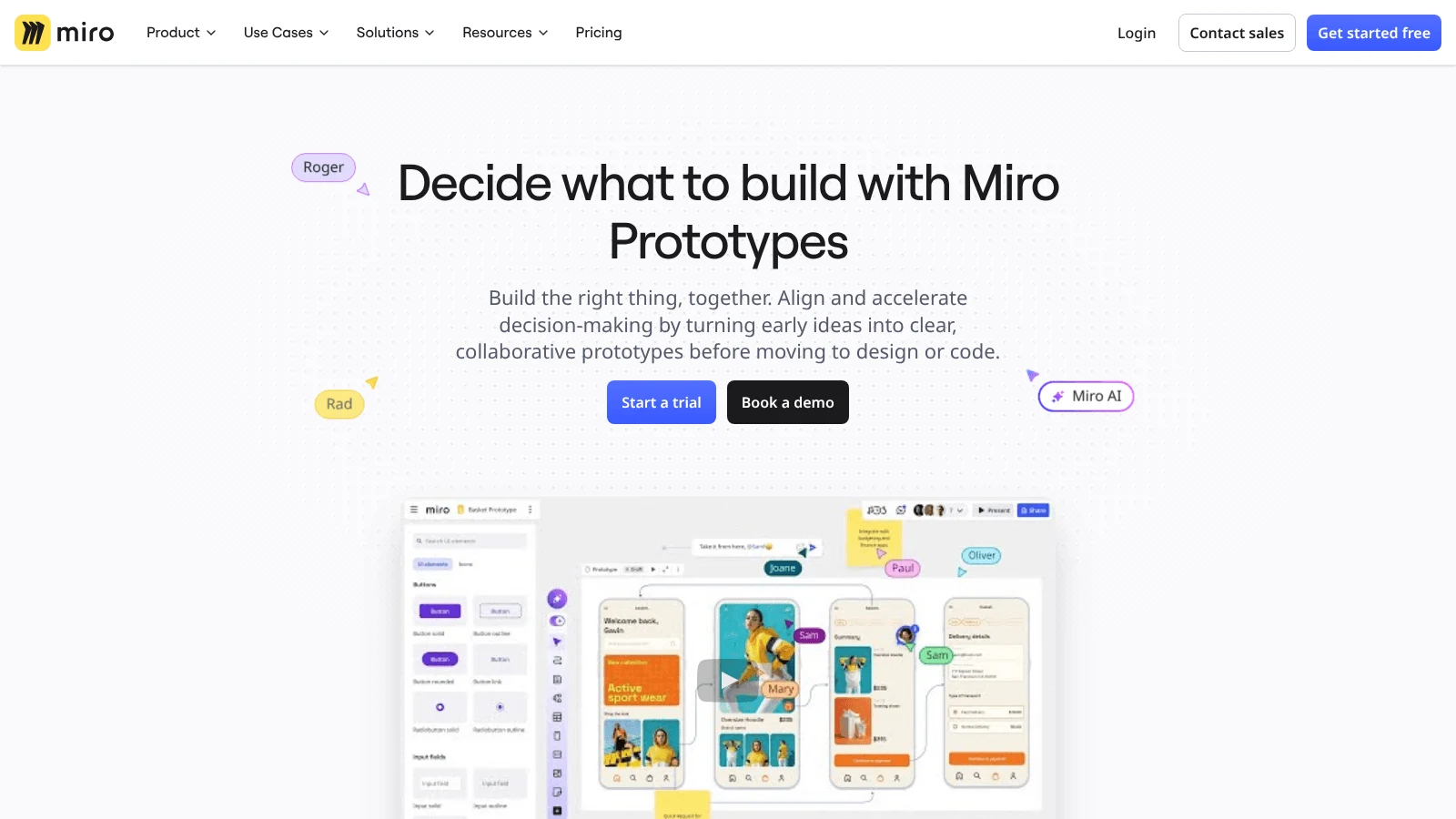
3. Miro Prototypes
Overview: Miro Prototypes is where the "Try out in Miro" button on some versions of Uizard's homepage leads, under the headline "Create prototypes in Miro, powered by Uizard." You build screens on the Miro board, from a text prompt or a screenshot, beside the stickies and flows from your workshop.
Key features:
- Screenshot to editable mockup, on Business and up.
- Copy to Figma for one screen or the whole prototype.
- An embedded Figma frame converts into an editable Miro prototype.
Pricing: AI screen generation needs Business: $20 per member monthly on annual billing, or $25 paid monthly, with a 14-day Business trial that takes card details at checkout. Starter ($8 per member billed yearly) and Free get only basic prototype screens.
Pros: Made by the company that owns Uizard, prototypes beside workshop notes, Figma copy built in
Cons: AI prototyping is locked to Business; its Sidekicks prototyping flow is "currently in public beta"; code has no direct export and goes through Miro's MCP server to an AI coding editor
Where it fits: Teams that already run discovery in Miro keep the prototype in the same board.
Final verdict: The natural next step for Uizard users already paying for Miro Business.
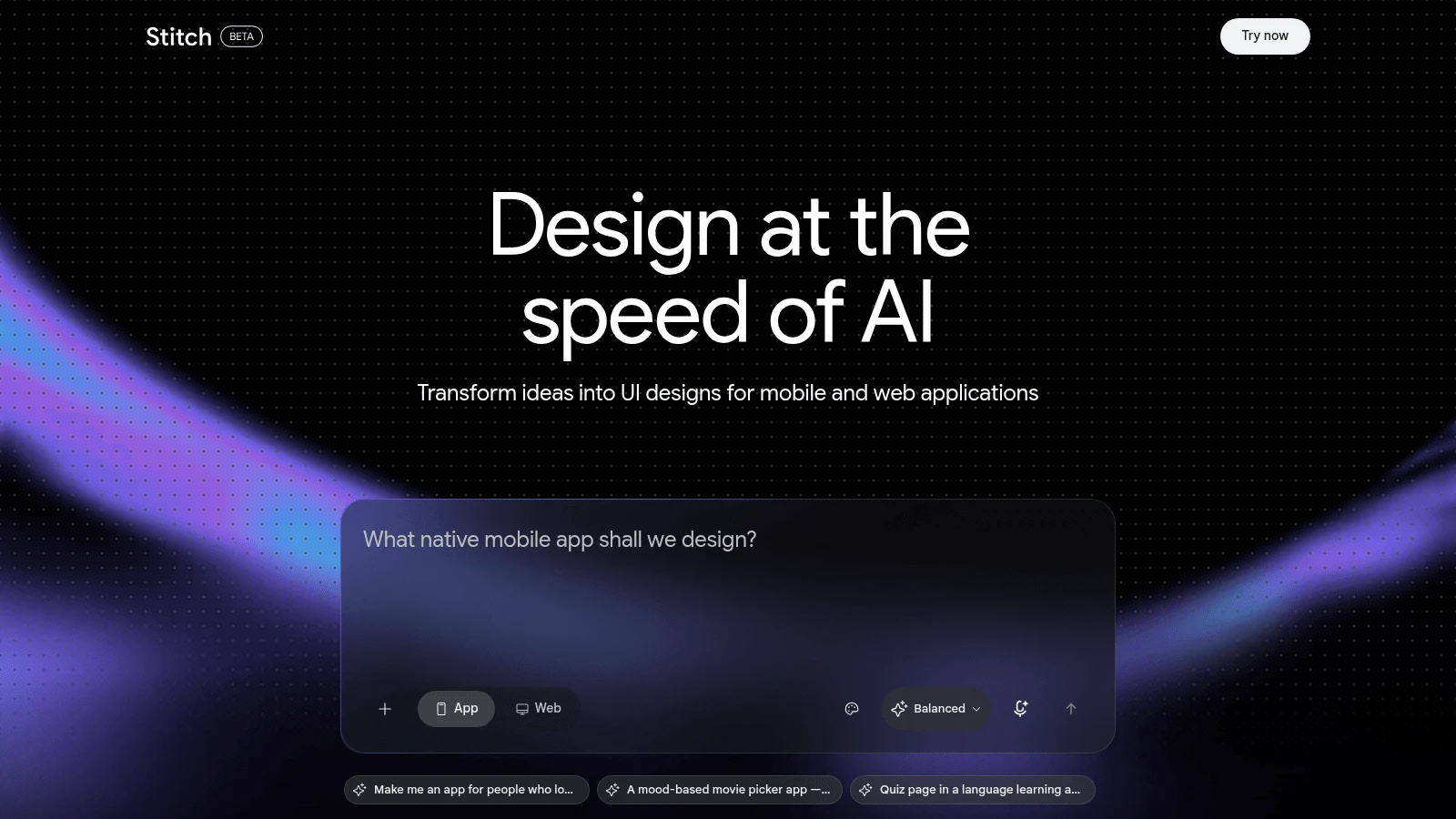
4. Google Stitch
Overview: Stitch is a Google Labs design tool that launched on May 20, 2025. Galileo AI's old domain now redirects to Stitch, and Galileo co-founder Arnaud Benard announced the Google acquisition at launch. Google's launch post lists "a design sketch on a whiteboard, a screenshot of a compelling UI, or a rough wireframe" as inputs.
Key features:
- An infinite canvas and design agent, added in a March 18, 2026 update.
- DESIGN.md files that carry your design rules in and out.
- Interactive previews you play with one click.
Pricing: Google publishes no plans or credit limits for Stitch. Limits quoted on third-party sites are unconfirmed.
Pros: Sketch and screenshot inputs like Uizard's scanners, exports aimed at developers, an MCP server and SDK
Cons: A Labs experiment with no published limits or SLA; the Figma paste is described in the 2025 launch post, while the 2026 update stresses code exports; no price to plan a budget around
Why it made this list: It inherits Galileo AI, one of Uizard's earliest rivals, and keeps the image-to-UI idea at its center.
Final verdict: Worth an afternoon of exploration, with a plan B in case its terms change.
5. Visily
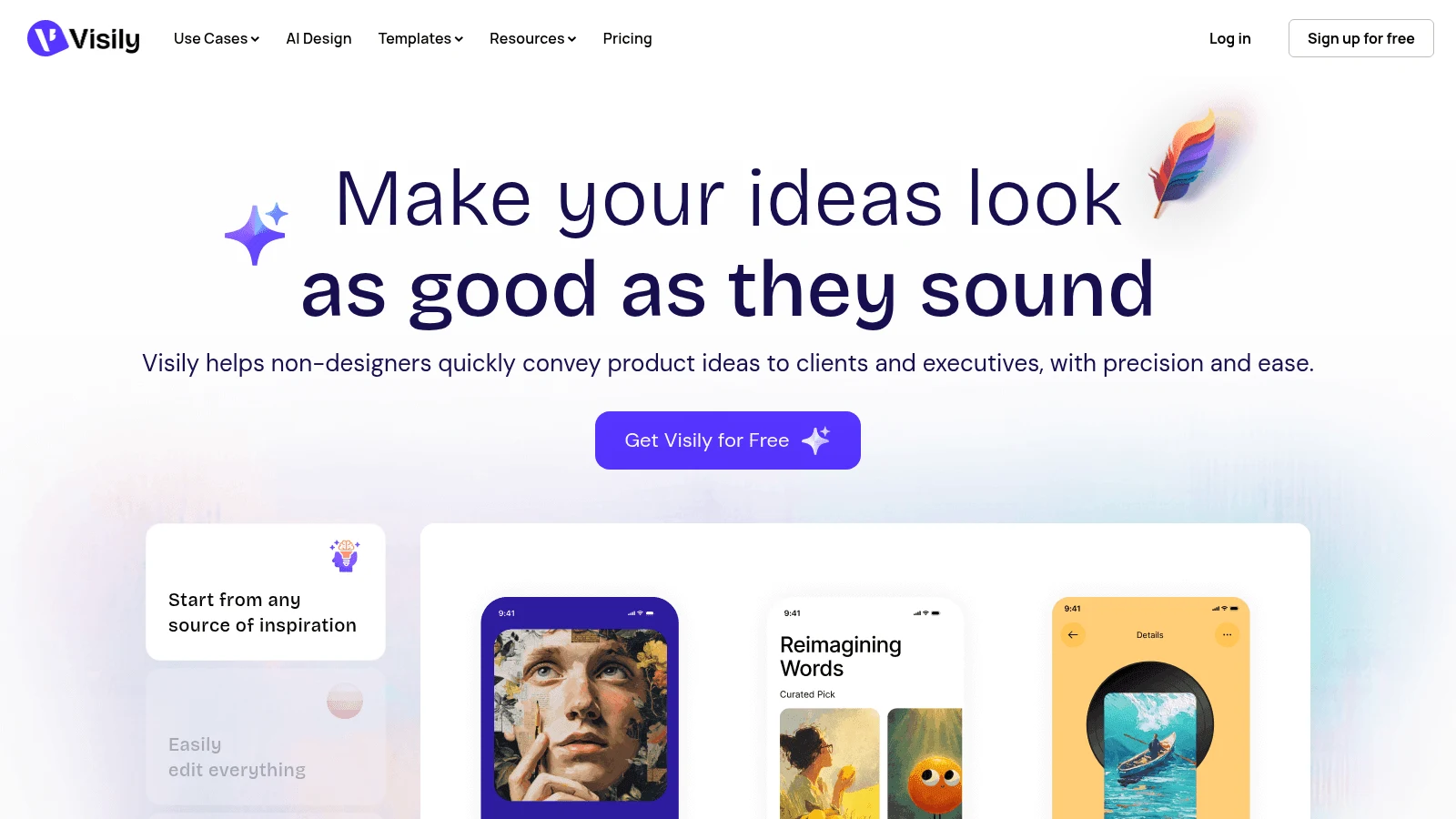
Overview: Visily is the closest match to Uizard's original audience: people who aren't designers. You can mix screenshots, text prompts, diagrams and templates in one request, then edit the result on a board your team shares.
Key features:
- Screenshot-to-design and diagram-to-design in the same prompt.
- Figma export and import, plus Export to Code, on paid plans.
- A Visily MCP server for coding agents.
Pricing: Starter is free with 300 AI credits per workspace a month (600 in the first month) and two editable boards. Pro is $14 per editor a month, and the plan card states no billing period.
Pros: Familiar to anyone coming from Uizard, flexible mixed inputs, 50 members allowed on the free plan
Cons: Free exports are watermarked at 1x; Figma and code export start at Pro; Business plan details are still being defined, per its FAQ
Why it made this list: It handles the same screenshot-to-mockup job as Uizard and adds the Figma route Uizard lacks.
Final verdict: The easiest switch for non-designers, once you pay for Pro.
6. UX Pilot
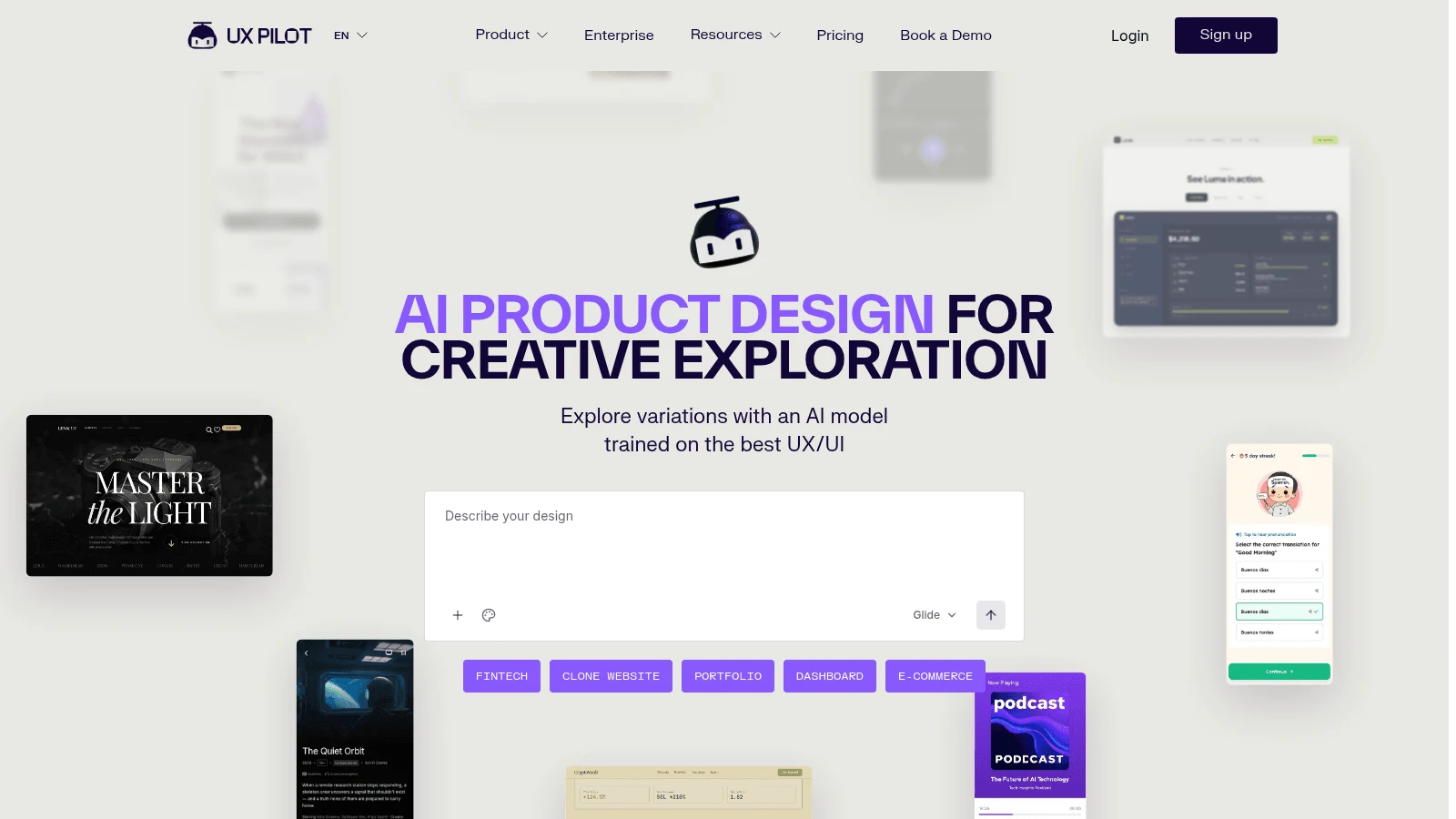
Overview: UX Pilot starts "from a sketch, a thought or a PRD import," and accepts uploaded sketches, PDFs and screenshots. That makes it a good fit for product managers who already write requirements and want screens that follow them.
Key features:
- PRD import turns written requirements into screens.
- Pull designs into Figma, on Pro.
- Code sync with GitHub, according to its homepage.
Pricing: The plans page served two free plans on October 8: up to 10 screens and 60 credits a month on some visits, 13 screens and 80 credits a day on others, never with rollover. Pro started from $19 a month billed yearly (struck-through $29), though some visits showed $25 (struck-through $39) instead; both versions carried 125 screens and 750 credits.
Pros: Requirements documents as a starting point, a free plan for testing generation, screen caps stated per plan
Cons: No Figma or code export on Free; the free limits changed between visits on the same day; the discount badges suggest list prices may return
Why it's one of the best Uizard alternatives: It closes Uizard's biggest gap, export, while keeping sketch and screenshot uploads.
Final verdict: Choose it when screens should trace back to a written spec.
7. Banani
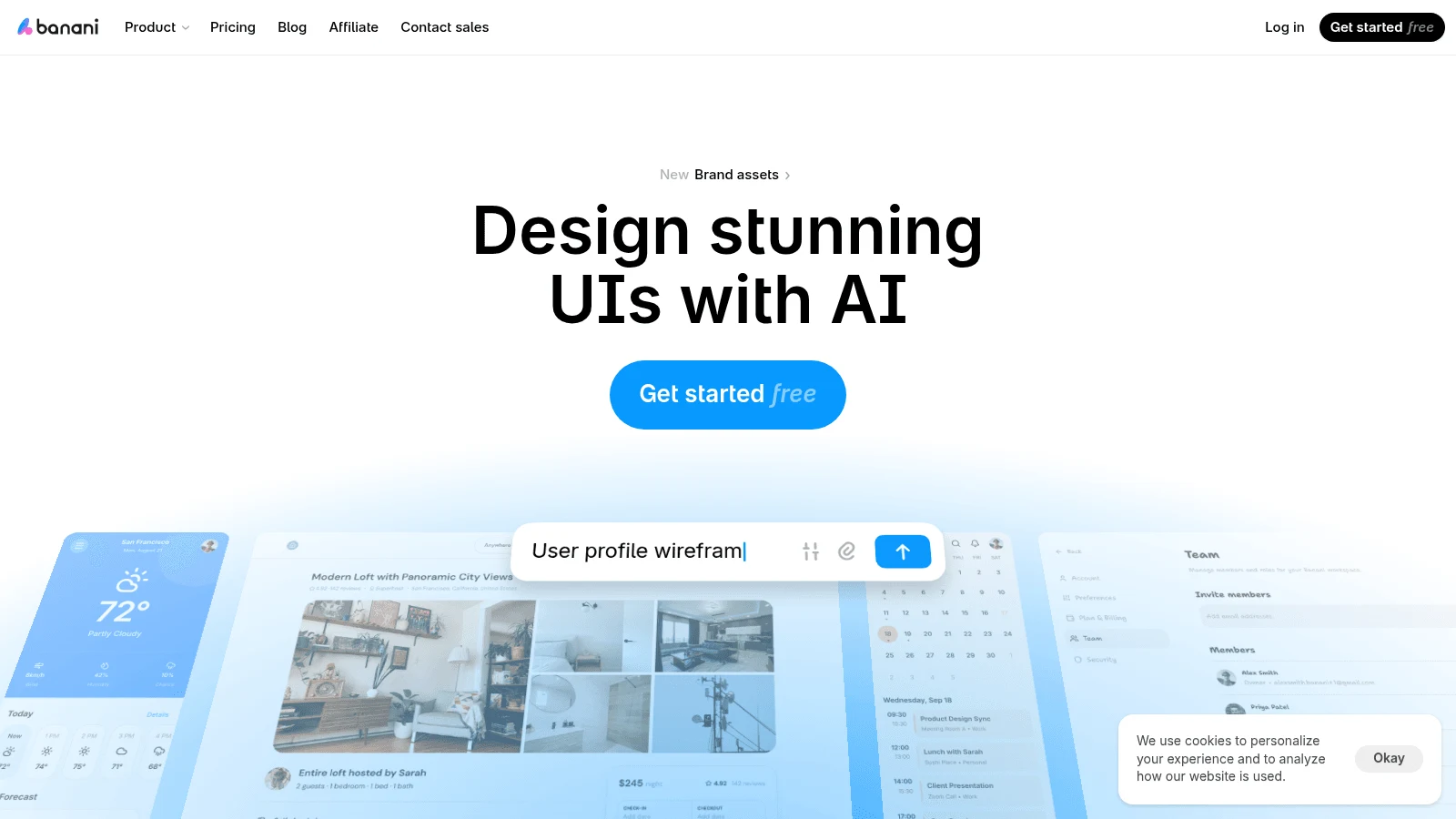
Overview: Banani generates app and web screens "from a prompt or design reference." Its focus is the file a designer receives: its FAQ says paid exports land in Figma "as editable layers with auto layout intact."
Key features:
- Unlimited Figma exports on Plus and Pro.
- HTML and CSS export on the same paid plans.
- MCP access on every plan, Free included.
Pricing: Free gives 12 monthly credits plus 3 a day. Plus runs $12 monthly on an annual plan, or $20 paid monthly, for 100 monthly and 10 daily credits.
Pros: Auto layout survives the trip to Figma, the same $12 yearly rate as Uizard Pro, HTML and CSS for a developer
Cons: Its FAQ says Figma export is "available on paid plans only"; a single generation usually costs more than one credit; generation pauses when credits run out
Where it fits: It hands designers layers they can resize and restyle without rebuilding frames.
Final verdict: The best pick here when cleanup will happen in Figma.
8. Magic Patterns
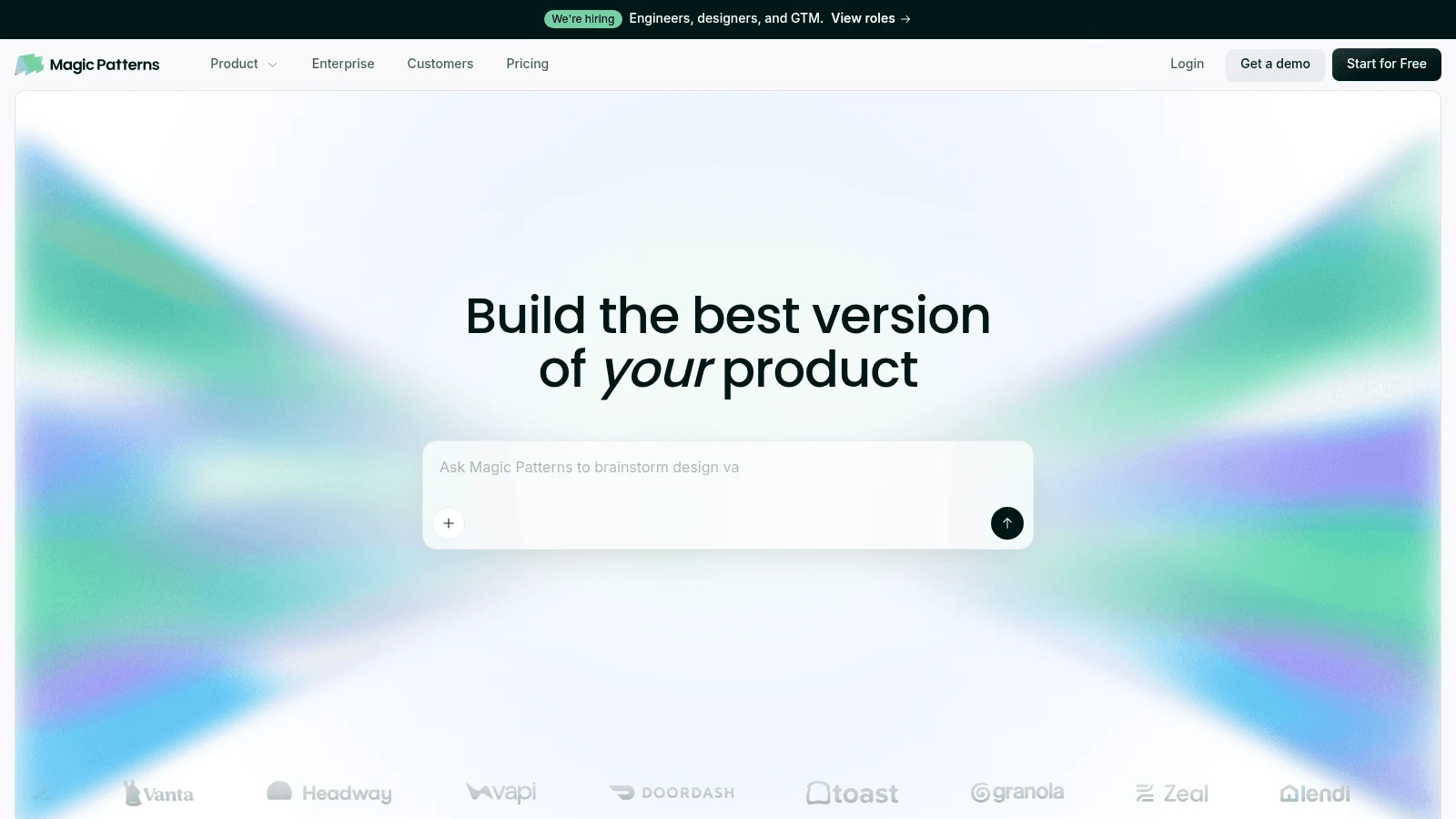
Overview: Magic Patterns builds prototypes as code from the start. You can feed it text, screenshots, existing components, styles and design-system rules, or import from Figma, so the draft starts closer to the product you already ship.
Key features:
- ZIP download and GitHub sync to a new repo.
- An MCP server for Cursor and Claude Code.
- A Figma plugin that exports the design.
Pricing: Starter costs $17 per seat on yearly billing ($20 month to month) and includes 1,000 credits; its pricing FAQ puts MCP, GitHub and Figma exports on this plan. Extra credits cost $0.02 each, and unused credits roll over for one month.
Pros: Code a developer can open, your own components as input, four export routes
Cons: Its docs call the Figma export "a static snapshot" where interactivity doesn't carry over; the free plan's credit amount isn't published; its docs suggest html.to.design when the Figma output doesn't match
Where it fits: When the next owner is a developer, it removes the redraw-in-code step entirely.
Final verdict: Pick it for prototypes that should become real front-end code.
9. Relume
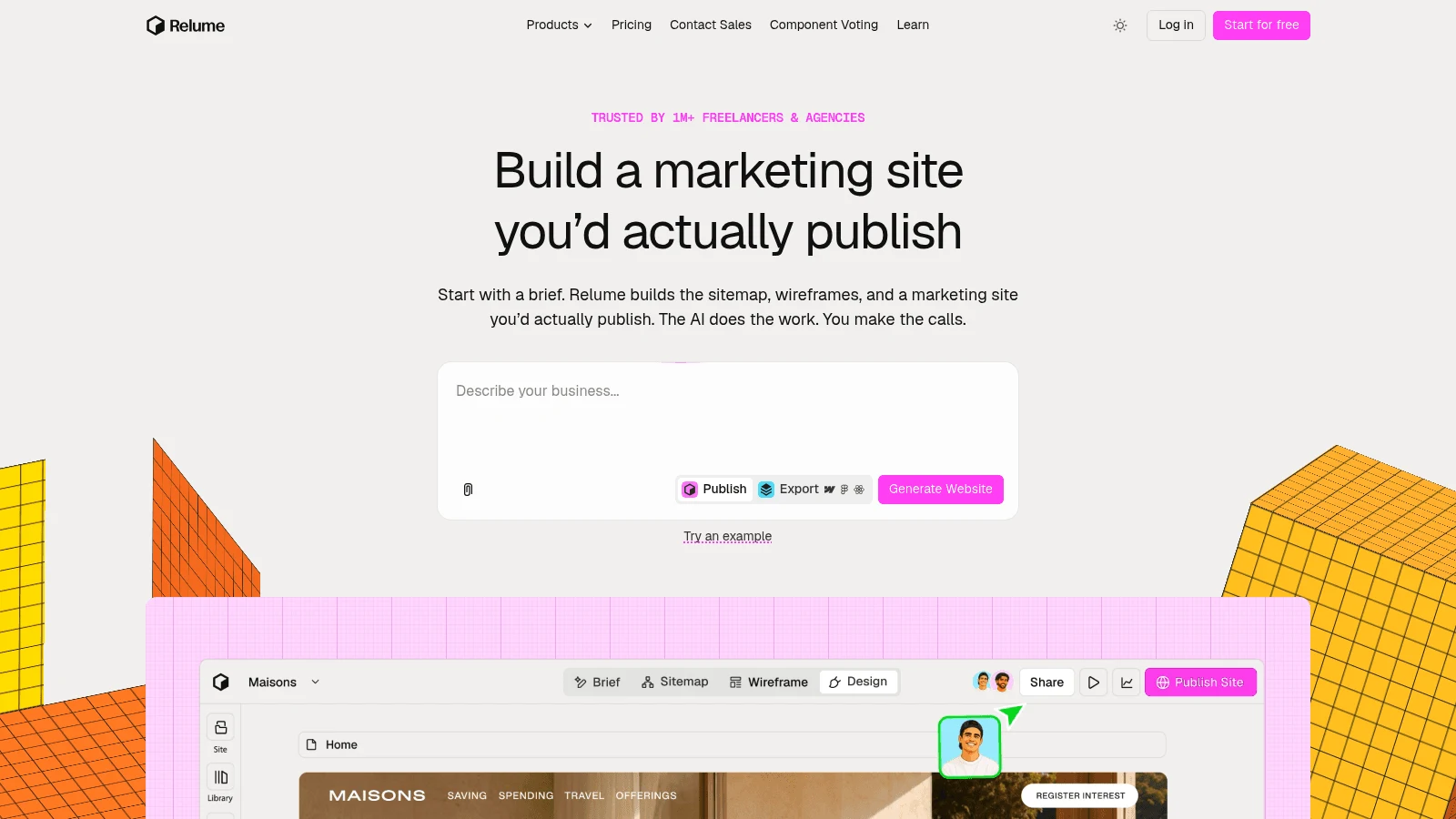
Overview: Relume plans marketing websites in a fixed order: brief, sitemap, wireframe, then design. It isn't an app-screen tool, but for a website it has the clearest export ladder on this list.
Key features:
- Sitemap and wireframe generated from a written brief.
- Figma export on every plan, Free included.
- Webflow and React export on paid export plans.
Pricing: On the Export tab, Starter is $18 per user a month, billed $216 yearly, for five pages; Pro is $40 per user billed yearly. A separate Publish grid prices hosting.
Pros: Free Figma export, structure before visuals, Webflow output for marketing teams
Cons: Marketing websites only; Webflow and React need a paid plan; two pricing grids (Publish and Export) are easy to confuse
Why it made this list: If your Uizard project was really a website, Relume gets it into Figma for free.
Final verdict: The right tool for site structure, the wrong one for app screens.
10. Lovable
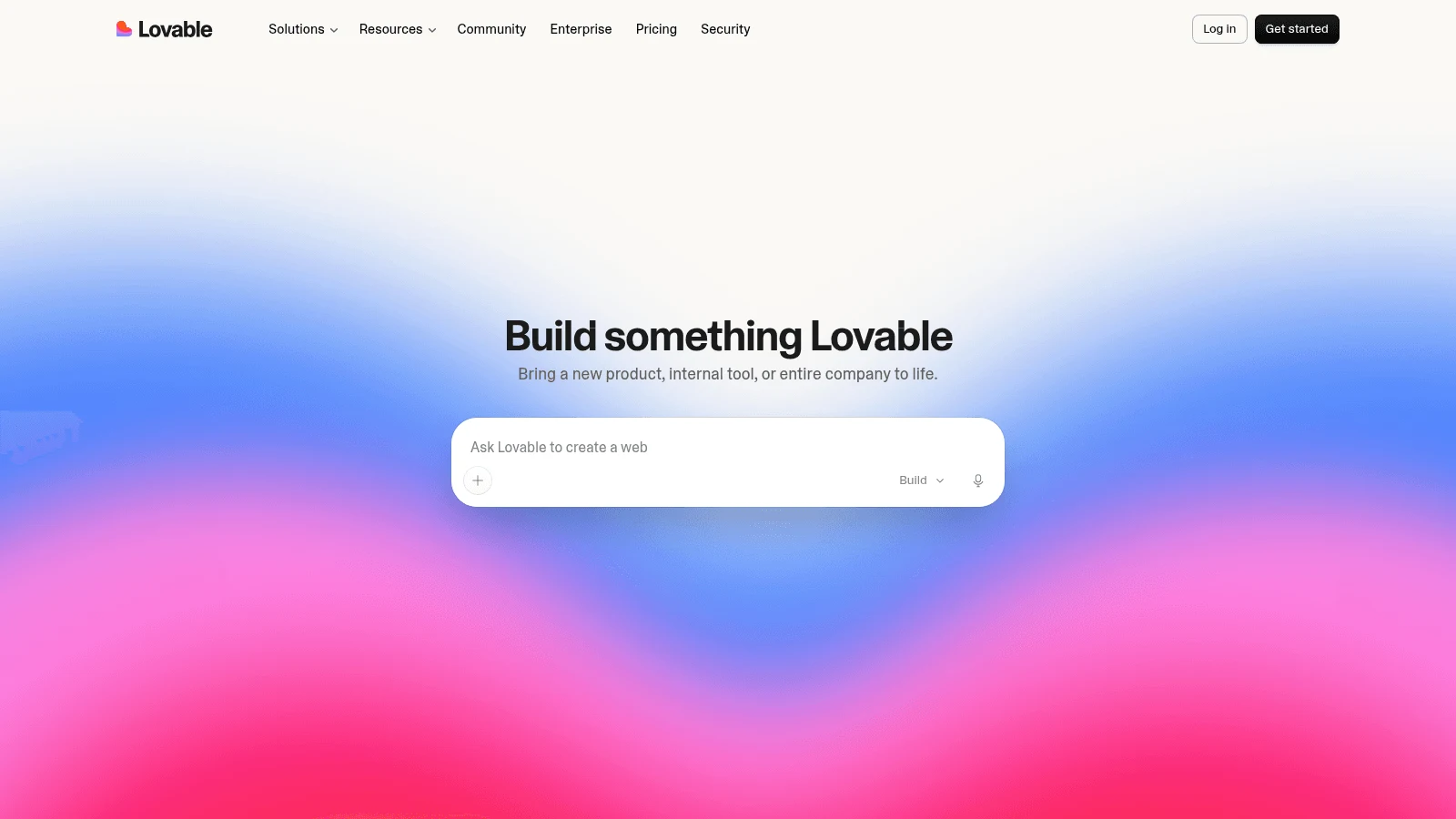
Overview: Lovable skips the mockup and builds the app. Its getting-started guide suggests adding "a mockup, a sketch, or a screenshot of a site whose layout you like" to your first prompt, so a Uizard export can be the brief.
Key features:
- Images in the first prompt set the layout.
- Two-way GitHub sync on every plan.
- ZIP download of the code on paid plans.
Pricing: The free plan allows 5 credits daily and 30 in a month. Pro costs $21 a month on yearly billing or $25 monthly for 100 credits, with no per-seat charge.
Pros: A running app instead of a picture, code in your own repo, no seat fees on Pro
Cons: A .fig upload brings in design-system values but "does not recreate your designs"; it can't start from an existing repo; there's no design file to hand a designer
Where it fits: Founders who'd rather test a working build than polish a mockup.
Final verdict: Use it after the design is settled, not to explore it.
Pros and cons of switching from Uizard
Switching pays off for some teams and not for others, and the trade runs both ways.
The gain is at hand-off. Uizard's ceiling is an image, a PDF or one component's code, while most Uizard competitors on this list give a designer Figma layers or a developer a codebase. You also pick up newer inputs, such as UX Pilot's PRD import or the design-system rules Magic Patterns reads.
The loss is simplicity. Uizard keeps its scanners, templates and 500 AI generations a month in one Pro plan at $12 a month billed yearly, and several alternatives split the same job across a seat price and a credit meter. Miro charges $20 per member a month, billed yearly, before AI prototyping switches on, and Stitch has no published price to budget against.
So the best alternatives to Uizard for rapid prototyping pay off when the bottleneck is what happens after the draft. If your team only needs pictures for a pitch or a workshop, Uizard's own plans may still do the job.
A switch won't remove the design judgment in between. If every generated draft comes back needing the same fixes, a dedicated UI designer can set up your components once so later drafts start closer.
How much cleanup each output needs before hand-off
What you export decides who redoes the work. A PNG from Uizard gives a developer a picture to measure. Editable Figma layers give a designer something to adjust, and code gives a developer something to run.
Each of those gaps costs time. In a CSCW 2017 study, Maudet, Leiva, Beaudouin-Lafon and Mackay interviewed 16 professionals, eight designers and eight developers, about 25 projects. They "found cases of rework and redundancy in all the interviews," and every developer said designers left important edge cases out of their design documents.
Here is what each export type on this list leaves the next person to do:
| Export type | Tools | What the next person still does |
|---|---|---|
| Images or PDF | Uizard | Rebuilds every screen by eye |
| Figma layers | Figma Make, Miro Prototypes, Stitch (paste, per its 2025 launch post), Visily, UX Pilot, Magic Patterns, Relume | Links layers to your components and rebuilds interactions |
| Figma layers with auto layout kept (per its FAQ) | Banani | Restyles and fills in missing states |
| Code (HTML/CSS, React, a running app) | Figma Make, Stitch, Visily, UX Pilot, Banani, Magic Patterns, Relume, Lovable | Reviews it, wires real data, handles edge cases |
| Hosted live page, plus "export to code" (format not named) | Awesomic Studio | Reviews the live link and checks what the export contains; an Awesomic designer can take over through the Assisted setup, a separate option |
No export type removes the edge-case problem the study describes. Before hand-off, check generated mobile screens against iOS navigation patterns: tab bars, back buttons and modal sheets are easy for a generator to get subtly wrong. Then add the empty, loading and error states no prompt asked for.
How much do Uizard alternatives cost?
Most tools here price a seat plus an AI credit allowance, so the sticker price only holds while you stay inside the credits. The table puts each tool's lowest paid plan next to what it adds for hand-off, with Uizard at the bottom for reference.
| Tool | Free plan | Lowest paid plan | What it adds for hand-off |
|---|---|---|---|
| Awesomic Studio | None | $20/month (Basic) | Live hosting; a designer joins only through the Assisted setup (price not published) |
| Figma Make | Starter, drafts only, 500 credits/month max | $16/month billed yearly, $20 monthly | Copy design into Figma |
| Miro Prototypes | Basic screens only | $20/member/month billed yearly, $25 monthly (Business) | AI generation, screenshot to mockup |
| Google Stitch | No published price | No published price | n/a |
| Visily | 300 credits/workspace/month | $14/editor/month (billing period not stated) | Figma and code export, no watermark |
| UX Pilot | Screen and credit caps (varied by visit) | From $19/month billed yearly ($25 on some visits) | Figma and code export |
| Banani | 12 monthly + 3 daily credits | $12/month billed yearly, $20 monthly | Figma layers, HTML/CSS |
| Magic Patterns | Credit amount not published | $17/seat/month billed yearly, $20 monthly | Figma, GitHub, MCP |
| Relume | 1 page, Figma export | $18/user/month billed yearly | Webflow and React |
| Lovable | 5 credits/day, 30/month | $21/month billed yearly, $25 monthly | ZIP download |
| Uizard (reference) | 3 AI generations/month | $12/month billed yearly, $19 monthly | 500 AI generations/month, React/CSS per component |
Banani Plus matches Uizard Pro's $12 yearly rate, the lowest price in the table. Figma Make isn't sold separately: it draws on whichever Figma seat you pay for, so Figma's seat pricing decides what Make costs your team. Miro is the opposite case, since its AI prototyping only starts at the Business tier.
Moving your projects out of Uizard
Uizard's exports are images, PDFs and single components, so a move means exporting what you have and rebuilding it in the new tool. Do it in this order:
- List every Uizard project and mark the screens still worth keeping.
- Export those screens as PNG or PDF.
- Copy the React or CSS for any component a developer already uses, one at a time in Handoff Mode.
- Upload the PNGs to a tool that accepts screenshots as input.
- Compare each regenerated screen with the original before deleting anything.
A short UX audit on the Uizard screens before step 4 stops you from carrying a broken flow into a new tool. Keep your Uizard account until the rebuild is approved; the Miro-led version of its homepage says existing projects stay accessible, so you can compare against the originals.
Best alternatives to Uizard for rapid prototyping
Which of these best alternatives to Uizard for prototyping fits depends on who touches the work after the first draft.
For quick flow tests
If the goal is to put a clickable flow in front of users this week, fidelity matters less than speed. Visily and UX Pilot both start free, Visily takes screenshots and UX Pilot takes sketches, and Stitch reads both, though Google lists no price for it. Testing a rough flow before you polish it is one of the oldest UX design practices, and the 2002 fidelity study above backs it.
For a design team that lives in Figma
Banani keeps auto layout on export, and Figma Make puts the draft inside the tool your team already pays for. Miro Prototypes fits if discovery happens on Miro boards.
For screens that should become code
Magic Patterns gives a developer a codebase from day one, Lovable builds the running app, and Relume covers marketing sites with Webflow or React output. Pick the one whose output your developer already knows how to read.
Which Uizard alternative to test first
Take one real Uizard screen, export it as a PNG, and rebuild it in two of the tools above, one that exports to Figma and one that exports code. Note how long the cleanup took, not how long the generation took.
If you'd rather the draft and its cleanup stay in one workspace, Studio's plans start at $20 a month, and an Awesomic designer can join through the Assisted setup, a separate option with no published price. Get started.
FAQ
What are the best Uizard alternatives?
For Figma hand-off, Banani, Figma Make, Visily and UX Pilot. For code, Magic Patterns and Lovable. Miro Prototypes is the route Uizard's homepage has started testing, and Relume suits marketing websites.
Is Uizard shutting down?
No vendor page says so. Uizard still takes sign-ups for Free and Pro. Some versions of its homepage promote Miro Prototypes, "powered by Uizard," for new work and add that existing Uizard projects remain accessible.
Can you export Uizard designs to Figma?
Not directly. According to Uizard's own export article, screens leave as JPG, PNG, SVG or PDF, and code comes out one component at a time. Its Figma plugin imports Figma designs into Uizard rather than the other way.
Who are Uizard's main competitors?
Among AI tools, the main Uizard competitors are Visily, UX Pilot, Banani, Google Stitch and Figma Make. Classic design tools such as Figma, Penpot and Sketch compete for the same work without generating screens. InVision and Motiff still appear on older lists, but InVision's site now serves Miro and Motiff is discontinued.
What are the best alternatives to Uizard for prototyping on a budget?
Banani Plus is $12 a month billed yearly, the same as Uizard Pro, and adds Figma export. Most tools here have a free plan, and Relume's includes Figma export.





