 Awesomic Team
Key takeaways:
- Figma Make's full feature set needs a Full seat on a paid plan ($16 a month billed annually on Professional, with 3,000 AI credits). Dev, Collab and View seats get 500 credits and build in drafts only.
- None of the ten alternatives needs a Figma seat to build. Lovable and Magic Patterns want a Dev or Full seat only for their MCP import, and v0 warns that your seat limits its link import.
- Eight of the ten publish a free plan, and Google publishes no price for Stitch. Framer's Basic ($10 a month billed yearly) is the cheapest paid plan here.
- Check generated screens for layout, missing elements and text: a 2018 ICSE study of 71 mock-up and implementation pairs sorted all 82 design violations into those three categories.
Figma Make is Figma's prompt-to-app tool. You describe an idea or attach a Figma design, and it builds a working prototype or web app in React and TypeScript. It suits teams already paying for Full seats, because the files, the library and the AI credits sit in one place.
People look for Figma Make alternatives when that tie starts to cost: credits run out mid-project, their seat only builds in drafts, or the project is hard to hand to a developer.
This list compares ten Figma Make alternatives on a question most roundups skip: how much of Figma you still need once Make is gone. Each review names the measure that tool beats Make on, with prices read on vendor pages on October 8, 2026.
Replacing the Figma canvas or the whole subscription is a different job, where Penpot and Sketch compete as Figma alternatives.
Why teams look past Figma Make
Figma's own help center and pricing page explain most of the friction, and a Reddit thread shows how it feels.
Credits go per attempt, not per good result
Every Figma AI feature, Make included, draws on one monthly credit pool per user. A Full seat gets 3,000 credits a month on Professional, while Dev, Collab and View seats and the free Starter plan get 500, with Starter and View capped at 150 a day. Unused credits expire monthly and can't go to a teammate.
Figma's own examples, using its default model as of February 2026, put a font change at about 30+ credits and an app from scratch at 100+, so by those examples a Full seat covers at most 30 fresh builds a month.
Figma adds that it "can't predict exactly how many credits a request will use in advance." An empty pool means "you will be unable to complete any additional AI actions" until an admin adds credits or the month resets.
A poster in a thread on Reddit, whose team uses Make mainly for interactions, put it this way: "It doesn't execute my ideas properly and eats up a lot of credits for crappy output." Others replied that results depend on the prompt. It's one team's experience, but it shows what iterating costs when every retry comes out of a fixed pool.
Full access needs a Full seat
Figma's FAQ says Make "is available for Full seats on paid plans." Dev, Collab and View seats can try it in drafts but can't share or publish. Full and Dev seats can export code, and Collab and View seats only from drafts.
On Professional, a Full seat runs $20 monthly or $16 on annual billing, against $15 or $12 for Dev. Figma's seat prices climb to $55 for Organization Full and $90 for Enterprise Full, both annual only, so a product manager who only prototypes in Make pays for the same seat as a full-time designer.
Getting your work out is awkward
Make's GitHub push goes one way, into a repo Make creates, on the default branch. Copying the preview into Figma Design as layers works on paid plans only, and Figma's FAQ says edits to those layers "aren't applied back to the Figma Make file" and the layers aren't tied to your design system.
The backend is your own Supabase, which Figma's pricing page says you connect "to add user authentication, store user data, connect private APIs." Make stores data as key-value pairs and won't set up a full SQL database, and its published apps have no analytics dashboard, only a field for a Google Analytics ID or another snippet.
How we picked and ordered these tools
We started from the builders that top-ranking pages name most often: v0 and Magic Patterns appear on all three we read in full, Framer and Google Stitch on two. Uizard also appears on two, and we left it out for tools closer to Make's prompt-to-app job.
Awesomic Studio leads because it's ours, and the other nine are ordered by how directly each replaces Make's prompt-to-app job: app builders that host the result (Lovable, v0, Bolt.new, Replit), then design-first generators (Google Stitch, Magic Patterns, UX Pilot), a website builder with an AI agent (Framer), and a design tool that works on your codebase (Subframe).
"Actually better" needs a measure, so each review names one. None beats Make at everything, and Make still wins on sitting beside your Figma library.
Figma Make alternatives compared
The seat column answers two questions: whether you need any Figma seat to build (none of the ten does), and what your seat changes about importing a design.
| Tool | Beats Make on | Needs a Figma seat? | Pricing (from) |
|---|---|---|---|
| Awesomic Studio | No Figma seat; a specialist through the Assisted setup (quoted separately) | No. Figma appears only in its list of connections | $20/month (Basic), equal to that month's usage budget; no free plan |
| Lovable | Built-in database and auth; two-way GitHub sync | No. Plugin works on any Figma plan; its Figma MCP route needs a Dev or Full seat | Free; Pro $21/month billed annually ($25 monthly) |
| v0 | A branch per chat and pull requests against your repo | No to build. Figma import (paid v0 plans) reads your file through your Figma account, so your seat sets how much it can read | Free ($5 one-time credits for new users); Plus $30/user/month, no annual price |
| Bolt.new | Starting from an existing GitHub repo | No to build. Figma import connects your Figma account (frame URL); no seat named in its docs | Free; Pro $18/month billed yearly ($25 monthly) |
| Replit | An editable design step before the code | No to build. Figma import needs "A Figma account" (its docs); no seat named | Free; Core $18/month billed annually ($20 monthly) |
| Google Stitch | Exploration outside your Figma credit pool | No. Its 2026 posts name exports to AI Studio, Antigravity and Netlify | No price published by Google |
| Magic Patterns | Frame-URL import, with your own components as input | No. Figma import needs a connected account; a Dev or Full seat gives the more precise MCP import | Free; Starter $17/seat/month billed yearly ($20 monthly) |
| UX Pilot | Whole screen flows on its own credits | No. Runs on the web or as a Figma plugin; "Export to Figma and code" is on Pro | Free; Pro from $19/month billed yearly |
| Framer | Live sites with a CMS and localization | No. Official Figma plugin copies layers to Framer; no paid seat named | Free; Basic $10/month billed yearly ($15 monthly) |
| Subframe | Designs made from your shipped components | No. Figma route is copy-a-frame-as-PNG or import Figma variables as JSON tokens | Free; Pro $20/editor/month, no annual price |
| Figma Make (reference) | n/a | Yes, for full access: a Full seat on a paid plan; other seats build in drafts only | Starter free; Professional Full $16/month billed annually ($20 monthly) |
Only Lovable and Magic Patterns name a Dev or Full seat, and only for their MCP import.
1. Awesomic Studio
Best for: Hosted builds without a Figma seat
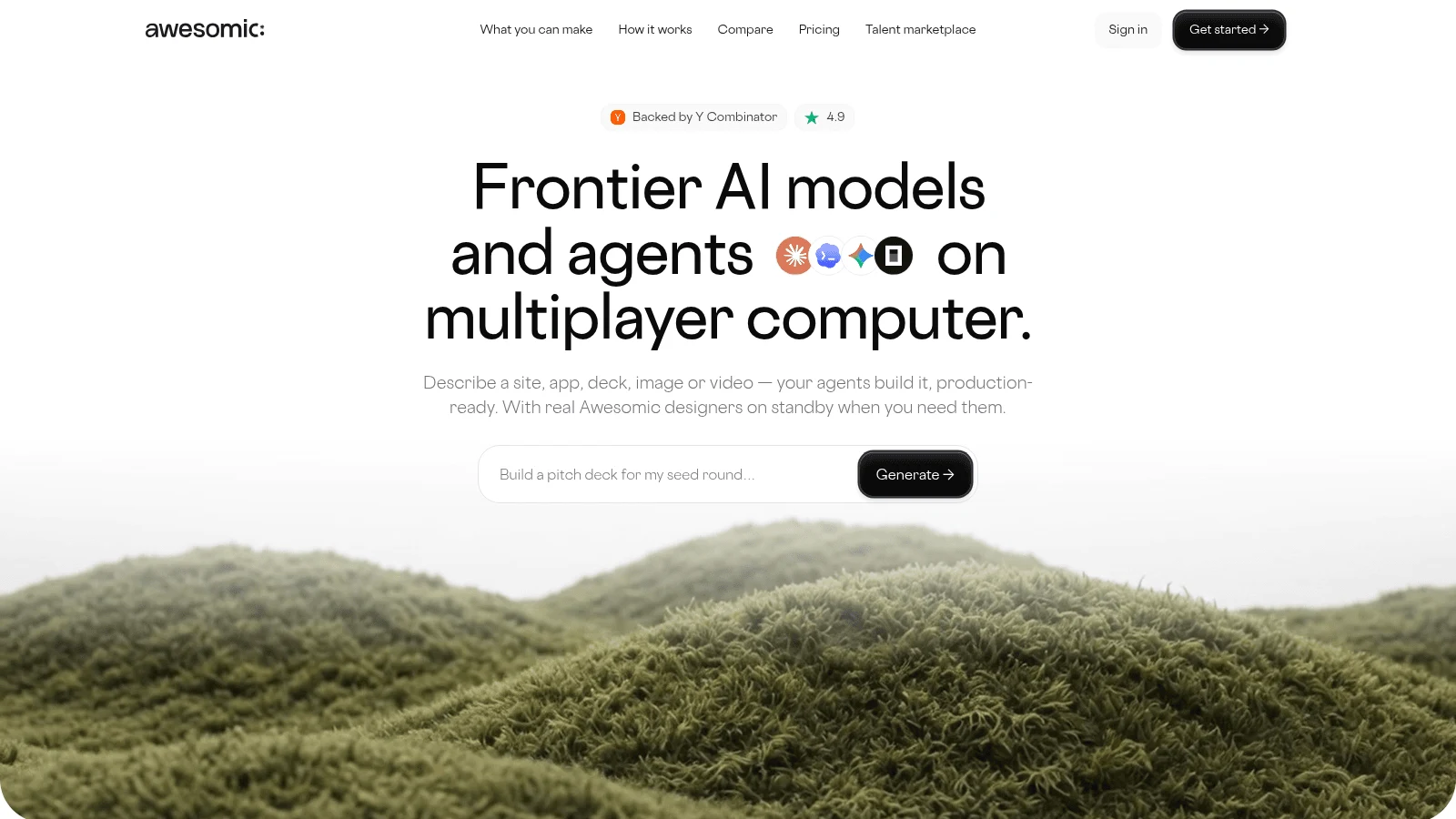
Overview: Awesomic Studio is our AI workspace, and its answer to the Figma question is short: you don't need a Figma seat to use it. You brief it in text, files or links, asking for a site, app, deck, image or video. The agents (Codex, Claude Code and OpenCode) do the build in a shared workspace, and the finished work goes live at a hosted link.
For a team leaving Make, the Assisted setup matters most: the agents do the bulk of the building while a specialist sets the direction, checks the output and makes the judgment calls. That specialist is an Awesomic designer or developer, priced on a separate quote.
Studio extends your team rather than replacing your designer or developer, and you can always bring an Awesomic expert in. Self-serve, Dedicated and Automated setups are live too. Studio is built by the team behind Awesomic, which has worked with more than 4,000 companies.
Key features:
- No Figma seat or Figma credit pool behind the build.
- An Assisted setup where a specialist steers the agents (quoted separately).
- A hosted live link you can keep private to the team or open to anyone.
- Briefs from text, files or links, so a screenshot of a Make prototype can start a build.
- Export of the build to code or another tool once a developer steps in.
- Eight connections, Figma among them, plus Slack, Notion, GitHub, Webflow, Linear, Google Drive and Framer.
Pricing: Each plan's fee is also its monthly usage budget: $20 for Basic, $200 for Pro, $500 for Maximum. There's no free plan or trial, the budget's draw-down rate isn't published, and human setups are priced separately.
Pros: No Figma seat for anyone, a specialist who shapes direction, live hosting, code export, three flat plan prices
Cons: Not a design canvas or vector editor; Figma appears only as a listed connection, and its pages promise no layer import; no published rate per build; no public reviews yet
How to start using it:
- Screenshot the Make prototype you'd rebuild, or write the brief in plain words.
- Pick the Basic plan, then attach the screenshot or paste the brief.
- Let the agents build, then describe fixes as you'd tell a colleague.
- Publish to a live link for whoever signs off.
- Ask for the Assisted setup when the rest needs a designer's judgment.
Why it's a good Figma Make alternative: It beats Make on access: nobody needs a Full seat to build, share or publish, and a specialist can step in when a prompt can't carry the brief.
Final verdict: Choose Studio for Make's prompt-to-app speed without the seat, and keep Figma for the canvas work Studio doesn't do.
2. Lovable
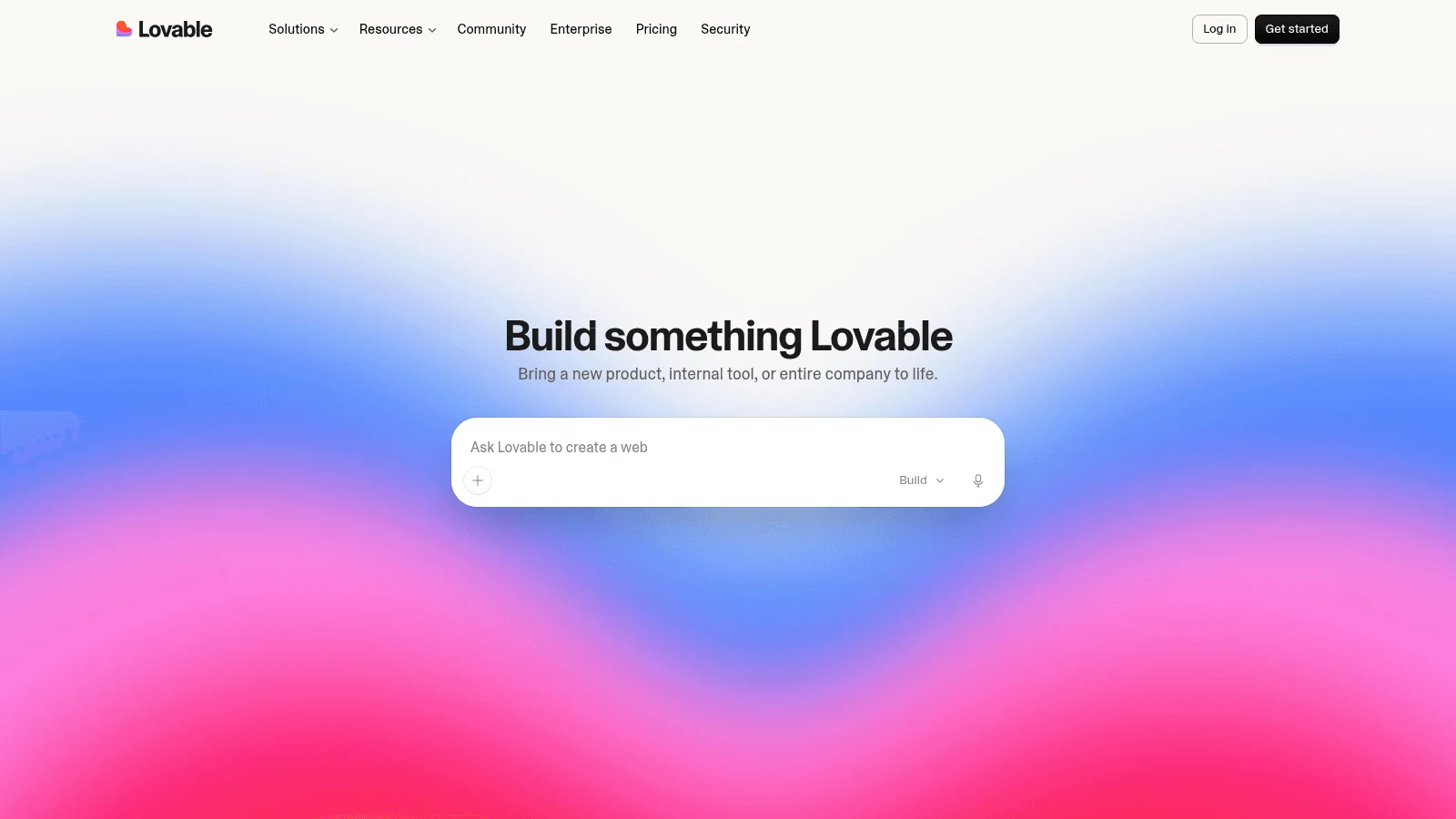
Overview: Lovable turns one prompt into a complete web app, and its Cloud backend runs the database, auth and storage, so the Supabase wiring Make leaves to you is done.
Its three Figma routes ask different things of your account. The plugin is "Available in all Figma plans." The Figma MCP needs both desktop apps and "a Dev or Full seat in Figma (not available on Figma's free Starter plan)." A .fig upload carries design system values and "does not recreate your designs or components."
Key features:
- Lovable Cloud for data, auth and storage.
- Two-way GitHub sync.
- A Figma plugin that works on free Starter accounts.
Pricing: Free caps you at 5 build credits a day and 30 a month. Pro is $25 billed monthly, or $21 a month on an annual plan, for 100 credits with unlimited users, and Business is $50 or $42.
Pros: Backend included, a plugin route needing no paid Figma seat, unlimited users
Cons: Can't start from an existing repo, web apps only, hosting and in-app AI draw credits too
Why it's a good Figma Make alternative: Auth and data live inside the product, and the code syncs both ways with GitHub instead of Make's one-way push.
Final verdict: The pick when a Make prototype has to become an app with logins and stored data.
3. v0
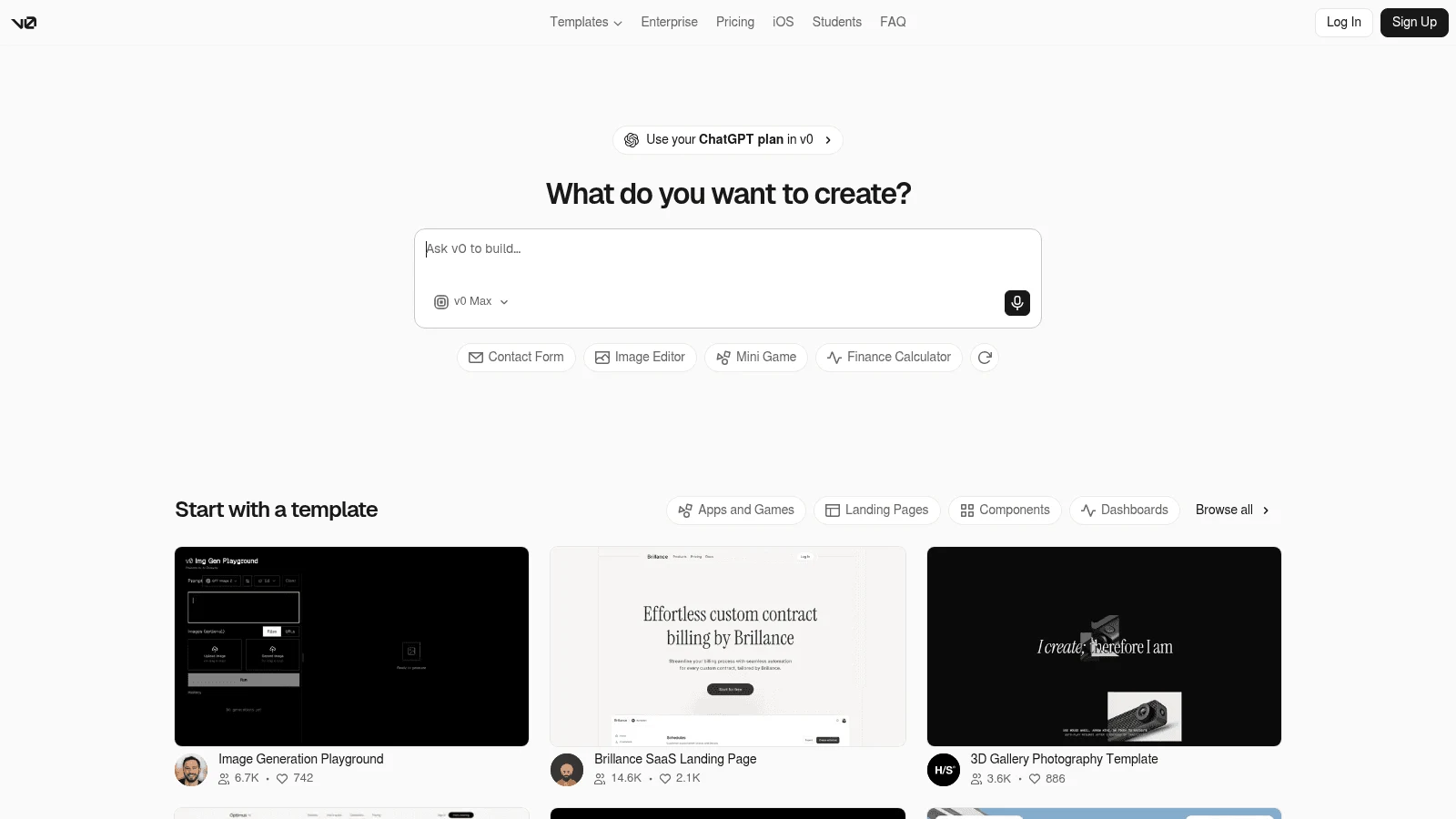
Overview: v0 (now v0.app) is Vercel's app builder that works from a prompt, and a Figma link can be the brief. It reads frames, tokens, auto layout and assets, with no plugin and no Figma desktop app required.
The import has two limits: it only works on paid v0 plans, and Figma caps how much data your account can read, with the cap set by your Figma plan and seat type.
Key features:
- A Git branch per chat, with pull requests against your repo.
- One-click deploys to Vercel.
- Marketplace databases such as Neon and Supabase.
Pricing: Free gives new users a single $5 credit grant and 7 messages daily. Plus runs $30 per user a month, with no annual price shown, and Business is $100 per user.
Pros: Changes reviewed as pull requests, Figma links with no plugin, real database options
Cons: Figma import needs a paid plan, built around Next.js and React, prepaid credits pause generation at zero
Where it beats Make: Every change lands on a branch you review, where Make pushes one way into a repo it creates.
Final verdict: Best for teams that want a designer's prompts reviewed like any other code change.
4. Bolt.new
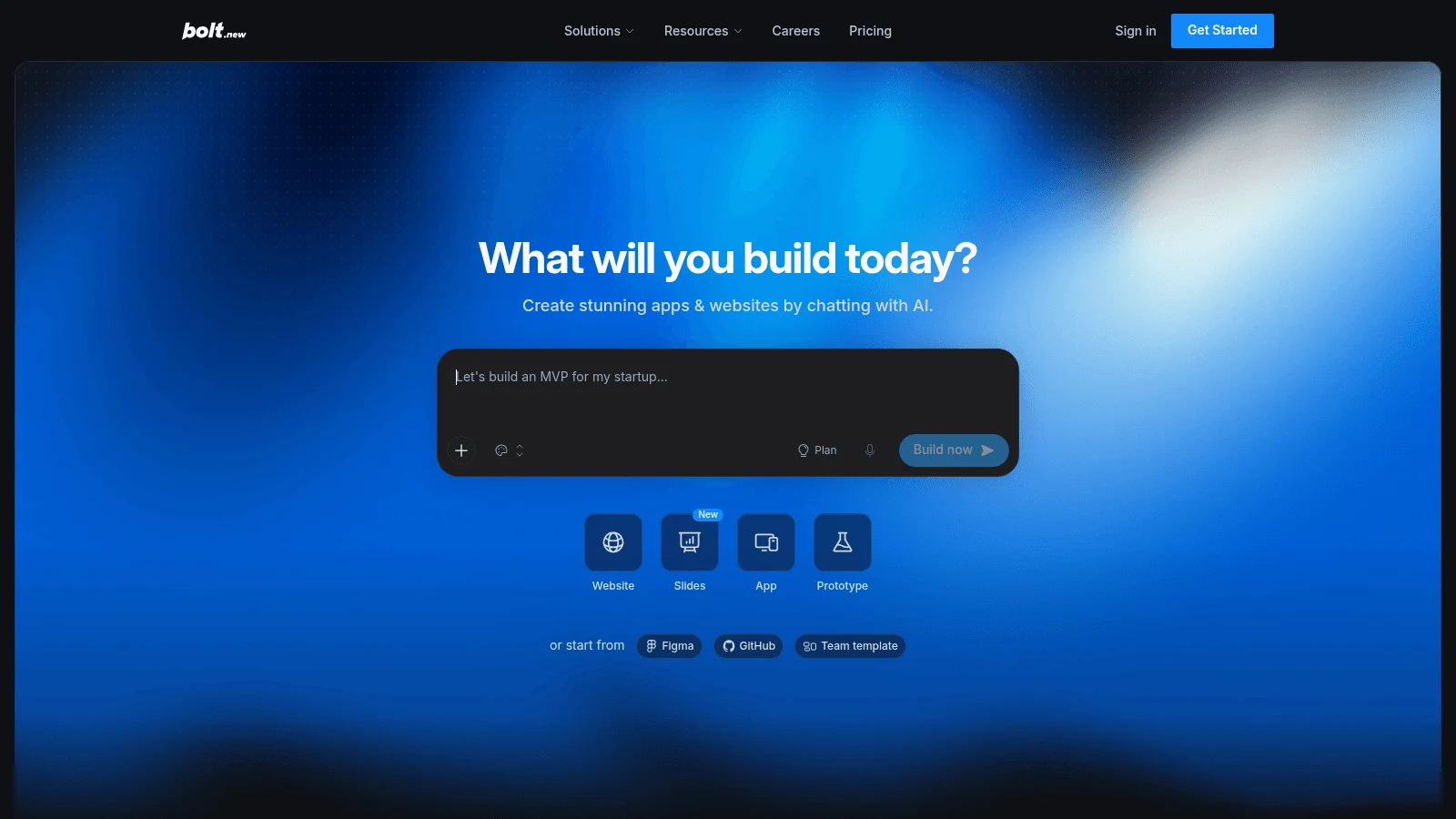
Overview: Bolt.new builds JavaScript apps in the browser from wherever your code already lives: it imports an existing GitHub repo, syncs both ways with branches, and exports a ZIP.
Figma comes in one frame at a time ("you use a single frame, not an entire Figma project"), and "Bolt uses Anima to handle turning Figma designs into apps." Rebuilding a frame with your own components needs a paid Team account and works from a screenshot of the frame.
Key features:
- Repo import with two-way sync and branches.
- Figma frame import on Anima's engine.
- Bolt Cloud hosting and databases.
Pricing: Free allows 300K tokens daily and 1M monthly, with Bolt branding. Pro costs $25 monthly or $18 a month billed yearly, and Teams is $30 or $27 per member.
Pros: Starts from an existing repo, ZIP export, daily free tokens
Cons: Bigger projects burn tokens faster, model training on by default for content from October 7, 2026 (outside the EU, UK and Switzerland), a hard cap on free hosting
Why it made this list: You bring the repo you already have, where Make builds inside a Figma file (its local-codebase mode is still in beta).
Final verdict: Pick it when the Make prototype has to merge into an existing codebase.
5. Replit
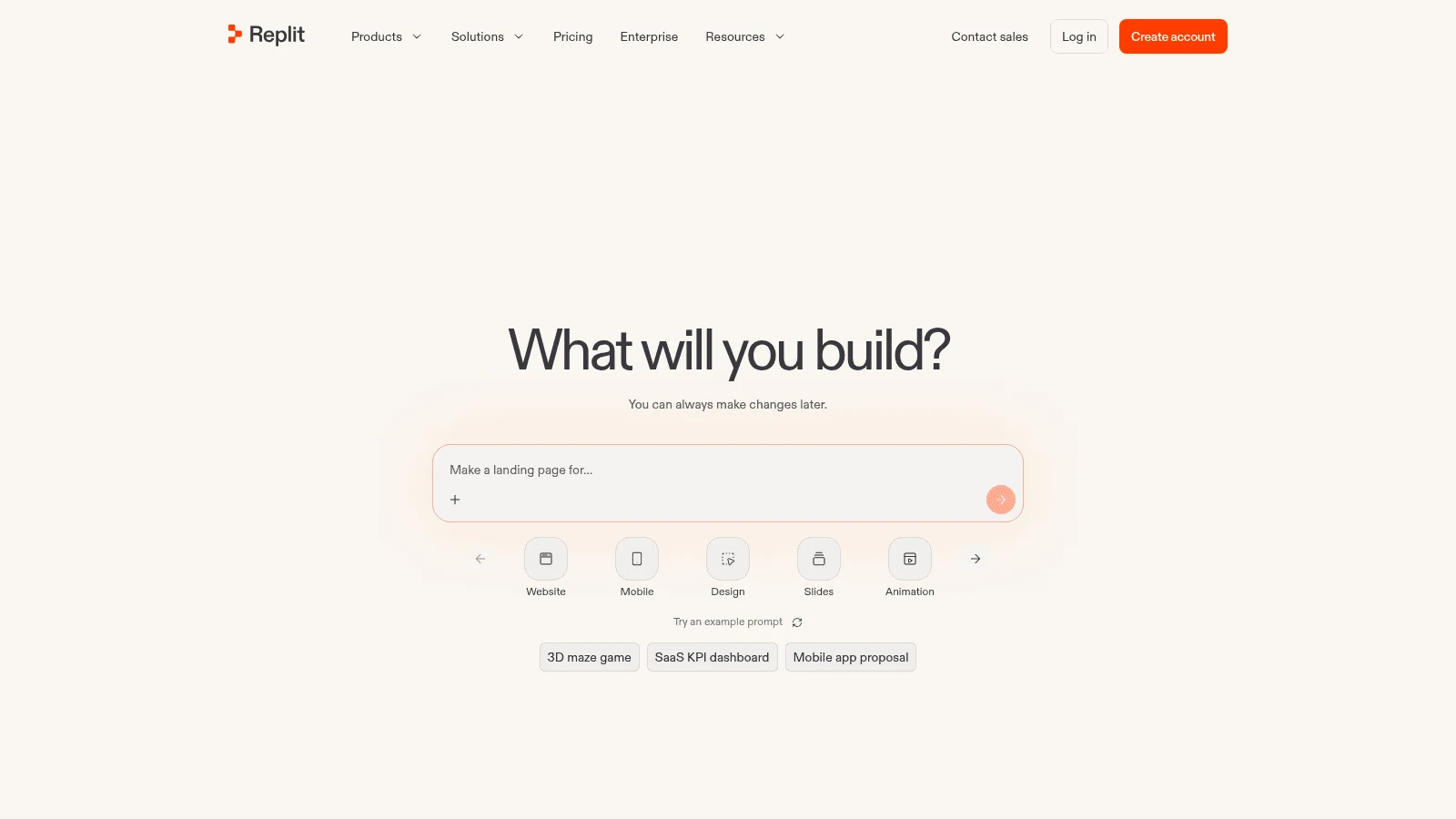
Overview: Replit's Agent builds, hosts and runs your app, with a database and auth built in. Figma goes through Replit Design: connect Figma, share the file or paste frame links, and each frame is rebuilt as a design you edit before the Agent writes pages.
Its docs ask only for "A Figma account" and admit the rough edges: "Hover, nav, or forms feel unfinished: layout and color often land first."
Key features:
- Figma frames rebuilt as editable Replit Design frames.
- Hosting, database and auth in one place.
- ZIP download and two-way GitHub sync.
Pricing: Starter is free with daily Agent credits and one published app. Core costs $20 monthly or $18 a month billed annually, and Pro is $100 or $90.
Pros: Database and auth included, a design check before code, code exits both ways
Cons: Deployments billed by usage on top of the plan, effort pricing that's hard to predict, Starter apps expire after 30 days
Its real strength: You fix the rebuilt frame before code gets written, then publish with a database Make would leave to your Supabase.
Final verdict: A strong pick for an app that has to run in production on one platform.
6. Google Stitch
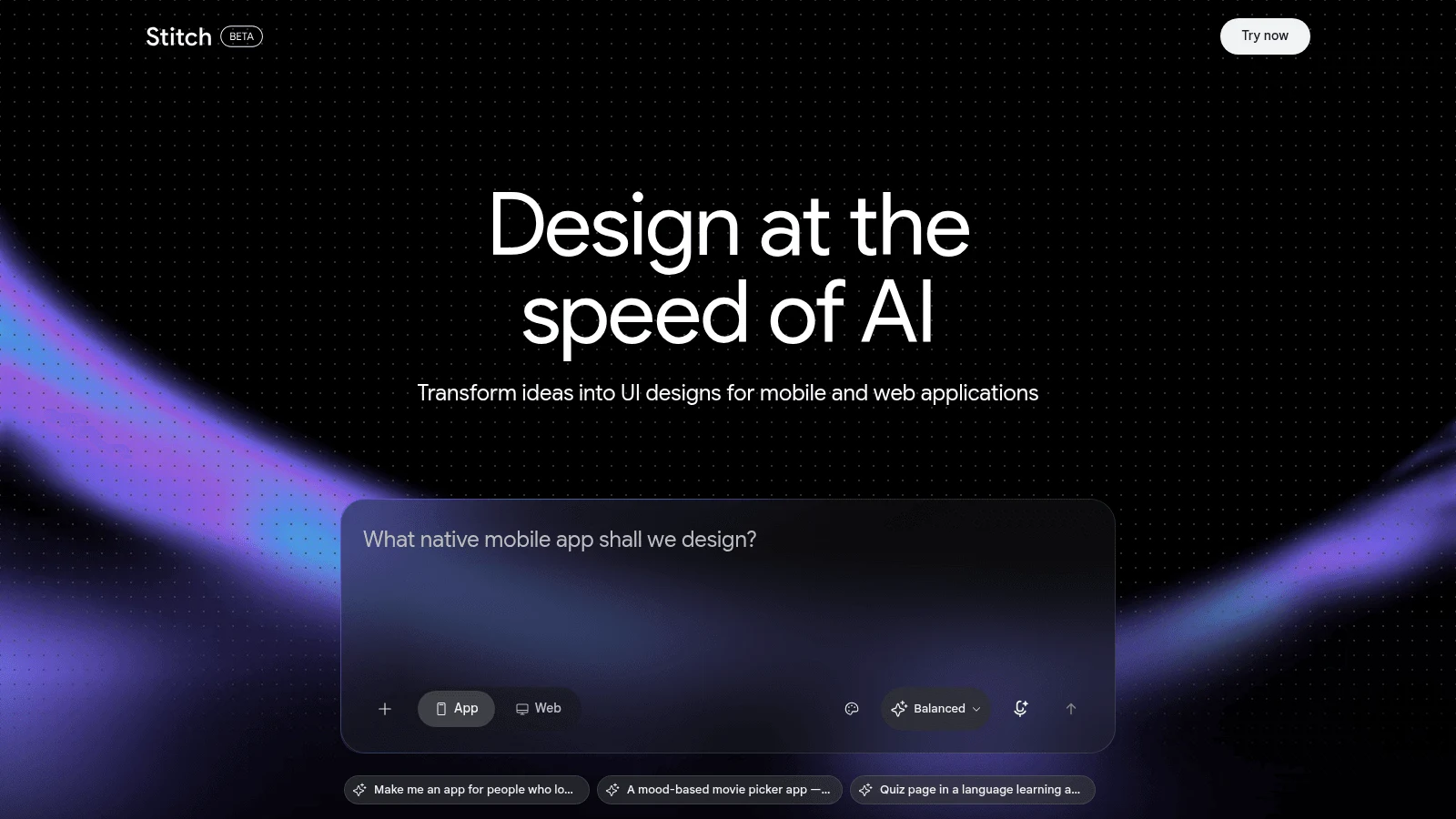
Overview: Google Stitch is a Google Labs tool where a design agent generates UI screens on an infinite canvas. Screens download as HTML, and Google's 2026 posts send you to Antigravity for the backend and Netlify to publish.
Figma is the open question. Google's May 20, 2025 launch post names a "Paste to Figma" option, but its March and May 2026 posts don't mention Figma, so test it before counting on it.
Key features:
- An infinite canvas with a design agent.
- DESIGN.md files that carry your design rules between tools.
- Exports to AI Studio and Antigravity, plus MCP and an SDK.
Pricing: Google publishes no price or limits for Stitch, and its docs carry a beta label, so treat limits quoted elsewhere as unconfirmed.
Pros: Many screen options fast, portable design rules, routes into Google's coding tools
Cons: No published price or limits, Labs terms that can change, a backend that lives in another Google tool
What it does better: Generating dozens of directions spends nothing from your Figma credit pool.
Final verdict: Use it to decide what to build, then take the winner to a builder above.
7. Magic Patterns
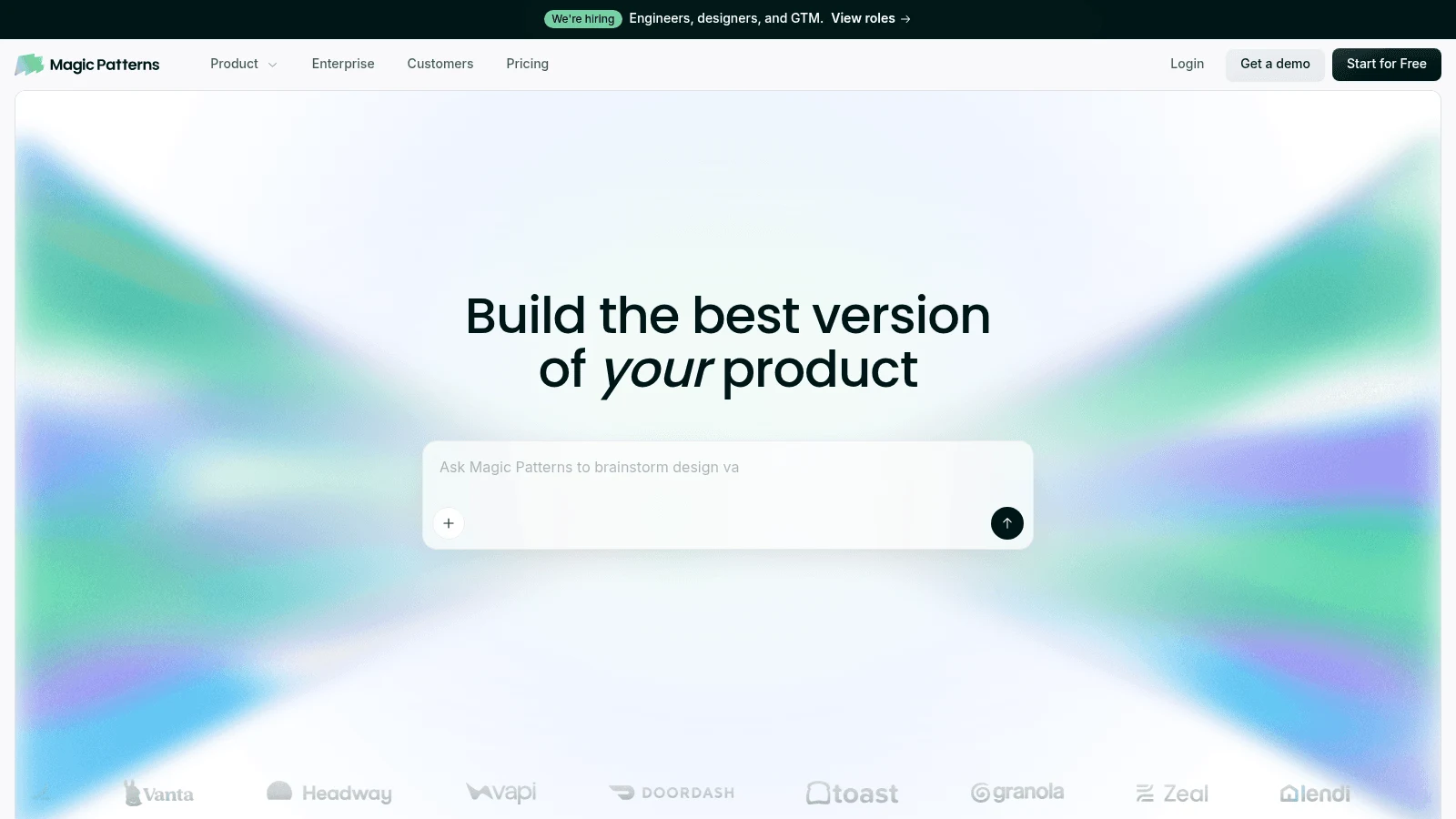
Overview: Magic Patterns produces clickable React, TypeScript and Tailwind prototypes for teams with a product already in place. You feed it your components and styles, so drafts start close to what you ship.
Its Figma import takes one frame at a time. "The Figma MCP Server is only available for Dev and Full Figma accounts. Free and Collab accounts will still work but may have less precise imports." Export back to Figma is "a static snapshot," without interactivity.
Key features:
- React and Tailwind output with GitHub sync.
- Figma import by frame, sharper on Dev or Full seats.
- Password protection and custom domains, per its docs.
Pricing: Starter costs $17 per seat a month billed yearly or $20 monthly with 1,000 credits, and Business is $85 or $100. The free plan doesn't publish its credit amount.
Pros: Your components as input, code a developer can open, imports on a free Figma account
Cons: No backend ("no API calls, no auth, no backend"), frames imported one by one, unpredictable credit cost per request
Why buyers shortlist it: Make's FAQ says it "will not get content from your file via the URL," while Magic Patterns takes a frame URL and drafts from your own components.
Final verdict: Best when a prototype should look like your product on day one.
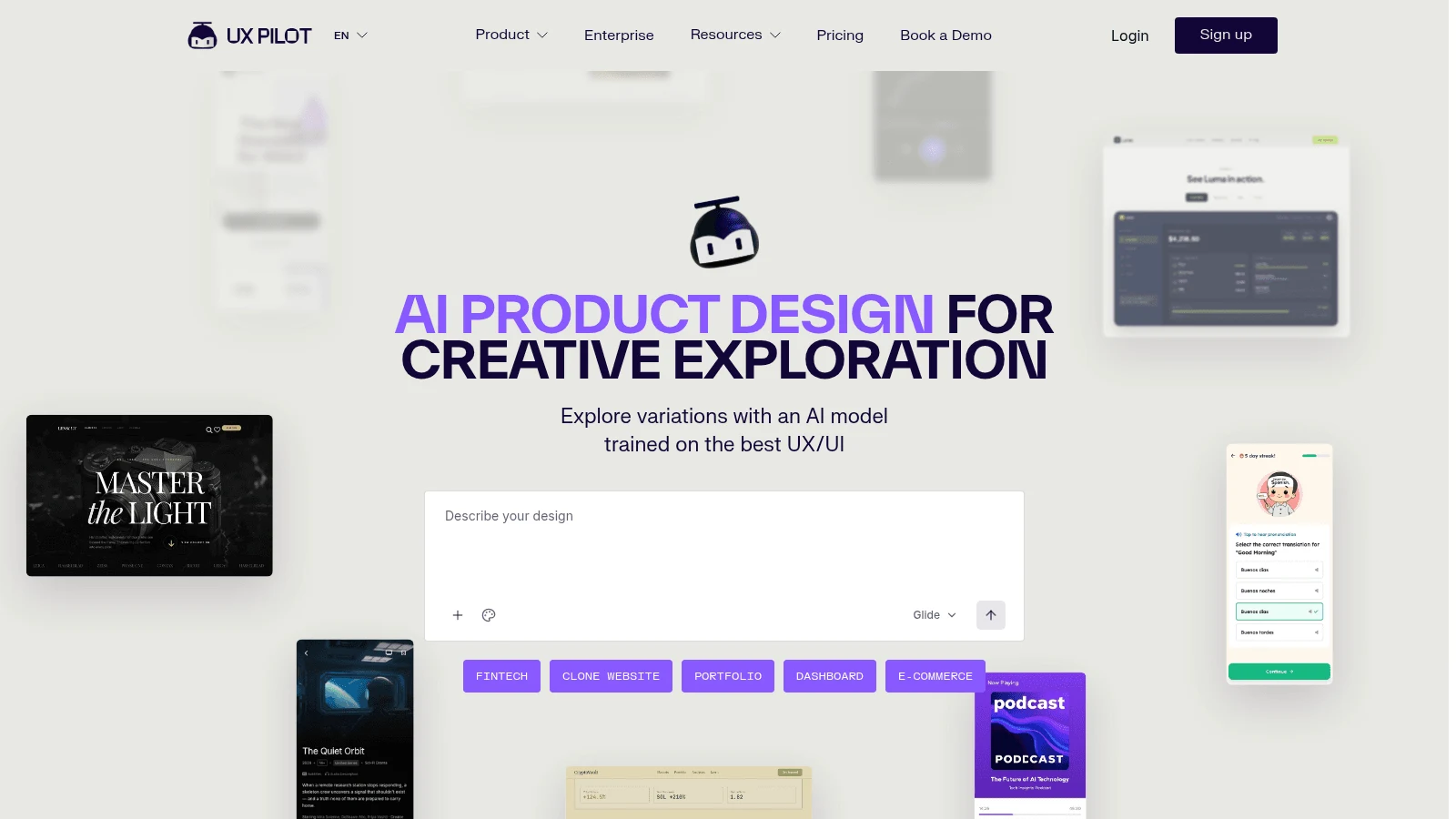
8. UX Pilot
Overview: UX Pilot generates UX screens and whole flows, and one subscription covers its web app and its Figma plugin, which suits designers who'd rather stay in their Figma files.
Its output is design: neither its plans page nor its Figma page claims hosting or a backend. "Export to Figma and code" is a Pro feature.
Key features:
- Screen-flow generation for UX work.
- A Figma plugin on the web app's subscription.
- Figma and code export on Pro.
Pricing: There's a free plan, and Pro starts from $19 a month billed yearly. Its plans page showed different prices on different visits on October 8, so check the figure you're offered.
Pros: Works inside Figma, flows rather than single screens, a free plan
Cons: Prices that changed between visits, export paywalled, no hosted app
Where it fits: It generates the screen-to-screen journey a UX review needs, on UX Pilot's own credits rather than your Figma pool.
Final verdict: Choose it for flows a designer will finish in Figma.
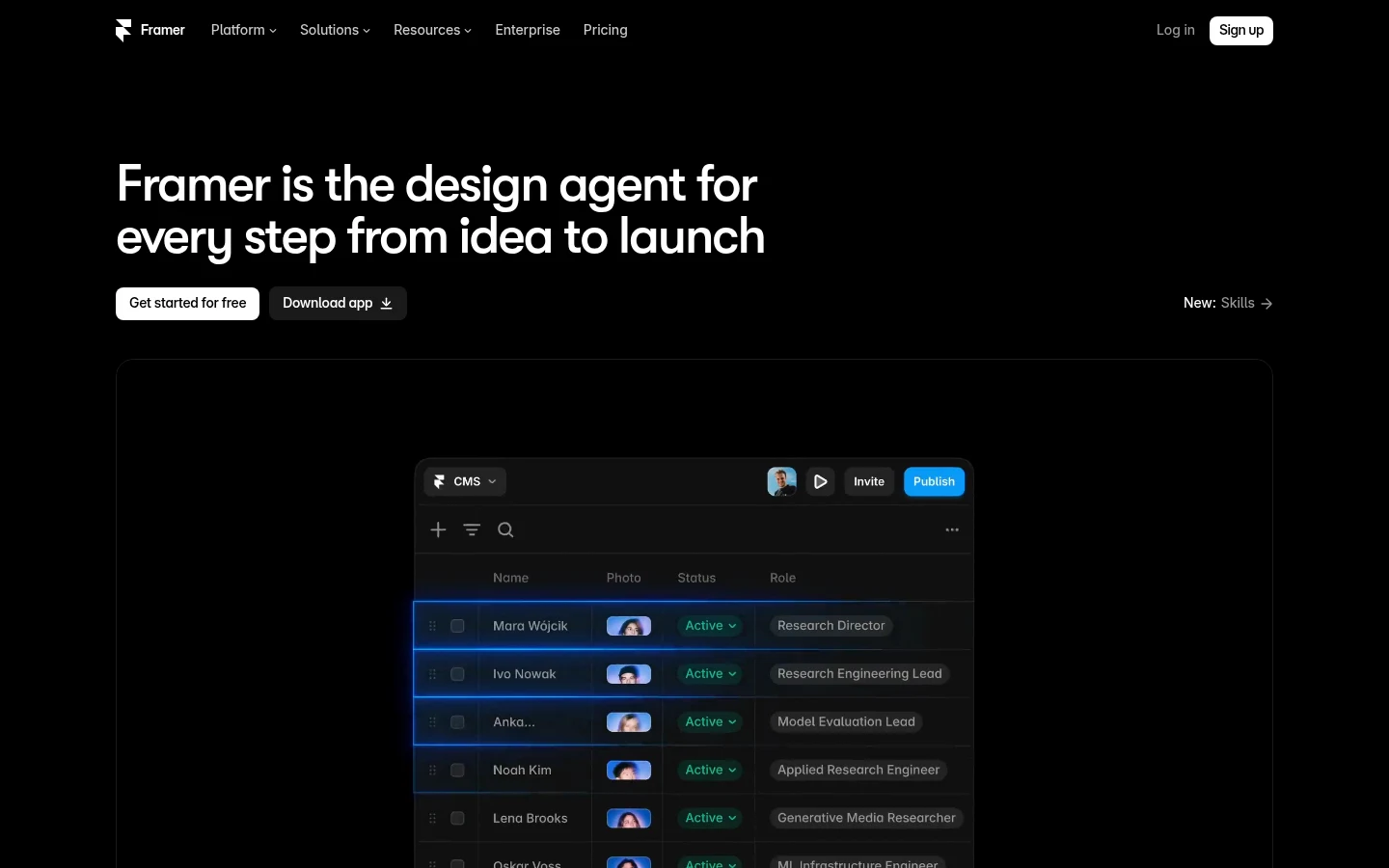
9. Framer
Overview: Framer is a website builder pitched as an AI design agent from first idea to launch. The result is a production site on Framer's hosting, with a CMS and localization.
Its official Figma to HTML with Framer plugin copies the layers you select, and they paste onto the Framer canvas still editable.
Key features:
- Hosting, a CMS and localization.
- Agent credits: Basic includes 1,000 a month and Pro 3,000.
- A plugin that pastes editable Figma layers.
Pricing: Free costs $0 with a one-time 500 credits. Basic is $15 monthly or $10 a month on a yearly plan, and Pro is $45 or $30, with editor seats billed separately.
Pros: Real sites with a CMS, editable Figma layers, the cheapest paid plan here
Cons: Websites rather than apps with a backend, editor seats cost extra, conflicting help-center answers on code export
Why switchers pick it: Make publishes apps without analytics dashboards, while Framer's live sites carry analytics, a CMS and localization.
Final verdict: The right move when your Make projects were really marketing sites.
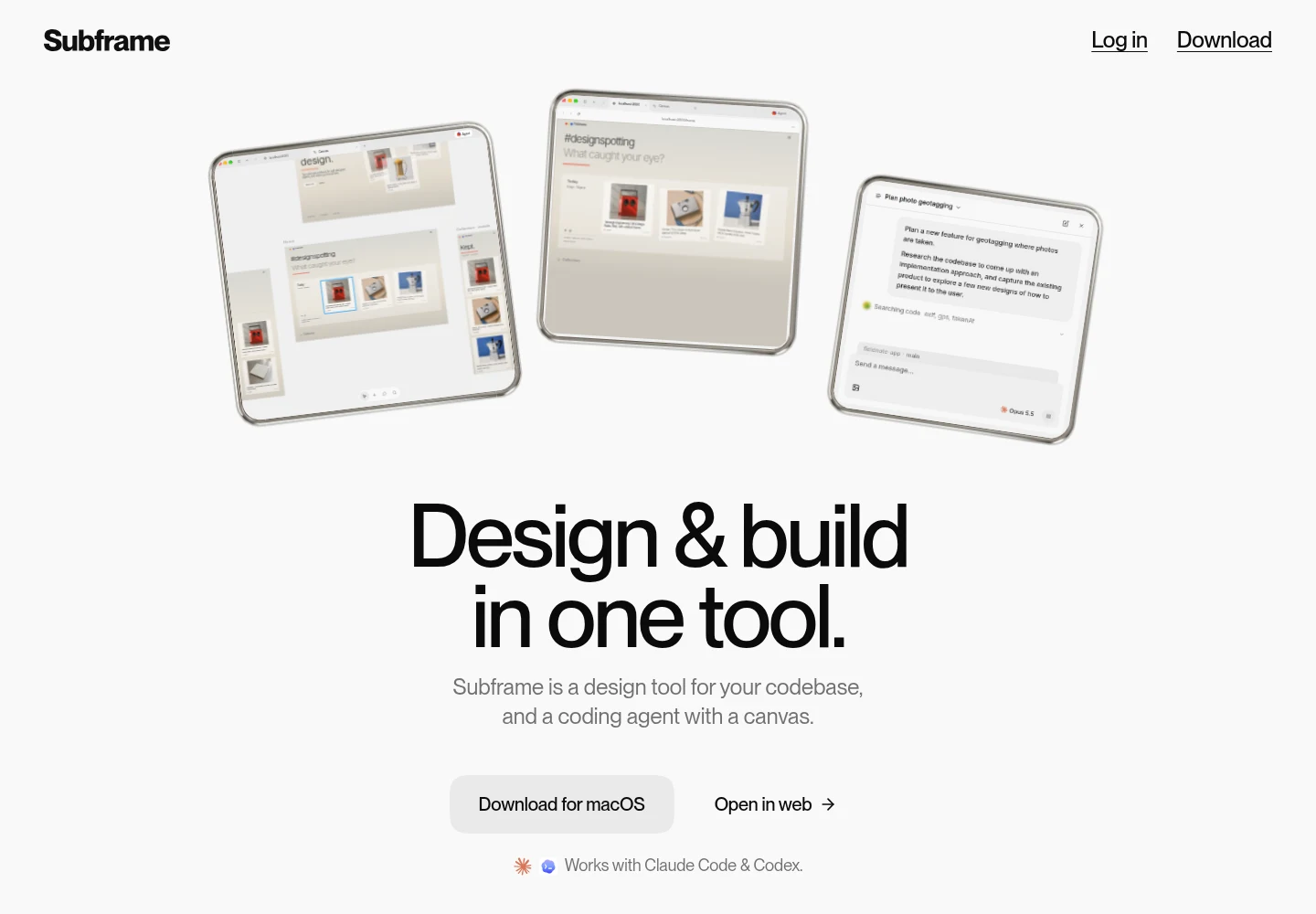
10. Subframe
Overview: Subframe's FAQ now describes "A macOS app that combines three things in one tool: a design canvas, a coding agent, and a built-in browser," with "your codebase stays on your machine." It designs with your real components and tokens, opens pull requests and works best with React, and there's a web version too.
Figma comes in two narrow ways: paste a frame copied as a PNG and the agent makes "1-4 variations," or import Figma variables as W3C-format JSON tokens. Layers and prototype links don't carry over.
Key features:
- Designs built from your components and tokens.
- A coding agent that opens pull requests.
- A free plan that can run on your Claude or Codex subscription.
Pricing: Free covers one project with unlimited viewers and editors. Pro is $20 per editor a month for unlimited projects and six times the AI credits, with no annual price shown.
Pros: Output that matches your codebase, pull requests instead of hand-off files, free viewers
Cons: A macOS-only desktop app, Figma frames that arrive as images, best suited to React
The case for it: It designs with the components you already ship, while layers copied out of Make aren't tied to your design system.
Final verdict: Pick it when the codebase, not the Figma file, is your source of truth.
What you still need from Figma after you leave Make
Most roundups treat "Figma import" as a yes or no. The vendors' docs describe five different routes, and your Figma seat decides which ones you can use.
Five routes and the seat each one needs
Every tool here appears at least once below, and Lovable and Magic Patterns appear twice.
| Route | How it works | Figma seat it needs | Tools here |
|---|---|---|---|
| Plugin inside Figma | You run the plugin in your file and send or copy layers | Any plan, per Lovable's docs; Framer and UX Pilot name no paid seat | Lovable, Framer, UX Pilot |
| MCP server | The tool reads your file through Figma's MCP | A Dev or Full seat | Lovable, Magic Patterns |
| Account or link import | You connect Figma and paste a file or frame link | Any account; v0's docs warn that your seat sets the read limit | v0, Bolt.new, Replit, Magic Patterns |
| Image or tokens | You paste a frame as a PNG, or import variables as JSON | None beyond opening the file | Subframe |
| Prompt only | You start from a description, files or a screenshot, with no Figma import | None | Awesomic Studio, Google Stitch |
v0 points to the tightest limit: Figma caps how often a View or Collab seat can read a file through its API (up to 20 times a month on its own table, and fewer when demand is high).
What survives the route matters. In a 2025 study at ACM's MUM conference, Irawati, Bölükbaşı and Riener of Technische Hochschule Ingolstadt surveyed 224 designers and developers, and 96% of the 155 designers named Figma as their primary tool. In their lab studies, AI output was often rejected because it "violated the component hierarchy."
So a route that keeps your design system intact, layers through a plugin or tokens through an import, beats one that redraws a picture. Generation speed is the weaker argument: the same paper's 24 designers took 28.75 minutes on average with a UI generation tool against 33.17 in Figma, a gap the authors found not statistically significant.
What to check after any import
Check output where implementations usually drift. In an ICSE 2018 paper, Moran and colleagues studied 71 mock-up and implementation screen pairs from more than 12 Huawei apps and found 82 design violations: about 40% layout, 36% resources such as missing components or color differences, and 24% text.
The screens were hand-built Android work at one company, before AI builders, but the checklist fits every tool above: compare layout, missing elements and text with the Figma original before anything ships.
How much do Figma Make alternatives cost?
Make's price is the Full seat, so set each alternative's first paid plan against Figma's $16 annual rate. Framer is cheapest at $10 billed yearly, Magic Patterns follows at $17, and Bolt.new and Replit tie at $18, all on yearly billing.
v0's Plus, at $30 per user a month, is the highest entry price. Most of these tools meter credits or tokens, so price your heaviest month, not your first.
What you gain and give up by leaving Make
With most Figma Make alternatives you stop paying for a Full seat just to build, and pick up what Make lacks: a built-in database and auth (Lovable, Replit), two-way GitHub sync (Lovable, Bolt.new, Replit), pull requests against your repo (v0, Subframe) or a CMS-backed live site (Framer).
You give up proximity: Make reads your library's styles, its files are multiplayer, you can point at an element to edit it, and plan mode settles an approach before a build. Someone still has to check the flows and states an agent skipped, and if nobody has the hours, you can hire a product designer through us for that review.
How to move a project out of Figma Make
Move one project before you cancel anything:
- Confirm your seat can export code (Full or Dev; Collab and View export only from drafts).
- Export the code, or push it to the GitHub repo Make creates.
- On a paid plan, copy the preview into Figma Design as a designer's reference.
- List what sits in your Supabase project: auth, stored data and private API keys.
- Rebuild one screen in the new tool and compare it with the Make version.
- Point your Google Analytics ID and shared links at the new URL.
- Keep the Make file until the new build is approved.
Hosting it yourself takes a toolchain. In a Reddit thread about taking a Make project live, the poster found the React files "very overwhelming for a beginner" and wrote: "You need to create a Github account, download Github Desktop app, VS Code to edit your code, and Vercel to host your website." The same poster found that "Editing the code directly will not update Figma Make."
That's one beginner's account, and an app that needs logins and stored data often takes a developer to finish, which is the work studios specializing in Lovable builds now sell.
How to choose by what you used Make for
The best alternatives to Figma Make depend on what your Make files became, so start from the job.
Clickable prototypes for testing
UX Pilot, Magic Patterns and Google Stitch cover screens and flows without a backend you'd throw away. If five testers only need to click through, dedicated prototyping tools may cost less than any app builder here.
Apps that need real data
Lovable and Replit run the database and auth for you, while v0 suits pull-request review and Bolt.new an existing repo.
Marketing sites and design systems in code
Framer fits a Make project that was really a site, because its CMS keeps pages editable after launch. Subframe and Magic Patterns build from your real components, so drafts look like your product.
Which Figma Make alternative to test this week
Run one Make project through two of these alternatives to Figma Make, one that needs no Figma seat and one that imports your frame, and time the cleanup rather than the generation.
If you'd rather nobody needed a seat and a specialist shaped the result, try one brief on Studio's $20 Basic plan and add the Assisted setup, quoted separately, when it helps. Get started
FAQ
What are the best alternatives to Figma Make?
Lovable and Replit build full apps with a database, v0 and Bolt.new suit developers working in Git, Magic Patterns and Subframe stay close to your design system, and Framer covers marketing sites. Awesomic Studio, our #1, fits when nobody should need a Figma seat, with an Assisted specialist quoted separately.
Who are the main Figma Make competitors?
The Figma Make competitors named most often on the ranking pages we read are v0 and Magic Patterns (all three pages), then Framer, Google Stitch and Uizard (two each). Lovable, Bolt.new and Replit compete for the same prompt-to-app job from the developer side.
Do I need a paid Figma seat to use these tools?
No, every tool here builds without one. The seat only matters for imports: Lovable's and Magic Patterns' MCP routes need a Dev or Full seat, Lovable's plugin works on any plan, and v0's link import reads less on a cheaper seat.
Are there free Figma AI alternatives?
Yes. Lovable, v0, Bolt.new, Replit, Magic Patterns, UX Pilot, Framer and Subframe all have free plans, capped by credits, tokens or projects. Google publishes no price for Stitch, so don't assume it's free.
Can I export my project out of Figma Make?
Yes, within your seat's limits. Full and Dev seats export code, Collab and View seats only from drafts, and the GitHub push goes one way into a repo Make creates. Copying the preview into Figma Design needs a paid plan, and edits to those layers don't flow back into Make.





