 Awesomic Team
Key takeaways:
- Google publishes no price for Stitch, and since its May 19, 2026 update the screens you design there go to Google Antigravity for backend logic or to Netlify for publishing.
- Of the six third-party tools here, UX Pilot, Banani and Visily leave you with screens you export as Figma files or starter code, Magic Patterns and Figma Make publish a coded prototype at a hosted link, and v0 deploys a running Next.js app.
- All six can be started without paying, and Banani Plus is the cheapest paid plan at $12 a month billed yearly. On UX Pilot, Banani, Visily and Magic Patterns, Figma export needs a paid plan.
- In a peer-reviewed 2025 test of 50 AI-generated interfaces, including ten from Galileo AI before it became Stitch, 52% failed WCAG text contrast, and asking for accessibility in the prompt raised the violation rate from 21% to 28%.
Google Stitch turns a prompt, a sketch or a screenshot into UI screens on an infinite canvas. Since Google's May 19, 2026 update, you can also push those screens into Google Antigravity to add backend logic, or publish them to the web with Netlify. It suits designers and product managers who want to explore layout ideas quickly, with Google's design agent doing the first draft.
People look for Google Stitch alternatives for three reasons: Google publishes no price, the product still carries a beta badge, and designers report screens that need real fixing before anyone ships them.
This list sorts seven tools by what you actually leave with: a set of screens, an editable Figma file, a code ZIP, a hosted link or a running app. Every price below was read on the vendor's own site on October 8, 2026.
Why people look for Google Stitch alternatives
Google's own posts and docs, a Reddit thread of Stitch reviews and a peer-reviewed accessibility study are the sources for what follows.
Google publishes no price, and the docs still say beta
Stitch is a Google Labs product, and the header of its documentation carries a "BETA" badge. Google has written four posts about it, from the May 20, 2025 launch to the May 2026 update that made it "available to global users," and none of them gives a price or a usage limit. The Stitch site has no pricing page either.
Plenty of blogs quote credit caps or a paid tier arriving later in 2026, but none of those figures comes from Google. That leaves a team with nothing to budget against and no idea whether today's terms will last. Every tool below lists its plan prices on its own site.
Screens first, and the build happens somewhere else
Stitch is design-first on purpose. Its docs open with "Start with a prompt. Iterate into a design." You get screens and clickable prototypes on the canvas, front-end code to download, and a DESIGN.md file that carries your design rules in and out. Google's 2025 launch post also described a "Paste to Figma" option.
Everything after the design runs through another product. There's no backend inside Stitch, so you plug one in after exporting to Antigravity. A shareable link comes through Google AI Studio, and a public site goes out through Netlify. That works for exploration, but each hand-off adds one more product to the UX design tools you already run.
Long flows are the other complaint. In an r/UXDesign thread of Stitch reviews on Reddit, one designer called it "good for variations but sucks at making flows with many screens." That's one designer's view, but it's cheap to check: build a five-screen flow on any tool you try, Stitch included.
Generated screens often fail contrast checks
The common gripe that AI-made UI looks generic and low in contrast has research behind it. Guriță and Vatavu, in a peer-reviewed paper at WWW 2025, had two accessibility experts check 50 interfaces from five tools (Figma, Galileo AI, Uizard, Banani and Visily) against WCAG 2.1. Galileo AI's site now redirects to Stitch, but the study tested Galileo AI before it became Stitch, so read it as evidence about the category rather than about today's Stitch.
With a plain prompt ("Design the homepage of a banking app"), 52% of the interfaces failed text contrast and 32% failed target size, for an average violation rate of 21% across five criteria. Asking for accessibility in the prompt made it worse, at 28%, mostly because use-of-color failures rose from 8% to 28%.
One screen put its "Add Money" and "Withdraw" buttons at 18.43:1 contrast and its navigation at 3.32:1, below the AA minimum. The authors did find that three of the five tools improved through dialogue and refinement, so follow-up prompts are worth the effort.
How we picked and ordered these tools
We judged every tool on one question: what do you hold when the session ends? Stitch sits in a crowded field of UI design tools, and each top Google result we read was a vendor page promoting its own tool, so we judged output rather than claims.
We put Awesomic Studio first for a simple reason: it's our product. The remaining six run from the output closest to Stitch's design-first screens to the output furthest along toward a deployed app. UX Pilot, Banani and Visily give you screens to export, Magic Patterns and Figma Make put a working prototype at a link, and v0 deploys an app to Vercel.
Every tool here is live and belongs to a different company. We left out Uizard, which is testing a homepage that sends new users to Miro instead. Banani and Visily were two of the five tools in the study above.
The best Google Stitch alternatives compared
The table gives each tool's output, its lowest paid price with the billing basis, and whether it has a free tier. Google Stitch sits in the last row for reference.
| Tool | Best for | What you take away (output) | Pricing (from) | Free tier? |
|---|---|---|---|---|
| Awesomic Studio | A live page or app from a brief | A hosted page or app at a live link, plus images, video and decks in the same workspace; export to code or other tools | $20/month (Basic), equal to that month's usage budget | No |
| UX Pilot | Stitch-style screens with a design review | Wireframes and hi-fi screens; Figma file, PDF, images, source code ZIP (Figma and code export on Pro) | $19/month billed yearly (Pro; varied between visits) | Yes |
| Banani | Clickable flows that end up in Figma | Editable multi-screen prototype; Figma layers with auto layout or HTML/CSS (paid), images | $12/month billed yearly, $20 monthly (Plus) | Yes |
| Visily | Non-designers working from screenshots | Editable wireframes and mockups on a canvas; React, Vue or HTML ZIP (paid) | $14 per editor/month, billing period not shown (Pro) | Yes |
| Magic Patterns | Prototypes that are already front-end code | React, TypeScript and Tailwind prototype at a hosted magicpatterns.app link; GitHub, Figma and ZIP exports | $17 per seat/month billed yearly, $20 monthly (Starter) | Yes |
| Figma Make | Teams already paying for Figma | Working React prototype or web app published at a Figma URL (custom domain possible); code ZIP | $16 per Full seat/month billed yearly, $20 monthly (Professional) | Drafts on Figma's Starter plan |
| v0 | Developers who want a deployed app | Next.js app published on Vercel, synced to GitHub, with optional databases | $30 per user/month, no annual price shown (Plus) | Yes, $5 one-time credits |
| Google Stitch (reference) | Exploring layouts on a canvas | Screens and clickable prototypes; front-end code, paste to Figma (per its 2025 launch post), DESIGN.md; hand-off to AI Studio, Antigravity or Netlify | No published price | No published price |
All six third-party tools let you start without paying, so you can test each one on a real screen before you commit. Read the output column first, since it decides how much rebuilding you face.
1. Awesomic Studio
Best for: A live page, not just screens
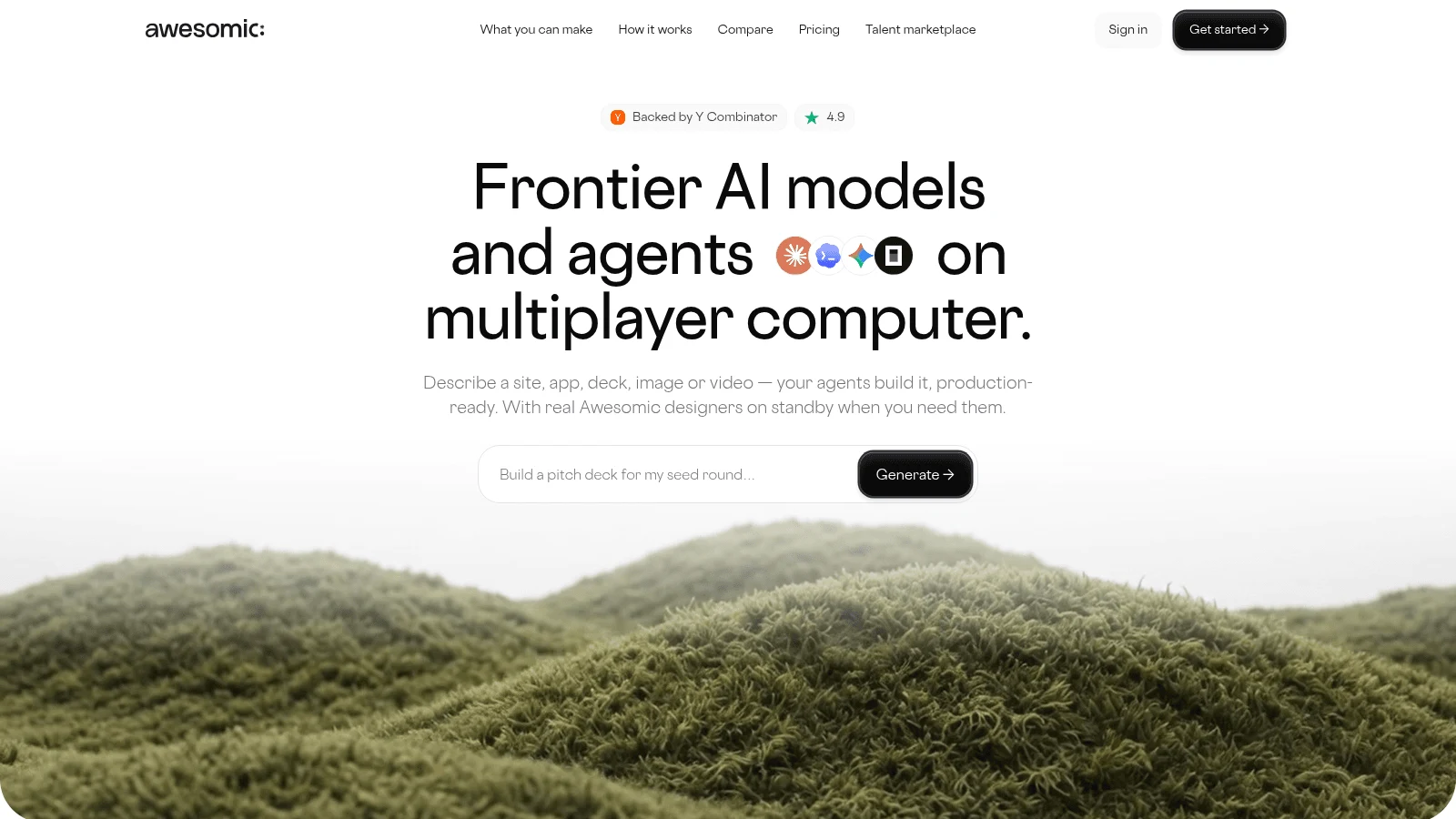
Overview: Awesomic Studio is our own AI workspace, and it answers that question differently: you leave with a working page or app at a live link, not a set of screens waiting for a hand-off. You write what you want (a site, an app, a deck, an image or a video), and the Codex, Claude Code and OpenCode agents build it while Studio hosts the result.
The hero image, launch video and pitch deck for that page can come from the same place, using image models such as Nano Banana and Flux and video models such as Veo and Kling. You can judge the output before paying, because Studio's product page links live example builds such as "Alpenruhe: premium hotel" and "Genova: AI tool."
The setup that fits this job is Self-serve, labeled "Create with AI," where you steer the agents on your own. Studio is a first step, never a replacement for a designer or developer. The Assisted and Dedicated setups bring in Awesomic specialists, quoted separately from the plans, and the Automated setup turns repeat jobs into workflows your team can run.
Key features:
- A brief in plain words, files or links, with "no design skills required."
- Built-in hosting that pushes a site or app live, shared privately or publicly.
- Images, video and decks made next to the page they belong to.
- Code export, or export into other tools, for the developer who picks it up.
- Agents that keep working after you close the tab.
- Eight connections, including Figma, GitHub, Notion and Slack.
Pricing: The three plans are monthly usage budgets, $20 on Basic, $200 on Pro and $500 on Maximum, spent on agent and model runs. No free plan or trial is offered, and the rate at which one build spends that budget isn't published. Work from an Awesomic designer or developer is quoted separately.
Pros: A hosted page at the end instead of screens, visuals and decks in the same workspace, live example pages to judge first, code export for a developer, a human expert you can bring in
Cons: Not a canvas or vector editor, and its pages make no Figma-export claim (Figma is only a listed connection); the rate at which builds spend the budget isn't published
How to start using it:
- Open the "Alpenruhe: premium hotel" and "Genova: AI tool" example builds and judge whether that quality fits your project.
- Pick Basic and describe one page you'd otherwise have mocked up in Stitch.
- Attach a screenshot of the Stitch screen or a link to your current site.
- Ask for fixes in plain words until the page reads right, then push it live.
- Hand the code to a developer, or ask for an Awesomic designer (quoted separately), when the page needs more than the agents give.
Why it's a good Google Stitch alternative: Stitch designs the screens and passes the build to Antigravity or Netlify. Studio builds the page and hosts it in the workspace where you described it.
Final verdict: Pick Studio when you need a live page or app this week, and keep a canvas tool for pixel-level design work.
2. UX Pilot
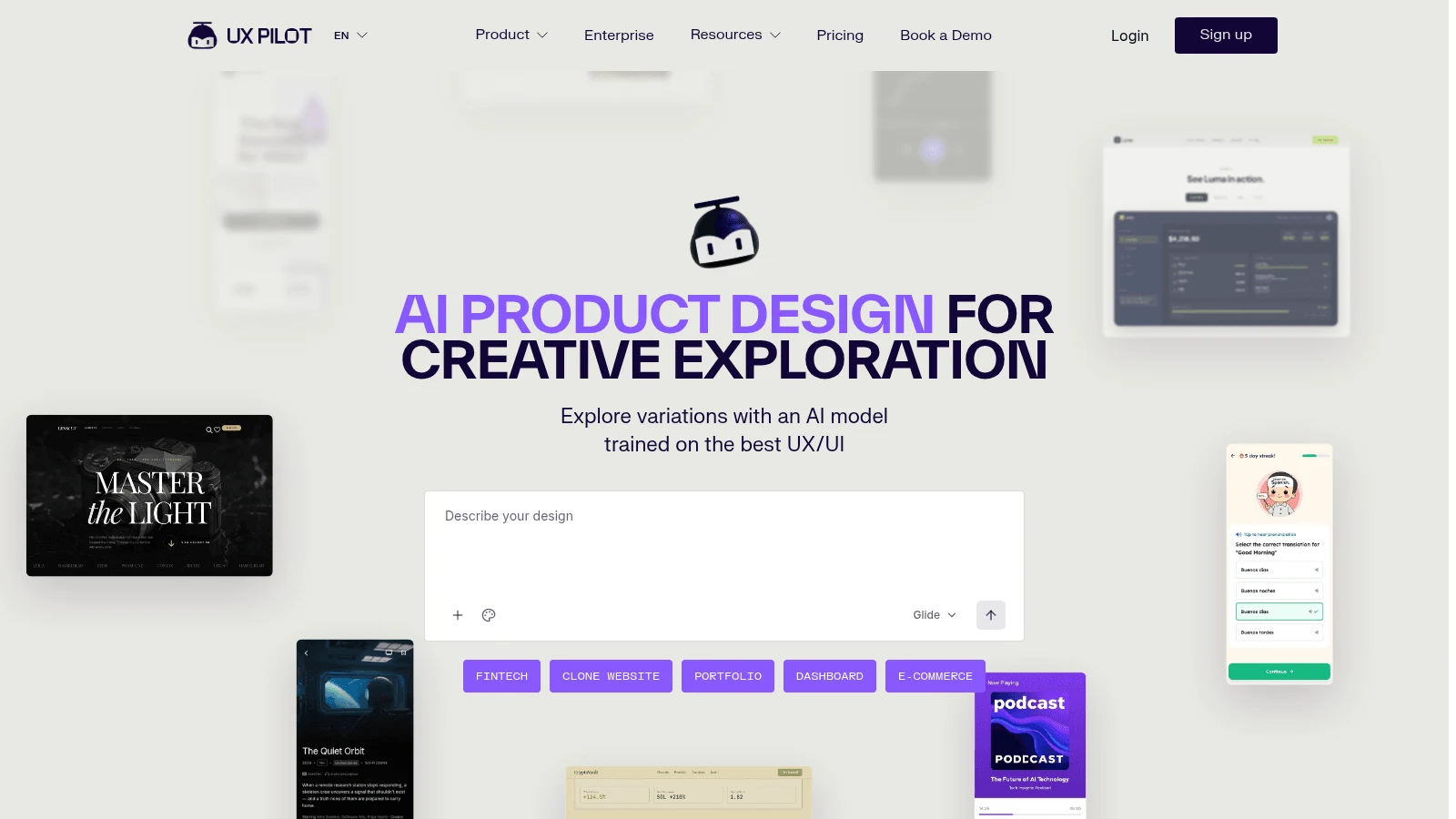
Overview: UX Pilot is the nearest like-for-like swap for Stitch. You write a prompt and it returns wireframes or high-fidelity screens, and next to them it shows "predictive heatmaps," a design-review step Stitch doesn't advertise.
Its FAQ lists "Figma designs, PDFs, source code, images and as zip files," and the homepage adds code sync with GitHub. Your own Figma components can come in on every plan, Free included.
Key features:
- Predictive heatmaps shown beside the generated screens.
- Export to Figma or to code, on Pro and up.
- A website cloner, also on Pro and up.
Pricing: The $0 plan caps you at 10 screens and 60 credits monthly, and unused credits don't roll over. Pro starts from $19 a month billed yearly, but its pricing page displayed one price on some October 8 visits and a different one on others, so confirm it at checkout.
Pros: Wireframes and hi-fi screens in one tool, a heatmap pass for quick reviews, Figma component import on the free plan
Cons: Figma and code export start at Pro, a price that changed between visits, free credits that don't roll over
Where it beats Stitch: You get a stated plan price and a built-in heatmap review, two things Stitch's pages don't advertise.
Final verdict: The closest swap when you want Stitch-style screens with a plan price you can read.
3. Banani
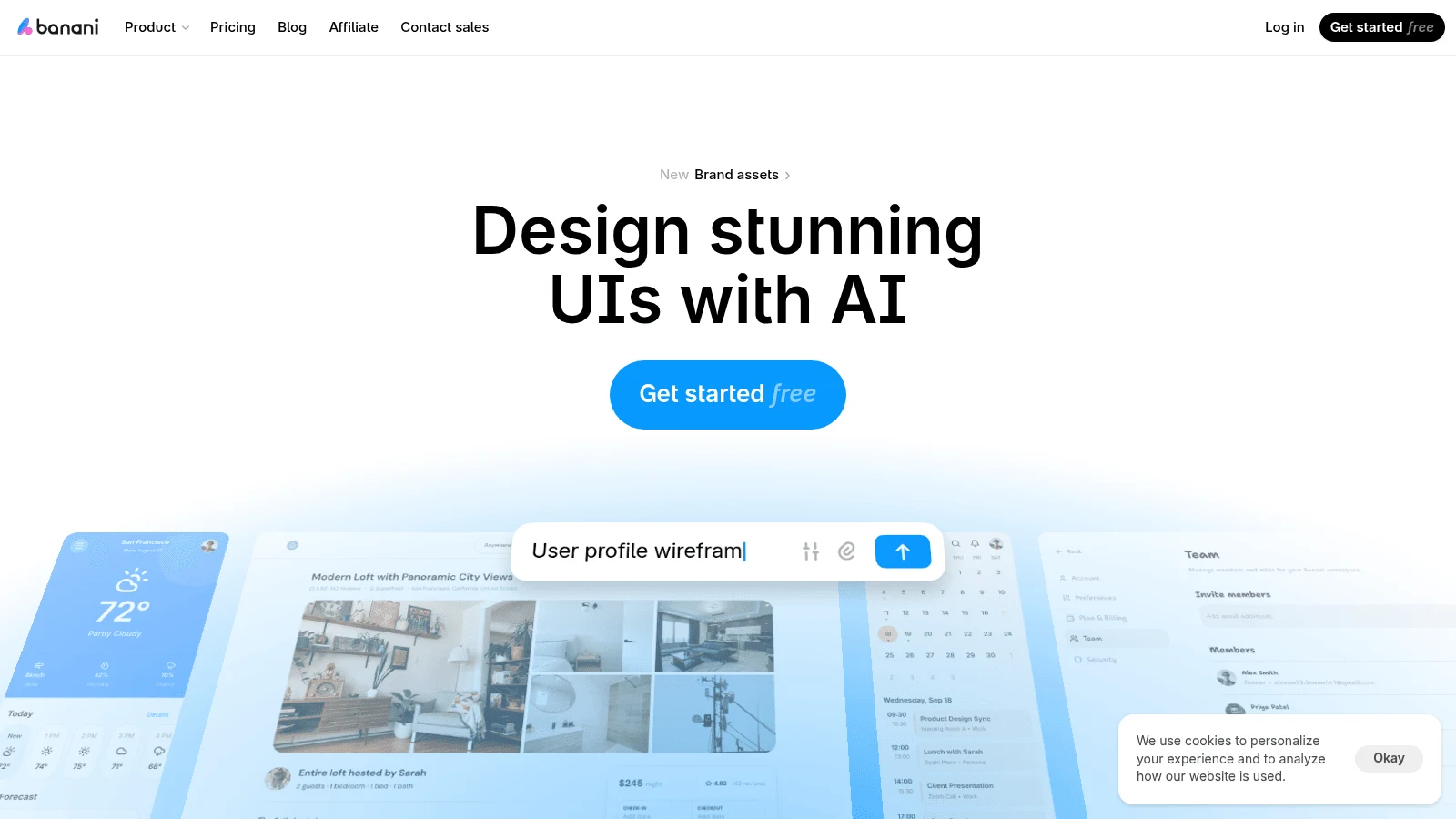
Overview: Banani builds "editable, multi-screen prototypes" from a prompt, and its approach to flows targets the many-screens complaint about Stitch. Click an element on a generated screen and Banani generates the screen it should lead to, so a signup or onboarding flow grows one tap at a time.
Paid plans export to Figma as editable layers with auto layout, or as HTML and CSS. Every plan, Free included, connects to coding agents such as Claude Code, Cursor and Codex through MCP, and you can share a project as a link for review.
Key features:
- Next-screen generation from a click on the current screen.
- Figma export with auto layout, plus HTML and CSS, on Plus and Pro.
- MCP access for coding agents on every plan.
Pricing: Free gives you 12 monthly credits plus 3 daily refills, and the plan itself doesn't expire. Plus is $12 a month billed yearly or $20 monthly, and Pro, with no credit limit, is $30 billed yearly or $50 monthly.
Pros: Flows that grow from clicks, Figma layers a designer can restyle, the lowest paid price here
Cons: Figma and HTML/CSS export are paid only, generation pauses at zero credits until the next refill, a small free allowance of 12 credits a month plus 3 a day
Why it made this list: It turns one screen into a connected flow, which is the job the Reddit reviewer above said Stitch handles badly.
Final verdict: Choose Banani when the deliverable is a clickable flow that will be finished in Figma.
4. Visily
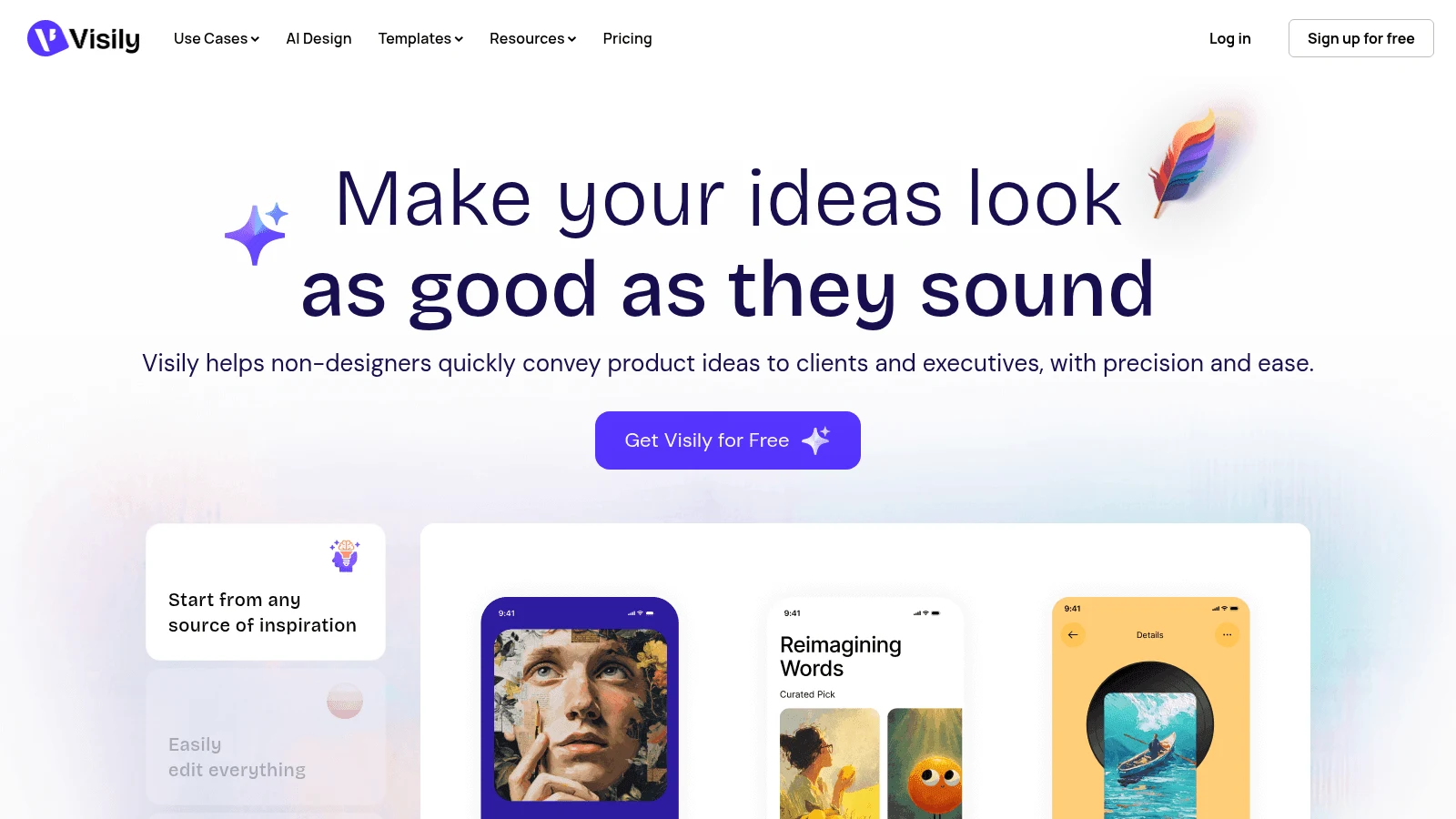
Overview: Visily is aimed at people who don't design for a living; its own line is that it "helps non-designers quickly convey product ideas." You can start from a screenshot, a written prompt, a diagram or a template, and the result lands as wireframes and mockups you edit on a whiteboard-style canvas, switching between low and high fidelity.
On a paid plan, what you take away is code. Export to Code produces React, Vue or HTML in a ZIP, and Visily's help center is candid that "exported code is intended as a development starting point." Figma import and export are paid as well.
Key features:
- Screenshots, text prompts, diagrams and templates as starting points.
- Code export as React, Vue or HTML, on Pro and Business.
- Notion, Jira and Slack integrations, plus an MCP server from Pro up.
Pricing: The free Starter plan gives each workspace 300 AI credits monthly, doubled to 600 for the first month, plus 2 editable boards. Pro costs $14 per editor a month, and its plan card shows no billing period, while Business is $29 per editor billed annually.
Pros: Built for non-designers, screenshots accepted as a starting point, a choice of three code formats
Cons: Code and Figma export need a paid plan, free exports carry a watermark, only 2 editable boards on Starter
Why buyers shortlist it: It turns screenshots of an existing product into editable screens, then into code a developer can start from.
Final verdict: The friendliest pick here for product managers and founders, once you pay for Pro.
5. Magic Patterns
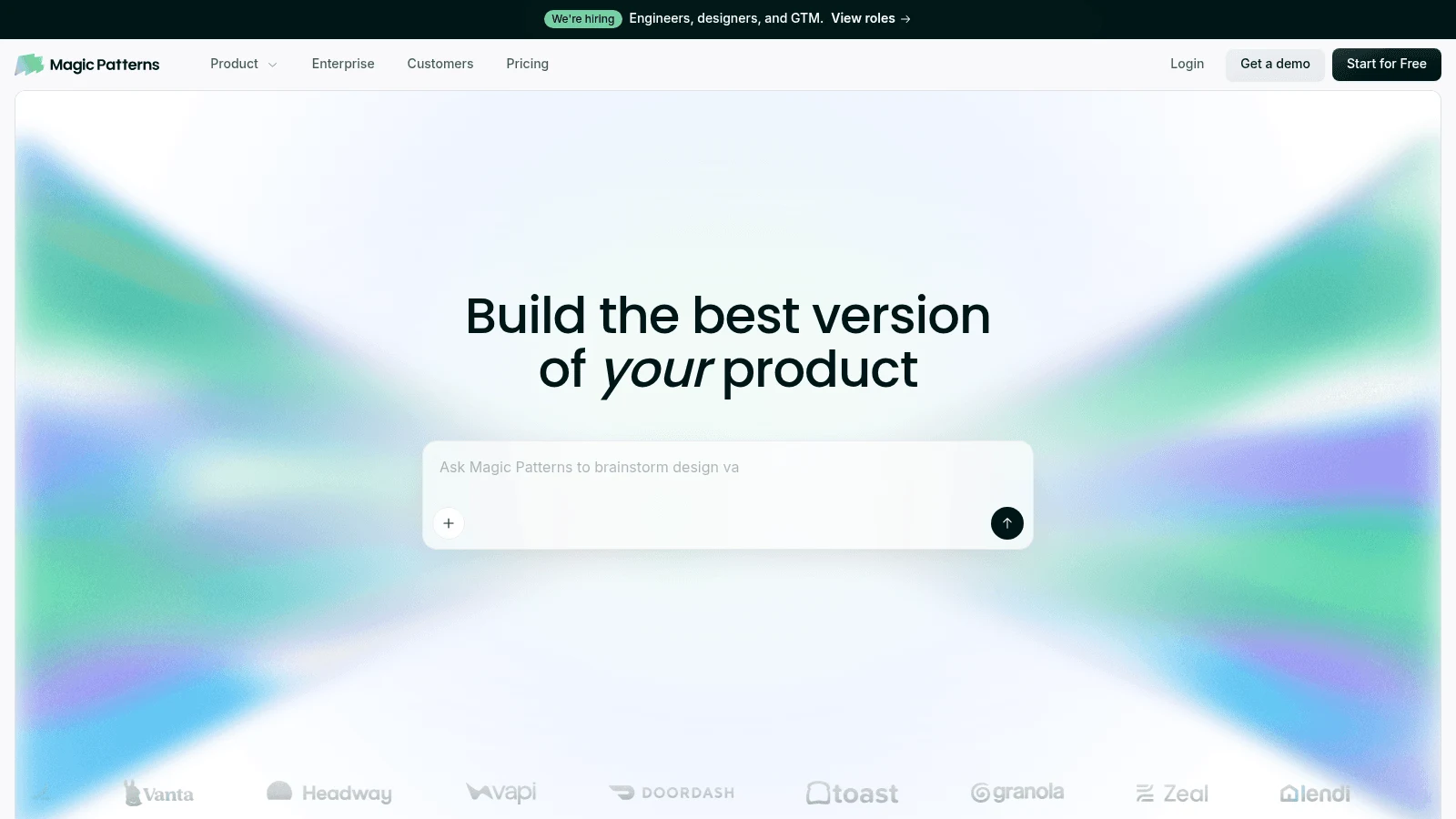
Overview: Magic Patterns sits halfway between a design tool and an app builder. Every prototype is real code (React, TypeScript and Tailwind), and when you publish, it goes live at a Magic Patterns-hosted address by default, a random URL such as project-design-a.magicpatterns.app. Paid plans let you set a custom publish URL.
Magic Patterns also reads your existing design system. Screenshots, components and styles go in as context, so drafts start closer to the product you already ship, and when a developer takes over, the work leaves through GitHub, Figma, MCP or a ZIP download.
Key features:
- Publishing to a hosted link, with a custom URL on paid plans.
- Design-system matching from your screenshots, components and styles.
- GitHub sync, Figma export and MCP from Starter up.
Pricing: The free plan includes monthly credits, but Magic Patterns doesn't publish the amount. Starter is $17 per seat a month on annual billing, $20 month to month, and comes with 1,000 credits; Business is $85 per seat billed yearly or $100 monthly with 5,000, and extra credits cost $0.02 each.
Pros: A live link reviewers can click, code instead of drawings, unused credits roll over for a month
Cons: Figma, GitHub and MCP exports start at Starter, prototypes run on mock data with no backend by default, the free credit allowance is unstated
Its real strength: A stakeholder gets a working prototype at a URL, and a developer gets the same thing as a repo.
Final verdict: Pick it when the prototype should already be front-end code on the day you share it.
6. Figma Make
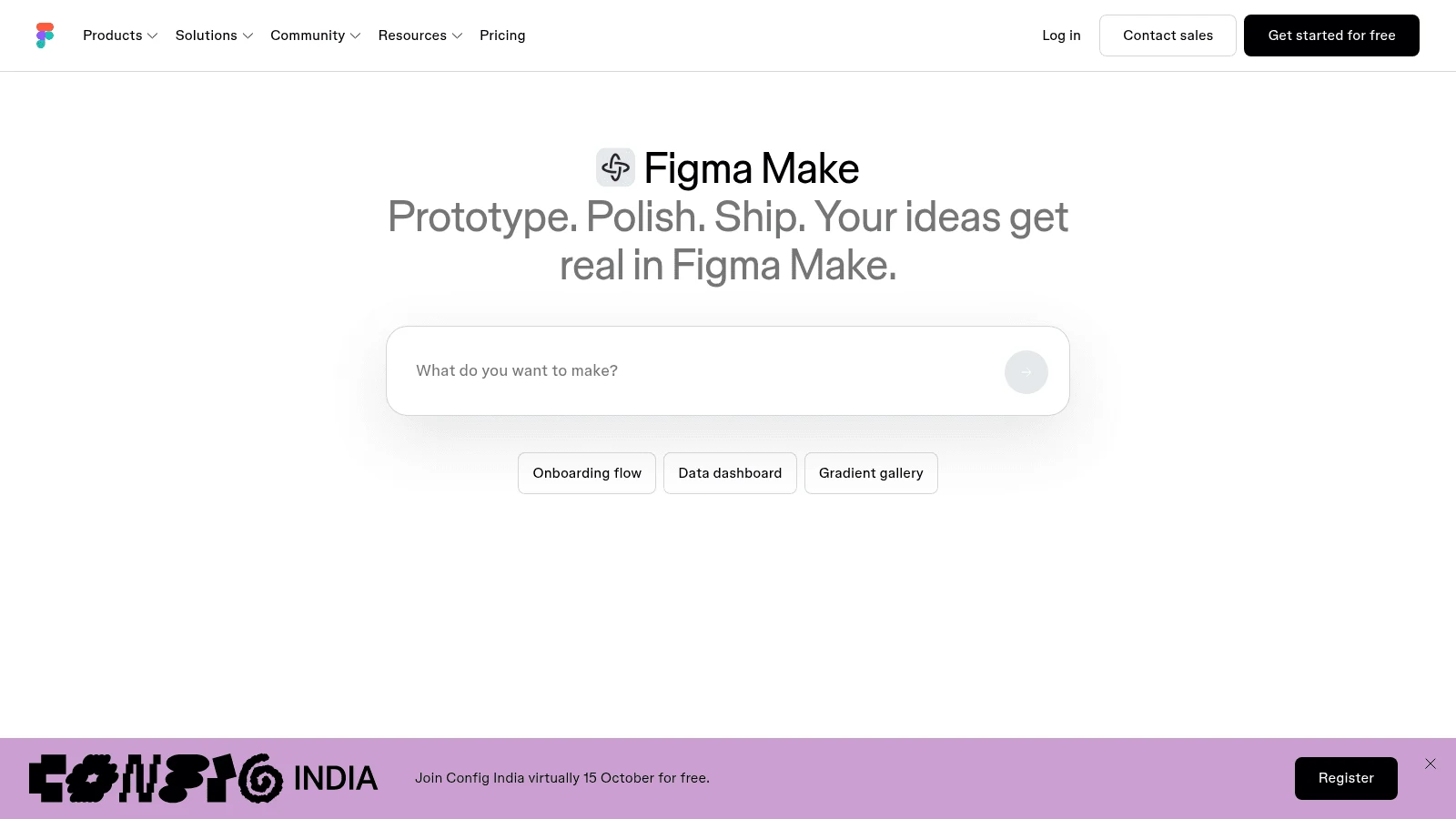
Overview: Figma Make builds a functional prototype or web app "backed by real code" (React and TypeScript) from a prompt, inside Figma. Because it lives there, your library styles and existing design files can serve as context.
You can publish the result as a website at a dedicated URL, for your organization or for anyone on the web, and Figma's help center says you can assign a custom domain you own. Full and Dev seats can download the code as a ZIP. For data, Make connects to your own Supabase with key-value stores, and it won't set up a full SQL database.
Key features:
- Publishing at a Figma URL, with an optional custom domain.
- Code download as a ZIP for Full or Dev seats.
- The preview copied into Figma Design as layers, on paid plans.
Pricing: You can try Make on Figma's free Starter plan as drafts, with 150 AI credits a day up to 500 a month. The full version needs a Full seat: Professional costs $16 a month on yearly billing, $20 if paid monthly, with 3,000 credits shared across all of Figma's AI features.
Pros: Your Figma library as context, a published site on your own domain, code you can download
Cons: Needs a paid Full seat beyond drafts, one credit pool for every Figma AI feature, the backend stops at Supabase key-value storage
Why it's one of the best Google Stitch alternatives: Figma teams get a published, coded prototype without leaving the tool where their design system lives.
Final verdict: The obvious choice if your team already pays for Figma Full seats.
7. v0
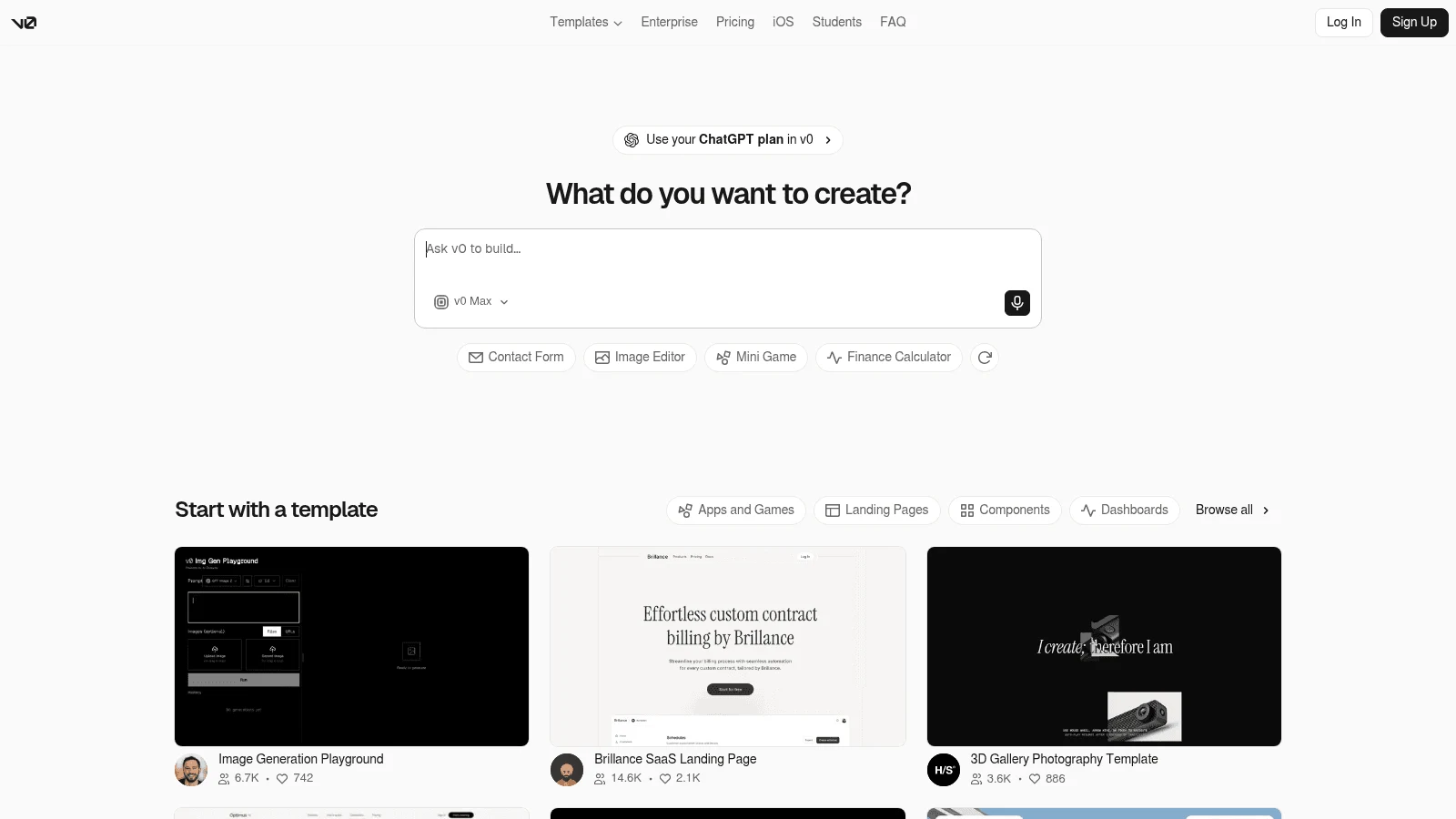
Overview: v0, at v0.app, is Vercel's AI app builder and the furthest from Stitch on this list. Its homepage sums it up as "Prompt. Build. Publish." You describe an app, it generates Next.js and React code styled with Tailwind and shadcn/ui, and the result goes live as a website.
You leave with a deployed app and a GitHub repo, not a mockup. Databases come through Vercel Marketplace integrations such as Neon, Supabase and Upstash, each set up as a separate provider account, and you can export the code to deploy elsewhere.
Key features:
- A working Next.js app from one prompt, published in a single step.
- GitHub sync for the generated code.
- Databases through Vercel Marketplace providers.
Pricing: New accounts start on a $0 tier with a one-time $5 credit and a cap of 7 messages daily. The Plus tier is $30 for each user monthly, which includes $30 in credits, with no yearly rate on the page, and Business runs $100 for each user a month.
Pros: A running app at the end, code in your own repo, real database options
Cons: No design canvas for exploring layouts, token-metered credits make each build's cost hard to predict, generation pauses at zero credits
Where it fits: Developers who would rather test a working build than discuss a screen.
Final verdict: Pick v0 when the output you need is production code, not a mockup to review.
Whatever you take away, check contrast before it ships
A second, larger study points the same way as the first. In a peer-reviewed W4A 2026 paper, Aljedaani, Koumu and Guriță had 54 designers build interfaces by hand in Figma, then generate comparable designs with six AI tools. Across 21,880 accessibility assessments, the AI-generated interfaces reached only 29.0% compliance, with color contrast at 26.8% and use of color at 19.2%.
Writing accessibility requirements into the prompt again lowered compliance. Participants said 39% of the AI violations needed "major redesign," against 22% for their manual designs. The paper shares an author with the 2025 study, so it confirms the pattern rather than proving it independently.
Stitch users describe the same thing. In the same Reddit thread, a designer said five generated conference-app screens were "inconsistent in layout and typography... And there were contrast accessibility issues." It's one account, and it matches both studies.
Run these checks on any output before it reaches users, whether it's a Figma file, a ZIP or a live link:
- Test every text and background pair against WCAG's 4.5:1 minimum for normal text and 3:1 for large text (18 point, or 14 point bold).
- Measure buttons and links against WCAG 2.2's level AA target size, 24 by 24 CSS pixels unless the target has enough spacing.
- Look for meaning carried by color alone, such as a red error with no icon or label.
- Check navigation separately from the main buttons, since one screen in the 2025 study passed on its buttons and failed on its navigation.
- Re-run the checks after every regeneration, because a new prompt can undo an earlier fix.
None of this makes the tools useless. It means someone who knows WCAG still signs off on the final screens, which is why designers still matter with AI doing the first draft.
Alternatives to Google Stitch: AI design tool pricing compared
Every tool here meters AI work, through credits or a usage budget, so the useful comparison is what the first paid plan adds to your output. The table puts the free tier, the first paid plan and that upgrade side by side.
| Tool | Free tier | First paid plan (billing basis) | What the first paid plan adds |
|---|---|---|---|
| Awesomic Studio | None | Basic, $20/month (usage budget) | Higher budgets on Pro ($200) or Maximum ($500); human work quoted separately |
| UX Pilot | 10 screens, 60 credits monthly | Pro, from $19/month billed yearly (varied by visit) | Figma and code export, website cloner |
| Banani | 12 monthly credits plus 3 daily | Plus, $12/month billed yearly or $20 monthly | Figma layers and HTML/CSS export |
| Visily | 300 credits per workspace a month, 2 boards | Pro, $14 per editor/month (period not shown) | React, Vue or HTML export, Figma export, MCP server |
| Magic Patterns | Monthly credits (amount not published) | Starter, $17 per seat/month billed yearly or $20 monthly | Figma, GitHub and MCP exports, custom publish URL, no preview watermark |
| Figma Make | Drafts on Starter, 150 credits a day up to 500 a month | Professional Full seat, $16/month billed yearly or $20 monthly | Full Make access, code download, 3,000 credits a month |
| v0 | $5 one-time credits, 7 messages a day | Plus, $30 per user/month (no annual price) | $30 of monthly credits per user |
| Google Stitch (reference) | No published price | No published price | n/a |
At $12 a month billed yearly, Banani Plus costs the least of any paid plan in the table. Figma Make is never bought on its own, so its real cost is the Figma seat your team already pays for, and v0's token rates (from $0.20 to $10 per million input tokens, depending on the model) make its monthly bill hard to forecast.
Pros and cons of moving off Stitch
The main gain is a published plan price. Most alternatives here state which plan opens Figma or code export, so you know what a hand-off costs before you start.
You also get output that goes further. Hosted prototypes on Magic Patterns and Figma Make, and a deployed app with a repo on v0, come out of one product, where Stitch needs AI Studio or Netlify to put a page online.
The losses are real too. Stitch's voice input, its Agent manager for exploring several ideas in parallel, and its own MCP server and SDK stay behind, though your DESIGN.md file can travel. Every alternative also meters AI work, so you trade an unpublished price for a credit meter.
If the same contrast and spacing fixes keep coming back on every generation, it can cost less to hire a UI designer to set the type scale and color tokens once, so later screens start from a system that already passes.
How to move your work out of Stitch
Using Stitch's exits in this order keeps your design rules intact:
- Export your DESIGN.md file so your colors, type and spacing rules travel with you.
- Download the front-end code for every screen you plan to keep.
- Try the Paste to Figma option from Google's launch post on the key screens if your next tool works from Figma files.
- Upload screenshots of those screens to a tool that accepts images, such as Visily or Magic Patterns.
- Rebuild one full flow first and compare it with the Stitch version side by side.
- Run the contrast checks above on the rebuilt flow before you move the rest.
Treat the new tool as a replacement for one step of your UX workflow, the stretch between a rough idea and the hand-off to a developer, rather than for the whole process.
How to choose by what you need to walk away with
Start from the output your next person needs, not from the tool's category.
You need screens or a Figma file
UX Pilot, Banani and Visily all start from a prompt and end with screens a designer can edit. Pick Banani if the work is a multi-screen flow, UX Pilot if you want a heatmap review on the same screens, and Visily if the brief starts from screenshots of an existing product.
You need code a developer can open
Visily's ZIP gives a developer a starting point in React, Vue or HTML, and Magic Patterns gives a full React and TypeScript prototype with GitHub sync. Figma Make's code download suits a team that designs in Figma and wants the code from the same file.
You need a live link or a running app
A clickable prototype at a URL comes from Magic Patterns or Figma Make, while v0 deploys a full Next.js app with optional databases. If the launch also needs a hero image and a short video, our Studio makes them beside the hosted page, so the AI graphic design and the build share one brief.
Pick the output first, then test two tools
Decide what you need at the end of the week: a Figma file, a ZIP, a link or a deployed app. Then run the same prompt through two tools from the matching group above, check both results for contrast and target size, and note how long the fixes took rather than how long generation took.
If what you need is a live page rather than more screens, describe it in Awesomic Studio and put it live from there. Get started
FAQ
Is Google Stitch free?
Google hasn't said. Its launch post, its 2026 update posts and its docs give no price and no usage limits, and the Stitch site has no pricing page. Credit caps quoted on other blogs don't come from Google, so plan as if the terms could change.
Who are the main Google Stitch competitors?
Ranking pages name v0, Lovable, Bolt, Uizard, Figma Make, Framer, UX Pilot, Banani and Visily most often. For the same prompt-to-screens job, UX Pilot, Banani and Visily are the closest Google Stitch competitors.
Are there free alternatives to Google Stitch?
Yes, as free tiers. UX Pilot, Banani, Visily, Magic Patterns and v0 all have free plans, and Figma Make can be tried as drafts on Figma's free Starter plan. Each caps screens, credits or boards, and Figma or code export usually needs a paid plan.
Can Google Stitch export to Figma or code?
Google's 2025 launch post listed "Paste to Figma" and "Export front-end code." The March 2026 update added DESIGN.md files and export to AI Studio and Antigravity, and the May 2026 update added publishing through Netlify. Stitch has no backend of its own, so you add one after exporting to Antigravity.
Is Galileo AI the same as Google Stitch?
Galileo AI's website now redirects to Stitch, though Google's own posts don't mention Galileo by name. Research on Galileo AI, such as the WWW 2025 study cited above, tested it before it became Stitch.





