 Awesomic Team
Key takeaways:
- Cline is free for individuals: you pay for model inference with your own key or through Cline at cost, plus an optional $9.99-a-month ClinePass for open-weight models. Kilo Code, OpenCode, Zed, Aider and Goose keep that $0-plus-tokens shape.
- Undo works differently from tool to tool. Cline snapshots after each tool use, Kilo Code reverts per message, Claude Code's checkpoints skip files changed by Bash commands, Cursor restores files but not the chat, and Aider commits every edit to git.
- Not every agent starts in ask-first mode: Goose defaults to Completely Autonomous, OpenCode allows most actions by default, Claude Code now starts in auto mode, and Cline's own CLI sets auto-approve to true.
- Kilo Code, the closest extension-for-extension swap, was acquired by Anaconda in July 2026. Its gateway adds no markup on model rates, but its pricing table lists a 5% fee when you buy credits.
Cline is an open-source coding agent that plans, edits files and runs commands inside VS Code and forks such as Cursor and VSCodium. It also has a JetBrains plugin, a CLI, Cline Cloud and a desktop app in beta. Individuals pay nothing for Cline itself, only for inference, using their own API key or Cline's provider at cost.
That billing model is one big reason people search for Cline alternatives. Pay-per-token bills swing with every long task, Cline offers no tab completions, and some developers want one flat fee.
This guide compares ten Cline AI coding assistant alternatives on the three things a Cline user already relies on: how you pay for models, whether the agent asks before it acts, and how you undo a bad step.
Why people look for Cline alternatives
Most complaints we read are about billing and workflow fit.
Pay-per-token bills are hard to predict
Cline passes model costs straight through, so a heavy day costs whatever its tokens cost. One developer on Reddit wrote that they spent $25 in a single day of coding with Cline and Anthropic's API, in a May 2025 thread about Claude 3.7 Sonnet.
The top reply pointed them to a Claude subscription and Claude Code, while another developer pushed back that Claude Code felt like "a black box" next to Cline's step-by-step style. It's one person's bill, but it's a trade many switchers weigh.
Cline is an agent, not an autocomplete
Cline doesn't do inline tab completions, so you get nothing as you type unless you ask the agent. Kilo Code, Cursor, GitHub Copilot, Zed and Devin Desktop all pair their agents with completions or edit predictions, which is a common reason to move.
You want a flat plan or a different shape
Some teams would rather budget a fixed monthly line than watch a meter, the same reasoning that makes a development subscription attractive to scaleups. Others want a terminal-first agent or a full IDE. To be fair to Cline, it now covers part of that itself, with a CLI and a beta desktop app for macOS, Windows and Linux.
How we picked
We started from the seven roundups ranking for "alternatives to Cline AI coding assistant" on October 8, 2026, and dropped tools that stopped shipping or were folded into another product. Roo Code's repository was archived in May 2026, Continue was folded into Cursor, and Tabnine's technology went into Tricentis's testing platform.
For each remaining tool we read its pricing, permission and checkpoint docs the same day. These are the questions that come up first in any coding-agent rollout: who pays for tokens, who approves actions, and how you roll back.
Awesomic Studio comes first since we make it, and Codex, which runs inside it and has its own roundup, gets no separate entry.
The rest follow how close each sits to Cline's own model: free tools on your own key with per-tool rules (Kilo Code, OpenCode), then tools that take your key but lead with permission modes (Claude Code, GitHub Copilot, Zed), then a subscription IDE (Cursor). Last come three that each break one part of Cline's model: Aider (no approvals), Goose (autonomous by default) and Devin Desktop (no own key).
The best Cline alternatives compared
The table sets each tool's payment model next to its entry price, since that's where alternatives to Cline differ most. Prices are as listed on vendor pages on October 8, 2026, and Cline sits in the last row for reference.
| Tool | Best for | Starting price (billing basis) | Free plan? | How you pay for models |
|---|---|---|---|---|
| Awesomic Studio | Getting the result without running the agent yourself | $20/month (Basic), billed monthly | No | Monthly plan that doubles as your usage budget ($20 / $200 / $500) |
| Kilo Code | The closest Cline-style extension | Free; Teams $15/user/month | Yes | Free; your own key, provider rates via its gateway (5% fee on credit top-ups), or Kilo Pass from $19/month |
| OpenCode | Any provider from a terminal or desktop app | Free; Go $10/month | Yes | Free with your own key or free models; or sign in with Copilot/ChatGPT; Go $10/month |
| Claude Code | Claude models with strict permission modes | Pro $17/month billed yearly, $20 monthly | No (not on Claude Free) | Claude subscription from $17/month (annual), or your Anthropic API key at API rates |
| GitHub Copilot | An agent inside the VS Code you already use | Free; Pro $10/month (no annual price listed) | Yes | Subscription with monthly AI credits (Pro $10 = 1,500); your own key also supported |
| Zed | A native editor where your own key costs nothing | Free; Pro $10/month (no annual price) | Yes | Free with your own key or an external agent; Pro $10/month with $5 of tokens, then list price +10% |
| Cursor | Agent plus completions in one IDE | Free Hobby; Pro $20/month, billed monthly | Yes | Subscription with usage at API rates (Pro $20 monthly); own key for chat models only |
| Aider | Git-backed edits in the terminal | Free | Yes (free tool) | Free; your own key only (pay the provider per token) |
| Goose | A free desktop agent on subscriptions you already pay for | Free | Yes (free tool) | Free; your own key or an existing Claude/ChatGPT/Gemini subscription via ACP |
| Devin Desktop | A full agent IDE on a flat plan | Free; Pro $20/month (no annual price) | Yes | Flat plan with a usage quota (Pro $20/month), extra usage at API prices |
| Cline (reference) | Paying per token with approve-each-step | Free; ClinePass $9.99/month optional | Yes | Free; your own key, Cline's provider at cost, or ClinePass $9.99/month for open-weight models |
Eight of the ten Cline alternatives here have a $0 way in, but a free tool on your own key still bills you per token at the provider. The real comparison is the last column.
1. Awesomic Studio

Awesomic Studio is our hosted AI workspace, and it's a different kind of Cline alternative. Describe the change in plain words, attach files or links, and its coding agents (Claude Code, Codex and OpenCode) make it in a shared workspace that also hosts the result.
There's no extension to install and no API key to paste, because your plan is the agents' budget. The agents are always on, so a long task keeps running after you close the tab, and scheduled automations rerun refreshes, reports and updates by themselves.
That's our Self-serve setup, built for projects you want to drive yourself. Awesomic builds Studio as a first step ahead of a developer, never in place of one. When an agent can't get something right, an Awesomic developer (we accept the top 0.82% of applicants) picks up the workspace as it stands, finishes the part that needs experience and hands it back.
Key features:
- Codex, Claude Code and OpenCode in one browser workspace, with nothing installed locally.
- Briefs as text, files, links or a rough idea.
- Always-on agents that finish long tasks while you're offline.
- Scheduled automations for recurring refreshes and reports.
- Hosting included, either private to your team or open to anyone.
- Connections to GitHub, Slack, Linear, Notion, Figma, Webflow, Framer and Google Drive.
Pricing: You pay $20 (Basic), $200 (Pro) or $500 (Maximum) a month, and that fee is what the agents can spend that month. Per-model burn rates aren't on Studio's site, so you can't compare it token for token with Cline. A developer takeover has no published price; it's quoted per job.
Pros: No keys or editor to manage, one monthly number for agent spend, agents that keep working with the tab closed, built-in hosting, a human expert who can take over
Cons: Not a VS Code extension or an IDE, its pages don't mention bringing your own key, a local repo, a terminal workflow, step approvals or checkpoints, no published per-model rate, no free plan or trial
How to start using it:
- Take a self-contained job you'd have handed Cline, such as a pricing page or an internal report.
- Choose Basic and write the task up as an issue, linking what exists today.
- Run it with Claude Code, then send the same brief to Codex and compare.
- Send the hosted build, kept private, to whoever signs off.
- Bring in an Awesomic developer when a change needs judgment the agent lacks.
Best for: People who want what Cline would have built without running the agent, its keys or its editor themselves. If you live in a local repo and approve every step, pick an extension or terminal agent below.
2. Kilo Code
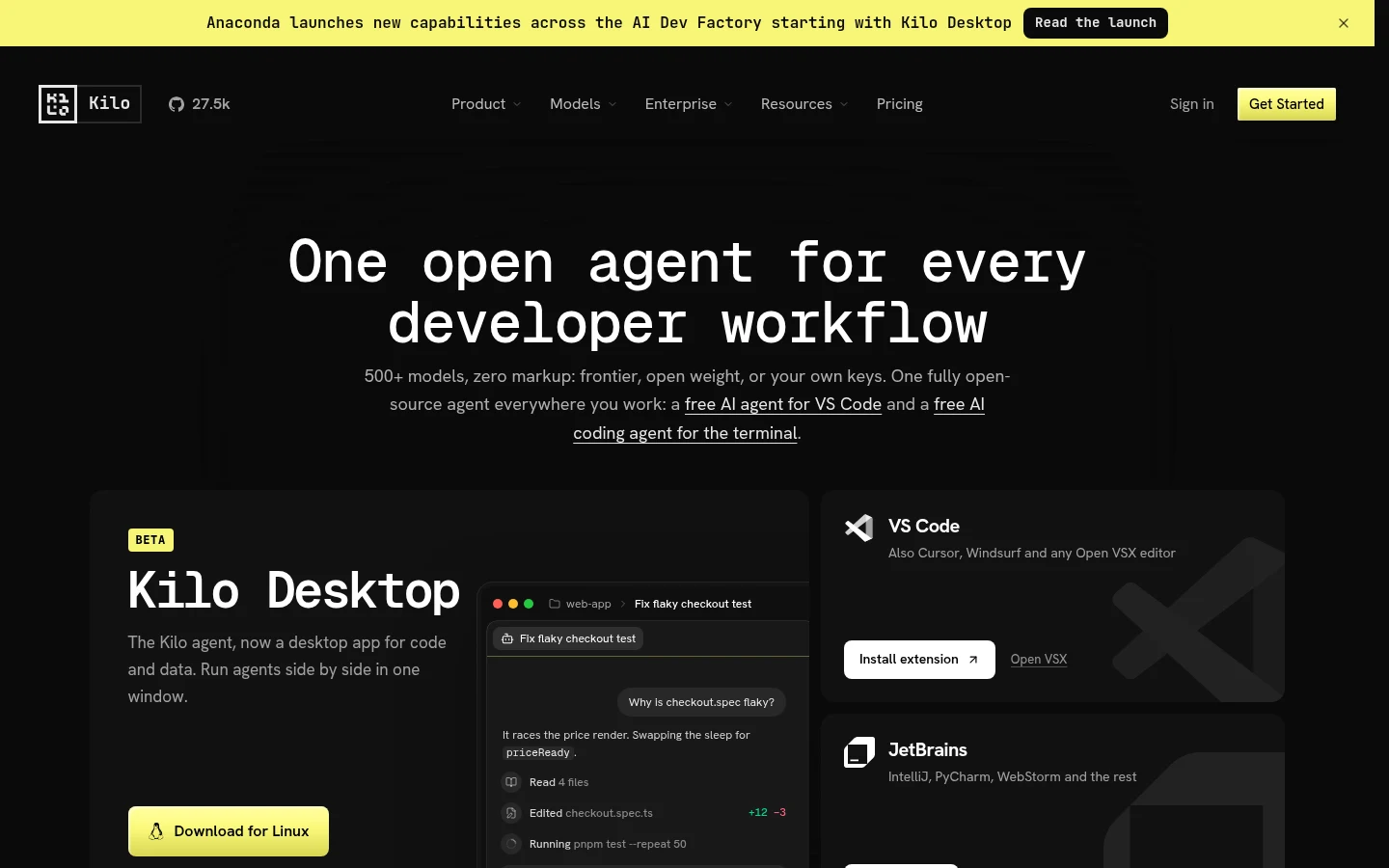
Kilo Code is the nearest like-for-like swap: an MIT-licensed extension for VS Code and JetBrains plus a CLI, all reading one kilo.jsonc config. Anaconda acquired Kilo Code in July 2026, and Kilo's desktop beta now downloads from Anaconda's servers.
Payment works much like Cline's. You can bring a key from Anthropic, OpenAI, Google, Azure or AWS Bedrock, run local models through Ollama or LM Studio, or pay through the Kilo Gateway at "exact provider rates with no markup" across 500+ models.
Key features:
- Allow, Ask or Deny per tool (bash, read, edit, web fetch and more), with Ask as the fallback when no rule matches.
- Git snapshots kept in a separate repository.
- Kilo Pass prepaid credit plans with bonus credits.
- Shared settings across VS Code, JetBrains and the CLI.
Pricing: The extensions and CLI are free, with usage billed separately; Teams is $15 per user a month and Enterprise is quoted. Kilo Pass costs $19, $49 or $199 a month, and the pricing table lists a 5% processing fee on credit purchases, which your own key avoids.
Pros: The same extension-plus-own-key model as Cline, ask as the fallback permission, one config for three surfaces, inline completions, a free tier
Cons: A 5% fee on bought credits, revert granularity is "per user message, not per individual step or file edit", a new parent company since July 2026
Best for: Cline users who want the same shape with wider model routing and an ask-first fallback.
3. OpenCode
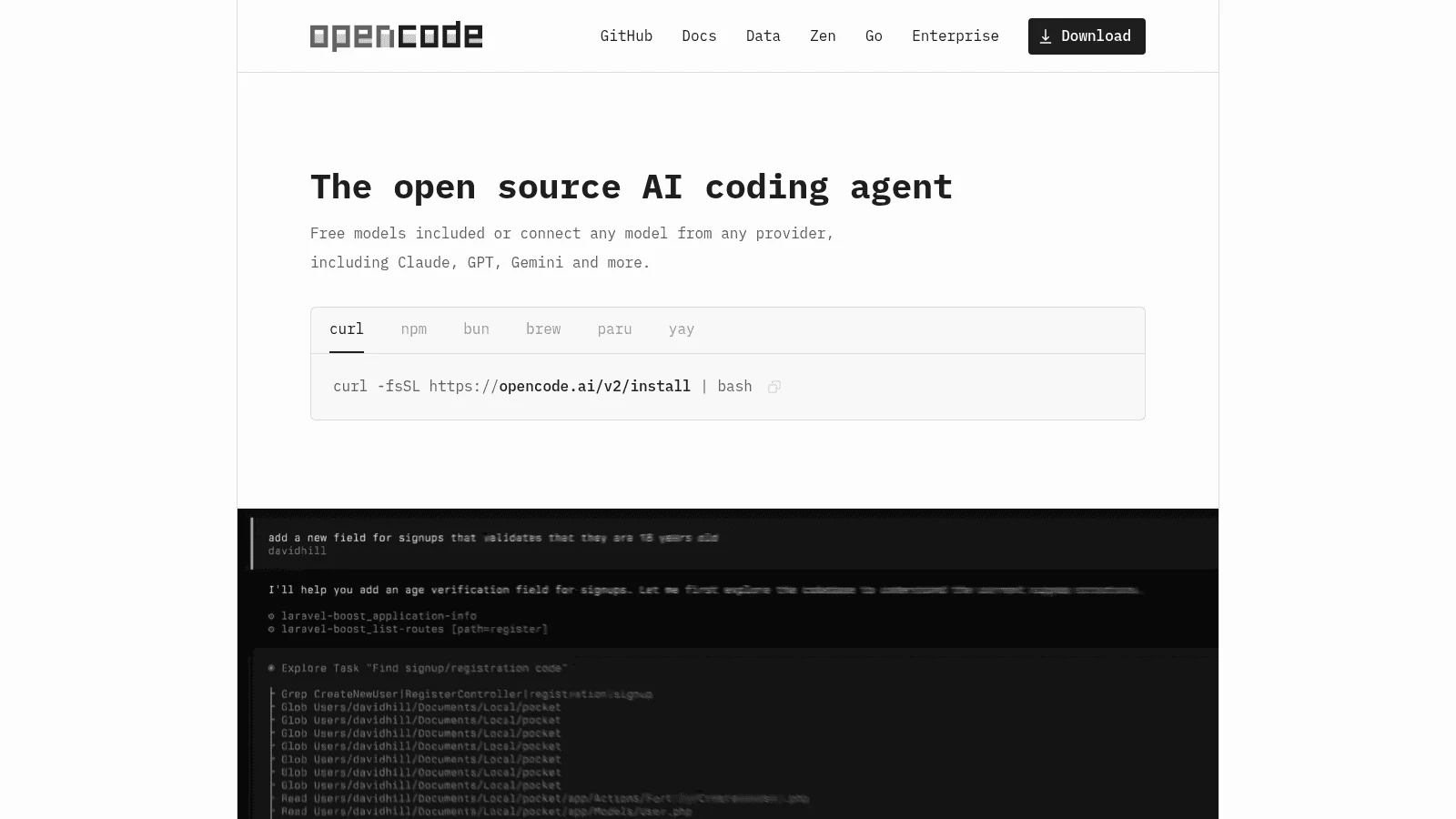
OpenCode is an MIT-licensed coding agent that runs as a terminal app, a desktop app or from an IDE extension. It reaches 75+ model providers through Models.dev, local models included, and ships with free models to start on.
Its twist on Cline's billing is reuse. Besides your own key, you can sign in with GitHub Copilot or a ChatGPT Plus or Pro plan and spend an allowance you already pay for.
Key features:
- Permission rules that resolve to allow, ask or deny, with patterns per bash command.
.envreads denied out of the box.- An optional Zen gateway, pay-as-you-go at cost plus a card processing fee.
Pricing: OpenCode is free with your own key or its free models. Go costs $10 a month and Go Plus $40, each a curated set of mostly open models with usage caps.
Pros: Free, any provider including local ones, reuses Copilot or ChatGPT subscriptions, fine-grained rules per command
Cons: Most permissions default to allow, so you need a "*": "ask" rule to get Cline-style approvals; terminal-first rather than a VS Code side panel
Best for: Developers who want Cline's pay-for-what-you-use model in a terminal and will tighten the defaults before the first real task.
4. Claude Code
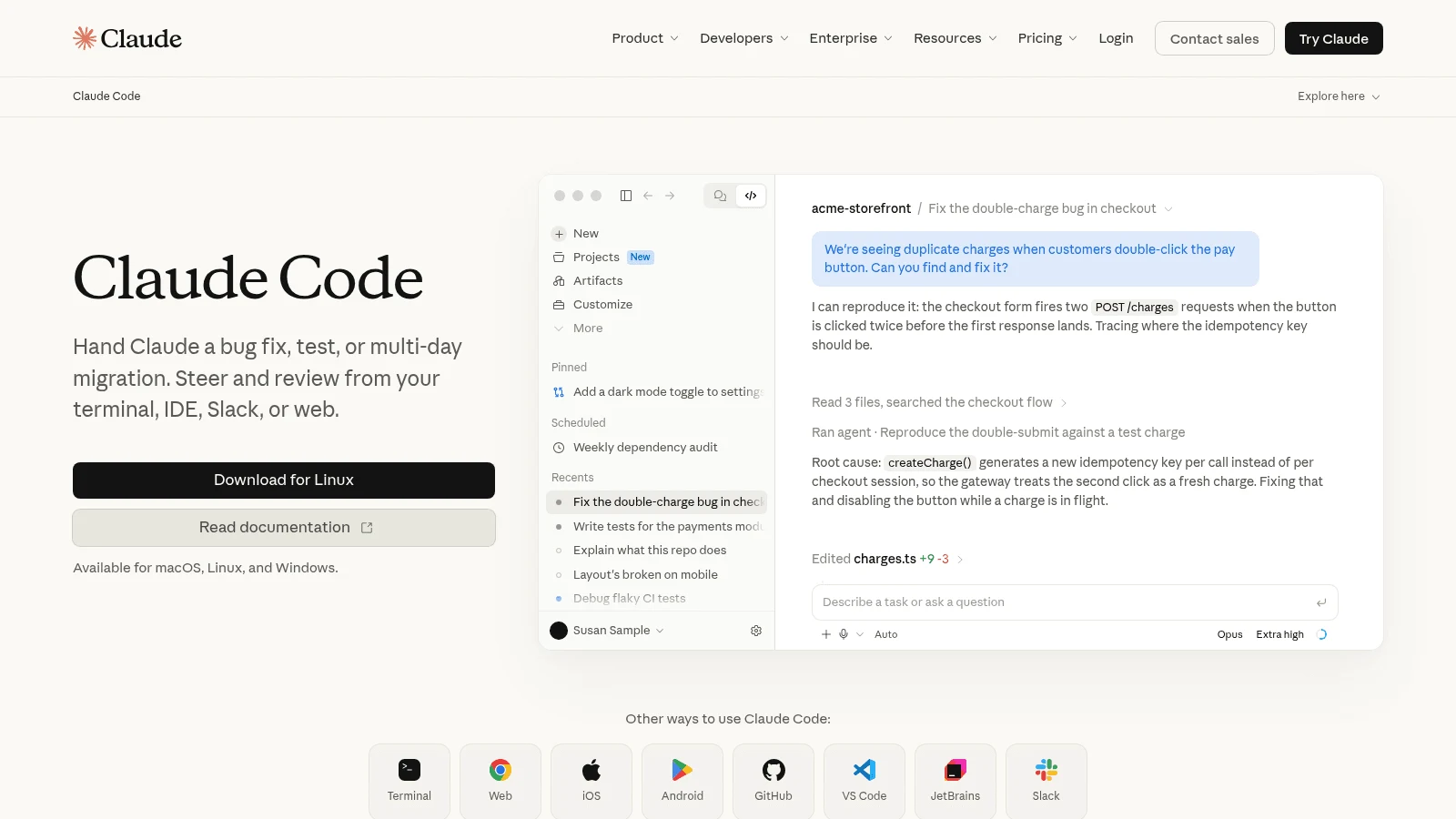
Anthropic's Claude Code runs in a terminal, as VS Code and JetBrains extensions and in a desktop app. It appeared in all seven roundups we read, as did GitHub Copilot.
Permission modes are its strength for an ex-Cline user. Manual mode prompts the first time each tool is used, Plan mode explores read-only, and allow, ask and deny rules can target command patterns such as Bash(npm run *).
Claude-only models and usage caps with no published numbers are the two complaints that send people looking for Claude Code alternatives in turn.
Key features:
- A checkpoint per prompt, with
/rewindrestoring code, the conversation or both. - An auto mode in which a classifier reviews actions.
- Billing by subscription or straight to your API key.
Pricing: The free Claude plan doesn't include Claude Code. Pro is $20 monthly, or $17 a month with $200 paid yearly up front, Max starts at $100 a month, and setting ANTHROPIC_API_KEY bills the API at pay-as-you-go rates instead.
Pros: Strict permission modes, extensions for VS Code and JetBrains, a flat fee or your own key, first-party models
Cons: Claude models only, five-hour windows plus weekly caps without published numbers, checkpoints don't track files changed by Bash commands
Best for: Cline users who mostly ran Claude anyway and want a flat fee with tight approval controls.
5. GitHub Copilot
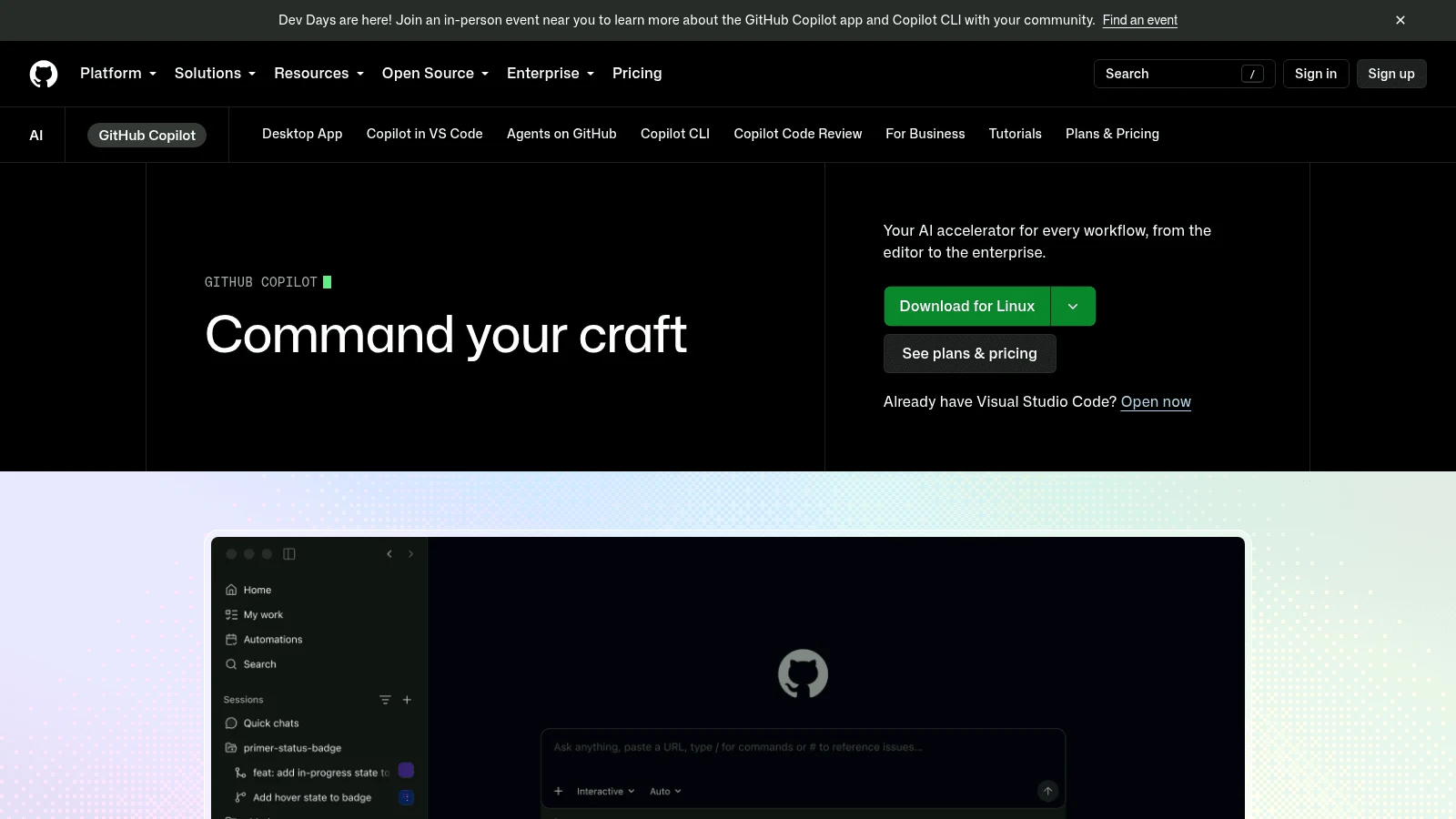
GitHub Copilot's agent mode is built into VS Code, so for a Cline user the editor doesn't change at all.
Approvals come in three levels: Manual permissions (the default), Assisted permissions behind a setting, and Allow all. Worktree sessions are forced to Allow all, which matters if you run agents on parallel branches.
Key features:
- Checkpoints that revert a request and every change after it.
- Optional OS-level sandboxing for the agent.
- Your own model key alongside GitHub's included models.
Pricing: Free includes limited agent use and 2,000 completions a month. Pro bundles 1,500 AI credits at $0.01 each for $10 a month, Pro+ gives 7,000 for $39 and Business costs $19 a seat; the plans page shows no annual price, and credits don't roll over.
Pros: Stays inside VS Code, manual approvals by default, completions plus an agent, a free plan
Cons: Credits reset every month, worktree sessions can't use manual approvals, a proprietary hosted service
Best for: Teams already paying for GitHub that want an agent with approvals in the editor they have.
6. Zed
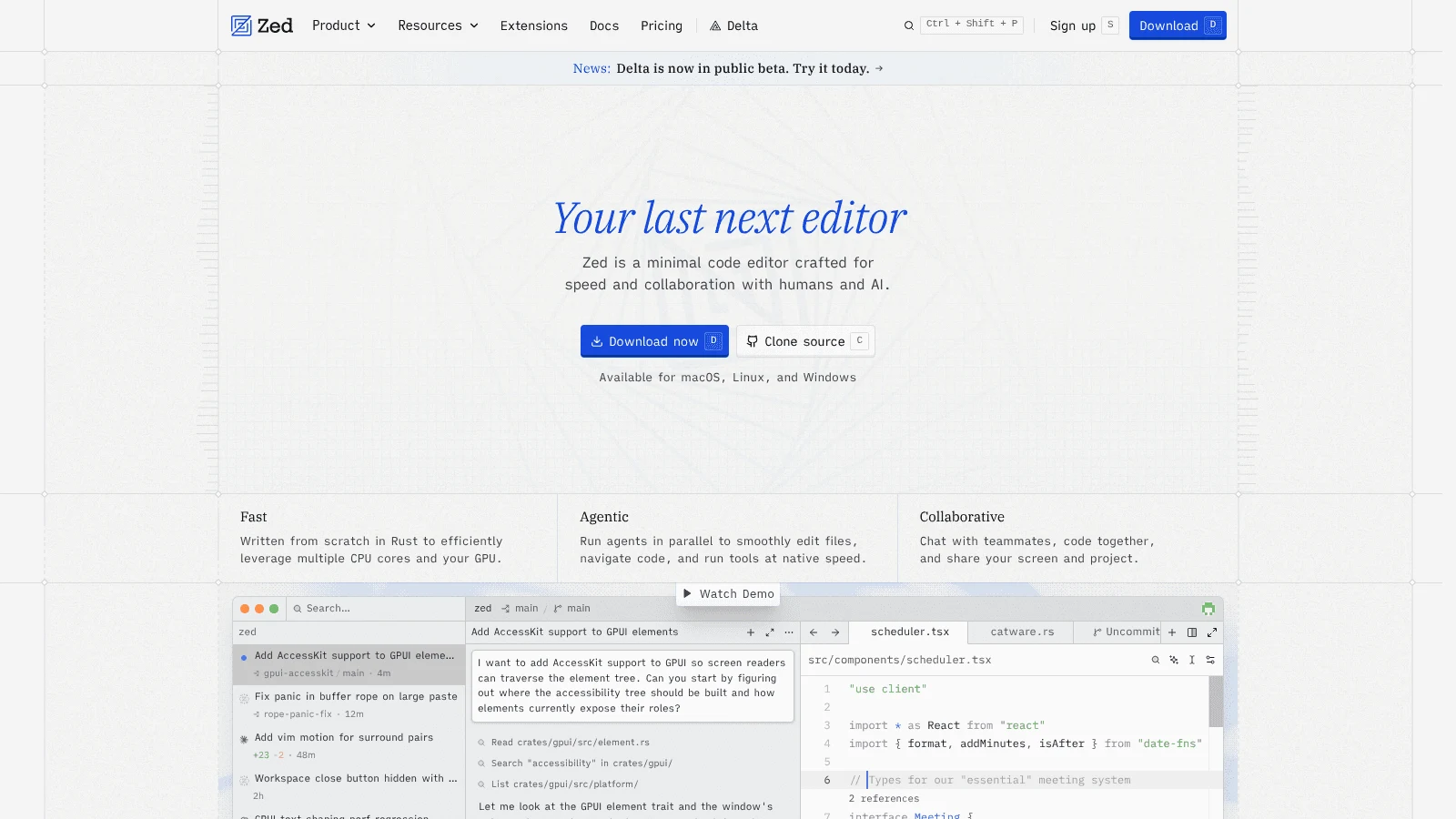
Zed is a native, Rust-built editor rather than a VS Code fork, so moving to it is a bigger step than an extension swap. The pull for a Cline user is cost: on the free Personal plan, your own keys and external agents connected over ACP (Claude Agent and Codex among them) are unlimited.
Its agent's tools ask for confirmation by default, per-tool settings switch that to allow or deny, and always_allow regex patterns decide which terminal commands skip the prompt.
Key features:
- Restore Checkpoint, which returns the codebase to its state before a message.
- Own-key support for Anthropic, OpenAI, Google, Bedrock, Ollama, OpenRouter, Copilot and more.
- A VS Code keymap to ease the move.
Pricing: Personal is free with 2,000 edit predictions. Pro is $10 a month with $5 of tokens, then API list price plus 10%, and Business is $30 a seat, with no annual price shown.
Pros: Free with your own key, regex control over terminal commands, edit predictions, external agents plug in
Cons: VS Code extensions don't import, checkpoints for external agents depend on the integration, Business SSO is "planned but not currently available"
Best for: Developers ready to leave VS Code for a native editor while keeping per-token billing.
7. Cursor
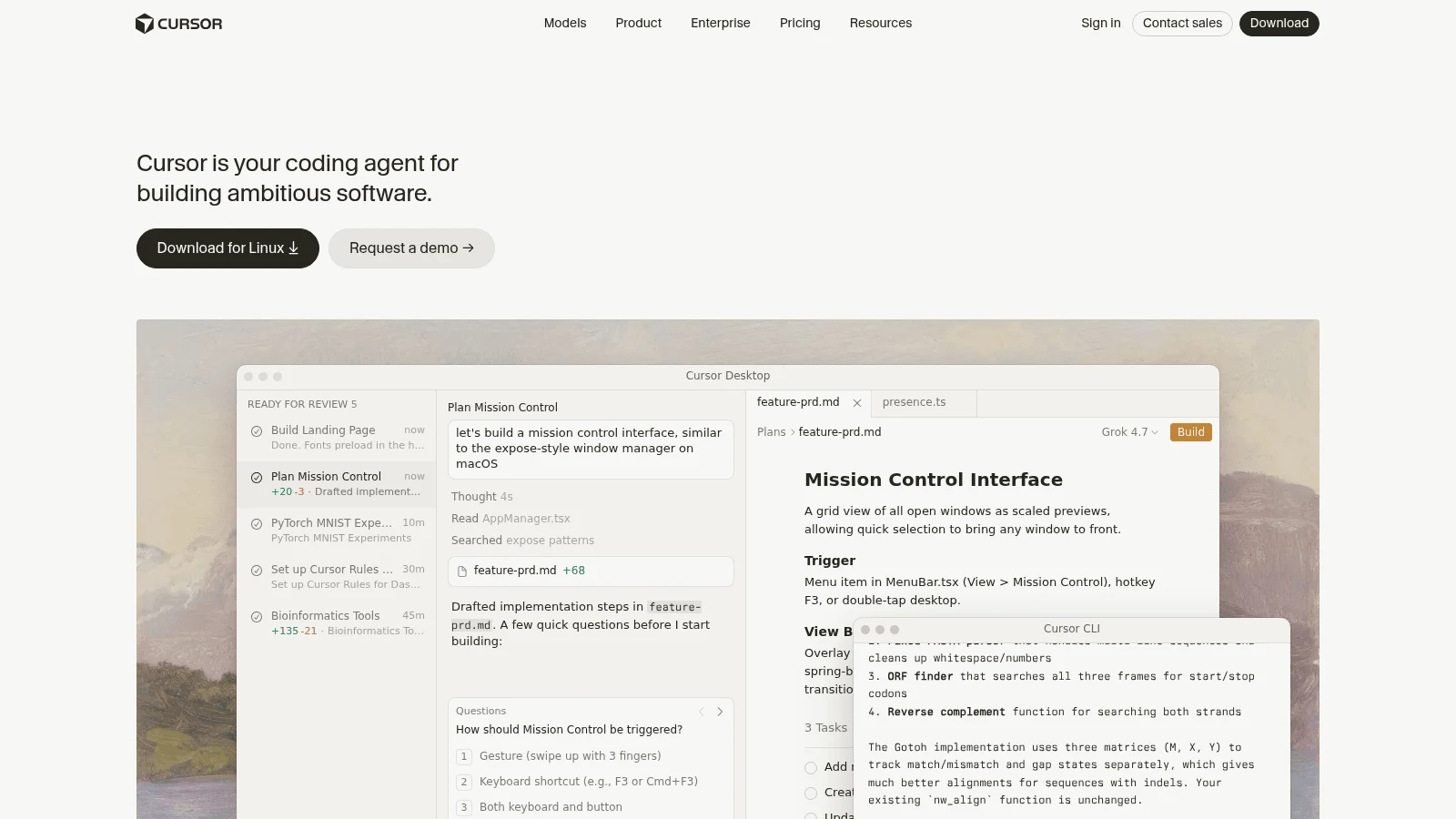
Cursor is the full-IDE switch: a VS Code-derived editor with one-click import of your settings, keybindings and extensions. It has been part of SpaceX since August 2026, and OpenAI said on August 28 that its models leave Cursor on November 12, 2026. Check that date before you commit a team, since losing a model family is exactly what sends users looking at Cursor alternatives.
Its Run Mode decides when commands run, when Cursor asks first, and when commands go into a sandbox with restricted file and network access. Checkpoints are created before significant changes, but restoring one "reverts files only; it does not remove messages."
Key features:
- Separate usage pools for Cursor's own models and other models, billed at API rates.
- Tab completions on Cursor's models.
- Cloud agents and a CLI.
Pricing: Hobby is free, Pro is $20 a month billed monthly, Pro+ is $60 and Ultra $200. Your own key covers chat models only, and Teams plans add a $0.25-per-million-token rate even when you bring a key.
Pros: Familiar VS Code-style editor, sandboxed commands, completions and agent in one app, a free tier
Cons: A separate IDE to adopt, your own key doesn't cover Tab, open questions about model supply after November
Best for: Developers who want Cline's agent loop plus completions in one IDE and accept a subscription.
8. Aider
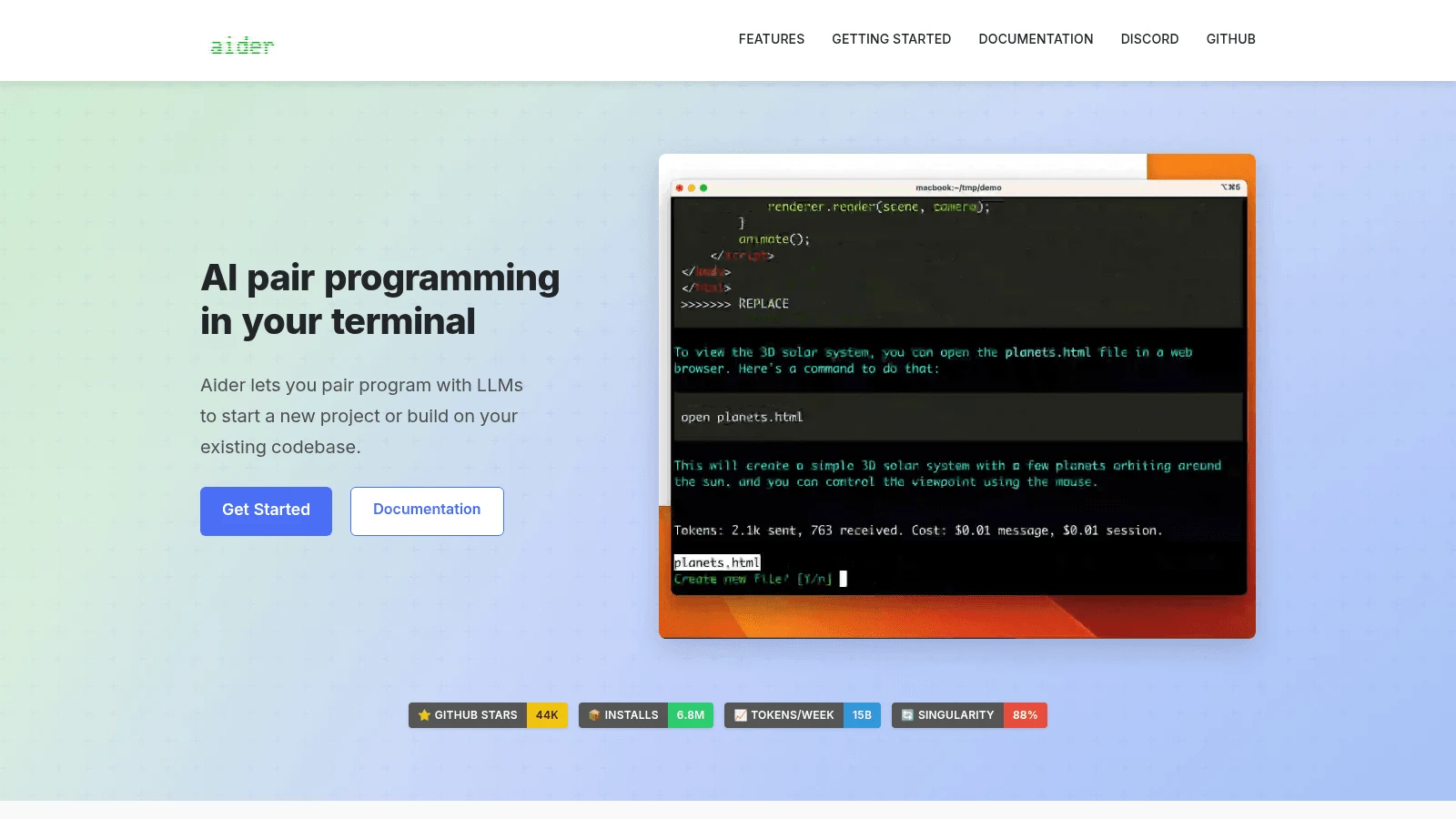
Aider is a free, Apache-2.0 pair programmer for the terminal that runs on your own key or a local model. Undo is plain git: Aider commits every edit with a descriptive message, commits your uncommitted changes first, and /undo drops the last one.
Release cadence is the honest caveat. The latest release, v0.86.2, shipped on February 12, 2026, and the homepage still recommends models such as Claude 3.7 Sonnet and GPT-4o.
Key features:
/diffand/commit, with--no-auto-commitsto opt out of automatic commits.- Watch mode, triggered from comments you type in any editor.
- Many providers selected through one
--modelflag.
Pricing: Aider has no paid tier. You pay your model provider per token, exactly as you do with Cline on your own key.
Pros: Free, every change is a real git commit, works beside any editor through watch mode, local models
Cons: No release since February 2026, terminal-only, skips pre-commit hooks unless you pass --git-commit-verify
Best for: Developers who trust git more than any checkpoint system and don't mind a slower-moving project.
9. Goose
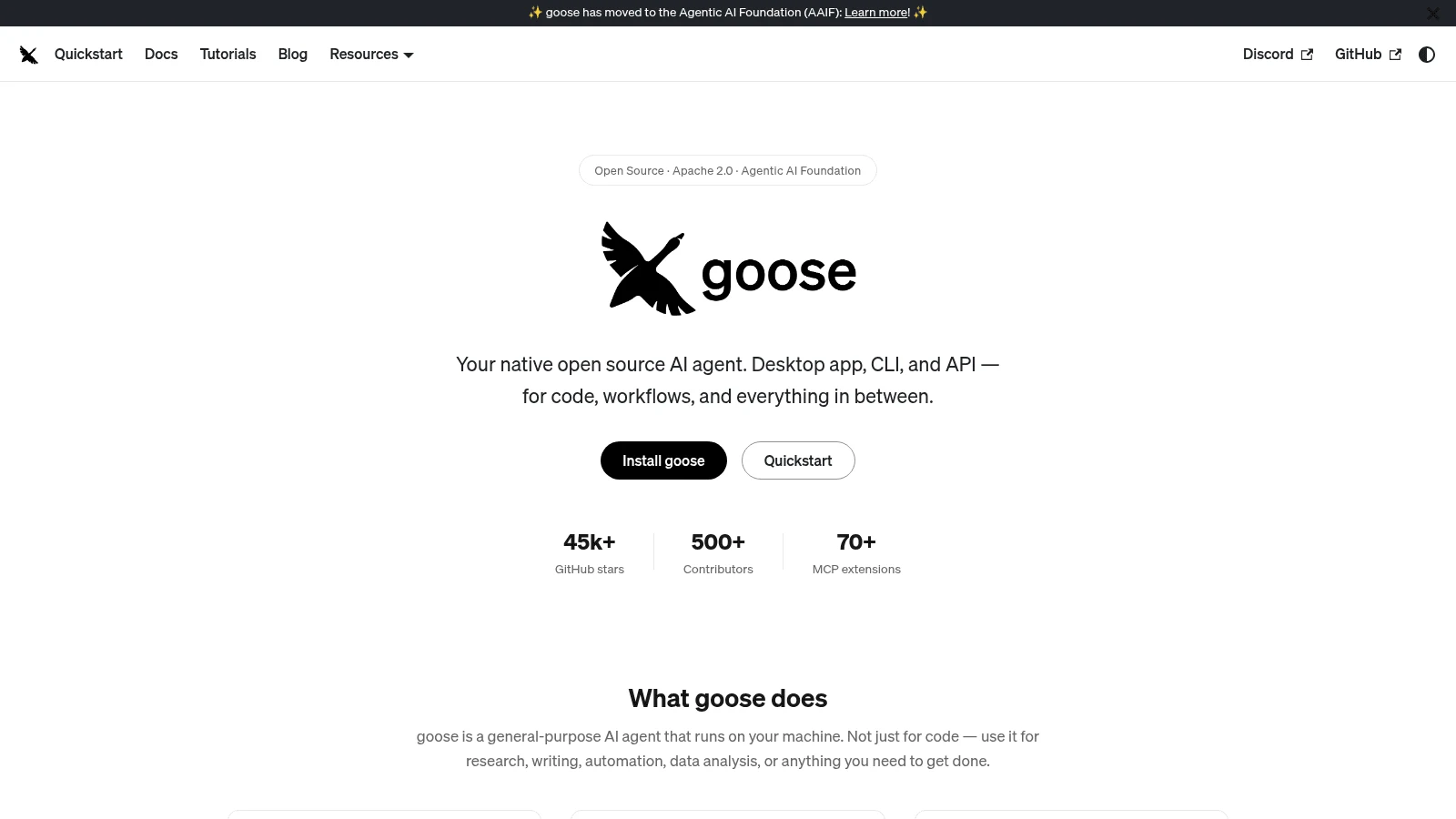
Goose is a free agent from the Agentic AI Foundation, licensed Apache 2.0, with a CLI, an API and desktop apps for macOS, Linux and Windows. It works with 15+ providers and, like OpenCode, can run on your existing Claude, ChatGPT or Gemini subscription over ACP instead of a key.
Its permission design is the big difference from Cline. Goose has four modes (Completely Autonomous, Manual Approval, Smart Approval and Chat Only), and its docs say autonomous mode "is applied by default."
Key features:
- Smart Approval, which asks based on how risky an action looks.
- Manual Approval for tools it classes as "write".
- A general-purpose agent that isn't tied to an editor.
Pricing: Goose is free with no paid plan; your costs come from the provider or a subscription you already hold.
Pros: Free, desktop and CLI versions, reuses subscriptions, four permission modes
Cons: Starts autonomous, the read-or-write classification is made by the model on a "best effort" basis, not an editor extension
Best for: People who want a free desktop agent and will switch it to Manual Approval on day one.
10. Devin Desktop
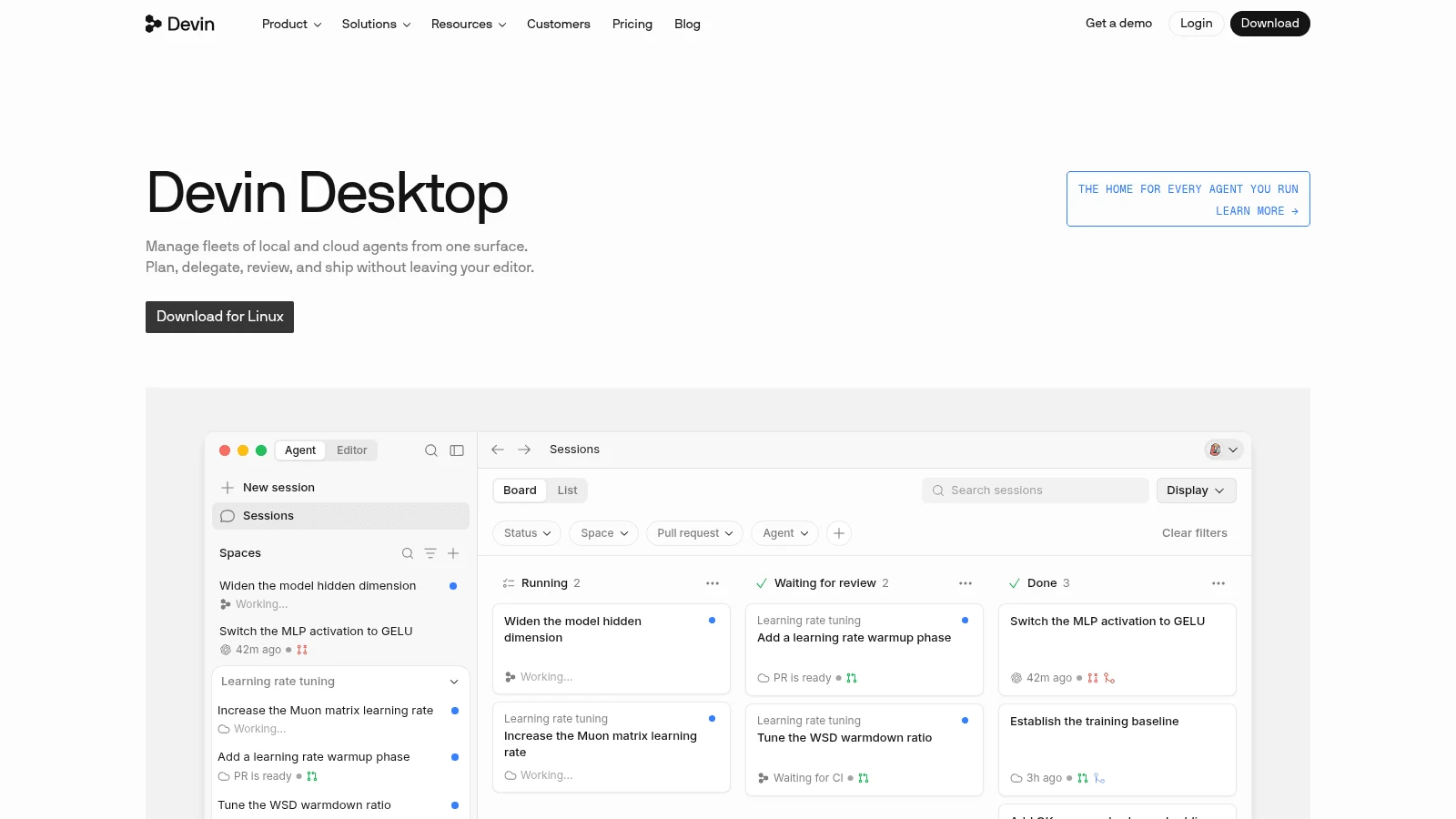
Devin Desktop is Windsurf, renamed by Cognition on June 2, 2026: the same VS Code-derived IDE, with a migration step that copies settings and extensions. Its built-in agent, Devin Local, replaced auto-execution levels with Ask and Allow rules for file reads, writes, commands, HTTP fetches and MCP tools, set per project, user or organization.
Plan mode is read-only and asks for approval before implementing anything, and MCP tools prompt by default. If Cline's Plan/Act split is what you'd miss, this is a close match on a flat plan.
Key features:
- Unlimited Tab completions, even on Free.
- Extra usage at API prices on paid plans.
- Session-wide grants so you aren't asked twice.
Pricing: Free is $0, Pro $20 a month, Max $200 and Teams $80 a month plus $40 per full seat, with no annual price shown. Since March 2026 the plans run on daily and weekly quotas with no published numbers.
Pros: A Plan mode close to Cline's Plan/Act, scoped Ask and Allow rules, completions included, a free tier
Cons: Quota numbers aren't published, no own-key option appears on its current pages, every Windsurf plugin (the VS Code one included) is in maintenance mode
Best for: Developers who want a full agent IDE on a flat fee and are done managing keys.
Approval defaults and undo, tool by tool
Most Cline users lean on two safety nets: the agent asks before risky actions, and a checkpoint rolls back a bad step. Both vary more across Cline alternatives than any roundup we read admits.
Both matter because agents aren't consistent from run to run. In τ-bench, a Sierra and Princeton paper, gpt-4o solved about 61% of retail tasks on a single try, but the chance of solving a task in all eight tries fell to about 25%. Those were customer-service agents rather than coding agents, yet the lesson carries over: the next run can go wrong where the last one didn't.
Here's each tool's out-of-the-box behavior, per its own docs on October 8, 2026.
| Tool | Before acting, by default | Undo unit | What undo misses |
|---|---|---|---|
| Cline | Extension: recommended setup auto-approves reading project files only; CLI: auto-approve defaults to true | Snapshot after each tool use, commands included | Little: untracked files are captured too |
| Awesomic Studio | Its pages don't describe step approvals | Its pages don't describe checkpoints | Not stated |
| Kilo Code | Ask when no rule matches | Per user message | A single step or file edit |
| OpenCode | Allow for most permissions; ask for doom loops and outside directories | /undo drops the last message and its file changes | Anything outside a Git repository, which /undo requires |
| Claude Code | Auto mode (a classifier reviews actions); Manual prompts on first use | Per prompt, last 100 kept | Files changed by Bash commands; usually subagent edits |
| GitHub Copilot | Manual permissions; worktree sessions run on Allow all | Per request, with later changes | Not stated in its docs |
| Zed | Confirm, unless a tool or pattern is set to allow | Back to before a message | External agents depend on the integration |
| Cursor | Set by Run Mode, with an optional sandbox | Before significant changes | Chat messages stay; files only |
| Aider | Applies and commits edits without asking | One git commit per edit | Pre-commit hooks are skipped by default |
| Goose | Completely Autonomous | No built-in checkpoint in its docs; its blog suggests a commit per change | Anything you haven't committed |
| Devin Desktop | Ask or Allow rules; Plan mode asks first | Not documented for Devin Local | Not documented |
Read the table as a setup checklist for Cline alternatives, not a ranking. On OpenCode, Goose or Claude Code, switch the default to ask before your first real task. On Claude Code, commit before you let it run shell commands, because its checkpoints won't bring those changes back.
What Cline alternatives cost when you pay per token
Cline's model hands provider prices straight to you, and that has a real upside. Epoch AI found that LLM prices "have fallen 9x to 40x/year for coding" for the same level of performance on HumanEval.
Mind the caveats: Epoch tracked the cheapest model reaching each score, weighted input and output prices 3:1, excluded reasoning models, and said it's "less clear" the fastest recent drops will last.
On a pay-per-token tool (Cline, Kilo Code on your own key, OpenCode, Zed Personal, Aider, Goose), a cheaper model reaches your bill the day you switch to it. Cline AI alternatives on subscription plans (Claude Code Pro, Copilot, Cursor, Devin Desktop) set their own price and allowance instead.
Watch input as closely as price, though. The τ-bench authors found input made up 95.9% of a gpt-4o agent's cost per task, mostly its long system prompt, sent with every call, so an agent that rereads files on each step bills mainly for input.
Metered billing tracks real use and flat billing buys predictability, the same split we found comparing subscription and hourly costs for design work. Steady usage favors a flat plan; spiky usage favors your own key.
How to move off Cline without losing your safety net
Start by listing what you actually use. In an r/CLine thread asking why anyone should pick Cline over Codex, Claude Code or Cursor, the Reddit replies praised Plan/Act, one model for planning and another for acting, seeing the cost of each task, and rolling back inside VS Code. One long-time user said they'd uninstalled it for Claude Code. Treat those as anecdotes, but they make a good checklist.
Steps for a clean trial
Run the switch as a trial on one real task before you move a whole team.
- Write down the models you use for Plan and for Act, and what a typical task costs today.
- Commit or stash your work so the first run starts on a clean tree.
- Install the alternative and set its approval default to ask before anything else.
- Repeat a task you've already done in Cline and compare the diff, the cost and the number of prompts.
- Practice an undo on purpose (restore a checkpoint,
/rewindor/undo) and check what came back. - Move your rules files and MCP servers only after the trial passes.
The people who gain most from agents, like the 10x designer, judge quickly what to keep. Budget review time into the trial, not just setup time.
How to choose the right Cline alternative
Choosing between Cline alternatives comes down to which part of Cline you want to keep.
- If you want the same extension and own-key billing, start with Kilo Code.
- If you mostly use Claude and want a flat fee, try Claude Code in Manual mode.
- If your company already pays for GitHub, turn on Copilot's agent mode before buying anything else.
- If you want completions and an agent in one IDE, compare Cursor with Devin Desktop.
- If you'd leave VS Code for a native editor, Zed keeps own-key use free.
- If you trust git over checkpoints, Aider still works, with slower releases.
- If you want the finished result without running an agent at all, that's the job we built Studio for.
Whatever you pick, agent-written front-end code still needs a human pass, and a design engineer who reads both the diff and the rendered screen catches problems a test suite won't.
Which Cline alternative to try first
Start with the tool closest to how you work today, run the trial above, and give it a week of real tasks before deciding. If you'd rather hand the brief to agents in a hosted workspace, Get started on Studio Basic at $20 a month.
FAQ
What are the best Cline alternatives?
Kilo Code is the closest swap, with the same extension-plus-own-key model. Claude Code and Copilot are the most-listed picks in the roundups we read, and Copilot keeps you in VS Code with manual approvals by default. If the bottleneck is people rather than tools, the speed, cost and quality trade-offs of a talent marketplace matter more than the agent you pick.
Is there a free Cline AI alternative?
Yes. Kilo Code, OpenCode, Aider and Goose are free tools you run on your own key, and Zed's Personal plan is free with your own keys. GitHub Copilot, Cursor and Devin Desktop have free tiers with limited usage. On the four free tools and Zed, you still pay a provider for tokens unless you use the free models some include.
Which Cline alternatives for VSCode keep you in the editor?
Kilo Code, GitHub Copilot and Claude Code all run inside VS Code itself. Cursor and Devin Desktop are VS Code-derived editors, so your setup carries over, but they're separate apps to install. Zed is a different editor entirely and doesn't import VS Code extensions.
Can I use my own API key with these tools?
Aider, Goose, Kilo Code, OpenCode and Zed all accept your own key, Claude Code bills an Anthropic key at API rates, and GitHub Copilot supports your own key too. Cursor takes one for chat models, with a $0.25-per-million-token rate on Teams. Devin Desktop's current pages don't mention it.
Is Kilo Code the same as Cline?
No. Kilo Code is a separate open-source project with a similar shape, now owned by Anaconda. It differs in two ways that matter: its revert works per message rather than per step, and buying credits through its gateway carries a 5% processing fee.





