 Awesomic Team
Key takeaways:
- GitHub reshaped Copilot through 2026: it paused new sign-ups and pulled Opus models from Pro (April 20), moved to AI credits billed at API rates (June 1), started keeping chat data for the life of the account (announced August 28) and began charging card-paying Business and Enterprise seats upfront (October 1).
- Five of the nine editor tools here offer inline completions on a self-serve plan: Gemini Code Assist, Kilo Code, JetBrains AI, Devin Desktop and Cursor. Kiro documents them but doesn't say which plans include them, and Augment Code kept completions for Enterprise only after March 31, 2026.
- Gemini Code Assist stopped serving its free individual tier on June 18, 2026, although many lists still call it free. Its Standard seat costs $19 a month with an annual commitment, the same as Copilot Business.
- Cursor, Devin Desktop and Kiro are built around their own editors. Gemini Code Assist, Kilo Code, Cline, Augment Code and Claude Code run inside both VS Code and JetBrains IDEs, as Copilot does.
GitHub Copilot is an AI assistant you add to the editor you already have, whether that's VS Code, Xcode, Eclipse, Visual Studio or a JetBrains IDE, and it also comes as a CLI and a cloud agent. What changed in 2026 is the deal around it: paused sign-ups, a new credit meter and longer data retention, all inside six months.
That's why many teams are weighing GitHub Copilot alternatives, and why so many older lists are now wrong. Codeium became Windsurf and then Devin Desktop, Continue was acquired by Cursor, Tabnine went to Tricentis, and AWS is steering Amazon Q Developer users to Kiro.
We judged the tools like GitHub Copilot on this list by one question: can it replace Copilot inside the editor you already use? That means checking completions vs chat vs agent, IDE support, usage caps, free tiers and admin controls. We read every price off the vendor's pricing page on October 8, 2026.
Why developers look for GitHub Copilot alternatives in 2026
Most of the reasons trace back to GitHub's own announcements. The table dates each change by when GitHub announced it or when it took effect.
| Date (2026) | What GitHub changed |
|---|---|
| April 20 | New sign-ups paused for Student, Pro and Pro+; tighter limits on individual plans; Opus models removed from Pro |
| June 1 | Premium requests replaced by GitHub AI Credits, billed on input, output and cached tokens at API rates; fallback models removed |
| June 17 | Individual sign-ups start reopening gradually |
| August 28 | Unified Copilot on github.com announced; chat data kept for the life of the account instead of 28 days |
| September 3 | Business and Enterprise sign-ups reopen for card and PayPal buyers, with seats paid upfront |
| October 1 | Existing card and PayPal customers charged upfront per seat (revoked seats still get no prorated refund) |
The credit change is the one that reaches nearly every paying user. One credit is worth $0.01, and Pro's $10 buys 1,500 credits a month: 1,000 base plus 500 "flex" credits that GitHub's docs say are "designed to adapt as the economics of AI evolve." Credits don't roll over, and they reset at 00:00 UTC on the 1st.
GitHub's stated reason is fair enough: under the old model, "a quick chat question and a multi-hour autonomous coding session can cost the user the same amount." But a heavy agent user now pays per token, and the old fallback model that kept you working after the allowance ran out is gone.
Some things didn't change. Copilot Free still includes 2,000 completions a month, completions and Next Edit suggestions stay unlimited on paid plans, and the base prices held at $10 (Pro), $39 (Pro+), $19 per Business seat and $39 per Enterprise seat.
The best GitHub Copilot alternatives compared
The "Works inside" column answers the first question most teams ask: do I have to leave my editor? Prices are the cheapest paid plan with the coding features, with the billing basis stated. Copilot's own row closes the table.
| Tool | Best for | Works inside (editors supported) | Inline completions | Main limitation | Paid plan from |
|---|---|---|---|---|---|
| Awesomic Studio | Handing tasks to agents with an expert behind them | Hosted browser workspace, not an IDE; connects to GitHub | No | No extension or local editor workflow | $20/month (Basic) |
| Gemini Code Assist | Google Cloud teams that want indemnity | VS Code, JetBrains IDEs, Cloud Workstations, Cloud Shell Editor | Yes | No free individual tier since June 18, 2026 | $19/user/month with annual commitment ($22.80 monthly) |
| Kilo Code | An open-source extension with any model | VS Code, JetBrains IDEs, CLI | Yes, billed per use or free with your own Codestral key | Plan, inference and cloud compute billed separately | Free extension; Teams $15/user/month |
| JetBrains AI | Developers who live in JetBrains IDEs | JetBrains IDEs, ReSharper, Android Studio (Pro and up) | Yes, unlimited on every tier | VS Code plugin only in public preview | Free; AI Pro $100/year or $10 monthly |
| Devin Desktop | Free unlimited Tab plus cloud agents | Its own editor; maintenance-mode plugins for VS Code, JetBrains, Visual Studio, Vim, Eclipse and more | Yes, unlimited Tab on Free | May train on your data by default | Free; Pro $20/month |
| Cursor | Moving to an AI-first editor | Its own editor; agent in JetBrains IDEs over ACP on paid plans | Yes (Tab, on Cursor's models) | OpenAI proposes cutting its models on November 12, 2026 | Free; Pro $16/month billed yearly ($20 monthly) |
| Kiro | AWS teams leaving Amazon Q Developer | Its own editor (Code OSS), CLI, web | Documented; no plan named | Not a VS Code or JetBrains extension | Free; Pro $20/user/month |
| Cline | An agent with no subscription | VS Code and its forks, JetBrains plugin, CLI, desktop app (beta) | None found | Team controls only on Enterprise | Free; ClinePass $9.99/month optional |
| Augment Code | Large, multi-repo codebases | VS Code, JetBrains, Vim/Neovim clients, Auggie CLI | Enterprise only since March 31, 2026 | 40% service fee on model usage | $20/month flat, up to 50 seats |
| Claude Code | Agent work on a Claude plan | Terminal, VS Code and forks, JetBrains, desktop, web | None described | Claude models only, limits unpublished | $17/month billed yearly ($20 monthly) |
| GitHub Copilot (reference) | Broad editor coverage | VS Code, Visual Studio, JetBrains, Eclipse, Xcode, CLI | 2,000/month on Free, unlimited on paid | AI credits expire monthly | Free; Pro $10/month |
We put Awesomic Studio first because it's our product, and it's the one pick that isn't an editor add-on. The other nine are ordered by how much of Copilot's shape they keep: completions, chat and an agent inside your current editor first, then tools that bring their own editor, then agent-first tools without self-serve inline completions.

1. Awesomic Studio
Best for: Delegating whole tasks, with human review
Overview: Awesomic Studio doesn't sit in your editor. It's a hosted workspace we built for teams, in which three agents (Claude Code, Codex and OpenCode) take a task you describe, research it, write the code and build the result. GitHub is one of the eight tools it connects to.
That makes it a different kind of Copilot replacement. You stop accepting suggestions line by line and start handing over tickets, then judge what comes back.
The Assisted setup is where it earns its place. The agents do the bulk of the coding, and a specialist sets the direction, checks what they produce and takes on the parts where experience decides the outcome. When the agents miss, a vetted Awesomic developer from the top 0.82% of applicants steps in, works from what's already there and hands the project back.
Because Studio belongs to Awesomic, it adds capacity next to your developers and never stands in for them.
Key features:
- Three coding agents side by side, so trying a different one needs no new install.
- Four setups (Self-serve, Assisted, Dedicated and Automated), from agents alone to a vetted expert who owns delivery.
- A vetted developer who takes over on request, quoted separately from the plans.
- Always-on agents that carry on once your browser is closed.
- Connections to GitHub, Slack, Linear, Notion, Figma and Google Drive, among eight.
- Built-in hosting and export to code or other tools.
Pricing: Three monthly plans, Basic at $20, Pro at $200 and Maximum at $500, where the plan fee doubles as your budget for agent use. There's no published burn rate per model, and Assisted and any developer takeover are quoted separately.
Pros: Several frontier agents under one budget, an expert review step, a vetted developer on call
Cons: It isn't an IDE or an extension, so there are no inline completions, and you can't start on a free plan or a trial
How to start using it:
- Choose a ticket you'd normally grind through with Copilot Chat.
- Connect GitHub and describe the task with files and links attached.
- Choose the Assisted setup so a specialist reviews the result.
- Compare what comes back with what you'd have written yourself.
- Move repeat tasks there once the first few land cleanly.
Why it's a good GitHub Copilot alternative: Copilot speeds up the developer who's typing. Studio takes the task off that developer's desk and puts an expert reviewer between the agents and what you ship.
Final verdict: Choose Studio when the backlog, not typing speed, is the bottleneck. Keep an editor assistant from this list for the code you still write yourself.
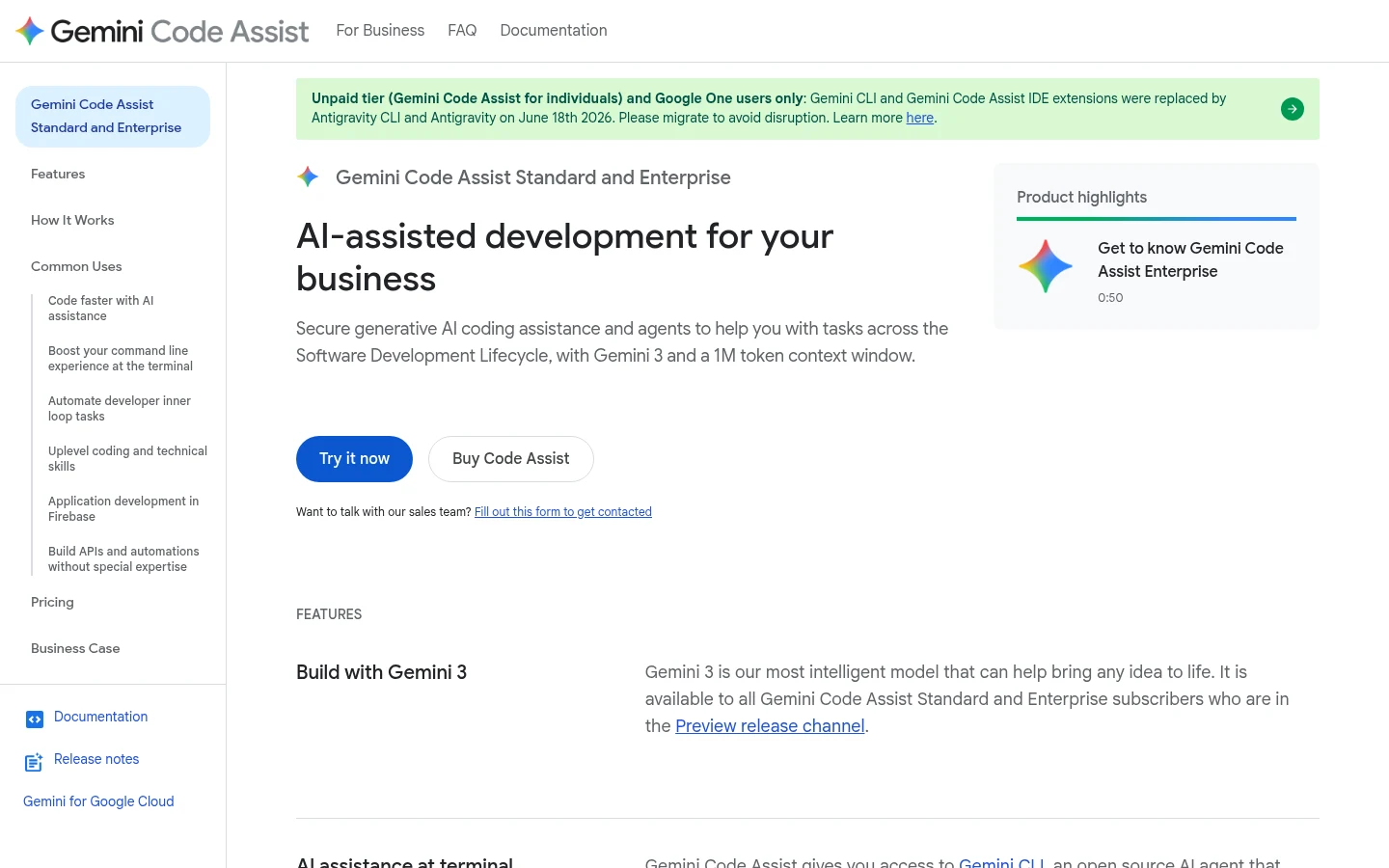
2. Gemini Code Assist
Overview: Google's assistant matches Copilot's shape most closely for a team: completions, chat and an agent mode (still in preview) inside VS Code and JetBrains IDEs, plus Gemini CLI with the license.
The free individual tier ended on June 18, 2026, when the extensions stopped serving it; Standard and Enterprise licenses are unaffected.
Key features:
- A 1M-token context window.
- Source citations that flag long verbatim quotes.
- Customer code and prompts excluded from training shared models.
Pricing: Standard costs $19 per user a month with an upfront annual commitment, or $22.80 monthly. Enterprise is $45 annual or $54 monthly.
Pros: Google IP indemnification for licensed users, SOC 1/2/3 and four ISO certifications, VPC Service Controls and IAM
Cons: No free individual tier, billed through Google Cloud, agent mode in preview
Why it works as a GitHub Copilot alternative: It keeps Copilot's shape in the same two editor families, at the same $19 a seat as Copilot Business when you commit for a year.
Final verdict: An easy move for a team already billed through Google Cloud.
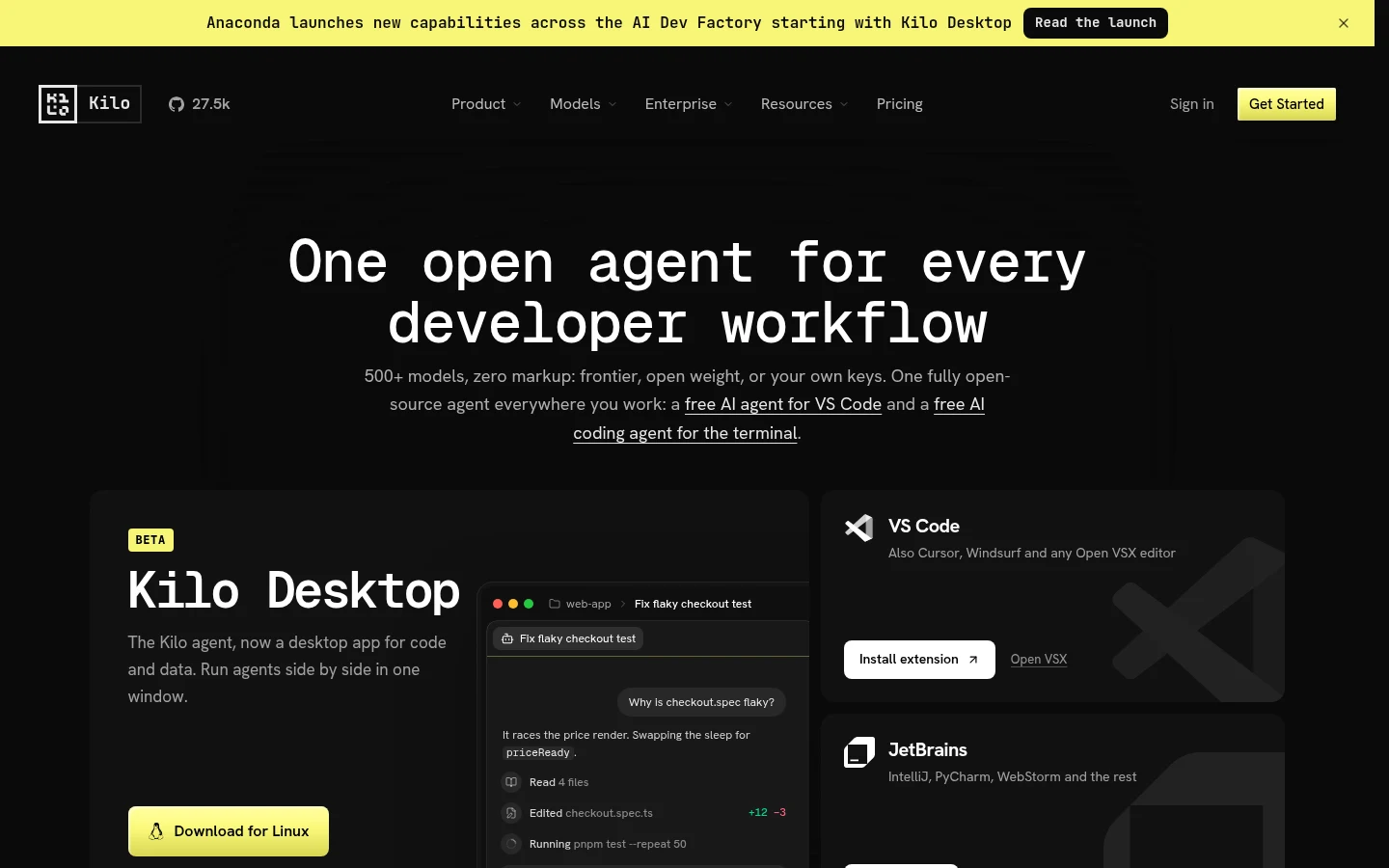
3. Kilo Code
Overview: Kilo Code, which Anaconda agreed to buy in July 2026, is a free, open-source extension for VS Code and JetBrains IDEs, plus a CLI, with completion, chat and an agent on any model, local ones included.
Kilo Code is the GitHub Copilot alternative Reddit users named in both r/GithubCopilot threads Google shows for this search. "Kilo Code if you want an open extension that has an actual user interface and is not tied to any provider," one commenter wrote on Reddit, a single user's view.
Key features:
- Fill-in-the-middle autocomplete, with a status-bar counter for its running cost.
- Kilo Gateway, billing 500+ models at provider rates with no markup, plus a 5% fee on every credit purchase.
- A warning when Copilot's inline suggestions conflict with its own.
Pricing: The extension is free and inference is billed separately, with Kilo Pass from $19 a month. Teams costs $15 per user a month (annual price not shown).
Pros: Copilot's three jobs in open source, any model, a $15 team seat
Cons: Paid autocomplete unless you bring a Mistral Codestral key, three meters (plan, inference, cloud compute), SSO and audit logs only on Enterprise
Where it beats Copilot: Model choice, instead of whatever GitHub offers this quarter.
Final verdict: The closest GitHub Copilot open source alternative for VS Code and JetBrains users.

4. JetBrains AI
Overview: JetBrains AI ships inside IntelliJ IDEA, PyCharm and the rest of the family, with the Junie agent, Claude Agent and Codex alongside chat. Code completion is unlimited on every tier, Free included, though AI Free isn't offered in Android Studio, IntelliJ IDEA without Ultimate or PyCharm without Pro.
Key features:
- Code kept out of training without your consent, except on non-commercial licenses.
- Your own OpenAI or Anthropic key, or a local model, with no subscription required.
- On-premises, cloud or hybrid deployment on Enterprise.
Pricing: Paid tiers are AI Pro at $10 monthly ($100 billed yearly, 10 credits every 30 days) and AI Ultimate at $30 monthly ($300 yearly, 35 credits). Credits are worth $1 each, organizations pay double, and AI Pro comes with a 30-day trial.
Pros: Unlimited completion for free, consent-only code collection on commercial licenses, an on-premises option
Cons: Non-commercial licenses share code data by default, VS Code only as a public preview, Next Edit suggestions start at Pro, 3 credits per 30 days on Free
Who should switch to it: Teams already paying for JetBrains IDEs, who get completion at no extra cost.
Final verdict: Start here if nobody on your team opens VS Code.
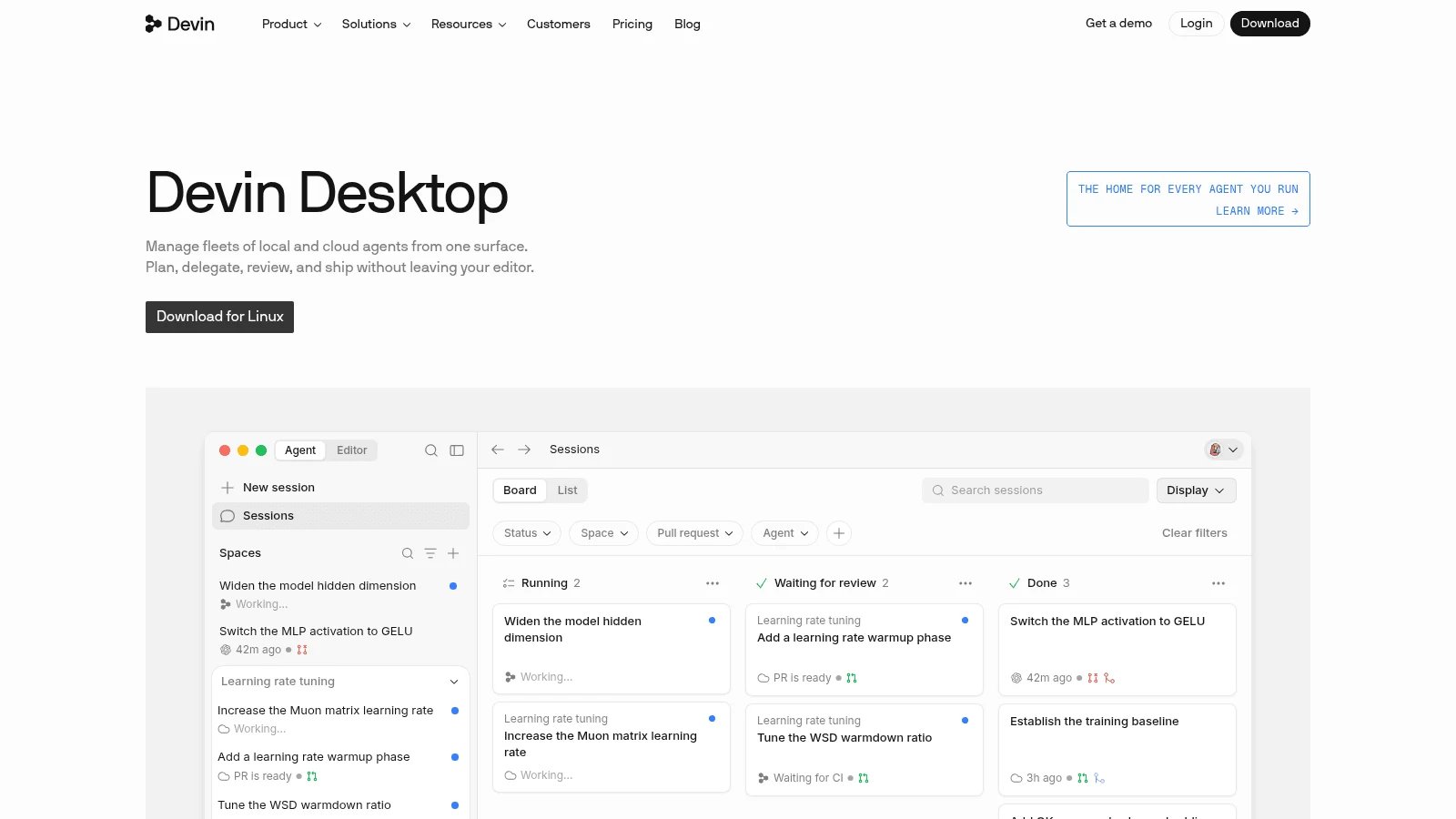
5. Devin Desktop
Overview: Devin Desktop is Windsurf under the name Cognition gave it on June 2, 2026, and it's mainly an editor of its own.
Cognition's docs still list plugins for VS Code, JetBrains, Visual Studio, Vim/NeoVim, Jupyter and Eclipse, all in maintenance mode, and for JetBrains it recommends running Devin over ACP instead.
Key features:
- Unlimited Tab and inline edits on the Free plan.
- Devin Cloud on Pro, so a task can run away from your laptop.
- SOC 2 Type II, with output that belongs to you.
Pricing: Pro is $20 a month and Max $200, and its pricing page shows monthly billing only. A team pays $80 a month for the plan and $40 for each full developer seat.
Pros: Free completions with no monthly cap, plugins for six other editors, local and cloud agents
Cons: May train on your data by default, opt-out offered only on paid plans, every plugin is in maintenance mode
The case for it: Unlimited completions at $0, where Copilot Free stops at 2,000 a month.
Final verdict: Great for solo developers, and worth a policy check before a team rollout.
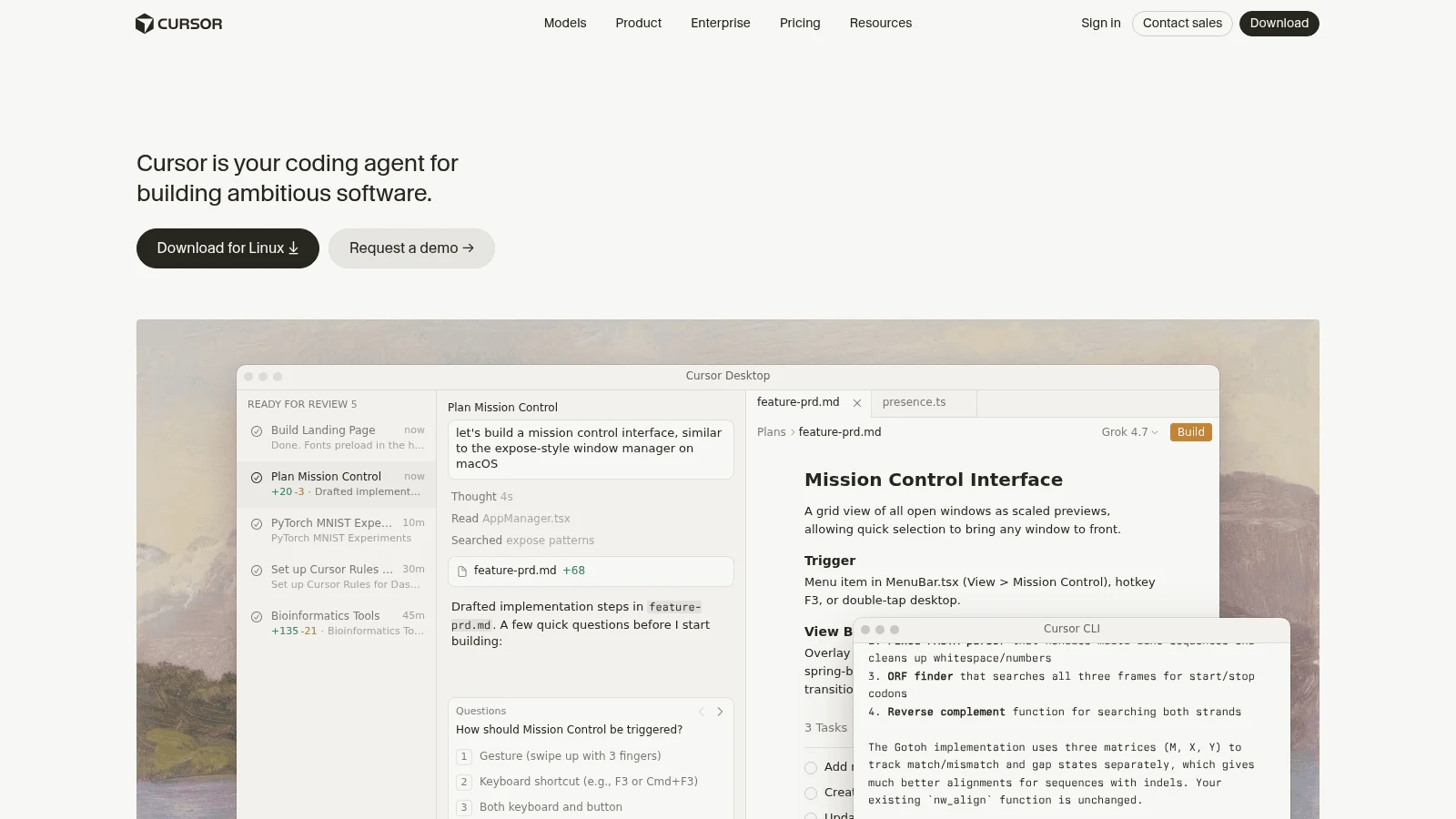
6. Cursor
Overview: Cursor is an AI-first editor with Tab completion, chat, local agents and cloud agents, owned by SpaceX since mid-August 2026 (per Cursor's August 14 post). Choosing it means changing editors, though paid plans can run its agent in JetBrains IDEs over ACP.
OpenAI has told SpaceX it intends to stop supplying models to Cursor, with a proposed shutoff of November 12, 2026.
Key features:
- Tab suggestions served by Cursor's in-house models.
- Privacy Mode, with zero-data-retention agreements across model providers.
- Your own API keys for chat models.
Pricing: Pro is $20 on monthly billing and $16 a month on a yearly plan. Teams seats are $40 monthly or $32 when paid yearly.
Pros: Completions and agents in one product, Privacy Mode, a free Hobby plan
Cons: A new editor for everyone, requests with your own key still route through Cursor's backend, daily agent use runs "typically $60-$100/mo" by Cursor's own estimate
Why teams move to it: It suits a team ready to switch editors together, not one developer at a time.
Final verdict: Worth a trial now, with the OpenAI question checked before a yearly plan.
7. Kiro
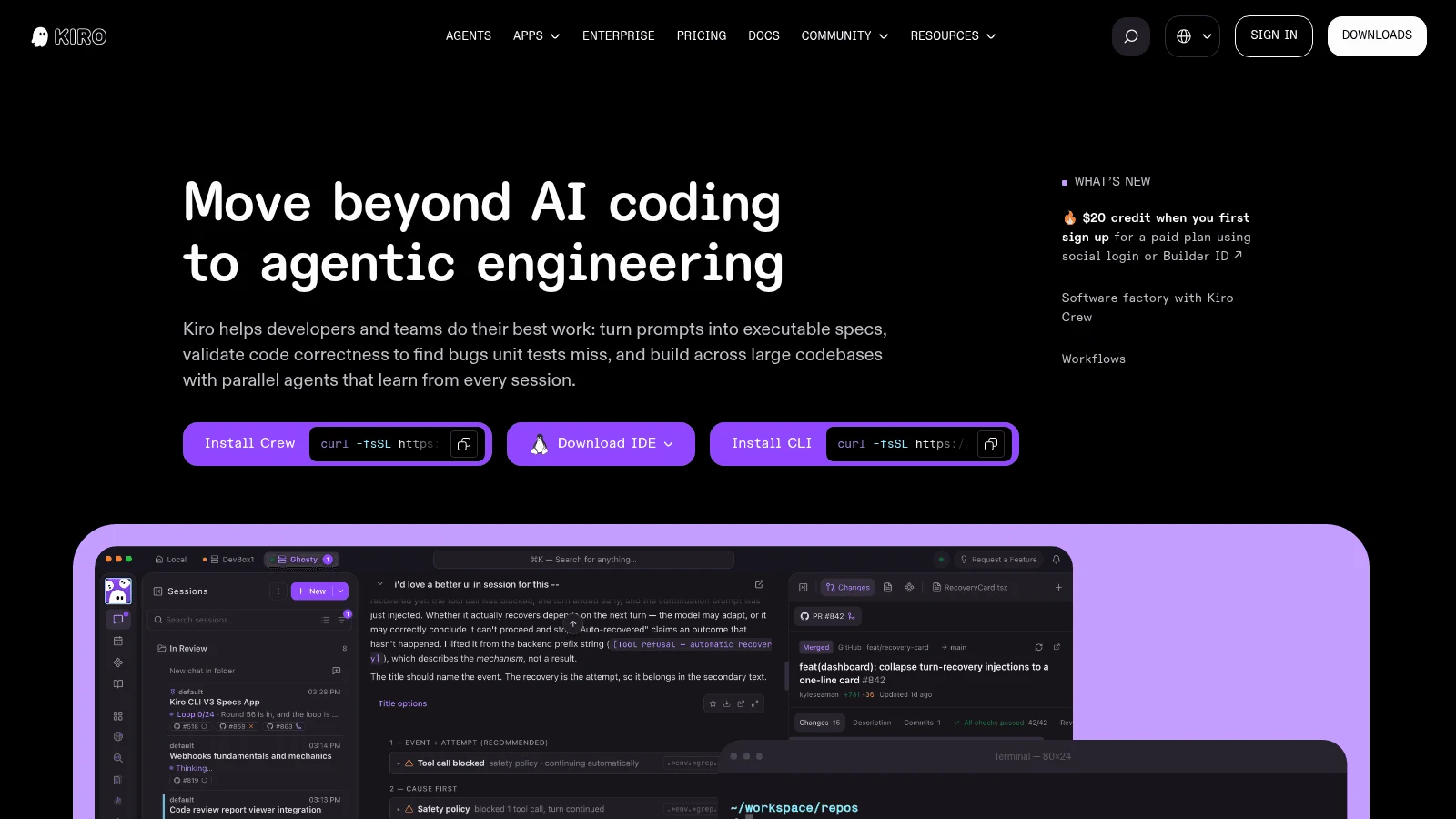
Overview: Kiro is AWS's editor, built on Code OSS so it imports VS Code settings, themes and Open VSX plugins. It turns prompts into specs before writing code.
AWS ends support for the Amazon Q Developer IDE plugins on April 30, 2027 and points users to Kiro. Kiro's migration guide says Q Developer's inline suggestions, chat and code generation carry over, without naming the Kiro plans that include them. Its FAQ adds that Q Developer Pro customers keep their Pro benefits.
Key features:
- IP indemnity on every paid tier.
- SSO through Okta, Entra ID or IAM Identity Center, with central control of models and MCP servers.
- HIPAA eligibility and a GovCloud (US) option.
Pricing: The free tier carries 50 credits. Pro is $20 a seat monthly with 1,000 credits, and Pro+ doubles both to $40 and 2,000. Extra credits are $0.04 each.
Pros: AWS's own path off Q Developer, indemnity from $20, no AWS account needed
Cons: A separate editor rather than a plugin, content from Free and social-login users may be used, no annual price shown
Where it fits best: AWS shops already on Q Developer.
Final verdict: The natural next stop, if your team will change editors.
8. Cline
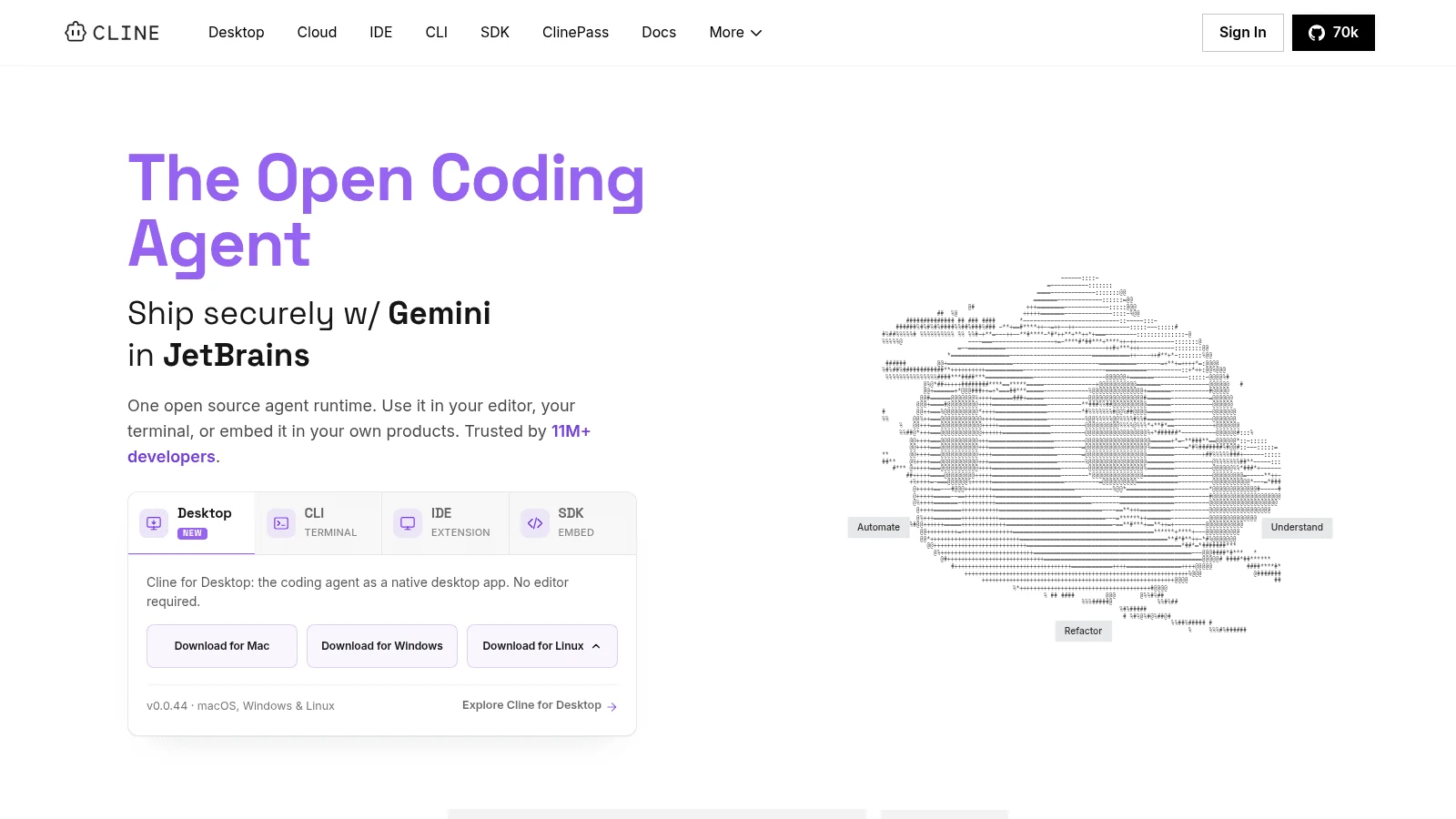
Overview: Cline is an open-source (Apache-2.0) agent that, in the editor, asks before it edits a file or runs a command; its CLI auto-approves by default. It runs in VS Code and its forks, as a JetBrains plugin on the Marketplace, in a CLI and as a desktop app.
Key features:
- Plan and Act modes, so you approve the approach before it touches files.
- Checkpoints that let you roll back an agent run.
- Any provider, at cost or with your own key.
Pricing: Cline is free for individuals, and you pay for inference. ClinePass is an optional $9.99 a month for more usage on curated open models, and Enterprise is custom.
Pros: No subscription, approval at every step in the editor, works in Cursor and other VS Code forks too
Cons: No inline completions found, you manage model spend, role-based access needs the custom-priced Enterprise plan
Pick it if: You mostly used Copilot's agent mode and want every step on screen before it runs.
Final verdict: A strong open-source agent, paired with a separate completion tool.
9. Augment Code
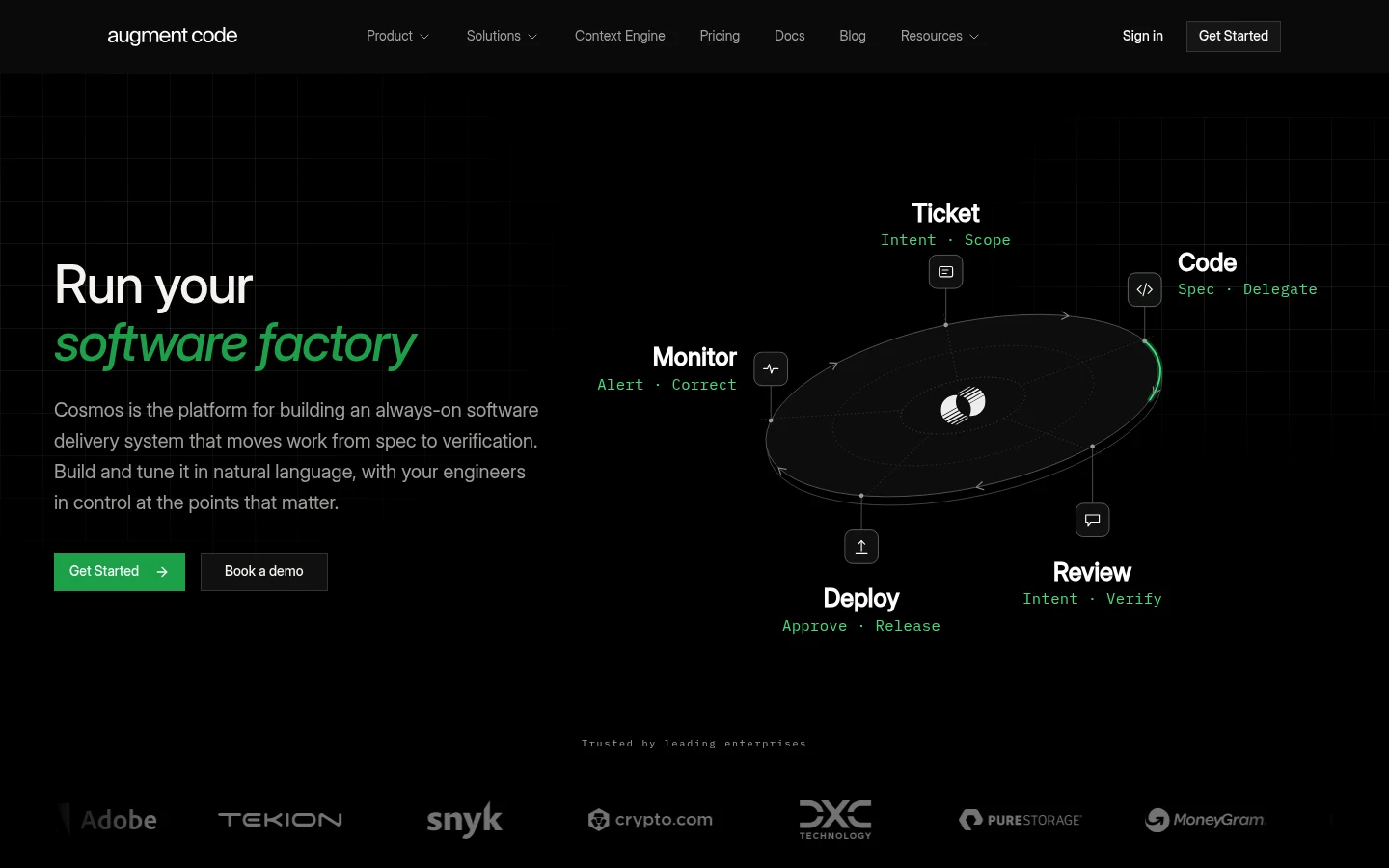
Overview: Augment Code is built around its Context Engine, which indexes large and multi-repo codebases for its agent and chat. It still documents VS Code, JetBrains and Vim/Neovim clients, but its focus has moved to Cosmos cloud agents and the Auggie CLI.
Completions and Next Edit were deprecated for non-Enterprise plans on March 31, 2026.
Key features:
- Context across several repositories at once.
- No AI training on any plan, plus SOC 2 Type II.
- One flat price covering up to 50 seats.
Pricing: Standard is $20 a month flat with $20 of usage, and Business $100 flat with $100 of usage, each for up to 50 seats. Usage beyond that bills at model list price plus a 40% service fee, and Cosmos compute is $0.19 an hour.
Pros: A flat price for a whole team, multi-repo context, no training
Cons: No completions outside Enterprise, a 40% fee on model usage, its pricing page lists no free plan
What it's built for: Codebases where context matters more than autocomplete.
Final verdict: Worth a test if your team can live without autocomplete.
10. Claude Code
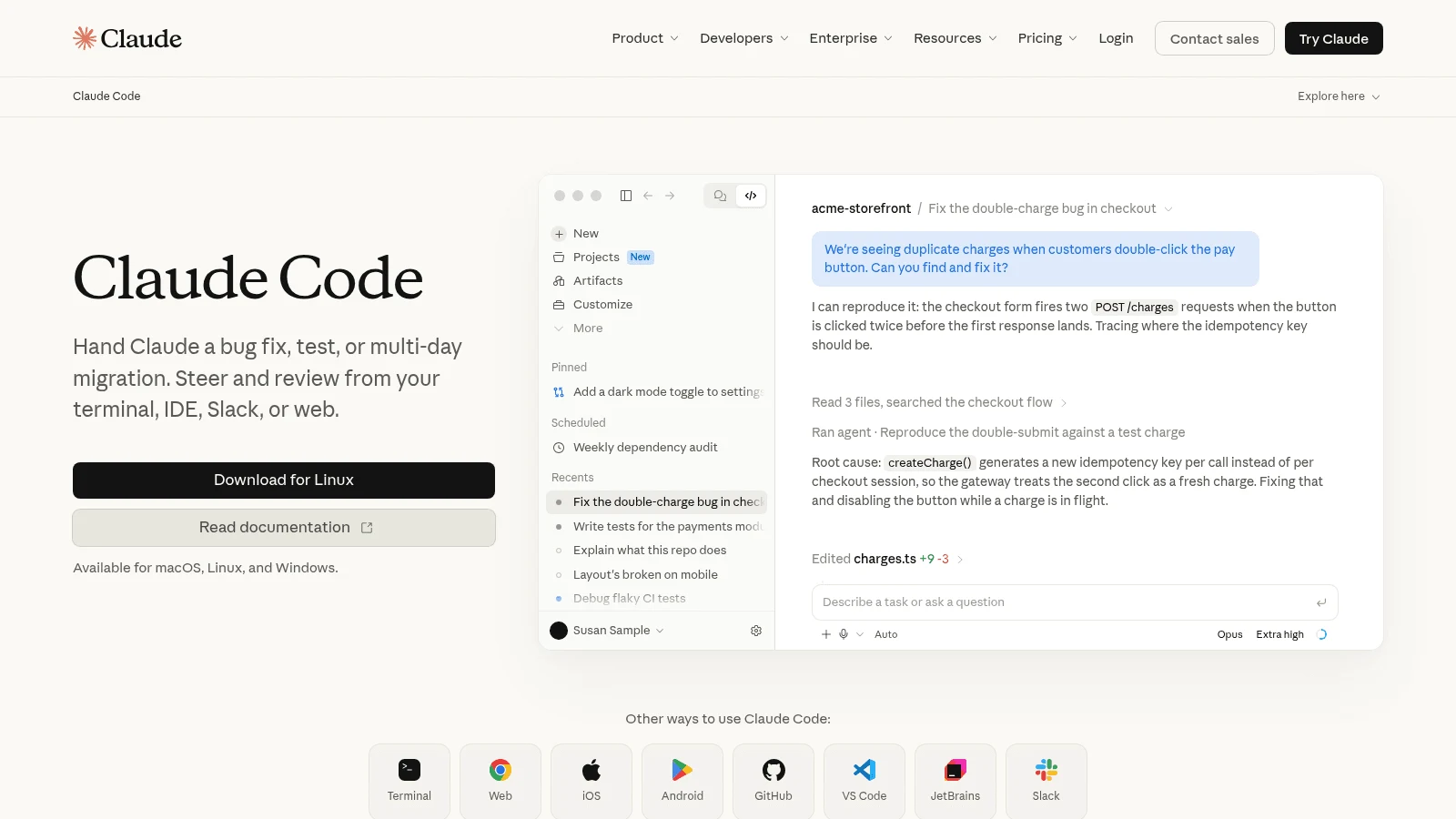
Overview: Claude Code is Anthropic's agent for the terminal, VS Code and its forks, JetBrains IDEs, the desktop app and the web. It edits files and runs commands rather than suggesting the next line.
Anthropic also makes Claude Design for drafting interfaces, while Claude Code is the tool that works on your repository.
Key features:
- Up to 1M tokens of context, model permitting.
- Usage drawn from the same allowance as your Claude chats.
- Pay-as-you-go API billing if you set a key.
Pricing: Claude Pro includes it for $20 a month, or $17 a month on a yearly plan paid $200 upfront. A Team Standard seat runs $25 monthly or $20 on yearly billing.
Pros: Included in Claude plans you may already pay for, both major IDE families, a large context window
Cons: Claude models only, five-hour and weekly limits with no fixed counts, not on the Free plan
Why it earns a place: It brings agent-mode work to a Claude plan you may already pay for, with no add-on to buy.
Final verdict: A good second tool next to whichever completion assistant you keep.
What GitHub Copilot alternatives cost for one developer and for ten
A single seat is easy to compare across GitHub Copilot alternatives. Ten seats is where the pricing models split, because some vendors charge per seat, some a flat fee and some only for usage.
| Tool | Paid plan for 1 developer | 10 developers a month | What's metered on top |
|---|---|---|---|
| Awesomic Studio | $20/month (Basic) | $20, $200 or $500 plan; no per-seat price listed | Plan price is the usage budget |
| Gemini Code Assist | $19/month annual, $22.80 monthly | $190 annual, $228 monthly | Per-seat license |
| Kilo Code | Free; Kilo Pass from $19/month | $150 (Teams) | Inference at provider rates, plus a 5% top-up fee |
| JetBrains AI | $100/year or $10 monthly | $200 monthly or $2,000 a year (organization AI Pro) | Credits beyond the plan, $1 each |
| Devin Desktop | $20/month | $480 (Teams $80 + $40 per seat) | Extra usage at API pricing |
| Cursor | $16/month yearly, $20 monthly | $320 yearly, $400 monthly | Usage at API rates |
| Kiro | $20/month | $200 | Credits at $0.04 each |
| Cline | $9.99/month (optional) | No public Teams price | All inference |
| Augment Code | $20/month flat | $20 or $100 flat | Model list price + 40% |
| Claude Code | $17/month yearly, $20 monthly | $200 yearly, $250 monthly | Usage credits at API rates |
| GitHub Copilot | $10/month | $190 (Business) | AI credits at $0.01 |
The flat-fee rows look cheap until you read the last column. Augment's $20 covers $20 of usage for the whole team, so ten active developers are likely to pay mostly in usage, and Kilo Code and Cline move nearly all of the cost into inference.
For a predictable bill, a per-seat license such as Gemini Code Assist's is the easiest to budget, while Copilot Business now meters AI credits beyond 1,900 per user. If the real constraint is developer hours rather than tool spend, an unlimited development subscription adds people at a flat monthly fee, which no assistant can do.
Completions, chat or agent: what you actually used Copilot for
Before picking a GitHub Copilot replacement, check which part of it your team leaned on. Copilot bundles three jobs, and the tools above split them.
- If it was mostly autocomplete, JetBrains AI's free tier, Devin Desktop's free Tab or Gemini Code Assist cover it.
- If it was the chat panel, every editor tool here takes questions in chat, so the GitHub Copilot Chat alternatives come down to model choice and privacy.
- If it was agent mode, Cline, Claude Code and Augment Code are built for it, and Kilo Code and Gemini Code Assist do all three.
Front-end work adds a step before any of these. The screen is usually designed first in one of the UI design tools your designers already use, and the assistant then writes code against that mockup, so its output is only as good as the spec.
Who reviews the code these assistants write
Speed gains are real but measured narrowly. In a controlled experiment published in 2023, 95 freelance developers built an HTTP server in JavaScript, and those using Copilot finished 55.8% faster (about 71 minutes vs 161). The authors were affiliated with GitHub, Microsoft Research and MIT Sloan, and the paper says it doesn't examine code quality.
A separate study published in ACM TOSEM looked at quality. Its authors, from universities in China, New Zealand and Australia, found security weaknesses in 29.6% of 452 Copilot-generated snippets from real GitHub projects: 32.8% of the Python and 24.6% of the JavaScript. The most common was insecure randomness.
Nothing on this list exempts you from that check: every assistant here suggests code a person must review. Keep the security scanner in CI and the human review on every pull request.
That applies beyond engineering. Designers increasingly push small front-end fixes themselves, which is part of what a 10x designer looks like in 2026, and their changes need the same review.
Training, retention and indemnity: what admins should check
Copilot's August announcement, keeping github.com chats for the life of the account instead of 28 days, is a reason to read every vendor's data terms before rollout.
JetBrains collects code from commercial users only with consent (non-commercial licenses share it by default), and Augment Code says no AI training on any plan. Gemini Code Assist excludes customer code from training shared models, and Cursor's Privacy Mode adds zero-data-retention agreements with its model providers.
Two defaults run the other way. Devin Desktop may use your data for training unless a paid user opts out, and on Teams only an admin can do it. Kiro may use content from Free users and paid users who sign in with a social login or AWS Builder ID, though its FAQ says anyone can opt out.
For legal cover, Gemini Code Assist offers Google IP indemnification to licensed users, and Kiro includes indemnity on every paid tier. Get any indemnity you rely on in writing.
When staying on Copilot makes sense
None of these is better than GitHub Copilot at everything. Copilot runs inside Eclipse and Xcode themselves. Of the tools here, only Devin Desktop lists an Eclipse plugin, in maintenance mode, and Cursor reaches Xcode projects through Xcode's MCP server rather than running inside it.
Some developers who tested the field decided Copilot was still worth it. One developer compared Codex, Cursor, Windsurf and OpenCode on the same task and wrote on Reddit: "In my workflow, even if I pay 4x now for Copilot, it will still be worth it." That's one person's workflow, but a fair test to run before you leave.
How to switch without losing a sprint
Plan the move to GitHub Copilot alternatives as a two-week trial rather than a migration, because there's little to migrate besides habits and settings.
- List which of completions, chat and agent mode your team used last month.
- Pick two tools from the table that cover those jobs in your editor.
- Turn off Copilot's inline suggestions during the trial so two tools don't compete.
- Move your rules and conventions into the new tool's instructions file.
- Check the billing page at the end of week one, not after the month closes.
Step 4 matters more than it looks. Agents copy the patterns they find, so a documented design system and clear coding conventions give any assistant something consistent to follow.
How to choose the right GitHub Copilot alternative
There's no single best alternative to GitHub Copilot, because the right pick depends on your editor first and your budget model second. Teams that live in JetBrains should try JetBrains AI first, and mixed VS Code and JetBrains teams can look at Gemini Code Assist, Kilo Code or Claude Code, which run in both.
If you need legal cover, Gemini Code Assist and Kiro both include IP indemnity, with ISO and SOC reports from Google and HIPAA eligibility and GovCloud from Kiro. If you want open source, Kilo Code and Cline are the two here.
If the gap is front-end polish rather than code volume, a design engineer who works in both design and code will close it faster than another assistant.
Which Copilot alternative to try this week
Pick one completion tool and one agent from the table, and run both against the same week of real tickets. Track the bill and the number of suggestions you rejected, since those two numbers settle the choice faster than any feature list.
If the tickets themselves are the backlog, hand one of them to Awesomic Studio's agents: Get started on the $20 Basic plan.
FAQ
What are the best alternatives to GitHub Copilot?
Gemini Code Assist is the closest swap for teams, with completions, chat and an agent in VS Code and JetBrains. JetBrains AI suits JetBrains users, Kilo Code is the open-source pick, Cursor and Devin Desktop replace the editor itself, and Claude Code and Cline handle agent work.
Are there free GitHub Copilot alternatives?
Yes. JetBrains AI, Devin Desktop, Cursor, Kiro, Kilo Code and Cline all have a $0 tier, though Kilo Code and Cline bill inference unless you use a free or local model. Most lists of GitHub Copilot free alternatives still include Gemini Code Assist, whose individual tier ended June 18, 2026. Awesomic Studio has no free plan.
Are there open source alternatives to GitHub Copilot?
Kilo Code and Cline are both open source. Kilo Code includes autocomplete, chat and an agent for VS Code and JetBrains, while Cline is agent-first under the Apache-2.0 license.
How does GitHub Copilot billing work now?
Since June 1, 2026, Copilot uses AI credits worth $0.01 each, consumed by tokens at each model's price. Pro's $10 includes 1,500 credits, unused credits don't roll over, and completions stay unlimited on paid plans.
Which GitHub Copilot competitors work in JetBrains IDEs?
Six of the alternatives here run in JetBrains IDEs: JetBrains AI itself, Claude Code, Cline, Kilo Code, Augment Code and Gemini Code Assist. Cursor (on paid plans) and Kiro's CLI can run their agents there over ACP, and Devin Desktop's JetBrains plugin is in maintenance mode.





