 Awesomic Team
Key takeaways:
- Bolt's own docs say each "Attempt fix" click uses tokens, while Lovable gives you 10 free fixes (each one back 24 hours after use) and Base44's paid plans run automatic fixes at no credit cost.
- Where Bolt bills in tokens, the picks here bill in credits, prepaid dollars, effort per checkpoint, API-rate usage pools, a monthly budget or your own model key, so a stuck bug costs very different amounts from one tool to the next.
- Eight of the ten have a free plan, and Google AI Studio charges nothing to build, though paid model calls and Cloud Run hosting are billed by Google.
- Leaving Bolt is mostly a GitHub job: sync the repo, claim the database to your own Supabase account, then keep going in another builder or an editor like Cursor.
If you're weighing Bolt.new alternatives, start with what Bolt does well. Bolt.new is StackBlitz's browser-based AI builder for websites, web apps, mobile apps through Expo, and prototypes. You type a prompt, it writes a JavaScript project, and Bolt Cloud hosts it with a database, auth and file storage attached. Teams use it for everything from SaaS prototypes to quick vibe marketing landing pages.
The trouble starts when something breaks. People start looking elsewhere because fix loops eat tokens, backend work exposes bugs, and the bill per message grows with the project.
This list of Bolt.new alternatives and competitors compares ten tools on how each one bills, what a failed fix costs, where your backend lives and how easily you can take the code with you.
Why people look for Bolt.new alternatives
Most complaints about Bolt come back to money spent on errors rather than features. A newer worry is privacy: from October 7, 2026, Bolt's "Model training" setting is on by default for new content (it stays off by default in the EU, UK and Switzerland), so check it if your code is sensitive.
Fix loops burn tokens
Bolt's support page on token efficiency is blunt: when an error appears, Bolt offers an automatic fix, but "each attempt uses tokens. Avoid clicking Attempt fix over and over." A bug that survives three or four attempts multiplies that cost.
The same page lists cheaper ways out. Restoring an earlier version from history doesn't use tokens, and neither do on-screen buttons. Plan mode uses fewer tokens than building, which is why it's worth switching to before you click fix a fifth time.
It breaks once the backend arrives
A thread on Reddit's r/nocode tells a familiar story. The poster built for two weeks on mock data, then wired in Supabase and Stripe, and the app broke, even the original mock version, after "several iterations and spending a significant number of tokens." It's one person's experience, though other Bolt alternatives threads echo it.
One reply suggested starting in Bolt or Lovable, then iterating in Cursor or GitHub Copilot, which is often the real fix.
Bigger projects cost more per message
Bolt's FAQ explains that most token use comes from syncing your project files to the AI, so "the larger the project, the more tokens used per message." A bloated first version therefore costs more on every prompt that follows, which is one practical case for a smaller MVP.
Pro starts at $25 a month, or $18 billed yearly, for 10M tokens, and bigger Pro tiers run $50 for 26M and $100 for 55M (monthly). Each month's paid tokens stay valid for two months as long as you keep a paid plan, and canceling loses them all at the end of the cycle.
How we picked
We started from the ten roundups ranking for "Bolt.new alternatives," then added tools that fit Bolt's lane (a prompt in, a working full-stack app out) whether or not those pages named them. We read every vendor's pricing page and docs on October 8, 2026.
Bolt competitors that are plain website builders or no-code tools without code export didn't make the cut. Our own product, Awesomic Studio, takes the top slot, and that's the whole reason. After that, the order follows one rule: tools that work like Bolt come first (prompt in a browser tab, hosted app out), and the "take the code and drive it yourself" options come last.
If all you need is a marketing site, a visual builder from our Webflow alternatives list will usually cost less than any token plan.
The best Bolt.new alternatives compared
The table puts the billing unit next to the price, because the unit decides what a bad week costs. Prices are as listed on October 8, 2026, and Bolt sits in the last row for reference.
| Tool | Best for | Starting price (billing basis) | Free plan? | How it bills (unit) |
|---|---|---|---|---|
| Awesomic Studio | An app plus its images, video and deck | $20/month (Basic), billed monthly | No | Monthly dollar budget equal to the plan ($20 / $200 / $500); per-model rates unpublished |
| Lovable | Bolt's loop with a gentler fix policy | $21/month billed yearly, $25 monthly | Yes | Credits per message; 10 free fixes, each back 24 hours after use |
| Replit | Any language and a real server | $18/month billed yearly, $20 monthly (Core) | Yes (Starter) | Effort-based credits per checkpoint; hosting and database billed by usage |
| v0 | Next.js apps deployed on Vercel | $30/user/month (Plus), no yearly option | Yes | Prepaid dollar credits at per-model token rates |
| Base44 | Backend, database and auth on every plan | $16/month billed yearly, $20 monthly | Yes | Message credits to build, integration credits to run; auto-fixes free on paid plans |
| Emergent | Capping what one run can spend | $17/month billed yearly, $20 monthly | Yes | Credits per task with a per-session budget; a live app draws a monthly credit fee by hosting tier |
| Anything | Native iOS and Android apps | $19/month billed yearly, $24 monthly | No (building needs a paid plan) | Monthly credits (20K on Pro 20k) |
| Google AI Studio | Building free on Google's stack | Free to build; Google AI Pro $19.99/month for expanded limits | Yes | Free to build; paid model calls and Cloud Run hosting billed by Google |
| Cursor | Continuing exported code in an IDE | $16/month billed yearly, $20 monthly | Yes (Hobby) | Usage at model API rates within monthly pools |
| Dyad | Local builds with your own key | $20/month (Pro), monthly | Yes | Your own model API key, or Pro credits |
| Bolt.new (reference) | Prompt-to-hosted JavaScript apps | $18/month billed yearly (10M tokens), $25 monthly | Yes | Tokens; each "Attempt fix" uses tokens |
When you compare alternatives to Bolt.new, read the last column before the price column. Two tools at $20 a month can cost very different amounts by the end of a week spent chasing one bug.
1. Awesomic Studio

Awesomic Studio is the AI workspace we make. Describe a site or app in plain words, or attach files and links, and agents (Codex, Claude Code and OpenCode) do the build, then Studio publishes and hosts the result at a live address you share privately or publicly.
What changes against Bolt is what happens when the agent gets stuck. The Assisted setup splits the job: agents handle the volume, and a specialist decides the direction, reviews the output and takes over the parts where experience changes the result. So when a bug keeps coming back, you can bring in a person (a setup quoted separately from the plans) instead of paying for a third retry.
Studio is part of Awesomic, the team that has delivered projects for 4,000+ companies, and it's a first step toward our designers and developers rather than a replacement for them. The same workspace also makes the images, video and pitch deck around the app, using models such as Nano Banana, Flux, Veo and Kling.
Key features:
- Codex, Claude Code and OpenCode agents in one hosted workspace.
- An Assisted setup that pairs the agents with a specialist.
- Built-in hosting, with export to code or other tools.
- Always-on agents, so a task continues while you're offline.
- Images, video, decks and the app in one shared workspace.
- Connections to GitHub, Figma, Slack, Notion, Linear, Webflow, Google Drive and Framer.
Pricing: Basic is $20 a month, Pro $200 and Maximum $500, and whatever you pay is the month's usage budget. The per-model rate at which that budget gets spent isn't published, and the Assisted setup is quoted separately, with no published price.
Pros: A person to take over a stuck build, a plan price that doubles as the usage budget, built-in hosting, the app and its marketing assets in one place
Cons: Its pages make no claim about a built-in database or user login, the budget draw-down rate per model is unpublished, and Studio offers no trial or free plan
How to start using it:
- Start with one screen or flow that kept failing in Bolt.
- Subscribe to Basic and brief the agents the way you'd file a bug, linking the Bolt version.
- Let the agents build it and check the hosted preview.
- Move to the Assisted setup (quoted separately) when the same bug survives two attempts.
- Ask the agents for the launch images or deck once the app works.
Why it's a good Bolt.new alternative: A stuck fix can be handed to a specialist rather than retried.
Best for: Founders who want a person behind the agents, not another loop
Final verdict: Choose Studio when you want the app and everything around it built in one place, with a human behind the agents; if you need a built-in database today, pick Lovable or Base44.
2. Lovable
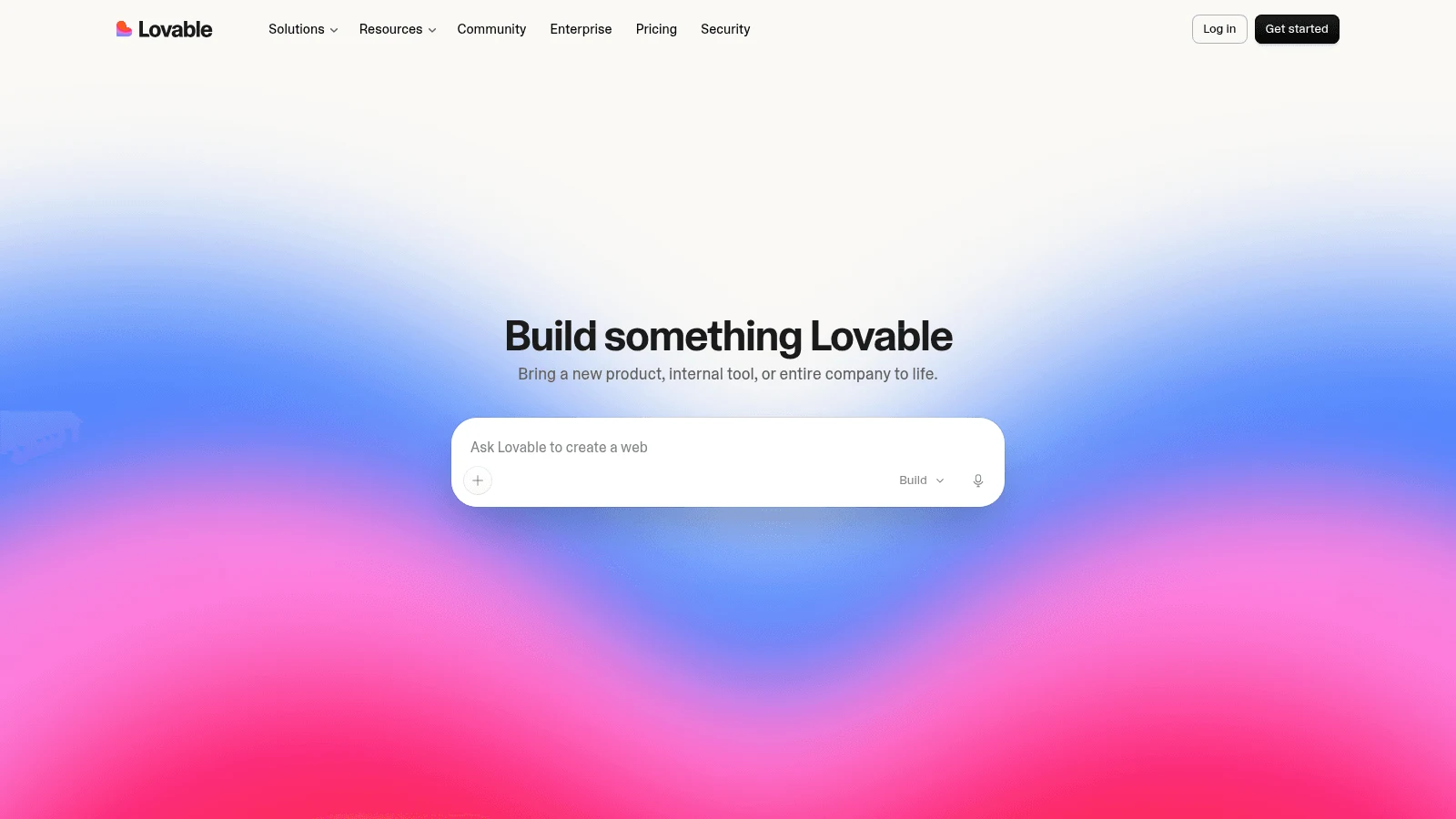
For a like-for-like swap, Lovable comes closest: a prompt builds a full-stack web app, and Lovable Cloud supplies the database, storage, auth and edge functions. It also has a code editor and a free plan with 5 credits a day, up to 30 a month.
Its fix policy is the big difference. The debugging docs say your account "includes 10 free fixes, and each one becomes available again 24 hours after you use it." Lovable's own advice is to use "Try to fix" once or twice, then switch to Plan mode, then revert from version history.
Key features:
- Lovable Cloud backend with database, auth and storage.
- Git sync with GitHub, GitLab or Bitbucket.
- Published per-task credit examples, from 0.5 to 1.7 credits.
Pricing: Pro costs $21 a month billed yearly or $25 monthly for 100 credits, with larger credit tiers available. Business is $42 a month on yearly billing or $50 monthly, and every plan includes unlimited workspace members.
Pros: Free fixes that refill, a backend built in, unlimited members on all plans
Cons: Git sync always creates a new repo and can't import an existing one, no one-click move between Lovable Cloud and your own Supabase, web output only (no native mobile)
Best for: Non-developers who want Bolt's loop with cheaper mistakes
Final verdict: The safest first move off Bolt. Its new-repo rule can also send teams to Lovable alternatives later.
3. Replit
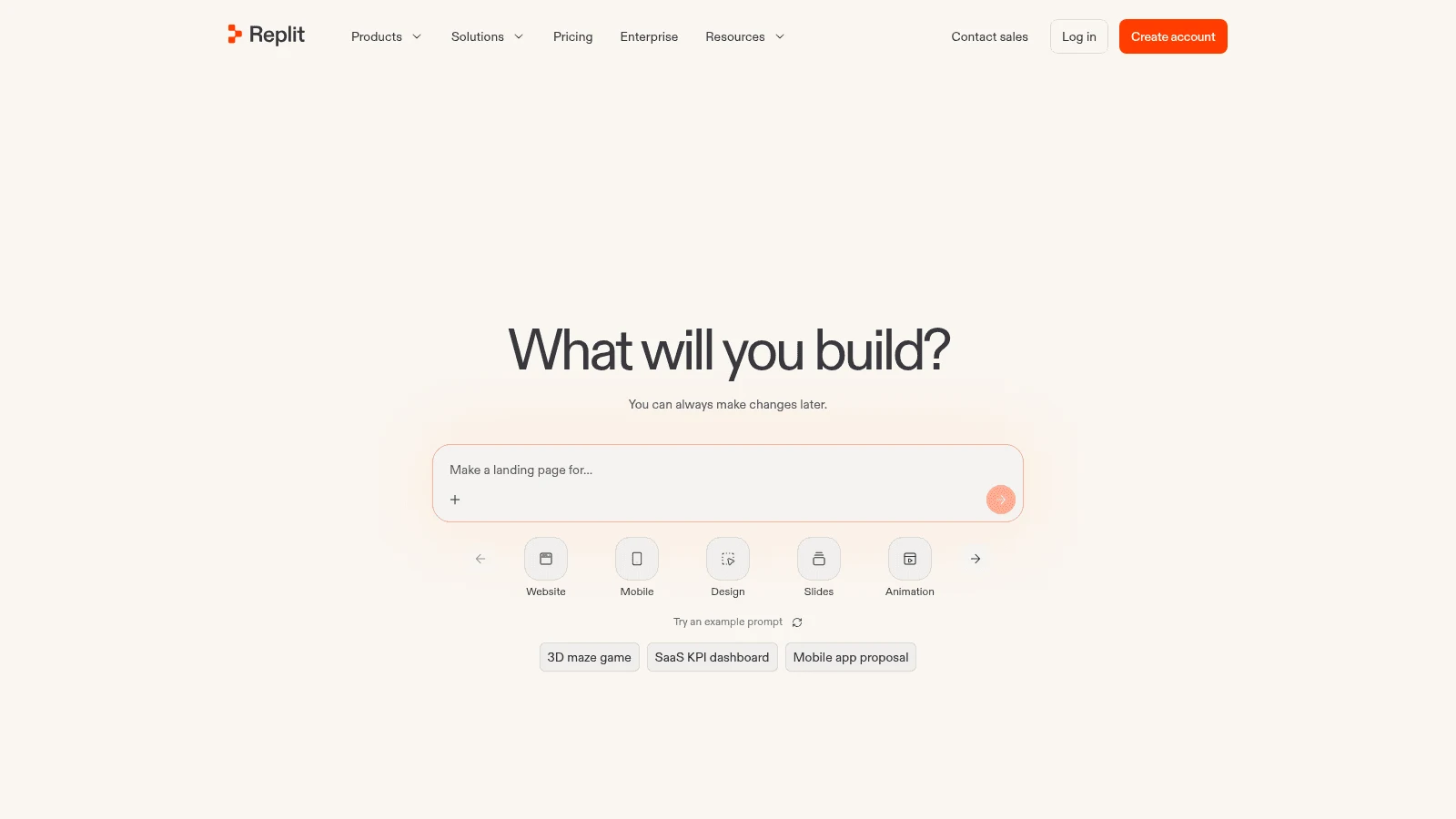
Replit gives you a whole development environment in the browser: any language, a real server, built-in hosting and a database. Its Agent bills by effort, one checkpoint per request, and Replit's docs say simple requests "like bug fixes or small changes" typically cost less than complex builds.
Core and Pro subscribers also get Free Mode, which covers "everyday Agent work" within its allowance, and Replit asks for confirmation before a paid action starts. When a fix goes wrong, you can roll back to any checkpoint and tick the database option to restore it too, though rollback doesn't restore a production database.
Key features:
- Effort-based Agent pricing with a Free Mode allowance.
- Checkpoint rollback, database included if you choose.
- ZIP download and two-way GitHub sync.
- Any language, not only JavaScript.
Pricing: Core is $20 paid monthly or $18 a month paid annually; Pro is $100 monthly or $90 annually. Hosting and production databases bill by usage on top, drawing on your monthly credits first.
Pros: A confirmation step before paid work, rollback that can include data, room for backends Bolt can't run
Cons: Costs split across agent effort, hosting and database use, so a month is hard to forecast; Plan Mode reasoning on paid modes can bill without changing code
Best for: Builders who need Python, a real server or a bigger backend
Final verdict: Pick Replit when Bolt's JavaScript-only lane is the real limit.
4. v0
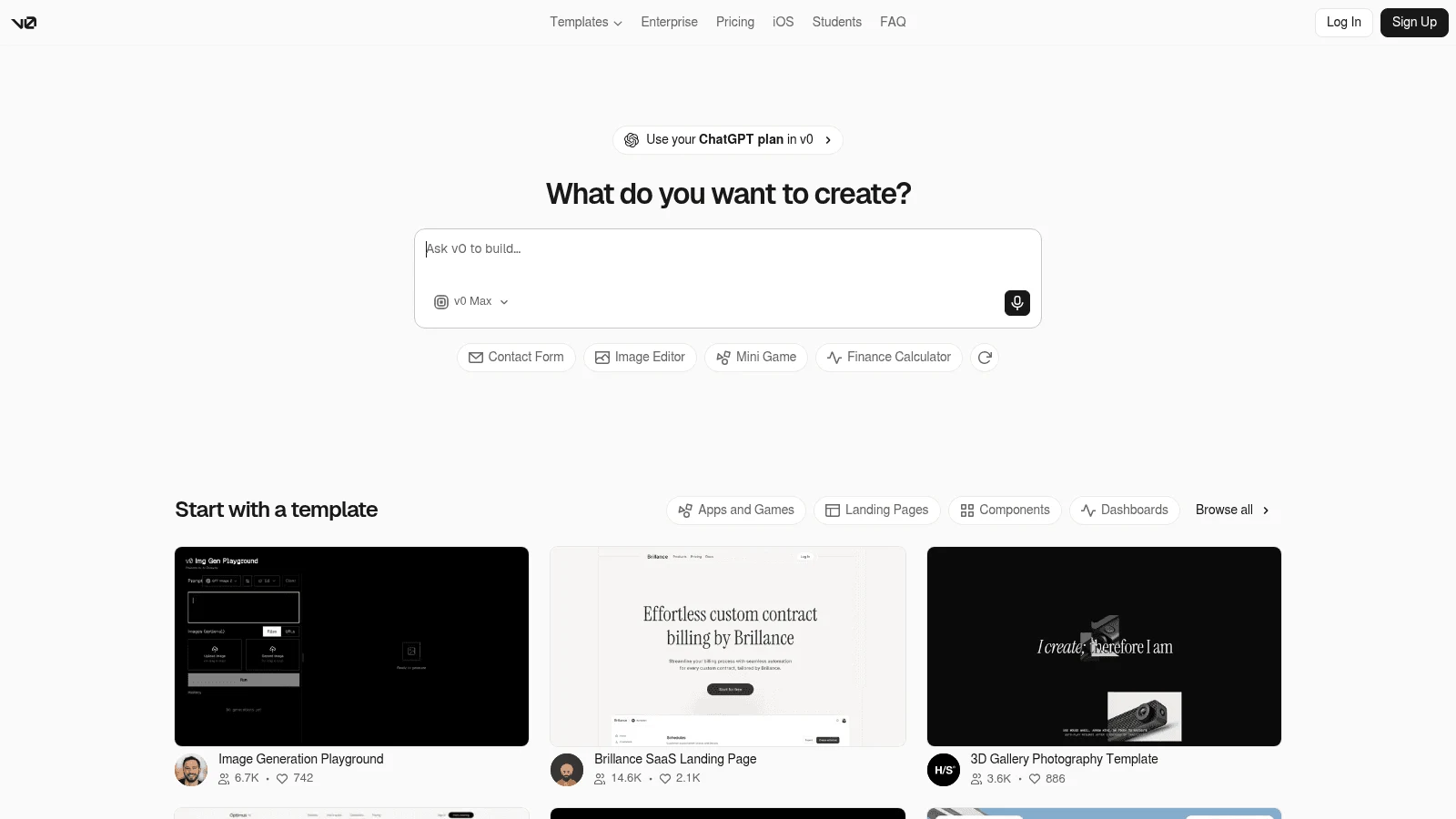
v0 is Vercel's builder for Next.js and React apps, with one-click deploys to Vercel. It now adds databases through Vercel Marketplace integrations (Neon, Supabase, Upstash, Vercel Blob), most from a separate provider.
Its docs grant "up to 10 free uses per day" of Fix with v0 on the Premium, Team, Business and Enterprise plans, a list that leaves out Plus, the $30 starting paid plan. The catch: the fix is free only on code you haven't edited by hand, and after the daily cap it "consumes credits like a normal prompt."
Key features:
- Imports existing GitHub repos and opens commits and pull requests.
- Prepaid credits that roll over and expire after 65 days.
- Per-model token rates, from v0 Mini at $0.20 in and $1.20 out per million tokens.
Pricing: Plus runs $30 a month for each user, with no yearly option shown, and Business is $100 per user. On the free plan, a new user starts with a one-time $5 of credits plus 7 messages a day.
Pros: Imports a repo you already have, credits that roll over, free daily fixes from Business up
Cons: Priced per seat where Bolt's Pro is per account, the stack is fixed to Next.js and React, most databases come from another vendor
Best for: Teams already deploying on Vercel
Final verdict: A strong fit for React shops; teams who want another stack can compare v0 alternatives before committing.
5. Base44
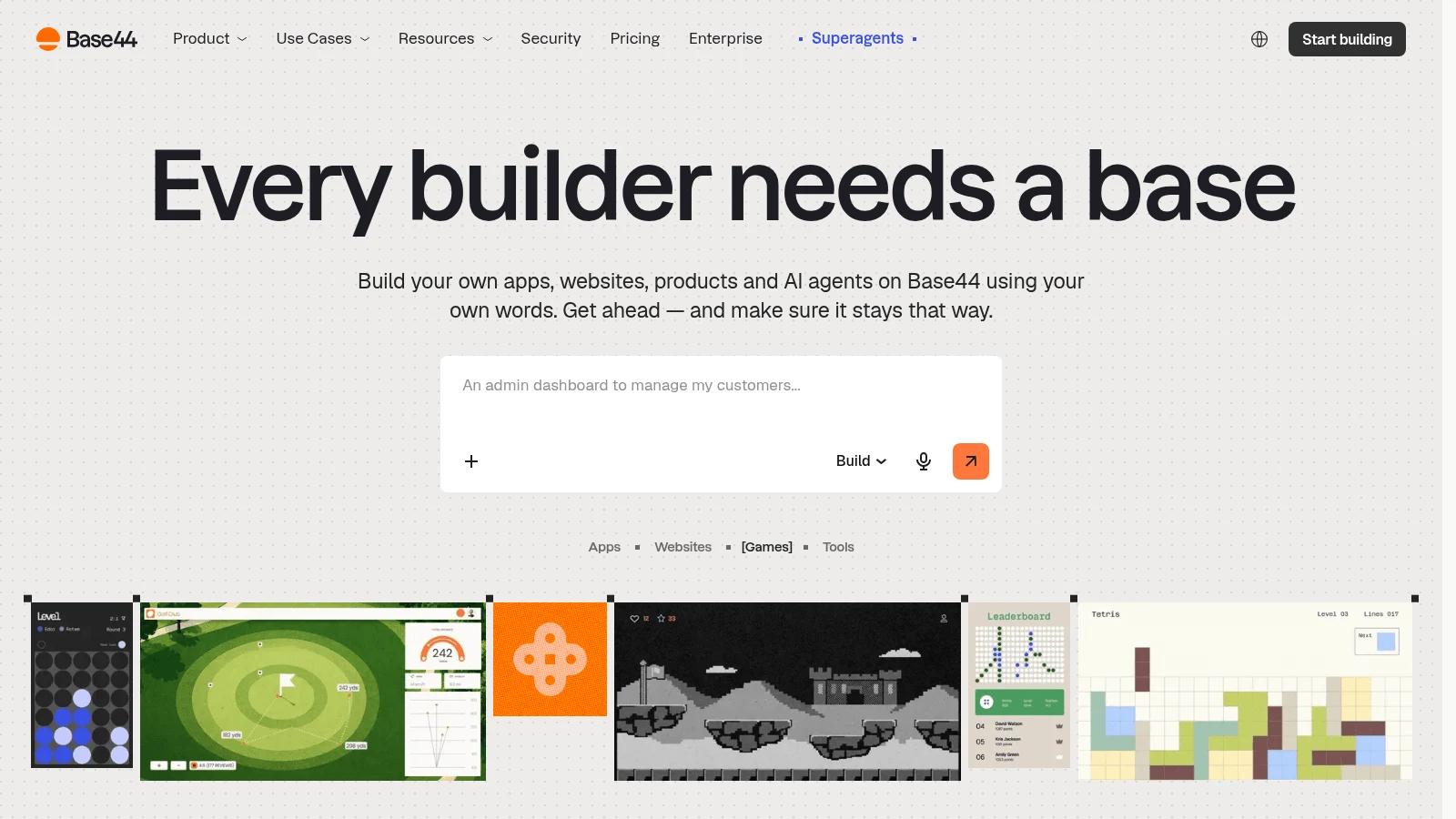
Base44, owned by Wix, includes hosting, a database and auth on every plan, including the free one. It splits usage into two pools: message credits for building with AI, and integration credits for what your live app does, such as AI calls.
Its credits page settles the fix question directly: "On paid plans, automatic AI fixes are free and do not use credits." On the free plan, both automatic fixes and "Resolve with AI" use message credits. Manual visual edits are free on every plan.
Key features:
- Backend, database and auth on all plans.
- Free automatic fixes on paid plans.
- A
base44 ejectcommand, plus ZIP export and two-way GitHub sync from Builder.
Pricing: On yearly billing Starter works out to $16 a month ($20 if you pay monthly), and Builder, which adds GitHub sync, is $40 or $50. The free plan gives 25 message credits a month, capped at 5 a day.
Pros: Fixes that don't touch your credits on paid plans, a backend with no extra account, code you can eject
Cons: Two credit pools to watch, ZIP export and GitHub sync start at Builder, Deno backend functions also need Builder
Best for: Internal tools and apps that need login on day one
Final verdict: Pick Base44 to stop paying for automatic fixes, as long as you're on a paid plan.
6. Emergent
Emergent builds web and mobile apps from a prompt and gives each app a managed MongoDB database, with separate preview and production copies. Its answer to runaway loops is a per-session budget: "If the agent exhausts that budget during a run, it pauses automatically."
A prompt can cost "a handful of credits" or hundreds, and automated tests use credits too. When your balance hits zero the build pauses, and Emergent says "no work is lost."
Key features:
- Per-session budgets that stop a run before it drains the month.
- One-time top-ups that never expire.
- GitHub integration from Standard.
- Separate preview and production databases.
Pricing: Standard runs $17 a month paid annually, or $20 paid monthly, for 100 credits, and Pro is $167 or $200 for 750. Keeping an app live then uses between 50 and 1,100 credits a month, set by its publishing tier.
Pros: A hard stop on one run's spending, top-ups that keep, a database per app
Cons: Tests burn credits too, hosting a live app takes a monthly slice of your credits, the cost per prompt varies widely
Best for: Anyone burned by a loop that ran overnight
Final verdict: Pick Emergent if a cap per run matters more than the lowest price.
7. Anything
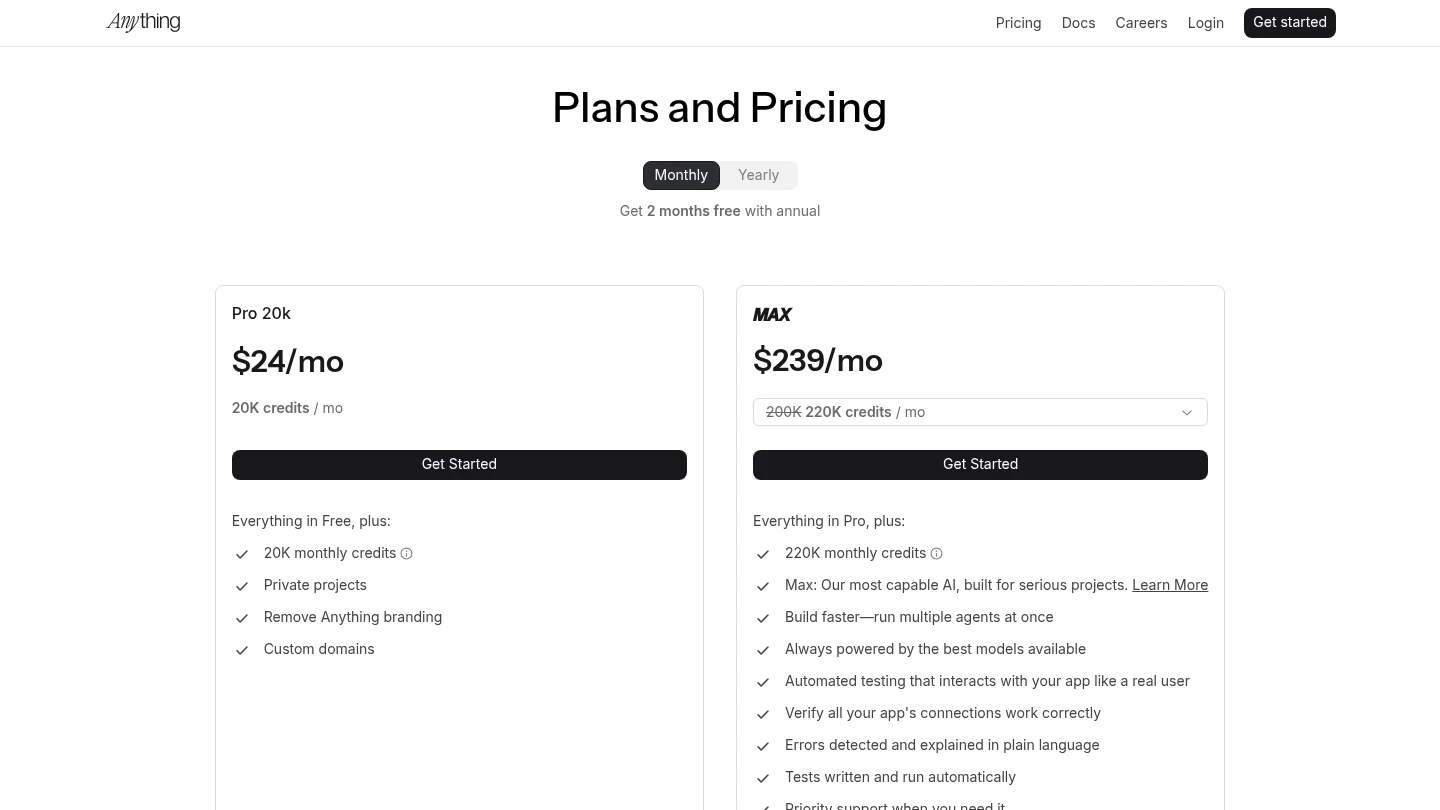
Anything turns a prompt into iOS and Android apps and handles the app store submission itself, where Bolt's mobile route runs through Expo. Postgres, file storage and Stripe payments come built in.
Its Max plans add automated testing, with "Errors detected and explained in plain language." Code export is a ZIP download from the Code tab, and GitHub sync is marked "coming soon."
Key features:
- Native iOS and Android builds with App Store submission.
- Built-in Postgres, storage and Stripe.
- ZIP export of the code.
Pricing: Pro 20k gives you 20K credits, private projects and custom domains for $19 a month on yearly billing, $24 on monthly. Max starts at $199 a month billed yearly or $239 monthly for 220K credits.
Pros: Real app-store apps, payments built in, a low entry price
Cons: No GitHub sync yet, no free plan for building, automated testing sits on Max plans
Best for: Founders whose product is a phone app
Final verdict: The pick when the app store, not the browser, is the destination.
8. Google AI Studio
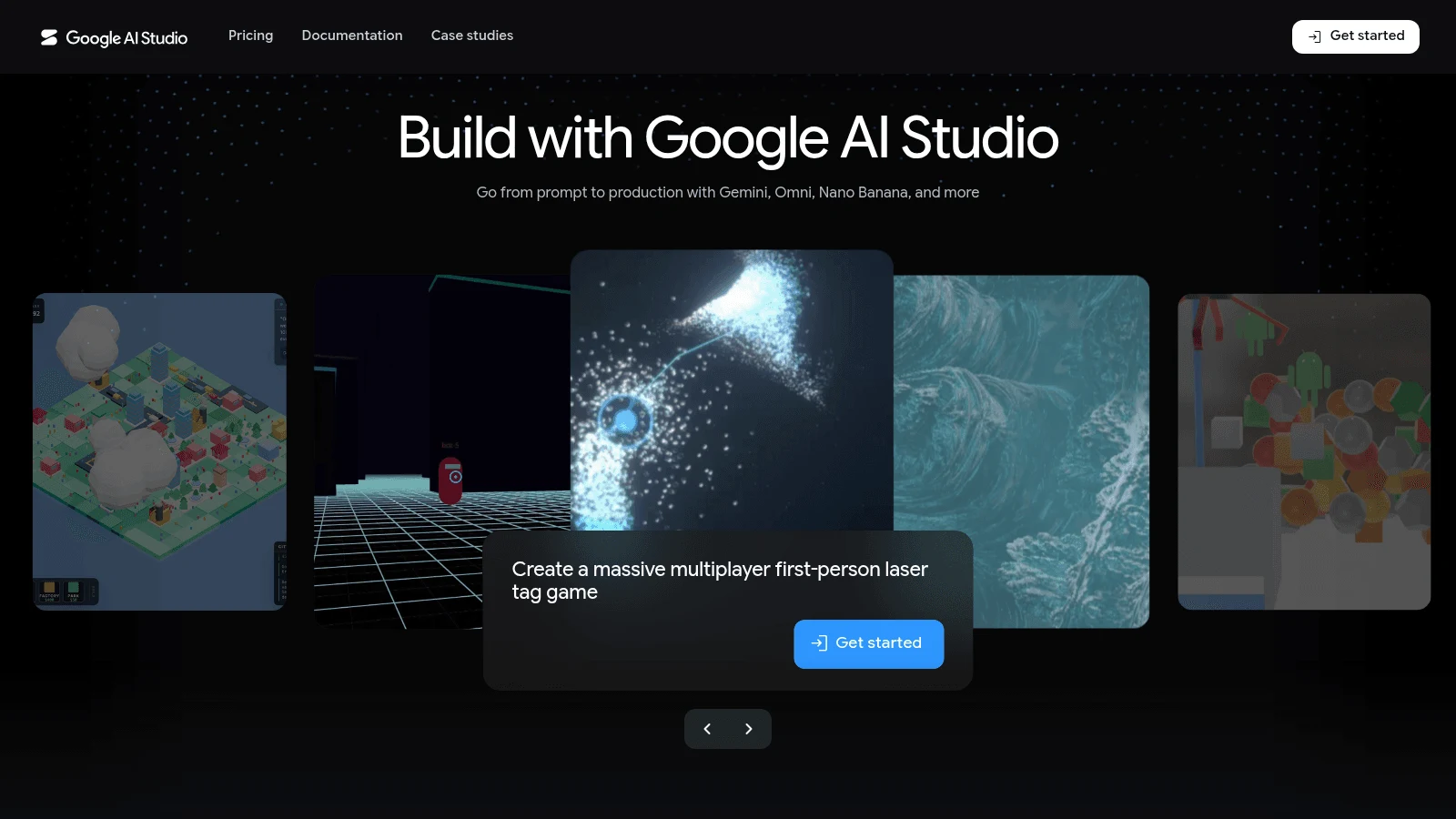
In Google AI Studio, Build mode converts a prompt into a full-stack web app (React with a Node.js server) or a native Android app in Kotlin. Google names it, alongside Antigravity, as a replacement for Firebase Studio, which shuts down in March 2027.
Google's pricing docs say "Google AI Studio usage is free of charge in all available regions." Build mode can set up Firestore and Firebase Auth. Shared apps' API calls count toward your limits, and deploying runs on Cloud Run, which Google bills by usage.
Key features:
- Free building, with higher limits through Google AI plans.
- Two-way GitHub sync, including importing an existing repo.
- ZIP download and Cloud Run deploys.
Pricing: Building is free. Google AI Pro ($19.99 a month) expands AI Studio limits and Ultra ($99.99 a month) raises them further, while paid models and Cloud Run hosting bill separately.
Pros: No charge to build, imports an existing repo, Android output
Cons: No real-time co-editing, hosting needs a Google Cloud account and its billing, auth centers on Google sign-in
Best for: Builders on a zero budget who don't mind Google Cloud
Final verdict: A fix loop costs nothing here unless you switch to paid models.
9. Cursor
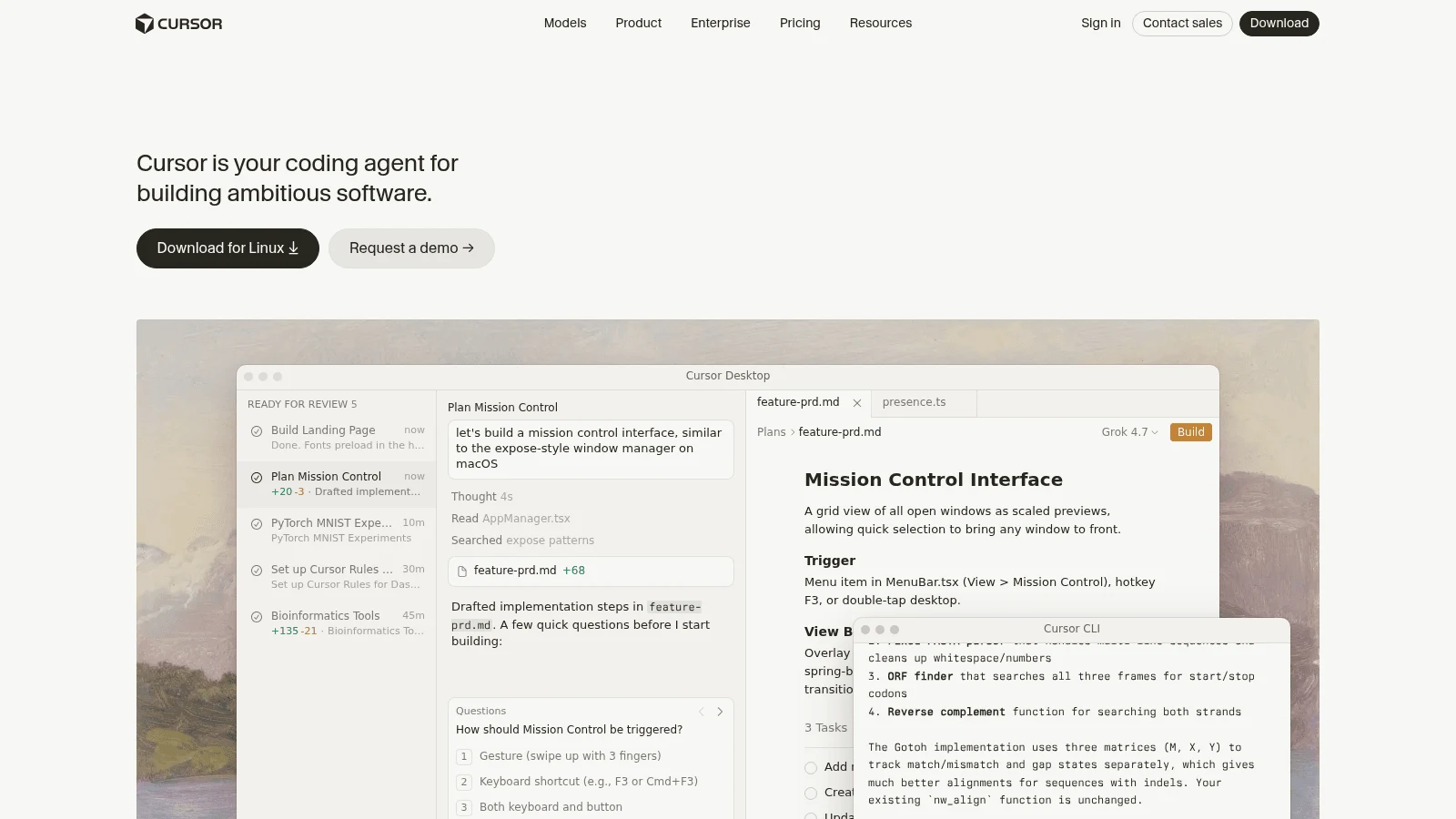
Cursor is an AI code editor, not an app builder. It belongs here because it's where many Bolt projects go next: you sync the repo to GitHub, clone it, and keep building with Cursor's agent on your own machine.
There's no hosting or database inside Cursor, so you wire those up yourself. Every agent request in a fix loop draws on your plan's usage, and we found no free-fix allowance on its pricing pages.
Key features:
- Agent, tab completion and chat across your whole local repo.
- Two monthly usage pools, with overage at API rates.
- A Hobby plan at no cost.
Pricing: Pro is $20 a month, or $16 when you pay for the year, and Pro+ is $60. Teams costs $32 per user billed yearly or $40 monthly.
Pros: Full control of the code, works with any stack and host, the route Reddit commenters suggest after exporting
Cons: You handle hosting, database and deploys; each plan's dollar allowance goes unpublished; OpenAI announced on August 28, 2026 a proposed November 12 shutoff of its models in Cursor
Best for: Developers taking a Bolt export further
Final verdict: The natural landing spot once a project has outgrown any builder.
10. Dyad
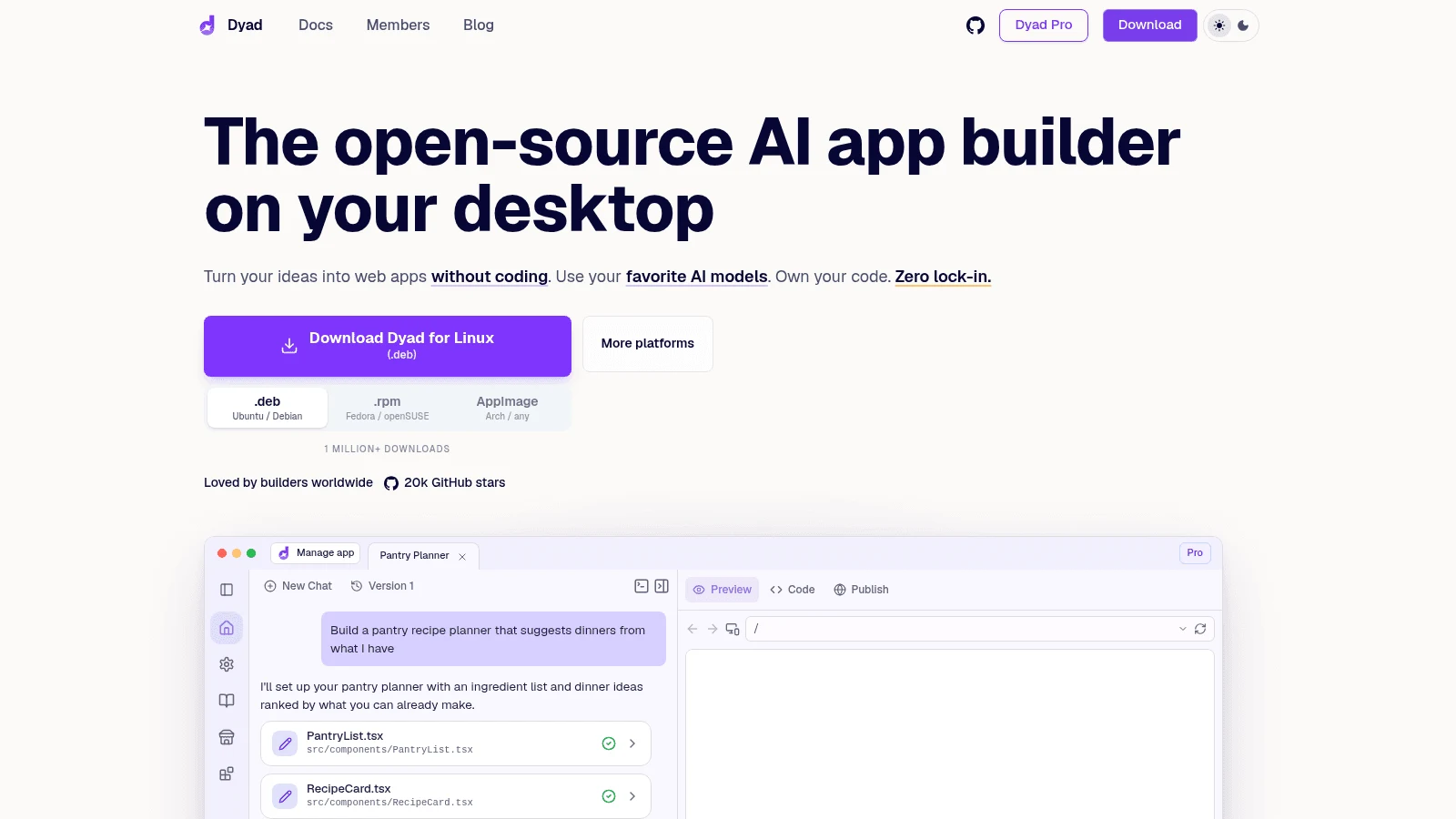
Dyad is a free desktop app (macOS and Windows) for building apps locally, with no sign-up. You bring your own model API key or a ChatGPT account, and each project is a plain folder on your machine.
That changes the economics of a loop: each retry bills at your model provider's rate, on your provider's invoice. The free Basic Agent is capped at 20 messages a day, and Dyad connects to your own Supabase or Neon database.
Key features:
- Runs locally, projects stored as ordinary folders.
- Your own API key, or Pro credits.
- Supabase and Neon for the database.
Pricing: The free version costs nothing beyond your model usage. Pro gets you 200 AI credits for $20 a month and Max 900 for $79, with no yearly toggle shown.
Pros: No lock-in, no sign-up, you see exactly what each model call costs
Cons: Dyad doesn't host your app, you set up the database account yourself, it runs on one machine
Best for: Developers who want ownership above all
Final verdict: Choose Dyad when you'd rather manage your own keys than buy a builder's credits.
What a failed fix costs on each tool
None of the roundups ranking for Bolt.new alternatives compare fix costs. The table covers Bolt and nine of the ten picks, from each vendor's own docs as of October 8, 2026. Google AI Studio is left out because building there is free.
| Tool | What a failed automatic fix costs | The cheaper way out the vendor documents |
|---|---|---|
| Bolt.new | Tokens on every "Attempt fix" | Version-history restore uses no tokens; Plan mode uses fewer |
| Awesomic Studio | Draws the monthly budget; rate unpublished | A specialist can take over (Assisted setup, quoted separately) |
| Lovable | Free for 10 fixes, each back 24 hours after use | Plan mode, then revert from version history |
| Replit | Effort-based; simple fixes typically cost less | Free Mode allowance on Core and Pro; checkpoint rollback |
| v0 | Up to 10 free fixes a day from Business up (Plus not named), unedited code only | After the cap, a fix costs credits like a prompt |
| Base44 | Free on paid plans; message credits on Free | Manual visual edits are free |
| Emergent | Credits per task | A per-session budget pauses the agent |
| Anything | Credits per generation | Paid plans can refund a failed generation's credits, capped monthly |
| Cursor | Plan usage at model API rates | No free-fix allowance on its pricing pages |
| Dyad | Your provider's API rate | Free Basic Agent, 20 messages a day |
In short, Lovable and Base44's paid plans absorb the cost of most automatic fixes, v0 does from Business up and Anything refunds failed generations on request, up to a monthly cap, while every attempt draws on your plan in Bolt and Cursor, or on your provider bill in Dyad. On our Studio, a bug that won't die can go to a specialist instead of another retry.
Most loops start with a vague prompt. Settling the screens and data before the first build, the idea behind design-driven development, gives any agent less to guess.
How to move a project off Bolt
Bolt doesn't trap your code, but the order of steps matters. A thread on Reddit's r/vibecoding about moving off Bolt drew a reply laying out the same route Bolt's docs support: the GitHub repo is the source of truth, and a claimed Supabase database is already yours. Treat it as one community answer, not official guidance.
Steps to take your project with you
Work through these in order, so nothing lives only inside Bolt when you cancel.
- Connect GitHub from Bolt; it creates a private repo on
main, which becomes your source of truth. - Merge any open branches on GitHub, because Bolt doesn't merge branches in-app.
- Download a ZIP from Export as a backup copy.
- Claim your Bolt database to Supabase (Pro or Teams) so the data sits in your own account.
- Import the repo into your next tool, or clone it and continue in Cursor or Dyad.
- Cancel last, since Bolt removes your tokens at the end of the cycle.
If you'd rather hand the move to a person, an AI website designer can rebuild the front end while you keep the data.
Check generated code before real users arrive
Moving tools doesn't fix code the old one wrote. Two older studies, both testing 2021 and 2022 era models, show why a review matters.
A Stanford team's user study, published at ACM CCS 2023, gave 47 participants security tasks, some with an AI assistant. On one SQL task, 36% of those with the assistant wrote code open to SQL injection, against 7% without it, and the assisted group was also more likely to believe its code was secure.
An NYU-led Copilot study at IEEE S&P 2022 checked 1,084 valid programs spread over 18 well-known weakness types: 477 of them, or 44%, contained one, and the C code fared worse than the Python (about 50% against 38%). Today's models are newer, but the lesson holds: before launch, have someone check auth, payments and database rules, a job a dedicated web developer handles faster than another prompt.
Pros and cons of switching from Bolt.new
Switching isn't always the right call, so weigh both sides before you move a working project.
Bolt still does several things well. It imports an existing GitHub repo, keeps separate AI memory per branch, includes auth with leaked-password checks on every plan, and its security audit (paid plans) runs without using tokens. Free hosting is the weak spot: once an account passes 10 GB of bandwidth or 333,333 requests in a month, its sites go offline until the month resets.
The case for moving is mostly about cost control. Several Bolt alternatives absorb failed fixes, cap a single run, or let you pay a model provider directly, and that matters more than the headline price once a project grows. The case for staying is a project that already works: a migration takes real time, and a bug you understand in Bolt is cheaper than a new one somewhere else.
Which Bolt competitors to try first
If fixes are what hurt, start with Lovable or Base44. If Bolt's stack is the limit, try Replit, and if you're ready to own the code, export to Cursor or Dyad.
If you'd like agents to build the app and an Awesomic specialist within reach (quoted separately) when a bug won't budge, Get started with our Studio.
FAQ
What are the best alternatives to Bolt.new?
Of the Bolt.new competitors here, Lovable, with its built-in backend and 10 free fixes, comes closest as a swap. Replit suits builders who need any language, v0 suits Next.js teams, and Base44 makes automatic fixes free on paid plans. Cursor and Dyad fit once you'd rather own the code.
Which Bolt.new competitors don't charge for fixes?
Base44's paid plans run automatic AI fixes without touching your credits. Lovable gives 10 free fixes, each available again 24 hours after use, and v0 gives up to 10 free fixes a day from its Business plan up, on unedited code only. Building in Google AI Studio is free, fixes included.
Can I export my code from Bolt.new?
Yes. Bolt syncs to a private GitHub repo, offers a ZIP under Export, and lets you move its database into a Supabase account you control. Merge branches on GitHub first, since Bolt can't merge them in-app.
Is there a free Bolt alternative?
Yes. Building in Google AI Studio costs nothing, and you pay only if you pick paid models or host on Cloud Run. Dyad is free if you bring your own model key, and Lovable, Replit, v0, Base44, Emergent and Cursor all have free plans.
Why does Bolt use so many tokens?
Bolt sends your project files to the model with each message, so a bigger codebase means a bigger bill per prompt. Repeated "Attempt fix" clicks add to it; restoring from version history uses no tokens.





