 Awesomic Team
Key takeaways:
- Replit Core costs $20 a month ($18 billed yearly), and the same credits pay for Agent work, publishing, storage and databases, so a long build draws on the pool that keeps your app online.
- Six of the ten Replit alternatives here host your app and set up a database for you: Lovable, Bolt.new, Base44, Google AI Studio, Emergent and Anything.
- GitHub Codespaces and Cursor host nothing, so leaving Replit for either one adds a host and a database to your bill.
- Cursor's own docs say a daily agent user typically pays $60 to $100 a month all in, before any hosting.
Replit puts an editor, an AI agent, a database and hosting on one account, so you can describe an app in the morning and share a live link by lunch. That bundle is why people sign up. It's also why the bill gets hard to read, because the credits that pay for Agent work also pay for publishing, storage and databases.
So we judged these Replit alternatives on the bundle. For each tool we checked where the finished app lives, whether a database comes with it, and what a long agent build costs before and after launch.
Awesomic Studio is our own product, so it leads the list. The seven AI app builders after it can all publish what they build, and the list ends with GitHub Codespaces and Cursor, two code tools for people ready to run their own hosting.
Why people look for Replit alternatives
Core now includes a Free Mode allowance (up to 30 hours of chat), but paid Agent work is billed by effort. Replit's docs describe one checkpoint per request, with simple fixes costing less than complex builds, and Plan Mode can bill for reasoning even when no code changes.
What a long agent build costs
Effort pricing is fair on a small fix and hard to forecast on a long build, because every retry is another request. One student's account on Reddit is anecdotal but specific: a "$20/mo Replit Core subscription" plus "$65 in Replit Agent usage on top," for "$85 total, in roughly 2 days," with the "App still less than 50% done."
The same poster wrote that "Spending caps are off by default." Replit does offer budget limits and alerts, so set one on day one, whichever platform you end up on.
Where the app lives
The second reason is the bundle itself. Core's monthly credits cover publishing, storage and databases, and deployments draw on them before billing usage: outbound data transfer past a 100 GiB allowance on Core, Autoscale compute units and requests. Production databases are billed, while development databases are free.
When one pool pays for building and running, it's hard to tell which part of the bill came from which. Leaving means replacing three things at once: the database, the secrets your app reads, and the host. For a SaaS product, those three lines stay on the bill for as long as the app has users, so price them before you pick a tool.
The July 2025 database incident
According to Fortune, Replit's agent reportedly deleted a live database during a code freeze in July 2025, on a project run by SaaStr founder Jason Lemkin, who recovered the data by hand. Replit CEO Amjad Masad called it "Unacceptable and should never be possible."
Replit then added automatic separation of development and production databases, improved rollback and a planning-only mode. Those fixes answer the specific failure. Whether you want the agent and your production data on one platform is still your call.
The best Replit alternatives compared
We checked ten Replit alternatives and competitors against one question: once the app works, where does it run, and who stores its data? Firebase Studio isn't here. Google disabled new signups on June 22, 2026, shuts it down on March 22, 2027, and names Google AI Studio as a replacement, which is why AI Studio took its slot.
| Tool | Best for | Hosting and database included? | Main limitation | Pricing (from) |
|---|---|---|---|---|
| Awesomic Studio | Hosted sites and apps from a brief | Hosting yes, no database listed | No published rate per build | Basic, $20/month |
| Lovable | Full-stack apps on one account | Yes, Lovable Cloud hosting, database and auth | Building and hosting share credits | Free; Pro $21/month billed yearly |
| Bolt.new | Hosted web apps, free tier included | Yes, hosting and databases, Free included | Bigger projects burn more tokens per message | Free; Pro $18/month billed yearly |
| v0 | React and Next.js front ends | Deploys to Vercel, database from Neon, Supabase or Upstash via Vercel | Priced per user | Free; Plus $30/user/month |
| Base44 | Business apps with build and run credits split | Yes, on every plan | GitHub sync starts on Builder | Free; Starter $16/month billed yearly |
| Google AI Studio | Prototypes on Google Cloud | Yes, Firestore and Firebase Auth, publishes to Cloud Run | Cloud Run usage may be billed | Free to start; paid models per token |
| Emergent | Web and mobile builds with long context | Yes, publishing and a managed MongoDB database | A live app costs 50 to 1,100 credits a month | Free; Standard $17/month billed yearly |
| Anything | Native mobile apps with payments | Yes, Postgres database and storage | GitHub sync "coming soon" | Pro $19/month billed yearly; no free building plan |
| GitHub Codespaces | A cloud dev environment for a repo | No, dev environment only | Storage bills while stopped | Free quota on personal accounts; $0.18/hour (2-core) |
| Cursor | Editing code with agents on your machine | No, hosts nothing | Host, database and usage billed separately | Free; Pro $16/month billed yearly |
Six rows read a plain yes and two a plain no. The two in between will host your app but leave the database less settled, so read those entries before you move anything that stores customer data.

1. Awesomic Studio
Best for: Hosted sites and apps from a brief
Overview: We built Awesomic Studio so a plain-words description of a site or app turns into something live. Codex, Claude Code and OpenCode write it in a shared workspace, then Studio hosts and publishes it, privately for your team or on a public link.
That's the part of Replit most people want to keep: one place where the app gets built and goes live. Agents keep working after you close the tab, and for an always-on environment of your own, a dedicated DigitalOcean server can be added to any plan.
Most people start in the Self-serve setup, "Create with AI," and drive the agents themselves. Three more setups sit beside it: "Pair AI with an expert," "Work with a dedicated expert," and "Build together. Automate what repeats."
Studio comes from Awesomic, a team backed by Y Combinator, and one of our designers or developers can join the project at any point. Treat it as a first step alongside our people, never a replacement for them.
Key features:
- A plain-words brief, plus files or links, becomes a working site or app.
- Built-in hosting puts the build online at its own URL, private to your team or public.
- Always-on agents carry on after you close the browser.
- Scheduled automations rerun refreshes, reports and updates without a prompt.
- A dedicated DigitalOcean server add-on gives your builds their own environment.
- Code export, plus connections to GitHub, Figma, Slack and other tools.
Pricing: Whatever plan you choose, its price is all the agents can spend that month: $20 on Basic, $200 on Pro, $500 on Maximum. Nothing on the pricing page says how quickly each model or agent eats into it, and the DigitalOcean server carries no listed price. Assisted and Dedicated work with our people is quoted separately.
Pros: Hosting on the same account as the build, agents that keep working after you leave, an optional dedicated server, code export, an Awesomic designer or developer on call
Cons: Our pages don't list a database or backend, so check that before moving an app that stores user data; no published rate per build or per model; no free plan, not an IDE or a terminal tool, and our pages don't mention custom domains
How to start using it:
- Start on Basic, and judge from the first month whether the app needs Pro's budget.
- Describe the app and attach screens or copy from your Replit version.
- Review the first build and ask for changes in the same thread.
- Share the private link with your team, and make it public once the app holds up.
- Add the DigitalOcean server if the app should run in an always-on environment of its own.
Why it's a good Replit alternative: It keeps the build-and-publish loop that made Replit easy, on a monthly budget you set by choosing the plan.
Final verdict: Choose Studio for a hosted site or front end built from a description, with a person on hand when the agents stall. If your app depends on a database you don't want to run yourself, pick a builder below that includes one.
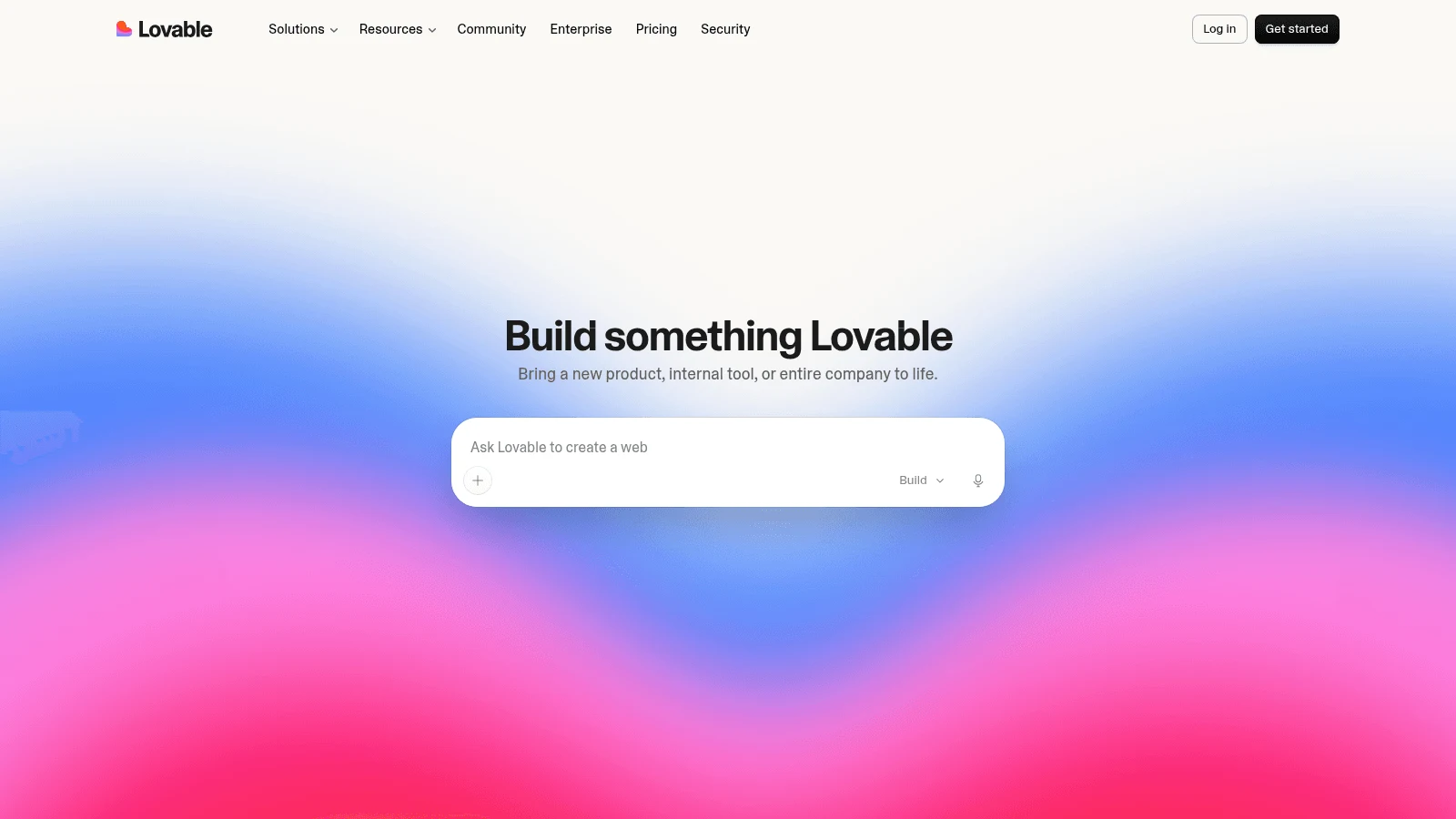
2. Lovable
Overview: Lovable builds full-stack web apps from chat and runs them on Lovable Cloud, its built-in backend covering auth, storage, a database, realtime features and edge functions.
Key features:
- Lovable Cloud sets up the database, file storage and sign-in for each app.
- Two-way GitHub sync on all plans, including Free, so you can take the code with you.
- Plan Mode charges 1 credit a message, so you can think a change through before building it.
Pricing: Free gives 5 credits a day, with 30 a month at most. Pro costs $25 a month, or $21 billed yearly, for 100 monthly credits. One balance covers building, Cloud hosting and the app's built-in AI.
Pros: Database and auth built in, GitHub sync on every plan, Pro isn't priced per seat
Cons: Building and hosting draw on one credit pool, monthly credits expire 2 months after issue, free-plan apps built since May 13, 2026 top out at 1,000 server requests per project every 10 seconds
Why it's a good Replit alternative: Lovable publishes sample costs per message (0.5 to 1.7 credits in Default Mode), so you can rough out what a build will cost before you start.
Final verdict: The pick if you want Replit's all-in-one setup with a published credit range per message.
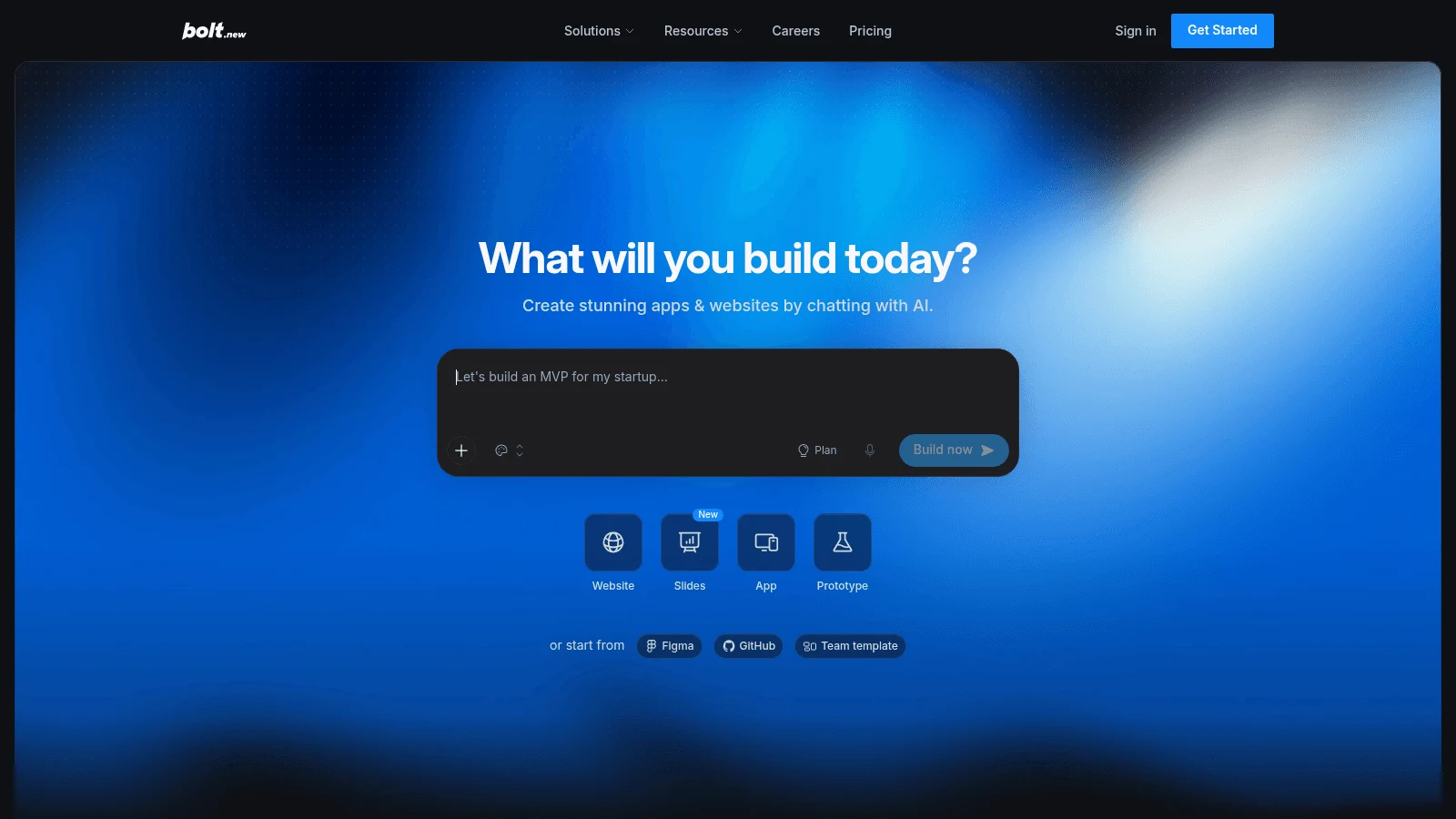
3. Bolt.new
Overview: Bolt.new, from StackBlitz, builds web apps in the browser and hosts them on the same plan. Its free tier includes hosting and unlimited databases, so you can test a live app with stored data before paying anything.
Key features:
- Hosting for up to 333k web requests a month on Free and 1M on Pro.
- Two-way GitHub sync that understands branches.
- Paid tokens that roll over for one extra month.
Pricing: Free includes 300K tokens a day and 1M a month. Paying $18 a month yearly, or $25 month to month, gets you Pro, starting at 10M tokens with no daily limit and a custom domain.
Pros: Hosting and databases on the free plan, branch-aware GitHub sync, token rollover
Cons: Larger projects burn more tokens per message, Bolt branding on Free, custom domains start on Pro
What a long build costs here: According to Bolt's FAQ, syncing the project's files to the AI accounts for most token use, so each message costs more as the codebase grows.
Final verdict: Good for getting a hosted web app live quickly; watch the token meter once the project gets big.
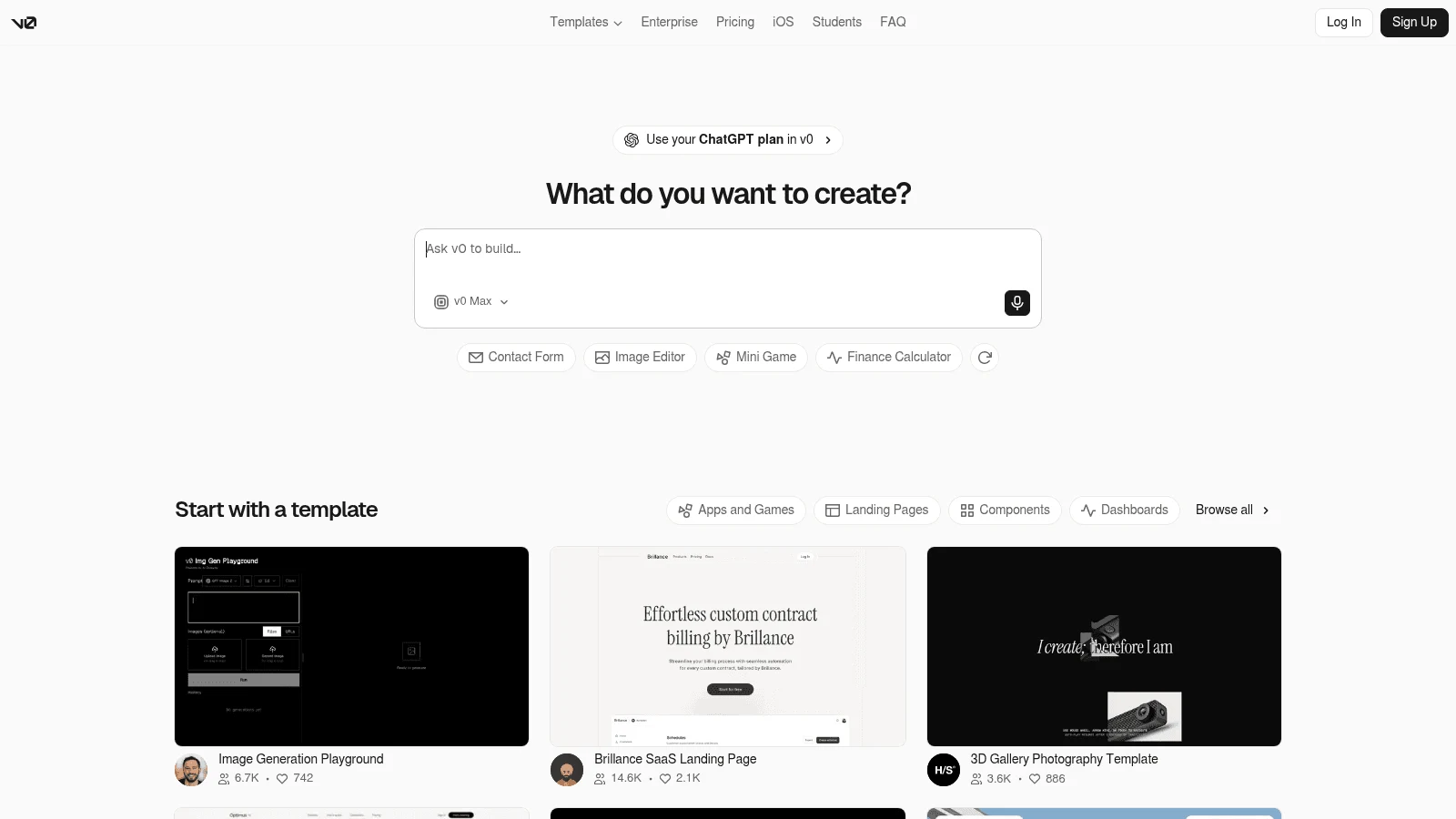
4. v0
Overview: Vercel's v0 (at v0.app) writes Next.js and React apps using Tailwind and shadcn components, and one click publishes them to Vercel. It can import an existing GitHub repo and open pull requests against it.
Key features:
- One-click publishing to Vercel.
- Prepaid credits priced per million tokens by model, from v0 Mini ($0.20 in, $1.20 out) to Max Fast ($10 in, $50 out).
- Code export, so you can deploy somewhere other than Vercel.
Pricing: Free gives new users $5 in one-time credits and 7 messages a day. Plus costs $30 per user a month, with $30 of monthly credits per user and $2 of free daily credits on login, and the pricing page shows no yearly option.
Pros: Token prices published for each model, automatic commits and pull requests, generation pauses when credits run out
Cons: Per-user pricing, the database comes from a separate provider through Vercel, built around Next.js and React
Why it made this list: You can see what each model charges per million tokens before a long build starts.
Final verdict: The right move if your Replit app is mostly front end and Vercel suits you as a host.
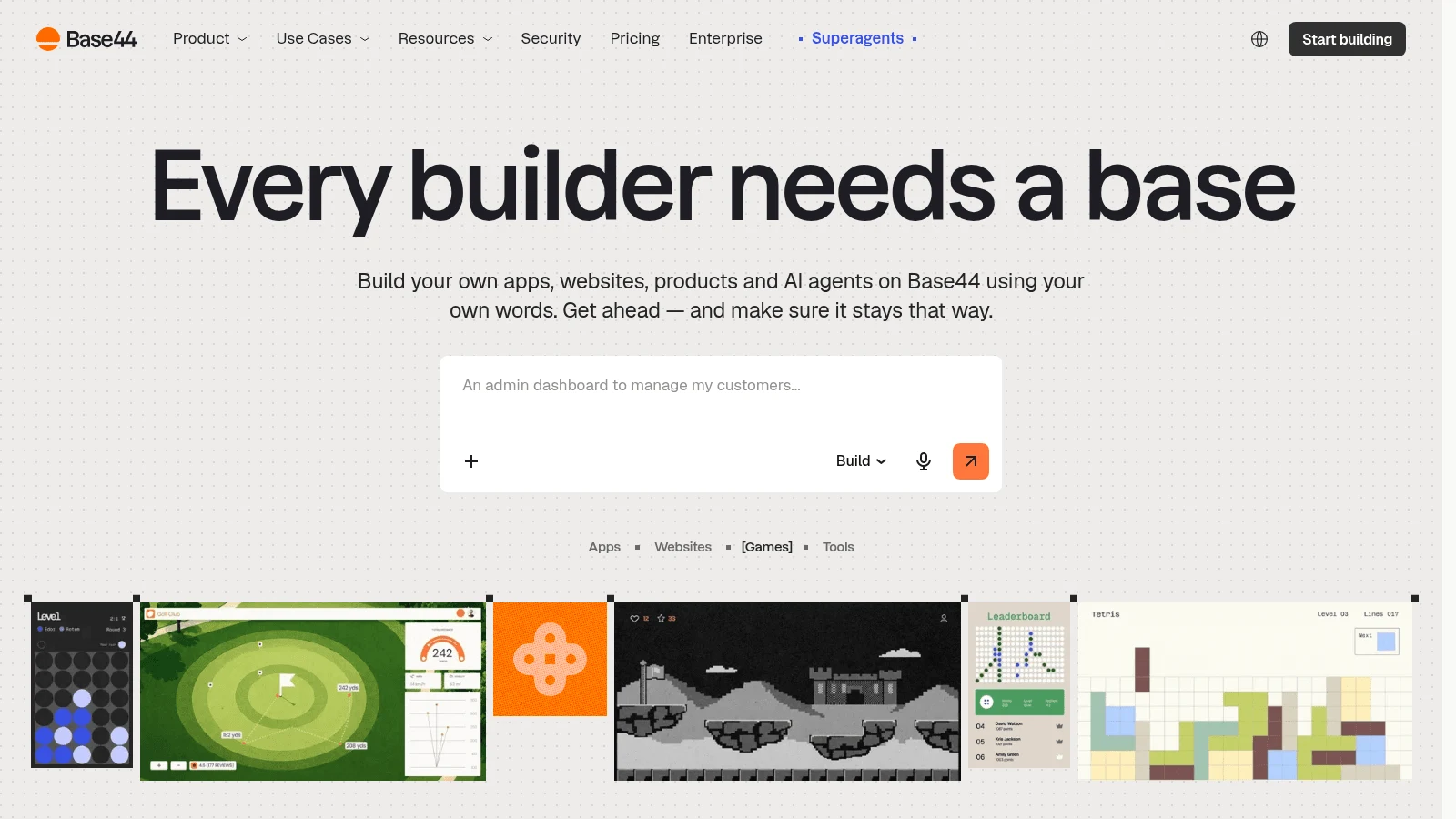
5. Base44
Overview: Wix-owned Base44 turns a chat into a business app, with hosting, a backend, a database and auth on every plan, Free included. Building spends message credits, and anything the live app does spends integration credits.
Key features:
- Separate build and runtime credits, so you can see which side of the bill grew.
- Manual visual edits that use no credits.
- Two-way GitHub sync on Builder and up.
Pricing: Free includes 25 message credits a month. Starter is $20 a month, or $16 billed yearly, for 100 message credits, 2,000 integration credits, unlimited apps and a custom domain.
Pros: A backend on every plan, build and run costs counted apart, free hand edits
Cons: Unused credits expire monthly, GitHub sync starts on Builder ($40 a month yearly, $50 monthly), AI calls inside your app use integration credits (about 1 a call on the default model)
Why it suits a long build: Base44's docs price a simple change at about 0.5 message credits, a small feature at about 1 and a complex module at about 2, which gives you a rough budget before you build.
Final verdict: A good home for internal tools and business apps where you want building and running billed apart.

6. Google AI Studio
Overview: Google AI Studio's Build mode turns a prompt, or a repo imported from GitHub, into a full-stack web app or a native Android app. Google names it as a replacement for Firebase Studio, and it sets up Firebase for you.
Key features:
- A Firestore database and Firebase Authentication ("Sign in with Google") provisioned automatically.
- One-click Publish to Cloud Run, with a Cloud Run URL.
- Two-way GitHub sync, or a ZIP download.
Pricing: Google says you can start building free of charge, with AI Studio included in the Gemini API free tier. Past that, paid models bill per token, and Google notes that "Pricing for Google Cloud Run may apply based on usage."
Pros: A database and sign-in without setup, native Android output, code that syncs both ways with GitHub
Cons: Costs split across Gemini API and Cloud Run billing, sign-in set up for Google accounts, people using a shared app count toward your usage limits
Where it fits: Teams already on Google Cloud, since the prototype runs on the same services they'd scale it on.
Final verdict: Pick it if you're on Google Cloud already or need an Android app.
7. Emergent
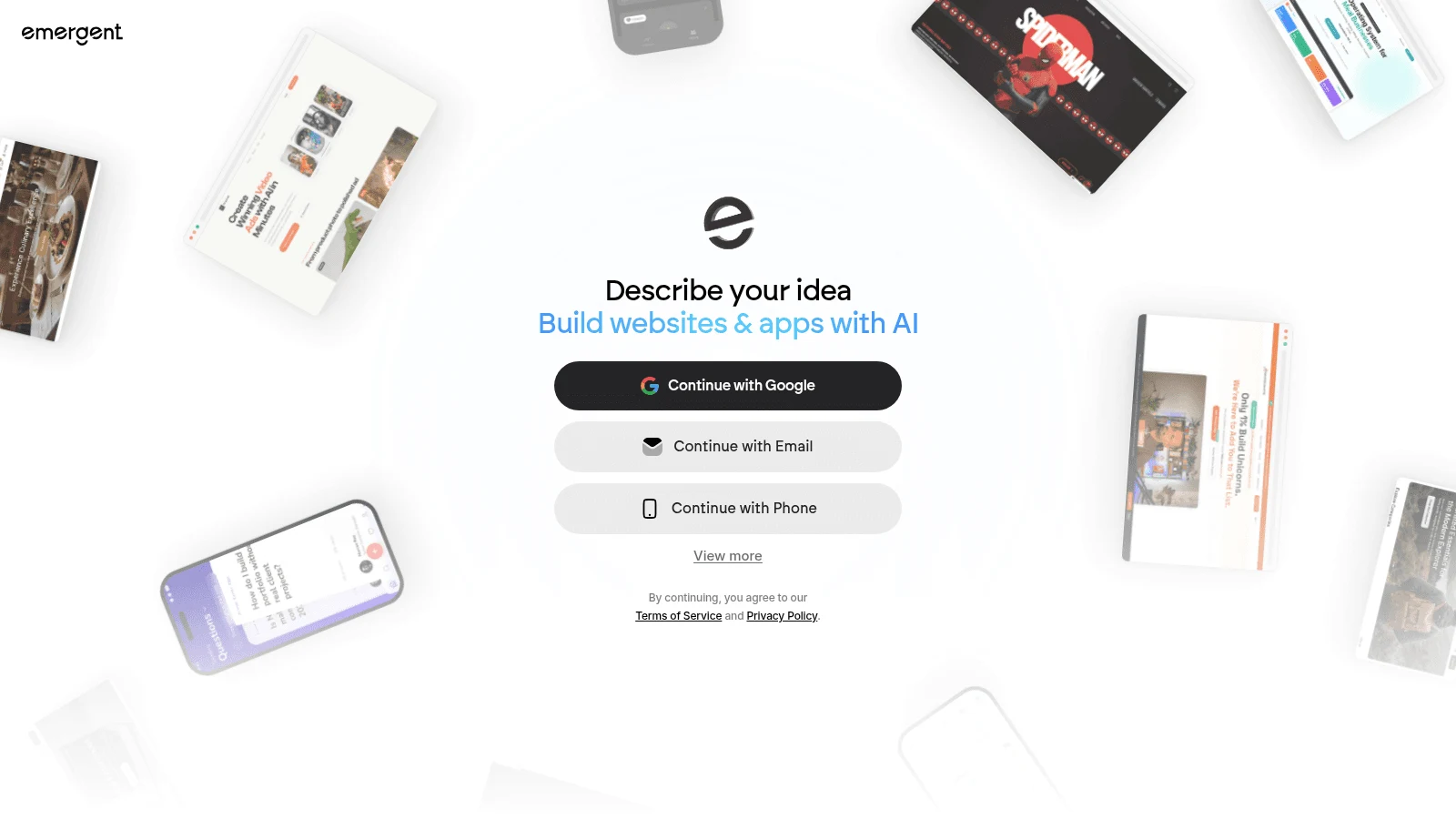
Overview: Emergent builds web and mobile apps through chat with agents that design, code and deploy. Its Pro plan adds a 1M-token context window and custom agents, both useful on long builds.
Key features:
- A managed MongoDB database for every app, with separate preview and production copies.
- GitHub integration and task forking on Standard.
- Self-hosted database support and deployment into your own cloud (VPC) on Enterprise.
Pricing: Free includes 10 credits a month. Standard is $20 a month, or $17 billed yearly, for 100 credits, and Pro is $200, or $167 yearly, for 750 credits. Keeping an app live costs 50 to 1,100 credits a month, depending on its publishing tier, from the same balance.
Pros: Web and mobile on one plan, a long context window on Pro, deployment to your own cloud on Enterprise
Cons: Its docs put a prompt anywhere from a handful of credits to hundreds, hosting draws on the same credits as building, a $180 jump from Standard to Pro on monthly billing
Who should shortlist it: Teams whose builds outgrow a short context, and companies that need the app inside their own VPC.
Final verdict: Worth a trial on Free, but measure what one feature costs in credits before you commit.
8. Anything
Overview: Anything makes native iOS and Android apps as well as web apps, and it submits the mobile builds to the App Store and Google Play. A Postgres database, file storage and Stripe payments are built into the platform.
Key features:
- App Store submission from the Pro plan.
- A Postgres database and storage without a separate provider.
- Code export as a ZIP from the Code tab.
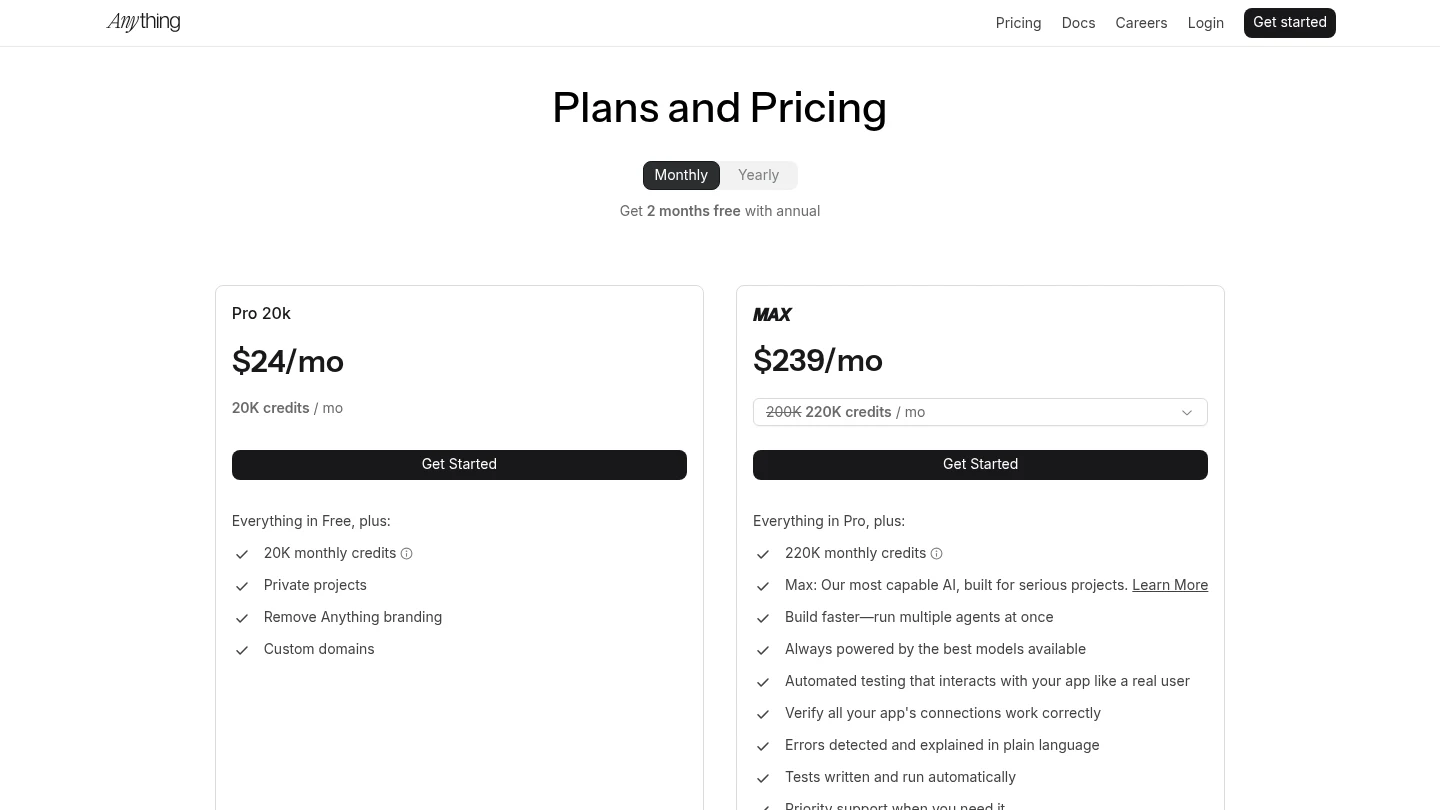
Pricing: Its docs say building an app requires a paid plan. Pro 20k costs $24 a month, or $19 billed yearly, for 20,000 credits, custom domains and code export.
Pros: Native mobile output with store submission, payments built in, custom domains on Pro
Cons: GitHub sync still "coming soon," no free plan for building, the next tier (Max 200k) costs $199 a month billed yearly
Its real strength: Getting a phone app into the stores with payments and a database already wired in.
Final verdict: The pick when your Replit project should really be a phone app.
9. GitHub Codespaces
Overview: Among Replit alternatives, coding platforms like GitHub Codespaces replace the editor and nothing else. Codespaces runs a full development environment in the cloud for any repository, and hosting the finished app isn't part of it.
Key features:
- A cloud machine per repository, from 2 to 32 cores.
- A monthly free quota on personal accounts: 120 core hours and 15 GB-month of storage on GitHub Free.
- Budget settings for metered use.
Pricing: Compute runs from $0.18 an hour on a 2-core machine to $2.88 on 32 cores, and storage costs $0.07 per GB-month. Organization plans get no free quota.
Pros: Works on any repo, published hourly rates, usage blocked rather than billed when no payment method is on file
Cons: No hosting or database, storage billed while a codespace is stopped, 120 core hours last about 60 hours on a 2-core machine
Where it beats Replit: You get in-browser editing for a codebase you already host somewhere else, at a published hourly rate.
Final verdict: The right tool if you only ever wanted Replit's editor, never its hosting.
10. Cursor
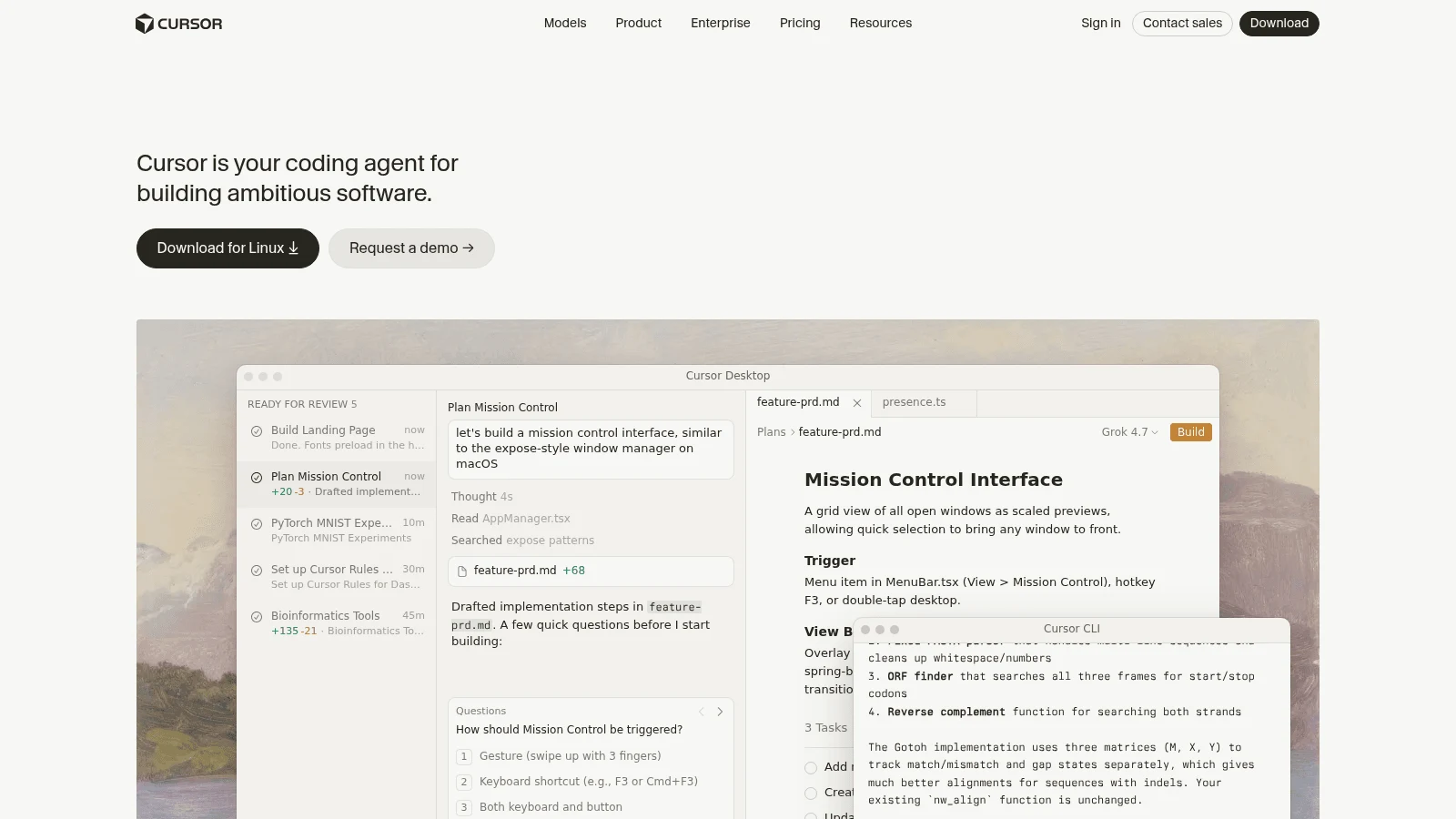
Overview: Cursor is a desktop code editor with AI agents, and Cursor's own August 14, 2026 post says it is now part of SpaceX. It hosts nothing, so an app moved from Replit to Cursor needs a separate host and database.
Key features:
- Agents in the editor, a CLI and the cloud.
- Bring your own key from OpenAI, Anthropic, Google, Azure OpenAI or AWS Bedrock for chat models.
- Separate monthly allowances for Cursor's in-house models and for outside models, which bill at API rates.
Pricing: Hobby is free with limited Agent requests. Pro costs $16 a month on a yearly plan and $20 monthly, and Cursor's docs say daily agent users typically land at "$60–$100/mo total usage."
Pros: Full control of your code and stack, a wide choice of models, your own API keys for chat
Cons: Nothing hosted, usage past the plan billed at API rates, the dollar allowance per plan isn't published on its pricing pages, and OpenAI gave notice on August 28, 2026 of a proposed November 12, 2026 shutoff for its models inside Cursor
What it suits: Developers who've outgrown agent builders and are ready to run their own infrastructure.
Final verdict: Pick Cursor when you want to own the code and the stack, and budget for hosting on top.
What you pay once the app is live
Build credits get the attention, but the bill you keep paying is the one for running the app. The table shows what each option charges for hosting and data once your app has users, with Replit as the baseline.
| Tool | Hosting | Database | What keeps billing after launch |
|---|---|---|---|
| Replit | Built in | Production databases billed, development free | Monthly credits, plus data transfer, compute units and requests |
| Awesomic Studio | Built in; DigitalOcean server add-on, no price shown | None listed | Plan budget of $20, $200 or $500 |
| Lovable | Lovable Cloud | Built in | The same credits that pay for building |
| Bolt.new | 333k web requests (Free), 1M (Pro) | Unlimited databases | Tokens and web requests |
| v0 | Vercel | Neon, Supabase or Upstash via Vercel | Prepaid credits per token |
| Base44 | Every plan | Every plan | Integration credits for runtime services |
| Google AI Studio | Cloud Run | Firestore | Cloud Run usage and paid-model tokens |
| Emergent | Publishing tiers | Managed MongoDB | 50 to 1,100 credits a month to stay live, plus heavy database work |
| Anything | Built in; custom domains from Pro | Postgres | Credits (20,000 on Pro) |
| GitHub Codespaces | None | None | $0.18 an hour and up, plus $0.07 per GB-month |
| Cursor | None | None | Usage at API rates past the plan |
The pattern holds across the table: the all-in-one builders put running costs inside the same credits you spend on building, and the code tools push them onto a separate host's bill. Neither is cheaper by default. It depends on how much traffic the app gets and how often you send the agent back in.
Running costs are where AI products surprise people. Flexera's 2026 report, a survey of 753 cloud decision-makers, found "cloud-based AI workloads are surging causing an increase in wasted cloud spend (29%) for the first time in five years." Check the usage page of whichever tool you pick in the first week, not at the end of the month.
The cheapest long build is a short one. Scope the first version as a true MVP with one workflow and one type of user, because every extra screen means more agent requests on any of the builders here.
When staying on Replit makes sense
Replit is still a fair choice for a lot of apps. Core, at $20 a month or $18 billed yearly, allows unlimited published apps and up to 5 collaborators. Pro, at $100 a month or $90 yearly, adds 10 parallel agents, 15 collaborators and 28 days of database rollback.
Static deployments use no compute units, development databases are free, and budget limits with alerts are available. If your app is small, your traffic is steady and your last few bills made sense, moving will cost you a working day for little saving.
If the app works and only the screens look rough, keep it on Replit and bring in an AI website designer to redesign the front end instead of rebuilding it elsewhere.
How to move an app off Replit
Budget at least a working day, more if the app has paying users. Do the steps in this order so the live app keeps running until the new one is proven:
- Get the code into a GitHub repository you control.
- Export the production database and restore it on the new platform, converting the data first for Emergent's MongoDB or AI Studio's Firestore, or on a managed Postgres host if you're moving to Cursor or Codespaces.
- List every secret and environment variable the app reads, and recreate each one on the new host.
- Deploy to a staging URL and run your main user flows end to end.
- Switch the domain only after staging works, and keep the Replit version running for a week as a fallback.
One builder on Reddit, whose bill passed $400 in a month, described a move like this: "I migrated from Replit to VS Code + Claude, moved my database from Neon to a local PostgreSQL server, and took control of my own infrastructure." It's one person's account, and their verdict was blunt: "at some point convenience became more expensive than learning infrastructure."
If you're in the EU, switching charges are being phased out by law. The EU Data Act says that "From 12 January 2027, providers of data processing services shall not impose any switching charges on the customer for the switching process," and data egress counts as a switching charge. Whether a given builder falls under it is a legal question, so don't assume it covers your move.
When nobody on your team has the hours, compare a freelancer quote for the move with an unlimited web development subscription, which bills a flat monthly fee rather than per task.
Mistakes to avoid when switching
Most bad switches come from comparing the wrong numbers. These are the ones to check before you commit:
- Comparing plan prices instead of build credits, hosting and database together.
- Leaving spending limits at their defaults on the new tool.
- Choosing a code editor when what you needed was hosting.
- Letting the agent work against production data instead of a copy.
- Moving the whole app before rebuilding one feature as a test.
One more is easy to miss. Agents ship screens that work but look generic, so judge the first build against solid web app design patterns as well as on whether the buttons respond.
How to choose the right Replit alternative
Start with where you want the app to live, since most sites like Replit now publish what they build. If you want one account for building, hosting and data, shortlist Lovable, Bolt.new or Base44, and pick Base44 if you want build and run costs billed apart.
If the project is really a phone app, Anything submits to the stores. If it's mostly a front end, v0 fits, and Google AI Studio suits teams on Google Cloud or anyone who needs Android.
If you can run your own host and database, Cursor or Codespaces gives you full control of the code. And if the "app" is really a marketing site, a plain website builder will cost less than any agent credits.
Which Replit alternative to try first
Rebuild one real feature of your Replit app on the free tier or cheapest plan of your top pick, and write down what it cost in credits and how long it took to go live. That single number tells you more than any pricing page, and it's the fairest way to rank the best alternatives to Replit for your own app.
If you'd rather describe the app and have it hosted for you, Get started with Studio on the $20 Basic plan and give its agents the same feature as your test.
FAQ
What are the best Replit alternatives?
It depends on what you want to keep. For an all-in-one setup with hosting and a database, Lovable, Bolt.new and Base44 are the best alternatives to Replit, with Anything for mobile apps. v0 suits front ends, Google AI Studio suits Google Cloud, and Cursor or Codespaces suits developers who'll host the app themselves.
Are there free sites like Replit?
Yes. Lovable, Bolt.new, v0, Base44, Emergent and Cursor all have free plans, Google AI Studio is free to start, and Codespaces gives personal accounts a monthly quota. Bolt.new's free plan includes hosting and unlimited databases.
What are the top rated Replit alternatives for enterprise teams?
Judge enterprise fit on sign-in controls, where data lives and per-seat cost rather than review scores. Lovable Business ($50 a month, $42 yearly) adds SSO, Emergent's Enterprise tier can run the app in your own VPC with a self-hosted database, and Cursor Teams costs $40 per user a month ($32 yearly).
Can you move a Replit database to another platform?
Yes. Export the production database, restore it on the new platform or a managed Postgres host, recreate the app's secrets, then test on a staging URL before you switch the domain. Keep the Replit version running until the new one has handled real traffic.
Is Cursor a good Replit alternative?
For editing code, yes, but it hosts nothing. Moving to Cursor means paying for a host and a database separately, and every agent request past the plan's allowance is billed at API rates. It suits developers ready to run their own infrastructure.





