 Awesomic Team
Key takeaways:
- Appy Pie's Basic and Gold plans publish to Google Play only. The App Store starts on Platinum, at $60 per app a month billed yearly or $120 monthly, and a canceled Appy Pie app stops working.
- Eight of the ten alternatives below publish to both stores, and all but Buildfire undercut Platinum on both billing options, starting with Draftbit at $12 a month on yearly billing, $15 monthly. Buildfire costs more ($165 a month billed annually), and its team submits every update for you.
- Apple's Guideline 4.2.6 rejects template-built apps unless the content owner submits them, and Appy Pie, GoodBarber, Buildfire, Thunkable, FlutterFlow and Andromo all publish under your own developer account ($99 a year for Apple, $25 once for Google).
- Two of the ten don't list store publishing: Glide shares web apps by link, and our Awesomic Studio publishes hosted apps and makes no store-publishing claim.
Appy Pie is a template-and-module app builder. You pick a layout, add features from its library or describe the app to its AI generator, and the app goes live under your own developer account. It suits a small business that wants a simple Android app fast, since Basic starts at $16 per app a month billed yearly.
The math changes once you want iPhone users, and again if you ever stop paying. This guide to Appy Pie alternatives compares ten builders on the question that decides a switch: does the tool publish to the App Store and Google Play, and on which plan?
The guide also covers Apple's rule on template apps, a year of costs side by side, and how to move without stranding your users. We read every price off the vendors' own pages on October 8, 2026.
Why people look for Appy Pie alternatives
Most complaints trace back to a few lines on Appy Pie's own pricing page and FAQ.
iPhone publishing sits on the top self-serve plan
Appy Pie prices every plan per app. Basic costs $16 a month billed yearly or $32 monthly, Gold costs $36 or $72, and the plan text for both says they support Android only. Platinum, at $60 or $120, is the first plan that "supports all the platforms Android and Apple."
Appy Pie's homepage FAQ says publishing to the App Store and Google Play needs "a paid plan starting at $16/month," which contradicts its pricing page, so go by the pricing page. Usage caps sit on top: Basic includes 500 app downloads a month, and extra downloads cost $0.009 each.
Each app is a separate subscription, and it stops when you stop paying
The FAQ says "each app requires its own individual subscription," so two apps on Platinum means two Platinum bills. Canceling is the bigger risk. Asked whether an app works after you cancel, Appy Pie answers: "No, once you cancel your subscription, your app will be locked and will stop functioning."
There's no code to take with you either. Its homepage FAQ asks "Does the AI write code I can export?" and answers "No," adding "You don't get a Git repo." Leaving means rebuilding somewhere else.
Submissions and setup help cost extra
The first app submission is free and later ones are charged. Resubmitting a rejected app "may incur standard service charges," and Appy Pie doesn't guarantee approval. Unlimited resubmissions come in an add-on package priced at twice your plan, and onboarding help beyond three free sessions costs $25 an hour with a 10-hour minimum.
Charged resubmissions add up for some owners. In an r/nocode thread, one Appy Pie user wrote: "I'm out over $3000 and no app. A wee bit pissed." After reading their Apple submission logs, they added: "They are definitely milking the subscription." It's one anecdotal account, but it shows how per-app plans stack up when an app keeps getting rejected.
What Apple's template rule means for any app builder
Apple's App Review Guidelines speak to this kind of tool directly. Guideline 4.2.6 says: "Apps created from a commercialized template or app generation service will be rejected unless they are submitted directly by the provider of the app's content." The same guideline says these services "should not submit apps on behalf of their clients."
That's why the developer account matters more than the builder's logo. Appy Pie lists "Go Live Under your Developer Account" on every plan, GoodBarber's team submits "under your Apple Developer Account," and Buildfire's publishing team uses the account the customer owns, "never Buildfire's." Thunkable, FlutterFlow and Andromo publish or upload with your own accounts too, so the listing belongs to you.
Guideline 4.3 adds a second test. Part (a) says "Don't create multiple Bundle IDs of the same app," and part (b) opens with "Don't submit apps that are indistinguishable from what's already widely available." A restaurant app that differs from other template apps only in its logo and menu is exactly what part (b) warns against.
So the useful question about any Appy Pie alternative is how far you can move away from its starting templates. The choice between templates and custom design usually gets framed as branding, but on the App Store it's also an approval question.
How we picked and ordered these Appy Pie alternatives
Our own Awesomic Studio sits at number one because it's our product, not because it won a test. The other nine run from the closest like-for-like replacements, drag-and-drop and template builders that publish native apps to both stores, to visual development tools that ask more of you and give you a backend or code in return.
Glide comes last because it publishes no store app at all, and we kept it because it's often the honest answer for a staff tool or customer portal. We left out Softr, which builds progressive web apps only, Jotform, which is a forms tool first, and app design apps that stop at screens.
The best Appy Pie alternatives compared
The table gives each tool's store-publishing answer with the lowest plan that includes it and the limitation most likely to matter after a switch. Appy Pie sits in the last row for reference.
| Tool | Best for | Publishes to the app stores? (lowest plan that does) | Main limitation |
|---|---|---|---|
| Awesomic Studio | Designing and building an app from a brief | No store-publishing claim on any Studio page; apps go live as hosted links (Basic, $20/month) | No push-notification or ecommerce claim |
| Adalo | No-code native apps at a flat price | Yes, both: Starter, $36/month billed yearly or $45 monthly (1 app) | Push notifications start on Professional |
| GoodBarber | Template content and ecommerce apps | Yes, both: Premium, $55/month billed yearly or $70 monthly; Standard is web only | App stops working if you cancel |
| Thunkable | Drag-and-drop apps with block logic | Yes, both: Builder, $37/month billed yearly or $59 monthly (1 app) | Apps go offline when the plan lapses |
| Buildfire | The vendor submitting every update | Yes, both, every plan: Standard, $165/month billed annually or $209 monthly | Dearest plan here; demo-led |
| Andromo | Content and ad-funded apps | Yes, both: Hobbyist, $24/month billed annually or $32 monthly | You upload the builds; no refunds |
| Bubble | A web app and a native app together | Yes, both: Mobile Starter, $42/month billed yearly or $49 monthly | Usage-based workload units |
| FlutterFlow | Visual builds with Flutter code | Yes, both: Basic, $29.25/month billed yearly or $39 monthly | You set up the backend |
| Draftbit | The cheapest two-store plan | Yes, both: Standard, $12/month billed yearly or $15 monthly | AI credits extra without your own key |
| Glide | Staff and customer apps shared by link | No: GlideOS and Glide Classic apps don't go to either store | No store listing |
| Appy Pie (reference) | Fast template apps for Android | Google Play from Basic ($16/month billed yearly, $32 monthly); App Store only on Platinum ($60 / $120), per app | App locks when you cancel; no code export |
Buildfire is the one store publisher here that costs more than Appy Pie Platinum, and it folds the submission work into the plan.
1. Awesomic Studio
Best for: Designing and building an app from a prompt
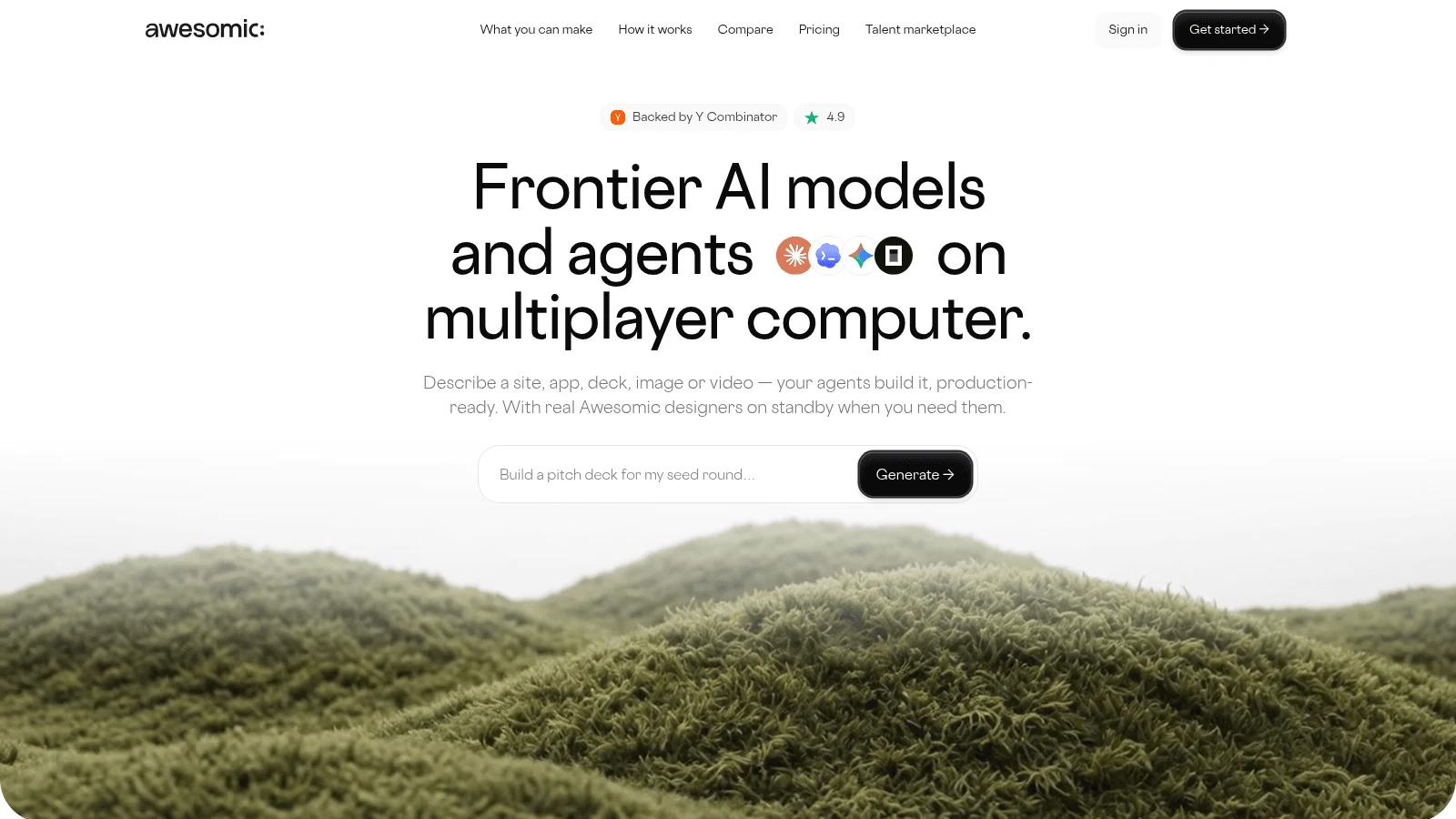
Overview: Awesomic Studio is our AI workspace for building from a brief. Tell it about a mobile or web app in plain words, add files or links, and its agents (Claude Code, Codex and OpenCode) design and build the app together, then publish it to a live link that stays private or goes public.
That's a different starting point from Appy Pie: the app grows from your brief rather than a template, and you can export the code or move the work into another tool later.
When a template-style build stops being enough, the Dedicated setup puts a vetted Awesomic designer, developer or small team on the project for ongoing work, with or without AI in their process. We accept the top 0.82% of applicants, and that setup is quoted separately from the Studio plans. Studio is where the work starts, and that person carries it further: an extension of their work, never a replacement for it.
Key features:
- Prompt-to-app design and build for mobile and web, from text, files or links.
- Always-on agents that carry on once you've left.
- Hosted publishing to a private or public link.
- Code export, or export into other tools.
- Links to Figma, GitHub, Slack, Notion, Linear, Webflow, Framer and Google Drive.
- A Dedicated setup with a vetted designer or developer, quoted separately.
Pricing: The plans are Basic ($20), Pro ($200) and Maximum ($500), billed monthly, and the fee becomes the agents' spending budget for that month. Studio has no free plan or trial, and nothing on its pricing page shows the rate at which one build uses up that budget. Dedicated help is priced on request, outside all three plans.
Pros: An app built from your brief instead of a template, a live link with no store review, code export, agents that work while you're offline, a vetted expert you can bring in
Cons: No app-store publishing, push-notification or ecommerce claim on any Studio page, and usage-budget pricing with no published draw-down rate and no free plan
How to start using it:
- Write a one-paragraph brief: who uses the app, its three main screens and what each does.
- Pick Basic, paste the brief and attach screenshots of your current Appy Pie app.
- Ask for changes in plain words until the flows match how your users move.
- Publish to a private link and send it to five real users.
- Ask for a Dedicated quote if the design needs more than the agents deliver.
Why it's a good Appy Pie alternative: It replaces the template step with a build from your own brief, and an Awesomic expert can carry the app further.
Final verdict: Use Studio to design the app and prove it on a live link; pick a store publisher below when the listing is the goal.
2. Adalo
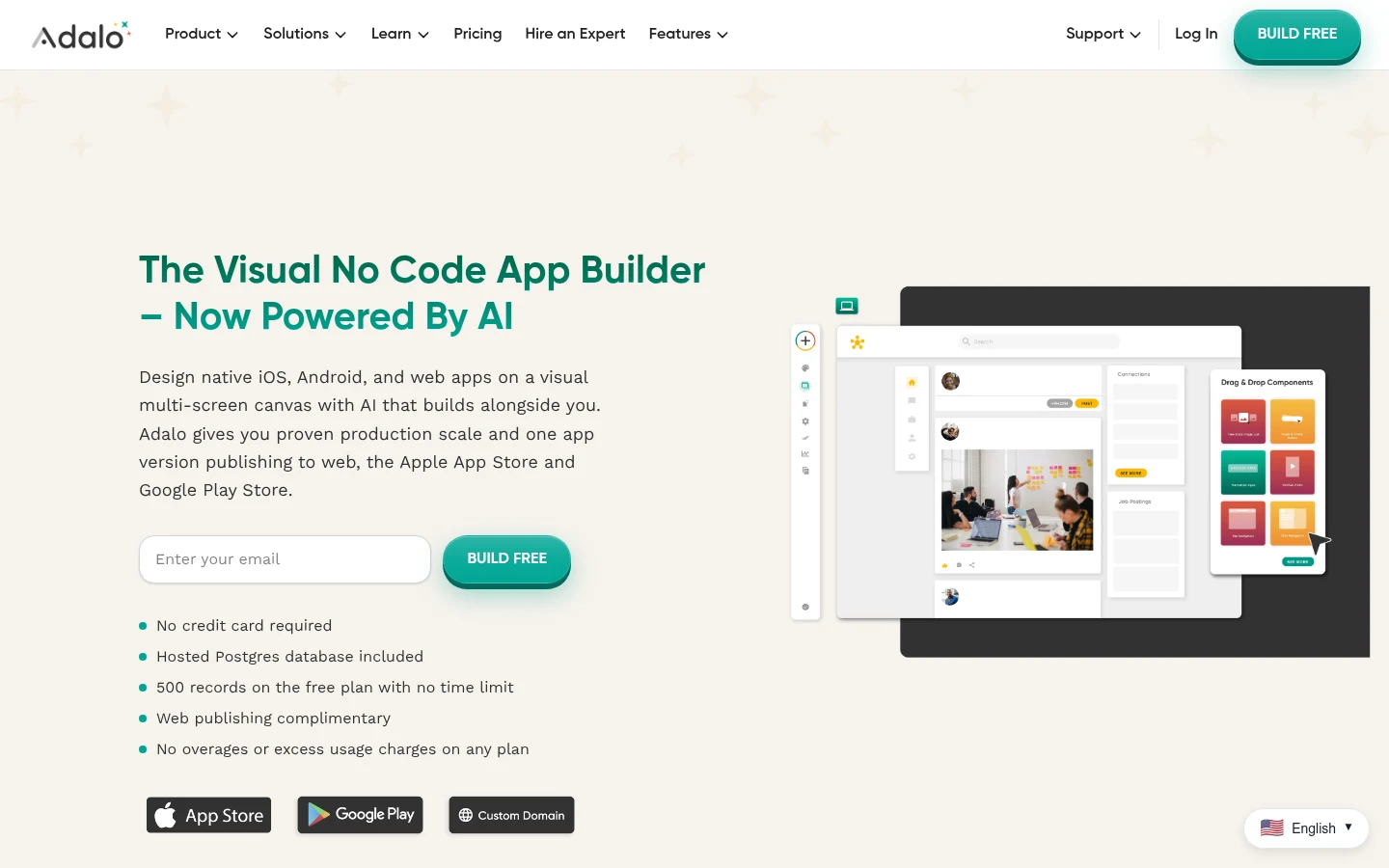
Overview: Adalo is the nearest swap for an Appy Pie user who wants to keep building without code. You drag components onto screens, and Adalo compiles "true native builds (IPA and APK)," which it says are "not web wrappers."
Its plans also carry "No usage-based charges," so a busy month costs the same as a quiet one.
Key features:
- Native iOS and Android builds from the first paid plan.
- Flat prices with no usage meter.
- A free plan for building and testing, with 500 records per app.
Pricing: Free publishes no apps. One published app on Starter runs $36 a month on yearly billing or $45 if you pay monthly, and Professional ($52 yearly, $65 monthly) raises that to two apps with five editors.
Pros: Both stores on the entry plan, a bill that doesn't move with traffic, no code to learn
Cons: Push notifications and geolocation need Professional, code export is "Not currently" available, an unpublished app becomes a "Test App" that stops running actions
Why it's a good Appy Pie alternative: You get iPhone publishing for $24 a month less than Platinum on yearly billing, without learning a new way to build.
Final verdict: The closest like-for-like move, once you've priced Professional if your app relies on push.
3. GoodBarber
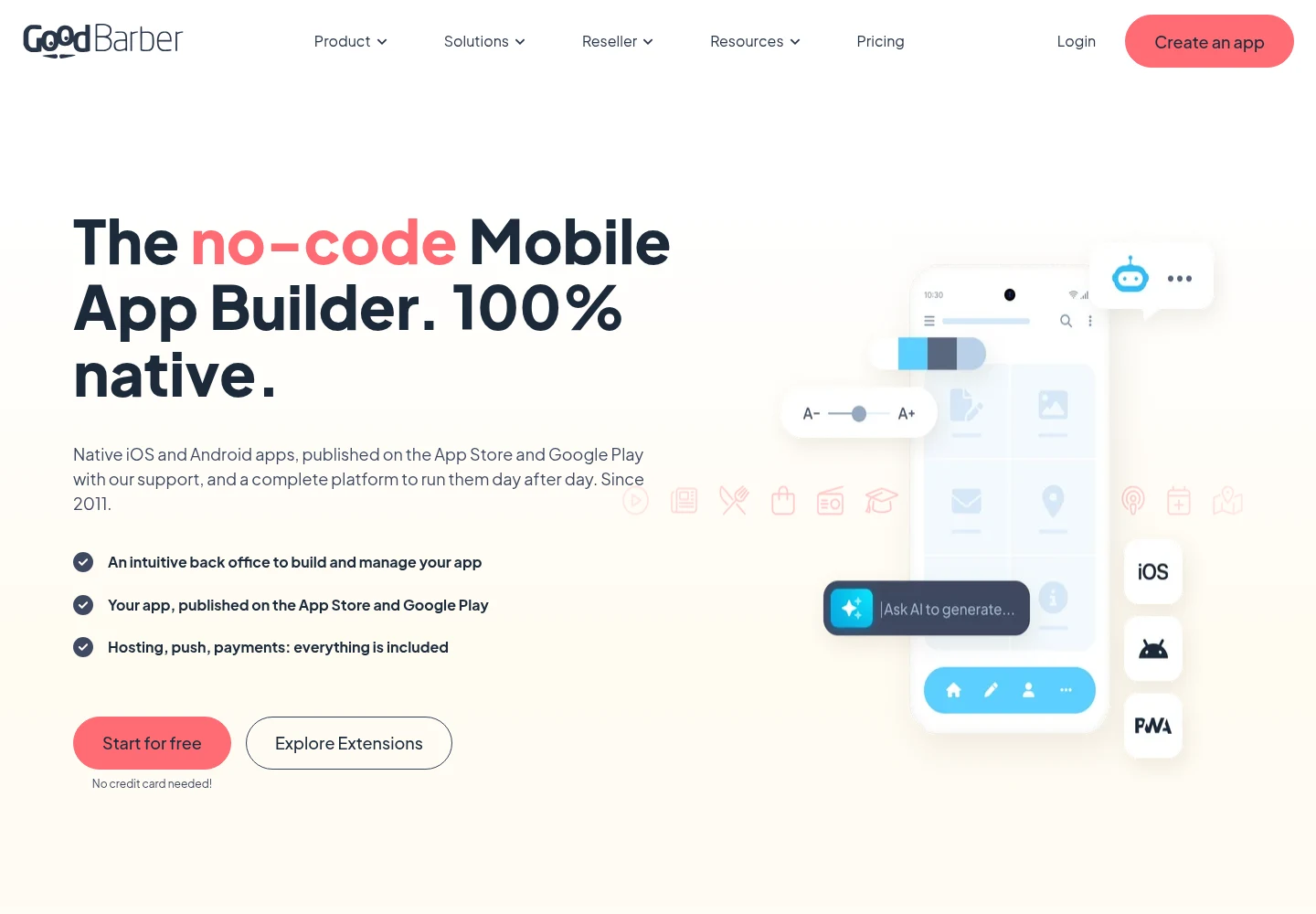
Overview: GoodBarber builds content and ecommerce apps from templates, with native apps "compiled in Swift and Kotlin." Its Standard plans make web apps only, so the stores start on Premium.
GoodBarber also sells a one-time license that covers 10 years, for owners who'd rather not pay monthly.
Key features:
- Content and eCommerce app lines, with "0% commission" on sales.
- Optional App Store submission by its team, under your Apple account.
- One-time content licenses: Pro at $4,600 and Agency at $12,000.
Pricing: Content Premium costs $55 a month billed yearly or $70 monthly, and eCommerce Premium costs $70 or $90. Its team's App Store submission costs $50 for 5 credits, an initial submission plus 4 updates.
Pros: A 30-day free trial with no card, a one-time license option, submission help priced up front
Cons: Standard is web only, one subscription covers one project, the app "will no longer function" if you cancel
Where it fits: Restaurants, publishers and shops that liked Appy Pie's templates and want a clear submission price.
Final verdict: The best template-led replacement here for content or ecommerce apps.
4. Thunkable
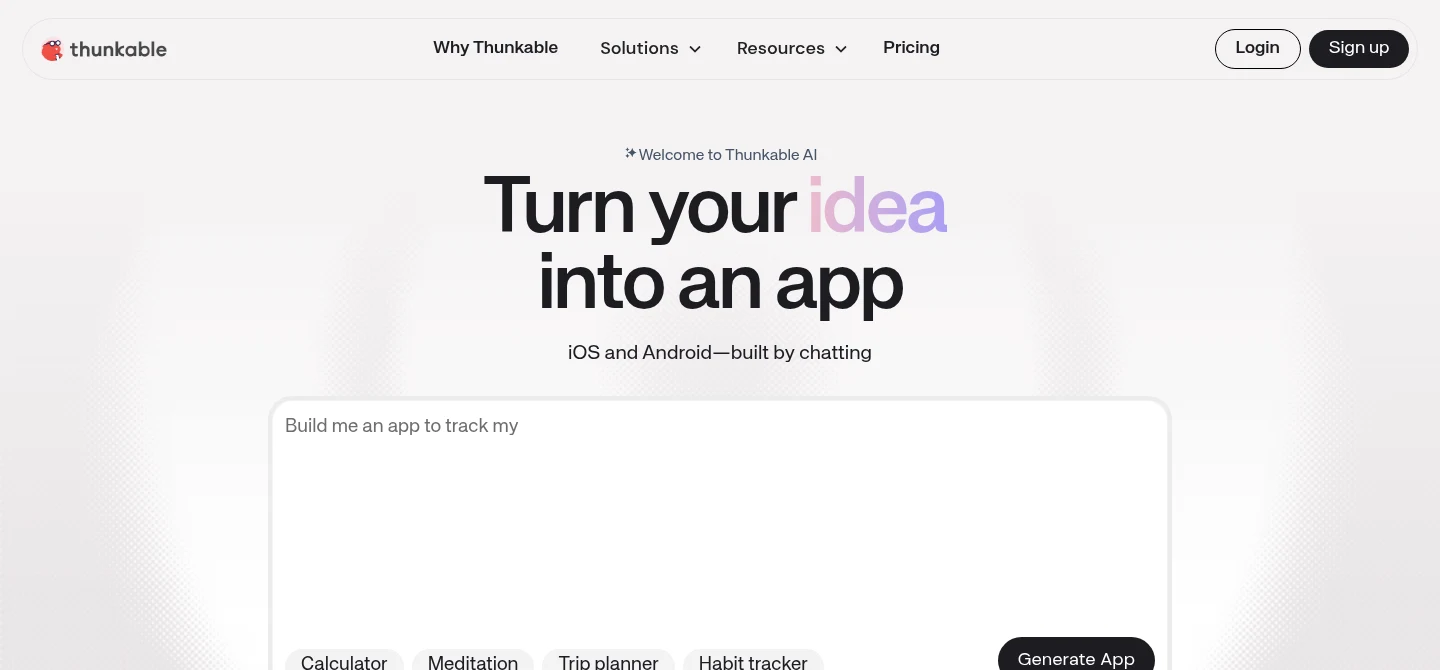
Overview: Thunkable is a drag-and-drop builder that handles app logic with visual blocks, so an app can do more than preset modules allow. You publish from inside Thunkable with your own developer accounts.
Its pricing page opens on monthly billing, with yearly prices behind a toggle.
Key features:
- Visual blocks for app logic.
- Store publishing from inside the editor.
- A free plan with 2,000 AI tokens and 3 public projects.
Pricing: Builder, the first plan with a live published app, costs $37 a month billed yearly or $59 monthly for one app. Advanced covers unlimited live apps at $99 a month billed yearly or $189 monthly.
Pros: More control over logic than template modules, publishing without leaving the tool, a free plan to learn on
Cons: Published apps "become unavailable" when the subscription expires, a staff reply on its forum rules out source export, a second app means Advanced
Why it made this list: For one app, Builder undercuts Appy Pie's Platinum by $23 a month billed yearly, and it publishes to both stores.
Final verdict: A good step up from Appy Pie when your app needs custom logic.
5. Buildfire
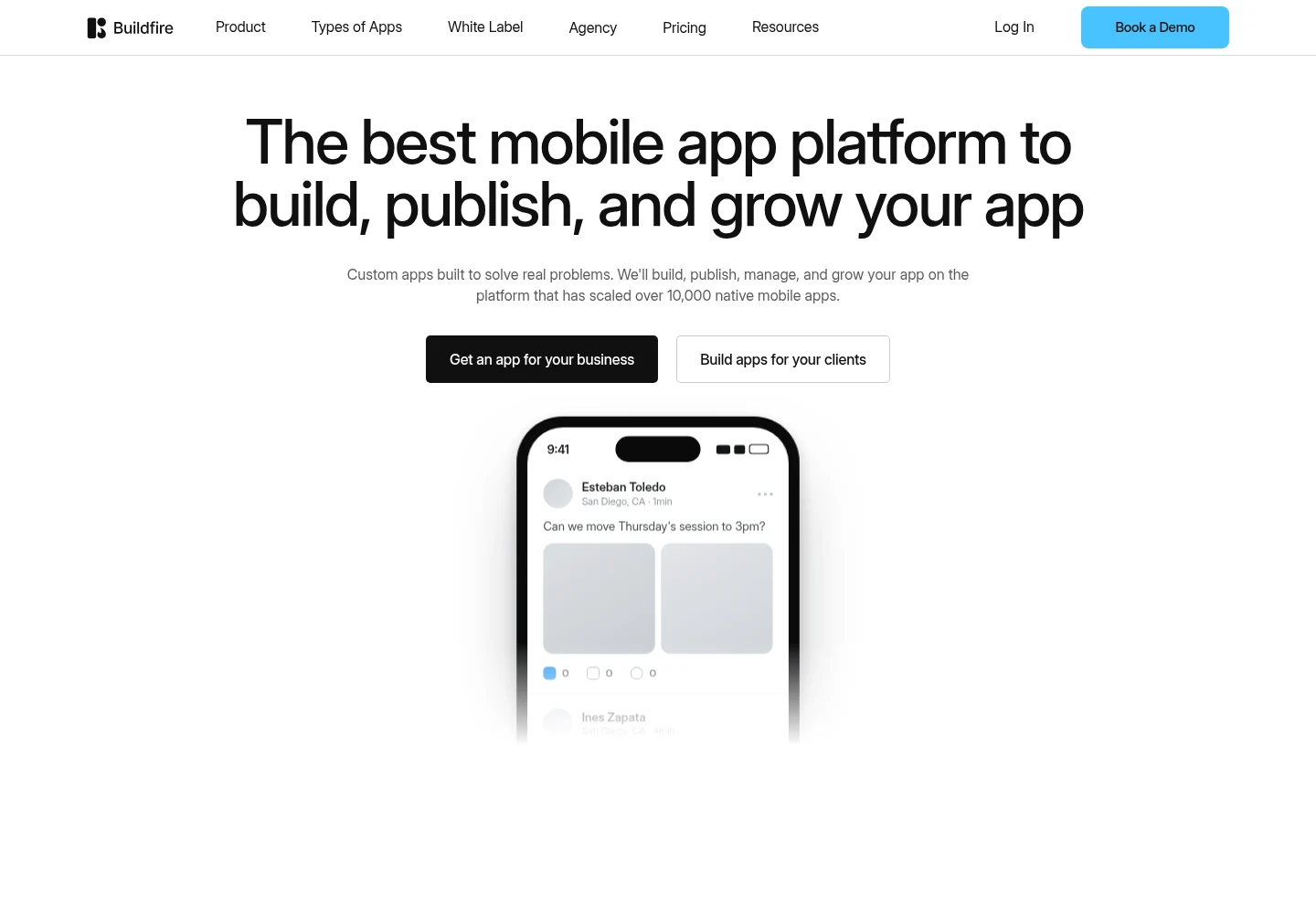
Overview: Buildfire is the done-for-you option. Every plan publishes iOS, Android, tablet and web versions, and its team submits under your own developer account, then resubmits every update: "We keep it published."
Buildfire is owned by Curious, a long-term holding company, and its footer reads "A Curious Company."
Key features:
- Publishing support on every plan.
- 100,000 push notifications a month on Standard.
- In-app purchases from Growth.
Pricing: The page defaults to annual billing. Standard costs $165 a month billed annually or $209 monthly, Growth $315 or $389, and Scale $440 or $549.
Pros: Its team submits and resubmits for you, a large push allowance, publishing on every tier
Cons: The dearest entry here, every plan routes through "Book a demo," no self-serve free plan or trial on its pricing page
Its real strength: It removes the submission and resubmission loop that frustrates Appy Pie owners most, with publishing support included in every plan.
Final verdict: Worth the price if store submissions are why you're leaving.
6. Andromo
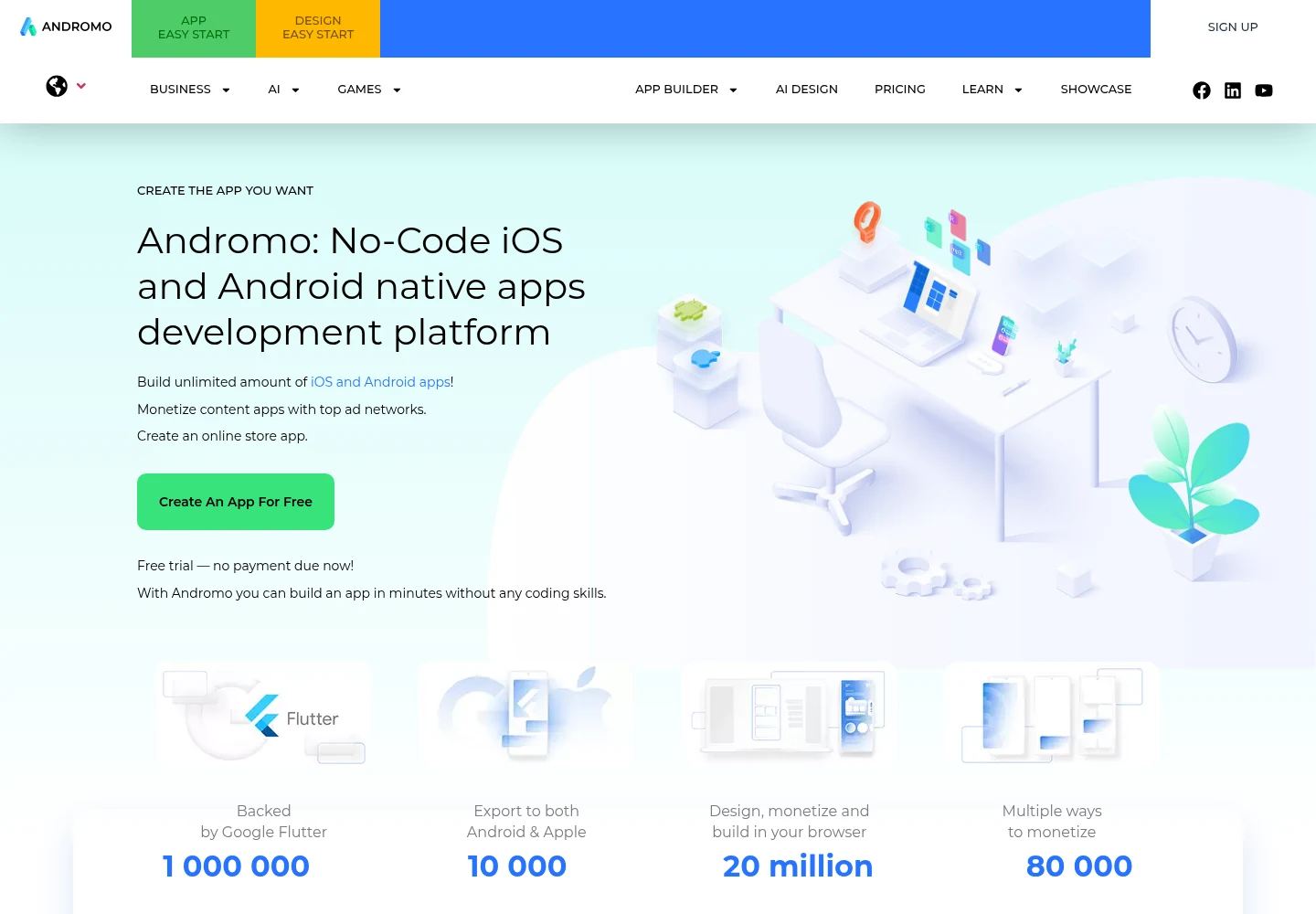
Overview: Andromo builds content and ad-funded apps. "With one click," it produces Android builds (APK or AAB) and an iOS build (IPA), and you upload them to your own Google Play and Apple accounts.
A lapse plays out differently from Appy Pie: Andromo's FAQ says the app "stops running ads" and is deleted from Andromo after a month, but "will still be available in Google Play."
Key features:
- Android and iOS builds from the cheapest paid plan.
- Up to 300 projects on Hobbyist.
- AdMob monetization options on Ultra.
Pricing: Hobbyist costs $24 a month billed annually or $32 monthly. Ultra costs $42 or $56 and adds advanced monetization, paid for with an impressions commission to Andromo.
Pros: The second-cheapest two-store plan here, up to 300 projects on one plan, a 14-day trial
Cons: You handle every store submission, the product centers on ad income, "all sales are final" with no refunds
What it does better than Appy Pie: Both stores for less than half of Platinum, and a Google Play listing that outlives the subscription.
Final verdict: A budget pick for a content app you're happy to submit yourself.
7. Bubble
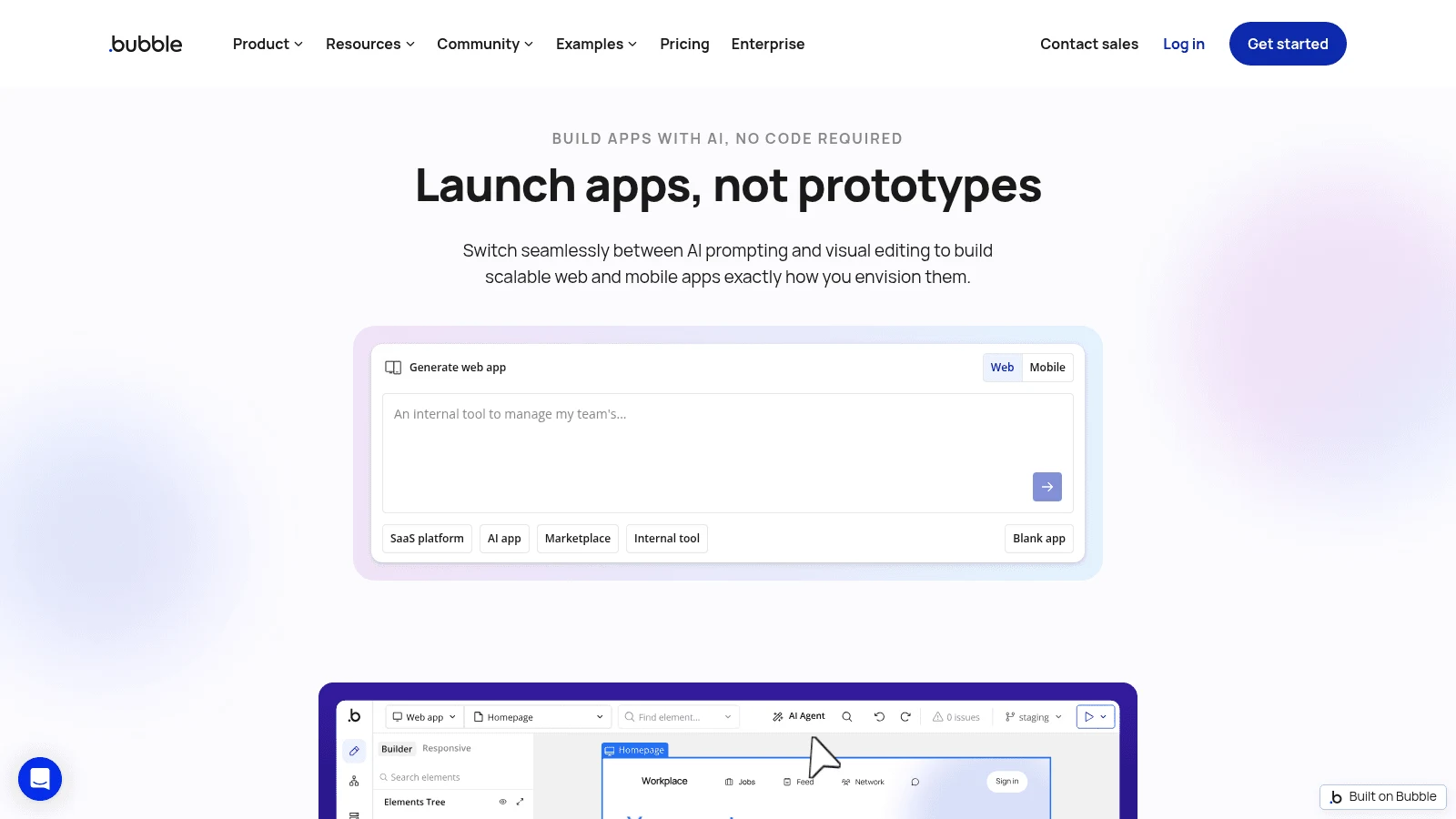
Overview: Bubble suits an app that needs real workflows and a database behind it. One editor builds a web app and a native mobile app, and Bubble's FAQ says the native apps "run on React Native."
Bubble asks more of you than a template builder, and it bills by usage as well as by plan.
Key features:
- Web and mobile apps from one editor and database.
- Store builds on Mobile and Web & Mobile plans.
- Five store build submissions a month on yearly-billed Starter.
Pricing: On Mobile Starter you pay $42 a month with yearly billing or $49 month to month, while Web & Mobile Starter runs $59 or $69. Extra workload units cost $0.30 per 1,000.
Pros: A full backend in the same tool, one project for web and mobile, a 14-day Starter trial on new apps
Cons: A bill that's hard to predict, an app "taken offline" if units run out with overages off, "no traditional codebase to export"
Why buyers shortlist it: Instead of preset modules, it puts user accounts, a database and multi-step workflows in the same editor as the mobile app.
Final verdict: Pick Bubble when the app is really a product, not a brochure.
8. FlutterFlow
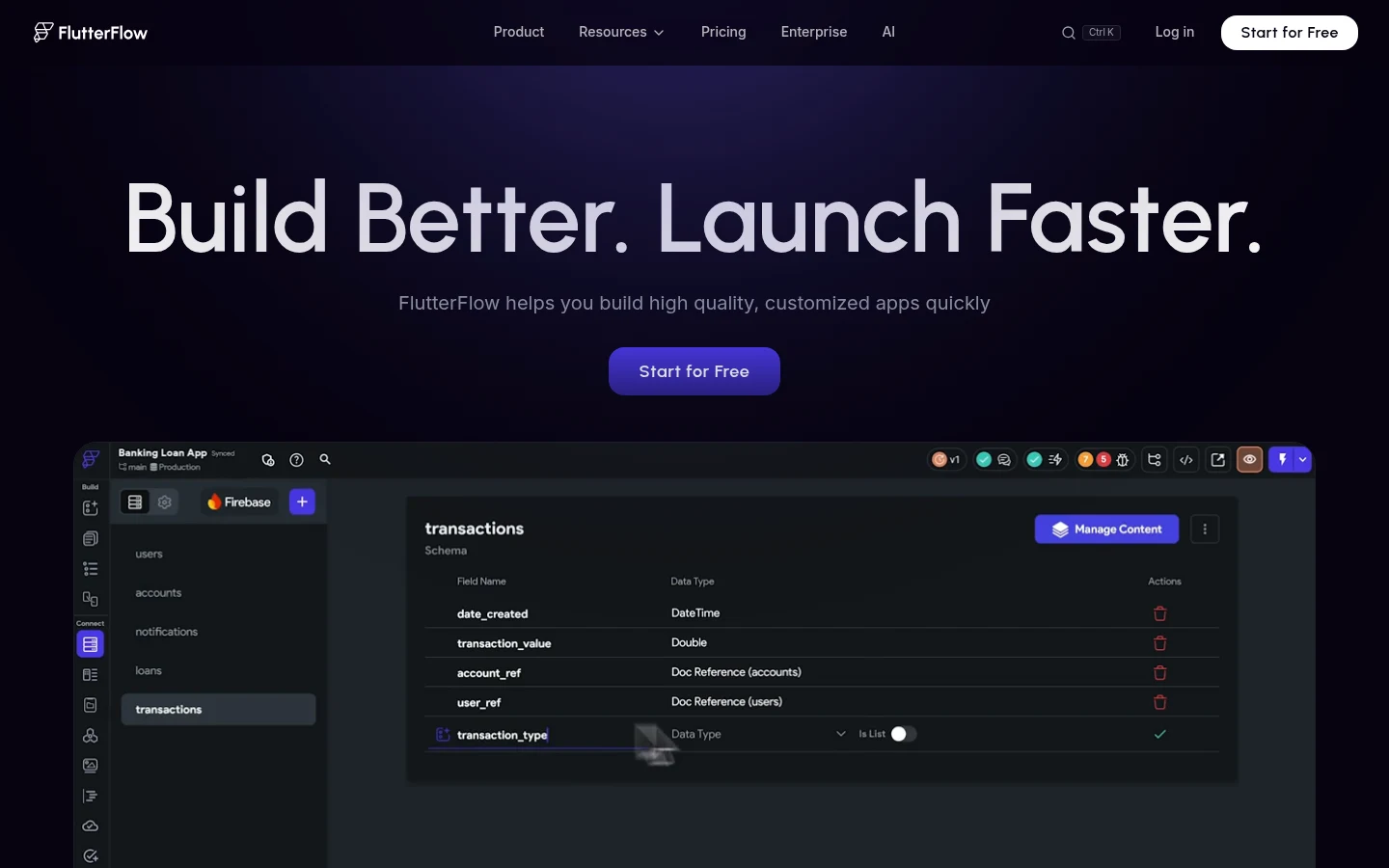
Overview: FlutterFlow is a visual builder that produces real Flutter code, the direct answer to Appy Pie's "You don't get a Git repo." From Basic, you download the code and APK and deploy to the App Store with your App Store Connect API key.
You bring the backend, usually Firebase or Supabase, and someone still has to plan the flows as well as the screens, which is the app designer vs UI designer split in practice.
Key features:
- Flutter code download from Basic.
- App Store deployment, with builds run through Codemagic.
- A free plan with 2 projects.
Pricing: Basic costs $29.25 a month billed yearly or $39 monthly for one editor. Growth costs $60 for the first seat plus $41.25 for a second, billed yearly, or $80 plus $55 monthly.
Pros: Code a developer can own, native builds, a team plan to grow into
Cons: No code download, APK or store deployment on Free, a separate backend bill, collaboration only from Growth
Where it beats Appy Pie: You keep the code, so a future move doesn't start from zero.
Final verdict: The strongest pick here for an app a developer will own later.
9. Draftbit
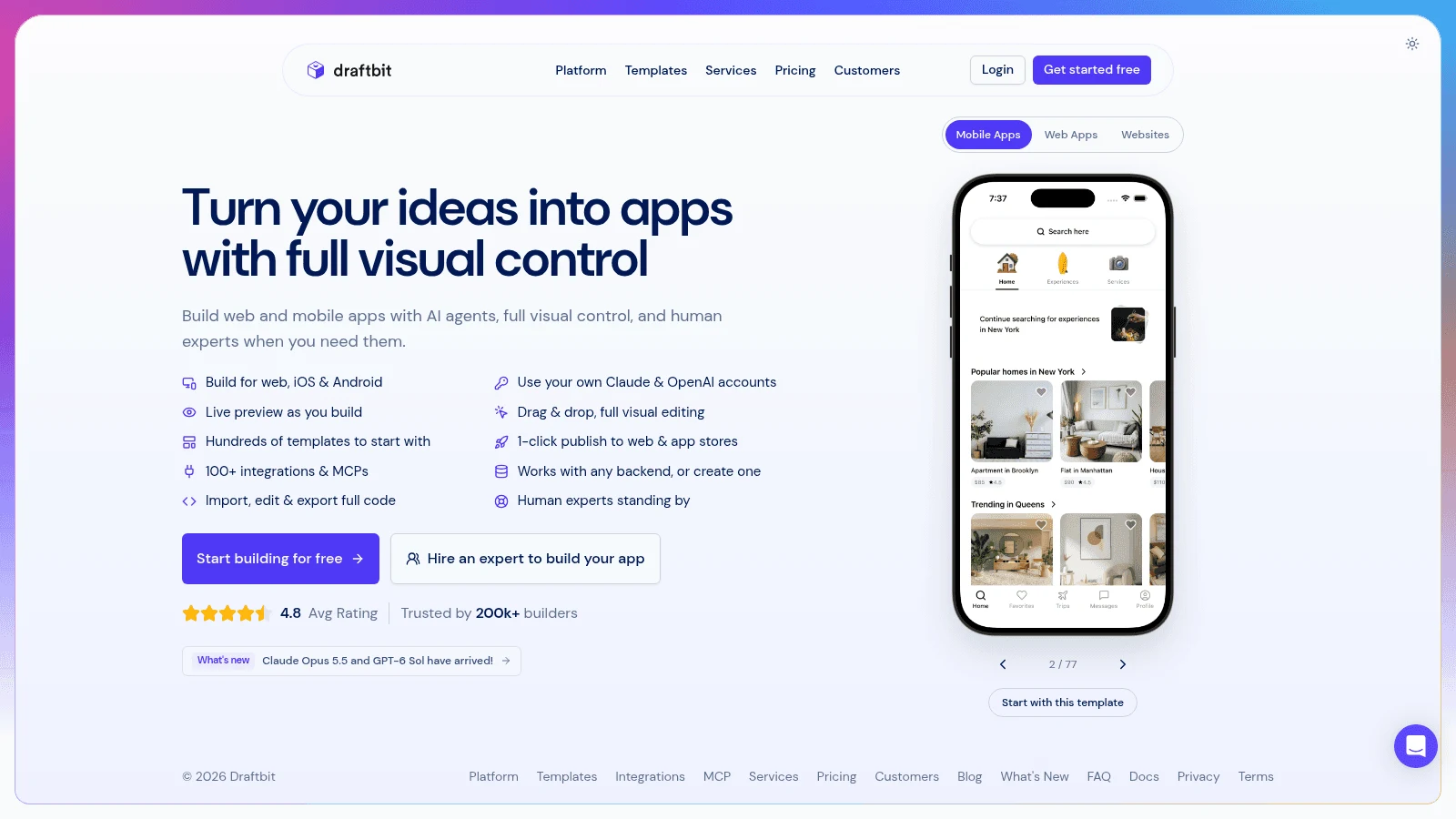
Overview: Draftbit pairs a visual editor with AI agents ("Build with Claude Code & OpenAI Codex"), and its docs describe what you're making as an Expo React Native app. Standard publishes to iOS and Android and exports the code.
Free lists a built-in Supabase backend, so you can test a data-driven app before paying.
Key features:
- iOS and Android publishing plus code export on Standard.
- Expo React Native code under the visual editor.
- AI on your own Claude or ChatGPT account, or bought credits.
Pricing: Standard runs $12 a month on yearly billing, $144 for the year, against $15 paid monthly, and each extra seat adds $8 a month on the yearly plan. Pro ($24 yearly, $30 monthly) adds App Store submission assistance.
Pros: The cheapest two-store plan here, React Native code you keep, a backend on Free
Cons: AI credits cost extra (1,000 per $1) without your own key, submission help waits for Pro, React Native concepts to learn
Why it's here: Standard billed yearly costs less than Appy Pie Basic, which never reaches the App Store.
Final verdict: The best value if you can steer an AI agent and read a little code.
10. Glide
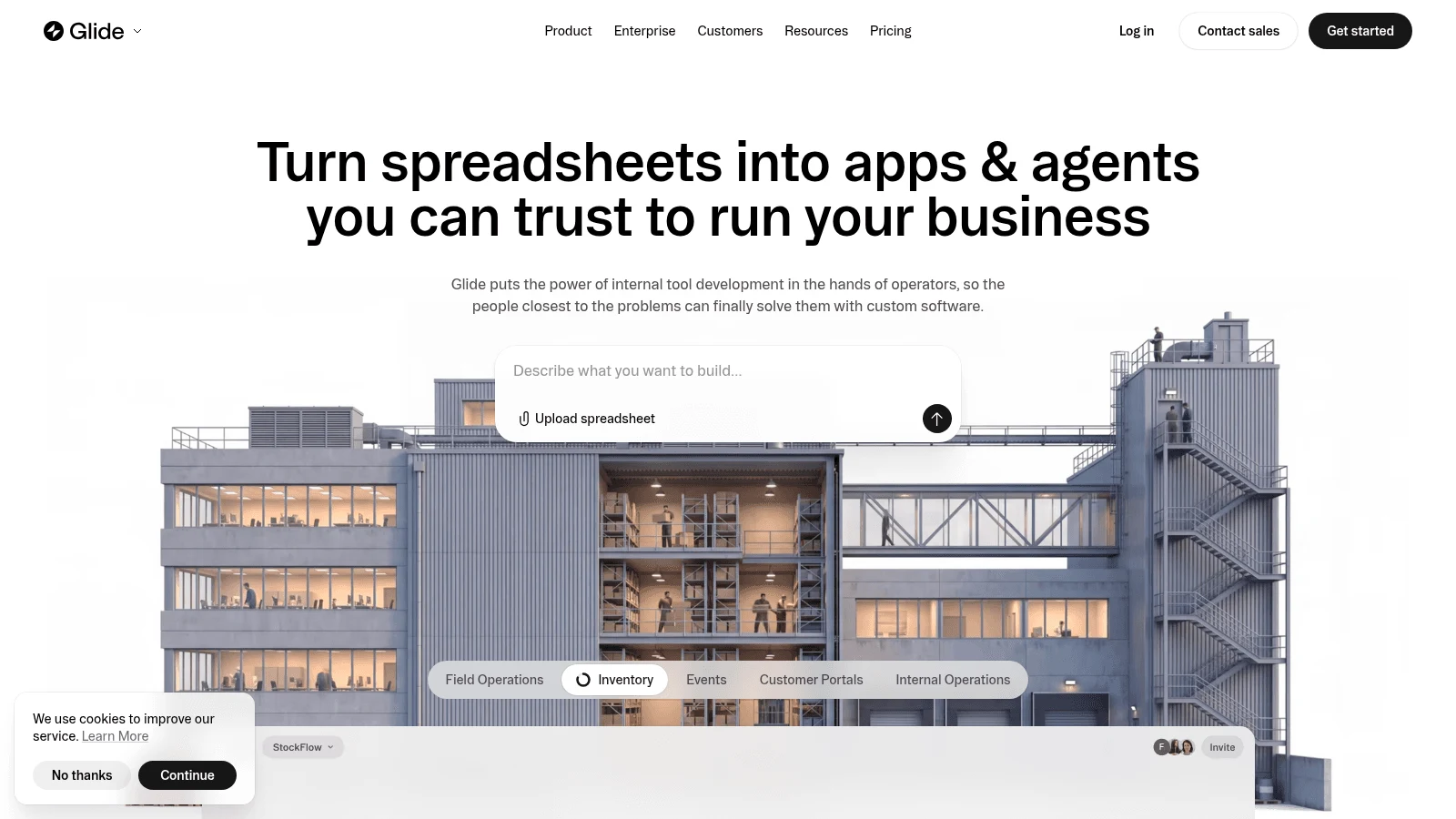
Overview: Glide turns a spreadsheet or file into an app people open by link. It doesn't publish to the App Store or Google Play: its help center says its web apps "cannot be published in traditional app stores."
That rules it out for a consumer app. For a staff tool or customer portal, skipping store review can be the point.
Key features:
- Apps built from your data, shared privately or publicly by link.
- GlideOS, which entered open beta on July 14, 2026, alongside Glide Classic.
- Members-only apps on GlideOS Basic.
Pricing: GlideOS Basic costs $25 a month for 2 published apps and Plus $50 for public apps, with no annual price shown. Glide Classic's Business plan runs $199 a month on yearly billing, $249 monthly.
Pros: No store review or developer fees, quick to build from existing data, a low entry price for members-only apps
Cons: No store listing, no Google Sheets write-back on GlideOS, credit use Glide calls "not reliably predictable"
When it's the right call: Your Appy Pie app was really a tool for staff or existing customers.
Final verdict: Not a store publisher, but often the simplest answer for an internal app.
What one app on both stores costs for a year
Monthly prices hide how far apart these Appy Pie alternatives are over twelve months. The table multiplies each tool's lowest two-store plan by twelve on both billing options, cheapest first, leaving out the two tools with no store path.
| Tool | Plan | 12 months billed yearly | 12 months billed monthly | What raises it |
|---|---|---|---|---|
| Draftbit | Standard | $144 | $180 | AI credits; extra seats |
| Andromo | Hobbyist | $288 | $384 | Ultra's impressions commission |
| FlutterFlow | Basic | $351 | $468 | Your backend bill |
| Adalo | Starter | $432 | $540 | Professional for push |
| Thunkable | Builder | $444 | $708 | Advanced for a second app |
| Bubble | Mobile Starter | $504 | $588 | Workload overage |
| GoodBarber | Content Premium | $660 | $840 | $50 per 5 submission credits |
| Appy Pie (reference) | Platinum | $720 | $1,440 | Per-app plans; charged resubmissions |
| Buildfire | Standard | $1,980 | $2,508 | Growth for in-app purchases |
Add $124 in store fees for the first year ($99 to Apple, $25 to Google) and $99 a year after that. Even with those fees, a year of Draftbit on yearly billing ($268) costs less than three months of Appy Pie Platinum on monthly billing ($360).
None of these plans buys design. If you're leaving because the app looks like every other template app, budget for mobile app design services alongside the rebuild, since a new builder's templates won't fix that on their own.
What to test before you switch
Google judges your app by the build your tool produces, not by how easy the tool was. Google's Android developer docs say your app's core quality metrics, crash and freeze rates among them, affect its visibility on Google Play. The bad-behavior thresholds are a 1.09% user-perceived crash rate and a 0.47% user-perceived ANR ("app not responding") rate overall, or 8% for either on any single phone model.
From February 2027, apps over Google's memory and code-optimization thresholds "may see store visibility impact." Test a real build from your top two Appy Pie alternatives before you commit to a year:
- Build the screen your users open most, on a free or trial plan where the tool has one.
- Install it on the oldest Android phone your customers are likely to own.
- Open and close it 20 times, switch networks mid-load, and note every crash or freeze.
- Ask the vendor in writing which developer account the app ships under.
- Start Google Play's closed test early: a personal account created after November 13, 2023 needs 12 testers opted in for 14 days before it can publish.
The candidate that survives the cheap phone usually wins, whatever its price.
How to move an app off Appy Pie
Appy Pie exports no code, so moving to one of these Appy Pie alternatives means a rebuild, not a transfer. Your store listings already sit in your own developer accounts, which keeps them under your control. Work in this order so nobody is left with a locked app:
- Copy out everything you can reach by hand: text, images, menus, product data and links.
- Rebuild the most-used screens first and run the build through TestFlight and Google's closed test.
- Ask the new vendor whether it can ship under your existing bundle ID (iOS) and package name (Android). Updating your current listing needs both, and on Google Play the same app signing key too, which Google holds if Play App Signing is on. If they can't carry over, you're starting a new listing, so plan to retire the old one.
- Publish, and if it's a new listing, use an Appy Pie push notification to point users to it.
- Cancel Appy Pie only after the new app is live, because the old one stops working when you do.
Step 2 takes most of the time. A rebuild is also a natural moment to hand the whole app to one of the app design agencies we've reviewed, if nobody in-house wants that job.
How to choose the right Appy Pie alternative
Start from the reason you're leaving, because each one points to a different part of this list.
You want the same kind of builder without the iOS premium
Adalo, GoodBarber and Thunkable work the way Appy Pie does and reach both stores for $36 to $55 a month billed yearly. Given Guideline 4.3, a mobile app designer can give the template a layout of your own before you submit, rather than after a rejection.
You want someone else to handle the stores
Buildfire submits every update on every plan. GoodBarber sells App Store submission at $50 for 5 credits and Draftbit adds submission assistance on Pro, so you can buy store help without Buildfire's $165 floor.
You want code you can keep, or no store at all
FlutterFlow and Draftbit export code, so your next move won't be another rebuild. If the app only serves staff or existing customers, Glide skips store review and developer fees entirely.
Pick the store plan before you rebuild
Decide which stores you need, then price the lowest plan that reaches them on both billing options, because that one choice moves the yearly cost on this list from $144 to $2,508. Run the crash checks on two finalists and cancel Appy Pie only when the new app is live.
If you'd rather prove the app's design and flows on a live link before you choose a store publisher, start with a brief in Awesomic Studio. Get started
FAQ
What are the best apps like Appy Pie?
Adalo, GoodBarber and Thunkable are the closest apps like Appy Pie, since all three are visual builders that publish to both stores. GoodBarber is the nearest match for template-led content and ecommerce apps. Buildfire suits owners who want the vendor to handle submissions, and Draftbit has the cheapest two-store plan here.
Does Appy Pie publish to the App Store on every plan?
No. Appy Pie's pricing page lists Basic and Gold as Android plans, and the App Store starts on Platinum, which costs $720 a year per app on yearly billing. Its homepage FAQ says store publishing starts at $16 a month, which contradicts the pricing page, so check the plan text before you pay.
Will my Appy Pie app keep working if I cancel?
No. Appy Pie's FAQ says a canceled app is locked and stops working, though you can reactivate it later. Thunkable and GoodBarber apps also stop when the plan ends, while Andromo says a lapsed app stays available in Google Play, so check each vendor's own policy before you switch.
Which alternatives to Appy Pie software let me export my code?
FlutterFlow exports Flutter code from Basic, and Draftbit exports React Native code from Standard, so either gives a developer a project to keep working on. Adalo, Thunkable and Bubble say they don't export code. If lock-in is why you're comparing alternatives to Appy Pie software, start with those two.
Appy Pie AI vs alternatives: free APK or paid plan?
Budget for a subscription if you want an app in a store. Appy Pie lets you build, preview and iterate free, including with its AI generator, but publishing needs a paid plan, and its pricing page frames the free period as a 7-day trial for personal, non-commercial use.
The free plans we checked don't solve it either: FlutterFlow Free has no APK, Draftbit Free publishes to draftbit.dev only, and Adalo Free publishes no apps. Andromo calls itself a "Free APK Maker," but its pricing page shows no $0 plan, only a 14-day trial.





