 Awesomic Team
Key takeaways:
- Among FlutterFlow competitors, Nowa and Draftbit come closest to FlutterFlow's whole job (a visual editor, App Store and Google Play builds, code you can take away). Nowa exports Flutter from its Launch plan at $24 a month billed annually ($29 monthly), and Draftbit exports Expo React Native from $12 a month billed yearly ($15 monthly).
- FlutterFlow's own code download starts on Basic at $29.25 a month billed annually ($39 monthly), while GitHub push waits for Growth at $60 for the first seat ($80 monthly). DreamFlow, from the same team, sells store deployment and full code export for $20 a month.
- Bubble, Adalo and Thunkable build native store apps, but none offers code export: Bubble's own blog rules it out, Thunkable staff say the same, and Adalo's help center answers "Not currently."
- Flutter itself is free and open source, but you give up the visual editor, and releasing on iOS needs a Mac with Xcode.
FlutterFlow is a visual builder that turns drag-and-drop screens into a Flutter app, with one-click deployment to the App Store and Google Play and a button that exports your Dart code. For a team that wants a real native app without hand-writing every widget, it's a sensible default, which is why FlutterFlow competitors get measured against it.
People still leave: the August 2025 pricing change moved GitHub sync and teamwork onto higher seats, Dart shows up sooner than the "no-code" label suggests, and you pay for your own backend.
We judged these FlutterFlow competitors on the three things FlutterFlow does for you: a visual editor, builds for both app stores, and exportable code, with the framework named. A builder won't design the product for you, which is why mobile app design services still exist as their own line item. Every price comes from the vendors' pages on October 8, 2026.
Why people look for FlutterFlow alternatives
Three reasons come up, and FlutterFlow's own docs confirm the first.
Code ownership and teamwork moved up a tier
FlutterFlow restructured its plans on August 18, 2025, replacing Standard, Pro and Teams with Free, Basic, Growth and Business. Basic still includes Code Download and one-click App Store deployment, but it has a single editor. GitHub push and the VS Code extension start on Growth, and since September 17, 2025, any collaboration needs a Growth, Business or Enterprise seat.
In a Reddit thread on r/FlutterFlow from June 2026, the top comment said users wanted a good UI builder and a way to round-trip code with IDEs like VS Code, and saw the AI features as something nobody asked for. That's one community's anecdote, but it explains the friction: the IDE round-trip sits on the Growth seat ($60 billed annually, $80 monthly).
It stops being no-code once the logic gets real
A FlutterFlow community member put it plainly: "FlutterFlow is no code, but you definitely need programming skills." Comparison pages from Superapp and getcreatr call Dart the floor for any meaningful app, so a complex project eventually needs someone who reads it.
The backend is yours too. FlutterFlow connects to Firebase or Supabase rather than hosting a database, so you run that project and pay its bill on top of the plan.
Its own sister product costs less
DreamFlow, sold "from the team behind FlutterFlow," has a Hobby plan at $20 a month with one-click deployment to the Play Store and App Store plus full export of the Flutter project. That's below Basic's $29.25 (billed annually) and $39 (monthly). Because it's the same company, we cover it here rather than ranking it as a competitor.
How we picked
We ranked these FlutterFlow competitors by how much of FlutterFlow's job each one covers: a visual editor, native builds for both stores, and exportable code. Awesomic Studio holds the #1 spot for one reason: it's our product. On that rule, it doesn't beat the rest.
After it, Nowa and Draftbit cover all three parts. Bubble and Adalo come next: they miss code export but keep a drag-and-drop canvas, which we weight above export because it's where FlutterFlow users spend their day.
Rork and Bolt.new ship to the stores and hand you the code, but you work by prompting rather than on a canvas. Bravo Studio needs a finished Figma design, and Thunkable has no export and publishes from its third plan. Flutter, the do-it-yourself route, is last.
We dropped Glide and Softr, which build progressive web apps rather than store apps, and Lovable, whose FAQ points native users to a PWA or a Capacitor wrapper. If the whole build should go to a team instead, app design agencies are a different purchase, so they're not ranked here.
The best FlutterFlow competitors compared
The table puts the lowest paid plan next to the code each tool lets you export and the framework behind it. FlutterFlow's last row is the reference point.
| Tool | Best for | Starting paid price (billing basis) | Free plan? | Code you can export (framework) |
|---|---|---|---|---|
| Awesomic Studio | Designing and building an app from a prompt, with an expert on call | Basic $20/month (monthly plans) | No | Export to code (framework not stated) |
| Nowa | Staying on Flutter with a visual editor | Launch $24/month billed annually, $29 monthly | Yes | Full Flutter (Dart) source, from Launch |
| Draftbit | AI-built native apps with code you keep | Standard $12/month billed yearly, $15 monthly | Yes | Expo React Native, from Standard |
| Bubble | One backend for a web app and a mobile app | Mobile Starter $42/month billed yearly, $49 monthly, plus workload units | Yes, build and test only | None: Bubble says it doesn't support code export |
| Adalo | Native apps on flat pricing | Starter $36/month billed annually, $45 monthly | Yes, with no published apps | None: its help center says "Not currently" |
| Rork | Prompting an app into the App Store | Rork Pro $20/month (no annual price shown) | Yes, design mode only | GitHub export on paid plans; its pages name two frameworks for Pro (React Native/Expo in the FAQ, SwiftUI and Kotlin on the pricing card) |
| Bolt.new | Developers who want Expo code from a prompt | Pro $18/month billed yearly, $25 monthly | Yes | React Native/Expo, as a ZIP or through GitHub |
| Bravo Studio | Turning a Figma design into a native app | Solo $18/month billed annually, $22 monthly | Yes, with no App Store builds | Native IPA/AAB builds; React Native source through Bravo MCP (beta) |
| Thunkable | Block-coded native apps | Accelerator $18/month billed yearly, $19 monthly; publishing from Builder ($37/$59) | Yes | None: staff say there's no source code or export |
| Flutter | Developers who want the whole codebase | Free | Free and open source | All of it: Dart/Flutter source (BSD-3-Clause) |
| FlutterFlow (reference) | Visual Flutter builds | Basic $29.25/month billed annually, $39 monthly | Yes, with no code download or store deployment | Flutter (Dart), from Basic; GitHub push from Growth |
Five paid tools that export code with a named framework undercut FlutterFlow Basic on both billing options: Draftbit, Bolt.new, Bravo Studio (through its beta MCP), Rork and Nowa. The entries below explain the catch with each.
1. Awesomic Studio

Awesomic Studio is our AI workspace for turning a plain-words description, a file, a link or a half-formed idea into a working build: agents (Codex, Claude Code and OpenCode) design and build the app in a shared workspace. Studio's list of things it makes includes "mobile app," right beside web UX/UI design.
The point is getting the app's screens, flows and a clickable build right before you pay for store releases and developer hours. Each build lives at a hosted link that your team, or anyone you choose, can open, and once a developer takes over, Studio exports to code or other tools.
When the app has to ship, the Dedicated setup assigns a vetted specialist, or a team with several skills, to the ongoing work, and whether they use AI is your call. That's how a dedicated Awesomic mobile designer or developer joins the project. Awesomic, a Y Combinator-backed company, builds Studio, so treat it as the first step toward our designers and developers; it doesn't stand in for them.
Key features:
- Mobile app screens and flows generated from a link, a file or a written prompt.
- Each build hosted at a live link, private or public.
- Export to code or other tools for the developer who carries it on.
- Agents that carry on with a build once your browser is shut.
- Image and video models for app-store art and promo clips in the same workspace.
- A Dedicated route where a vetted expert or team owns the continuing delivery.
Pricing: Pick Basic ($20), Pro ($200) or Maximum ($500) per month, and the fee you pay becomes what agents and models may spend that month. You get neither a free plan nor a trial from Studio, and it gives no burn rate per build. The Dedicated setup carries its own quote.
Pros: Design and a working build in one place, a human route when the agent gets stuck, hosted links for feedback, agents that run while you're away, a flat monthly figure.
Cons: Studio's pages say nothing about getting an app into the App Store or Google Play, and they don't name the framework its code export uses, so don't plan on a Flutter or React Native project. It's also newer than FlutterFlow, with no public reviews yet.
Best for: Getting a mobile app designed and prototyped from a prompt, then handing it to a dedicated Awesomic developer when it has to ship.
2. Nowa
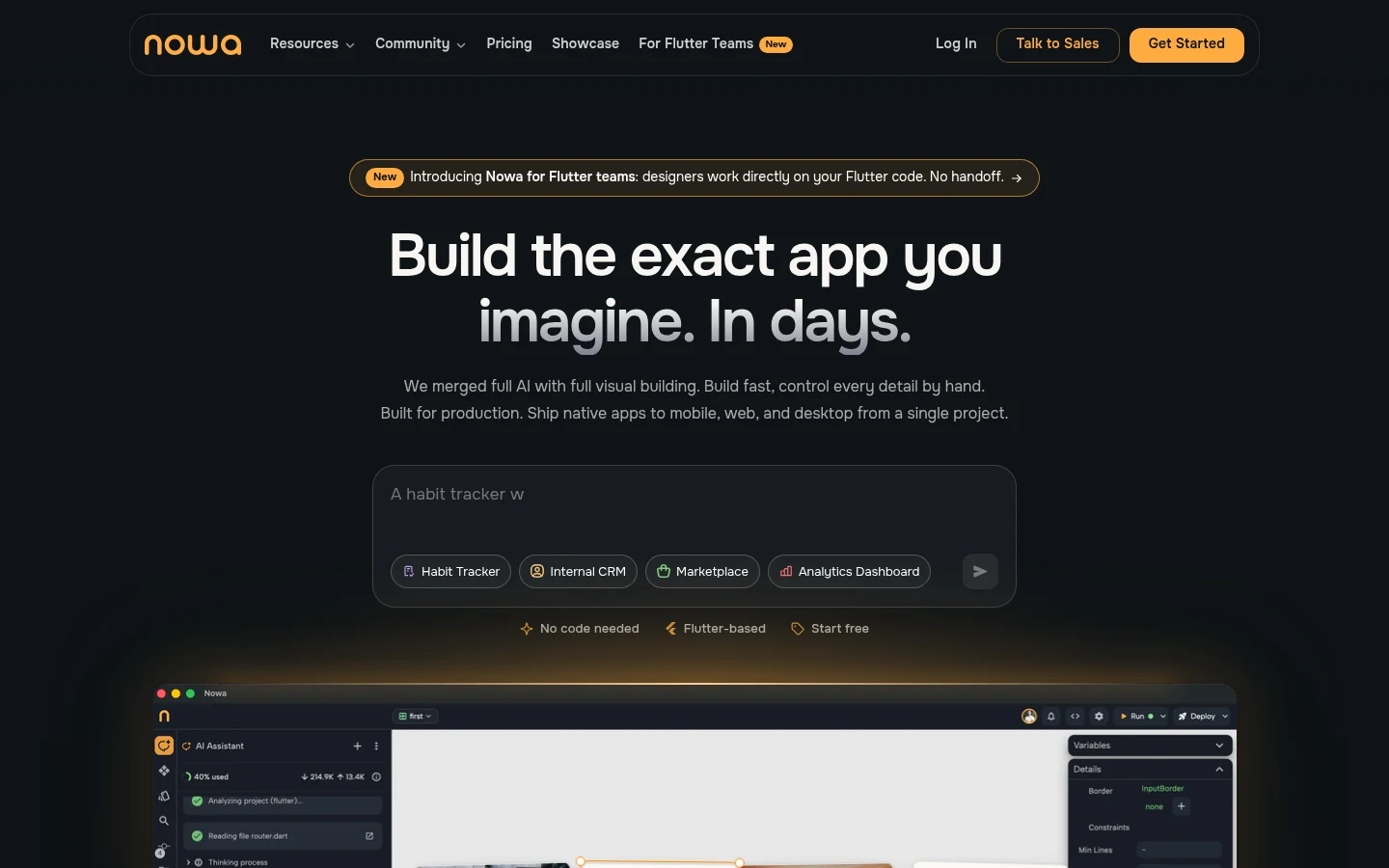
Nowa is a visual builder for Flutter apps, with AI on top. Its pitch is direct: "Every Nowa app is powered by Flutter... a real native app, not a website in a wrapper." For a FlutterFlow user, that means the same framework and the same Dart skills.
Builds run on Nowa's servers, so its FAQ says you need no Mac, only Apple and Google developer accounts; it produces the Google Play AAB, an APK and a TestFlight push for iOS. On Launch and Scale you can download the complete source code at any time.
Key features:
- A visual editor for Flutter screens, with AI help.
- One-click builds for Android and iOS, with no Mac needed.
- Full source-code download, plus GitHub integration on Scale.
Pricing: The Starter plan is free, with 1.2 AI credits a day, Supabase and Firebase integration, and web test publishing. Launch costs $24 a month billed annually or $29 monthly and adds code downloads and store deploys, while Scale costs $49 or $59 and adds GitHub.
Pros: Stays on Flutter, code download on the first paid plan, store builds with no Mac.
Cons: GitHub integration only on Scale, a small daily AI allowance (12 credits on Launch), and a FlutterFlow community member reported lag and crashes in Nowa in 2024.
Best for: FlutterFlow users who want to keep Flutter and own the code for less.
3. Draftbit
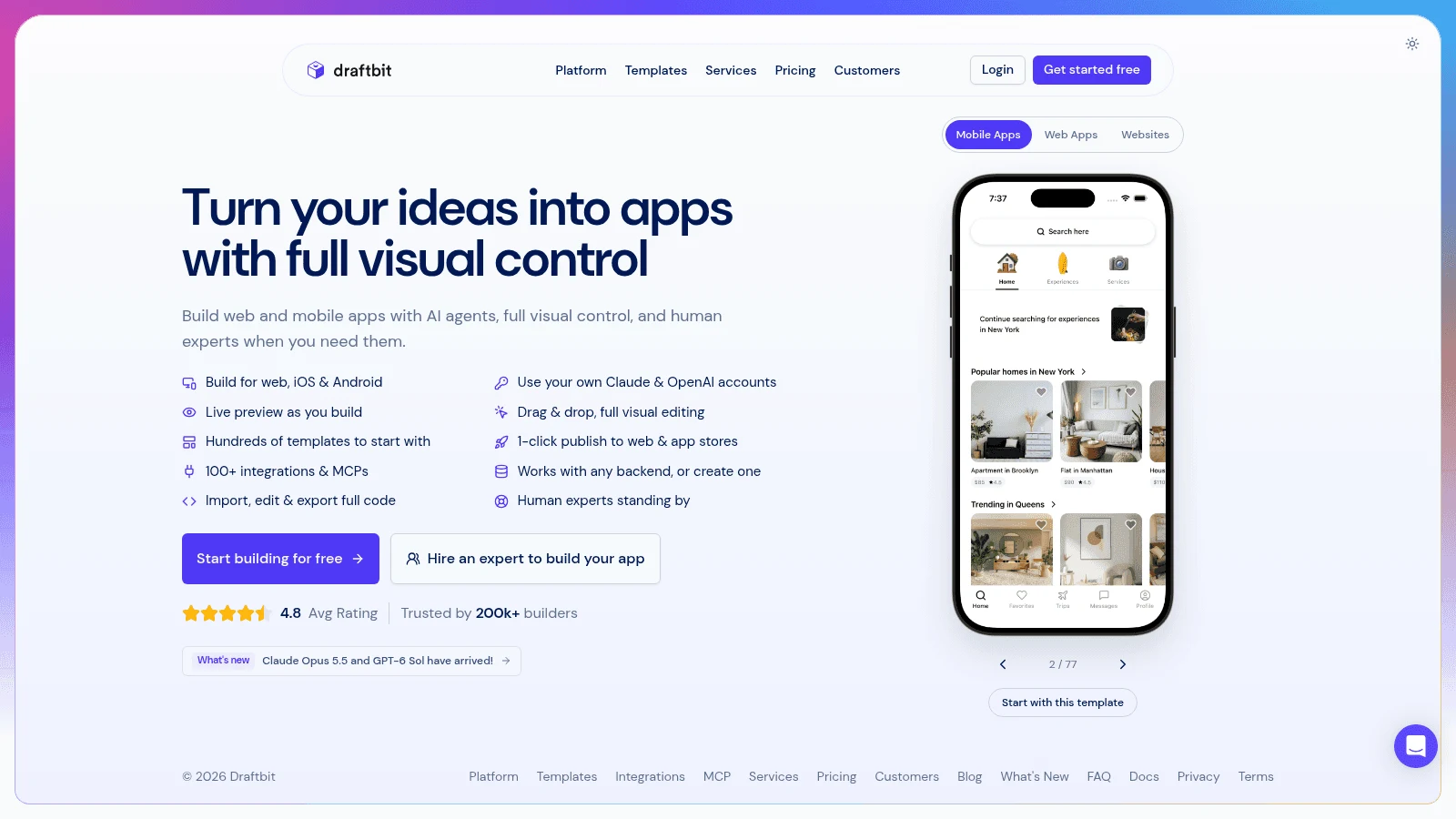
Draftbit is a visual builder that its docs describe as "an Expo React Native app under the hood." You build with its editor and AI, including Claude Code and OpenAI Codex, and the Free plan now comes with a built-in Supabase backend.
Standard adds full code editing and export plus one-click publishing for iOS, Android and the web. If one-click publishing can't finish, the docs tell you to export and publish by hand.
Key features:
- Visual building on top of Expo React Native code.
- One-click publishing to both stores from Standard.
- Bring your own Claude or ChatGPT subscription or API key for the AI.
Pricing: Free costs $0 and publishes to the web on draftbit.dev. Standard is $12 a month on yearly billing ($15 monthly), plus $8 per added seat on yearly billing, and Pro costs $24 or $30 with help on App Store submission.
Pros: The lowest-priced paid plan with code export on this list, a React Native project you can hand to any React Native developer, a backend included on Free.
Cons: AI usage costs extra unless you bring your own model account, store submission help waits for Pro, and Standard runs one sandbox at a time.
Best for: Teams that want FlutterFlow's workflow with React Native code instead of Dart.
4. Bubble
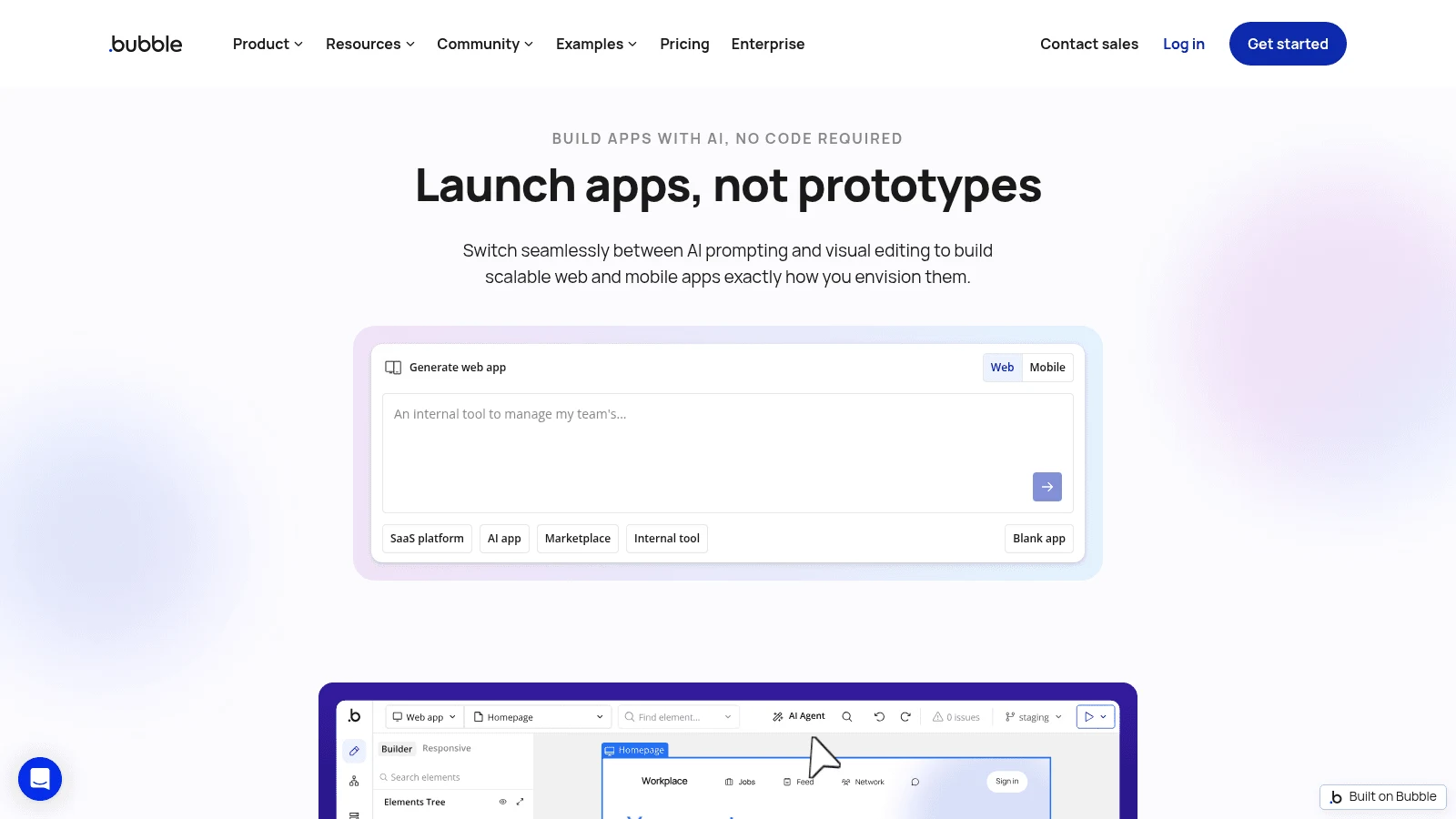
Bubble started as a web app builder and now builds native mobile apps too. Its pricing FAQ says its native apps "run on React Native," and its visual editor, database and logic live in one place, so there's no Firebase project to wire up.
The trade is the code. Bubble's own comparison with FlutterFlow says it "doesn't currently support code export," and grants FlutterFlow "one clear edge" in code ownership. A paid plan is required for TestFlight, Google Play testing and publishing. If lock-in is the dealbreaker, AI builders that write code you keep, Bolt.new among them, are the natural Bubble alternatives.
Key features:
- One editor and database for a web app and a native mobile app.
- Native mobile builds on React Native.
- Data you can export as CSV, one data type at a time.
Pricing: The Free plan is for building and testing. Mobile Starter runs $42 a month paid yearly, $49 paid monthly, and Web & Mobile starts at $59 or $69, all metered in workload units at $0.30 per 1,000 beyond the allowance.
Pros: Backend included, no separate database bill, web and mobile from one project.
Cons: No code export, usage-metered pricing on top of the plan, and with overages switched off, the app goes offline when you run out of workload units.
Best for: Products that need a web app and a mobile app on one backend.
5. Adalo
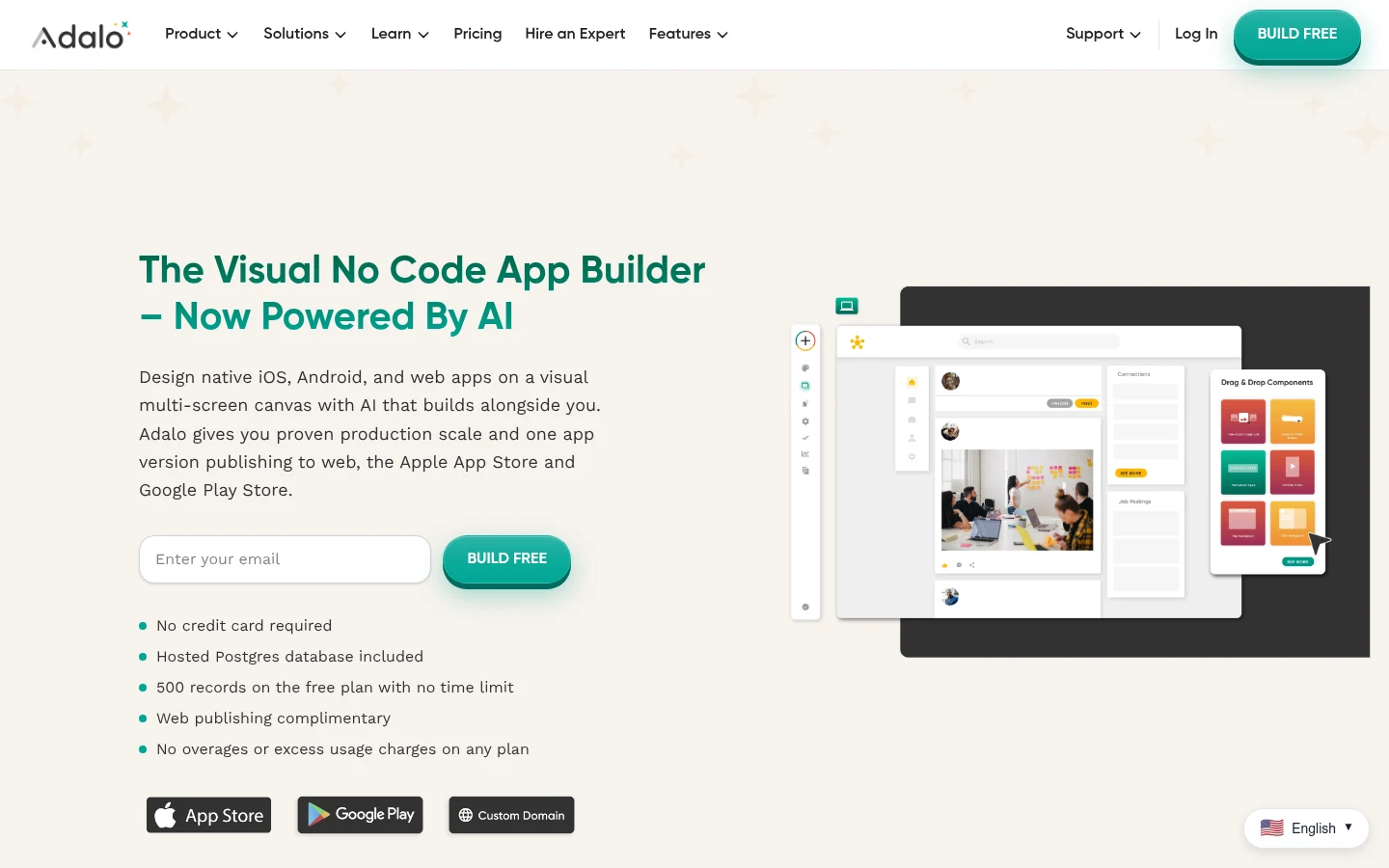
Adalo builds native apps without code. Its pricing FAQ claims Adalo "generates true native builds (IPA and APK)," as opposed to wrapping a website, and its Starter plan includes publishing to both the Apple App Store and Google Play.
Code export is where Adalo differs from FlutterFlow. Asked whether you can export editable code, its help center answers "Not currently," and "Export code" sits as an open feature request on Adalo's forum. Budget for an Adalo plan for the life of the app.
Key features:
- Drag-and-drop screens with a built-in database.
- Native IPA and APK builds, not web wrappers.
- Publishing to both stores from Starter.
Pricing: Free costs $0 but publishes no apps. Starter costs $36 a month billed annually or $45 monthly for one published app, and Professional costs $52 or $65 for two apps and five editors, with no usage or token charges on any plan.
Pros: Flat pricing with no usage meter, store publishing on the first paid plan, no Dart or code to learn.
Cons: Push notifications and geolocation start on Professional, Starter covers one published app, and its help center rules out code export for now.
Best for: Non-technical founders who want a native app at a predictable monthly price.
6. Rork
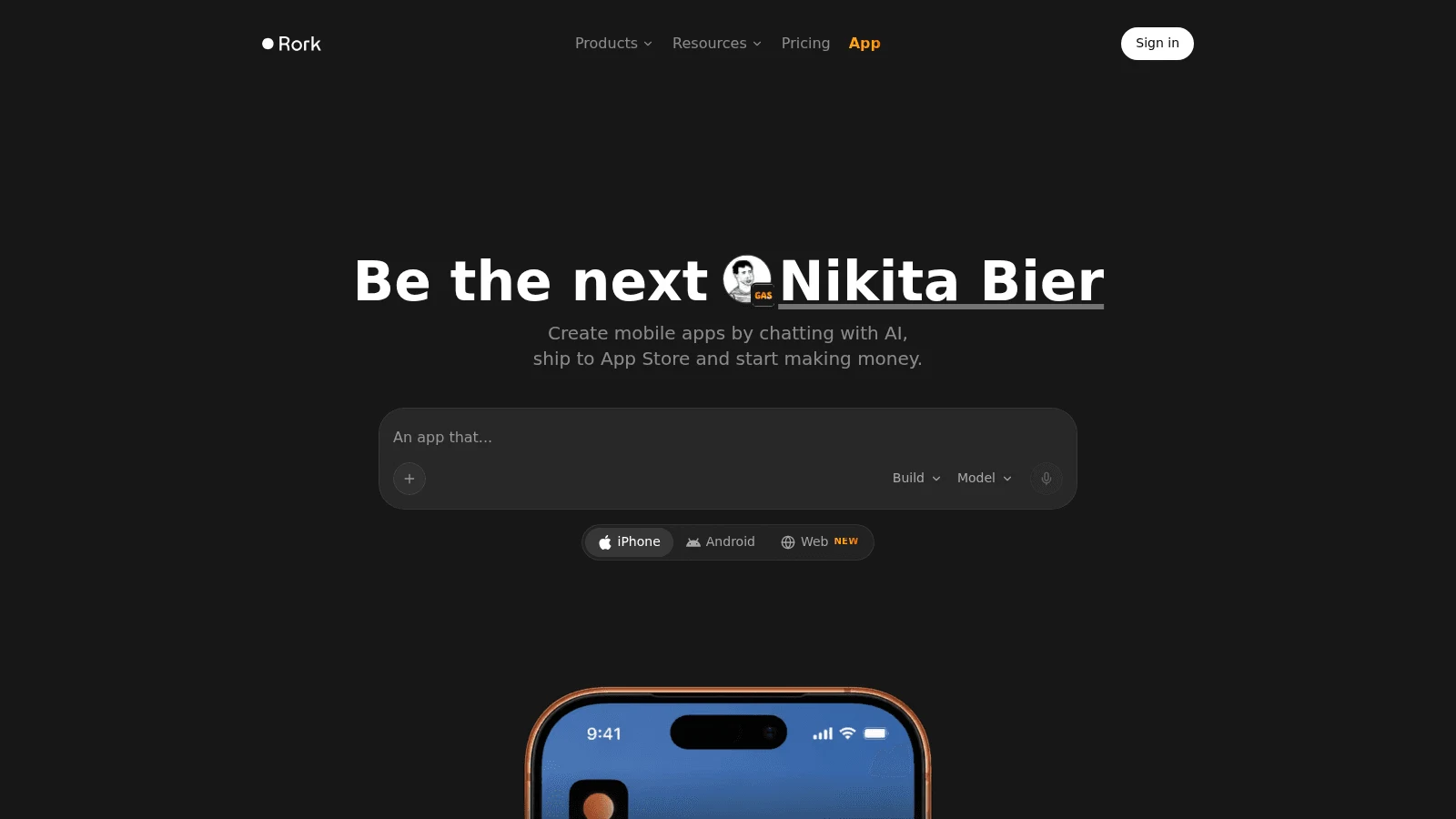
Rork builds mobile apps from a chat. Its homepage promises you can "create mobile apps by chatting with AI, ship to App Store," and its FAQ describes built-in App Store publishing with your own Apple Developer account. On Pro you'll also need an Expo account, and Android builds are uploaded to Google Play by hand.
Paid plans include the code through a two-way GitHub sync. Rork's pages disagree on the framework, though. The FAQ's code-export answer says Pro exports a React Native/Expo project and Max exports a SwiftUI Xcode project, while the Pro pricing card lists SwiftUI for iPhone and Kotlin for Android. Ask before you plan around either.
Key features:
- App building by prompt, for iPhone, Android and the web.
- Built-in App Store publishing.
- Two-way GitHub sync for the code on paid plans.
Pricing: The Free plan is design mode only, with 35 design credits a month. Build mode and 100 credits come with Rork Pro at $20 a month, Rork Max starts at $200 a month for iPad, Apple Watch and Vision Pro apps, and no annual price is shown.
Pros: Fast from idea to App Store, code on the first paid plan, two-way GitHub sync.
Cons: You prompt rather than drag screens on a canvas, Pro caps you at 100 credits a month, and the Google Play upload is manual.
Best for: Founders who want an iPhone app live quickly and would rather prompt than drag.
7. Bolt.new
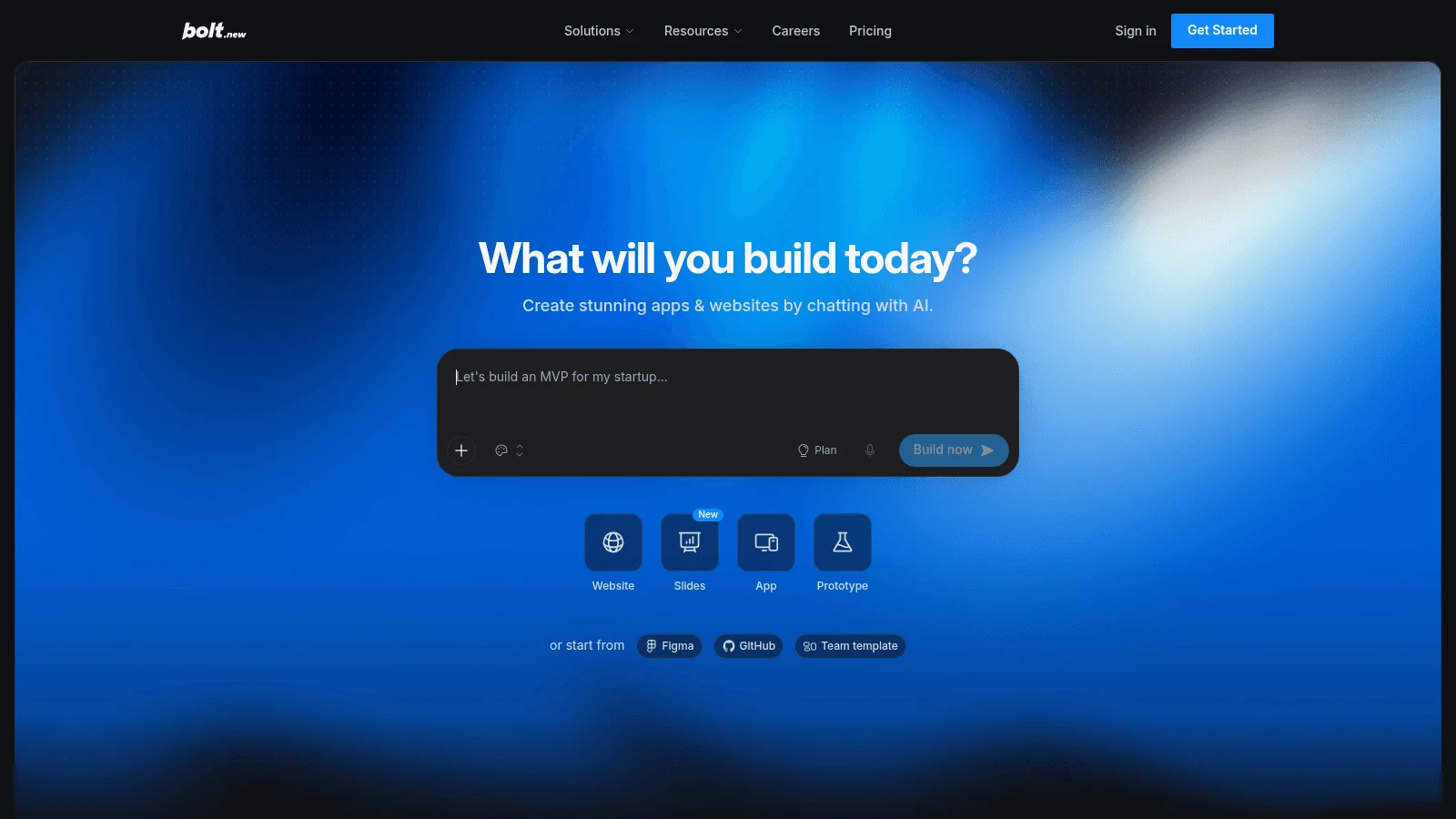
Bolt.new is an AI builder best known for web apps. Ask it for a mobile app and, per its own docs, "it automatically uses Expo," so you get a React Native project you can download as a ZIP or sync two ways with GitHub.
Getting to the stores is a developer workflow: Bolt's guide has you download the code, install Node.js and Git, create an Expo account and run Expo's EAS command-line tool from a terminal. Its docs also warn that projects started for the web "do not easily switch over to mobile," so say "mobile app" in the first prompt.
Key features:
- Mobile apps built on Expo from a prompt.
- ZIP download and GitHub sync for the full project.
- TestFlight, App Store and Google Play publishing through Expo.
Pricing: Free gives 300,000 tokens a day and 1 million a month. Pro, with 10 million tokens, is $18 a month if paid yearly, or $25 if paid monthly, and Expo's free tier covers 15 Android and 15 iOS builds a month.
Pros: Standard Expo code, a low entry price, the same tool for your web app.
Cons: Store release happens on your own machine, larger projects burn more tokens per message, and a web project won't easily become a mobile one.
Best for: Developers who want an AI head start on an Expo app and are happy in a terminal.
8. Bravo Studio
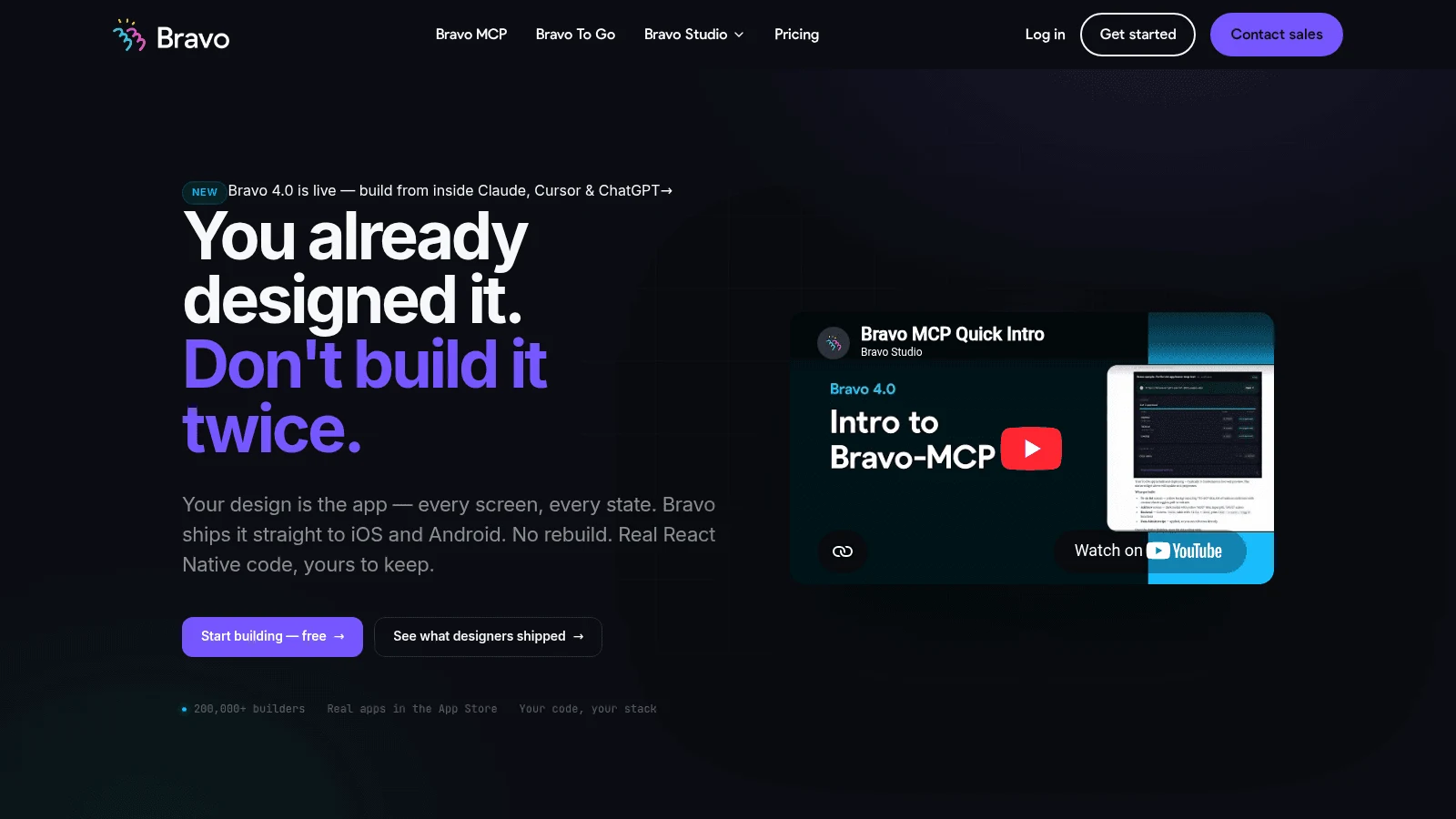
Bravo Studio starts from a Figma file and ends with a native app. Screens get designed in Figma, you connect your data, and Bravo produces "the native app files (AAB for Android, IPA for iOS) you upload to the app stores." That makes it a design-first tool, so the work starts in one of the app design apps rather than in Bravo.
The no-code builder gives you builds, not source. Bravo MCP, a separate beta product included on every plan, offers "React Native code you own" with unlimited screens, though several of its features are still marked "Coming."
Key features:
- Figma screens converted into native iOS and Android builds.
- Up to 30 screens per app in the no-code builder.
- React Native source through Bravo MCP (beta).
Pricing: Starter is free but makes no App Store builds. Solo is $18 a month on annual billing, $22 on monthly, Bravo To Go costs $999 per app one time for a done-for-you build, and Bravo notes that prices follow the current exchange rate.
Pros: Pixel-faithful to your Figma file, store builds on a low-priced plan, a code route in beta.
Cons: You need a finished Figma design first, you upload builds to the stores yourself, and the Bravo logo shows on the app icon and splash screen by default.
Best for: Designers who already have the app in Figma.
9. Thunkable
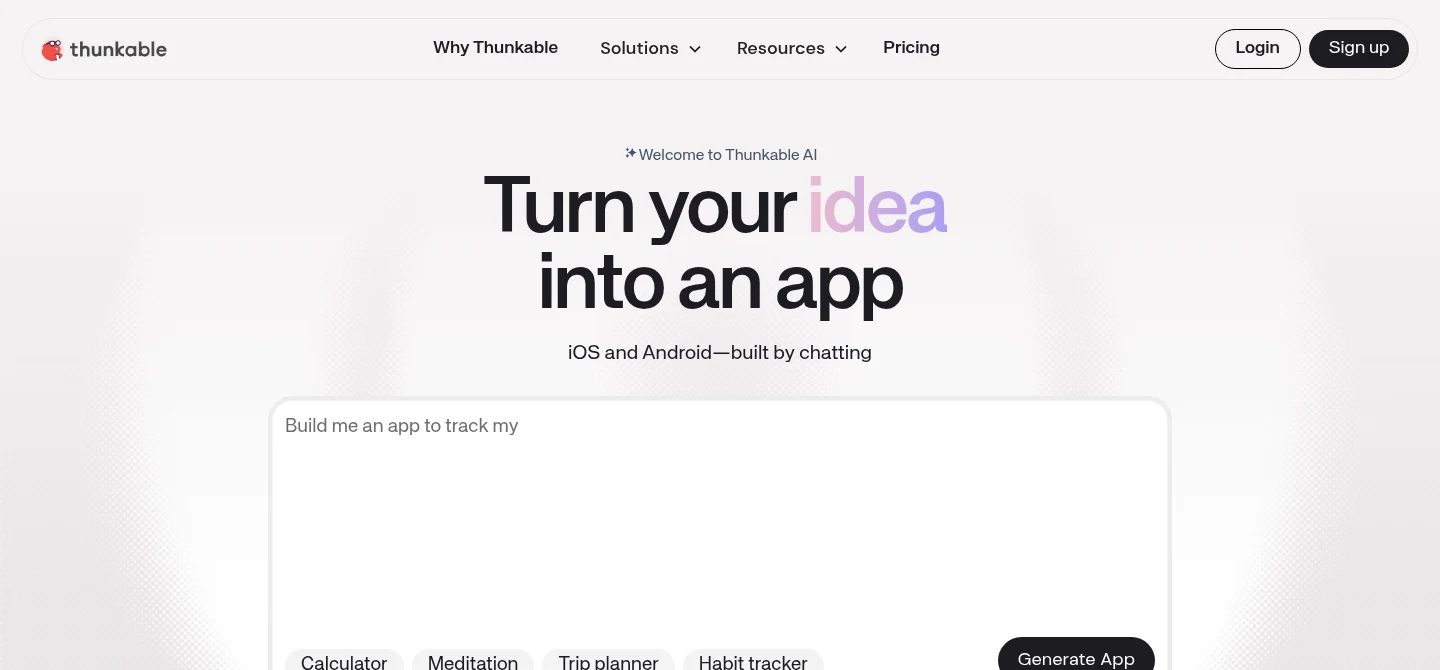
Thunkable lets you drag and drop native app screens, write logic in blocks, and prompt its AI for new screens. Publishing to the App Store and Google Play happens inside Thunkable, through developer accounts you own.
Two limits matter for a FlutterFlow user. A Thunkable staff member wrote in July 2025 that "we are unable to provide Creators with any source code or export options," and once your subscription expires, published apps "become unavailable," according to the pricing FAQ. If you need export and store publishing, Draftbit exports its code and publishes from $12 billed yearly, which makes it a strong pick among Thunkable alternatives too.
Key features:
- Drag-and-drop screens with block-based logic.
- Publishing to both stores from inside the editor.
- An AI prompt that drafts screens.
Pricing: Free and Accelerator ($18 a month billed yearly, $19 monthly) include no live published app. Builder, at $37 billed yearly or $59 monthly, is the first plan with one, and Advanced costs $99 or $189 for unlimited live apps.
Pros: Friendly to beginners, block logic with no Dart, store publishing handled in the app.
Cons: No source code or export, publishing starts on the third plan, and apps go offline if you stop paying.
Best for: Beginners building a first native app without writing code.
10. Flutter
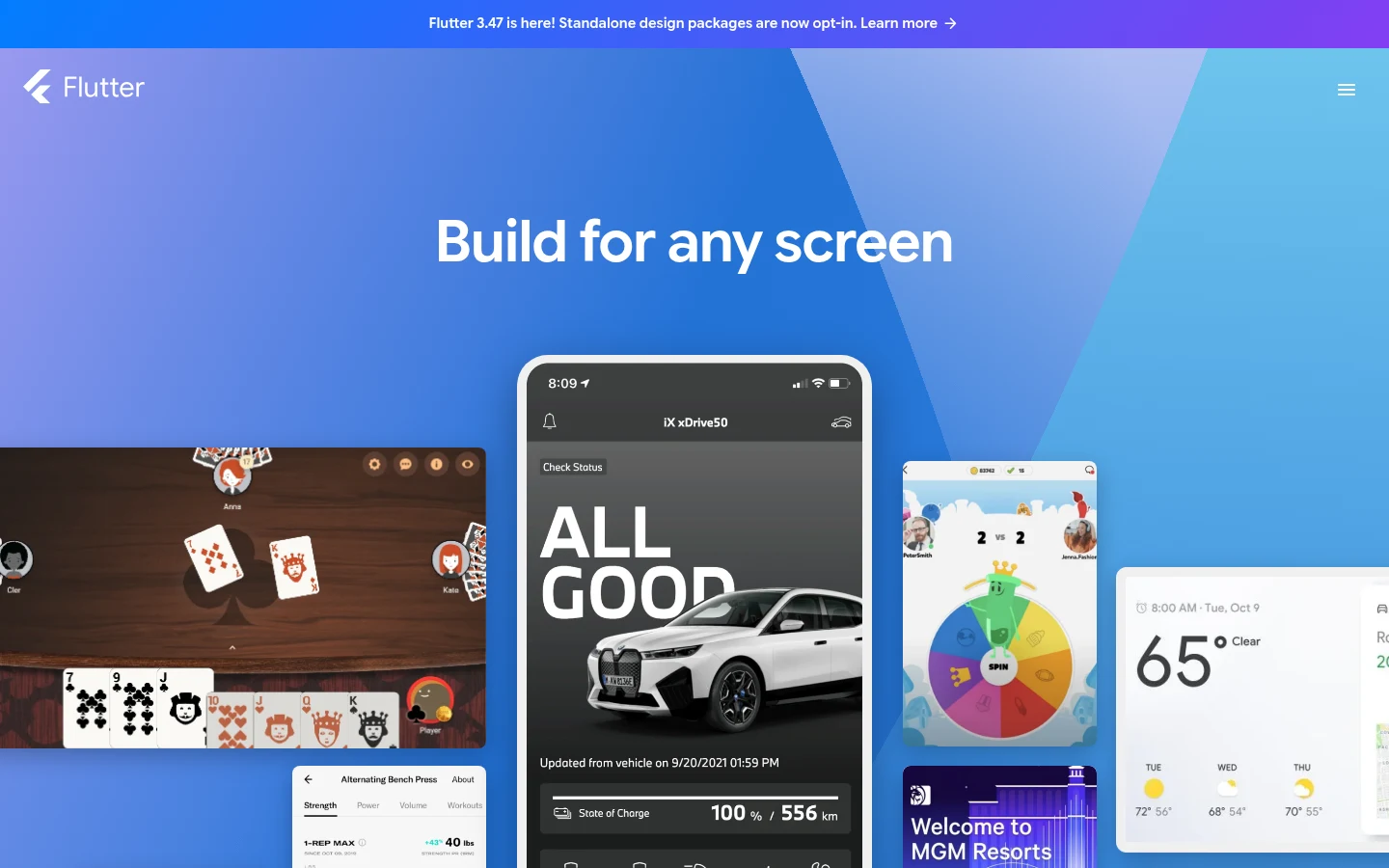
Flutter is the free, open source framework that FlutterFlow generates, released under the BSD-3-Clause license. Writing it yourself is the most complete open source alternative to FlutterFlow: you own every line, nothing is gated behind a plan, and FlutterFlow's own export runs on the same Dart and Flutter tools. Searches for "FlutterFlow alternatives open source" usually end here, and Superapp's roundup reaches the same verdict: it found no open source visual builder worth recommending.
You do become a developer. There's no visual editor and no hosted backend, and Flutter's iOS deployment guide is blunt: "Xcode is required to build and release your app. You must use a device running macOS." In a Reddit thread on r/FlutterDev, the person asking for FlutterFlow alternatives replied a year later: "I'm just using flutter now as I've become comfortable with it." One developer's path, not a survey.
Key features:
- The full Flutter and Dart toolkit, free.
- One codebase for iOS, Android and the web.
- A project any Flutter developer can pick up.
Pricing: Flutter costs nothing. You pay Apple $99 a year and Google $25 once to publish, like every tool here, and you need a Mac for iOS builds.
Pros: Total code ownership, no plan limits, the same skills FlutterFlow's custom code already asks for.
Cons: No visual editor, no hosted backend, and a Mac with Xcode for every iOS release.
Best for: Teams with a Flutter developer, or anyone ready to learn Dart properly.
What it costs to get one app into both stores
A US app needs both stores: Statcounter's mobile OS share data for September 2026 puts iOS at 53.59% and Android at 46.39% of US mobile page views, so skipping either platform leaves out at least 46% of that traffic. Those are page-view shares, not devices sold.
| Tool | Plan that ships to both stores | Price (billing basis) | Who does the submission |
|---|---|---|---|
| Awesomic Studio | No store-publishing claim | Dedicated quoted separately (Studio from $20/month) | Not covered by Studio plans |
| Draftbit | Standard | $12/month billed yearly, $15 monthly | One-click publishing; Pro adds App Store help |
| Bolt.new | Pro (plus Expo's free build tier) | $18/month billed yearly, $25 monthly | You, with Expo's EAS tool |
| Bravo Studio | Solo | $18/month billed annually, $22 monthly | You upload the IPA and AAB |
| Rork | Rork Pro | $20/month | Built-in for the App Store; Android by hand |
| Nowa | Launch | $24/month billed annually, $29 monthly | One click from Nowa's servers |
| FlutterFlow | Basic | $29.25/month billed annually, $39 monthly | One-click store deployment plus APK download |
| Adalo | Starter | $36/month billed annually, $45 monthly | Included on Starter |
| Thunkable | Builder | $37/month billed yearly, $59 monthly | From inside Thunkable |
| Bubble | Mobile Starter | $42/month billed yearly, $49 monthly, plus workload units | Publishing from Bubble, paid plans only |
| Flutter | None needed | $0 | You, with Xcode on a Mac for iOS |
Whichever tool you pick, the store fees don't change: $99 a year to Apple, a one-time $25 to Google. Google also holds a new personal Play account back from publishing until 12 testers have run a closed test for 14 days.
Store rules move too. Since April 28, 2026, Apple requires uploads built with Xcode 26, and from August 31, 2026, Google Play requires apps to target Android 16. On plain Flutter, keeping your toolchain current is your job.
Put these recurring costs next to quotes for product design outsourcing, which is where the screens' real cost sits.
Flutter or React Native: does the exported code matter?
The list splits into Flutter exporters (FlutterFlow, Nowa, Flutter itself) and React Native exporters (Draftbit, Bolt.new, Rork per its code-export FAQ, and Bravo Studio's beta MCP), while Bubble runs on React Native without letting you export it. Performance is rarely the deciding factor.
A peer-reviewed study in Empirical Software Engineering by Biørn-Hansen and colleagues tested Flutter, React Native, Ionic, NativeScript and MAML/MD2 against native Android on six phones, across 16,290 data points. Cross-platform overhead ranged "from rather small in the case of MAML/MD2, to more than threefold in the case of Ionic," and the authors wrote that they "do not believe there is a silver bullet among the frameworks."
Flutter scored best on memory used during a task but used the most memory before one started. The caveats matter: the study is Android only, it used pre-2020 framework versions, and it measured device features, not screen rendering.
What usually decides it is people. Pick the framework your future developer already knows, because that's who will maintain the exported code.
How to move a project off FlutterFlow
The move is easiest while the app is small, and the steps are the same whichever of these FlutterFlow competitors you pick.
- Upgrade to Basic or higher for a month if you're on Free, since Free has no code download.
- Download the code and confirm it builds locally with Dart and Flutter installed.
- Keep your Firebase or Supabase project, because the backend already belongs to you.
- Choose your destination: plain Flutter keeps the Dart code, Nowa keeps the framework, and a React Native tool means rebuilding the screens.
- List every custom action and function, since that's the logic you'll rewrite by hand.
- Keep FlutterFlow running until the new build is live in both stores.
If the rebuild needs more hands than you have, a mobile app designer can redo the screens while a developer moves the logic. Step 5 usually sets the timeline, since custom code has no visual screen to rebuild from.
How to choose between these FlutterFlow alternatives
The best FlutterFlow alternatives for you depend on what you need to keep. If it's Flutter code, Nowa is the visual option and Flutter is the free one. If you'd rather have React Native, Draftbit gives you a visual editor and Bolt.new gives you a prompt.
If you never want to touch code, Adalo and Thunkable ship native apps without it, and Bubble adds a web app on the same backend. You can't take the code out of Bubble, Thunkable or, for now, Adalo. Rork suits a fast iPhone launch from a prompt, and Bravo Studio suits a team whose design already lives in Figma.
The design work is the other decision. Most builders assume you arrive with the screens figured out, and knowing how app and UI designers differ helps you hire the right person.
If you want the app designed and prototyped first, you can Get started with our Studio and bring in a dedicated developer, quoted separately, when it's time to ship.
FAQ
What are the best FlutterFlow alternatives?
Nowa and Draftbit come closest, because both pair a visual editor with store publishing and code export on their first paid plan. Nowa keeps you on Flutter from $24 a month billed annually, while Draftbit's Standard plan hands you an Expo project for $12 (billed yearly).
Are there open source alternatives to FlutterFlow?
Yes, though not as visual builders. Flutter itself is open source under BSD-3-Clause and free to use, and it's what FlutterFlow generates. Expo, the React Native framework behind Draftbit and Bolt.new, is open source under MIT, with a free tier of 15 Android and 15 iOS cloud builds a month.
Which FlutterFlow competitors let you export code?
Nowa (Flutter), Draftbit (Expo React Native), Bolt.new (Expo) and Rork (through GitHub on paid plans) all do. Bravo Studio offers React Native code through its beta MCP product. Bubble, Thunkable and Adalo say they don't, Adalo with a "Not currently" in its help center.
Is DreamFlow a FlutterFlow alternative?
It's from the same team, so it's more of a sister product. DreamFlow's $20 Hobby plan includes one-click store deployment for iOS and Android plus full Flutter code export, which is less than FlutterFlow Basic at $29.25 billed annually or $39 monthly.
Do I need a Mac to publish an iOS app built with these tools?
Only on some routes. Nowa builds on its own servers and FlutterFlow deploys from its own settings panel, so neither needs your Mac. Writing plain Flutter does, since Flutter's iOS guide says Xcode on macOS is required to build and release.





