 Awesomic Team
Key takeaways:
- Each of the ten picks here names one job it does better than Cursor, from GitHub Copilot's published credit counts to Google Antigravity's quota that refreshes every five hours.
- Cursor Pro costs $20 a month or $16 billed yearly, and since June 2025 frontier models draw down a usage pool at API rates; Cursor's own docs put daily agent users at "typically $60–$100/mo."
- Eight of the ten have a $0 way in, and four are open source (Zed, Cline, OpenCode and the Codex CLI). Claude Code isn't on Claude's Free plan.
- Eight of the ten accept your own API key, Google Antigravity only in its CLI with a Gemini key; Studio and Devin Desktop list none.
Cursor is a desktop AI code editor with an agent, tab completion and cloud agents, and since August 14, 2026, it's "now a part of SpaceX," in Cursor's own words. People searching for Cursor alternatives usually have one of three complaints: a bill they can't predict, answers that degrade on a big codebase, or an editor their team doesn't want to switch to.
"Better" is a strong word, so we held these Cursor alternatives to a test: name the single job it does better than Cursor, and back it with a published price, a plan limit or a documented feature.
We put our own product, Awesomic Studio, first because it's ours, and it's the one pick here that isn't an editor at all. The nine after it aren't ranked against each other, because each wins a different job.
Why developers go looking for Cursor alternatives
Most switching threads trace back to usage, context or the editor itself. Model access is now a fourth reason: in an August 28, 2026 post, OpenAI says it has told SpaceX it intends to wind down its contract supplying OpenAI models to Cursor, with a proposed shutoff date of November 12, 2026.
A usage allowance you can't see the bottom of
On June 16, 2025, Cursor moved Pro from 500 requests a month to $20 of frontier-model usage at API prices, with unlimited Tab and Auto on top. It apologized on July 4: "We were not clear that 'unlimited usage' was only for Auto and not all other models," wrote CEO Michael Truell, and Cursor offered refunds for that window's surprise charges.
Today Cursor meters two monthly pools, one for its own models and one for "Other Models" billed per million tokens, such as Claude Sonnet 5.5 at $2 in and $10 out. Its pricing pages don't publish a dollar allowance per plan. Its docs say daily agent users "typically" spend $60 to $100 a month in total, and power users $200 or more.
One Cursor customer described the effect on Reddit in June 2026: "Before it lasted almost the whole month, now I reach 100% in 2 weeks," about the $200 Ultra plan, with the same workload. That's one user's experience, but it's a common reason people start pricing tools like Cursor side by side.
Big repositories and locked-down companies
Cursor builds its codebase search without uploading file paths or code and without storing embeddings of your repo, which suits privacy reviews. It publishes no context-window figure for that search, though, and some teams find its answers slip as a repo grows. Max Mode, the extended-context option, only exists on legacy request-based plans.
One editor for everyone
Cursor is its own desktop editor, and most of its features live there. Since March 2026 its agent also runs inside JetBrains IDEs through the Agent Client Protocol, but its docs list no Visual Studio or Eclipse integration. That's why several Cursor competitors below run as extensions inside the editor you already have.
Design teams feel the same pull toward one shared tool, usually settling on a single piece of product design software so files and habits stay shared.
The best Cursor alternatives compared
This table lines up the best alternatives to Cursor AI code editor by form (desktop IDE, extension or command-line tool) and by the one job each does better than Cursor. Prices are the cheapest paid plan that includes each tool's coding features, with the billing basis stated.
| Tool | Does this better than Cursor | Form (IDE, extension, CLI) | Main limitation | Paid plan from |
|---|---|---|---|---|
| Awesomic Studio | Shipping reviewed work with no editor to drive | Hosted browser workspace (not an IDE) | No local-repo workflow described, no free plan | $20/month (Basic) |
| Devin Desktop | Running other vendors' agents in one editor | Desktop IDE and CLI | Allowances not published as numbers | $20/month (Pro) |
| GitHub Copilot | Showing exactly what each plan buys | Extensions for most IDEs, plus CLI | Credits expire monthly, no rollover | $10/month (Pro) |
| Claude Code | Publishing its context size, up to 1M tokens | CLI, IDE extensions, desktop, web | Claude models only, not on the Free plan | $17/month billed yearly, $20 monthly |
| OpenAI Codex | Coding on a ChatGPT plan you already pay for | CLI, IDE extension, desktop, web | Usage published only as ranges | $20/month (ChatGPT Plus) |
| Zed | A free editor that's unlimited with your own key | Native desktop editor | Business SSO still planned, not live | $10/month (Pro) |
| Cline | Paying for inference at cost, no subscription | VS Code extension, JetBrains plugin, CLI, desktop app | No public Teams price | Free; inference at cost |
| OpenCode | Choosing from 75+ model providers, local ones included | Terminal app, desktop app, IDE extension | You manage keys and providers | $10/month (Go), optional |
| Google Antigravity | Usage that refreshes every five hours | Desktop IDE and CLI | Own key only in the CLI (Gemini) | $19.99/month (Google AI Pro, US) |
| JetBrains AI | Usage priced in $1 credits, top-ups kept a year | Add-on inside JetBrains IDEs | IDE license billed separately | $100/year (AI Pro), $10 monthly |
Read the second column, find your complaint about Cursor, and start there. Devin Desktop, Zed and Google Antigravity are the full Cursor IDE alternatives here, and the rest plug into an editor or a terminal.

1. Awesomic Studio
Best for: Teams who want shipped, reviewed work
Overview: We built Awesomic Studio as a hosted, shared workspace where Claude Code, Codex and OpenCode, three agents you'll also meet on this list, build what you describe in plain words. There's no editor to install or keep updated.
That makes it better than Cursor at one specific job: getting work built, reviewed and approved when no one on the team wants to drive an IDE. Your team comments, revises and signs off in the same workspace.
Studio is part of Awesomic, so it's a first step that works next to our people, never a stand-in for them. Drive it yourself, pair the agents with a specialist who shapes and reviews the output, or hand delivery to a dedicated expert. Those experts come from the 0.82% of applicants who pass our vetting.
Key features:
- All three agents in a hosted workspace, with nothing to install.
- Comments, revisions and approvals in one place, so a founder or PM can sign off without opening code.
- Reusable workflows that turn repeat jobs into something anyone on the team can rerun.
- Agents that keep working after you close the tab.
- Built-in hosting that shares a build privately for review, then publishes it.
- Connections to Slack, Figma, Notion, GitHub, Webflow, Linear, Google Drive and Framer.
Pricing: Basic ($20), Pro ($200) and Maximum ($500) are monthly plans, and each fee is that month's budget for agent and model use. Studio doesn't publish how fast each model draws that budget down. Human help, Assisted or Dedicated, carries its own quote on top of that fee.
Pros: The same agents with no editor to manage, sign-off by non-developers in one workspace, reusable workflows for repeat work, hosting on the same bill, a vetted Awesomic expert when the agents miss
Cons: Not an IDE, and its pages describe no workflow for a local repo or the terminal, no free plan or trial (Cursor has Hobby), no published rate per model or per build
How to start using it:
- Invite the founder, PM or designer who will sign off on the work.
- Describe the first feature or page in plain words, with files or links attached.
- Let the agents build while reviewers comment in the same workspace.
- Save anything you'll ask for again, such as resizes or variants, as a reusable workflow.
- Bring in an Awesomic specialist, such as a design engineer, if a piece keeps coming back wrong.
Why it's a good Cursor alternative: Studio gives a team the frontier agents Cursor users reach for without asking anyone to learn an editor, and it puts review and approval where the work happens.
Final verdict: Choose Studio when the goal is a reviewed, hosted result and the people judging it don't write code. If you are the developer and the repo lives on your laptop, pick one of the editors or terminal agents below.
CTA: Start on Basic with one feature you'd otherwise have built in Cursor.
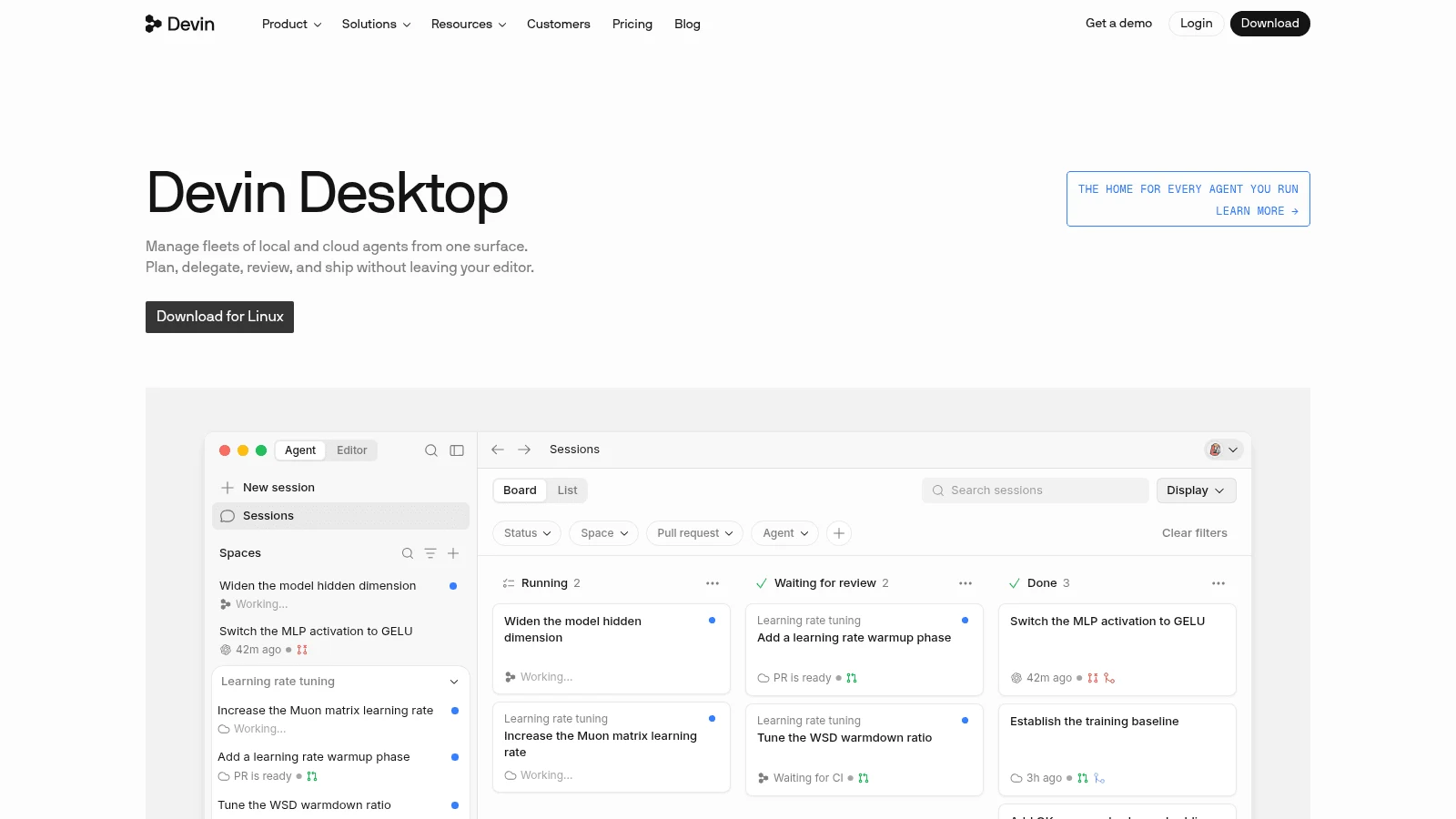
2. Devin Desktop (formerly Windsurf)
Overview: Cognition renamed Windsurf to Devin Desktop on June 2, 2026. Its local agent, Devin Local, replaced Cascade, which reached end of life on July 1, 2026.
Key features:
- Other agents, including Codex, Claude Agent and OpenCode, run inside the editor through the Agent Client Protocol.
- Devin Cloud comes with Pro, so tasks can run in the cloud instead of on your machine.
- The Free plan includes unlimited inline edits and Tab, with agent work on the SWE-1.6 model.
Pricing: Free costs $0, Pro $20 a month and Max $200 a month, with no yearly option found on its pricing page. Teams costs $80 a month plus $40 a month per full developer seat, and extra usage on any plan bills at API pricing.
Pros: Several vendors' agents in one editor, a cloud agent on the $20 plan, a free tier with unlimited Tab
Cons: Daily and weekly allowances with no published numbers, its JetBrains plugin is in maintenance mode, no bring-your-own-key option on its pricing or models pages
The job it does better: Running Codex, Claude Agent and OpenCode side by side in one Kanban view, so you can compare vendors on the same task from one window.
Final verdict: A good fit for developers who want to swap agents freely and can live with unpublished limits.
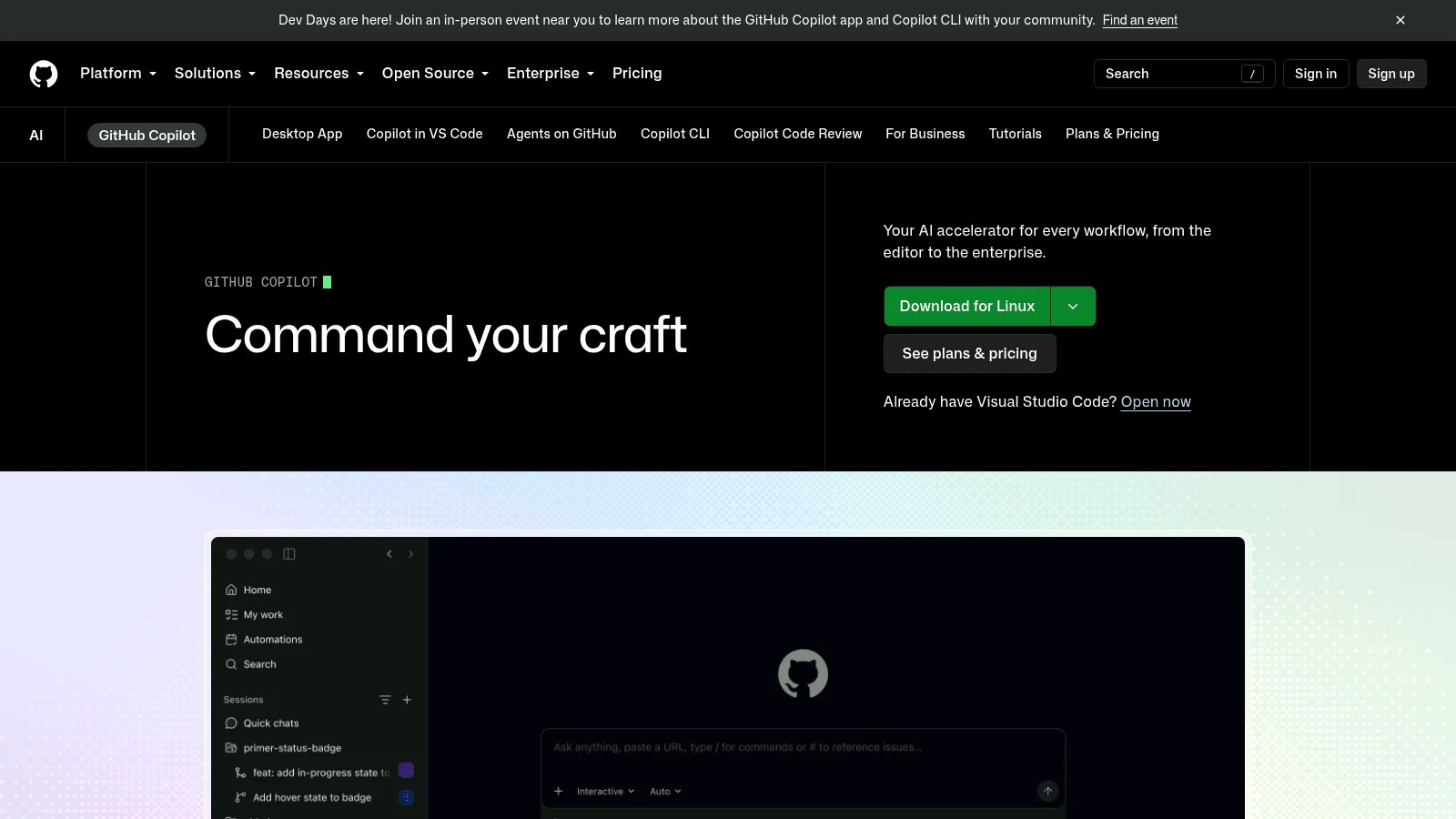
3. GitHub Copilot
Overview: GitHub Copilot is an extension, so it runs inside VS Code, Visual Studio, JetBrains IDEs, Eclipse and Xcode, plus a command-line tool and a cloud agent. Agent mode is on every plan, the free one included.
Key features:
- Published credits per plan: 1,500 on Pro, 7,000 on Pro+ and 20,000 on Max, at $0.01 each.
- Unlimited completions on paid plans, outside the credit count.
- Assign an issue to Copilot and get a pull request back, from Pro up.
Pricing: Pro costs $10 a month, Pro+ $39, Max $100, Business $19 a seat and Enterprise $39 a seat, all monthly. GitHub's marketing page shows $15, $70 and $200, which are the credit values of those plans, not their prices.
Pros: Usage math published down to the cent, works in the editor your team already uses, a $10 entry plan
Cons: Credits don't roll over and reset on the 1st at 00:00 UTC, the 1M-token context applies only in VS Code and the Copilot CLI, Free uses the Auto model only
Where Cursor can't match it: You can read exactly what a plan buys before paying, since credits, prices and overage ($0.01 a credit, with a budget cap) are all on GitHub's docs.
Final verdict: The safest swap for a team that wants predictable bills and doesn't want to change editors.
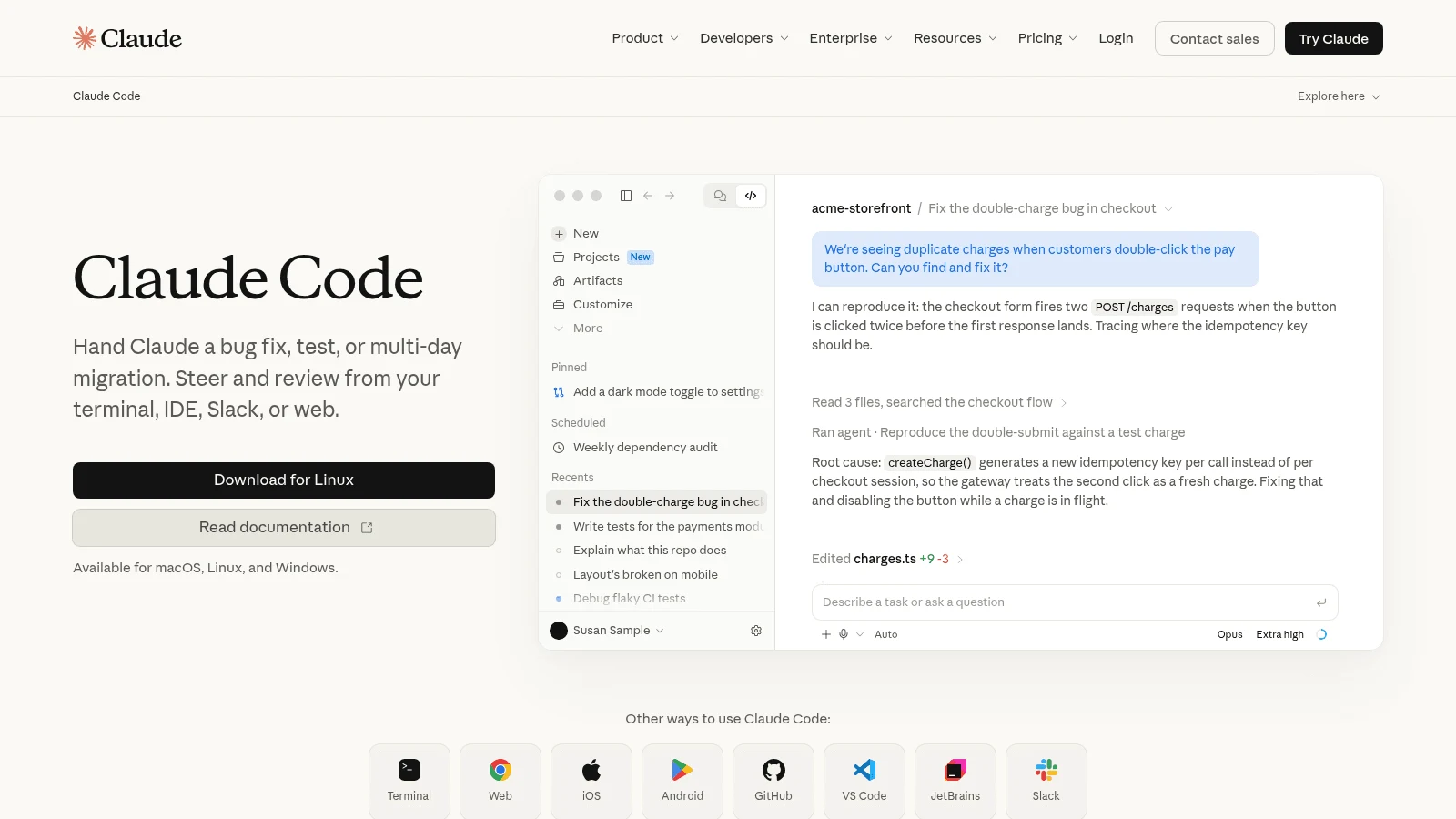
4. Claude Code
Overview: Claude Code is Anthropic's coding agent: a terminal tool that also runs as a VS Code extension (Cursor included), a JetBrains plugin, a desktop app, on the web and in Slack. You can try it inside Cursor before you leave.
Key features:
- Context of up to 1M tokens, depending on the model.
- One usage pool shared with claude.ai, desktop and mobile.
- Set an Anthropic API key and it bills the API instead of your plan.
Pricing: It's included in Claude Pro at $17 a month billed yearly ($200 up front) or $20 monthly, and Max starts at $100 a month. Team Standard seats cost $20 billed yearly or $25 monthly.
Pros: Some users report better answers on big repos, runs in the terminal or your editor, included in a plan you may already pay for
Cons: Claude models only, five-hour session limits plus weekly ones with no fixed message count, no free tier
Why it's a good Cursor alternative: It states a context size, up to 1M tokens, where Cursor states none for its codebase search.
In a thread on Reddit about a 750,000-line Python codebase, one reply said "Use claude code. For whatever reason it does much better on my large codebases, even compared to using Opus within Cursor." Another commenter had no trouble with a repo twice that size in Cursor, so treat it as anecdote.
Final verdict: Try it first if Cursor's answers get worse as your repo grows.
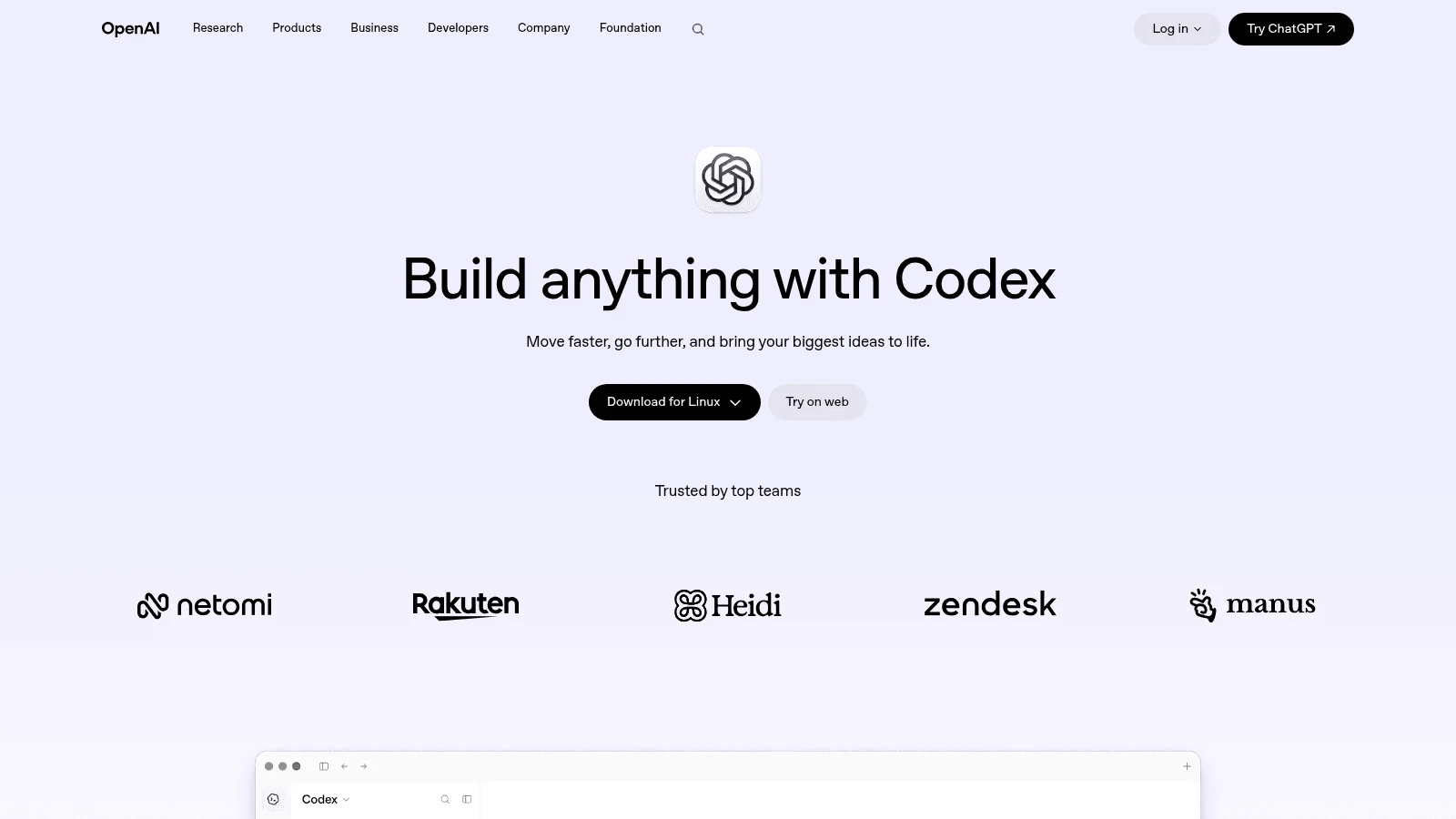
5. OpenAI Codex
Overview: OpenAI's Codex is a coding agent that comes as a CLI, IDE extension, desktop app, web app and iOS app. The CLI is open source under Apache-2.0, and it works through your ChatGPT plan or an API key.
Key features:
- GitHub code review and Slack, on ChatGPT plans from Plus.
- GPT-6.1 Sol and GPT-6 Luna on Plus.
- An API key for the CLI, SDK and IDE extension, billed at API rates.
Pricing: Free and Go ($8 a month) include Codex only in the desktop app, on GPT-6 Luna at standard speed and subject to rollout. Plus costs $20 a month for the full set, Pro starts at $100, and Business costs $20 a user billed yearly or $25 monthly.
Pros: Bundled into ChatGPT Plus, an open-source CLI, cloud review on GitHub
Cons: Plus usage is a range, not a number (15 to 160 local Sol messages per five hours), weekly limits may apply, cloud features don't work with an API key
Pick it over Cursor for: Reaching GPT models straight from OpenAI, with ChatGPT and your coding agent on one subscription instead of a separate $20 editor bill.
Final verdict: The obvious Cursor AI alternative for anyone already paying OpenAI.
6. Zed
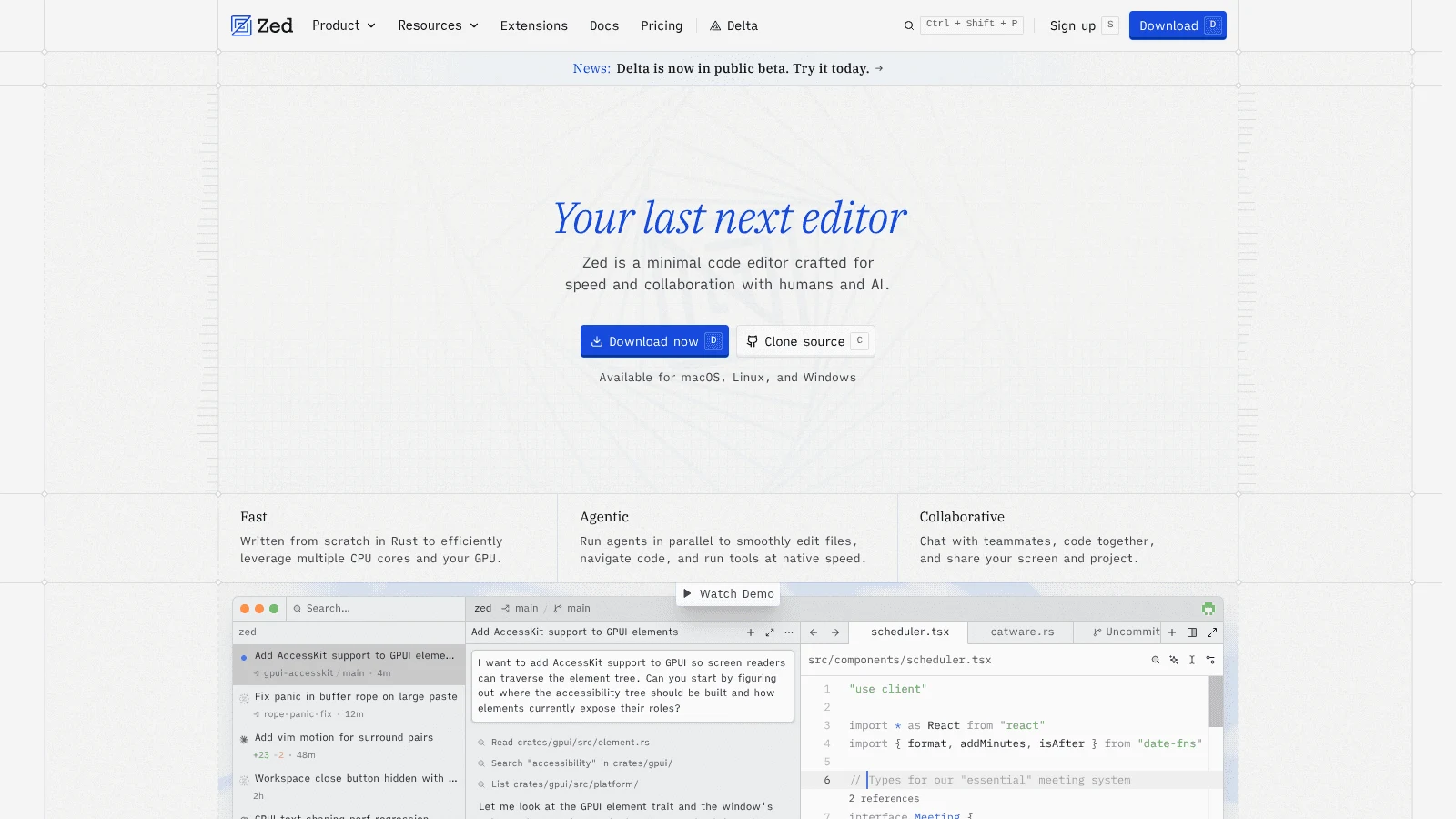
Overview: Zed is a native editor written in Rust and licensed mainly under GPL-3.0-or-later. Its AI features work with Zed's hosted models, your own API keys, or outside agents such as Claude Agent and Codex.
Key features:
- Your own keys from Anthropic, OpenAI, Google, Ollama, OpenRouter, Copilot or Bedrock.
- Outside agents run inside the editor.
- A 14-day Pro trial.
Pricing: Personal is free forever with 2,000 accepted edit predictions, and unlimited when you bring your own keys or agents. Pro costs $10 a month with unlimited predictions and $5 of tokens, then hosted use at API list price plus 10%.
Pros: Free unlimited use on your own key, open source, a Pro plan at half Cursor Pro's monthly price
Cons: Business ($30 a seat a month) lists SSO and SCIM as planned, Zed states no context or indexing figure, hosted use costs API list price plus 10%
Its edge over Cursor: You pay the model provider directly and Zed charges nothing on its free plan, so there's no allowance to run out of.
Final verdict: The pick for developers who want a native, open-source editor and already hold API keys.
7. Cline
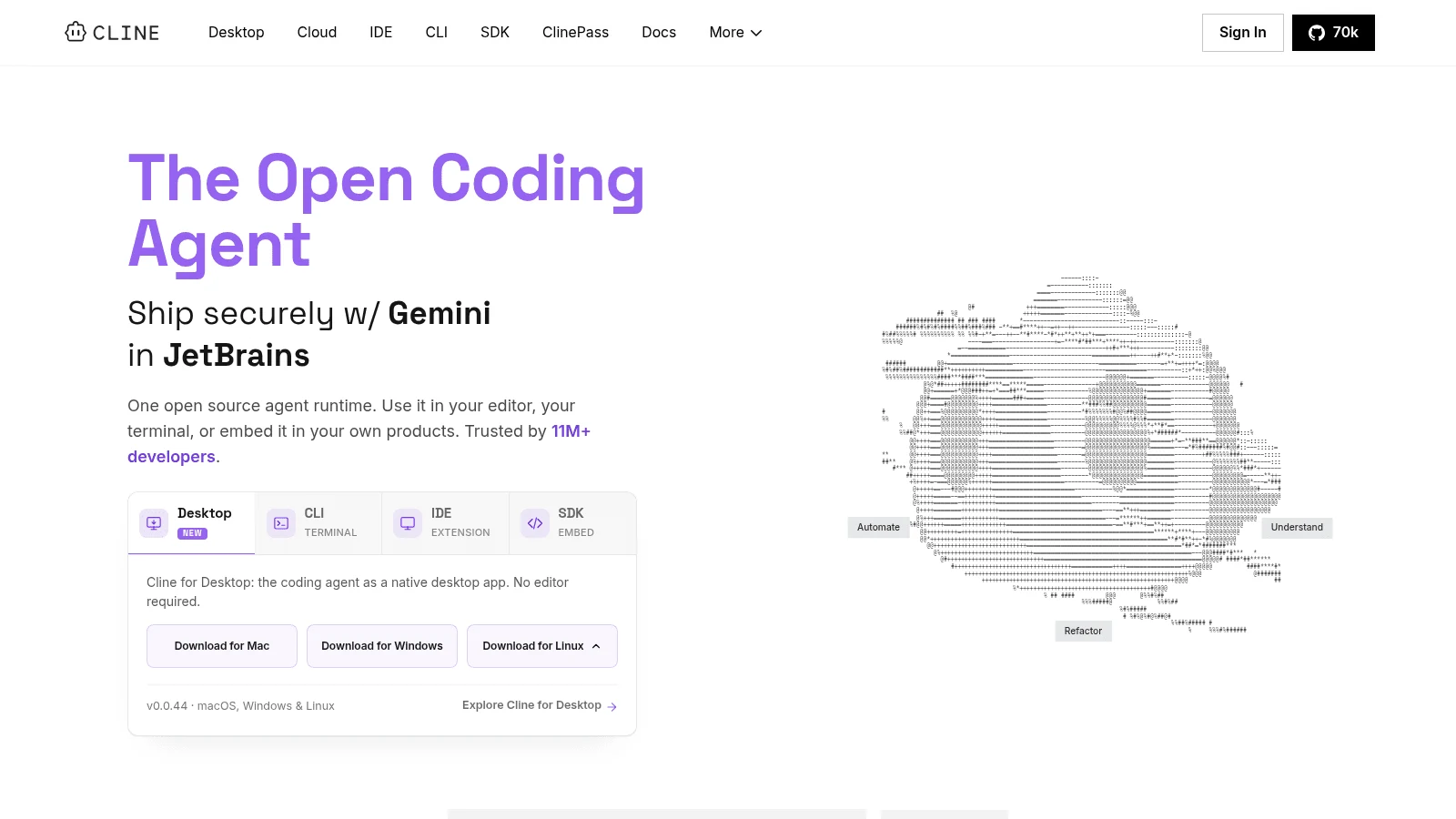
Overview: Cline is an open-source coding agent (Apache-2.0) you can run in VS Code or JetBrains, from a CLI, or as a desktop app, in beta for macOS, Windows and Linux. It's free for individuals.
Key features:
- Inference billed at cost, or your own API key.
- A CLI that runs in scripts, cron jobs and CI pipelines.
- An Enterprise plan with SSO, role-based access and audit logs.
Pricing: Individuals pay nothing for Cline itself, only for model usage at cost or through their own key. Enterprise pricing is custom, and no Teams price is published.
Pros: No subscription at all, the same agent in VS Code and the terminal, open source
Cons: Your spend depends entirely on the models you pick, no public team pricing, its own pages disagree on which plan includes the JetBrains plugin
The Cursor gap it closes: There's no plan sitting between you and the model, so a quiet month costs what you used and nothing more.
Final verdict: Pick it if you want agent features without a monthly fee.
8. OpenCode
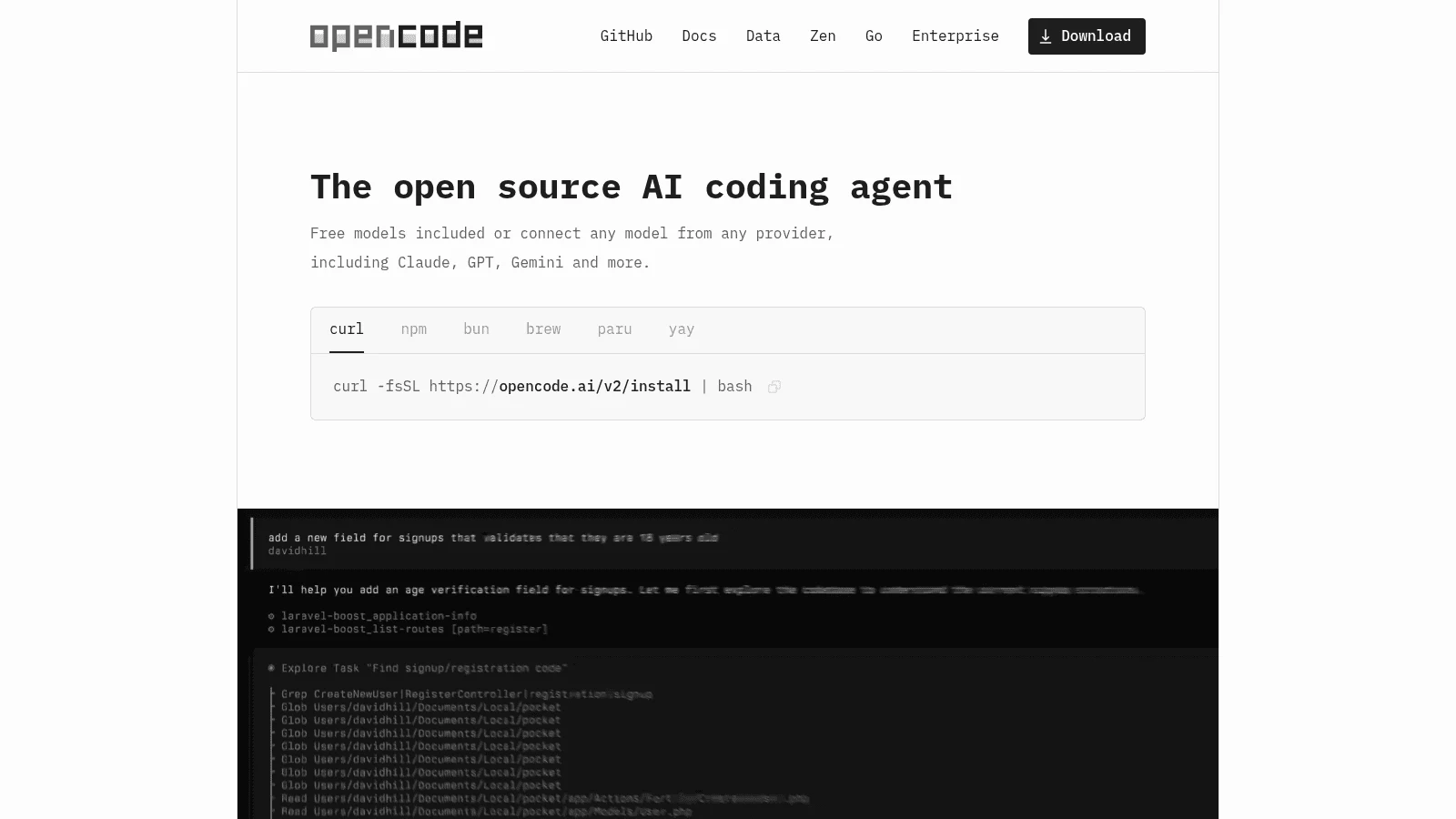
Overview: OpenCode is an MIT-licensed coding agent with a terminal interface, a desktop app and an IDE extension.
Key features:
- 75+ model providers, local models included.
- Sign in with GitHub Copilot or ChatGPT Plus or Pro to use those plans.
- Free models included out of the box.
Pricing: OpenCode is free with your own keys. Optional paid access includes Go at $10 a month, Go Plus at $40 a month with usage caps on mostly open models, and Zen pay-as-you-go from a $20 top-up.
Pros: 75+ providers to choose from, runs local models, reuses Copilot or ChatGPT plans
Cons: A terminal-first workflow, you manage providers and keys, usage caps on the Go plans
What you gain over Cursor: Any of 75+ providers' models, including a local one, where Cursor's own-key support covers five cloud providers and chat models only.
Final verdict: The choice for developers who want to swap models freely or keep code local.
9. Google Antigravity
Overview: Antigravity is Google's desktop IDE, with a CLI, an SDK and extensions. On June 18, 2026, Antigravity CLI replaced the consumer tier of Gemini CLI, though API-key and enterprise access to Gemini CLI continue.
Key features:
- Unlimited Tab on the free Individual plan.
- Claude Sonnet 5.5 and Opus 5.5 on paid Pro (not trials) and Ultra.
- A quota that refreshes every five hours on Pro and Ultra, up to weekly limits.
Pricing: Individual costs $0 with basic weekly rate limits. Paid access comes through Google AI Pro at $19.99 a month in the US, and Ultra starts at $99.99 a month.
Pros: A free IDE tier, Claude and Gemini models on one plan, a Google AI subscription you may already have
Cons: Your own key works only in the CLI, as a Gemini API key, weekly caps still apply, prices are bundled with other Google AI services
Where Cursor falls behind: A heavy morning doesn't spend your month, because the quota comes back every five hours.
Final verdict: Worth a trial if you burn through Cursor's pool early and already pay Google.

10. JetBrains AI
Overview: JetBrains AI is an add-on inside JetBrains IDEs, carrying the Junie agent plus Claude Agent and Codex. You keep the IDE, its refactoring and its debugger.
Key features:
- Junie, Claude Agent and Codex in the same IDE.
- AI credits worth $1 each, with top-ups valid for 12 months.
- Your own API key, with no AI subscription required.
Pricing: AI Pro costs $100 a year or $10 a month with 10 credits per 30 days, and AI Ultimate $300 a year or $30 a month with 35. Organization prices are double, and the IDE license is separate.
Pros: Built by the maker of the IDE, usage priced in plain dollars, top-ups in any amount that last a year
Cons: The IDE license costs extra, the free AI tier stops at 3 credits every 30 days, plan credits expire after each 30-day period
Choose it over Cursor when: You want AI usage priced in plain dollars. Each plan states its credits, one credit is $1, and top-ups stay valid for 12 months, while Cursor publishes no dollar allowance per plan.
Final verdict: The natural pick for teams already paying for JetBrains IDEs.
What Cursor alternatives cost, and how they meter usage
The table shows each tool's cheapest paid route, what its meter counts and whether it takes your own API key, with Cursor last for reference.
| Tool | Cheapest paid route, billing basis | How usage is metered | Own API key? |
|---|---|---|---|
| Awesomic Studio | Basic, $20 a month | Plan price is the monthly budget; no per-model rate published | Not mentioned on its pricing page |
| Devin Desktop | Pro, $20 a month; no yearly option found | Daily and weekly allowances, not published; extra at API pricing | Not listed |
| GitHub Copilot | Pro, $10 a month | 1,500 credits at $0.01; completions outside credits | Yes |
| Claude Code | Claude Pro, $17 a month billed yearly or $20 monthly | Five-hour sessions plus weekly limits, one pool with claude.ai | Yes, billed at API rates |
| OpenAI Codex | Go, $8 a month (desktop app); Plus, $20 a month | Messages per five hours, published as ranges | Yes, CLI, SDK and IDE |
| Zed | Pro, $10 a month | $5 of tokens, then API list price plus 10% | Yes |
| Cline | No plan; inference at cost | Per token, at the model's price | Yes |
| OpenCode | Go, $10 a month (optional) | Usage caps on Go; Zen bills per use | Yes |
| Google Antigravity | Google AI Pro, $19.99 a month (US) | Refreshes every five hours, up to weekly limits | CLI only, a Gemini key |
| JetBrains AI | AI Pro, $100 a year or $10 a month | 10 credits per 30 days at $1 each; top-ups valid 12 months | Yes |
| Cursor (for reference) | Pro, $16 a month billed yearly or $20 monthly | Two monthly pools; non-Cursor models at API rates | Yes, chat models only |
Four tools here publish usage numbers you can budget against: Copilot's credits, JetBrains' $1 credits, Zed's $5 token allowance and OpenCode Go's monthly dollar cap per model. Cline passes model prices through, and the rest describe limits in sessions, ranges or allowances.
Free alternatives to Cursor AI code editor
Eight of these ten Cursor alternatives have a way in at $0. Zed Personal, Cline and OpenCode cost nothing beyond the model you pay for, and Copilot Free gives 2,000 completions a month with agent mode. Devin Desktop and Antigravity have free tiers with unlimited Tab, JetBrains AI Free includes 3 credits per 30 days, and Codex Free runs in the desktop app subject to rollout.
Open source alternatives to Cursor AI code editor
Four of the ten publish their code under an open-source license: Zed (GPL-3.0-or-later, with Apache-2.0 components), Cline (Apache-2.0), OpenCode (MIT) and the Codex CLI (Apache-2.0). Open code lets your security team read exactly what runs on developer machines before approving it.
When Cursor is still the better pick
Cursor still beats these Cursor alternatives if you like its editor, use Tab completion heavily and stay mostly on Cursor's own models. That's where its pricing is most generous: Tab is unlimited on Pro, and its docs give the Grok and Composer pool "significantly more included usage" than other vendors' models.
Cursor also suits teams that want everything in one product: a desktop IDE, a CLI, cloud agents, Bugbot for review and an iOS app. Teams Standard costs $40 a user monthly or $32 billed yearly, which is easier to justify when one product covers the whole workflow.
Before you switch, measure your own speed rather than trusting anyone's claim. METR's randomized study found AI tools made experienced open-source developers take 19% longer on tasks in early 2025. Its February 2026 update says developers are likely more sped up now, while calling its new data "only very weak evidence" for the size of the gain.
A fair test is two weeks on the same kind of ticket in Cursor and in one alternative, tracking time to a merged pull request and the month's bill. If Cursor wins both, stay.
How to move off Cursor without losing your setup
Most of a switch is carrying over the instructions you've taught the agent. These steps cover what doesn't move on its own.
- Copy your project rules out of the .cursor/rules folder into the file your new tool reads, such as CLAUDE.md for Claude Code or AGENTS.md for Codex.
- List every MCP server you use and set it up again in the new tool, checking it against your company's security policy.
- Note the extensions and keybindings you rely on, and confirm each exists in the new editor before you commit.
- Run both tools on real tickets for a week, so you can compare answers on the same code.
- Downgrade Cursor to Hobby at the end of your billing period, rather than canceling outright, so you keep a fallback.
Carry your design inputs over too: an agent builds whatever screen you describe, so most product teams keep one of the UI design tools next to the editor for the mockups.
Who checks the code the agents write
Switching editors doesn't change the hardest part, which is reviewing what the agent produced. Sonar's developer survey of more than 1,100 developers found that AI writes 42% of committed code, that 96% don't fully trust it's functionally correct, and that only 48% always check it before committing. Sonar sells code-review tools, so weigh its framing accordingly.
The same survey found the average team uses four AI coding tools. If that's you, decide who reviews each tool's output and how, before adding a fifth. Keep review notes blunt, because as one of our design digests puts it, brutal feedback is cheaper than rework.
How to choose the right Cursor alternative
Start from the complaint that sent you looking, then pick the tool that answers it. The table pairs common situations with where to start.
| If your problem with Cursor is | Start with | Why |
|---|---|---|
| Bills you can't predict | GitHub Copilot or JetBrains AI | Published credits at $0.01 or $1 each |
| A pool you drain in two weeks | Google Antigravity | Quota refreshes every five hours |
| Answers that slip on a big repo | Claude Code | Context up to 1M tokens, depending on the model |
| A team on Visual Studio or Eclipse | GitHub Copilot | Extensions for both, plus JetBrains and Xcode |
| Paying twice for AI | OpenAI Codex or Claude Code | Included in ChatGPT Plus or Claude Pro |
| Wanting your own models or keys | OpenCode, Cline or Zed | Bring your own key; OpenCode and Zed run local models |
| Nobody on the team writes code | Awesomic Studio | Agents build, the team reviews and approves |
Sometimes the real gap is a person. A founder who keeps re-prompting an agent for a better-looking screen usually needs a designer more than a new model, and the timing of that first design hire matters as much as the person.
Which Cursor alternative to try this week
Pick the row in the decision table that matches your complaint, install that tool alongside Cursor, and run the two-week test with the same rules file in both.
For teams that want features delivered rather than tools to run, an unlimited development subscription puts developers on your backlog for one flat monthly fee.
If no one on your team wants to drive an editor at all, Get started on Basic, Awesomic Studio's $20 plan, and give its agents one feature to build, with your team reviewing it in the workspace.
FAQ
What is the best Cursor alternative?
It depends on why you're leaving. The best Cursor alternative for predictable bills is GitHub Copilot, whose credits are published per plan. For big codebases, try Claude Code, and for JetBrains users, JetBrains AI. Cline, Zed and OpenCode suit anyone who wants to pay a model provider directly.
Are there free alternatives to Cursor AI code editor?
Yes, eight of the ten here have a $0 way in. Zed Personal, Cline and OpenCode are free apart from model costs, Copilot Free includes 2,000 completions a month, and Devin Desktop and Google Antigravity have free tiers with unlimited Tab. Claude Code needs a paid Claude plan.
What are the open source alternatives to Cursor AI code editor?
The OpenAI Codex CLI and Cline (both Apache-2.0), OpenCode (MIT) and Zed (GPL-3.0-or-later) all publish their code. All four work with your own API keys, and OpenCode and Zed also run local models.
Is Claude Code a good Cursor replacement?
For some developers, yes, especially on large repositories, and it's included in Claude Pro from $17 a month billed yearly. It runs Claude models only, and its usage resets in five-hour sessions with weekly caps. You can also run it inside Cursor through its extension before you commit.
Is Cursor still worth paying for?
If you mostly use Tab and Cursor's own models, yes. Tab is unlimited on Pro, which costs $16 a month billed yearly or $20 monthly, and Cursor's models get far more included usage. If you lean on Claude or other outside models, those bill at API rates, and Cursor's docs put daily agent users at $60 to $100 a month in total.





