 Awesomic Team
Key takeaways:
- Windsurf didn't shut down. Cognition renamed it Devin Desktop on June 2, 2026, kept its plans and prices ($0 Free, $20 Pro and $200 Max a month, plus Teams), and in March 2026 swapped credits for daily and weekly quotas it doesn't publish as numbers.
- Every Windsurf plugin outside the editor itself, including the VS Code, JetBrains, Vim and Visual Studio ones, is in maintenance mode, so plugin users have the strongest reason to move.
- The nine third-party tools here bill a heavy month four ways: quota windows (Claude Code, Google Antigravity), credits (GitHub Copilot, Kiro, JetBrains AI), dollar pools at API prices (Cursor, Zed), and inference at cost with your own key (Cline, OpenCode).
- Cursor brings your VS Code extensions and keybindings across in one click, Kiro imports VS Code settings, and Zed offers a VS Code keymap but, per its docs, doesn't import extensions or custom keybindings.
Windsurf, now sold as Devin Desktop, is an AI code editor built on VS Code with a free tier, unlimited Tab completions and agents that can run locally or in Cognition's cloud. It still suits developers who like an agent manager inside a familiar editor.
The reasons to look for Windsurf alternatives changed this year: a March quota switch made heavy months hard to predict, the June rename put the agent manager up front, and its plugins for other editors stopped getting new work.
This list of Windsurf alternatives and competitors compares nine tools, plus our own, by where your setup goes next (a new IDE, an extension, a standalone editor or a terminal agent) and by how each bills a heavy month.
What actually changed when Windsurf became Devin Desktop
Several popular roundups still describe "Windsurf by Codeium" and its Cascade agent, and some say Windsurf is gone. It's still sold, under a new name.
Cognition's launch post says existing users get Devin Desktop "as a standard over-the-air update" and that "your plan, pricing, extensions, and other features remain the same." Its FAQ adds a "Migrate from Windsurf" step on first run that copies settings, keybindings, snippets, workspace state and extensions.
Devin Local replaced Cascade as the built-in agent, with legacy Cascade retired in July 2026. Your .windsurfrules file and .windsurf/rules/ folder still work, though .devin/rules/ now takes precedence.
Since March 2026, every self-serve plan runs on daily and weekly allowances that refresh on their own and are drawn down by the tokens each request uses. Free users wait for the reset; paid users can buy extra usage at API list prices.
The pricing FAQ says "most users will never hit their limits," yet no quota number appears on the pricing page or in the docs. One Windsurf user on Reddit said their new tool was "a lot better than when I got to 80% of my weekly limit on Windsurf in a day with their new structure." That's a single anecdote, not a measurement.
Windsurf's plugin docs list the JetBrains plugin as "in maintenance mode," and the older VS Code, Vim and Neovim, Visual Studio, Jupyter, Chrome and Eclipse plugins carry the same label. The JetBrains Remote Development plugin "is no longer maintained," and Cognition recommends running Devin over the Agent Client Protocol (ACP) inside JetBrains instead.
If you use the Windsurf editor itself, nothing is broken today; plugin users are the ones this change hits.
Why developers look for Windsurf alternatives
JetBrains' own State of Developer Ecosystem survey of 24,534 developers in 194 countries found that 85% regularly use AI tools for coding and 62% rely on at least one AI coding assistant, agent or code editor. JetBrains sells entry #8 here, so weigh it as a vendor's survey.
Four things push people to switch:
- A quota you can't plan around, since a long refactor can use up most of a weekly allowance in a day.
- A plugin that's frozen, which matters most to JetBrains and Visual Studio users.
- A wish to bring your own API key, which Devin Desktop's current pricing, models and usage pages don't mention.
- A new agent-first layout that some developers didn't ask for.
On Reddit's r/windsurf, one developer who had used Cursor and Windsurf for three months each wrote that they "moved to Claude Code TUI after the pricing change... best decision I ever made, no notes." Treat it as one person's experience, not a verdict.
The best Windsurf alternatives compared
The table below compares these Windsurf competitors on form factor and billing, because those two columns decide how much of your setup survives the move and what a heavy month costs. Prices are as the vendors listed them on October 8, 2026.
| Tool | Best for | Form factor | How it bills | Paid plan from |
|---|---|---|---|---|
| Awesomic Studio | Shipping work with no editor at all | Hosted browser workspace (not an IDE) | Monthly fee equals that month's agent budget | $20/month (Basic) |
| Cursor | A drop-in IDE that keeps your extensions | Desktop IDE, CLI, cloud agents | Two monthly usage pools at API prices, overage billed in arrears | $16/month billed yearly, $20 monthly |
| Google Antigravity | Gemini-first agents with a free tier | Desktop IDE, CLI, extensions | Quota refreshed every five hours up to a weekly limit | $19.99/month or $199.99/year (Google AI Pro, US) |
| Kiro | Spec-driven work on AWS | IDE on Code OSS, CLI, web | Monthly credits that lapse; add-ons last 12 months | $20/user/month (Pro) |
| Zed | A fast native editor with your own keys | Standalone editor (not a VS Code fork) | $5 of tokens included, then API list price plus 10% | $10/month (Pro) |
| GitHub Copilot | Staying in the editor you already use | Extension for most IDEs, CLI, cloud agent | AI credits at $0.01 each, reset monthly | $10/month (Pro) |
| Cline | Paying only for the model you call | Extension (VS Code family, JetBrains), CLI, desktop app | Inference at cost or your own API key | Free; optional ClinePass $9.99/month |
| JetBrains AI | Ex-Windsurf plugin users on JetBrains | Add-on inside JetBrains IDEs | $1 credits, top-ups valid 12 months | $100/year (AI Pro, individuals), $10 monthly |
| Claude Code | Terminal-first agent work | CLI, IDE extensions, desktop, web | Five-hour session windows plus weekly limits | $17/month billed yearly, $20 monthly |
| OpenCode | Any model from 75+ providers | Terminal app, desktop app, IDE extension | Your own key, an existing subscription, or Zen at cost | Free; Go $10/month optional |
Row one is Awesomic Studio, and it's there because we make it. Below it, a fixed rule sets the order: full IDEs closest to Windsurf first (Cursor, Antigravity, Kiro), then a standalone editor (Zed), then tools that plug into the editor you have (Copilot, Cline, JetBrains AI), and terminal-first agents last (Claude Code, OpenCode).

1. Awesomic Studio
Best for: Shipping code work without an editor
Overview: Awesomic Studio is our hosted AI workspace. You describe the change, attach files or links, and Codex, Claude Code or OpenCode builds it in a shared workspace that also publishes and hosts the result. Nothing goes on your laptop, so there's no settings folder to migrate.
Devin Desktop runs those same agents inside its editor, so agent choice isn't what sets Studio apart. What Studio removes is the editor itself, which helps when the people asking for the work don't write code, or when you'd rather not rebuild an IDE setup twice in a year.
Studio is part of Awesomic, so it's a first step toward our developers rather than a replacement for them. When the work turns into a steady stream, the Dedicated setup assigns "a vetted specialist or multi-skill team" drawn from the people behind 20,000+ delivered projects, and they own delivery.
Key features:
- Three agents (Codex, Claude Code, OpenCode) in a browser workspace, nothing to install.
- Briefs in plain words, files or links: a ticket or screenshot is enough.
- Always-on agents, so a long task finishes while you're offline.
- Built-in hosting: keep a build private to your team or publish it openly.
- A Dedicated setup for ongoing work.
- Connections to GitHub, Linear, Slack, Figma, Notion, Webflow, Google Drive and Framer.
Pricing: On Studio the bill and the agent budget are one number: you pay $20 (Basic), $200 (Pro) or $500 (Maximum), billed monthly, and the agents draw on that sum. Per-model burn rates aren't on the site, and Dedicated is priced separately, under Awesomic's managed subscription.
Pros: No editor to install or migrate, one monthly figure as the agent budget, hosting on the same bill, three agents to compare on one brief, a Dedicated owner (priced separately) for steady work
Cons: Not an IDE, nothing on its pages covers a local repo or terminal workflow, no published rate per model, no free plan or trial (Windsurf's $0 tier is still live)
How to start using it:
- Pick one self-contained task you'd have handed Windsurf's agent, such as a settings screen.
- Open a Basic plan and write the brief like a ticket, with a link to the current screen.
- Run it with one agent, then run the same brief with another and compare.
- Share the hosted build privately with whoever approves the change.
- Switch to the Dedicated setup once the requests arrive every week and need one owner.
Why it's a good Windsurf alternative: You get frontier agents without choosing a new IDE, so a rename or a billing change at your editor vendor no longer means rebuilding your setup.
Final verdict: Choose Studio when the shipped result matters more than the editor; if you live in a local repo all day, pick an IDE or terminal agent below.
2. Cursor
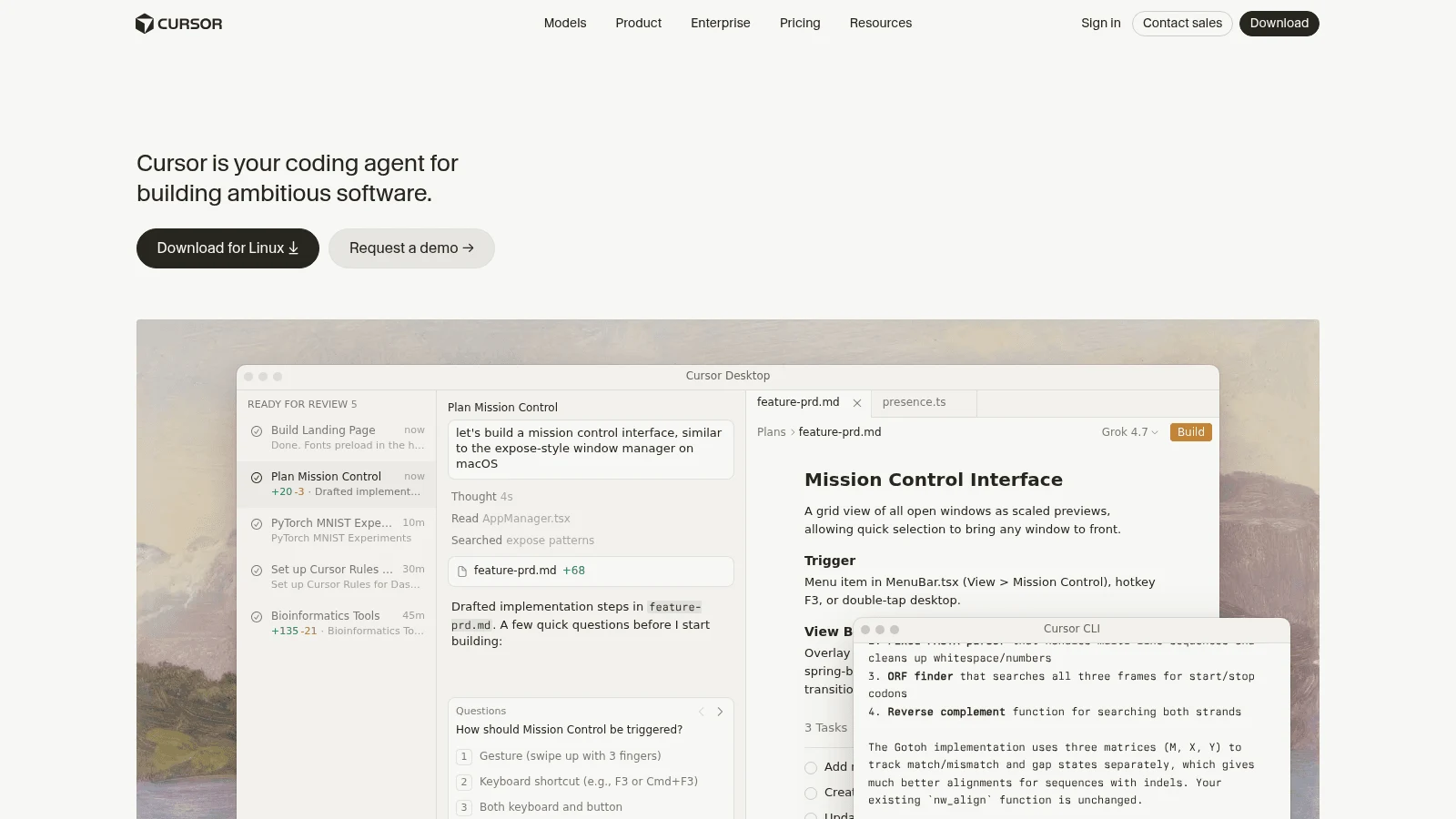
Overview: Cursor started, like Windsurf, as a VS Code fork with an agent built in, which makes it the most familiar move. It adds a CLI, cloud agents and, on paid plans, its agent inside JetBrains IDEs over ACP.
Key features:
- One-click import of VS Code settings, keybindings and extensions.
- Separate "Cursor Models" and "Other Models" usage pools each month.
- Plans from Hobby to Ultra, with Pro+ pitched at daily agent users.
Pricing: Pro costs $16 a month on an annual plan or $20 if paid monthly, and Pro+ is $60 a month. Use past the included amount bills in arrears, with outside models such as Claude Opus 5.5 charged at $4 in and $20 out per million tokens.
Pros: Your VS Code-based setup comes across in one click, a free Hobby tier, paid plans from $16 a month (yearly) to $200
Cons: The dollar allowance per plan isn't stated, OpenAI plans to pull its models from Cursor (proposed shutoff November 12, 2026), the June 2025 pricing switch ended in refunds
Where it beats Windsurf: A yearly price ($16 a month) that Windsurf doesn't offer, and a one-click import of the VS Code setup you already have.
Final verdict: The closest like-for-like swap; Cursor is now part of SpaceX, so watch its model lineup after November.
3. Google Antigravity
Overview: Google Antigravity is Google's agent IDE, with a CLI, an SDK and IDE extensions, built around Google's own Gemini models (Gemini 3.8 Flash arrived in September). Claude 4.6 models are on the free tier for now, and the newer Claude 5.5 models need a paid plan.
Key features:
- On Pro, the quota resets every five hours until you hit the weekly cap.
- Claude Sonnet 5.5 and Opus 5.5 on Ultra and on paid (non-trial) Pro.
- An "AI Credit Overages" switch that decides whether you can buy past the quota.
Pricing: Google AI Pro costs $19.99 a month or $199.99 a year in the US. Google AI Ultra starts at $99.99 and is billed monthly only.
Pros: A real $0 tier, five-hour refreshes that soften a heavy day, an annual option
Cons: No published quota numbers, its plans page says there's no bring-your-own-key option for extra rate limits (the CLI does accept your own Gemini key), Claude 4.6 models leave Free and Pro on November 2, 2026
Why buyers shortlist it: The free Individual plan includes agent work, weekly limits and unlimited Tab, so you can test the IDE on a real project before paying.
Final verdict: Pick Antigravity if you want an agent IDE and already pay for Google AI.
4. Kiro
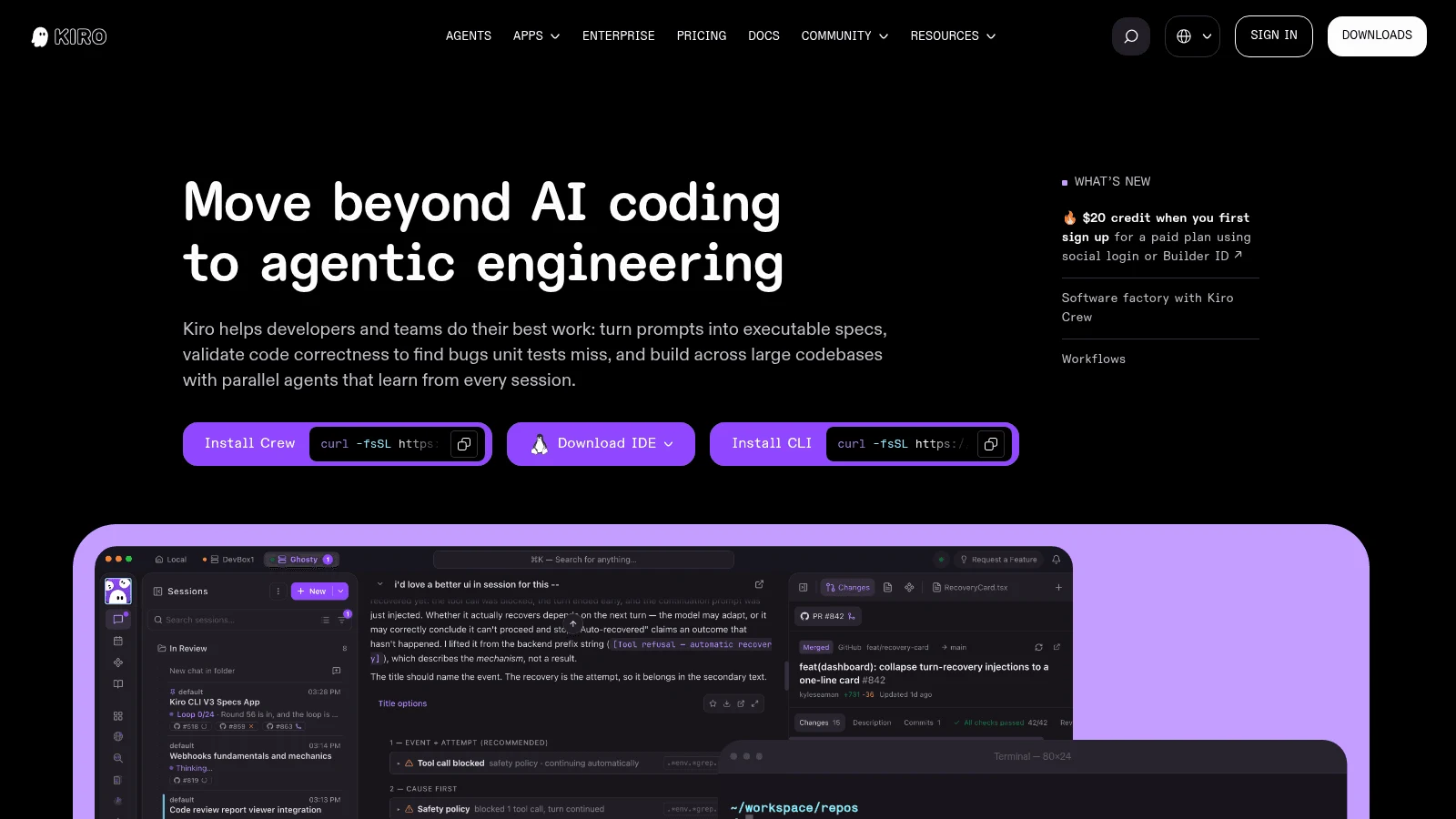
Overview: Kiro, from AWS, is an IDE on Code OSS that imports VS Code settings and installs plugins from Open VSX. Its agent works from written specs, so a task starts as requirements before any code.
Key features:
- Spec-driven tasks that begin from written requirements.
- Credits metered to 0.01, so a simple prompt can cost under one credit.
- Add-on credit packs from $5 for 125 credits.
Pricing: Pro is $20 per user a month for 1,000 credits, and Pro+ is $40 for 2,000, with no annual price found. A $20 credit applies when you first upgrade through social login or AWS Builder ID.
Pros: A free tier with 50 credits, credit costs you can track per task, add-on credits that roll over for 12 months
Cons: Plan credits don't roll over to the next month, cost per task varies by model (Sonnet 4.6 draws 1.3x the credits of Kiro's default Auto agent), no own-key route on its pricing or FAQ pages
What it's good at: Larger changes where writing the spec first keeps the agent from wandering.
Final verdict: A strong fit for teams who want a spec written before the agent touches code.
5. Zed
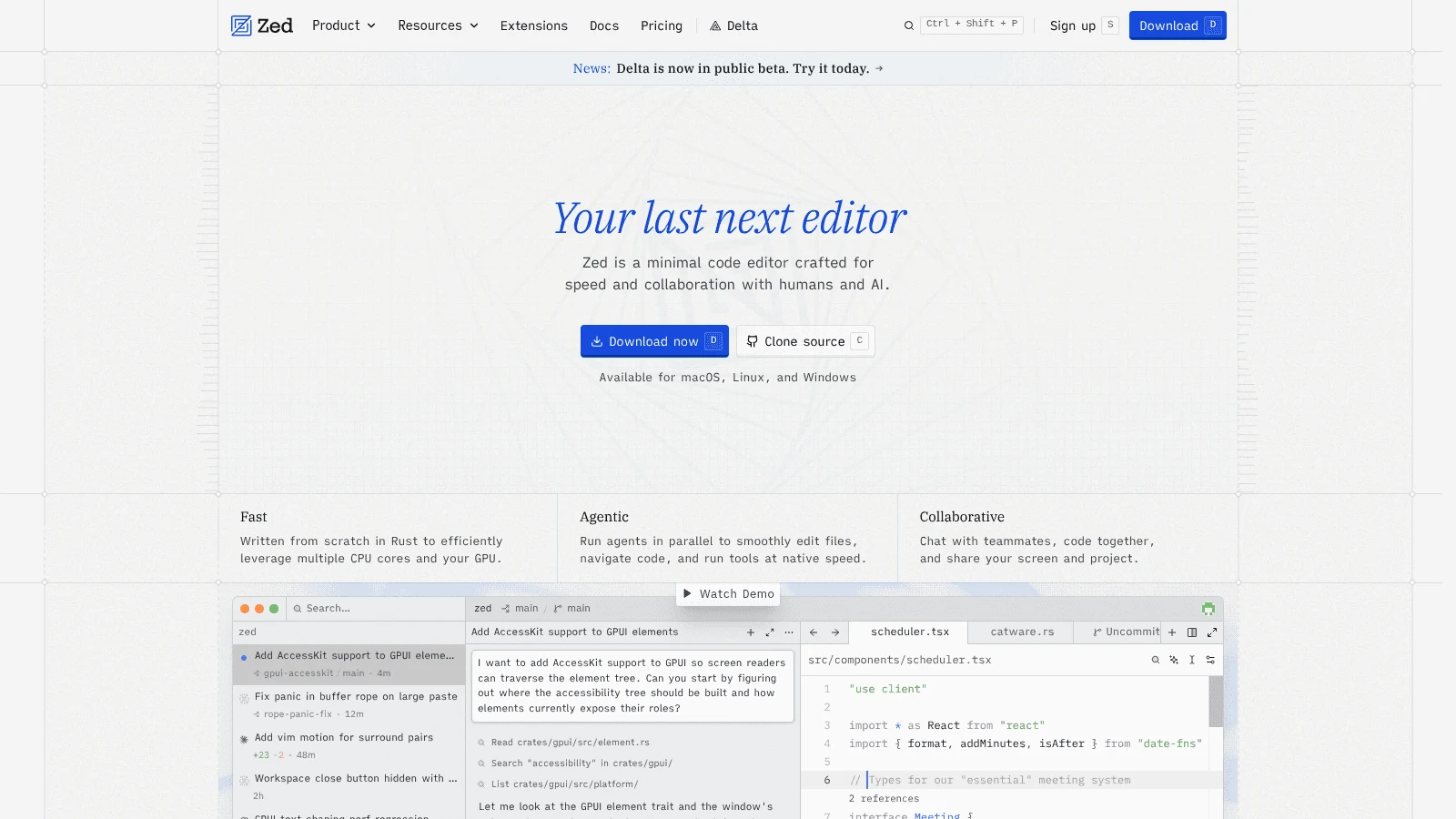
Overview: Zed is built in Rust as its own native editor rather than a VS Code fork, which is the reason to pick it and the reason moving takes longer. It runs external agents such as Claude Agent and Codex CLI alongside its own.
Key features:
- Unlimited use with your own API keys or external agents on the free Personal plan.
- Keys from Anthropic, OpenAI, Google AI, OpenRouter, Ollama, Bedrock and more.
- A spending cap on hosted usage.
Pricing: Pro is $10 a month with unlimited edit predictions and $5 of tokens included, then usage at API list price plus 10%. Business is $30 per seat a month, and a 14-day Pro trial needs no card.
Pros: A free plan that's unlimited with your keys, low monthly price, a hard spending cap
Cons: Its docs say Zed "doesn't import extensions or keybindings," a smaller extension catalog, SSO and SCIM still planned rather than live
Its real strength: Speed and model freedom for developers happy to redo custom keybindings once.
Final verdict: Choose Zed if you're leaving the VS Code family on purpose.
6. GitHub Copilot
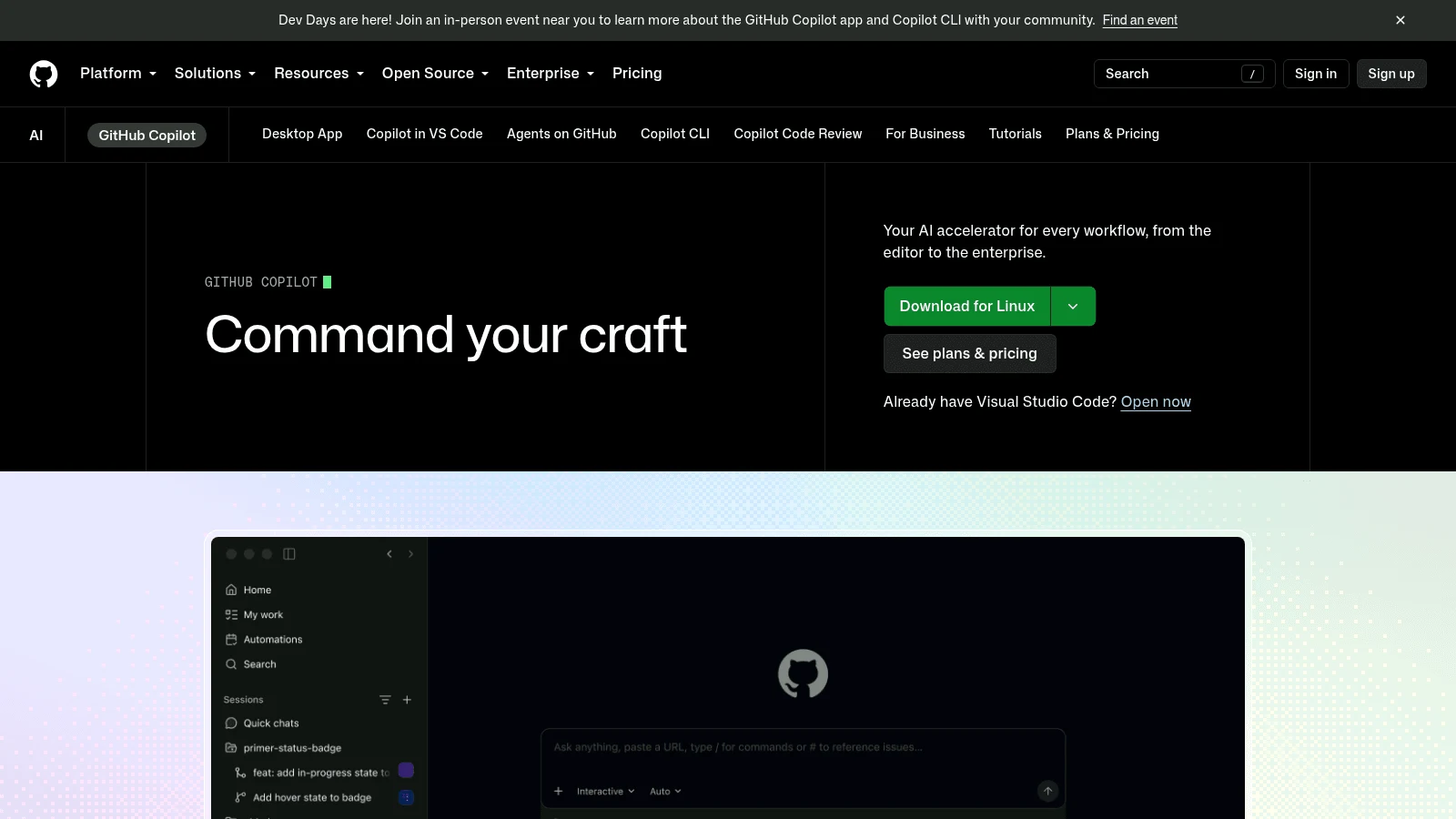
Overview: GitHub Copilot plugs into VS Code, Visual Studio, Xcode, Eclipse and the JetBrains IDEs, and also ships as a CLI and a cloud agent. For anyone who used a Windsurf plugin, it's the shortest route back to an actively developed one.
Key features:
- Completions and next-edit suggestions unlimited on paid plans, outside the credit pool.
- AI credits worth $0.01 each, drawn by tokens times the model's price.
- Overage at $0.01 a credit within a budget you set.
Pricing: Copilot Pro is $10 a month for 1,500 AI credits, while Pro+ is $39 for 7,000. Only monthly prices appear on the current plans page.
Pros: Runs in VS Code, Visual Studio, JetBrains, Eclipse, Xcode and Neovim, an allowance published in exact credits, a free tier
Cons: Credits reset on the 1st with no rollover, the 1M context window is limited to VS Code and the CLI, agent depth depends on the host editor
Why it made this list: It replaces a frozen Windsurf plugin without asking you to change IDEs.
Final verdict: The default for Visual Studio, Eclipse and Xcode users.
7. Cline
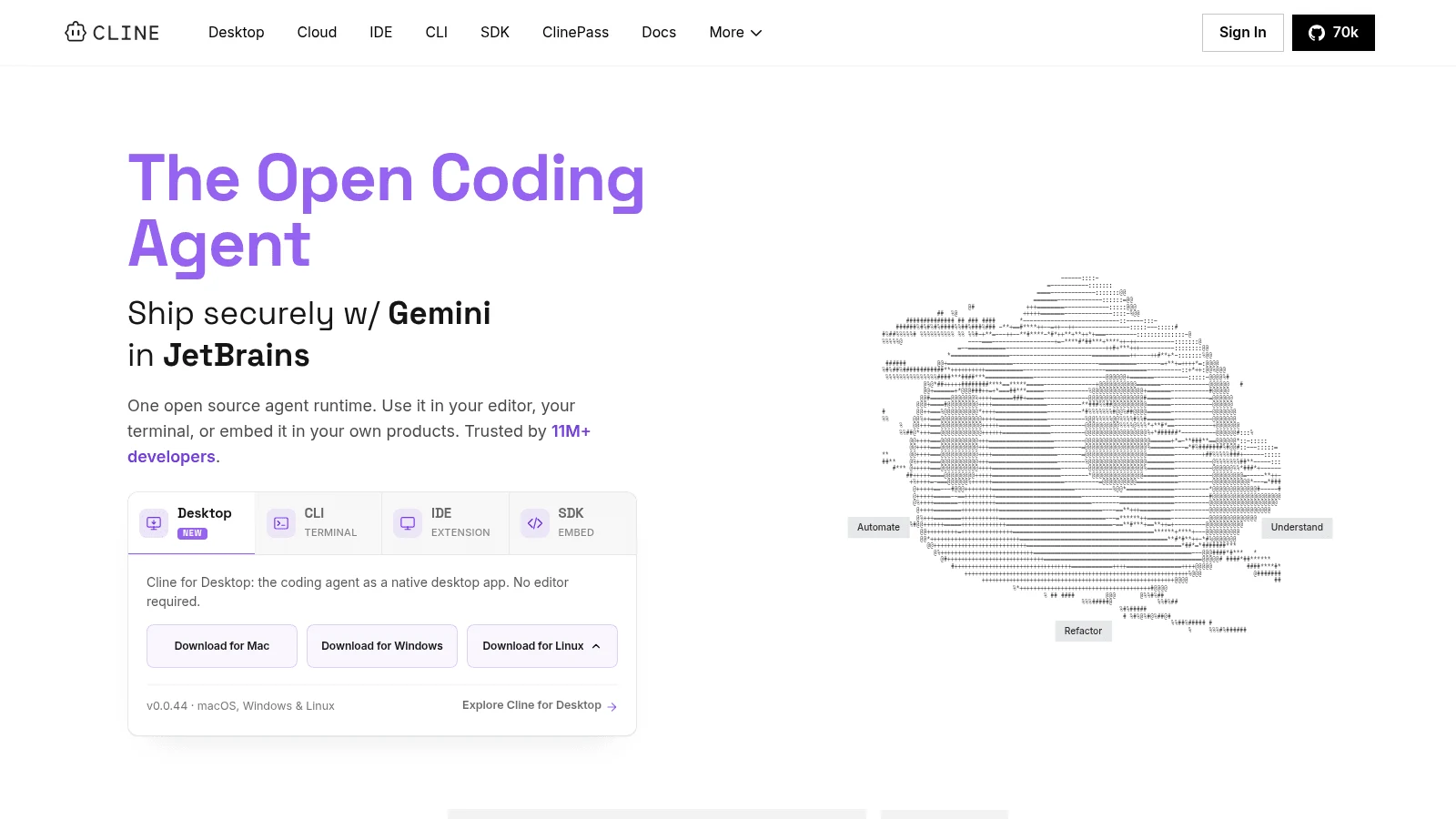
Overview: Cline is an agent extension for VS Code and its forks (Windsurf included, through Open VSX), with a JetBrains version, a CLI that speaks ACP and a desktop app. The extension costs nothing, and the one subscription on offer is optional.
Key features:
- Inference bought at cost through Cline, or billed by your own provider.
- Install targets that include VS Code, Cursor, Windsurf, VSCodium and Antigravity.
- A CLI that runs in Zed and JetBrains over ACP.
Pricing: Cline is free for individuals, and you pay for model usage, either at cost or on your own key. ClinePass, an optional $9.99 monthly plan, stretches usage on a curated group of open models. Enterprise is custom and adds SSO, RBAC, audit logs and central billing.
Pros: No markup on inference, any model you can reach, runs inside your current editor, Windsurf included
Cons: The flat-fee ClinePass covers open models only, so a month on frontier models has no fixed price; team controls (SSO, audit logs) need Enterprise
Why it works as a Windsurf alternative: You can install it in Devin Desktop today and see whether a pay-at-cost agent fixes your quota problem before you move editors.
Final verdict: The low-commitment test for anyone whose real complaint is billing.

8. JetBrains AI
Overview: JetBrains AI is the AI layer inside IntelliJ IDEA, PyCharm and the other JetBrains IDEs, with the Junie agent plus Claude Agent and Codex over ACP. It's the natural landing spot now that Windsurf's JetBrains plugin is in maintenance mode.
Key features:
- Each credit is worth $1, and bought top-ups last 12 months.
- Your own OpenAI or Anthropic keys, or local models via Ollama and LM Studio.
- ACP agents usable without a JetBrains AI subscription.
Pricing: For individuals, AI Pro costs $10 a month or $100 a year and grants 10 credits every 30 days, and AI Ultimate is $30 a month or $300 a year; organizations pay twice those rates. The All Products Pack and dotUltimate bundles include AI Pro, while any other IDE license is a separate purchase.
Pros: Native to the IDE you already use, own keys accepted, a free tier with 3 credits
Cons: 10 credits on Pro covers what JetBrains calls "occasional agent use"; heavy months get expensive at $1 a credit; the IDE license costs extra outside the two bundles
Where it fits: JetBrains users who want an agent that ships with the IDE rather than a plugin from another vendor.
Final verdict: Start here if Windsurf only ever lived inside your JetBrains IDE.
9. Claude Code
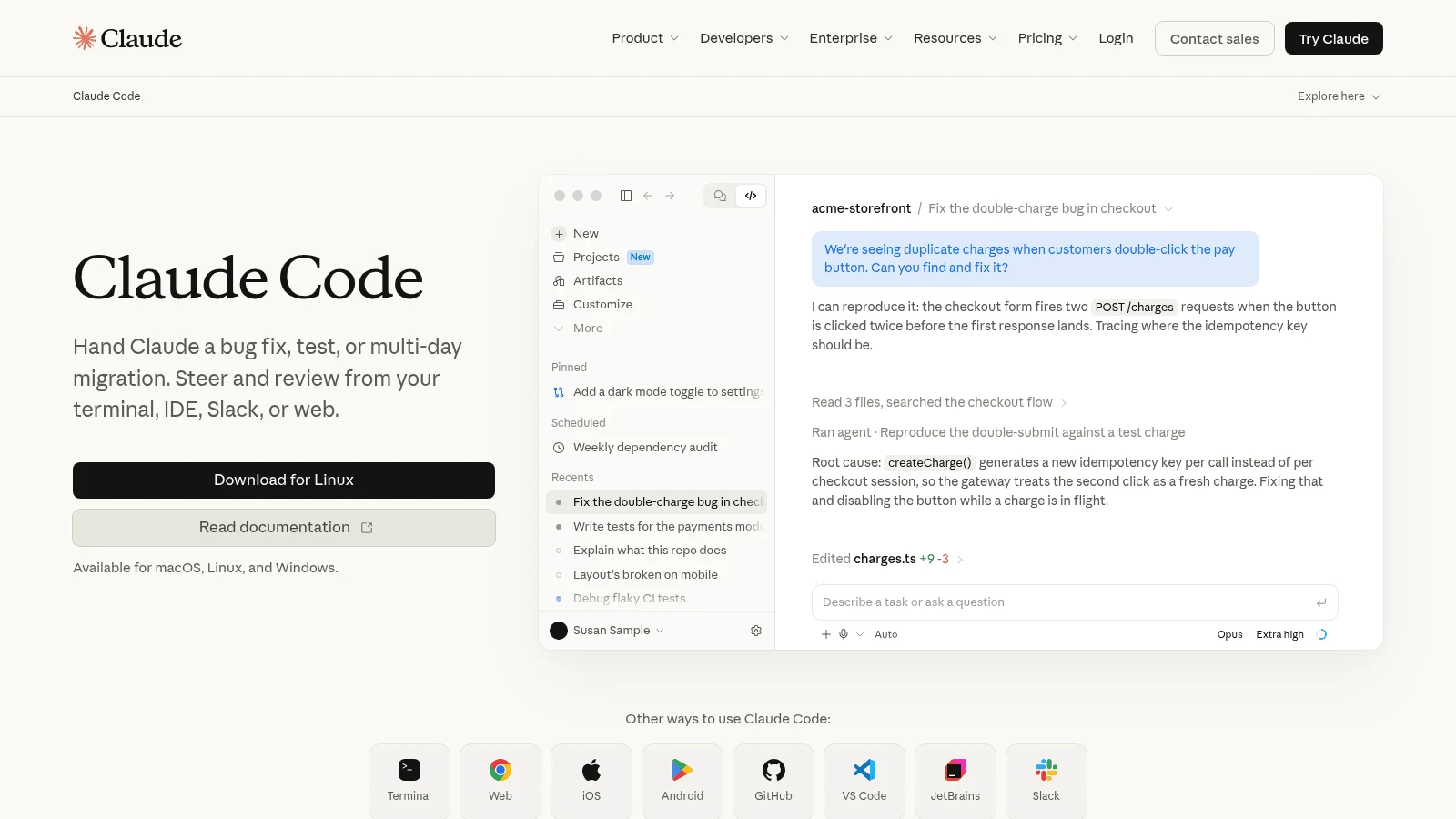
Overview: Claude Code, Anthropic's agent for coding, lives mainly in the terminal, with extensions for VS Code and JetBrains plus desktop and web apps. It's where the r/windsurf poster who called it the "best decision I ever made" moved after the pricing change.
Key features:
- One usage pool shared across claude.ai, the desktop app and Claude Code.
- Five-hour session windows plus weekly limits on paid plans.
- Extra usage at standard API rates, or a Console API key.
Pricing: Pro is $20 a month, or $200 paid up front for a year (about $17 a month), and includes Claude Code. Max starts at $100 a month for five times Pro's usage, with a 20x tier above it.
Pros: Works beside any editor, five-hour resets during a long day, a clear upgrade path
Cons: Not on the Free plan, Claude models only, limits not published as numbers
Why it's one of the best Windsurf alternatives: Moving takes almost no setup, since your editor stays and only the agent changes.
Final verdict: Best for developers comfortable driving an agent from the terminal.
10. OpenCode
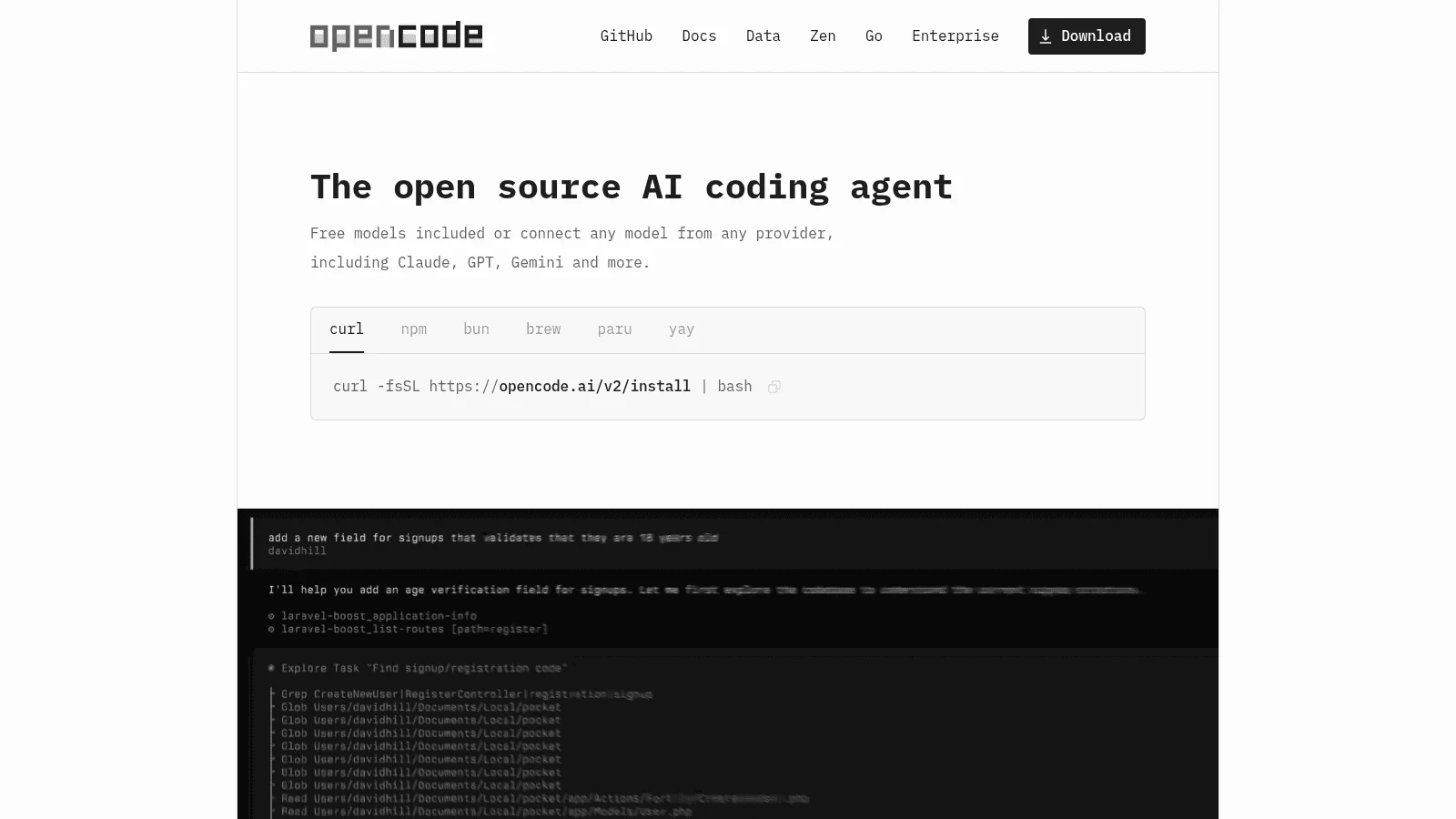
Overview: OpenCode is a free terminal agent with a desktop app and an IDE extension, connecting to 75+ model providers, local ones included. Devin Desktop itself runs it over ACP, so you can try it without leaving Windsurf.
Key features:
- Free models included, or log in with an existing GitHub Copilot or ChatGPT plan.
- Go plans with estimated requests per five hours for each model.
- Zen pay-as-you-go, sold "at cost" plus processing fees.
Pricing: OpenCode is free, and Go costs $10 a month (Go Plus $40) for a curated set of mostly open models. Zen charges per million tokens, for example $4 in and $20 out for Claude Opus 5.5.
Pros: Any model or subscription you already have, a genuinely free start, open source (MIT)
Cons: No editor of its own, quality depends on the model you bring, Go limits vary by model
Its edge: It can run on a Copilot or ChatGPT plan you already pay for, so a first trial may cost nothing extra.
Final verdict: Choose OpenCode to keep total control of models and spend.
What a heavy month costs on each Windsurf alternative
Entry prices cluster at $10 to $20, so the useful comparison is what happens past the allowance, starting with Windsurf itself.
| Tool | Cheapest paid plan (billing basis) | What happens past the allowance |
|---|---|---|
| Windsurf / Devin Desktop | Pro $20/month, no annual option found | Buy extra usage at API list prices |
| Awesomic Studio | Basic $20/month | Not published; the fee is the month's budget |
| Cursor | Pro $16/month billed yearly, $20 monthly | On-demand usage billed in arrears |
| Google Antigravity | Google AI Pro $19.99/month, $199.99/year | Google AI credits, if overages are switched on |
| Kiro | Pro $20/user/month | Add-on credits at $0.04 each |
| Zed | Pro $10/month | API list price plus 10%, up to your cap |
| GitHub Copilot | Pro $10/month | $0.01 per credit within a set budget |
| Cline | ClinePass $9.99/month (optional, open models only) | Your provider's bill, or inference at cost |
| JetBrains AI | AI Pro $10/month or $100/year (individuals) | $1 credit top-ups, valid 12 months |
| Claude Code | Pro $17/month billed yearly, $20 monthly | Usage credits at API rates |
| OpenCode | Go $10/month (optional) | Zen at cost, or your own key |
Zed, Copilot and OpenCode's Zen let you set a spending limit, and Kiro's add-on credits outlast a quiet month while its plan credits don't.
Windsurf's Pro plan carries a dated offer: SWE-2, Cognition's in-house coding model, is free in Devin Desktop and the CLI until October 16, 2026, so rerun Windsurf's side of any cost test after that date.
Before you buy seats for a team, log one heavy week per person. Any rollout plan, including one drawn up by AI consulting agencies, is only as good as the usage data behind it.
Where your editor setup goes next
Choosing between Windsurf code alternatives comes down to what you're willing to rebuild:
- A VS Code fork (Cursor, Kiro, Antigravity) keeps most of your extensions and muscle memory.
- A standalone editor (Zed) offers a VS Code keymap but asks you to redo custom keybindings and find new extensions.
- An extension (Copilot, Cline, JetBrains AI) keeps the IDE you already use and swaps only the agent.
- A terminal agent (Claude Code, OpenCode) works beside any editor, so nothing in your editor changes.
- A hosted workspace (Studio) skips the local setup entirely.
UI-heavy work is different: when interface code has to match a design system, a design engineer who works in both Figma and code often saves more time than another editor swap would.
How to move off Windsurf without losing your setup
Budget an afternoon. Devin Desktop is built on VS Code and keeps Windsurf's file layout, so your settings and rules sit where the import tools expect them. Work in this order:
- Export your extension list and keybindings from Devin Desktop's settings before installing anything new.
- Copy
.windsurfrulesand the.windsurf/rules/folder into the new tool's rules format, such as Cursor rules, Kiro steering files or a project instructions file for Claude Code. - Run the import (Cursor's one-click VS Code import, Kiro's VS Code settings import, or Zed's core settings import).
- Reinstall extensions by hand on Zed, which doesn't import them.
- Repeat one real task from last week in both tools and compare time and cost.
- Keep Devin Desktop installed on the Free plan until the new tool has handled a full sprint.
Rules files deserve the most care, because agents follow them literally. If your rules describe component conventions nobody wrote down elsewhere, a design system audit turns that tribal knowledge into documentation any agent can read.
Pros and cons of switching from Windsurf
On the plus side, switching gets you published allowances (Copilot, Kiro, JetBrains AI), a hard spending cap (Zed, Copilot, OpenCode's Zen), your own model keys (Zed, Cline, OpenCode, JetBrains AI), or an IDE plugin that's still being developed.
On the minus side, you lose Devin Desktop's Agent Command Center, which shows local and cloud agents on one Kanban board, and its built-in Devin Cloud on Pro. Zed means redoing custom keybindings, and Claude Code means Claude-only models.
Staying makes sense if you use the editor itself, rarely hit the quota and like running Codex, Claude Agent and OpenCode from one window. If your team ships changes every week in a continuous product design rhythm, the agent runs most days, so a quota you can't see is a bigger risk for you.
Common mistakes when picking a Windsurf replacement
The first mistake is believing Windsurf is gone and migrating in a panic. Its $0 plan is still live, so take a week to compare.
The second is comparing entry prices instead of overage. A $10 plan that bills API prices plus 10% can cost more than a $20 plan in a heavy month.
The third is expecting the new tool to replace a missing teammate. An agent speeds up the person driving it but doesn't own a deadline, and when you need someone accountable, the usual talent marketplace trade-off between speed, cost and quality applies.
How to choose the right Windsurf alternative for your needs
Windsurf AI alternatives all generate code, so the first question is how well you can steer what they produce. In a 2023 survey of 410 developers published at ICSE 2024, Carnegie Mellon researchers found that 48% of those who didn't regularly use AI programming assistants said they had difficulty controlling the model, and 54% said the code didn't meet their requirements.
The survey covered first-generation tools like Copilot and Tabnine, so test steering on your own codebase rather than trusting a demo.
Beyond the output, a switch also comes down to which models you can pick and whether you can cap the bill. Match your situation to a tool:
- If you used Windsurf's editor and want the closest swap, try Cursor.
- If you used the JetBrains plugin, try JetBrains AI, or Copilot if you also work in other IDEs.
- If surprise quotas are the problem, Copilot, Kiro and JetBrains AI publish allowances and Zed takes a hard cap.
- If you want to bring your own key, look at Zed, Cline or OpenCode.
- If you live in the terminal, start with Claude Code, or OpenCode for any model.
- If you want a free IDE with real agent work, test Google Antigravity.
The best alternatives to Windsurf AI for developers aren't always right for a mixed team, where people who don't code request and review the work. There, decide whether the person building it should be a freelancer, in-house or subscription hire before you pick the tool they'll use.
Which Windsurf alternative to test first
Pick two tools from different rows of the form-factor list and give each the same real task from last week, noting time, cost and how much setup you rebuilt.
Want agents to ship the work without an editor, and an Awesomic developer ready (quoted separately) when it becomes a steady stream? Get started with Studio's Basic plan, $20 a month.
FAQ
What are the best alternatives to Windsurf?
Cursor is the closest IDE swap, Google Antigravity and Kiro are the other full IDEs, and Zed is the native editor. GitHub Copilot, Cline and JetBrains AI plug into an editor you already use, while Claude Code and OpenCode run from the terminal.
Did Windsurf shut down?
No. On June 2, 2026, Cognition changed Windsurf's name to Devin Desktop through an over-the-air update, and Cognition says your plan and pricing are unchanged. What changed is the March 2026 switch to daily and weekly quotas and its plugins' maintenance-mode status.
Is there a free Windsurf alternative?
Yes, several. Cline and OpenCode cost nothing to install, and their paid plans (ClinePass and Go) are optional, Zed is free and unlimited with your own API keys, and Cursor, GitHub Copilot, Google Antigravity, Kiro and JetBrains AI all have free tiers with limits. Claude Code isn't included on Anthropic's free plan.
What should JetBrains users use instead of the Windsurf plugin?
JetBrains AI is the native option, with the Junie agent and your own keys accepted. GitHub Copilot and Cline also have JetBrains versions, and Cognition itself recommends running Devin over ACP in JetBrains now that its plugin is in maintenance mode.
Can I keep my Windsurf settings when I switch?
Mostly. Cursor imports VS Code settings, keybindings and extensions in one click, and Kiro imports VS Code settings. Zed imports core settings and offers a VS Code keymap, but not your extensions or custom keybindings, and your .windsurfrules content needs copying into the new tool's rules format by hand.





