 Awesomic Team
Key takeaways:
- Six tools here publish their agent under an open-source license: OpenCode (MIT), plus Codex CLI, Gemini CLI, Aider, Cline and Goose (all Apache 2.0).
- Claude Code needs a paid Claude plan (Pro is $17 a month billed yearly or $20 monthly) or an Anthropic API key, runs Claude models only, and caps plan use with five-hour and weekly limits that Anthropic doesn't publish as numbers.
- Gemini CLI's free Google sign-in ended on June 18, 2026, when Antigravity CLI took over Google's consumer tier; paid API keys and enterprise licenses still work.
- OpenCode Go and GitHub Copilot Pro both cost $10 a month, half of Claude Pro's monthly price, and Copilot CLI also runs on Copilot's Free plan.
Claude Code is Anthropic's coding agent, and it built its following in the terminal: you describe a change, and it reads the repo, edits files and runs commands until the job is done. It comes with every paid Claude plan, from Pro upward, but not with the Free plan.
That setup is exactly why people go looking for Claude Code alternatives. Some keep hitting usage limits, some want a different model, and some want the agent somewhere other than a terminal window.
We judged every tool on three questions: where the agent runs (terminal, editor or browser), whether its code is open source, and whether you pay a flat subscription or for each token. Awesomic Studio is first because we make it; after it come six open-source agents, then three closed tools sold mainly by subscription.
Why developers look for Claude Code alternatives
Limits come up first. TechCrunch reported in July 2025 that Anthropic would add weekly caps for Pro and Max subscribers from August 28, 2025, on top of the existing five-hour limits, after some users ran Claude Code "continuously in the background, 24/7." Anthropic said fewer than 5% of subscribers would feel the change.
Today every Claude plan has rolling five-hour session limits, and paid plans add weekly ones. Chats in claude.ai, the desktop app and Claude Code all draw from one pool, so a long research chat can shorten your coding afternoon.
One developer on Reddit's r/ClaudeCode compared two $20 plans: "Claude usually allows me like 6 to 8 prompts during 8 hour work window, while I'm being very careful with prompts. Not once did I hit the limit with gpt in last 3 months."
The same commenter added that Claude "usually gets it right from first attempt," while GPT needs "3 or 4 iterations." It's one person's experience, but it's the trade most switchers weigh.
The other reasons are structural, and each leads to its own kind of alternative:
- Claude Code runs Claude models only, so you can't send a routine task to a cheaper open-weight model.
- It isn't included in Claude's Free plan.
- Its home is the terminal, even though it also ships IDE extensions, a desktop app and a web version.
- Its public GitHub repository carries no open-source license, so you can't fork or self-maintain it.
If none of these bothers you, the when-to-stay section below may save you a migration.
Terminal, editor or browser: where each agent runs
A coding agent is a model plus a harness, the program that reads your files, runs commands and decides what to send to the model next. When you leave Claude Code, the harness is mostly what you're choosing, because it decides where you work.
Terminal agents keep Claude Code's habits. Codex CLI, OpenCode, Gemini CLI, Aider and Copilot CLI read your local repo, run your tests and work alongside git, so switching changes the model and the bill more than your routine.
Editor-based agents put the work beside your code. Cursor and Kiro are full editors, and Cline lives inside VS Code and JetBrains (Cursor's agent now reaches JetBrains too), so you review each diff where you'd read it anyway.
Browser workspaces run the agent on someone else's machine. Our Studio runs Claude Code, Codex and OpenCode in a hosted workspace your team shares, with an Awesomic designer or developer on call. That puts browser workspaces partway between a tool and a service, the same spectrum founders weigh when choosing between freelancers, agencies and subscriptions.
The harness is also why a model's benchmark score doesn't carry over neatly between tools. SWE-bench, presented by Jimenez and colleagues at ICLR 2024, tests agents on 2,294 problems from real GitHub issues and pull requests across 12 popular Python repositories. At publication, the best model, Claude 2, resolved just 1.96% of them.
The test is whether a real issue gets fixed, so try any of these Claude Code alternatives on an issue from your own backlog before trusting a leaderboard.
The best Claude Code alternatives compared
Each row shows where the tool runs, its license where one applies, and the cheapest way in across monthly and yearly billing. For reference, Claude Code runs in the terminal, IDEs, a desktop app and the web, is closed source, and starts at $17 a month billed yearly.
| Tool | Best for | Where it runs (license) | Main limitation | Pricing (from) |
|---|---|---|---|---|
| Awesomic Studio | Claude Code and Codex without a local setup | Hosted browser workspace | Not a terminal tool, no published per-model rate | Basic, $20/month |
| OpenAI Codex | Same terminal workflow, different vendor | CLI (Apache 2.0), IDE, desktop, web, iOS | CLI needs ChatGPT Plus or an API key | Plus, $20/month |
| OpenCode | Any model in a terminal agent | Terminal, desktop, IDE extension (MIT) | More setup than Claude Code | Free; Go, $10/month |
| Gemini CLI | Google Cloud teams with API keys | Terminal (Apache 2.0) | Consumer tier replaced by Antigravity CLI | Pay per token, paid API key |
| Aider | Git-tracked pair programming | Terminal, IDE watch mode (Apache 2.0) | Last release February 2026 | Free; you pay your model provider |
| Cline | Approving every edit in your editor | VS Code, CLI, desktop (Apache 2.0); closed JetBrains plugin | Team features only in custom Enterprise | Free for individuals; inference at cost |
| Goose | One agent for code and other work | Desktop, CLI, API (Apache 2.0) | General-purpose, not coding-only | Free; you pay your model provider |
| GitHub Copilot CLI | Teams already paying for Copilot | Terminal (closed source) | Credits drain faster on pricier models | Free plan; Pro, $10/month |
| Cursor | An AI editor with a CLI too | Desktop editor, CLI, cloud, JetBrains via ACP (closed source) | Usage beyond the allowance billed at API rates | Hobby free; Pro, $16/month yearly |
| Kiro | Spec-first builds | IDE, CLI, web (closed source) | Credits, no yearly option shown | Free 50 credits; Pro, $20/month |
Read the license column if you want to fork the agent, and the pricing column if limits are why you're leaving.

1. Awesomic Studio
Best for: Coding agents without local setup
Overview: We built Awesomic Studio as a browser workspace where Claude Code, Codex and OpenCode do the building. It runs Claude Code itself, so it isn't an alternative to Claude's model: it's the same agents in a different environment, with a human expert behind them.
Brief it in plain words, and the agents build in a workspace your team shares while Studio hosts the output.
Two of Studio's four setups fit this list best. In Self-serve ("Create with AI") you drive the agents yourself, and Dedicated ("Work with a dedicated expert") gives you a vetted specialist or team for ongoing work. The other two are Assisted, where an expert reviews the agents' work, and Automated, where repeat work becomes shared workflows.
Behind Studio is Awesomic, which has worked with 4,000+ companies, and Studio extends that team rather than replacing it: any project can bring in an Awesomic designer or developer.
Key features:
- Claude Code, Codex and OpenCode in one workspace, with Claude, GPT and Gemini text models.
- Agents keep running after you close the browser tab.
- Scheduled automations for "refreshes, reports, and updates that run on their own."
- Built-in hosting pushes work to a live URL, shared privately or publicly.
- Export to code or other tools, with GitHub among eight connections.
- An Awesomic expert takes over when an agent can't get it right, then hands it back.
Pricing: Basic, Pro and Maximum cost $20, $200 and $500 a month, and the fee doubles as the agents' budget for the month. Studio doesn't list a spend rate for any agent or model, and there's no free plan or trial. The Assisted and Dedicated setups are quoted separately.
Pros: Three coding agents in one place, nothing to install, hosting on the same bill, agents that run while you're away, a human expert on call
Cons: Not a terminal tool, and its pages describe no local-repo workflow; usage-budget pricing with no published rate for any model
How to start using it:
- Write the brief you'd normally type into Claude Code, in plain words, and attach any files or links.
- Start a long job and close the tab; the agents keep going.
- Open the result at its hosted URL instead of running it locally.
- Add a teammate who doesn't use a terminal, so they can brief the next change themselves.
- Hand the project to an Awesomic expert when the agent keeps missing, and take it back when they're done.
Why it's a good Claude Code alternative: It keeps Claude Code in the loop and moves it off your laptop, so a teammate who has never opened a terminal can brief the same agent you use. When the work needs a person, the handoff happens inside the same workspace.
Final verdict: Choose Studio if you want Claude Code's output without running a terminal, or want an expert next to the agents. If your work lives in a local repo with a test suite, a terminal agent below is the better fit.
CTA: Start on Basic with one build you'd normally hand to Claude Code.
2. OpenAI Codex
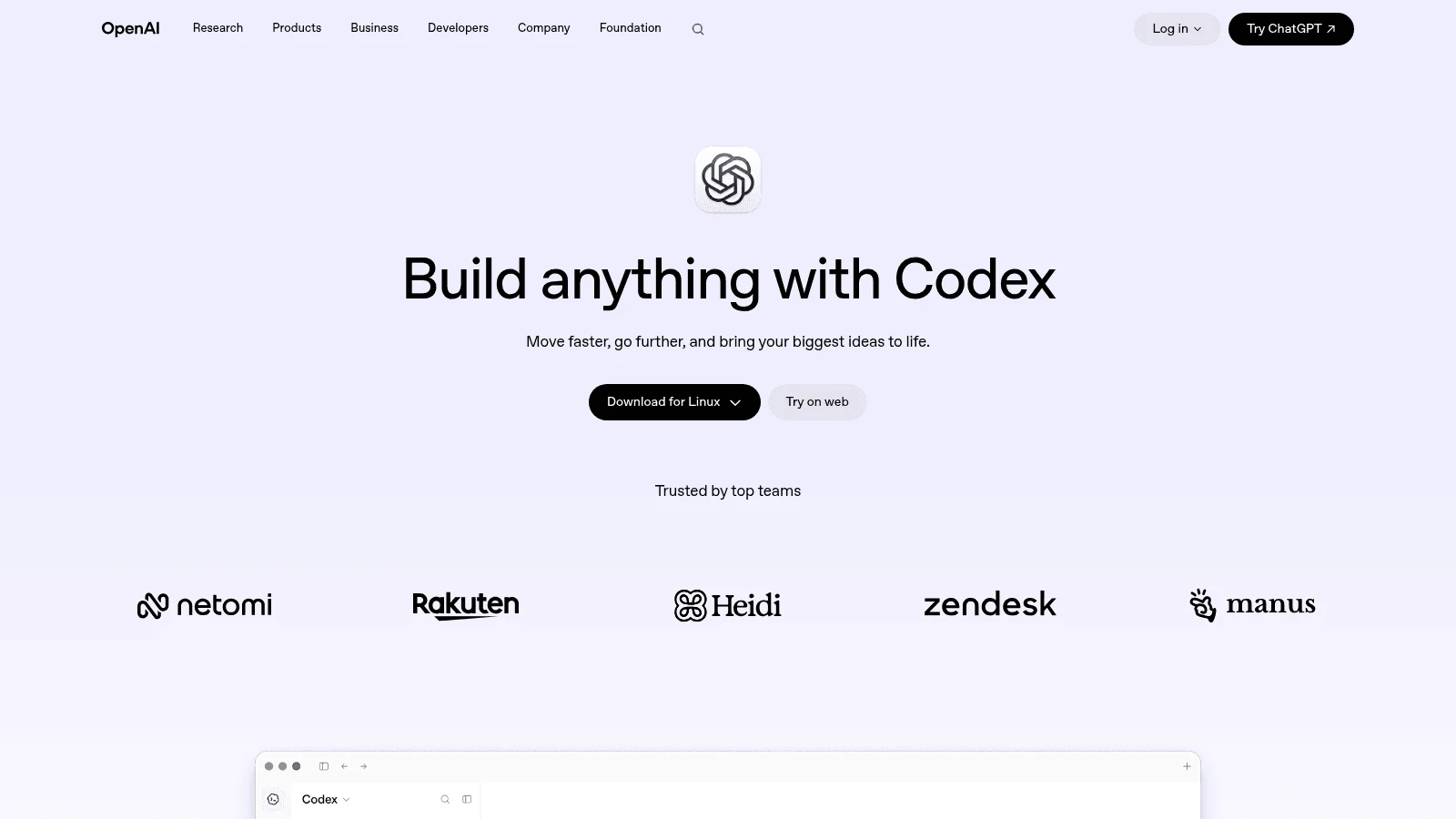
Overview: Codex is OpenAI's coding agent, and its CLI is the closest like-for-like swap: a terminal agent that "runs locally on your computer," published under the Apache 2.0 license with about 128,000 GitHub stars. The same agent also runs in an IDE extension, a desktop app, the web and iOS.
Key features:
- An open-source CLI you can read, fork or pin to a version.
- Sign in with ChatGPT or use an API key, so you choose a plan or per-token billing.
- GitHub code review and a Slack integration from ChatGPT Plus up.
Pricing: The CLI comes with ChatGPT Plus at $20 a month, Pro starts at $100 a month, and Business costs $20 per user a month billed yearly or $25 monthly. The Free and Go ($8 a month) plans cover only a model in the desktop app, not the CLI.
Pros: The same terminal habit as Claude Code, an open-source CLI, an API-key route with no subscription
Cons: Plus limits published only as ranges (15 to 160 local messages per five hours on GPT-6.1 Sol), no cloud review or Slack on an API key, no CLI on Free or Go
Why switch to it: If Claude's limits are what's pushing you out, Codex on a $20 plan is the smallest change you can make, though Plus has its own caps.
Final verdict: Try it first if you like how Claude Code works and want another company's models behind it.
3. OpenCode
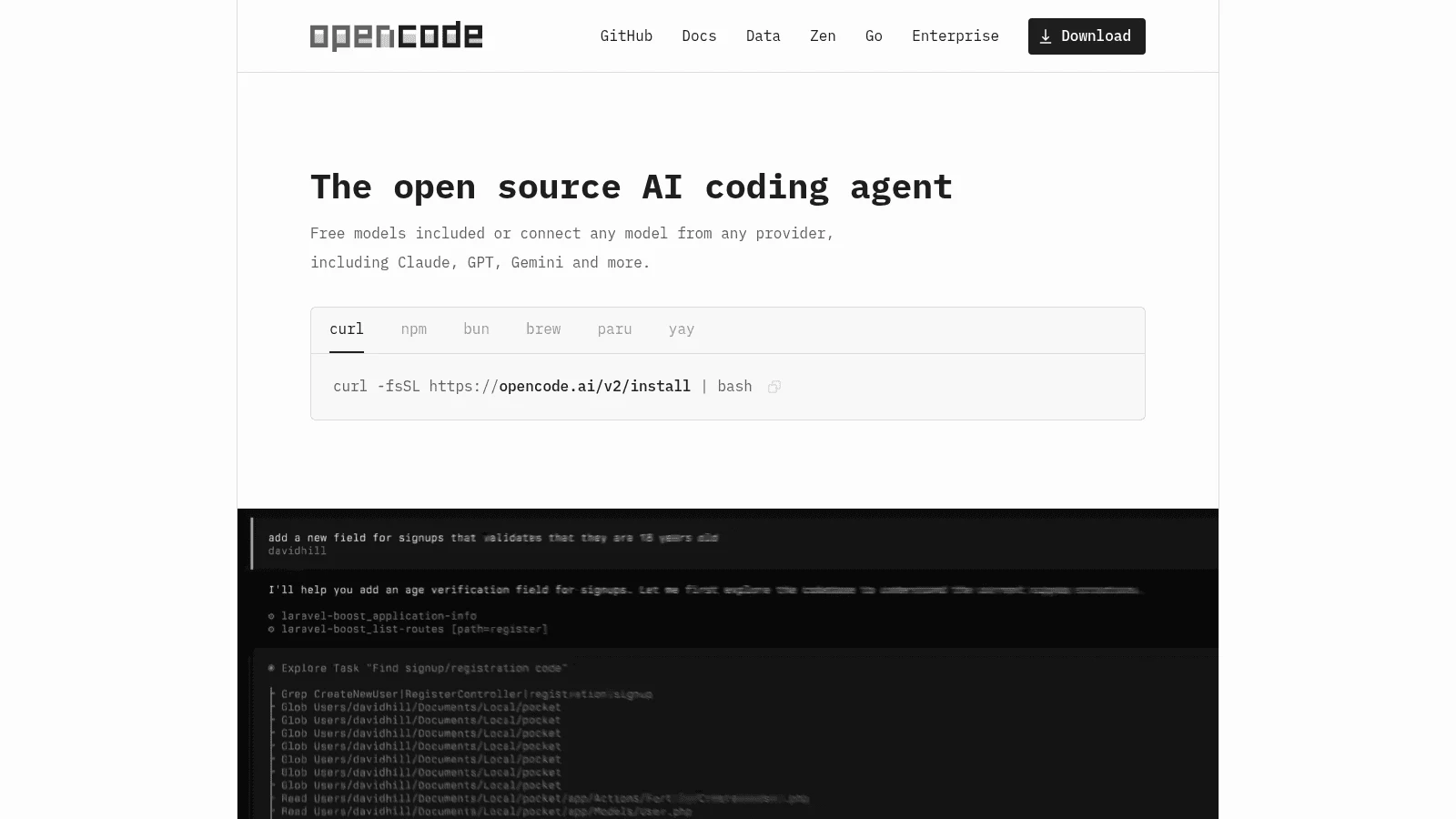
Overview: OpenCode calls itself "the open source AI coding agent," and it's MIT-licensed with about 212,000 GitHub stars. It runs as a terminal app, a desktop app and an IDE extension, and connects to 75+ model providers, local models included.
Key features:
- Your own keys from 75+ providers, or a model running on your machine.
- Sign-in with an existing GitHub Copilot or ChatGPT Plus or Pro subscription.
- Free models included, so you can test it before paying anyone.
Pricing: The software is free. OpenCode's optional paid routes are Zen, a pay-as-you-go balance topped up $20 at a time, and Go at $10 a month or Go Plus at $40 a month, which bundle a curated, mostly open model lineup with usage caps.
Pros: Broad model choice, reuse of a Copilot or ChatGPT plan, a permissive MIT license
Cons: More setup and tuning than Claude Code (XDA Developers' verdict), usage caps on the Go plans, a Go lineup centered on open models
Its edge over Claude Code: You can move between providers without changing tools, which is the lock-in Claude Code can't remove.
Final verdict: The pick if model choice matters more to you than a polished default.
4. Gemini CLI
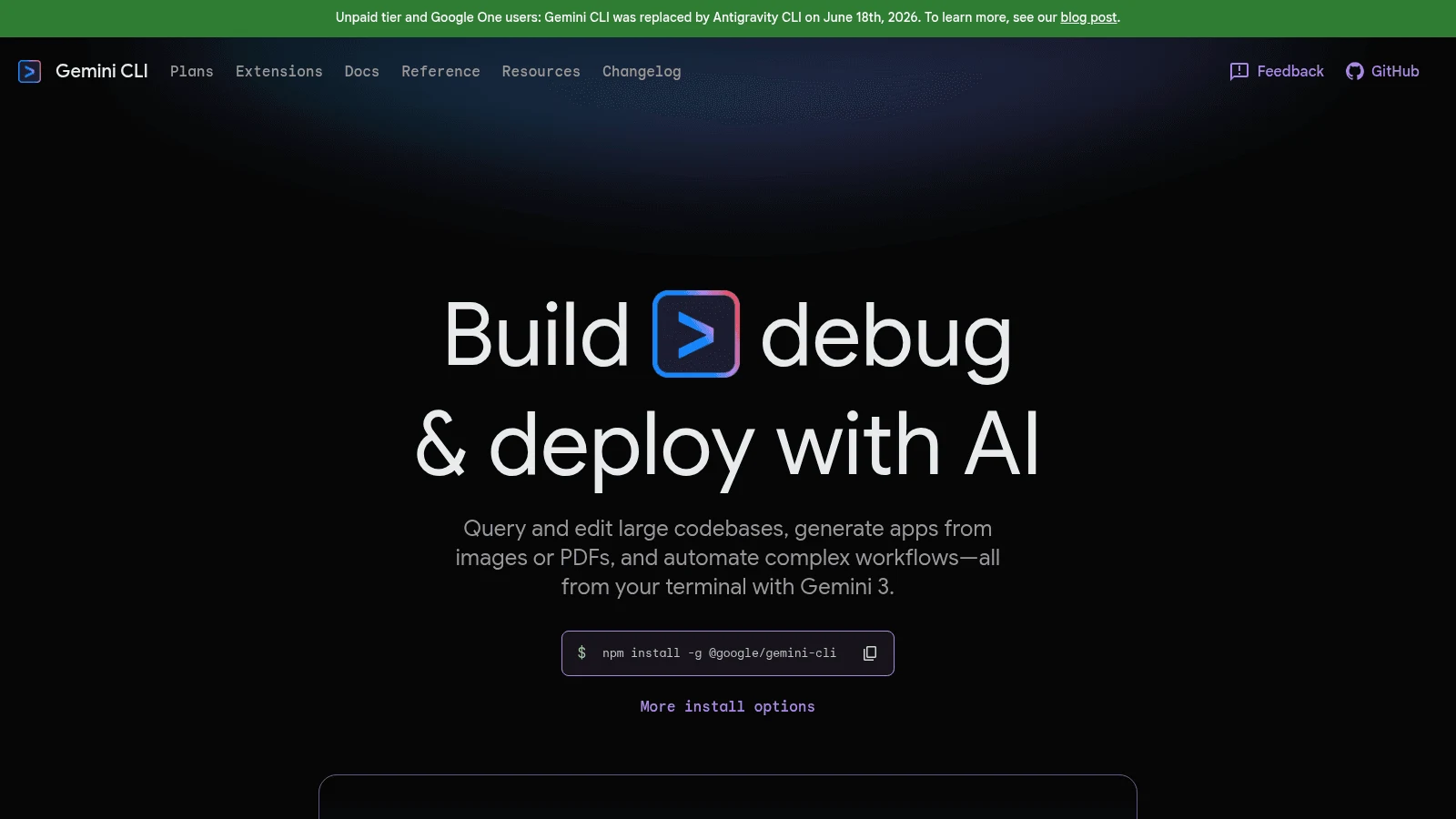
Overview: Gemini CLI is Google's terminal agent, Apache 2.0-licensed with about 107,000 stars, and its README lists a 1M-token context window. On June 18, 2026, Google replaced its consumer tier with Antigravity CLI, so Google AI Pro, Ultra and free individual users no longer get Gemini CLI requests served.
Key features:
- Paid Gemini API and Agent Platform (formerly Vertex AI) keys still work.
- Enterprise Gemini Code Assist licenses keep their access.
- Open code you can audit or fork.
Pricing: You pay per token through a paid Gemini API or Vertex key, or use an enterprise Code Assist license. The free sign-in-with-Google route for individuals is gone.
Pros: Open source, a 1M-token context window, a natural fit for teams already billing through Vertex
Cons: No consumer subscription route, a push toward Google's closed-source Antigravity CLI for individuals, a README that still advertises the retired free tier
Who it suits now: A company already on Google Cloud that wants an auditable terminal agent on its existing bill.
Final verdict: Worth it for Google Cloud shops, but no longer the free default it once was.
5. Aider
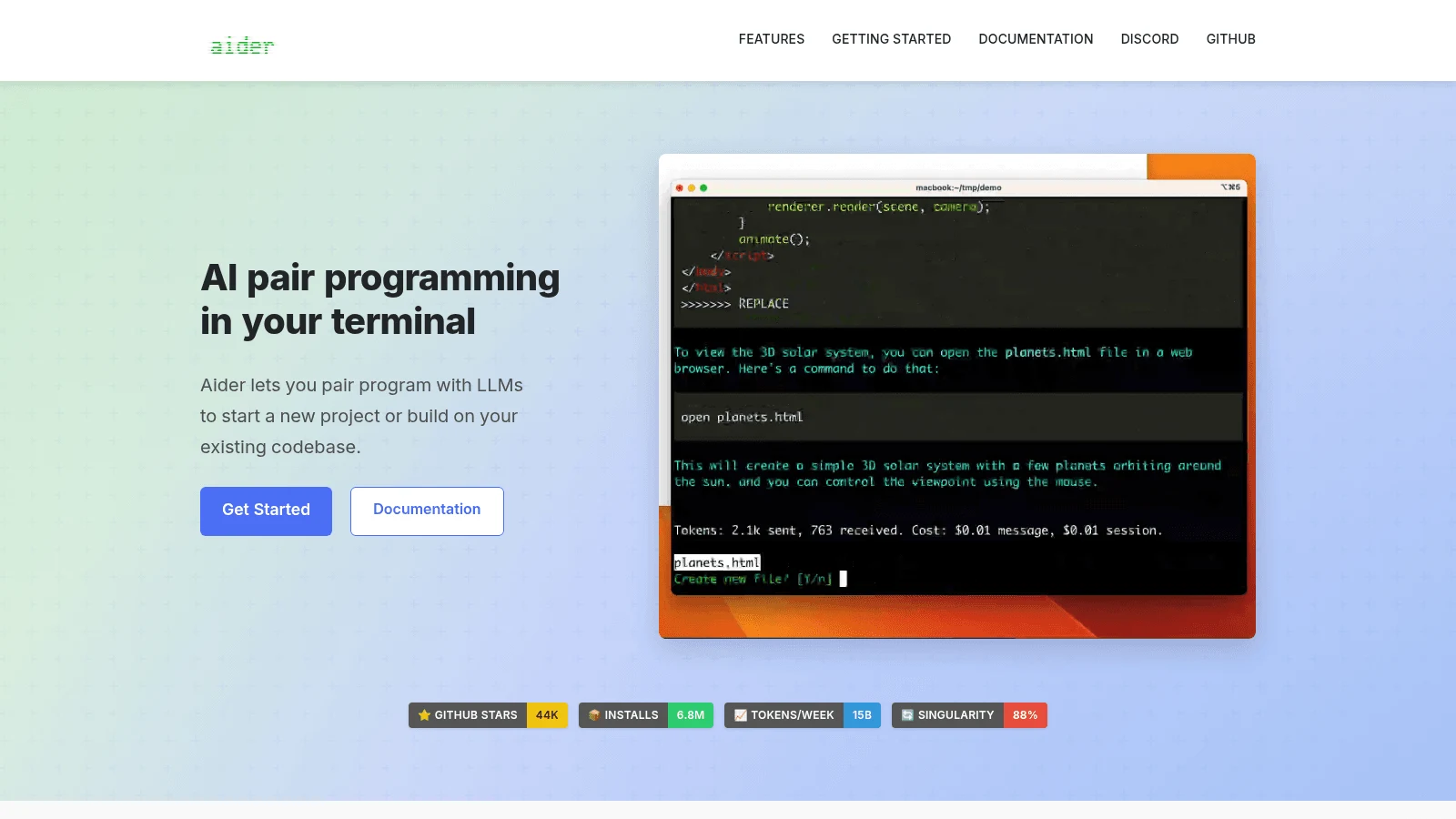
Overview: Aider is an open-source terminal pair programmer (Apache 2.0, about 49,400 stars) that "can connect to almost any LLM, including local models." It has no paid tier, so you pay only your model provider.
Key features:
- A map of your whole codebase, which helps on larger projects.
- Automatic git commits "with sensible commit messages," so every AI change can be diffed or undone.
- Watch mode: add a comment in your editor and Aider acts on it.
Pricing: Aider itself is free. Your cost is whatever your chosen model provider charges per token.
Pros: Git history for every change, near-universal model support, no subscription to manage
Cons: A slow release cadence (the latest release, v0.86.2, came out on February 12, 2026, and the last code push on May 22, 2026), no flat-rate plan to cap spending, terminal-first like Claude Code
What sets it apart: Because every change becomes its own commit, undoing a bad edit is a plain git revert.
Final verdict: A solid, simple option, as long as you're comfortable with a project that ships slowly.
6. Cline
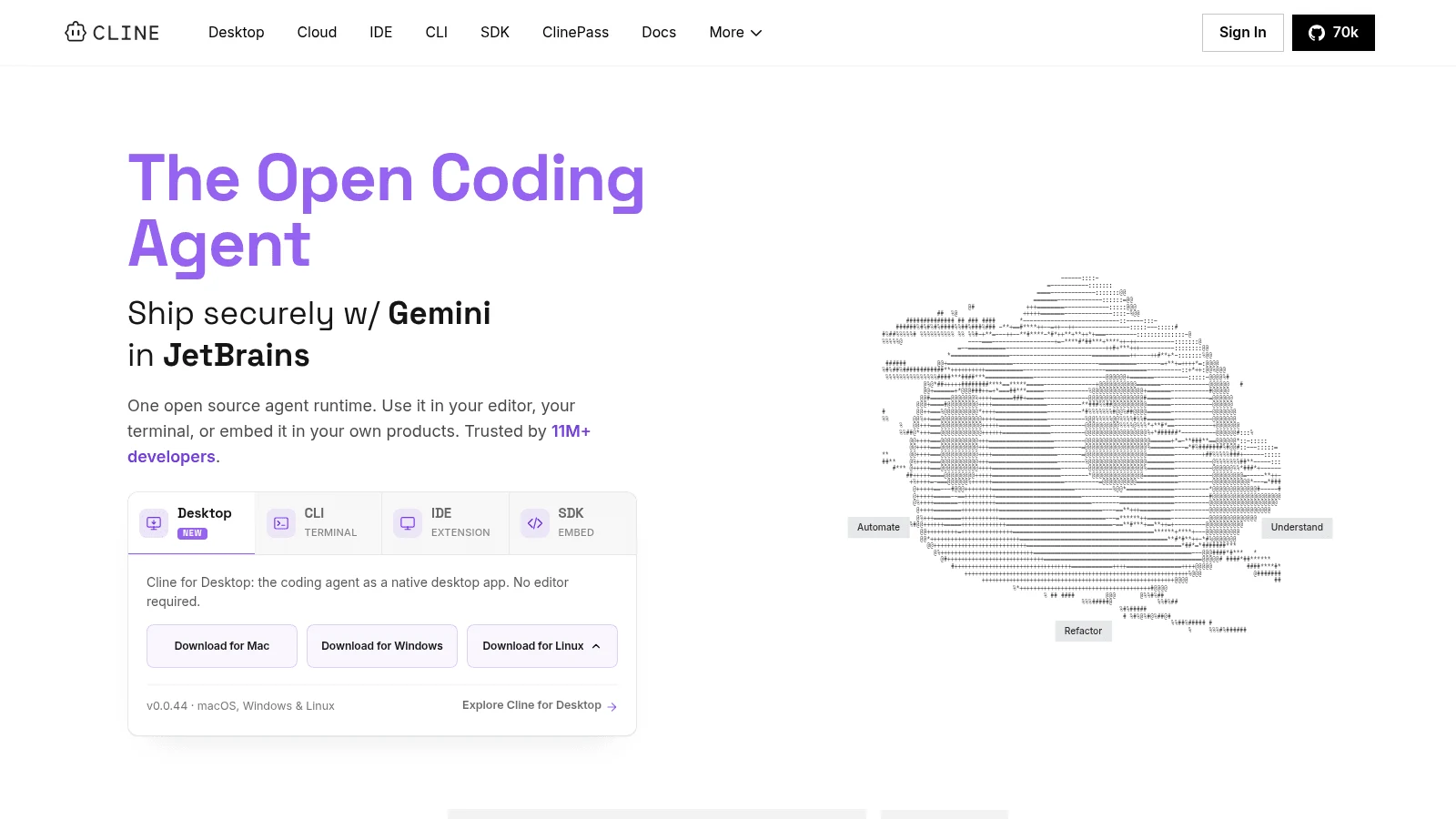
Overview: Cline is an open-source agent (Apache 2.0, about 70,000 stars) that runs as a VS Code extension, a JetBrains plugin, a CLI, a desktop app in beta, and an SDK. Its README notes that the JetBrains plugin isn't open-sourced, and Cline's own pages disagree on which plan includes it.
Key features:
- Plan mode explores the codebase and sets a strategy before Act mode changes anything.
- Every file edit and terminal command "requires your approval," unless you switch on auto-approve, which the CLI turns on by default.
- Cron schedules for jobs such as daily PR summaries, plus a headless mode for CI.
Pricing: Cline is free for individuals, who pay only for inference at cost or bring their own key. Team features such as SSO, RBAC and audit logs sit in Enterprise, which has no published price.
Pros: Editor and terminal from one project, approval on every change, open source
Cons: Team features only in custom-priced Enterprise, approval prompts slow long tasks unless you turn them off, a model bill you manage yourself
Pick it when: You want an agent inside your editor but don't want to adopt a new editor to get one.
Final verdict: A strong fit for developers who want to approve each step.
7. Goose
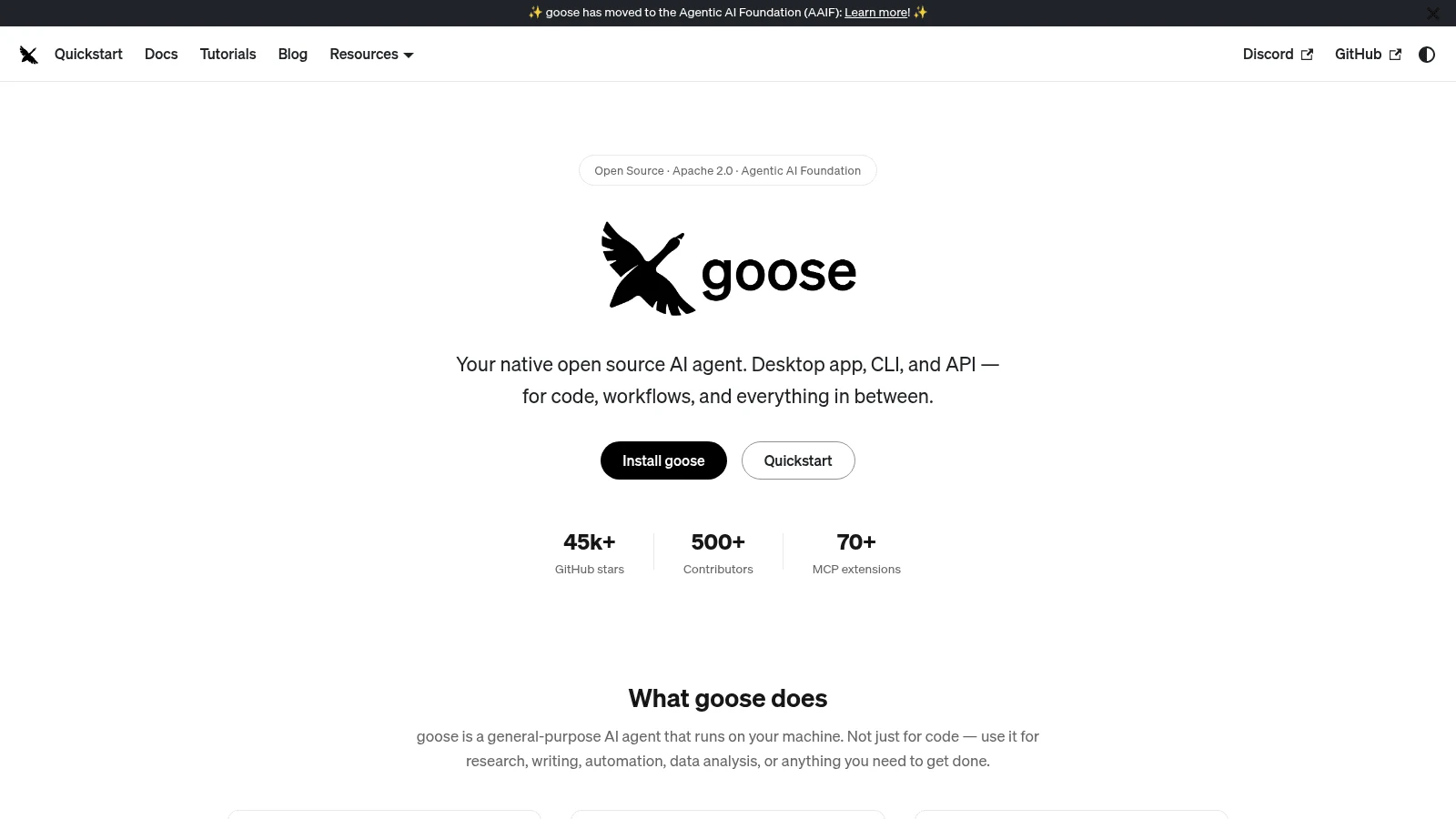
Overview: Goose is an open-source AI agent for "code, workflows, and everything in between," built in Rust and released under Apache 2.0 with about 55,000 stars. Its own repo says it's part of the Agentic AI Foundation at the Linux Foundation.
Key features:
- A desktop app for macOS, Linux and Windows, a full CLI, and an API to embed it elsewhere.
- 15+ providers, or your existing Claude, ChatGPT or Gemini subscription through ACP.
- 70+ extensions through the Model Context Protocol.
Pricing: Goose is free. You pay your model provider, or use a subscription you already have.
Pros: Desktop and terminal in one tool, reuse of an existing AI subscription, foundation governance
Cons: Coding is one job among many for a general-purpose agent, provider setup is on you, older guides still point to the old block/goose repo address
Where it earns its slot: Its repo pitches it for workflows as much as for code, so one install can cover both.
Final verdict: Choose it if you want one agent for coding and the rest of your desk work.
8. GitHub Copilot CLI
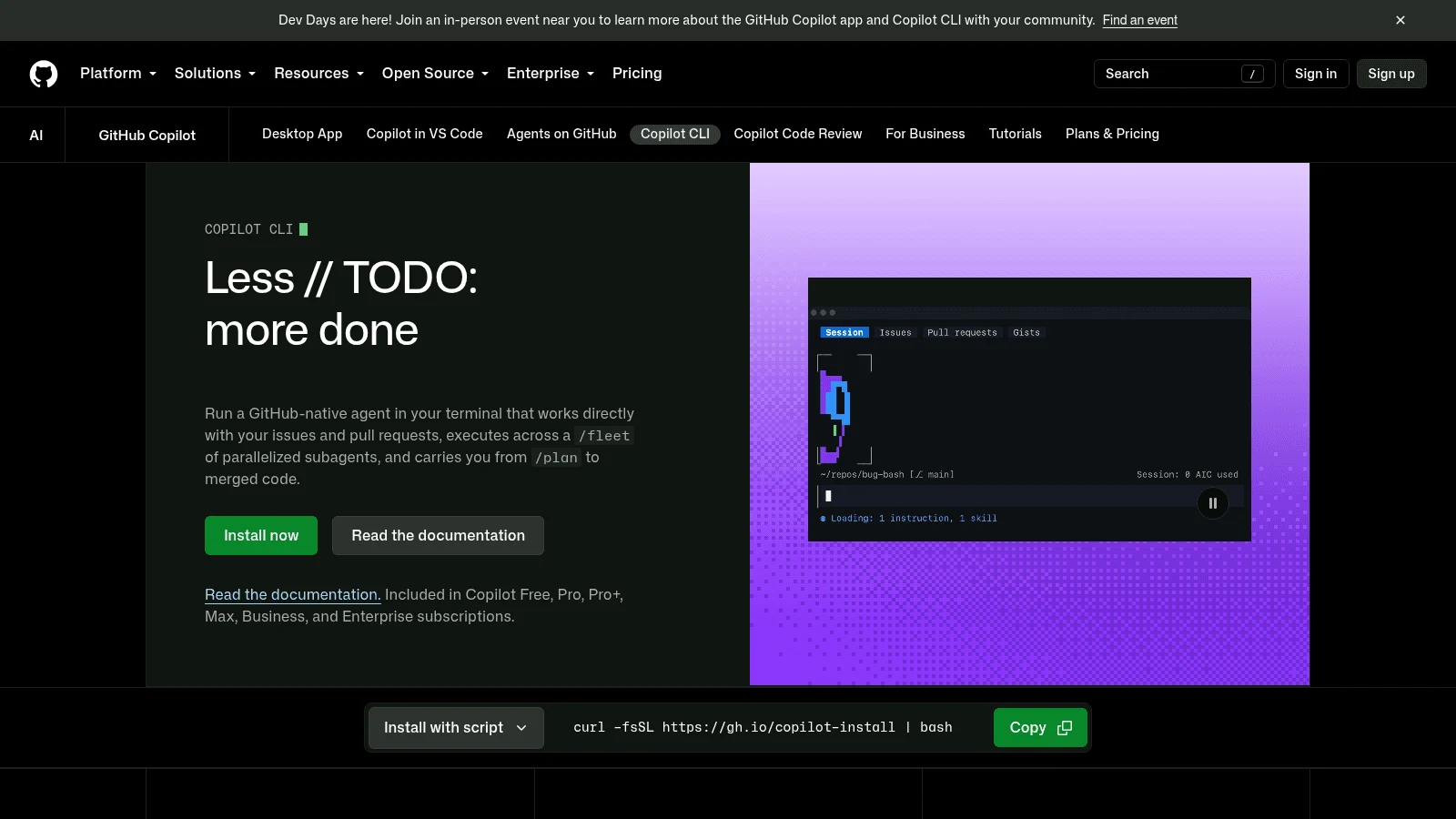
Overview: Copilot CLI brings GitHub's coding agent to the terminal, and GitHub's docs say it's "available with all Copilot plans," Free included. Its repository carries GitHub's own license, not an open-source one.
Key features:
- Runs on every Copilot plan, so many teams already have it.
- A 1M-token context window on supported models "in Visual Studio Code and Copilot CLI only."
- Your own provider set through environment variables: Azure OpenAI, Anthropic or any OpenAI-compatible endpoint, Ollama included.
Pricing: Pro costs $10 a month with 1,500 AI credits, Pro+ $39 with 7,000 and Max $100 with 20,000. Each credit is worth $0.01, it's spent according to the model's price, and unused credits don't roll over.
Pros: A free entry point, a $10 paid plan at half Claude Pro's monthly price, Copilot billing your company may already have
Cons: Credits drain faster on expensive models, organization admins can switch it off by policy, closed source
Why buyers shortlist it: If your company pays for Copilot, you can try a terminal agent today without a new contract.
Final verdict: The easiest trial for anyone already inside GitHub's billing.
9. Cursor
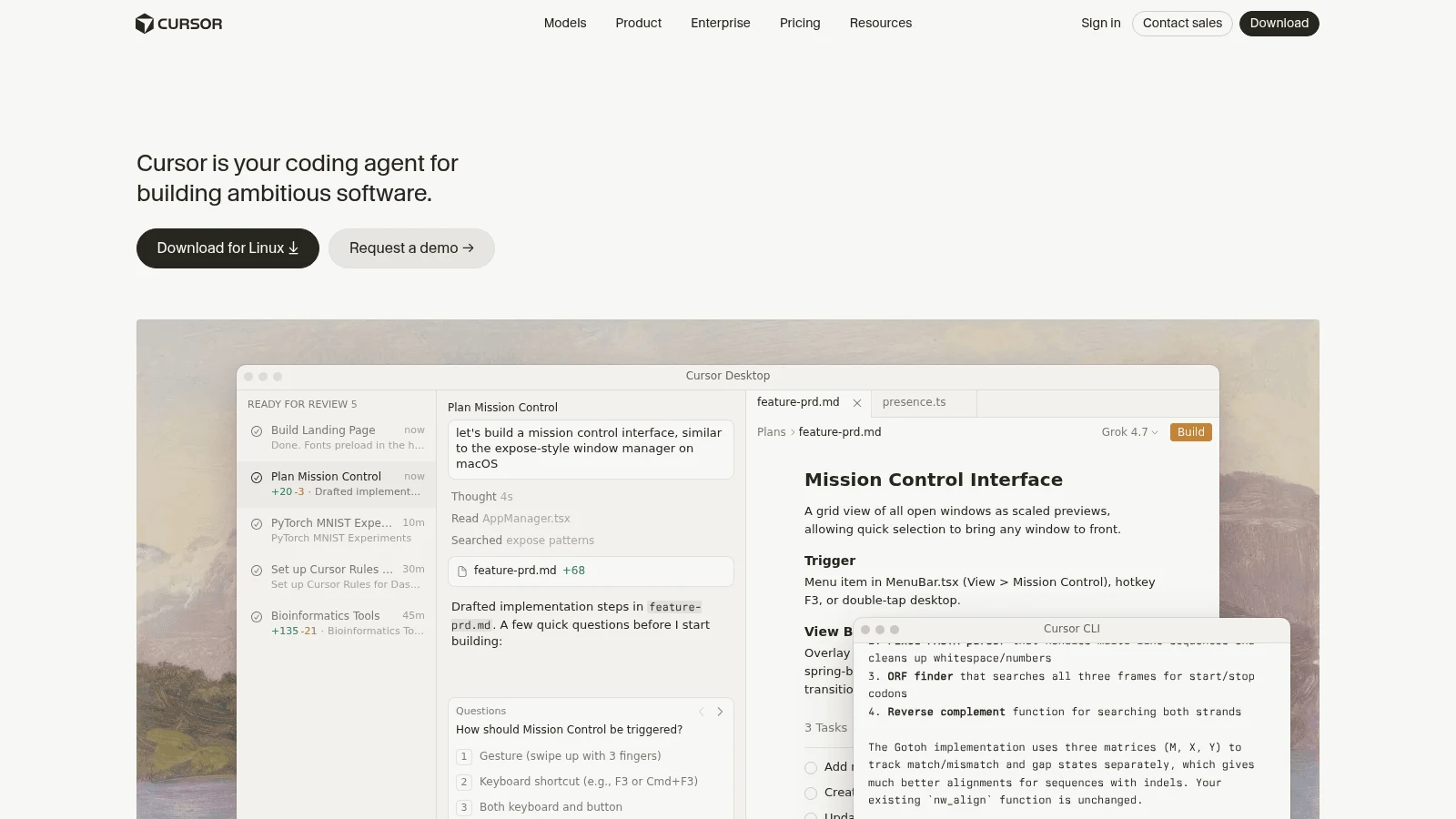
Overview: Cursor is a desktop AI editor that also ships a CLI, cloud agents and, on paid plans, an agent that works inside JetBrains IDEs over ACP. Its August 14, 2026 announcement says the company is now part of SpaceX. Claude Code's own extension also runs inside Cursor, so you don't have to pick one.
Key features:
- Agents in the editor, in a CLI and in the cloud.
- Cursor's own models and outside models draw on two separate monthly pools, the outside ones at API rates.
- Your own keys for chat models from OpenAI, Anthropic, Google, Azure OpenAI and AWS Bedrock.
Pricing: Hobby, the free plan, comes with limited agent requests. Pro runs $20 monthly or $16 a month on an annual plan, and Ultra is $200 a month. In Cursor's docs, the total for daily agent users is "typically" $60 to $100 a month.
Pros: An editor and a terminal agent on one bill, Claude models available, a free tier
Cons: Usage past the allowance billed at API rates, no published dollar allowance per plan, an August 28, 2026 OpenAI notice proposing to cut off its models in Cursor on November 12, 2026
What it adds over Claude Code: You can keep using Claude models while gaining an editor built around agent diffs.
Final verdict: Pick Cursor if you want an editor first and a terminal agent second.
10. Kiro
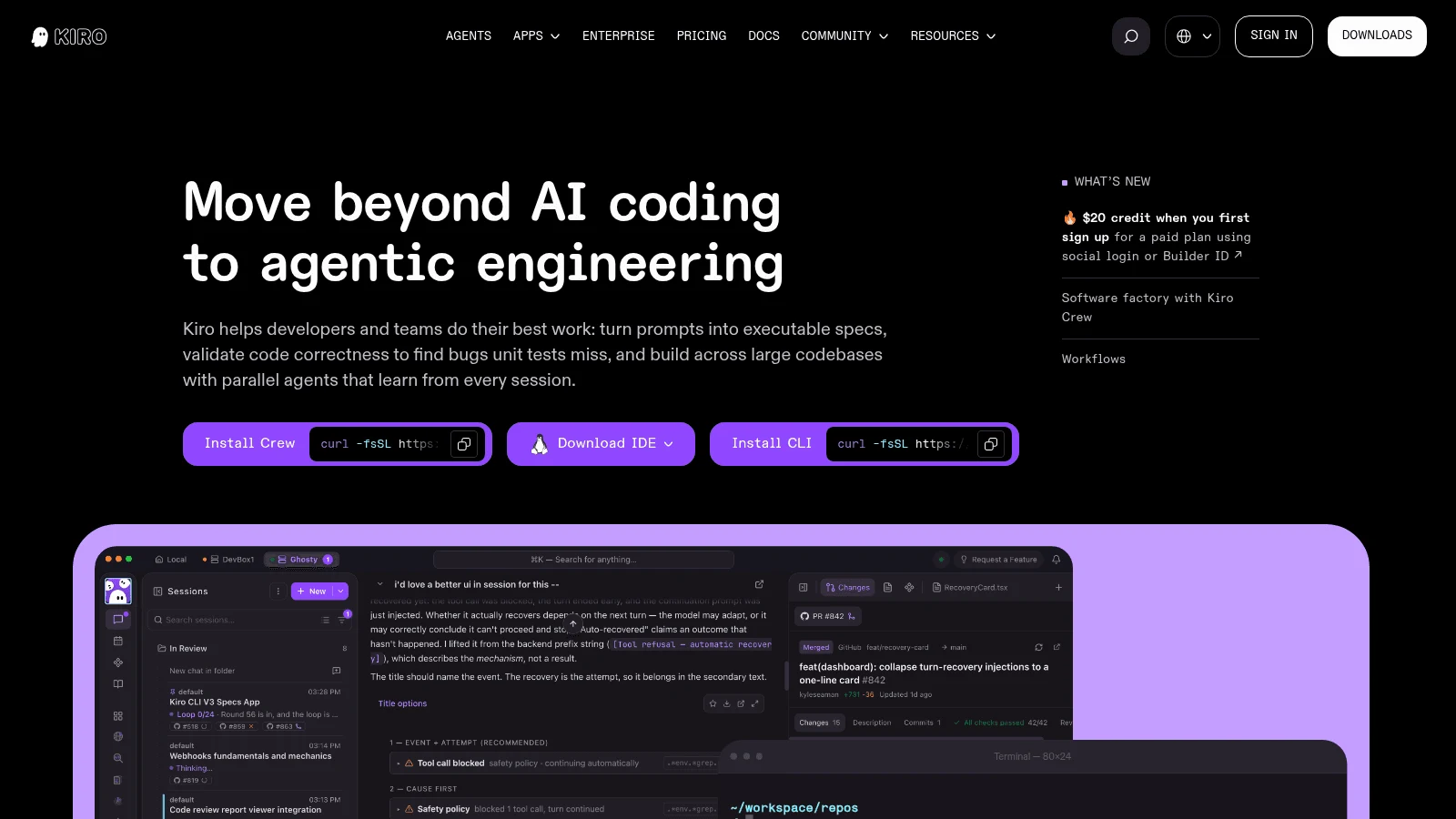
Overview: Kiro is a spec-driven IDE built on Code OSS, with a CLI and a web version, and its enterprise plans are billed through AWS. It turns prompts into executable specs and property-based tests before it writes code.
Key features:
- Specs first, so the plan is reviewable before any code exists.
- Imports VS Code settings and Open VSX plugins.
- An Auto model by default, with other models selectable and up to 1M tokens of context on most.
Pricing: The Free plan includes 50 credits, Pro costs $20 per user a month for 1,000, Pro+ $40, Pro Max $100 and Power $200. Extra credits cost $0.04 each, and its pricing page doesn't show a yearly option.
Pros: Reviewable specs before code, a familiar VS Code-style setup, a free plan to try it
Cons: Credit costs vary by model, its pricing and FAQ pages don't mention bringing your own key, closed source
The case for it: Teams that lose time to vague prompts get a written spec to argue over first.
Final verdict: A good fit if you'd rather approve a plan than a diff.
Subscription or pay-per-token: what each alternative costs
Claude Code already offers both routes. A subscription (Pro, Max from $100 a month, or Team) gives you a pool with limits you can't see as numbers, and setting an Anthropic API key in your environment switches it to billing every token at API rates instead.
The alternatives split the same way, and the table shows which route each one offers.
| Tool | Subscription route | Pay-per-token route |
|---|---|---|
| Awesomic Studio | $20, $200 or $500 a month, each equal to that month's budget | None published |
| Claude Code (for reference) | Pro $17 a month yearly or $20 monthly; Max from $100 a month | Anthropic API key at API rates |
| OpenAI Codex | ChatGPT Plus $20 a month; Pro from $100; Business $20 per user yearly or $25 monthly | OpenAI API key (CLI, SDK and IDE only) |
| OpenCode | Go $10 a month; Go Plus $40 a month | Zen top-ups, or your own keys from 75+ providers |
| Gemini CLI | Enterprise Code Assist licenses only | Paid Gemini API or Vertex key |
| Aider | None | Your own key, almost any model |
| Cline | Enterprise only, custom price | Inference at cost, or your own key |
| Goose | None (reuses a Claude, ChatGPT or Gemini subscription) | Your own key from 15+ providers |
| GitHub Copilot CLI | Free; Pro $10, Pro+ $39, Max $100 a month | Credits at $0.01, or another provider |
| Cursor | Pro $16 a month yearly or $20 monthly; Ultra $200 a month | Usage past the allowance at API rates |
| Kiro | Free 50 credits; Pro $20 a month up to Power $200 | Extra credits at $0.04 each |
A flat plan buys predictability and a ceiling, the same trade-off as subscription versus hourly billing for design work: you pay for capacity whether or not you use it. Pay per token if you code in bursts, and pick a subscription if the agent runs most of your working day.
Credit plans (Copilot, Kiro) sit in between: a fixed monthly amount that expensive models burn faster, so check which model a credit price assumes.
Claude Code alternatives: open source picks and their licenses
Six tools on this list publish their agent's code: OpenCode under MIT, and Goose, Cline, Aider, Gemini CLI and Codex CLI under Apache 2.0. Both licenses let you read, modify and ship the code, so a team can pin a version, patch a bug or keep using a release the vendor has moved on from.
An open-source harness doesn't make the model open. Your code still goes to whichever provider you connect, unless you run a local model, which OpenCode, Aider, Cline and Goose all support.
One developer in the same Reddit thread described a fallback plan with OpenCode and open-weight models: "OpenCode is a great harness, and the models are somewhere between Sonnet and Opus. Id say, if CC and Opus disappear tomorrow, Id be fine with OpenCode and GLM. Not great, but fine."
It's an anecdote, but "not great, but fine" is an honest summary of most open source alternatives to Claude Code on cheaper models.
Check activity before you commit, too. We left Roo Code out because its repository was archived on May 15, 2026, and Aider's last release dates from February 2026, so the Claude Code open source alternatives here differ a lot in how quickly fixes arrive.
When Claude Code is still the right call
Claude Code isn't only a terminal tool anymore. It runs in VS Code and its forks (Cursor included), JetBrains IDEs, a desktop app, the web and Slack, and it can work through Amazon Bedrock or Google Vertex if your company buys models there.
The pool is the other reason to stay. One Claude subscription covers chat, Claude Code and, from Pro up, Claude Design for visual work, so splitting coding off to another vendor can mean paying twice.
Quality counts too. XDA Developers, comparing OpenCode, Cline and Aider against it, called OpenCode "the closest thing to Claude Code" and still concluded that "Claude Code is still miles ahead." If your complaint is limits rather than results, try Max (from $100 a month) or an API key before you switch tools.
How to test an alternative before you switch
Switching agents changes how much code lands and how fast, and that cuts both ways. The DORA 2024 report, drawn from about 3,000 respondents, found that every 25% increase in AI adoption went with a 1.5% drop in delivery throughput and a 7.2% drop in delivery stability, even as code quality rose 3.4%. A new tool resets your review habits, so test it on known work:
- Pick an issue Claude Code already solved, so you have a known-good diff to compare against.
- Move the instructions in your CLAUDE.md into whichever project-rules file the new tool reads.
- Run the same task with the same test command and compare the two diffs line by line.
- Record what the run cost, either in tokens on an API key or as a share of a plan's limit.
- Keep Claude Code installed for a week so you can fall back mid-task.
Agents speed up the build, but digital product design (research, flows, testing with users) still decides whether what they build is worth shipping, so judge the trial on a feature users will touch.
How to choose the right Claude Code alternative
Start from the reason you're leaving, because each reason points to a different row in the comparison table:
- If limits are the problem, try Codex on ChatGPT Plus or move Claude Code to an API key.
- If you want model choice, start with OpenCode, Aider or Goose.
- If you want an editor, compare Cursor, Cline and Kiro.
- If your company already pays for Copilot, run Copilot CLI first, since it costs you nothing new.
- If people who don't code need to brief the agent, look at a hosted browser workspace.
Claude Code competitors write code, but deciding how the interface should work is still a design job. If you're building an AI product and the screens lag behind the code, AI product design agencies cover that side.
Which Claude Code alternative to try this week
Run one real issue through two tools: Codex CLI if you want the same habit, and OpenCode if you want model choice. Compare the diffs and the cost, then decide with numbers in hand.
If the screens are what keep slipping, an AI UI designer can own the interface while your agent handles the code.
If you'd rather brief all three agents from a shared browser workspace, Get started with Awesomic Studio, where Basic costs $20 a month and expert help is quoted separately.
FAQ
What are the alternatives to Claude Code?
The main ones are OpenAI Codex, OpenCode, Gemini CLI, Aider, Cline, Goose, GitHub Copilot CLI, Cursor and Kiro. Five of them (Codex, OpenCode, Gemini CLI, Aider, Copilot CLI) work in the terminal like Claude Code, Cursor and Kiro are editors with CLIs, and Cline and Goose pair a CLI with an app (Cline in your editor, Goose on the desktop).
What are the best Claude Code alternatives?
It depends on why you're leaving. Codex on ChatGPT Plus ($20 a month) is the closest swap if limits are the issue, OpenCode suits model choice, Cursor or Cline suit editor users, and Copilot CLI is the easy trial if your company already pays for Copilot.
What are the best alternatives to Claude Code that are open source?
OpenCode (MIT) and Codex CLI, Aider, Cline and Goose (Apache 2.0) are the strongest open source Claude Code alternatives on this list. Gemini CLI is Apache 2.0 too, but it now needs a paid API key or an enterprise license.
Is there a free Claude Code alternative?
Aider, Cline, Goose and OpenCode cost nothing to install, though you pay for the model unless you use OpenCode's free models or a local one. Copilot CLI runs on Copilot's Free plan, Cursor has a free Hobby tier, and Kiro's Free plan includes 50 credits.
Can you use Claude models without Claude Code?
Yes. Cursor bills Claude models at API rates and accepts your own Anthropic key, Copilot CLI can use Anthropic as a provider, Goose can reuse a Claude subscription through ACP, and Kiro's Free plan includes Claude Sonnet 4.5.





