 Awesomic Team
Key takeaways:
- Lovable keeps your code on its platform until you sync it, and a GitHub export carries the code but not your database records, secrets or auth setup.
- Seven of the nine third-party tools here have a free plan, Dyad's running on your own API key or ChatGPT account; Anything and Claude Code need a paid plan.
- Dyad and Claude Code are the two picks that keep your code on your own computer from day one.
- Figma Make pushes one way only, to a repo it creates, so edits made in GitHub are overwritten on its next push.
Lovable turns a prompt into a working web app with a database, sign-in and hosting already wired up. That speed is why people try it, and the bill and the exit are why many start comparing Lovable alternatives a few months later.
Lovable's own GitHub docs put it plainly: "your project code is stored and managed inside the Lovable platform." You can sync it out, but the database, environment variables and auth settings don't come with it.
So we judged every tool here on two things: who owns the code once it's built, and how fast the meter runs while you build it. Each entry says where your code lives, whether it syncs to GitHub, and what a change costs.
Why people look for Lovable AI alternatives
Most people searching for Lovable AI alternatives aren't unhappy with the first build. The trouble starts later, when a project has users, a database and bugs, and every fix goes through the same chat that built it.
Credits pay for fixes as well as features
Lovable Pro costs $25 a month, or $21 a month billed yearly, for 100 monthly credits shared by the whole workspace. Its pricing page's examples put a Default-mode message at 0.5 to 1.7 credits, and credits from a monthly plan expire 2 months after they're issued.
A message that fixes a bug costs the same kind of credit as one that adds a feature. One Lovable user on Reddit checked six months of billing ("Exactly $570 spent on Lovable credits") and described the loop: "I can watch $20 of credits disappear in 10 minutes while it tries to figure it out." It's one person's account, but it's the pattern this list is built around.
The code lives on Lovable until you move it
GitHub sync is two-way and available on every Lovable plan, which is more than several builders on this list offer. Connecting a project creates a new private repository, and Lovable edits and syncs one branch at a time.
The limit is what sync doesn't carry. Lovable's built-in backend, Lovable Cloud, runs your database, auth and storage, and its docs say there's "no one-click migration" between Cloud and your own Supabase project in either direction. Auth emails from your own domain and social-login setup through chat work only on Cloud.
Security needs someone checking the output
In 2025, security researcher Matt Palmer disclosed CVE-2025-48757, a missing-access-rule flaw in Lovable-generated projects. His scan found "303 endpoints across 170 projects (approximately 10.3% of the 1645 analyzed) with inadequate RLS settings," meaning data that row-level security should have locked down was readable.
Lovable's docs now describe two checks. Its Quick scan runs automatically every time you publish and flags tables without row-level security or with rules that let everyone through, and an optional Deep scan reviews the app's code. The same docs say neither scan replaces a thorough security review.
The underlying risk isn't unique to Lovable. The Veracode GenAI report tested over 100 language models and found that 45% of code samples failed security tests and introduced OWASP Top 10 vulnerabilities. Whatever you switch to, someone has to read what the AI wrote.
What a Lovable export leaves behind
Owning the code and owning the running app are different jobs. Replit's guide to importing a Lovable project spells out the gap: the code, styles, assets, backend logic and database schema come across, but existing Supabase records don't, and environment variables and API keys have to be added again.
Before you choose any of these Lovable dev alternatives, list what your app depends on besides its source files:
- The database records, which you export separately from Lovable Cloud.
- Every secret and API key stored in Cloud, such as Stripe or Resend keys.
- Social-login providers and auth settings you switched on through the chat.
- Auth emails sent from your own domain, which rely on Cloud Auth.
- Your custom domain and the DNS records that point it at Lovable.
That list is the real migration, and it's why the tables below track where the database lives, not just whether there's an export button.
The best Lovable alternatives at a glance
Awesomic Studio sits first because it's our product. The other nine top alternatives to Lovable run from hosted, prompt-driven builders that work most like it (Bolt.new, v0, Replit, Base44), through tools that change one part of the setup (Dyad, WeWeb, Anything, Figma Make), to Claude Code, which gives you nothing but the code and an agent to edit it.
| Tool | Best for | Code export / GitHub sync | Main limitation | Pricing (from) |
|---|---|---|---|---|
| Awesomic Studio | AI builds reviewed by a specialist | Exports to code; GitHub is one of 8 connections | No free plan, no version-control claim | $20/month (Basic) |
| Bolt.new | Prompted apps that start from a repo | Two-way GitHub sync; imports existing repos | Token use grows with project size | Free; Pro $18/month yearly, $25 monthly |
| v0 | React and Next.js front ends | GitHub sync, imports existing repos, opens PRs | Database comes from a separate provider via Vercel | Free ($5 one-time credits); Plus $30/user/month |
| Replit | A cloud workspace with an agent | Git pane links a repo; imports Lovable repos | Effort-based billing varies per request | Free Starter; Core $18/month yearly, $20 monthly |
| Base44 | Hosted business apps | Two-way GitHub sync from Builder up | No GitHub sync on Free or Starter | Free; Starter $16/month yearly, $20 monthly |
| Dyad | Building locally with your own keys | Projects are folders on your computer | No hosting; you deploy it | Free with your own key or ChatGPT; Pro $20/month |
| WeWeb | Visual front ends on your own backend | Vue.js export and GitHub sync from Essential | WeWeb Cloud is priced separately | Free; Essential $20/month yearly, $25 monthly |
| Anything | Native iOS and Android apps | ZIP download on Pro; GitHub sync "coming soon" | No GitHub sync yet | Pro $19/month yearly, $24 monthly; no free building plan |
| Figma Make | Prototypes from Figma designs | One-way push to a repo it creates | GitHub edits get overwritten | Free credits; Full seat $16/month yearly, $20 monthly |
| Claude Code | Editing the code yourself, with an agent | Works in your own repo | Not on Claude's Free plan | Pro $17/month billed yearly, $20 monthly |
For each of these Lovable alternatives, the price shown is the lowest published tier across monthly and yearly billing, checked on the vendor's own pricing page in October 2026.

1. Awesomic Studio
Best for: AI builds a specialist reviews
Overview: We built Awesomic Studio so you can hand a plain-words brief to Codex, Claude Code and OpenCode and get back a working site or app, or a deck, images or video. Studio hosts and publishes the result, and you can export it to code or to your other tools.
The setup this list is about is Assisted: "Pair AI with an expert." The agents carry the volume while a specialist shapes the direction, reviews the work and handles the parts where experience changes the result. That human review is the step Lovable's own docs leave to you.
Studio is part of Awesomic, the team behind 20,000+ delivered projects, so you can bring one of our designers or developers in at any point. It extends your team rather than replacing a developer, and it also runs Self-serve, with a Dedicated expert, or as Automated workflows your team reuses.
Key features:
- A brief, files or links become a working site or app.
- Export to code, so a developer can take the build into your own stack.
- GitHub, Figma and Webflow sit among eight connections, with Slack, Notion and Linear.
- Scheduled automations run refreshes and updates on their own.
- Hosting is built in: share a private link for review, then make it public.
- The agents carry on working once the tab is closed.
Pricing: You pay $20 a month for Basic, $200 for Pro or $500 for Maximum, and that same figure is the budget your agents work from. Studio publishes no rate per build or per model, and the Assisted setup is quoted separately.
Pros: A specialist review on the Assisted setup, code export, hosting on the same bill, GitHub and Figma connections
Cons: No free plan, where Lovable has one; no version-control claim, so don't read Git history or branching into the GitHub connection
How to start using it:
- Decide up front whether you want the Assisted setup, with a specialist reviewing each build.
- Brief the agents in plain words, attaching the screens and copy you already have.
- Hold the first version back from users until the specialist's review is in.
- Export the code once the build is right, so a developer can keep it in your own stack.
- Connect GitHub or Figma if that's where your team already works.
Why it's a good Lovable alternative: It pairs the prompt-to-app speed with a person who checks the output before your users do. Code export means you can take the build elsewhere if you outgrow us.
Final verdict: Studio suits you if you want AI doing the building and an expert catching what it gets wrong. If you need a database and auth managed for you on day one, a hosted builder fits better.
CTA: Start on Basic with one screen from your current Lovable app.
2. Bolt.new
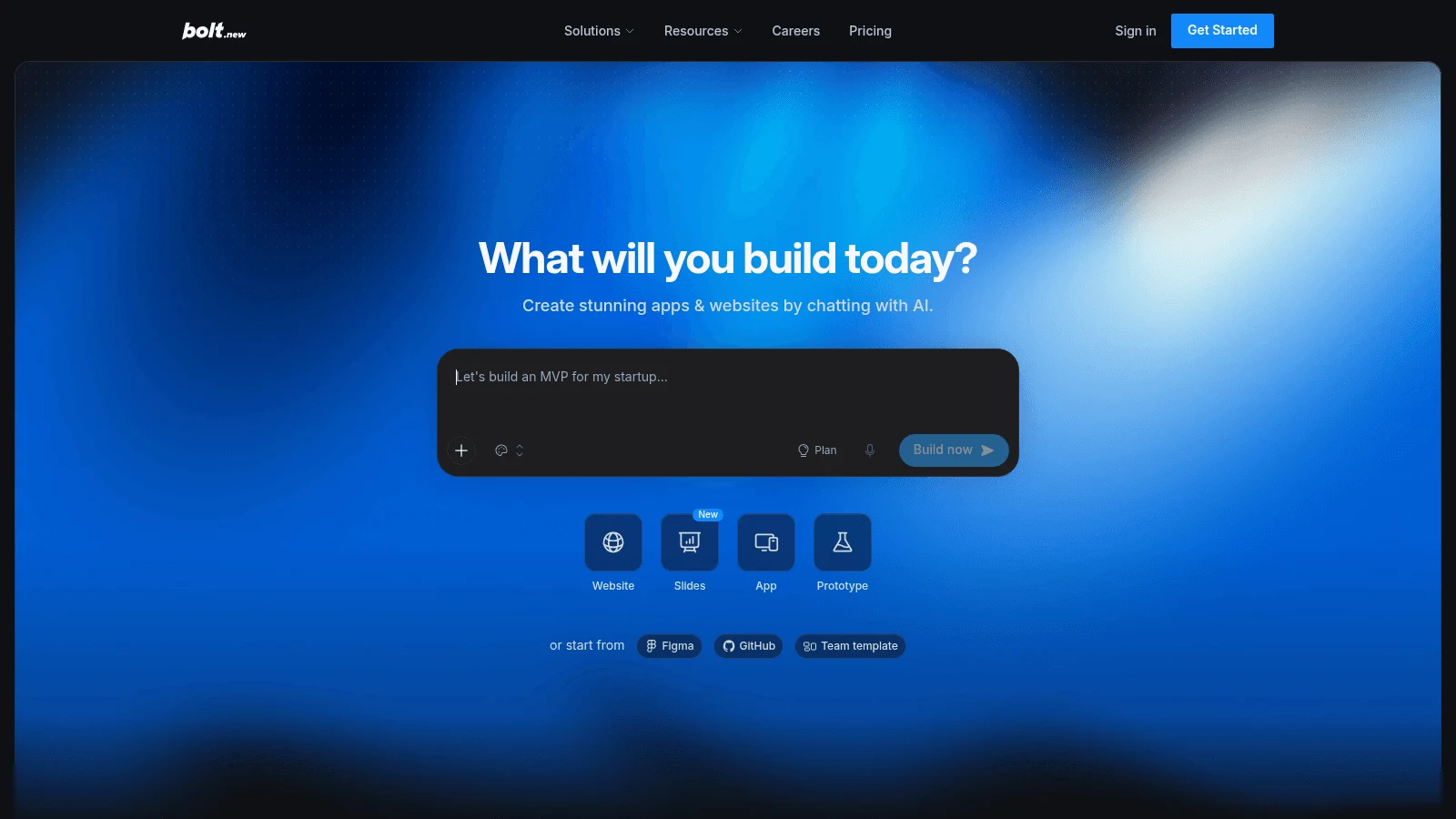
Overview: Bolt.new, from StackBlitz, works the way Lovable does: you prompt, it builds a full-stack app in the browser, and it hosts the result. Where it pulls ahead is Git: it can start from a GitHub repo you already have, which Lovable's docs say Lovable can't.
Key features:
- Two-way GitHub sync, with a separate AI memory for each branch.
- Unlimited databases on every plan, Free included.
- Hosting for up to 1M web requests on Pro.
Pricing: Pro costs $18 a month billed yearly or $25 month to month and starts at 10M tokens a month, with paid tokens rolling over one extra month. Free gives you 300K tokens a day, up to 1M a month.
Pros: Imports existing GitHub repos, a free plan with databases, rollover on paid tokens
Cons: Bolt's own FAQ says most token use goes to syncing project files to the AI, so big projects cost more per message; Free apps carry Bolt branding; Teams costs $27 per member a month billed yearly, $30 monthly
Where it fits: Teams who want Lovable's flow with Git habits a developer will recognize.
Final verdict: A close like-for-like swap, as long as you watch token use once the project grows.
3. v0
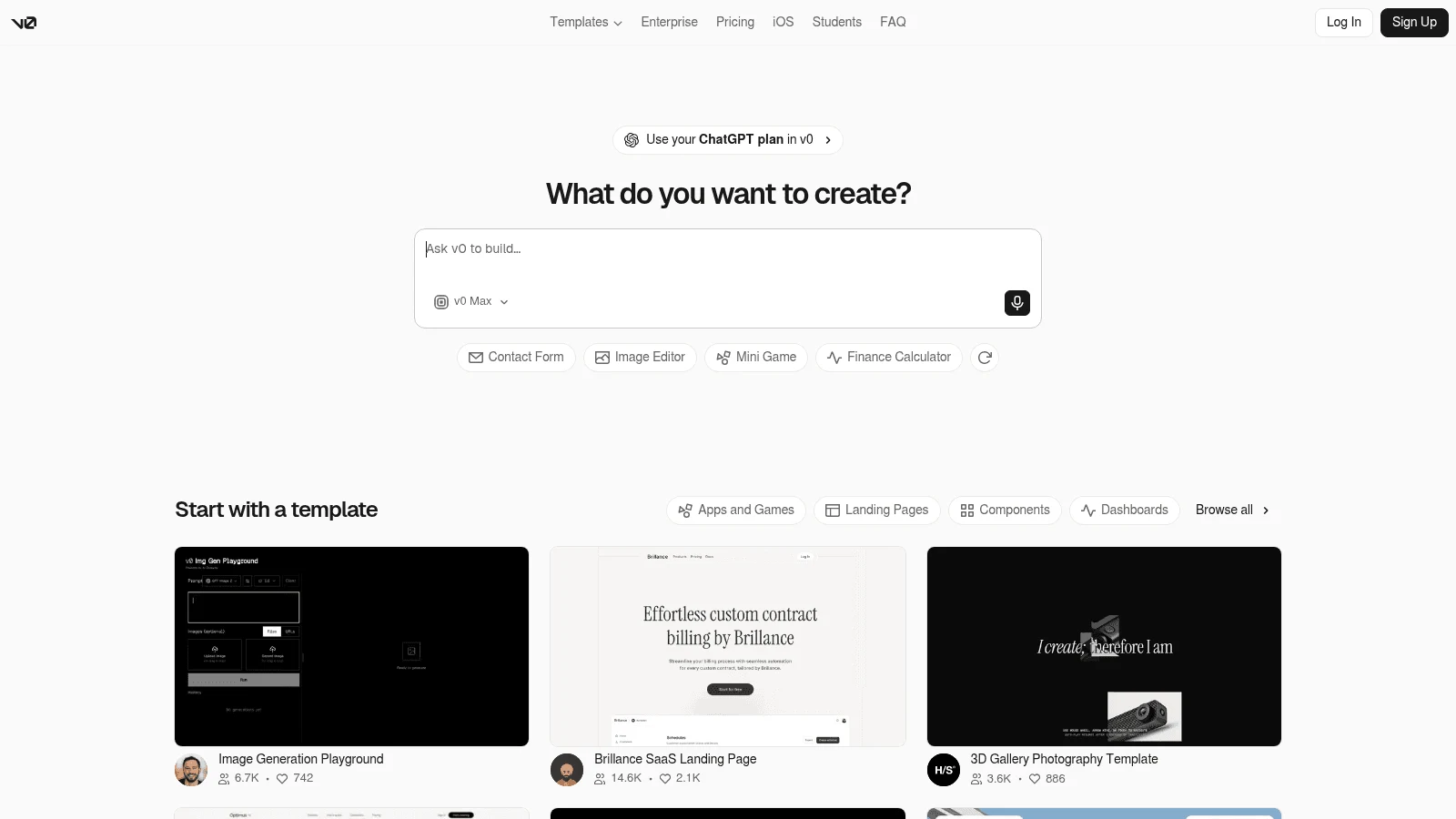
Overview: v0, Vercel's builder at v0.app, generates React and Next.js code styled with Tailwind and shadcn. It leans further toward developers than Lovable does, because it can start from a repository you already have.
Key features:
- Imports existing GitHub repos and makes commits and pull requests automatically.
- One-click publishing to Vercel, and its FAQ says "you can still export code and deploy elsewhere."
- A choice of models, each with its own token rate.
Pricing: Plus costs $30 per user a month and includes $30 of credits per user, plus $2 in free daily credits when you log in; there's no yearly option. Credits are spent per token (the v0 Pro model runs $2 per million input tokens and $10 per million output) and expire after 65 days.
Pros: Starts from your own repo, automatic pull requests, standard Next.js output
Cons: Databases come through Vercel Marketplace integrations, each a separate provider account, per-seat pricing adds up for teams, generation pauses when credits run out
Why buyers shortlist it: Developers who'll own the code later get files they'd have written themselves.
Final verdict: Pick v0 when the front end matters most and a developer is close by.
4. Replit
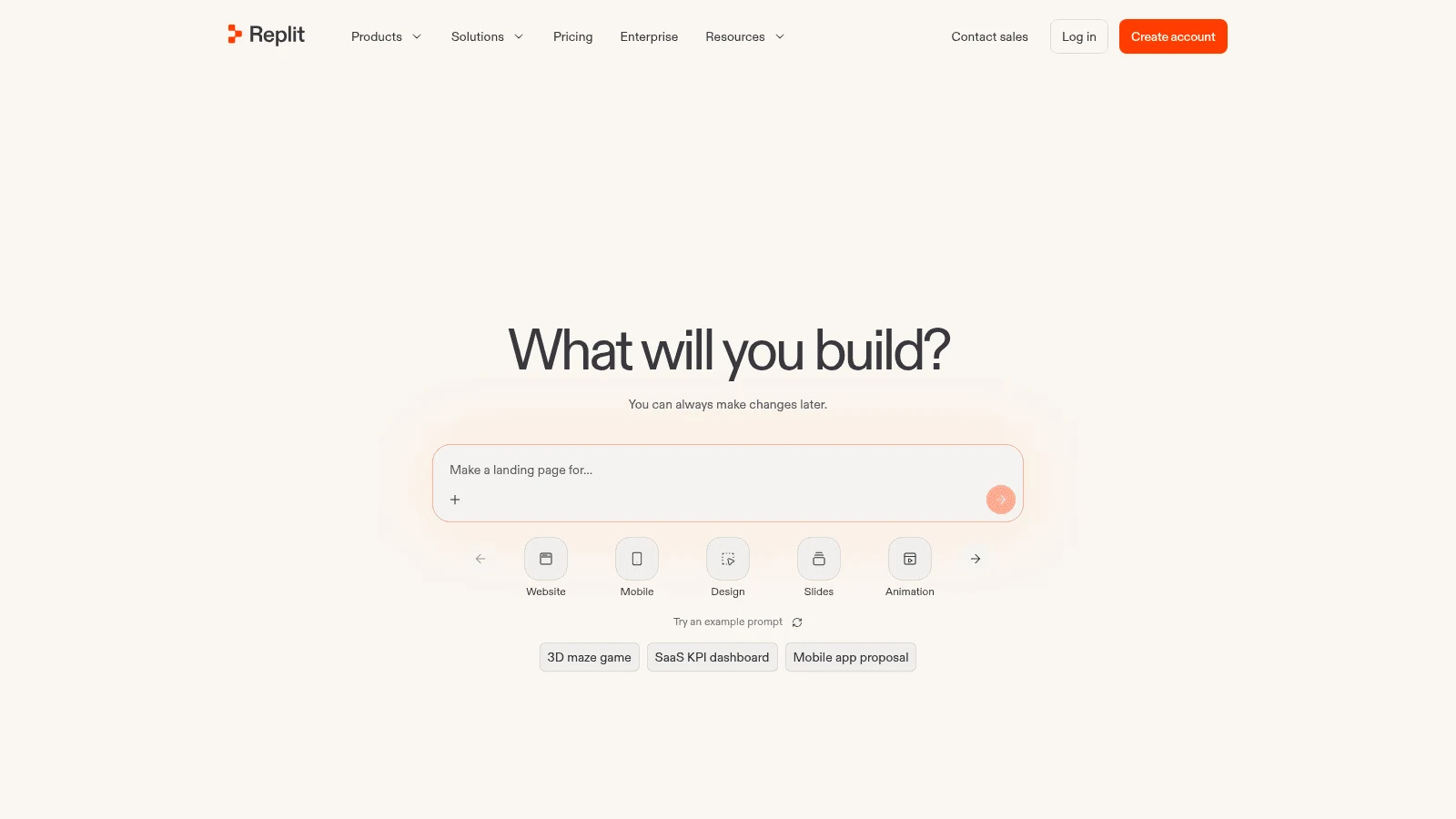
Overview: Replit is a cloud workspace with an AI agent, built-in hosting, databases and auth. It also documents an import path for Lovable projects: export to GitHub, then pick Lovable at replit.com/import.
Key features:
- A Git pane that creates branches, commits and connects your app to a GitHub repo.
- Built-in databases, with development databases free and production databases billed.
- Budget limits and alerts, so you can cap what a long agent session spends.
Pricing: Core is $20 a month, or $18 on a yearly plan, for up to 5 builders, with a Free Mode allowance for everyday agent work plus $20 a month in credits. Paid agent work is billed by effort, one checkpoint per request, so a simple fix costs less than a complex build, and the same credits also pay for publishing, storage and databases.
Pros: A documented Lovable import, a Git pane, spending caps
Cons: The import brings no Supabase records or secrets, deployment usage is billed on top, a paid request's exact cost isn't fixed in advance
What it does better: It's a full workspace with a Git pane for branches and commits, so a developer can work on the app between prompts much as they would locally.
Final verdict: A practical landing spot if you want Lovable's hosting plus a real editor.
5. Base44
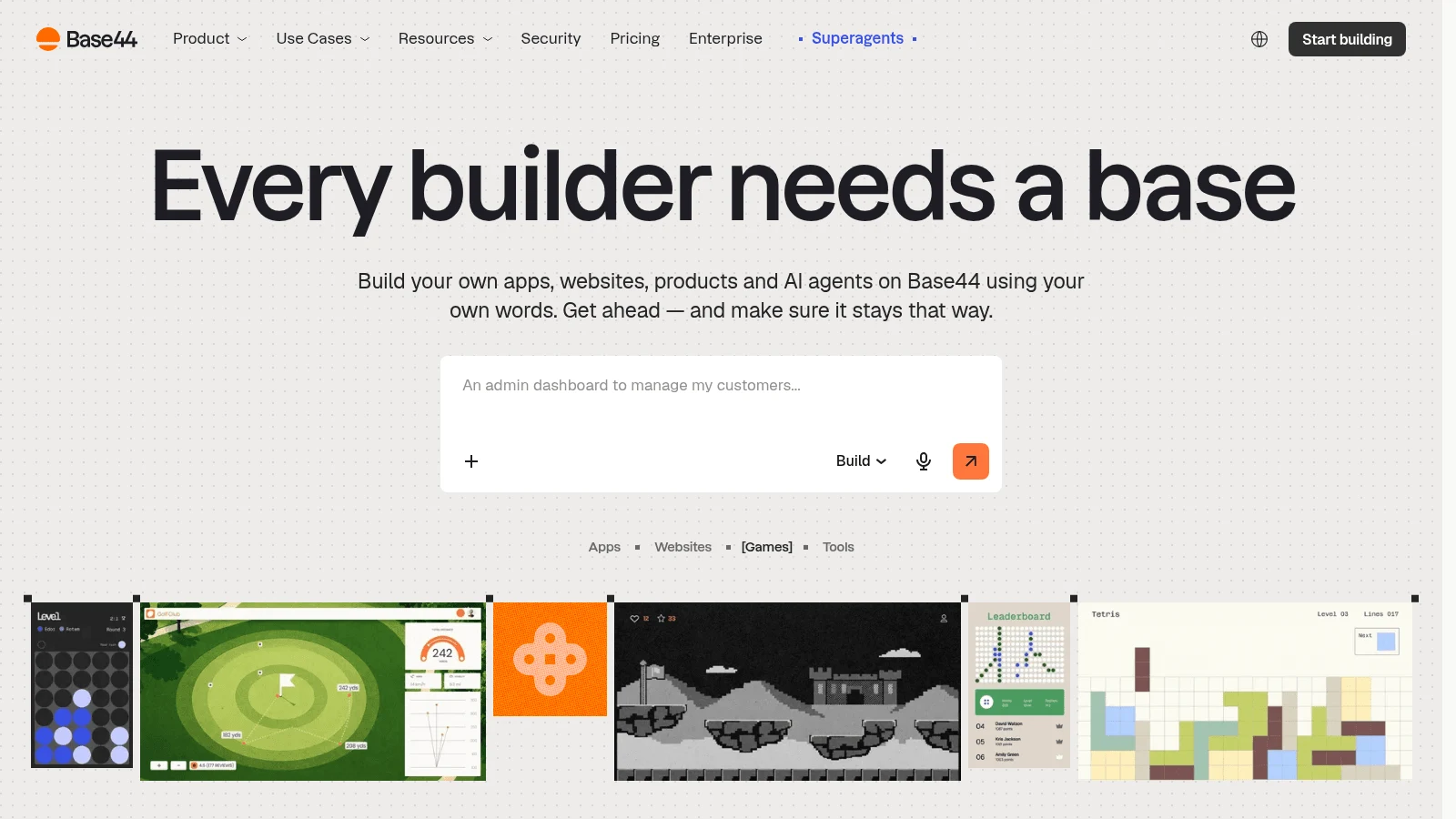
Overview: Base44, owned by Wix, builds business apps from a prompt and hosts the backend, database and auth on every plan. It's a close match to Lovable Cloud, with a GitHub export on top.
Key features:
- Its FAQ says "Two-way GitHub sync exports the full source code to your own repo at any time. Nothing is locked to the platform."
- In-app code edits from Starter up.
- Manual visual edits that cost no credits.
Pricing: Starter runs $20 monthly, or $16 a month when billed yearly, with 100 message credits and 2,000 integration credits. GitHub sync arrives on Builder, $40 a month yearly or $50 monthly.
Pros: Backend, database and auth on every plan, a clear credit guide (about 0.5 for a simple change, 2 for a complex module), free visual edits
Cons: GitHub sync starts on the third tier, unused credits expire each month, two credit types to track
Why it earns a place here: Its credit guide puts a number on each kind of change, and edits you make by hand cost nothing, so you pay the AI only for work you can't do yourself.
Final verdict: A strong Lovable swap for internal tools, if you budget for Builder.
6. Dyad
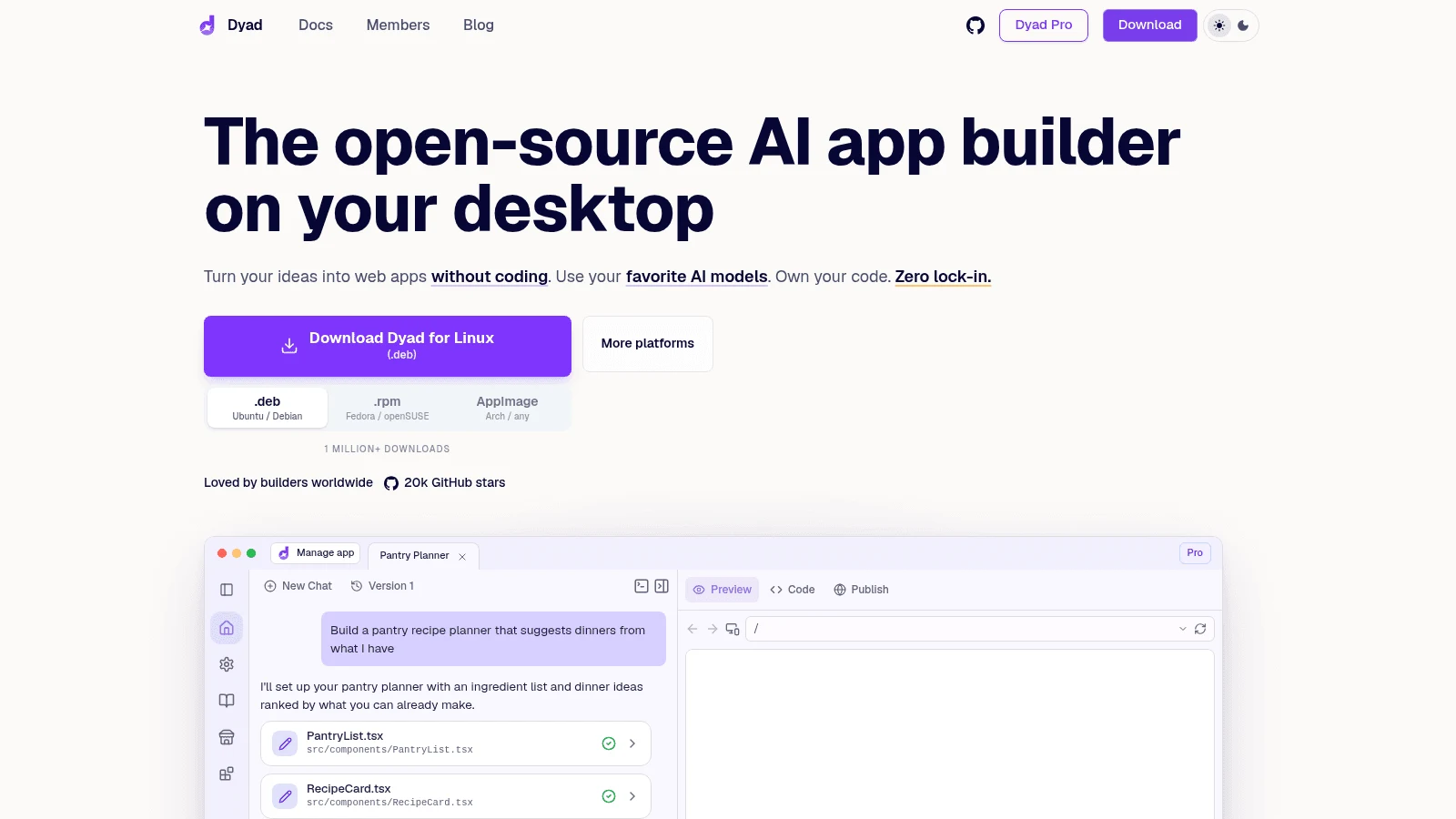
Overview: Dyad is a desktop app for macOS and Windows that builds full-stack React apps on your own computer. Its projects are ordinary folders you can open in any editor, and its creator, Will Chen, says he built it so users "feel like an owner, not a renter."
Key features:
- Bring your own API key, or run models locally through Ollama.
- Connects to your own Supabase or Neon account, so the database is yours from day one.
- Open source under Apache 2.0, except its Pro features.
Pricing: Dyad is free with no sign-up, using your own API key or a ChatGPT account. Pro costs $20 a month for 200 AI credits and modes for large codebases, and Max $79 for 900.
Pros: Code and database you own outright, model choice, no credit meter on the free plan
Cons: No hosting, so you deploy it yourself; the free Basic Agent stops at 20 messages a day; a local setup before the first prompt
Its real strength: There's nothing to migrate later, because nothing ever lived on Dyad's servers.
Final verdict: The best fit for builders who want Lovable's workflow without the platform.
7. WeWeb
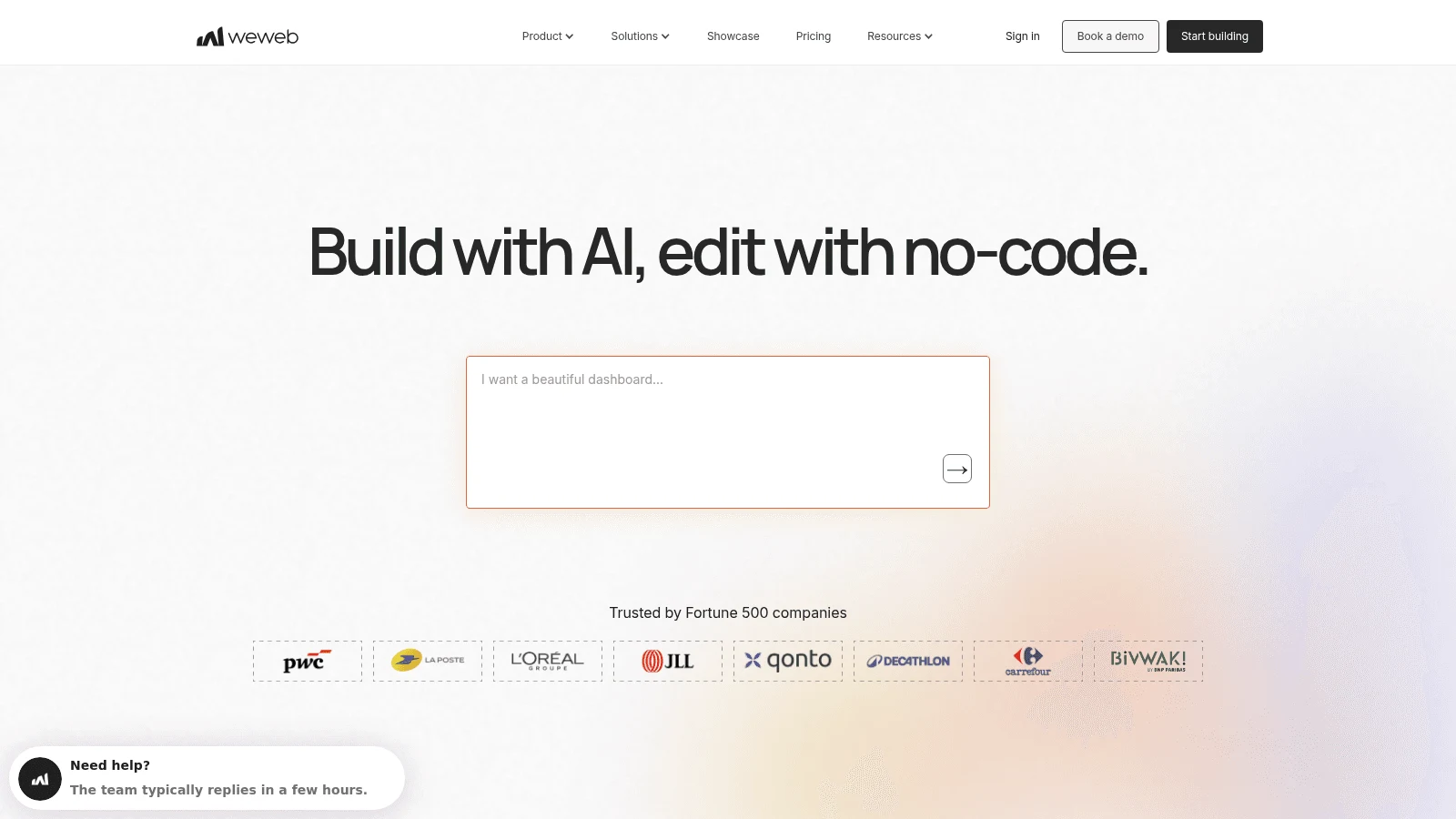
Overview: WeWeb is a visual front-end builder with AI help that connects to Airtable, Xano, Supabase or your own API. Its pricing page now lists a database on WeWeb Cloud too, but the point is that your data doesn't have to live inside the builder.
Key features:
- Exports a standard Vue.js single-page app you can host yourself.
- GitHub sync from the Essential plan.
- A visual editor for changes you'd rather not prompt.
Pricing: Essential costs $20 a month billed yearly or $25 monthly with 10M AI tokens, export and GitHub sync. Free includes 1M tokens and hosting on WeWeb's cloud up to 1,000 sessions.
Pros: Self-hosting allowed, a backend of your choice, visual edits
Cons: Hosting and the database sit on a separate WeWeb Cloud price list, Pro is priced per developer, more setup than Lovable
What it is genuinely good at: Letting you keep the database out of the builder, which is what no-code agencies tend to want when they hand a client app over.
Final verdict: Choose WeWeb when owning the data matters more than one-prompt setup.
8. Anything
Overview: Anything builds native iOS and Android apps from a prompt and submits them to the App Store and Google Play. Lovable builds for the web, so this is the pick when the product has to be in an app store.
Key features:
- App Store and Play Store submission.
- A Postgres database, storage and Stripe built in.
- Code export as a ZIP file from the Code tab on paid plans.
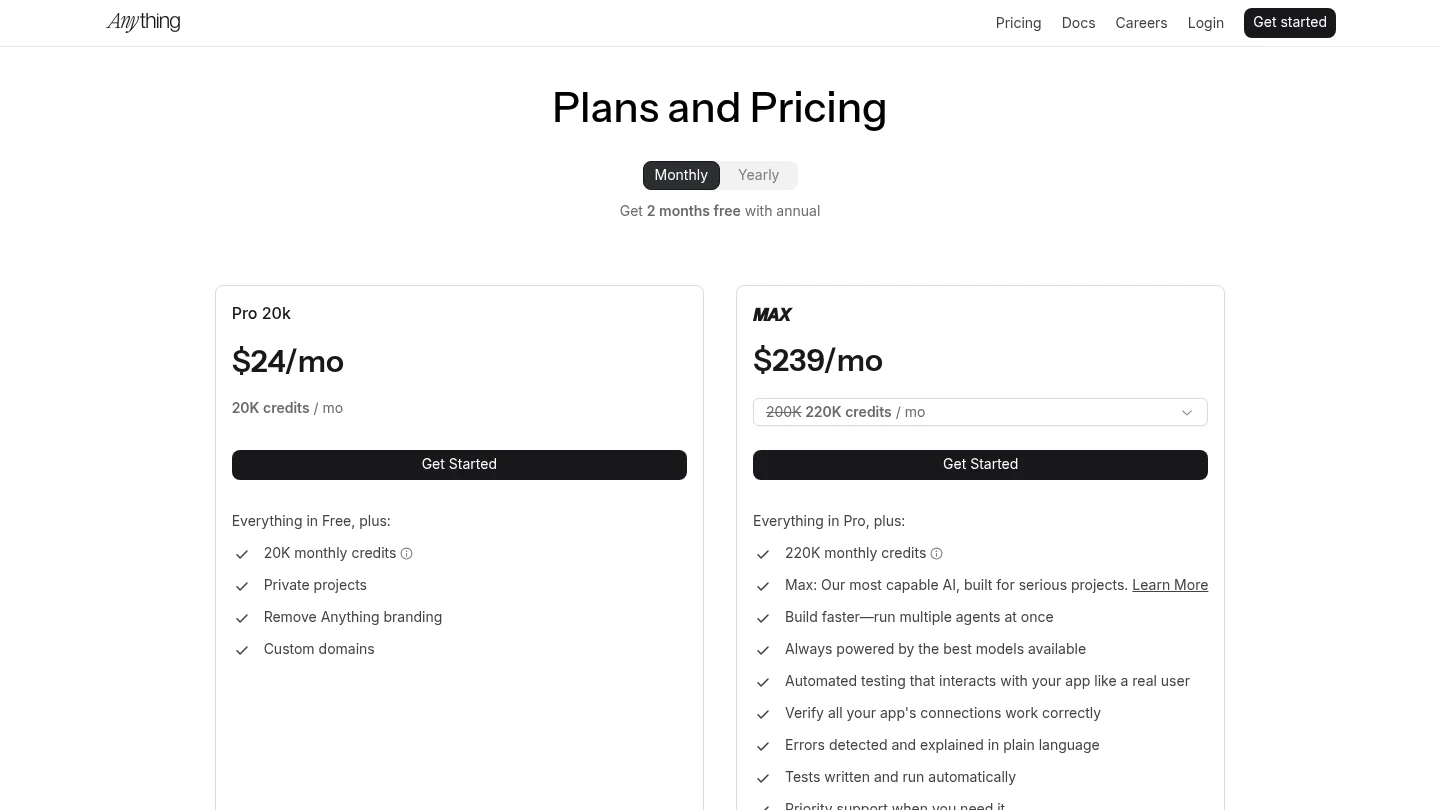
Pricing: Pro costs $19 a month billed yearly or $24 monthly for 20K credits, with private projects, custom domains and code export. Max starts at $199 a month yearly for 220K credits.
Pros: Native mobile apps, payments built in, a published credit allowance per plan
Cons: GitHub sync is listed as "coming soon," so export means a manual ZIP; its docs say building needs a paid plan; the next tier up, Max, jumps to $199 a month yearly
Why it made this list: Store submission is its headline feature, not an add-on, which matters if Lovable's web-only output is the reason you're leaving.
Final verdict: The right call if mobile comes first, as long as a ZIP is enough of an export for now.
9. Figma Make
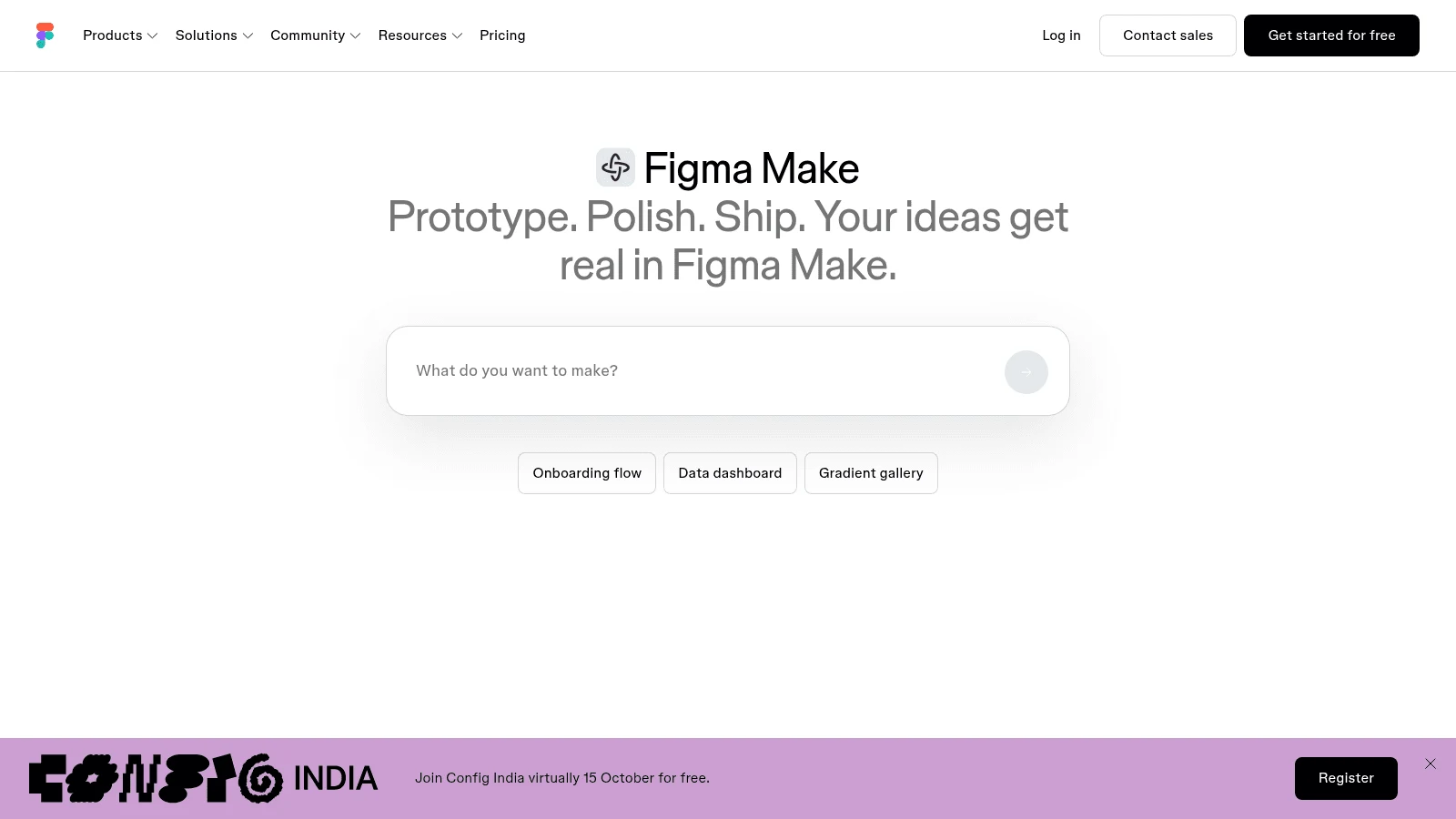
Overview: Figma Make turns a prompt or a Figma design into a working prototype or app inside Figma. It's closer to a prototyping tool than an app host, and its GitHub handling shows it.
Key features:
- Builds from the designs your team already has in Figma.
- Push to GitHub on all plans, into a repository Make creates for that file.
- One AI credit pool shared across all of Figma's AI features.
Pricing: Make comes with a Full seat on a paid plan, which on Professional is $20 a month, or $16 on yearly billing, with 3,000 AI credits a month. The free Starter plan gives 150 AI credits a day, up to 500 a month, for trying it.
Pros: Starts from real designs, no separate builder bill for Full-seat teams, push to GitHub on every plan
Cons: Figma's help center says the push is one-way, so changes made in GitHub get overwritten on the next push; it pushes only to the default branch; it can't push to a repo you created yourself
Where it beats the alternatives: Design fidelity, since the starting point is the actual design file.
Final verdict: Use it to prove an idea, then move the code somewhere you can edit it. Teams already comparing Figma alternatives for design work should count Make's Full-seat requirement before they build on it.
10. Claude Code
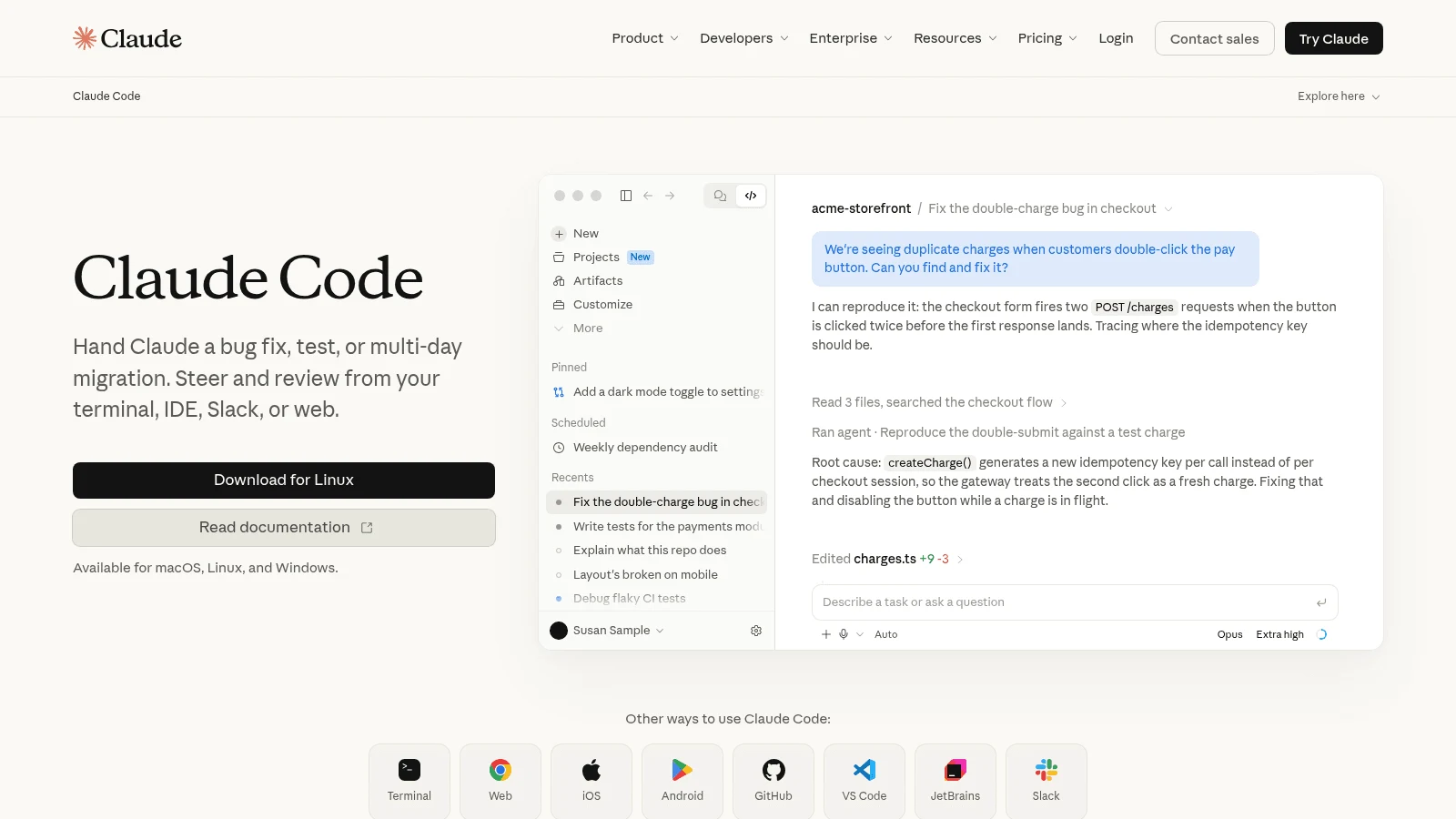
Overview: Anthropic's Claude Code is a coding agent you run from a terminal, IDE extensions, a desktop app or the web. It's the most direct way off Lovable: sync to GitHub, open the repo locally, and keep building with an agent.
Key features:
- Works in your own repository on your own machine, so every change is a normal Git commit.
- Runs in VS Code and its forks, JetBrains IDEs, a desktop app and the browser.
- A context window that reaches 1M tokens on some models.
Pricing: Claude Pro, which includes Claude Code, is $20 monthly or $17 a month on an annual plan. Max starts at $100 a month for 5x Pro's usage.
Pros: Full code ownership, normal Git workflow, usage shared with the rest of your Claude plan
Cons: Not on Claude's Free plan, Claude models only, usage limits run on five-hour and weekly windows with no published message count
Why it's a good Lovable alternative: A bug fix stops being a paid chat with a builder and becomes an edit you can read, test and roll back.
Final verdict: The right move once someone on the team is comfortable in a code editor.
Where your code and data live with each Lovable alternative
The comparison table answers whether you can get the code out. This one answers what you'd still have to rebuild after moving to one of these Lovable alternatives, with Lovable as the baseline row.
| Tool | Where the code lives | Where the database lives | What you're billed in |
|---|---|---|---|
| Lovable | Lovable, until you sync to GitHub | Lovable Cloud, or your own Supabase | Credits for building, Cloud and in-app AI |
| Awesomic Studio | Studio's workspace, exportable to code | No database listed | A monthly budget equal to the plan price |
| Bolt.new | Bolt, synced to GitHub | Built-in databases | Tokens |
| v0 | Vercel, synced to GitHub | Neon, Supabase or Upstash via Vercel | Dollar credits spent per token |
| Replit | Your Replit app, Git optional | Built-in; production databases billed | Effort-based credits plus deployment usage |
| Base44 | Base44, GitHub sync from Builder | Built-in backend and auth | Message and integration credits |
| Dyad | Folders on your computer | Your own Supabase or Neon | Your AI provider's bill, or Dyad credits |
| WeWeb | WeWeb, exportable as Vue.js | WeWeb Cloud, or Airtable, Xano, Supabase or an API | AI tokens per plan |
| Anything | Anything, ZIP download | Built-in Postgres | Credits |
| Figma Make | Figma, pushed to a repo Make creates | Not covered on the pages we read | Figma AI credits |
| Claude Code | Your machine and your repo | Whatever you set up | Claude plan usage, or API tokens |
Read the middle column before the last one. A tool that bills cheaply but keeps your database on its own servers gives you the same exit problem Lovable does.
If all you need is a clickable demo, not a running app, the database column stops mattering, and dedicated prototyping tools leave you nothing to migrate later.
What affordable alternatives to Lovable cost to run
With Lovable alternatives, what matters is what one change costs and whether unused allowance survives the month.
Base44 and Lovable both publish example rates. Base44 puts a simple change at about 0.5 credits and a complex module at 2, with manual visual edits free, while Lovable's examples run 0.5 to 1.7 credits a message. v0 publishes a token rate per model, and Replit bills paid agent work by effort, so a fix is cheaper than a build, though the exact cost isn't fixed up front.
Bolt is the one to watch on larger projects, because it sends your project files to the AI with each message. Our Studio sells a dollar budget equal to the plan price, with no published rate per build. On Dyad's free plan and with Claude Code, the builder has no meter of its own: you pay your AI provider or your Claude plan instead.
Expiry matters as much as price. Lovable's monthly-plan credits expire after 2 months, v0's after 65 days, and Base44's at the end of each month, while Bolt's paid tokens roll over one extra month.
How to move a project off Lovable
Plan the move like a small project, checklist and all, because the code is the easy part. Starting from a design and building the code to match it, the idea behind design-driven development, cuts the re-prompting that burns credits in the next tool.
- Connect GitHub in Lovable's project settings, which creates a private repo of your code.
- Export your Lovable Cloud data, since records don't travel with the code.
- Copy every secret and API key into the new tool's secrets store.
- Recreate social logins and auth settings in your new backend's dashboard.
- Run the app locally or in the new tool and test sign-up, sign-in and payments.
- Move your custom domain last, after a full click-through.
A user offering a step-by-step migration guide on Reddit opened with the same three reasons this list tracks: "credits getting expensive, code breaking on re-prompts, wanting more control over the codebase." Their outline moved to their own Supabase project and used Claude Code to "make changes without burning credits," and a commenter on Lovable Cloud asked how to move user authentication and AI features off it too. That's one thread, but it matches what Lovable's docs say.
When staying on Lovable is the better call
Lovable is still a good tool, and a switch costs time. Stay if your app is small, your team doesn't write code, and Cloud's managed database and auth save you more than the credits cost.
Lovable also gets several things right. GitHub sync is two-way on every plan, where Base44 starts it on the third tier and Figma Make only pushes one way. Pro covers unlimited users instead of charging per seat, and the Quick scan now checks access rules on every publish.
If the app works and you're short on build hours, paying Lovable agencies to fix and extend it inside Lovable usually costs less than a rebuild.
How to choose the right Lovable alternative
Most Lovable AI app builder alternatives solve one problem well, so start from the reason you're leaving and match it to the tool built around it.
- Choose Dyad or Claude Code if owning the code outright is the goal.
- Choose Bolt.new or v0 if you want hosted, prompt-first building that can start from a repo you already have.
- Choose Replit or Base44 if you want a managed backend and a clearer path out.
- Choose WeWeb if your data should live in a backend you already run.
- Choose Anything if the app has to be in the App Store or Google Play.
- Choose Figma Make if the design already exists in Figma and you need a prototype.
Security deserves its own check whichever you pick. In a study published at ACM CCS 2023, Neil Perry and colleagues found that participants using an AI assistant "wrote significantly less secure code than those without access" and were more likely to believe their code was secure. Budget for a human review before launch.
If what you need first is a clickable flow to test with users, a prototype designer from Awesomic can build it before anyone writes production code.
Which Lovable alternative to test first
Take one real screen from your Lovable app, sync the project to GitHub, and rebuild that screen in two Lovable alternatives from this list: one hosted builder and one that keeps the code with you. Compare how many prompts or credits each took and how much of the result you could edit by hand.
If you'd rather have a specialist check the agents' work, Get started with Awesomic Studio on Basic and hand it that same screen; the Assisted specialist review is quoted separately.
FAQ
What are some alternatives to Lovable?
Among Lovable alternatives, Bolt.new, v0, Replit and Base44 are the closest swaps: hosted builders you steer with prompts. Dyad and Claude Code keep your code on your own computer, WeWeb can run on your own backend, Anything builds native mobile apps, and Figma Make builds from Figma designs.
What are the best alternatives to Lovable AI app builder for owning your code?
Dyad and Claude Code, because the code lives in your own folders or repository from the start. Among hosted tools, Bolt.new and v0 can both start from a repo you already have, which Lovable can't.
Are there affordable alternatives to Lovable?
Yes. Dyad costs nothing if you bring your own API key, and Bolt.new, v0, Replit, Base44, WeWeb and Figma Make all have free tiers. On paid plans, Base44's Starter is $16 a month and Bolt.new Pro $18, both billed yearly, against Lovable Pro's $21 on the same basis.
Can you export your code from Lovable?
Yes. Every Lovable plan includes two-way GitHub sync, which creates a private repository, and paid plans add a ZIP download of the codebase. The export doesn't include your database records, secrets or the auth settings Lovable Cloud manages, so plan to move those separately.
Is Lovable safe to use for a production app?
Lovable has added safeguards since 2025, when CVE-2025-48757 exposed data in projects with weak row-level security. It now runs a Quick scan on every publish, but have a person review access rules and auth before real users arrive.





