 Awesomic Team
Key takeaways:
- Tricentis announced its acquisition of Tabnine on July 30, 2026. Tabnine says existing customers keep support, and private-install releases kept shipping (v6.6.6 on September 28), but no renewal policy or end-of-support date is published and nothing is sold self-serve.
- Four of the ten tools here can run the model on your own machine or server: JetBrains AI (Full Line completion), Tabby, Cline and Zed's edit predictions. Cursor's and Augment's self-hosted options keep execution in your network while model calls still go to the vendor.
- Copilot Business and Gemini Code Assist Standard both cost $19 a seat a month (Gemini on an annual commitment), about half of Tabnine's last archived $39 Code Assistant price.
- Two exits are closed or closing: support for Amazon Q Developer's IDE plugins ends April 30, 2027, and Gemini Code Assist's free individual tier stopped serving on June 18, 2026.
Tabnine built its name on short, context-aware completions and on letting companies choose where the model ran: Tabnine's cloud, their own VPC, their own servers or an air-gapped network. That second part is why security teams paid for it, and most lists of Tabnine alternatives skip it.
The reason to look now is the July 30, 2026 sale to Tricentis. Tabnine still supports its customers, but its site redirects to Tricentis, there's no published price list, and neither company has said what renewals will look like. So plan your move before renewal, not after it.
This list orders ten alternatives to Tabnine from the smallest change to the biggest and shows where each processes your code, the first question a Tabnine buyer has to answer. Every price and data policy here comes from the vendors' pages as we read them on October 8, 2026.
What changed at Tabnine, and what didn't
Several things people blame on the acquisition happened months earlier. The timeline uses Tabnine's and Tricentis's own pages, and archived copies where live pages no longer load.
| Date | What happened |
|---|---|
| April 2, 2025 | Tabnine phased out its free Basic plan, replacing it with a 14-day Dev Preview |
| December 2025 to January 2026 | Its JetBrains and VS Code plugin updates said Tabnine "does not onboard new users," and both listings now read "(Legacy) Tabnine" |
| July 30, 2026 | Tricentis announced the acquisition, to fold Tabnine's Enterprise Context Engine into its testing platform |
| September 18, 2026 | Last archived copy of the pricing page: $39 (Code Assistant) and $59 (Agentic Platform) per user a month, annual |
| September 28, 2026 | Private-install release v6.6.6 shipped, moving its OpenCode-based Tabnine CLI to version 1.0.1 |
| By October 1, 2026 | tabnine.com was redirecting to Tricentis's products page, and by October 8 its pricing page returned an error |
So the individual user was pushed out before the sale. In a February 2026 r/webdev thread, a solo developer wrote that "Tabnine just cancelled my Pro account and issued a full refund for the year," and the top reply read: "Cancelling everything except enterprise means big companies are paying them enough to focus entirely on those big companies' needs." It's one anecdotal thread, but it matches the marketplace labels.
For enterprise customers, Tabnine's own post on the sale says: "Existing customers will continue to receive support for the products they use today." Its docs still describe SaaS, VPC, on-premises and air-gapped deployments, and its support terms are unchanged. What's missing is a roadmap for the standalone assistant, a renewal policy and any self-serve way to buy seats.
How we picked and ordered these Tabnine alternatives
Awesomic Studio is number one because it's our own product. The remaining nine run from the least disruptive switch to the most: completion plug-ins for the IDE you already use (2 to 5), then agent plug-ins without inline completions (6 and 7), then tools that replace your editor (8 to 10). Within each group, the vendor-cloud tools come first and the ones that can keep the model on your own hardware come last.
Older tools are missing on purpose. Qodo now sells AI pull-request review rather than completions and chat, Refact.ai says "Refact Cloud is shutting down soon," Continue and Supermaven went to Cursor, and Roo Code's repo went read-only in May 2026. Amazon Q Developer appears only inside the Kiro entry, because AWS is retiring its IDE plugins.
The best Tabnine alternatives compared
The table answers the question that sent many teams to Tabnine in the first place: where does the code go? It also shows whether each tool offers inline completions and its cheapest paid plan with the billing basis. Tabnine's last published terms close the table for reference.
| Tool | Best for | Where your code is processed | Inline completions? | Paid plan from (billing basis) |
|---|---|---|---|---|
| Awesomic Studio | Handing whole tasks to agents | Awesomic's hosted workspace; a dedicated server add-on is still hosted | No | $20/month (Basic), equal to that month's usage budget |
| GitHub Copilot | The widest IDE coverage | GitHub's cloud; Business and Enterprise IDE prompts not retained by default | Yes; 2,000 a month on Free | $10/month (Pro); Business $19 per seat/month |
| Gemini Code Assist | Teams billed through Google Cloud | Google Cloud; prompts and responses not used for training | Yes | $19/user/month with annual commitment, $22.80 monthly |
| JetBrains AI | JetBrains IDE shops | JetBrains cloud for chat; Full Line completion model runs on your machine; on-premises on AI Enterprise | Yes | $100/year or $10 monthly (AI Pro) |
| Tabby | The closest thing to a private Tabnine install | Model runs on your own server; air-gapped setup documented | Yes | $19 per user/month (Team, basis not stated); free up to 5 users |
| Augment Code | Context across large codebases | Augment's cloud; self-hosted daemons run agents in your network, model calls still go to Augment | None listed on its pricing page | $20/month flat for up to 50 seats, plus usage |
| Cline | An agent you can point at any model | A provider via your key, or a model on your machine; VPC, on-prem or air-gapped on Enterprise | None in its docs | Free; you pay for inference |
| Cursor | Teams ready to switch editors | Cursor's backend and providers, even with your own key; self-hosted agents run in your network, model calls still go through Cursor | Yes (Tab) | $16/month billed yearly, $20 monthly (Pro) |
| Kiro | AWS teams leaving Amazon Q Developer | AWS (Amazon Bedrock); US or EU inference regions for enterprise users | Documented, no plan named | $20/month (Pro), no annual price shown |
| Zed | A fast editor with local predictions | Zed-hosted models with zero retention, your own keys, or edit predictions on a local Ollama server | Yes (edit predictions) | $10/month (Pro) |
| Tabnine (reference) | Private, self-hosted completions | SaaS, VPC, on-premises or fully air-gapped | Yes | $39 per user/month, annual (archived September 18, 2026) |
Read the third column closely. "Self-hosted" can mean the model runs on your hardware, or only that the agent's work runs there while prompts still go to the vendor, and only the first matches a private Tabnine install.
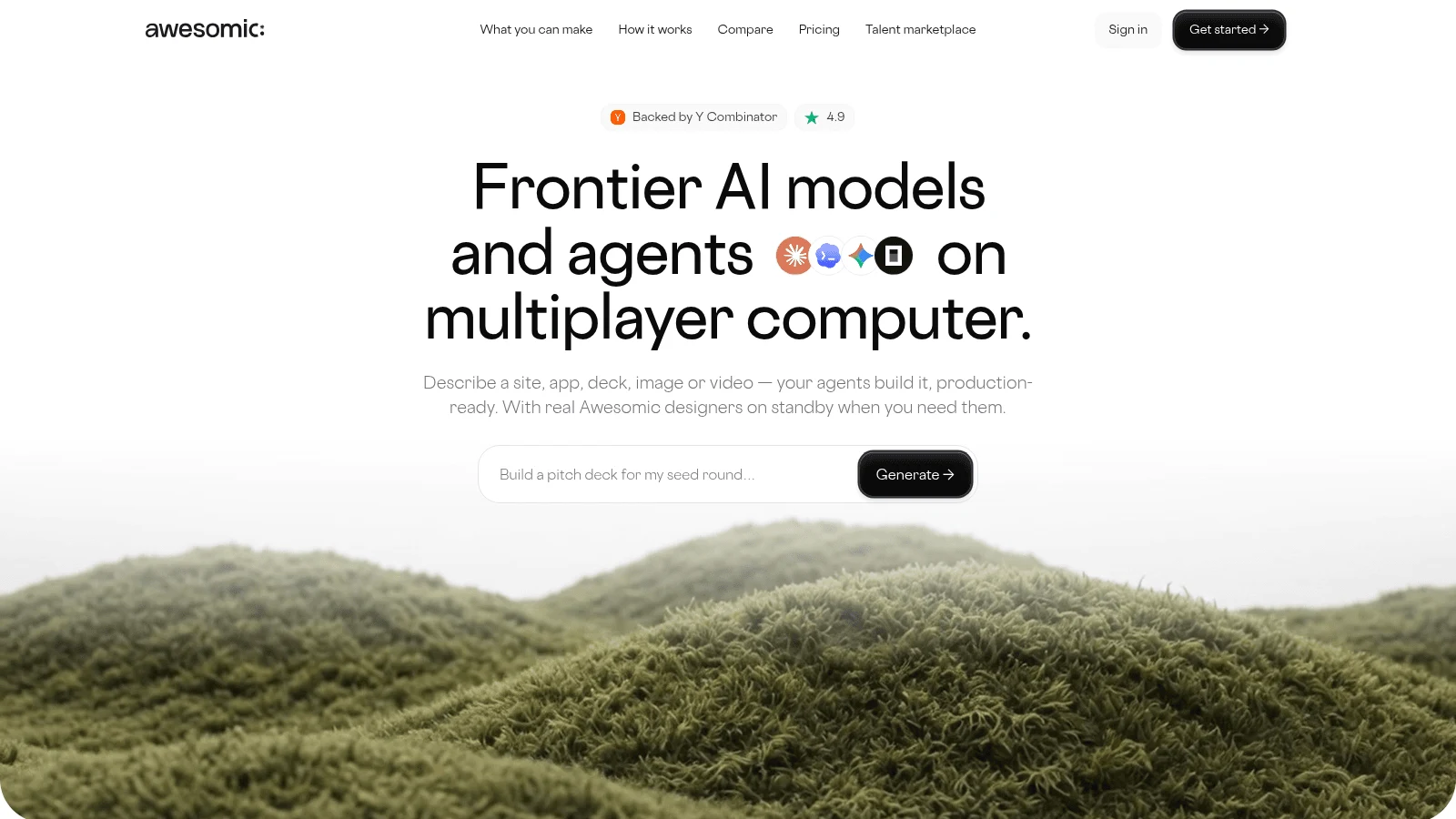
1. Awesomic Studio
Best for: Handing off whole coding tasks
Overview: We build Awesomic Studio, a hosted AI workspace for whole tasks. Instead of a plugin guessing your next line, three agents (Claude Code, Codex, OpenCode) research the task there, write the code and build the result.
At renewal time that means nothing to install or patch on each laptop, and a monthly plan instead of a seat license. In the Self-serve setup, "Create with AI," you drive the agents yourself. Assisted, Dedicated and Automated setups add a specialist, a vetted team or reusable workflows when a job needs more.
When the agents miss, an Awesomic developer can take the task over and hand it back. Studio adds capacity next to your developers rather than standing in for them, and Awesomic, the team behind it, is backed by Y Combinator.
Key features:
- Three coding agents in one place, so trying another needs no install.
- Claude, GPT and Gemini models on one monthly budget.
- Built-in hosting, so an internal tool the agents build can go live without a deploy pipeline.
- Always-on agents that keep working after you close the tab.
- GitHub, Slack, Linear and Notion among eight listed connections.
- A vetted Awesomic developer on request, quoted separately.
Pricing: The three monthly plans (Basic $20, Pro $200, Maximum $500) each buy that much agent and model usage for the month. Nothing is free and there's no trial, Studio doesn't publish how fast a task uses the budget, and a developer takeover or the Assisted and Dedicated setups are priced on request.
Pros: No plugin to roll out, three frontier agents on one budget, no seat contract, hosted output, human backup
Cons: Not an IDE plugin and no inline autocomplete; its pages make no self-hosted, air-gapped or zero-retention claim and list no security certification, so it can't stand in for a private Tabnine install
How to start using it:
- Pick a self-contained task, such as an internal script, that touches no code your policy keeps on-premises.
- Start on Basic and describe the task, attaching the files and links the agents need.
- Run the same brief with two agents and compare.
- Review the output like a new hire's first pull request.
- Ask for an Awesomic developer if the agents stall, and get the quote first.
Why it's a good Tabnine alternative: Tabnine made each developer type faster. Studio takes whole tasks off the queue, with a human expert behind the agents.
Final verdict: Use Studio for work that can live in a hosted workspace, and keep a private assistant from this list for code that can't leave your network.
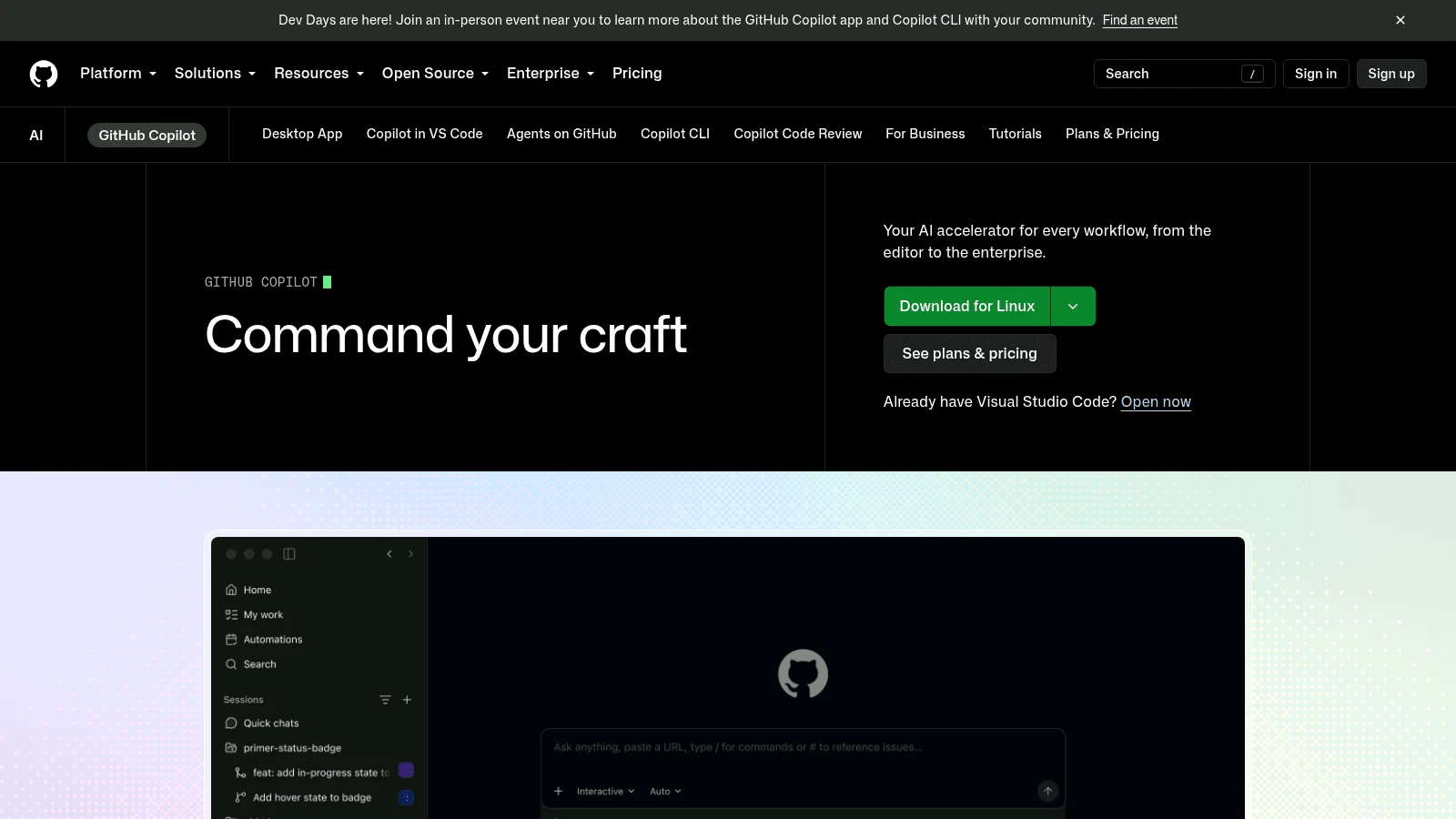
2. GitHub Copilot
Overview: Copilot brings back Tabnine's everyday shape, inline completions and chat, in five IDE families (VS Code, Visual Studio, JetBrains, Eclipse, Xcode) plus a CLI. Everything runs in the cloud, since Copilot "transmits data to GitHub's Azure tenant or another model provider."
Key features:
- Inline completions, 2,000 a month on Free and unlimited on paid plans.
- IDE prompts not retained by default on Business and Enterprise.
- No training on Business or Enterprise data.
Pricing: Pro costs $10 a month and Pro+ $39, while Business is $19 per granted seat a month and Enterprise $39. GitHub's plans page lists monthly prices only.
Pros: The broadest editor list here, a $10 entry plan, completions close to Tabnine's
Cons: No self-hosted option on the pages we checked, individual plans may train on your interactions unless you opt out, user engagement data is kept for two years
Where it fits: Companies whose policy allows cloud inference with a no-retention contract.
Final verdict: The default pick when code may leave your network but IDE prompts shouldn't be kept.
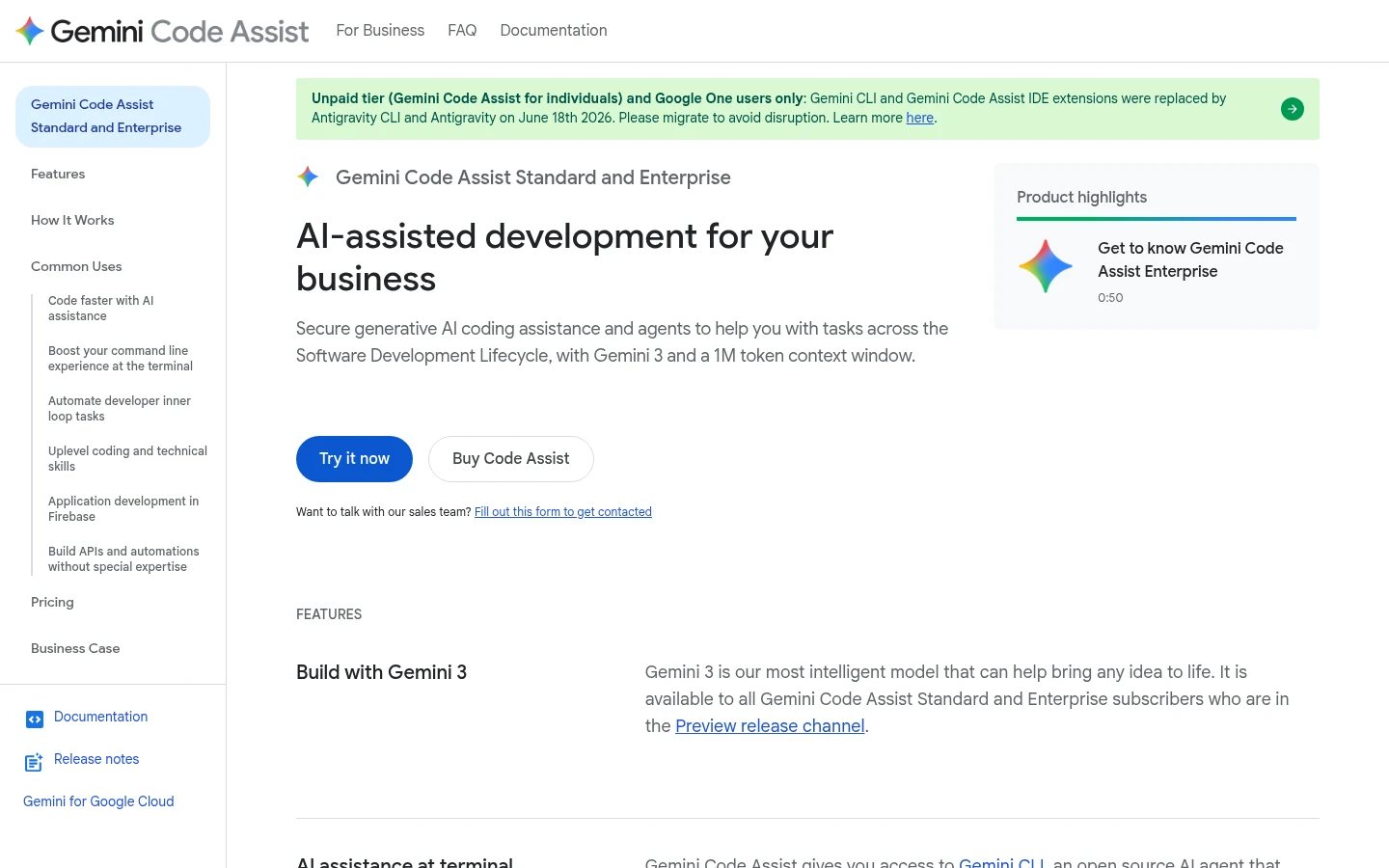
3. Gemini Code Assist
Overview: Google's assistant runs in VS Code, JetBrains IDEs and Android Studio, and its data governance page says "Gemini doesn't use your prompts or its responses as data to train its models." Its free individual tier stopped serving requests on June 18, 2026, so it's a team purchase now.
Key features:
- Completions and chat in both major IDE families.
- Code customization on your private repositories, on Enterprise.
- Google Cloud billing and admin controls.
Pricing: A Standard seat is $19 a month if you commit for a year, $22.80 if you pay month to month. Enterprise runs $45 on that yearly commitment or $54 monthly.
Pros: No training on prompts, the same $19 seat as Copilot Business, private-repo customization
Cons: No free tier for individuals, cloud only on the pages we read, code customization means Google stores your code
Who should switch to it: Teams that already run on Google Cloud and want one bill.
Final verdict: A clean swap if your code may sit in Google's cloud.
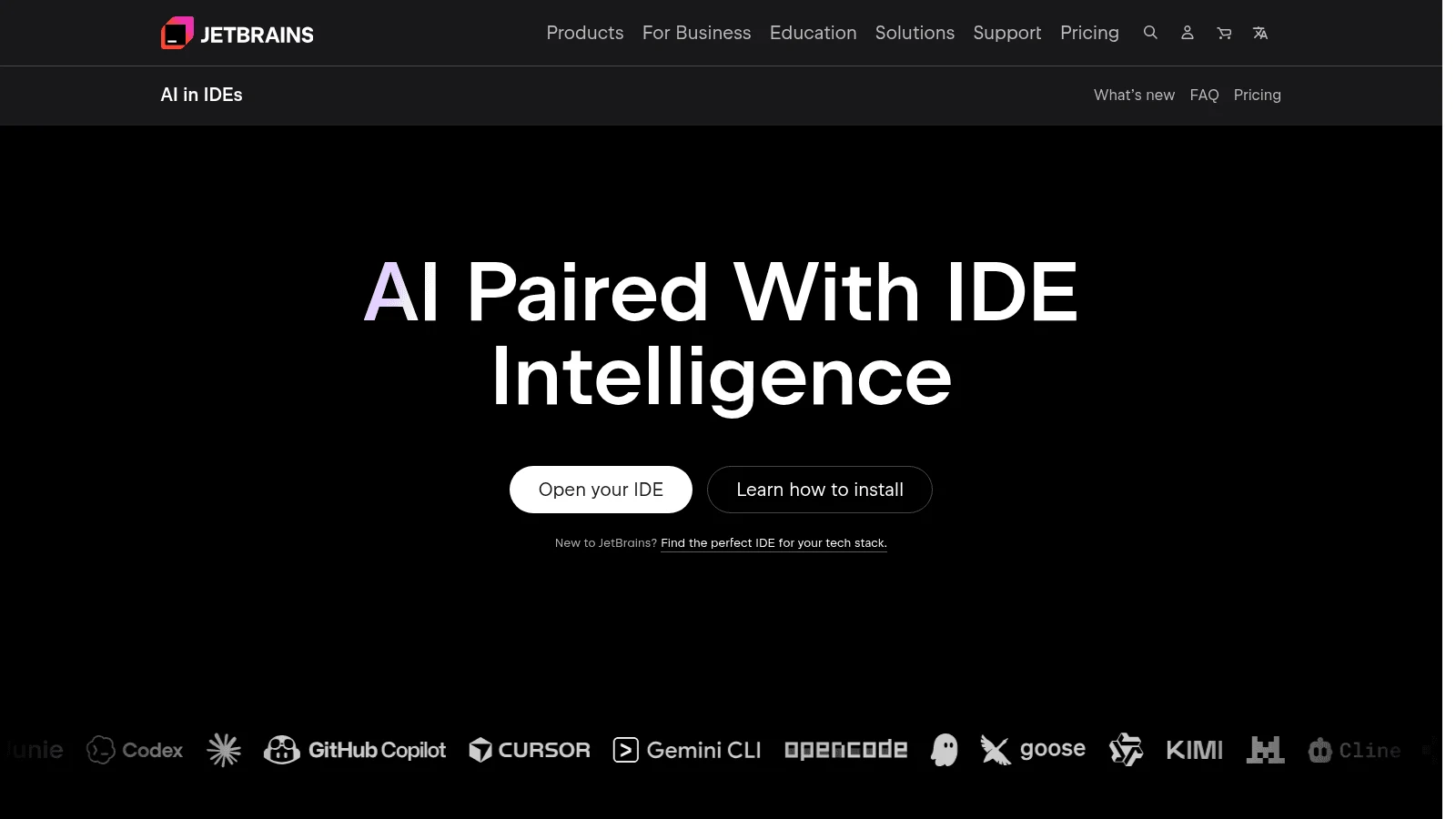
4. JetBrains AI
Overview: JetBrains AI is the one big-vendor option here with a local model in the box. Its Full Line completion "runs entirely on your local device without sending any code over the internet," bundled with IntelliJ IDEA Ultimate at no extra license.
Chat on AI Pro and AI Ultimate uses JetBrains's cloud, and AI Enterprise adds "On-premises, cloud, or hybrid deployment."
Key features:
- Local single-line completion with no code leaving the machine.
- Your own model providers through BYOK on AI Enterprise.
- AI Enterprise support for JetBrains IDEs, Android Studio and VS Code.
Pricing: AI Pro costs $10 monthly or $100 a year, and AI Ultimate $30 monthly or $300 a year, at individual rates. AI Enterprise is $60 per user a month, billed annually, through sales.
Pros: Local completions on day one, an on-premises tier, a free tier with 3 credits every 30 days
Cons: Non-commercial licenses share detailed code data by default unless you opt out, the on-prem tier is sales-led, chat on Pro and Ultimate is cloud-based
Its real strength: Private completions without running a GPU server yourself.
Final verdict: Start here if your team already lives in IntelliJ, PyCharm or WebStorm.
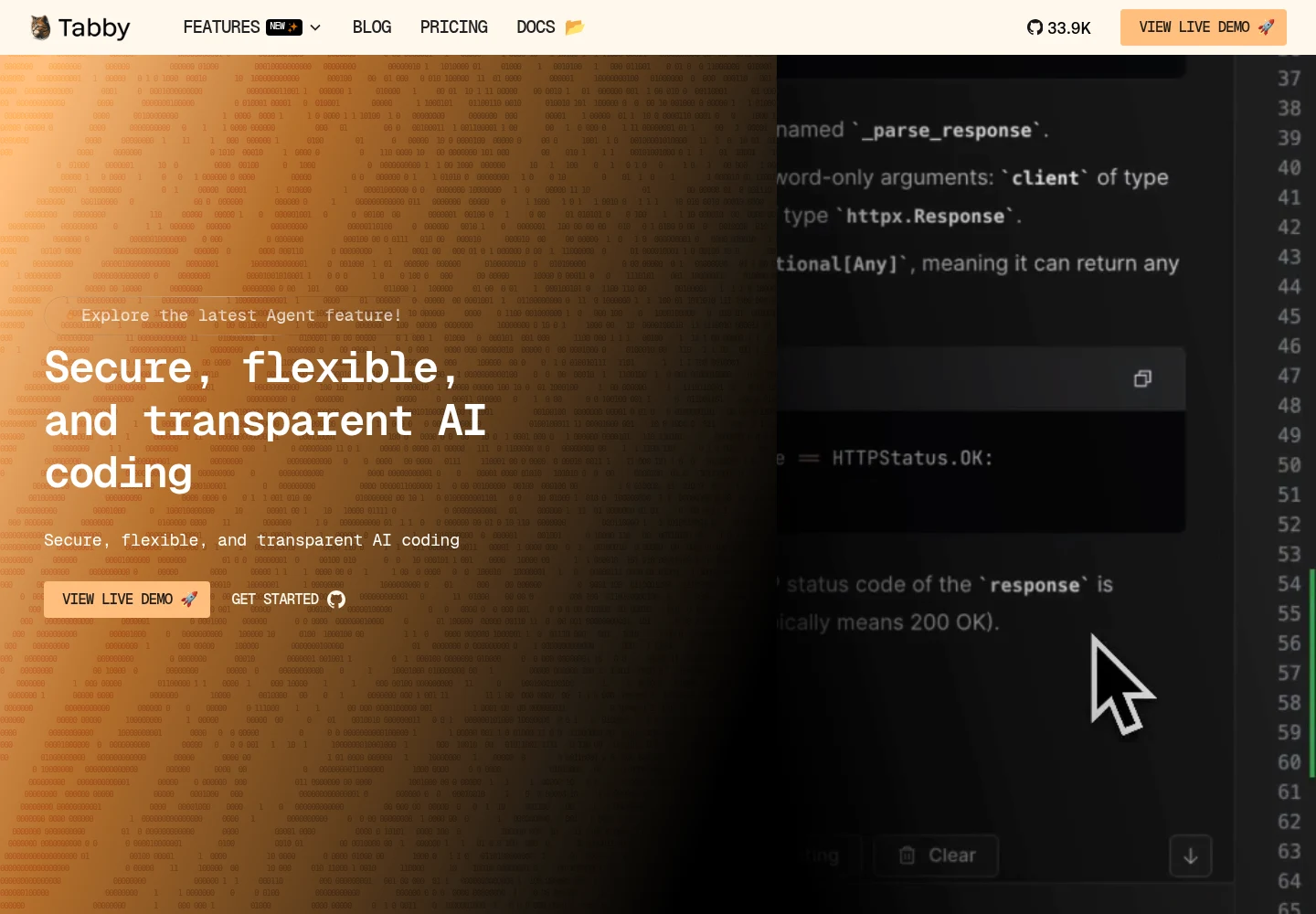
5. Tabby
Overview: Tabby is the closest match to a Tabnine private install: a self-hosted completion server, licensed Apache 2.0 outside its enterprise folder. It's "self-contained, with no need for a DBMS or cloud service," runs on consumer-grade GPUs, and TabbyML publishes a guide to deploying it with Docker in an air-gapped network.
Key features:
- Your own server, so the model and the code stay in your network.
- Extensions for VS Code, IntelliJ Platform IDEs and Vim/NeoVim.
- An air-gapped Docker deployment guide.
Pricing: Community is free for up to 5 users, and Team costs $19 per user a month for up to 50 users, with no billing basis stated. Enterprise is custom and billed annually.
Pros: Real self-hosting, free for small teams, the same $19 seat price as Copilot Business
Cons: You run and patch the GPU server, releases have slowed in 2026 (the last, v0.32.0, came out January 25), SSO only on Enterprise
Why it works as a Tabnine alternative: Self-hosting is the whole product here, not an enterprise add-on.
Final verdict: The first trial for any team whose policy says the model can't leave the building.
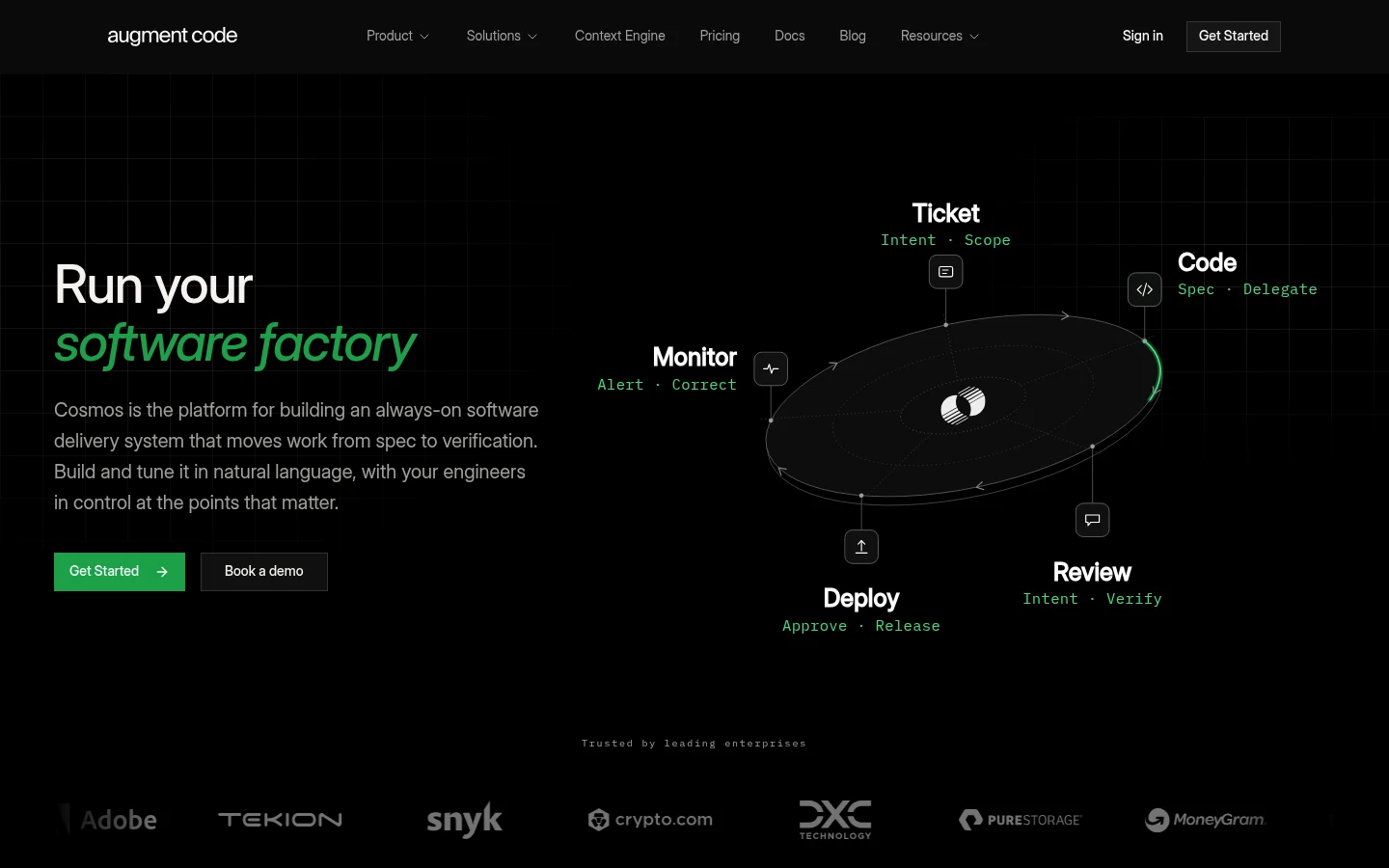
6. Augment Code
Overview: Augment Code's Context Engine indexes your codebase and feeds it to an agent and chat in VS Code, JetBrains IDEs and the Auggie CLI. That makes it the nearest match here to the Enterprise Context Engine Tricentis bought Tabnine for.
Inference stays in Augment's cloud. Its Cosmos daemons can run agent tasks on your own infrastructure, but the model calls still go to Augment.
Key features:
- Codebase-wide context for agent and chat.
- SOC 2 Type II and "No AI training allowed" on every plan.
- Customer-managed encryption keys and ISO/IEC 42001 on Enterprise.
Pricing: Standard costs $20 a month flat for up to 50 seats with $20 of usage included, and Business $100 a month with $100 of usage. Usage beyond that carries "a flat 40% fee on LLM usage."
Pros: Deep codebase context, no training on any plan, one flat fee for a whole team
Cons: Its pricing page lists no inline completions and no free plan, a 40% fee on model usage, cloud-only inference
What it's built for: Teams that leaned on Tabnine's context features more than its autocomplete.
Final verdict: Worth a pilot if your policy accepts cloud inference with customer-managed keys.
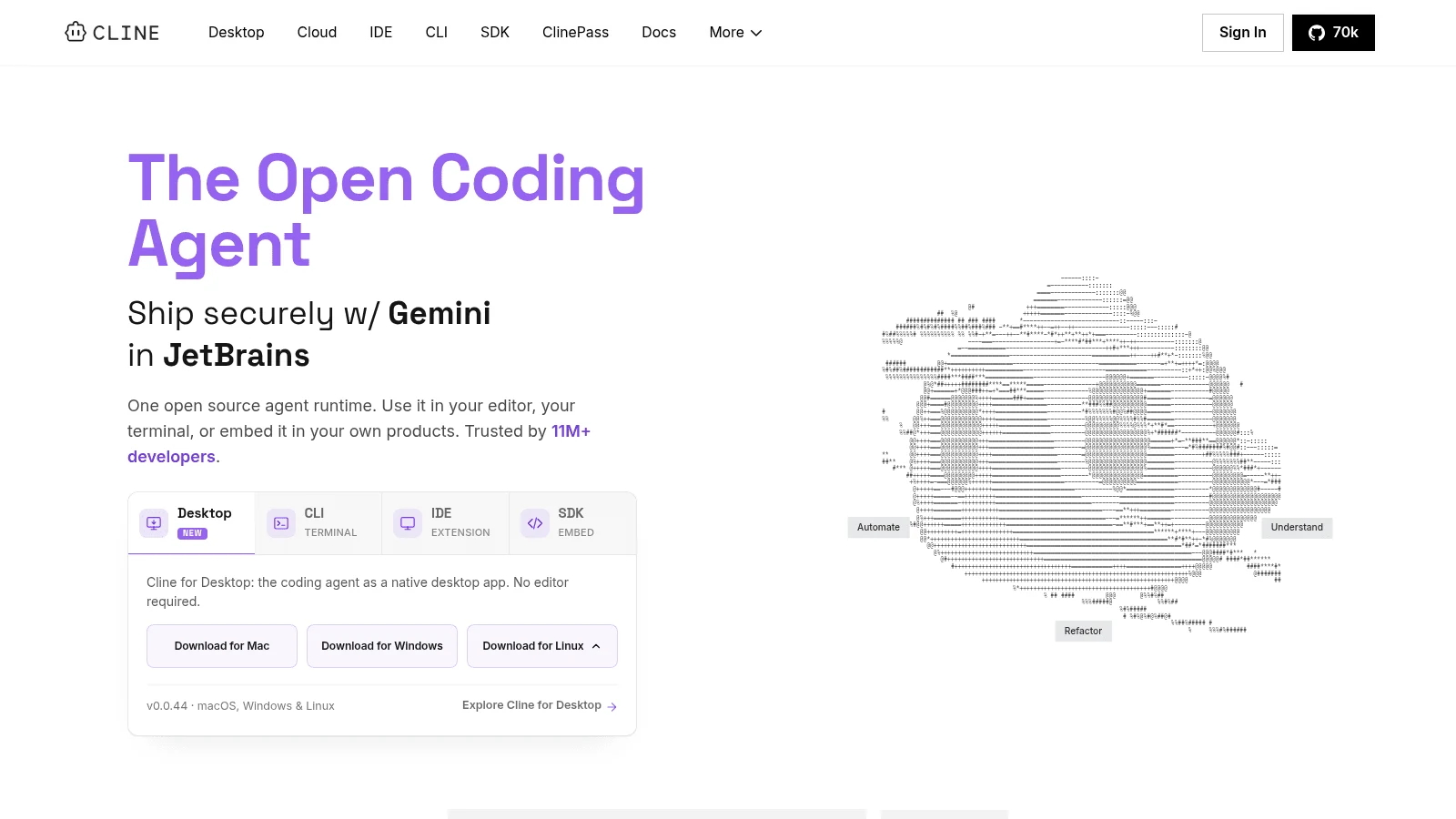
7. Cline
Overview: Cline is an Apache-2.0 coding agent for VS Code, with a JetBrains plugin and a CLI. It sends work wherever you point it: a provider through your own key, or a local model through Ollama or LM Studio, which its docs say needs 16-32GB of RAM for small or quantized models.
On Enterprise, Cline runs in your VPC, on-premises or air-gapped, and "Cline doesn't see your code or prompts."
Key features:
- Any model provider, including fully local runtimes.
- VPC, on-prem and air-gapped deployment on Enterprise.
- A free extension with no subscription.
Pricing: Individual developers pay nothing for Cline and cover only their inference. An optional ClinePass adds $9.99 a month, and Enterprise is custom.
Pros: The most flexible deployment story here, $0 software cost, local models when policy demands them
Cons: No inline autocomplete in its docs, local models need serious hardware and trail frontier models, some enterprise admin controls are still "Coming Soon"
Pick it if: You want a fully local agent and can keep a separate completion tool.
Final verdict: Pair it with Tabby for an agent and completions that both stay in-house.
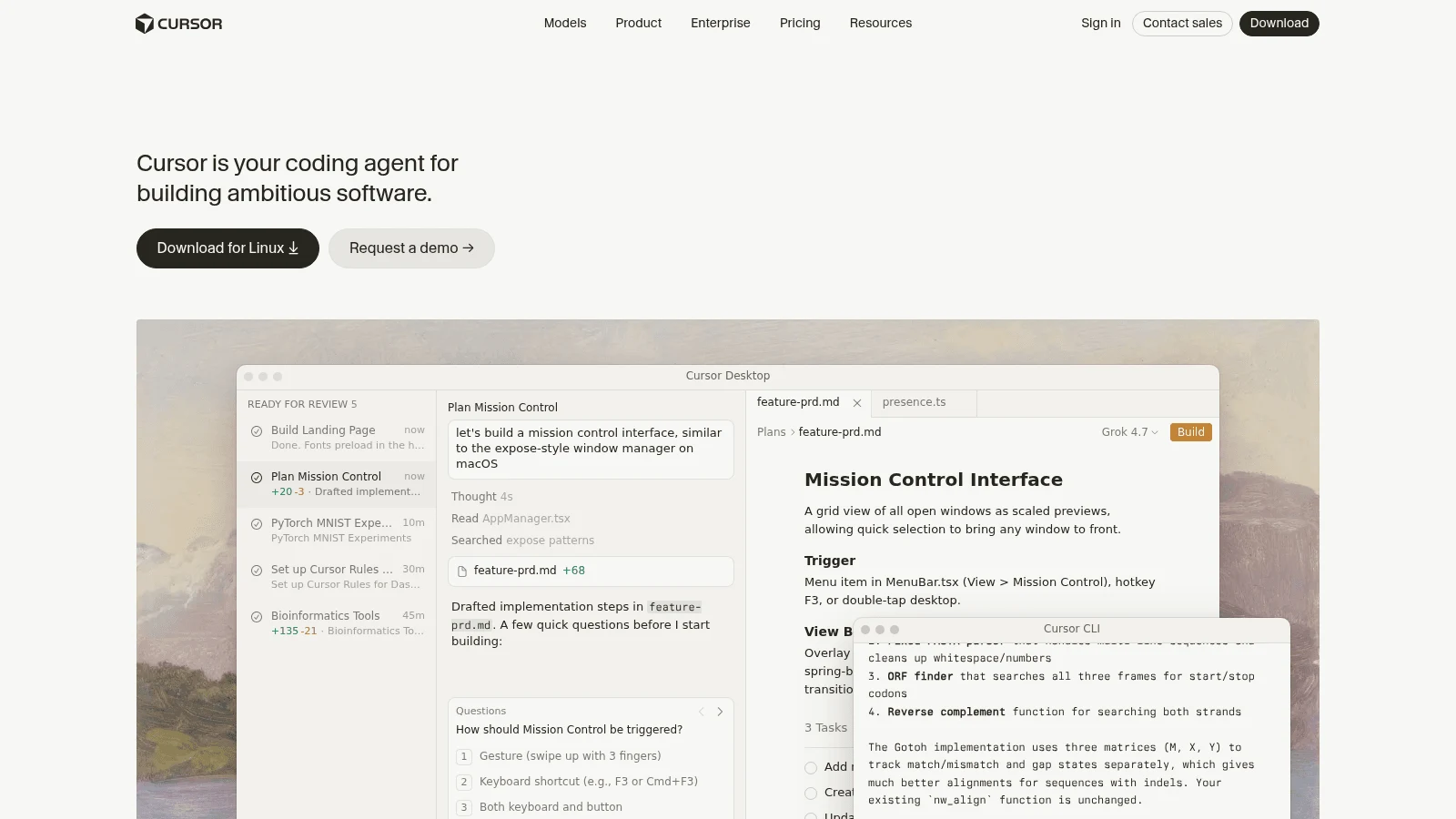
8. Cursor
Overview: Cursor, part of SpaceX since August 2026 per Cursor's own post, is a standalone editor with Tab completions, chat and agents. Privacy Mode, open to free and Pro users, means "Cursor maintains zero data retention (ZDR) agreements with all providers."
Its data page also warns that "Even if you use your API key, your requests will still go through our backend!" Self-hosted cloud agents keep your codebase and builds in your environment, while Cursor still "handles orchestration, model access."
Key features:
- Tab completions and agents in one editor.
- Privacy Mode with zero retention at model providers.
- SOC 2 Type II, ISO/IEC 27001 and ISO/IEC 42001.
Pricing: Pro costs $20 monthly or $16 a month billed yearly. Teams costs $40 per user monthly or $32 billed yearly.
Pros: Strong completions plus agents, zero retention with Privacy Mode, published certifications
Cons: Everyone changes editors, no air-gapped option because every request crosses Cursor's servers, OpenAI has proposed cutting its models from Cursor on November 12, 2026
The case for it: Completions and agent work in one editor, with a retention contract.
Final verdict: Good for a cloud-tolerant team, after checking the OpenAI question.
9. Kiro
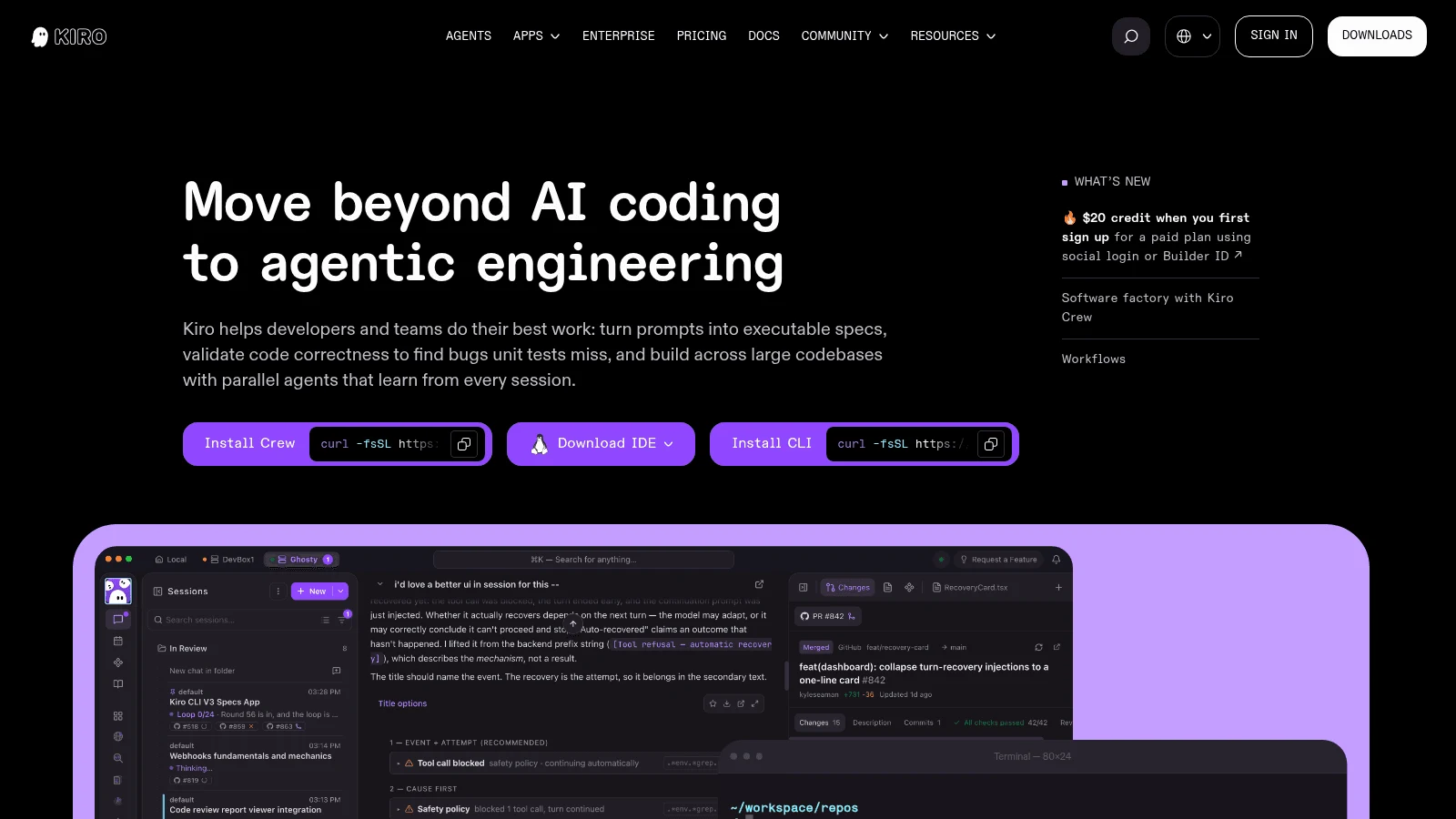
Overview: AWS built Kiro on Code OSS, and its CLI reaches JetBrains IDEs and Zed over the Agent Client Protocol. AWS says it "will discontinue support for Amazon Q Developer IDE plugins" at the end of April 2027 and sends those users here, so moving to Q means migrating twice.
Inference runs on Amazon Bedrock, and enterprise users can keep it in US or EU regions.
Key features:
- Enterprise content excluded from service improvement.
- US (including GovCloud) or European inference regions.
- Q Developer Pro benefits carried over through your AWS account.
Pricing: The free tier includes 50 credits, Pro costs $20 a month, Pro+ $40 and Pro Max $100. Extra credits are $0.04 each, and the pricing page shows no annual price.
Pros: The route AWS itself recommends, regional control over inference, a free tier to test
Cons: JetBrains users get it only through ACP, free and individual content may be used for service improvement unless you opt out, no plan is named for its inline completions
Why it made this list: It's where AWS is sending every Q Developer customer.
Final verdict: The natural pick for AWS shops, if the team accepts a new editor.
10. Zed
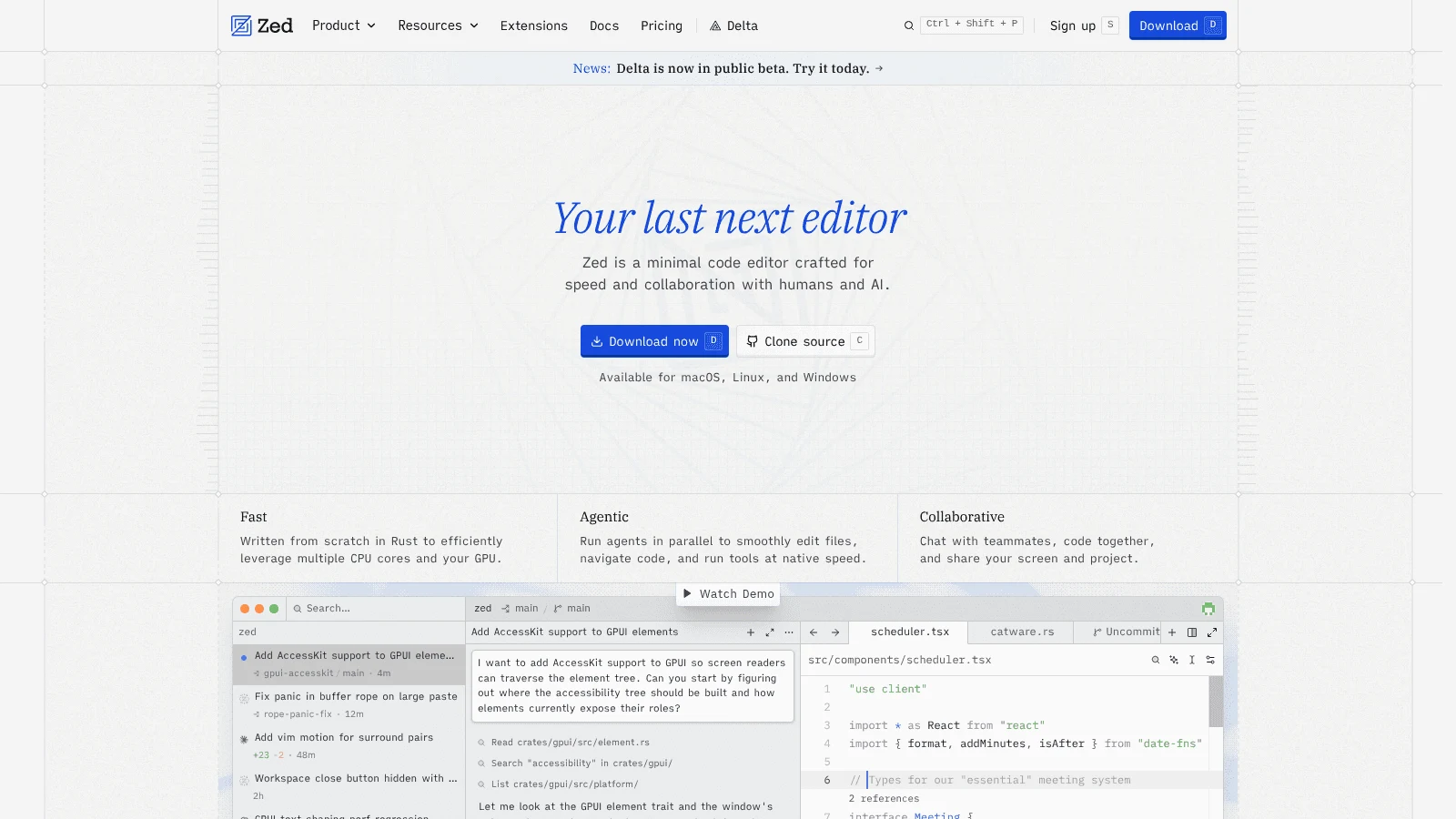
Overview: Zed, a Rust-native editor rather than a VS Code fork, gives you three places to run AI. Its edit predictions can run on a local Ollama or any OpenAI-compatible server, so the model can sit on your own machine.
Zed also takes your own keys or offers Zed-hosted models, where provider agreements "require zero data retention for inference requests," except provider-designated models with safety retention.
Key features:
- Local edit predictions through Ollama.
- Zeta, its default prediction model, is open source.
- An admin switch on Business to turn predictions off and lock data sharing.
Pricing: Personal is free with 2,000 accepted edit predictions, Pro is $10 monthly for unlimited ones, and Business is $30 a seat a month with no minimum. Pro comes with a 14-day trial and no card.
Pros: A local option inside the editor, low prices, no retention by default
Cons: You leave VS Code or JetBrains, SSO, SAML and SCIM are still planned for Business, Anthropic keeps some models' data for at least 30 days
Where it beats the rest: Local completions inside a free editor, without a shared GPU server to maintain.
Final verdict: A strong pick for small teams willing to switch editors.
"Self-hosted" now means two different things
Tabnine's private install kept the model and the code inside your network. Tabnine alternatives use the same word for two setups, and only one gives you that.
The first keeps inference local. Tabby runs on your server, Cline can call a local model, Zed's edit predictions can run on Ollama, and JetBrains AI's Full Line completion runs on the laptop. If your policy says no code leaves the network, your shortlist starts with these four.
The second keeps execution local and sends inference out. Cursor's self-hosted cloud agents keep the codebase, tool runs and build artifacts in your environment, and Augment's Cosmos daemons run agents on your own machines, but both vendors still handle the model calls. That suits a policy worried about where code is stored, not one that bans outbound prompts.
Ask each vendor one question in writing before you sign: does any prompt or code snippet leave my network, and if so, who retains it and for how long?
What Tabnine alternatives cost per seat
The simplest benchmark is Tabnine's last published price: $39 per user a month, annual, for Code Assistant, on the pricing page archived September 18, 2026. The table shows each tool's team plan and a month for ten developers.
| Tool | Team plan (billing basis) | 10 developers a month | Metered on top |
|---|---|---|---|
| Awesomic Studio | $20, $200 or $500 plan, monthly | No per-seat price published | The plan price is the usage budget |
| GitHub Copilot | Business, $19 per seat monthly | $190 | AI credits beyond the plan allowance |
| Gemini Code Assist | Standard, $19 annual or $22.80 monthly | $190 annual, $228 monthly | None stated (seat license only) |
| JetBrains AI | AI Enterprise, $60 per user, billed annually | $600 | Your own provider keys, if you use BYOK |
| Tabby | Team, $19 per user (basis not stated) | $190 (free for up to 5 users) | Your own GPU server |
| Augment Code | Standard, $20 flat for up to 50 seats | $20 flat | Usage beyond $20, plus a 40% fee |
| Cline | Free extension; Enterprise custom | $0 in software | All inference |
| Cursor | Teams, $32 yearly or $40 monthly per user | $320 yearly, $400 monthly | Usage at API rates, plus $0.25 per million third-party tokens |
| Kiro | Pro, $20 per user (teams up to 500) | $200 | Credits at $0.04 |
| Zed | Business, $30 per seat monthly | $300 | Hosted model tokens |
| Tabnine (last published) | Code Assistant, $39 per user, annual | $390 | LLM access at provider prices plus 5% |
Most Tabnine alternatives land under its $390 for ten seats (JetBrains AI Enterprise and monthly Cursor don't), but the cheapest rows move cost into usage or hardware. Tabby's $190 doesn't include the GPU server you run, Augment's $20 also has to cover the whole team's usage, and Cline's $0 doesn't include the inference.
People cost more than seats. A contractor billing by the hour for a two-week migration can outrun a year of most licenses above, so compare hourly and subscription pricing before you book outside help.
Don't migrate to a tool that's being retired
The worst outcome is leaving Tabnine and moving again next year. AWS ends support for Q Developer's IDE plugins and paid subscriptions at the end of April 2027, so AWS teams should go straight to Kiro. Windsurf, now Devin Desktop, keeps its plugins in maintenance mode, and Cursor faces OpenAI's proposed November 12 cutoff.
Before you commit to a yearly plan with any of the alternatives to Tabnine, open the vendor's changelog and confirm the plugin you'd use shipped in the last three months.
Completions or an agent: what your team actually used
Tabnine customers bought short completions, while most new tools lead with agents that write whole blocks. If you want Tabnine alternatives for code completion specifically, look at Copilot, Gemini Code Assist, JetBrains AI, Tabby, Cursor and Zed, and treat Cline and Augment as agents you add on top.
One developer in the same r/webdev discussion wrote: "having context aware single line completions is a much better experience," and called long multi-line suggestions "completely jarring." That's a single anecdote, but it's a reason to give each tool two weeks of real use before you decide.
Count the designers too. A 10x designer who pushes small front-end fixes usually wants agent help with the markup more than line-by-line suggestions.
Secrets and policy checks before you switch
A migration is the moment to tighten what reaches the assistant, whichever tool you pick. In its State of Secrets Sprawl 2025 report, GitGuardian found that public repositories using Copilot had a 6.4% secret leakage rate, against 4.6% for all public repositories. GitGuardian sells secret detection, and the figure covers public repos only, but it's reason enough to scan.
Policy is the other check. In Cisco's 2024 Data Privacy Benchmark Study, 27% of organizations had banned generative AI at least temporarily, 63% limited what data could be entered, and 48% of respondents admitted entering non-public company information into these tools. Rules like these are what Tabnine's zero retention was sold against, and a replacement has to pass them too.
No written AI policy yet? Outside AI consulting services can draft one, but the core is short: which tools are approved, what data may go in, and who reviews the output.
A migration plan that lands before your renewal
Start about 90 days before your Tabnine renewal, so there's time for a trial and a fallback.
- Find the renewal date and ask your Tabnine contact in writing what renewal terms and support window they'll offer.
- Write down how Tabnine runs today: SaaS, VPC, on-premises or air-gapped.
- Shortlist two tools whose "where your code is processed" cell passes your policy.
- Turn on secret scanning and a pre-commit hook before either tool gets repository access.
- Run both on the same repos for two weeks, with Tabnine's suggestions off to avoid clashes.
- Reconnect the repositories and docs Tabnine used for context in the winning tool.
- Let Tabnine lapse at renewal only after the last team has moved.
Step 5 needs someone who owns the trial. If nobody on the team has the time, the choice between freelancers, agencies or subscriptions for borrowed help comes down to how long you need them.
Which Tabnine alternative to pick
Pick by the deployment Tabnine gave you. Air-gapped, on-premises or VPC teams should trial Tabby, JetBrains AI Enterprise and Cline's Enterprise plan. If a vendor cloud that doesn't train on your code is allowed, add Copilot Business, Gemini Code Assist and Cursor with Privacy Mode, and AWS shops should go to Kiro.
Some gaps aren't about code at all. When the slow part of a release is interface polish, a design engineer fixes it in both Figma and the codebase.
Where to start this month
Book your two-tool trial now. Use the processing column to cut the list of Tabnine alternatives to two, then judge them on your own repositories. If the gap your team keeps hitting is a missing designer rather than slow code, the first design hire will matter more than any seat.
For tasks that don't have to stay on your network, give one to Awesomic Studio's agents and compare the result with your current workflow. Get started
FAQ
What are some Tabnine alternatives?
GitHub Copilot, Gemini Code Assist and JetBrains AI are the closest plug-in swaps for completions and chat. Tabby and Cline cover self-hosted and local models, Augment Code covers codebase context, and Cursor, Kiro and Zed replace the editor itself.
Is Tabnine shutting down?
No shutdown has been announced. Tricentis acquired Tabnine on July 30, 2026, Tabnine says existing customers will keep receiving support, and private-install releases shipped into late September. Neither company has published a renewal policy or an end-of-support date, and new seats can't be bought online.
Is there a free Tabnine alternative?
Yes. The closest Tabnine free alternative for a small team is Tabby's Community plan, which costs nothing for five users or fewer, and seven of the ten tools here have a free tier: GitHub Copilot, JetBrains AI, Tabby, Cline (you pay for inference), Cursor, Kiro and Zed. Gemini Code Assist, Augment Code and Awesomic Studio have no free plan on their pricing pages.
Is there a Tabnine open source alternative?
Tabby is the closest, a self-hosted completion server under Apache 2.0 outside its enterprise folder. Cline is an Apache-2.0 agent that can run local models, and Zed's default prediction model, Zeta, is open source.
What's the best Tabnine alternative for VS Code?
GitHub Copilot is the most direct swap in VS Code, with Gemini Code Assist close behind. Tabby is the self-hosted choice, Cline and Augment Code add agents, and JetBrains AI Enterprise also lists VS Code support.





