 Awesomic Team
Key takeaways:
- On September 10, 2026 Builder.io renamed Fusion to Builder Code and Publish to Builder Content. Code's Pro plan costs $24 per user monthly on annual billing or $30 month to month, while Content appears on the pricing page only as a contact-sales Enterprise plan.
- Six of the ten alternatives replace the CMS job. Storyblok ($90.75 a month billed annually, $99 monthly) and Sanity ($15 per seat a month) publish self-serve prices for visual editing, and Plasmic and Puck work with your own React components.
- Kombai ($16 a month billed yearly, $20 monthly) and Anima ($20 per seat billed annually, $25 monthly) replace Visual Copilot, though in a 2025 screenshot-to-code benchmark of 2023-2024 models, human judges rated only 49 percent of GPT-4V's pages interchangeable with the originals, so keep a reviewer in the loop.
- Nine of the ten alternatives have a $0 plan (Puck's editor is MIT-licensed), while Builder Code's Free plan caps you at 60 Agent credits a month.
Builder.io sells two products, and since September 10, 2026 both have new names. Fusion is now Builder Code, a visual IDE that builds inside your codebase from a prompt, a Figma design or a branch. Publish is now Builder Content, a visual headless CMS with A/B tests, personalization and scheduling. Most Builder.io alternatives replace one of those jobs, rarely both, which is why so many roundups compare tools that don't do the same thing.
People leave for three main reasons: AI work billed in credits, a CMS you can't buy without talking to sales, and a setup built around developers and a codebase. This list sorts the alternatives by which Builder.io job they take over and gives real prices on both billing toggles where a vendor shows them. We read every price off the vendors' pages on October 8, 2026.
Why people look for Builder.io alternatives
The reasons below come from Builder's own pricing page and docs, the pages ranking on Google for this search, and two Reddit threads from Builder users.
AI work is billed in credits
Builder Code's Free plan gives you 15 Agent credits a day, capped at 60 a month. Pro costs $24 per user a month billed yearly or $30 monthly with 500 credits per user, and extra credits cost $25 per 500. Builder's FAQ says each credit "represents a fixed dollar value that covers the underlying model costs plus Builder's service margin," so the bill follows how much AI work runs, not how many people use it.
That stings when small edits go through the AI too. In an r/webdev thread, a small-business owner who imported a Figma design said manual visual tweaks had to be applied by the AI, so lots of small fixes used up free credits. A later commenter asked whether the visual IDE works without the AI at all. It's one anecdotal account, but it explains why people want edits that don't spend credits.
Builder Content lists no self-serve price
The $0, $24 and $40 cards on Builder's pricing page (Free, Pro and Team, billed yearly) are all Builder Code. Switch the page to its Content tab and you get one Enterprise card with a "Contact sales" button, listing the visual editor, headless CMS, localization, A/B testing, targeting and heatmaps. If you want a visual CMS with a price you can read before a call, that's the first wall.
It's built around a codebase, and hosting is unclear
Builder Code can start from scratch or a Figma file, but its pitch leads with "Build in your existing codebase," and changes ship as pull requests. That suits a product team with developers, and it's heavy for a marketer who just wants a page or a clickable mockup, which prototyping tools already handle.
Hosting is where Builder's own pages disagree. The Free card lists "Project Hosting" and Pro lists "Custom Domains," while its docs say "Builder is not a hosting platform" and point you to Vercel, Netlify or a similar host. Plan on bringing your own hosting either way.
How we picked and ordered these tools
We put Awesomic Studio at number one because we make it, not because of a score.
We grouped the other nine Builder.io alternatives by the job they replace: the CMS job first (tools that edit content on a front end you build, then hosted site builders), then Figma to code, then AI app building.
Within each group, tools named by more ranking pages, or cited in Google's AI Overview on October 8, 2026, come first. Where counts tie, the closer match to Builder Content, a visual headless CMS, goes first.
Contentful is named by four of those pages but isn't here, because its pricing page ties its visual builder, Contentful Studio, to the Enterprise plan, the same sales-call wall as Builder Content. It also has a new owner: Salesforce completed its acquisition of Contentful on September 1, 2026.
The best Builder.io alternatives compared
The table gives each Builder.io alternative's lowest paid plan with its billing basis, whether a free plan exists, and the Builder.io job it replaces. Builder.io sits in the last row for reference.
| Tool | Best for | Starting price (billing basis) | Free plan? | Replaces which Builder.io job? |
|---|---|---|---|---|
| Awesomic Studio | A hosted page or app from a brief or a Figma file | $20/month (Basic), equal to that month's usage budget | No | Building from a brief or design (hosted; no claim of editing your repo) |
| Plasmic | Marketers editing pages built from your React components | $39/month billed yearly, $49 monthly (Starter) | Yes, 3 collaborators | Content and visual editing on your components |
| Storyblok | A visual headless CMS with a published price | $90.75/month billed annually, $99 monthly (Growth) | Yes, 1 seat (up to 2) | Content (visual headless CMS) |
| Sanity | Structured content with click-to-edit previews | $15 per seat/month, monthly billing on self-serve plans (Growth) | Yes, up to 20 seats | Content (headless CMS with visual editing) |
| Puck | Visual editing inside your own React app | Editor free (MIT license); AI cloud from pay-as-you-go | Yes, the editor | Content (visual editor in your app) |
| Framer | Design-led marketing sites | $10/month billed yearly, $15 monthly (Basic) | Yes | Content (hosted site and CMS, no codebase) |
| Webflow | Marketing sites run without developers | $15/month billed yearly, $25 monthly (Basic, no CMS) | Yes, Starter | Content (hosted site and CMS, no codebase) |
| Kombai | Figma to code that reuses your repo's components | $16/month billed yearly, $20 monthly (Pro) | Yes, credit-limited | Code (Figma to code in your repo) |
| Anima | Handing Figma designs to developers as HTML or React | $20 per seat/month billed annually, $25 monthly (Starter) | Yes, 5 code generations | Code (Figma to code) |
| v0 | AI-built Next.js apps deployed on Vercel | $30 per user/month, no annual price shown (Plus) | Yes, $5 one-time credits for new users | Code (AI app builder) |
| Builder.io (reference) | Visual editing inside an existing codebase | Code: $24 per user/month billed yearly, $30 monthly (Pro); Content: contact sales | Code yes; Content not listed | n/a |
Nine of the ten alternatives offer a free plan, so you can test most of this list on real pages before paying. Watch the billing basis, too: several rows, including Sanity, Puck's cloud tiers and v0, show monthly prices without an annual discount.
1. Awesomic Studio

Awesomic Studio is the AI workspace we build, and it covers the Builder Code use that starts from nothing: you describe a page or app, the agents build it, and Studio publishes it at a live address. The agents are Codex, Claude Code and OpenCode, working in a shared workspace that stays on after you close the tab.
Figma is one of the eight tools on Studio's connection list, and a brief can be text, files or links, so a Figma frame can be the starting point instead of a prompt. The finished page stays hosted in Studio, and when your developer wants the source, you can hand it over as code or move it into another tool.
You can judge the output before you pay: the Studio page links live pages built in Studio, including "Bauhaus: Design System" and "Fintech SaaS landing page." Studio is a first step, not a stand-in for your designer or developer, and an Awesomic designer or developer can take a project over whenever the agents fall short.
Key features:
- Self-serve use, where you drive the agents yourself, aimed at "fast exploration, production, and projects you want to drive yourself."
- Figma on the connection list, alongside Slack, Notion, GitHub and Webflow.
- Hosted builds you can keep inside the team or make public.
- Code export, plus export into other tools, when the page moves to a developer.
- Always-on agents and scheduled automations that keep running after you leave.
- A human takeover by an Awesomic designer or developer, quoted separately from the plans.
Pricing: The three plans (Basic at $20, Pro at $200, Maximum at $500, all monthly) are usage budgets, so what you pay is what the agents and models can spend that month. Studio offers no free plan or trial, and its pricing page doesn't publish how fast one page build spends the budget. A human takeover is quoted separately.
Pros: A hosted page without wiring an editor into a codebase, Figma frames or plain words as the brief, public example pages to judge first, export when code is needed, a human expert who can step in
Cons: Not a headless CMS, so it replaces none of Builder Content's jobs (no content models, scheduling or A/B tests), and its pages don't say whether it edits your existing repo or supports a custom domain
How to start using it:
- Open two of the live example pages linked from the Studio page and decide whether that output level fits your project.
- Pick the Basic plan and describe one landing page in plain words.
- Attach the Figma frame or a link to the page you're replacing.
- Keep describing fixes in plain words until the build matches, then publish it to a live link.
- Export the code when a developer needs it.
Why it's a good Builder.io alternative: When the goal is a finished page rather than content management in a codebase, Studio does the build and hosts it with no integration work.
Final verdict: Among Builder.io alternatives, Studio suits hosted pages built from a brief or a Figma file; keep a CMS from this list if editors need to manage content at scale.
2. Plasmic
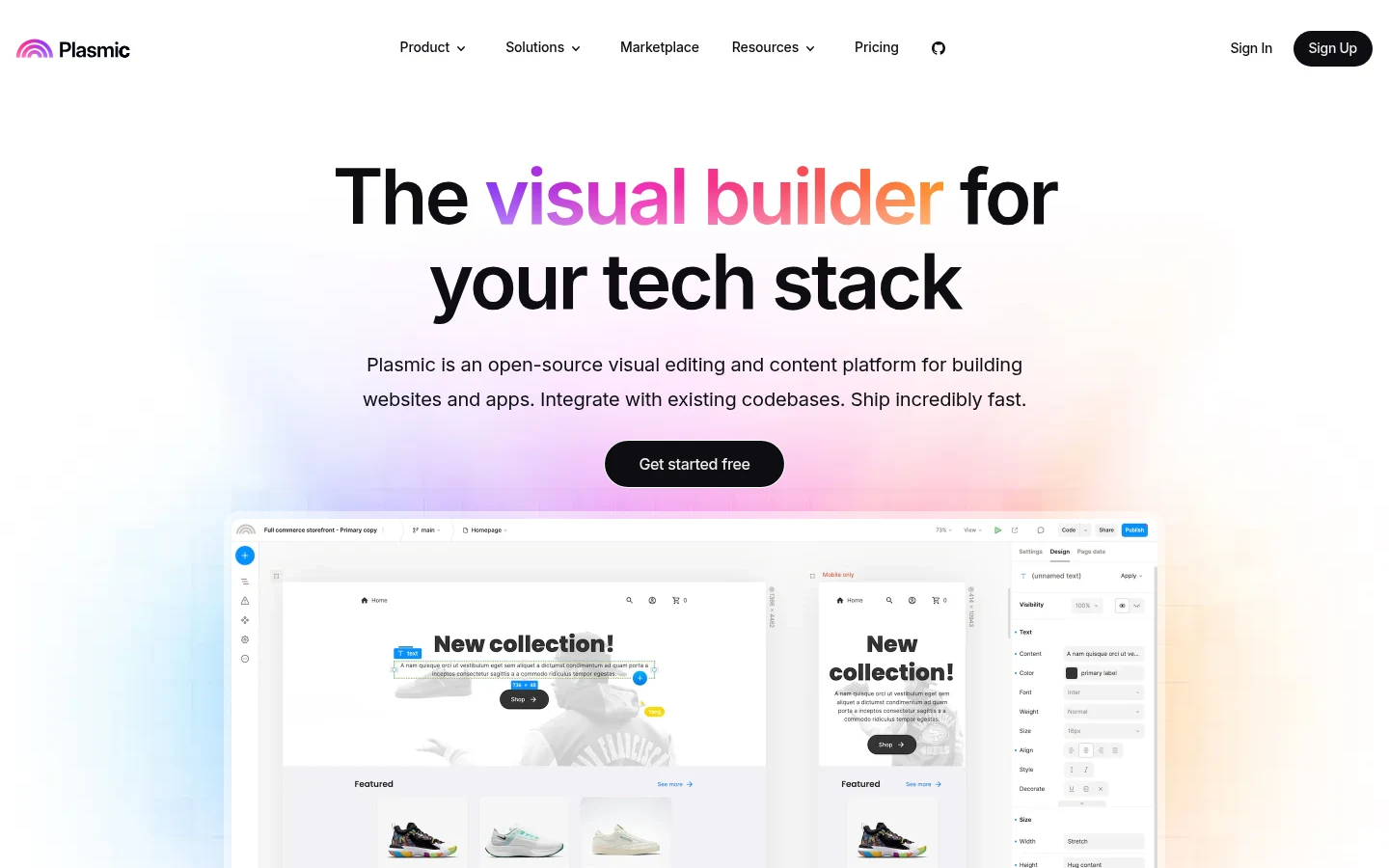
Plasmic is the closest like-for-like swap. Its homepage calls it an "open-source visual editing and content platform," and it works the way Builder Content does: developers register the React components from your design system, then marketers build pages with them in a visual editor.
Plasmic also covers the Figma lane, importing designs "into React code," and it can host pages itself or deploy anywhere. The catch is that the features Builder Content sells hardest sit on Plasmic's top self-serve tier.
Key features:
- Visual editing with your own React components, data sources and design system.
- An unlimited headless CMS on every plan, including Free.
- Figma import into React code.
- Plasmic hosting with custom domains, or deployment to your own servers.
Pricing: Free costs $0 with 3 collaborators and a Plasmic badge on hosted sites. Starter is $39 a month billed yearly or $49 monthly, Pro is $103 or $129 for 4-10 collaborators, and Scale is $399 or $499.
Pros: The same marketers-plus-components model as Builder Content, a published price on every self-serve tier, an open-source editor
Cons: A/B testing, scheduled content and custom targeting start on Scale, Free and Starter cap you at 3 collaborators, a developer has to register components first
Best for: React teams who want Builder Content's model with self-serve pricing.
3. Storyblok
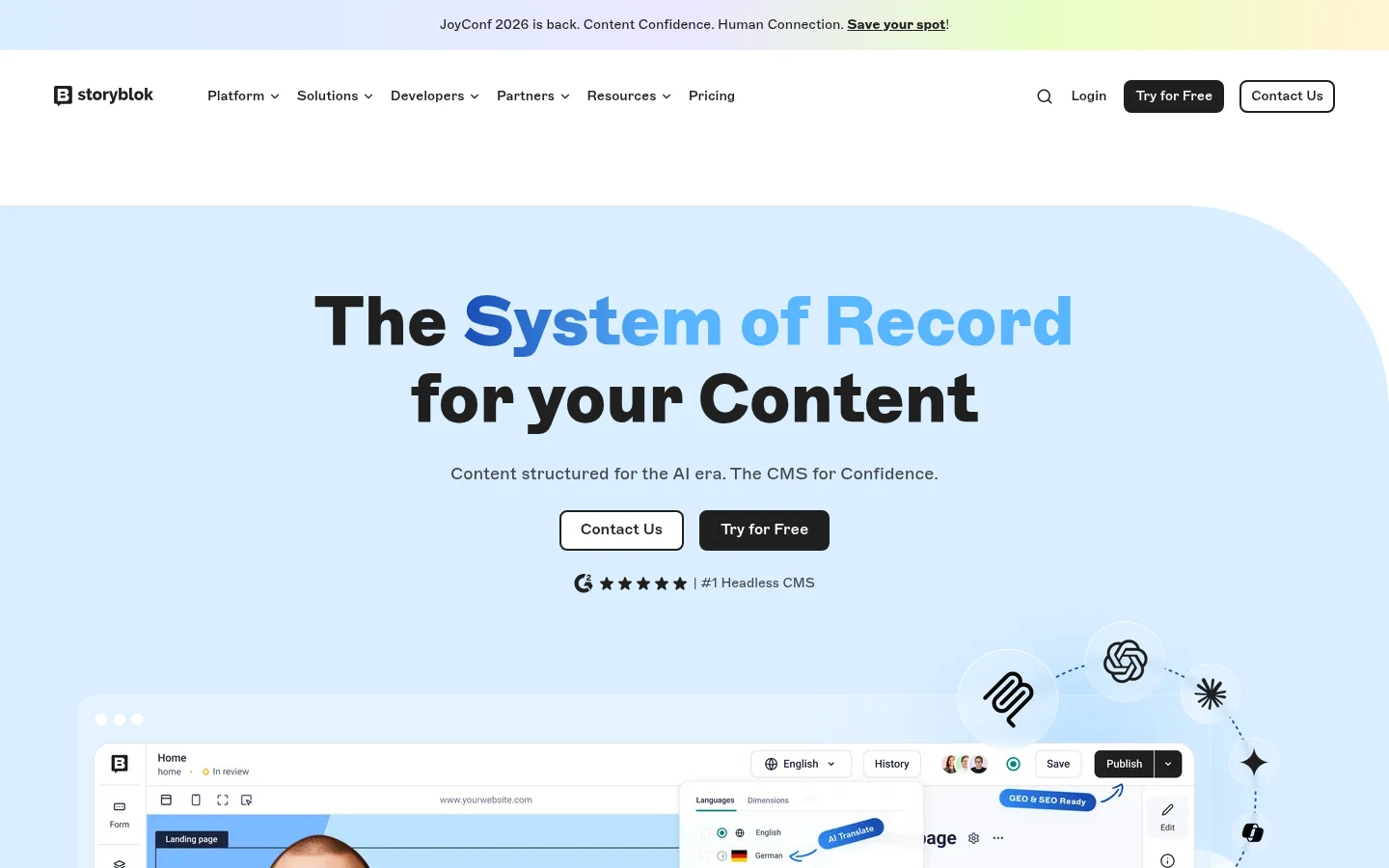
Storyblok bills itself as a "Headless CMS with Visual Editor," and it answers the biggest Builder Content complaint head on: its first two paid plans have prices you can read. Developers fetch content through its API into whatever front end they run, and editors work in a visual editor on top.
Storyblok also ships a native MCP server, so AI tools can read and write content. The limits show up higher in the plan list, where several of Builder Content's headline features live.
Key features:
- A visual editor on top of the headless CMS.
- Scheduling and Storyblok Agents on Growth.
- A native MCP server for AI tools.
Pricing: Starter is free with 1 space and 1 seat (up to 2). Growth costs $90.75 a month billed annually or $99 monthly with 5 seats, and Growth Plus costs $319.91 or $349 with 15 seats. New projects get a 45-day Growth Plus trial.
Pros: A visual CMS with self-serve prices, 5 seats on the first paid plan, a long trial on new projects
Cons: Native A/B testing, SSO and environments are on the custom-priced Premium and Elite plans, Starter keeps content versions for 1 day, extra Growth seats cost $15 each
Best for: Content teams that want a visual CMS without a sales call.
4. Sanity
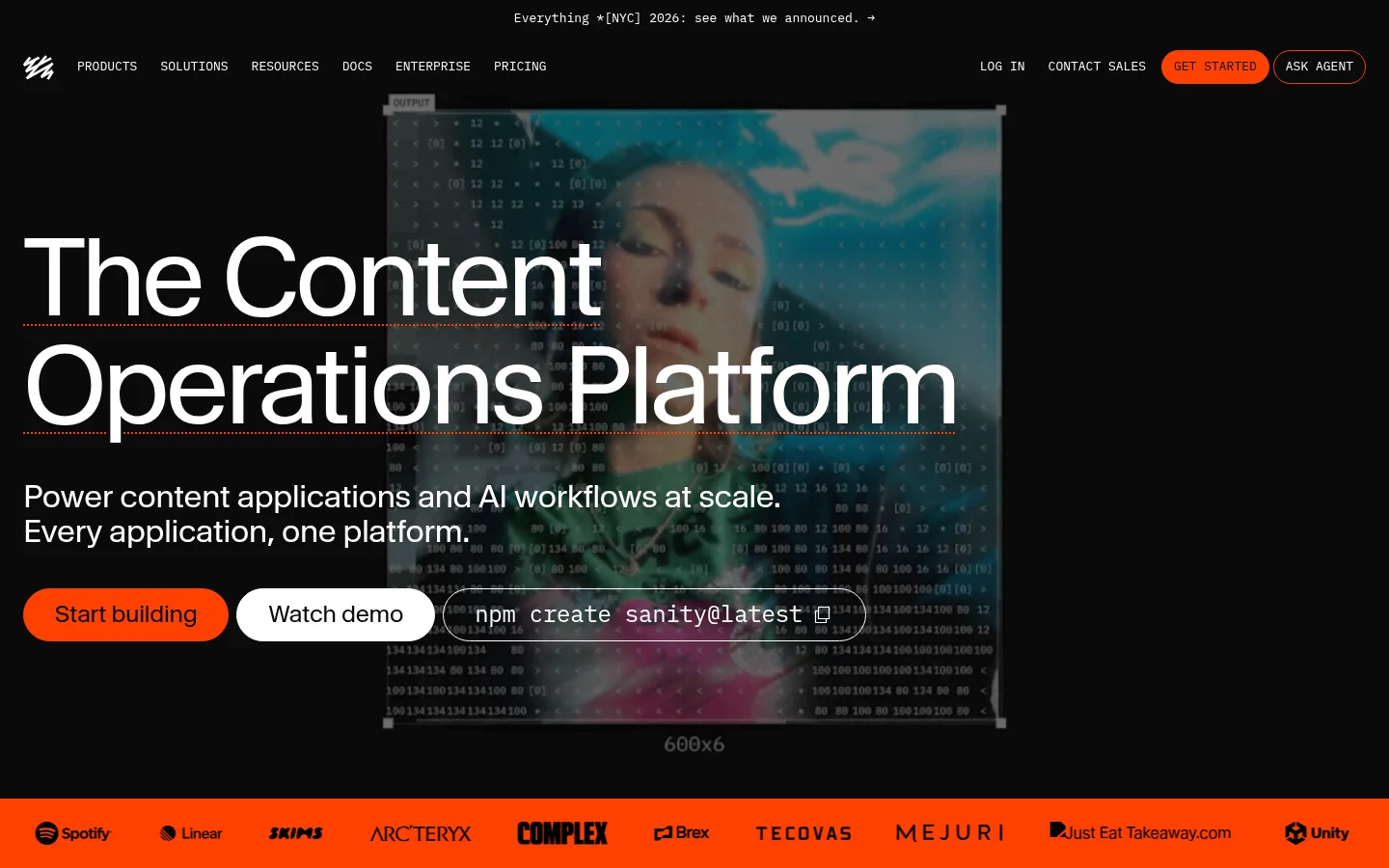
Sanity is a headless CMS with a hosted, real-time content database, and its visual editing is included on every plan, Free too. Its Presentation tool shows the live site next to the editing form, so an editor can click any element on the preview and jump straight to the field behind it.
That makes it a fair stand-in for Builder Content's visual editor, with one catch. You wire the preview into your own front end first, using Sanity's framework guides.
Key features:
- Visual editing and the Presentation tool on Free, Growth and Enterprise.
- Comments, tasks, scheduled drafts and AI Assist on Growth.
- Unlimited content types and locales from the Free plan up.
- Pay-as-you-go usage on Growth when you outgrow the quotas.
Pricing: Free costs $0 for up to 20 seats and 2 public datasets. Growth costs $15 per seat a month for up to 50 seats, and self-serve plans bill monthly; Sanity's FAQ says annual payment needs Enterprise. New projects get a trial of paid features.
Pros: Visual editing on the free plan, low per-seat price, generous seat count before you pay
Cons: Free datasets are public only, Growth stops at 50 seats, setting up visual editing takes developer work
Best for: Teams that want structured content and click-to-edit previews on a small budget.
5. Puck
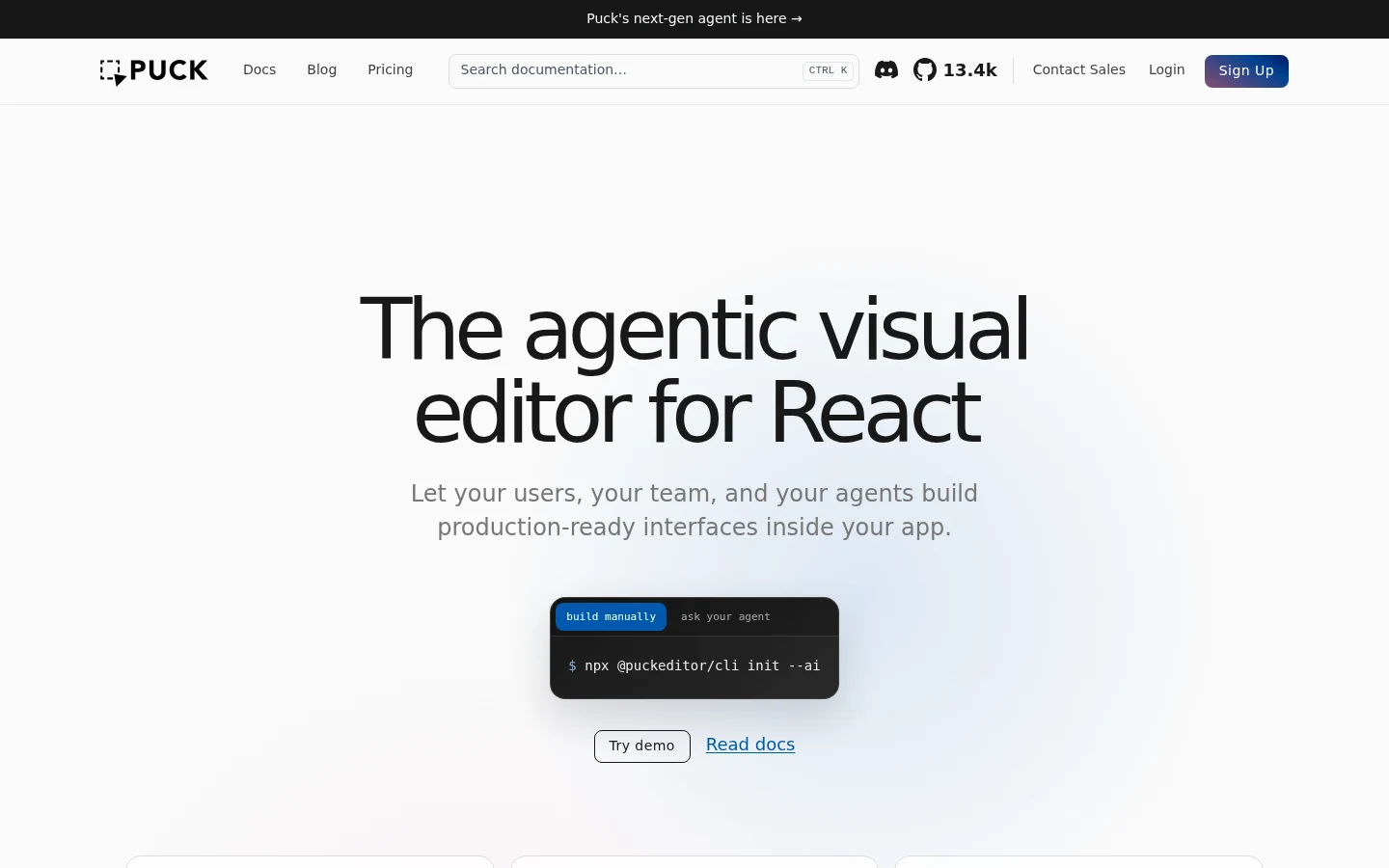
Puck is a visual editor you install as a React component and run inside your own app. Its editor is MIT-licensed and free, and the pages people build in it are saved as data you store and serve "from your own backend."
That answers a different worry about Builder Content: your content stays in your database, not on a vendor's servers. It also means Puck is a building block, not a hosted product, so a developer does the setup.
Key features:
- A drag-and-drop editor embedded inside your own React app.
- Page data stored in your own backend.
- Optional Puck Cloud AI features, billed separately.
Pricing: The editor costs nothing under the MIT license. Puck Cloud AI runs pay-as-you-go at token cost plus 20 percent, with Launch at $199 a month and Growth at $799 a month.
Pros: No license fee for the editor, content you fully control, an open-source project still updated in October 2026
Cons: React only, developer integration needed, AI features are a separate paid cloud
Best for: React teams that want visual editing with data kept in their own database.
6. Framer
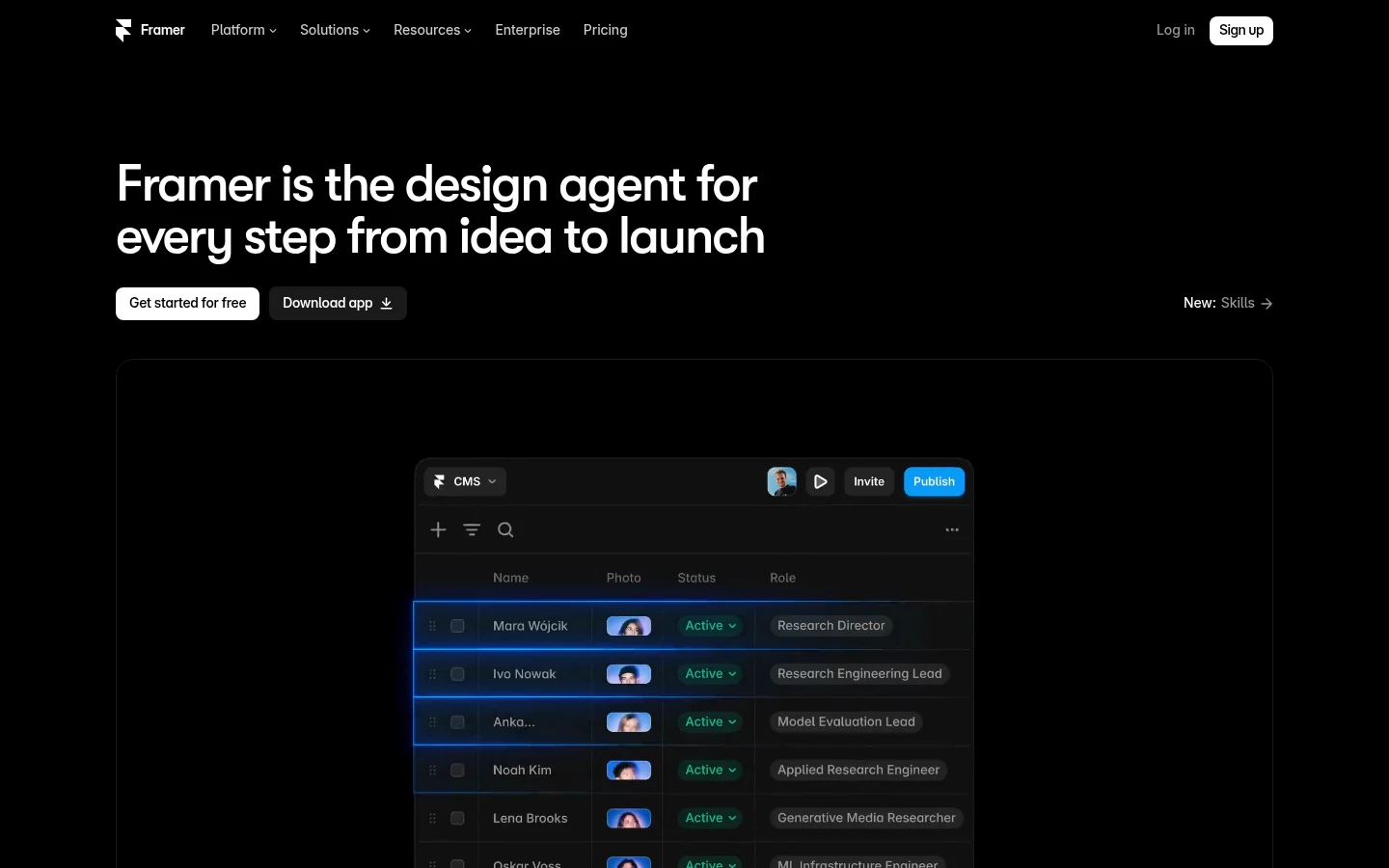
Framer skips the codebase entirely. You design, edit and host the site in one tool, with a built-in CMS, and its hero now pitches it as "the design agent for every step from idea to launch."
For a marketing team that used Builder Content only for its landing pages, that can be the simpler swap. You give up the headless model: content lives in Framer's CMS for Framer's sites.
Key features:
- A design canvas that publishes straight to hosted pages.
- CMS collections: 2 on Basic, 10 on Pro.
- Monthly AI credits for its agent: 1,000 on Basic and 3,000 on Pro.
Pricing: Free costs $0. Basic is $10 a month on annual billing or $15 month by month, and Pro is $30 or $45. Extra editors cost $20 a month billed yearly or $30 monthly.
Pros: One tool for the canvas and the live site, a $10 entry plan on yearly billing, publishing without a developer
Cons: Basic caps you at 30 pages and 2 CMS collections, Framer's help center gives conflicting answers on whether you can export HTML, editor seats add up
Best for: Design-led marketing sites and landing pages.
7. Webflow
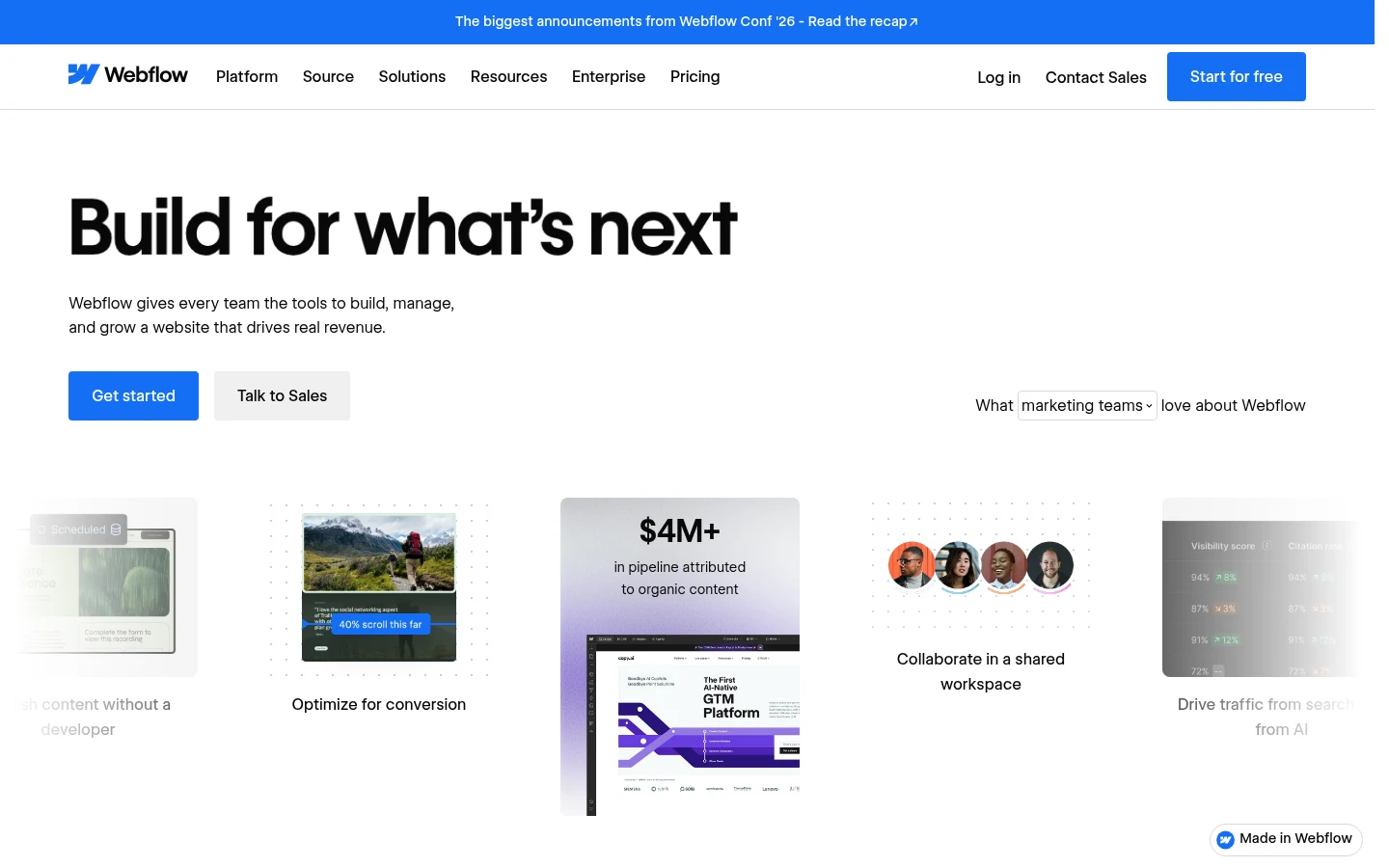
Webflow is a hosted site builder with a CMS, aimed at marketing teams that want to own the site without a codebase. Webflow's Basic plan has no CMS while Framer's Basic includes two collections, a pricing gap worth weighing in any Framer vs Webflow decision.
Its site plans and workspace plans are billed separately, which makes the real price harder to read than the headline. It also assumes somebody on the team can build layouts.
Key features:
- A visual designer with hosting on every site plan.
- A CMS with 40 collections and 20,000 items on Premium.
- Code export from a paid workspace plan.
Pricing: Starter is free with a limited CMS. Basic costs $15 a month billed yearly or $25 monthly but has no CMS, so paid CMS sites start on Premium at $25 or $39. Code export needs a workspace plan from $19.
Pros: A CMS that holds 20,000 items on Premium, no developers needed day to day, code export when you leave
Cons: Exported sites lose working forms and export CMS content one collection at a time, site and workspace plans stack, Basic has no CMS
Best for: Marketing teams that want full control of a hosted site.
8. Kombai
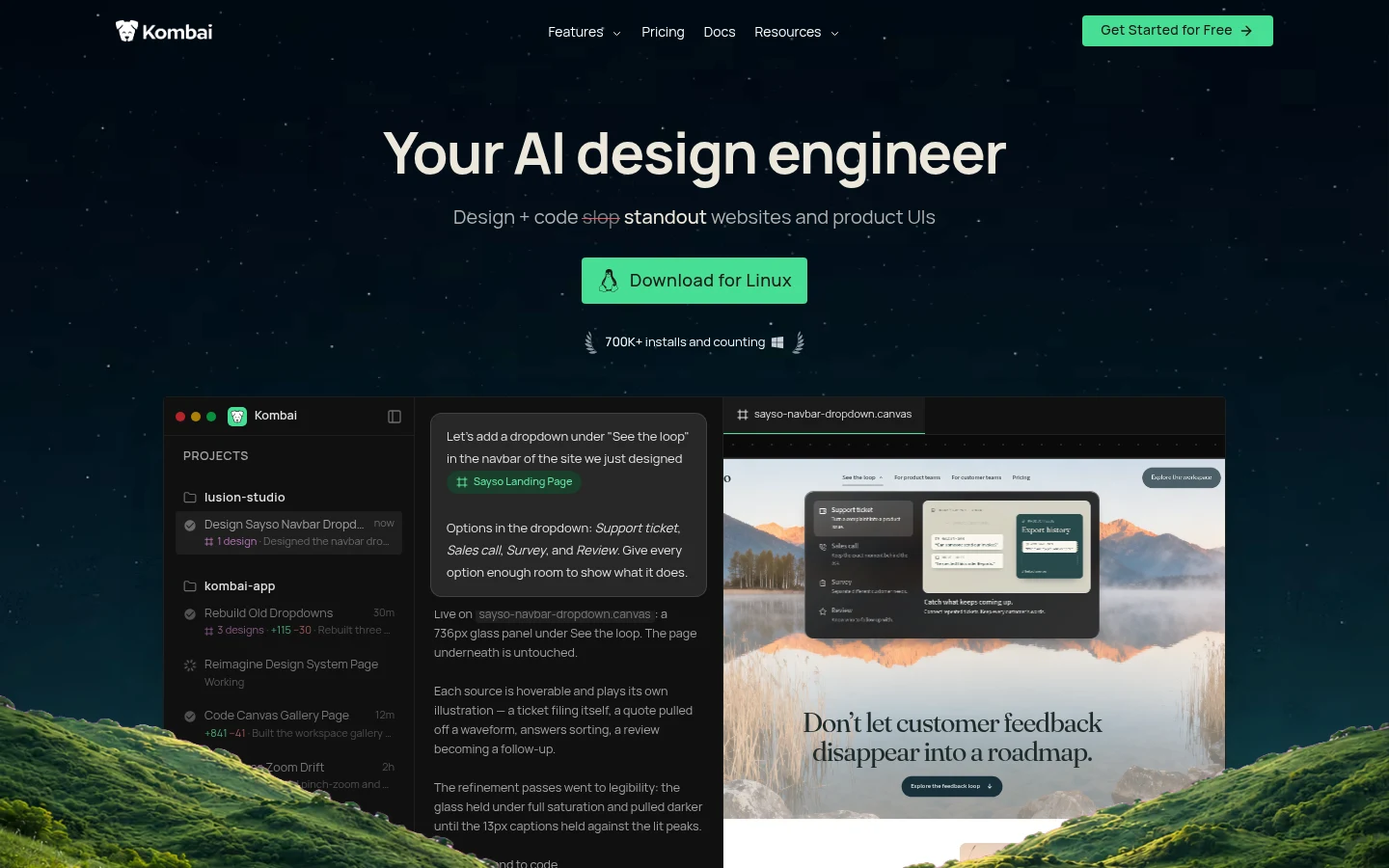
Kombai replaces Visual Copilot, Builder's Figma-to-code feature, and goes a step further. It imports Figma designs through a native integration, then writes frontend code that "reuses components, tokens, and hooks from your repo, npm package, or Storybook."
That matters because the hard part of design-to-code is matching the system you already have, and a UI designer still has to check states and spacing in what it writes. Kombai runs as an app on macOS, Windows and Linux, and inside VS Code and Cursor.
Key features:
- Figma import through a native integration.
- Code that reuses your existing components and tokens.
- A choice of 50+ models, including Claude, GPT and Grok.
- No AI training on your data on the Pro plan.
Pricing: Free gives you 150 credits on sign-up, then 50 a day, capped at 300 a month. Pro costs $16 a month billed yearly or $20 monthly for 2,000 credits, and Team costs $32 or $40 per user for up to 20 seats.
Pros: Output that matches your design system, works in the editors developers already use, low entry price
Cons: Credit-metered like Builder, frontend only, its homepage and pricing page make no hosting or backend claim
Best for: Frontend developers turning Figma files into code for an existing design system.
9. Anima

Anima turns Figma designs into responsive HTML or React and can copy code back into Figma, which its pricing page calls "Figma ⇄ Code, both ways." You can also clone a website, import design system components, and publish, export or hand off the result.
Its engine runs through an API and an MCP server as well, so it plugs into other AI builders. Most of that workflow starts in Figma, so a team weighing Figma alternatives should check whether the new design tool keeps a code route.
Key features:
- Figma to responsive HTML or React, and code back into Figma.
- Website cloning and design-system import.
- Anima MCP and an API for other tools.
Pricing: Free gives you 5 code generations. Starter costs $20 per seat a month billed annually or $25 monthly with 50 code generations a month, Pro costs $40 or $50 with 200, and Business starts at $150 or $180.
Pros: Direct Figma-to-code handoff, two-way sync with Figma, publishing or export from the same place
Cons: Per-seat pricing plus a monthly cap on code generations, each Figma export, clone or MCP call counts as a generation
Best for: Designers handing Figma files to developers as HTML or React.
10. v0
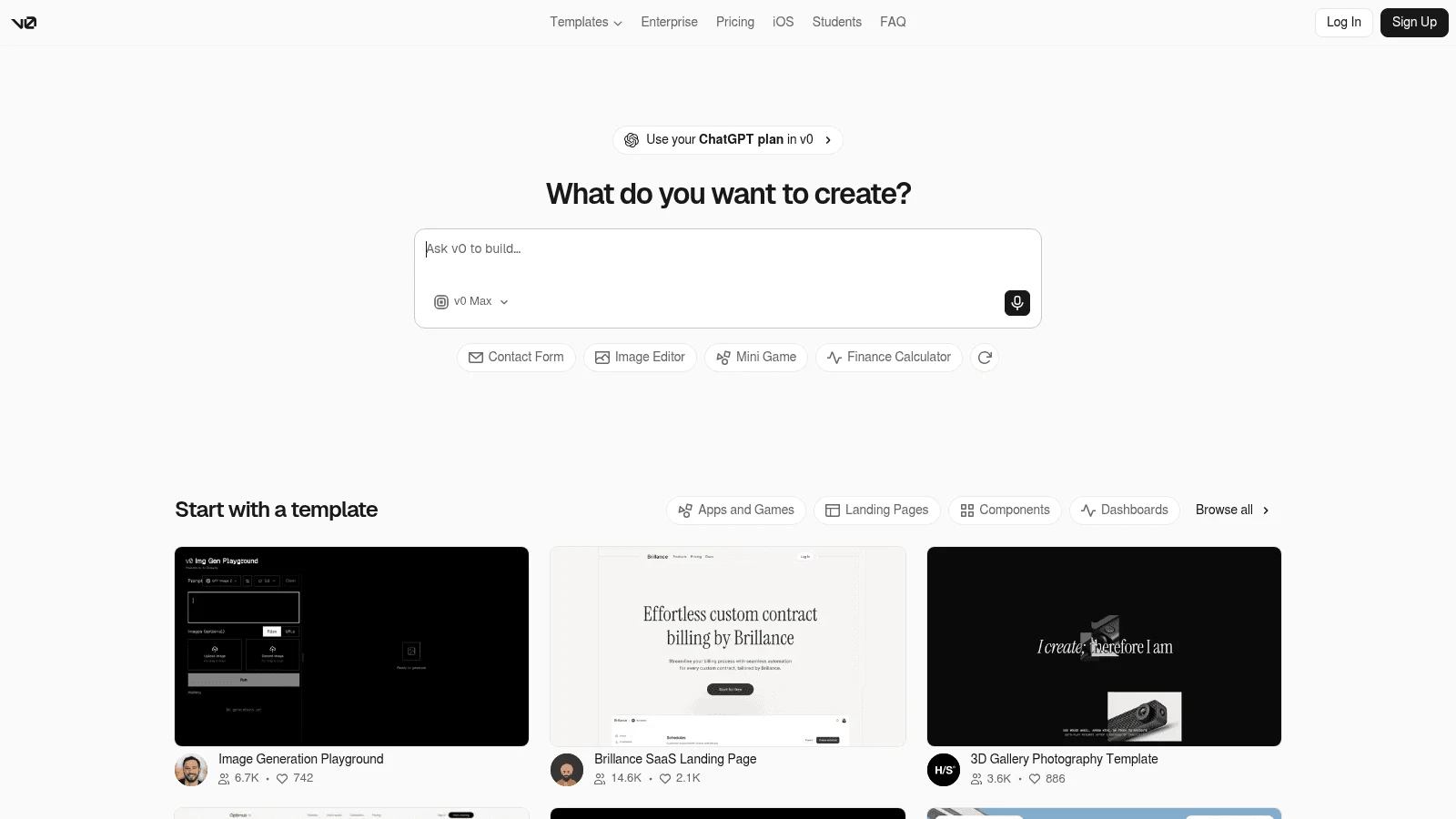
v0 is Vercel's AI app builder. You describe a UI or app and it writes Next.js, React, Tailwind and shadcn/ui code, deployable to Vercel in one click. It also imports GitHub repos, Vercel projects and ZIP files, which brings it closer to Builder Code's work-on-existing-code pitch.
v0 has databases now too, through Vercel Marketplace integrations that each set up a separate provider account. Teams that dislike the Vercel tie end up comparing v0 alternatives with looser hosting.
Key features:
- Prompt to a working Next.js app with shadcn/ui components.
- GitHub repo, Vercel project and ZIP imports.
- One-click deploys to Vercel.
- Databases through Vercel Marketplace integrations.
Pricing: New accounts on the $0 tier get $5 in credits once, with a 7-message daily limit. The Plus plan is $30 per user monthly, with no yearly discount listed, and Business is $100 per user.
Pros: Fast from prompt to deployed app, imports existing code, real database options
Cons: Built around Vercel and Next.js, prepaid credits that pause generation at zero, the older $20 Premium plan is closed to new users
Best for: Developers on Vercel who want AI-generated UI and apps.
Where the bill climbs on each tool
Starting prices hide the upgrade most teams hit after moving to one of these Builder.io alternatives. The table shows the first paid plan and what pushes the bill higher once you're on it.
| Tool | First paid plan | What pushes the bill up |
|---|---|---|
| Awesomic Studio | Basic, $20/month | Moving to the $200 or $500 plan when the agents need a bigger monthly budget |
| Plasmic | Starter, $39 yearly / $49 monthly | A/B testing and scheduled content on Scale ($399 / $499) |
| Storyblok | Growth, $90.75 annually / $99 monthly | Extra seats at $15; A/B testing on custom-priced plans |
| Sanity | Growth, $15 per seat monthly | Seat count, plus add-ons such as extra quota at $299 a month |
| Puck | Cloud pay-as-you-go | AI token cost plus 20 percent, or $199 a month for Launch |
| Framer | Basic, $10 yearly / $15 monthly | Editors at $20 / $30 each, and Pro for more pages and collections |
| Webflow | Basic, $15 yearly / $25 monthly | Premium for any CMS, plus a workspace plan for code export |
| Kombai | Pro, $16 yearly / $20 monthly | Larger credit bundles, or Team at $32 / $40 per user |
| Anima | Starter, $20 annually / $25 monthly per seat | More code generations on Pro or Business |
| v0 | Plus, $30 per user monthly | Prepaid credits when the monthly allowance runs out |
| Builder.io | Code Pro, $24 yearly / $30 monthly per user | On-demand credits at $25 per 500; Content needs a sales quote |
The CMS tools charge for seats and premium features, while the AI tools charge for usage, so pick the model that matches how your team works.
How to choose by the job you used Builder.io for
Start from the Builder.io feature your team relied on. Builder offered three, and each points to a different part of this list.
You used Builder Content for marketing pages
Pick between a CMS on your own front end (Plasmic, Storyblok, Sanity, Puck) and a hosted builder (Framer, Webflow). If developers already maintain a component library, keep it at the center. In a study of 4,714 issues across 41 open-source design-system repositories, Lamine and Cheng found about half were bugs in existing components, so most of the work goes into maintaining what's already built.
One of the nine design-system leads they interviewed put it plainly: "Developing it, it's not too complicated. It's getting adoption, maintaining it, making sure it's still relevant even after a few years." A tool that registers your components, the way Plasmic and Puck do, protects that work. Teams with no component library to protect can go straight to Framer or Webflow.
You used Visual Copilot for Figma to code
Kombai and Anima are the direct replacements, and both still need a developer to review the output. A 2025 Stanford-led benchmark, Design2Code, tested AI models on 484 real webpages. Human judges rated 49 percent of the pages GPT-4V generated as interchangeable with the originals, and the models mostly struggled with layout and missing elements.
Its inputs were screenshots of existing pages, not Figma files, and the models date from 2023 and 2024, so treat the figure as a rough guide. Budget for a designer or developer to check spacing, states and anything the converter dropped.
That gap is also what one r/FigmaDesign user ran into: after Builder's new credit system, its code generation ran on a model they rated worse, so they asked for another route. Replies named Kombai, v0, Figma Make and Magic Patterns. That's a single anecdote, though it lines up with the benchmark's caution.
You used Builder Code to build from prompts
v0 and Awesomic Studio both start from a description: v0 writes Next.js code you deploy on Vercel, while Studio builds and hosts the page for you. Teams that only used Builder to mock up screens before handing them to a developer can skip app builders entirely, since AI mockup tools like the Uizard alternatives we compared cover that stage for less.
What moves when you leave Builder.io
Whichever of the Builder.io alternatives you pick, three things leave Builder in different shapes. Your content comes out through Builder Content's API, because it's a headless CMS. Components registered from your repo were always yours, so they stay put. The page layouts editors built in Builder's visual editor don't carry over in a form other tools read, so those get rebuilt.
How to move off Builder Content in five steps
Plan the move as a content migration plus a rebuild of your top pages. These steps keep the site live while you switch.
- List every page and content model in Builder, and mark which pages earn traffic.
- Pull the content out through Builder's API and map each field to the new tool's content model.
- Register the same React components in the new editor, or rebuild them in Framer or Webflow.
- Rebuild the five highest-traffic pages first and compare them side by side with the live versions.
- Switch routes page by page, and turn off Builder only after the last page moves.
Expect step 3 to take the longest if you're leaving the codebase behind. Teams moving to Webflow without an in-house builder can hand that rebuild to a Webflow design subscription instead of hiring for it.
If you came to Builder to get pages built rather than to run a CMS, Get started with a brief in Awesomic Studio and see the hosted result.
FAQ
What happened to Builder.io Fusion and Publish?
Builder renamed both on September 10, 2026. Fusion is now Builder Code, the visual IDE that works in your codebase, and Publish is now Builder Content, the visual headless CMS. Builder says the products, pricing and packaging stayed the same. Visual Copilot is still the name of its Figma-to-code feature.
Who are the main Builder.io competitors?
On the CMS side, Plasmic, Contentful and Framer are the Builder.io competitors named most often on ranking pages (four each), followed by Storyblok, Sanity, Webflow and Puck. For the Figma-to-code side, Kombai and Anima do the same job. For building apps from prompts, v0 is the one ranking pages name most often.
Are there free alternatives to Builder.io?
Yes. Plasmic, Storyblok, Sanity, Framer, Webflow, Kombai, Anima and v0 all have free plans, and Puck's editor is free under the MIT license. Free tiers cap seats, collaborators or credits, so test these alternatives to Builder.io on one real page before you commit.
Does Builder.io host my site?
Builder's docs say it "is not a hosting platform" and that you deploy to your own platform, such as Vercel or Netlify. Its pricing page still lists "Project Hosting" on Free and "Custom Domains" on Pro. Plan on your own host and confirm with Builder before you rely on either card.
Can I move my Builder.io content to another CMS?
Your content can come out through Builder's API, and components from your own repo stay with you. The visual layouts editors built inside Builder need rebuilding in the new tool. Move your highest-traffic pages first and keep Builder running until the last one is live.





