 Awesomic Team
Key takeaways:
- v0 writes one stack: Next.js, React, TypeScript, Tailwind CSS and shadcn/ui. The alternatives below range from a fixed TanStack Start app on Lovable to whatever framework your own repo already uses on Builder.io and Cursor.
- "v0 has no backend" is out of date. Its docs now list one-click Marketplace databases such as Neon and Supabase, each opened as a separate account in your name.
- Four alternatives here run a database for you (Lovable, Bolt.new, Replit and Base44). Figma Make stores key-value data in your own Supabase, while Magic Patterns and Google Stitch generate front ends only.
- New v0 buyers start paying at $30 per user a month, since the $20 Premium plan is closed to new users. Every published paid plan here starts at $30 a month or less. Lovable and Magic Patterns publish example credit costs; only Magic Patterns counts revision rounds.
v0 is Vercel's prompt-to-app builder, now at v0.app, and it's very good at one job: turning a sentence into a Next.js screen styled with Tailwind and shadcn/ui. Developers who live in that stack use it for a fast first pass.
People search for v0.dev alternatives, or v0 competitors in general, when the stack, the bill or the hosting doesn't fit. You may want Vue instead of React, a database you don't have to wire up, or a price you can predict per screen rather than per token.
This guide compares ten v0 alternatives on three things: what code each one writes, whether it runs a backend for you, and what a shipped screen costs on its credit system. We put our own Awesomic Studio first.
Why developers look past v0
Three complaints come up in nearly every roundup that ranks for this keyword, and one of them no longer holds.
v0 writes one stack and one look
v0's FAQ is direct about it: "v0 uses Next.js, React, TypeScript, Tailwind CSS, and shadcn/ui." That's ideal if your product already runs on Next.js and awkward if it runs on Vue, Svelte or plain HTML.
In a Reddit thread asking for v0 alternatives, one developer said they use it only for a first mockup "because it's tuned really well for Next.js and Svelte," then move the work into VS Code (Svelte isn't on v0's own list). Another replied: "I'd love one without tailwind being necessary... not everyone cares for tailwind." That's two people's taste, not a survey, but it's the stack question in one exchange.
The Tailwind default also explains why generated pages look alike. The HTTP Archive Web Almanac calls Tailwind "the preferred framework for LLMs like Claude, Gemini, and the OpenAI models," and tracked the indigo-500 color rising from 0.03% of pages in Q3 2022 to 0.54% in Q4 2025.
The Almanac's authors put that down to Tailwind's growth rather than AI picking purple, which is the same trap templates have always set, and what our look at templates versus custom design comes down to: a shared starting point produces shared results unless someone changes it.
The backend gap has mostly closed
Most competing lists still say v0 builds front ends only. v0's own docs say otherwise. A chat can add a database in one click from Upstash, Neon, Supabase or Vercel Blob through the Vercel Marketplace, and v0 can write and run SQL against it. Data teams can also build Python and SQL apps that deploy to Snowflake.
The catch is ownership and wiring. The docs say adding an integration "provisions a new user account on that service," so you end up with a Neon or Supabase account beside your Vercel one. The FAQ adds that the full experience, with environment variables and previews, wants a GitHub repo connected to a Vercel project, though you can export the code and deploy elsewhere.
Credits pay for tokens, including the fixes
v0 bills a prepaid dollar balance that generations draw down, priced per million tokens by model. Chat history and source files count as input, so a long project costs more per message than a new one. When the balance runs out, generation pauses until you buy more or the month resets.
The bill for fixing mistakes is the sore point. In a Reddit post from mid-2025, before the rename to v0.app, one user wrote that "being charged for credits for errors caused by Vercel is terrible." It's one frustrated account, and the plans have changed since, but most tools on this list meter credits or tokens too, so ask each one who pays for a failed generation.
v0's docs now give Premium, Team, Business and Enterprise plans up to 10 free "Fix with v0" uses a day on unedited code, though Plus isn't named. Magic Patterns doesn't bill its "Fix with AI" button, though retries still draw credits.
The best v0 alternatives compared
Here are the ten v0.dev competitors we compared, with v0 itself in the last row. We priced every tool in US dollars on October 8, 2026, straight from the vendors' pricing pages.
| Tool | Best for | What it generates (stack) | Backend | Pricing (from) |
|---|---|---|---|---|
| Awesomic Studio | Pages plus their images and video | Hosted pages and apps, stack not published | None claimed | $20/month, no free plan |
| Lovable | Full apps with no setup | TanStack Start (React) + Postgres, fixed | Lovable Cloud or Supabase | Free; Pro $21/month billed yearly ($25 monthly) |
| Bolt.new | JavaScript apps of any flavor | Any front-end JS framework + Node.js | Bolt Cloud databases or Supabase | Free; Pro $18/month billed yearly ($25 monthly) |
| Replit | Apps a developer will own | Any language; web plus native mobile (Expo) | Built-in database and auth | Free; Core $18/month billed yearly ($20 monthly) |
| Figma Make | Designers prototyping in Figma | React + TypeScript app | Key-value stores in your Supabase | Full seat $16/month billed yearly ($20 monthly); Starter can try it free |
| Google Stitch | Screen designs to hand off | HTML screens (design output) | None; Google points to Antigravity | No published price (Labs beta) |
| Magic Patterns | Clickable React prototypes | React 18 + TypeScript + Tailwind (Vite) | None, by design | Free; Starter $17/seat/month billed yearly ($20 monthly) |
| Builder.io | Teams with an existing codebase | Your repo's framework (React, Vue, Svelte, Angular) | Keeps your repo's backend | Free; Pro $24/user/month billed yearly ($30 monthly) |
| Base44 | Simple apps with backend included | React (Vite) + Base44 backend | Built-in database and auth; functions from Builder | Free; Starter $16/month billed yearly ($20 monthly) |
| Cursor | Developers who want the code | Any stack, in your own repo | Whatever you write | Free; Pro $16/month billed yearly ($20 monthly) |
| v0 (for reference) | Next.js screens | Next.js, React, Tailwind, shadcn/ui | Marketplace databases (Neon, Supabase and more) | Free ($5 one-time credits); Plus $30/user/month, monthly only |
Awesomic Studio is first because it's our product. The rest run from hosted builders that write a whole app (Lovable, Bolt.new, Replit), through design-first generators (Figma Make, Google Stitch, Magic Patterns), to a tool that works in a repo you already have (Builder.io), then the two ends of the skill range: Base44 for non-developers and Cursor for developers who want the code.
Firebase Studio appears on some lists but not here: Google disabled new sign-ups in June 2026 ahead of a March 2027 shutdown.

1. Awesomic Studio
Best for: Pages plus their images and video
Overview: v0 writes the code for a screen. Awesomic Studio, our AI workspace, aims at the finished page: Codex, Claude Code and OpenCode agents build the site, image models (Nano Banana, Seedream, Flux) make its pictures, video models (Veo, Kling, Seedance) make its motion, and Studio hosts the result.
That matters on a landing page, where the hero image and product video often take more work than the layout. You write the brief in plain words, add files or links if they help, and publish the result privately to your team or publicly.
Studio comes in four setups, from Self-serve to a dedicated expert, and Self-serve promises to "build directly with agents and leading models for text, images, video, and code." Our designers and developers stand behind it: the same team has worked with 4,000+ companies. When the agents can't get a page right, a vetted Awesomic designer or developer can take it over in the workspace and hand it back, quoted separately from the plan price.
Key features:
- Three coding agents: Codex, Claude Code and OpenCode.
- Image and video models in the same workspace as the code.
- Built-in hosting, shared privately or publicly.
- Export to code or other tools.
- Always-on agents and scheduled automations for refreshes and reports.
- Connections to Figma, GitHub, Notion, Slack and four more tools.
Pricing: Three monthly plans: $20 (Basic), $200 (Pro) and $500 (Maximum). Where v0 sells credits, Studio's plan fee is itself the spend, so whatever you pay is what the agents and models can use that month. No rate is listed for how quickly any one model uses it up, and no free plan exists.
Pros: One budget covers code, images and video, hosting included, a human takeover on call (quoted separately), agents that run on after the browser closes, room to move up to a dedicated expert
Cons: No framework or stack choice published, no backend or database claimed, no per-build or per-model rate, no free plan to test it
How to start using it:
- Start on Basic with one page you'd otherwise build in v0.
- Describe the page, its audience and the image or video it needs.
- Attach brand files or a link to your current site.
- Revise in plain words until the copy, visuals and layout work.
- Publish privately, review it with your team, then go public.
Why it's a good v0 alternative: v0 writes the interface and leaves the images and video to you, while Studio's agents make the media too and host the page in one place.
Final verdict: Choose Studio for marketing pages and launches where visuals carry the message, and keep a tool with a stated backend for apps that store user data.
2. Lovable
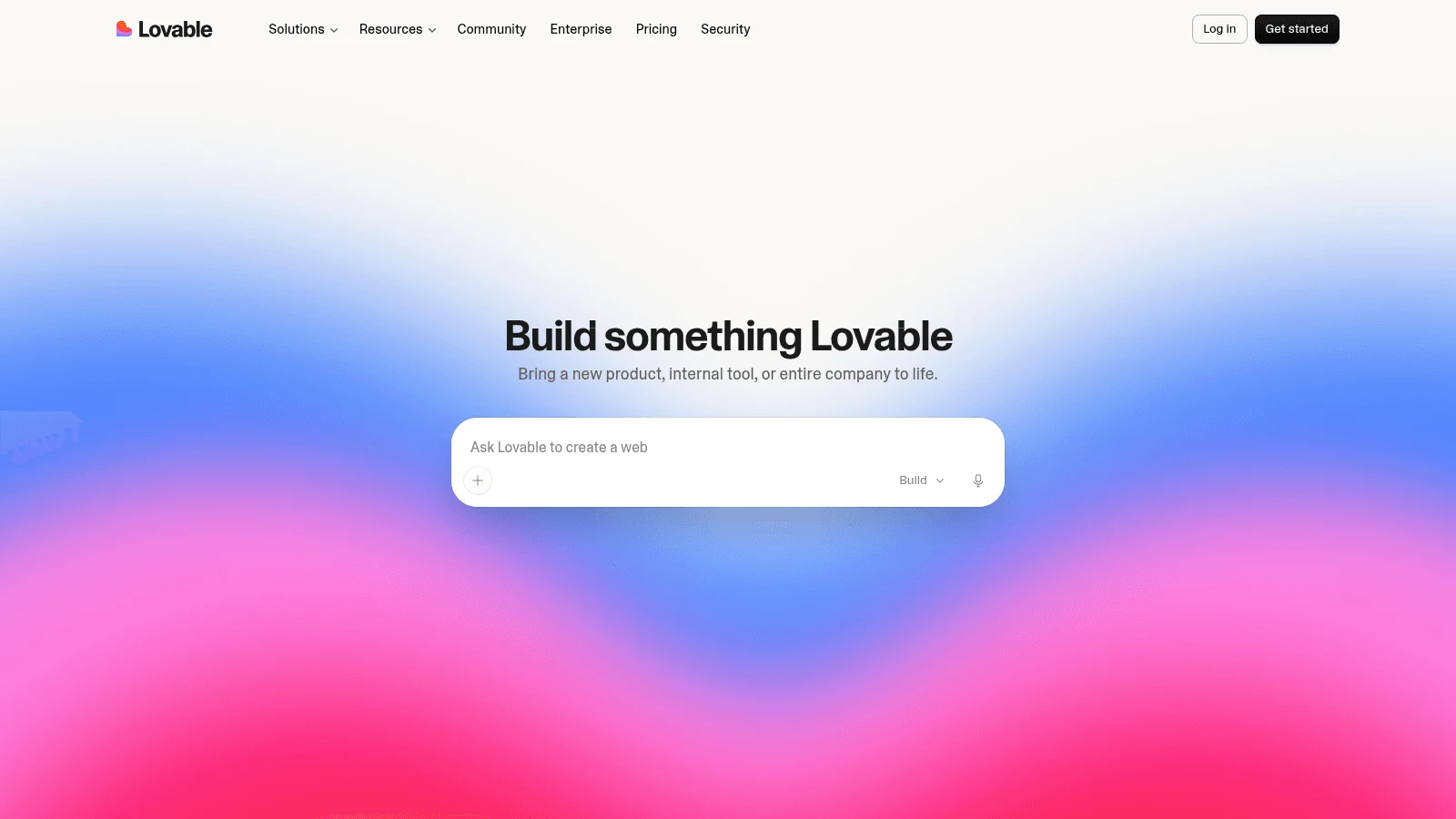
Overview: Lovable builds a full web app from a prompt, front end and database together. Since May 13, 2026, new projects use TanStack Start with server rendering, on Postgres through Lovable Cloud or Supabase.
Key features:
- Built-in Cloud covers database, storage, auth and edge functions.
- Two-way sync with GitHub, GitLab or Bitbucket.
- Unlimited members on every plan, Free included.
Pricing: Pro is $25 billed monthly, or about $21 a month on yearly billing, for 100 monthly credits. Business runs $50 monthly or $42 yearly and adds SSO.
Pros: A real backend without setup, code in your own Git host, a free plan with 5 credits a day
Cons: Its FAQ says it "does not offer a choice of framework or database," you can't start from an existing repo, and monthly-plan credits expire after two months
Where it beats v0: You get the database and auth inside the same product, rather than a separate provider account per integration.
Final verdict: The closest one-tool swap for a v0 user who wants a working app, as long as TanStack Start suits you.
3. Bolt.new
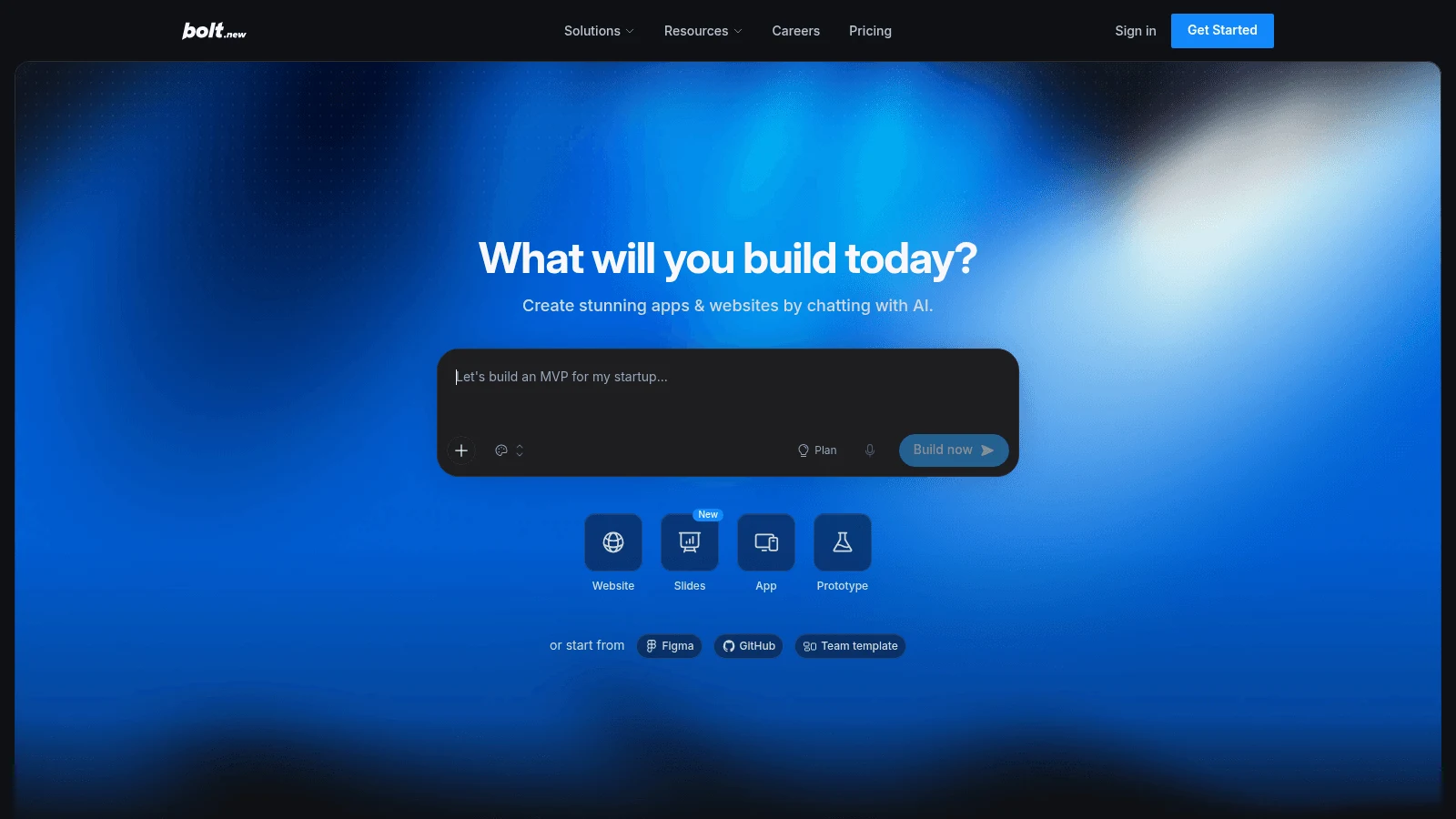
Overview: Bolt.new, from StackBlitz, builds and runs apps in the browser. Its support docs say it "focuses on JavaScript-based web technologies," which means Node.js on the server and any JavaScript framework that runs on the front end, plus mobile through Expo.
Key features:
- Framework freedom within JavaScript: React, Vue, Svelte and others.
- Bolt Cloud databases, or a Supabase project you connect.
- Two-way GitHub sync with branches, or a ZIP download.
Pricing: Pro starts at 10 million tokens for $18 a month billed yearly ($25 monthly), and unused tokens roll over for one month. Teams is $30 per member monthly or $27 yearly.
Pros: Your pick of JavaScript framework, a database built in, a free tier with 1 million tokens monthly
Cons: Each message costs more tokens as a project grows, since Bolt syncs the files to the AI, the code view is read-only in Safari, and server code has to be Node.js (no Python or Go)
Why it made this list: It removes the Next.js lock-in without making you run your own environment.
Final verdict: Pick Bolt.new if you like v0's speed but want Vue or Svelte.
4. Replit
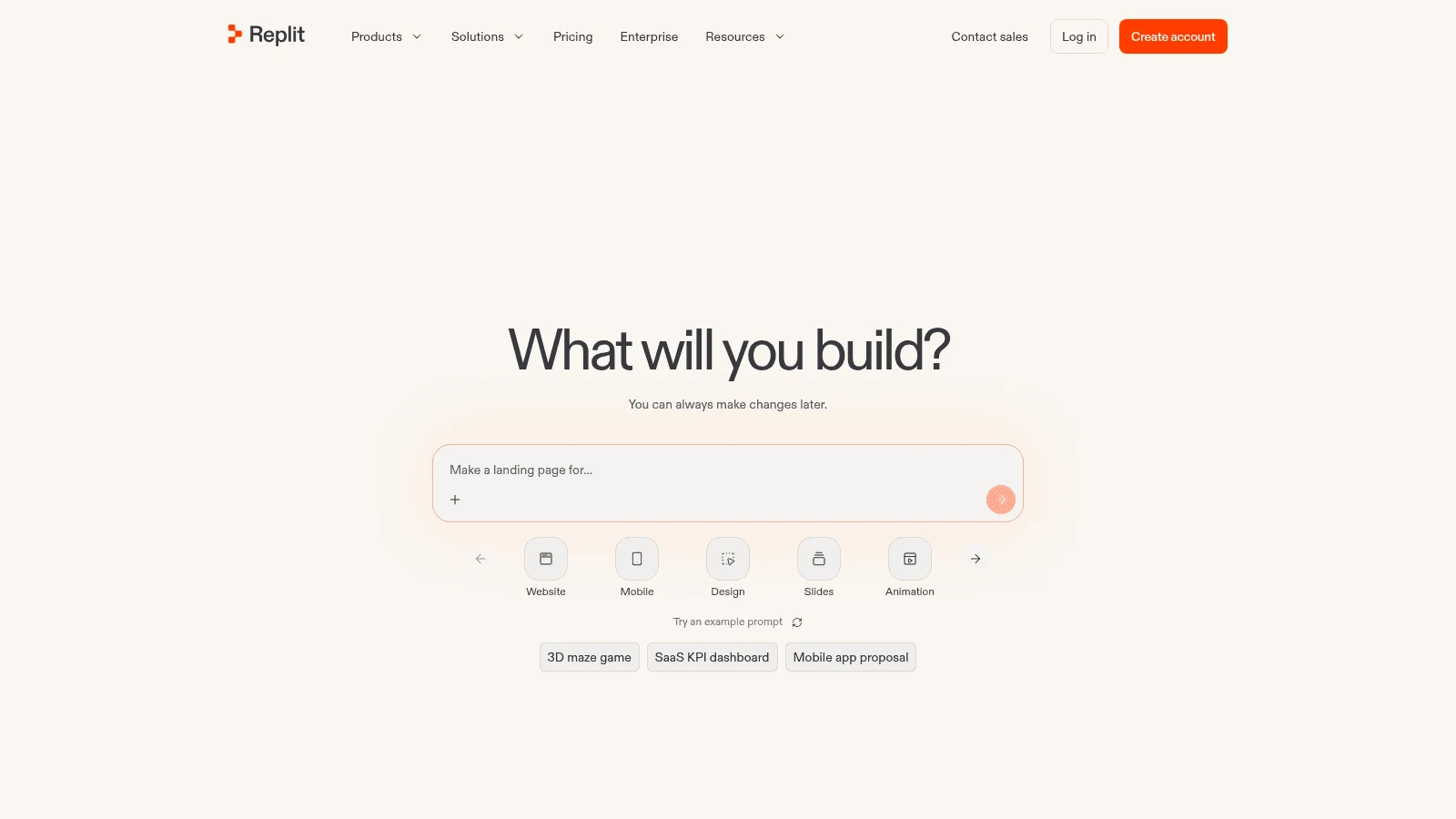
Overview: Replit's Agent writes and runs apps in almost any language, with hosting, a database and auth built in. Its docs also cover native iOS and Android apps through Expo, with an upload path to App Store Connect.
Key features:
- Python and other languages, not only JavaScript.
- A free development database, with production billed on use.
- Two-way GitHub sync, plus a "Download as zip" export.
Pricing: Core costs $18 a month on annual billing ($20 monthly) and includes $20 of usage for stronger models plus as many as 30 hours of Free Mode chat. Pro is $100 monthly or $90 yearly.
Pros: No language lock-in, web and native mobile from one agent, code you can take away
Cons: Published apps add usage charges (a monthly base fee plus compute and requests), the free plan's one published app goes down after 30 days, and a copied project loses its secrets and database settings
What it's good at: Backend-heavy apps, where v0's front-end strengths matter least.
Final verdict: Replit is the pick when the app is more server than screen, or when Python is part of it.
5. Figma Make
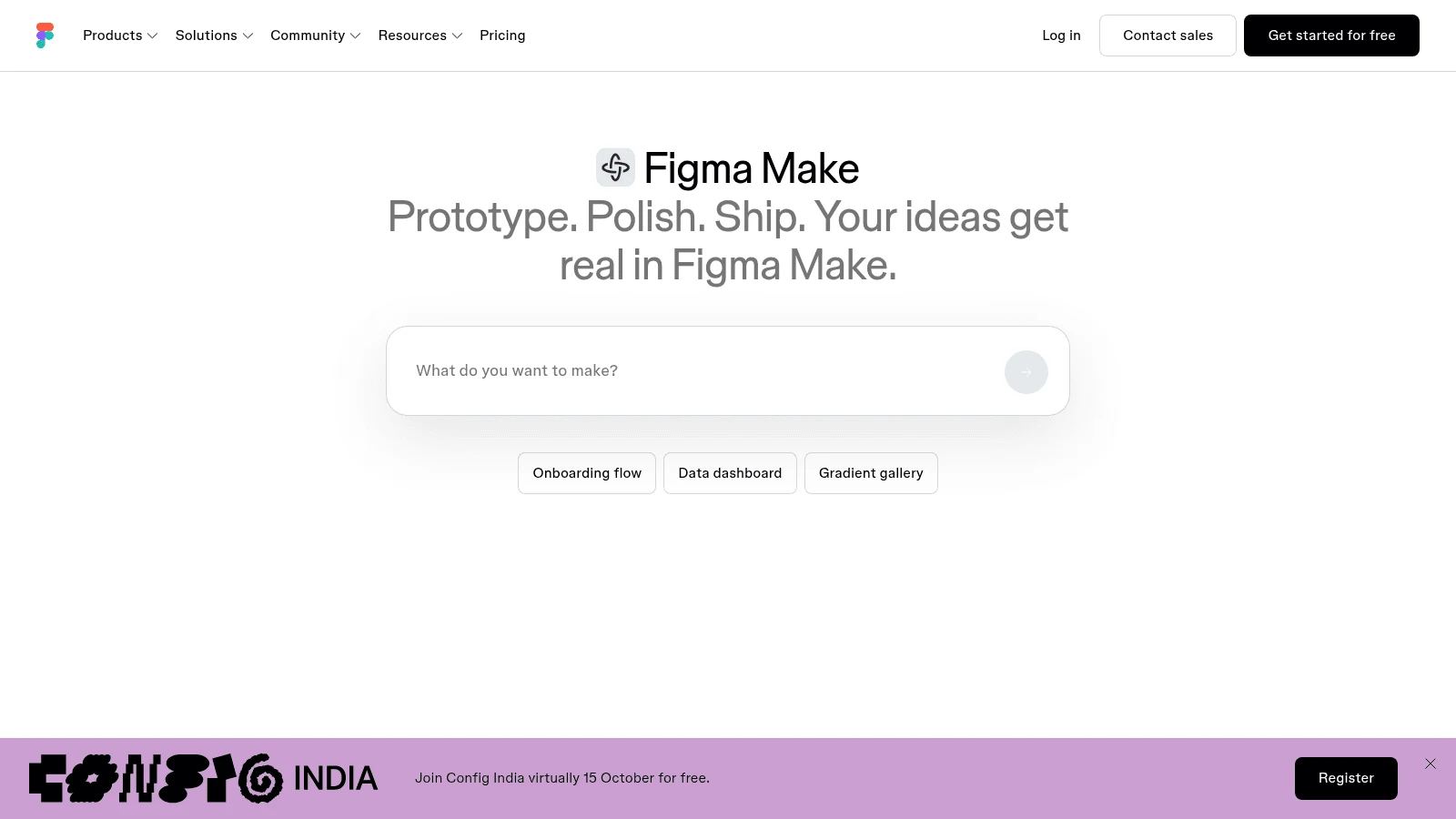
Overview: Figma Make turns a prompt or an existing Figma design into a working React and TypeScript app. You can publish it to the web, password-protect it, download a ZIP or push it to a new GitHub repo.
Key features:
- Attach existing Figma designs, or paste frames into the chat.
- Connects to your own Supabase for secrets, compute and data.
- Draws on the account's AI credits, which every Figma AI feature also uses.
Pricing: A Professional Full seat costs $16 a month on annual billing ($20 month to month) and carries 3,000 AI credits. Figma's free Starter plan gives 150 credits a day, up to 500 a month, and the help center calls Starter "a free way to explore" Make, with limits such as no team-library styles.
Pros: Design and code in one file, React output, an easy hand-off for a Figma team
Cons: Figma's help center says Make "will not set up a full SQL database," only key-value stores; working in your local codebase is a Mac-only closed beta; full use needs a paid seat
Why designers shortlist it: It's the shortest route from a Figma frame to a page you can click through.
Final verdict: Good for teams already paying for Figma who want v0-style output from their own designs.
6. Google Stitch
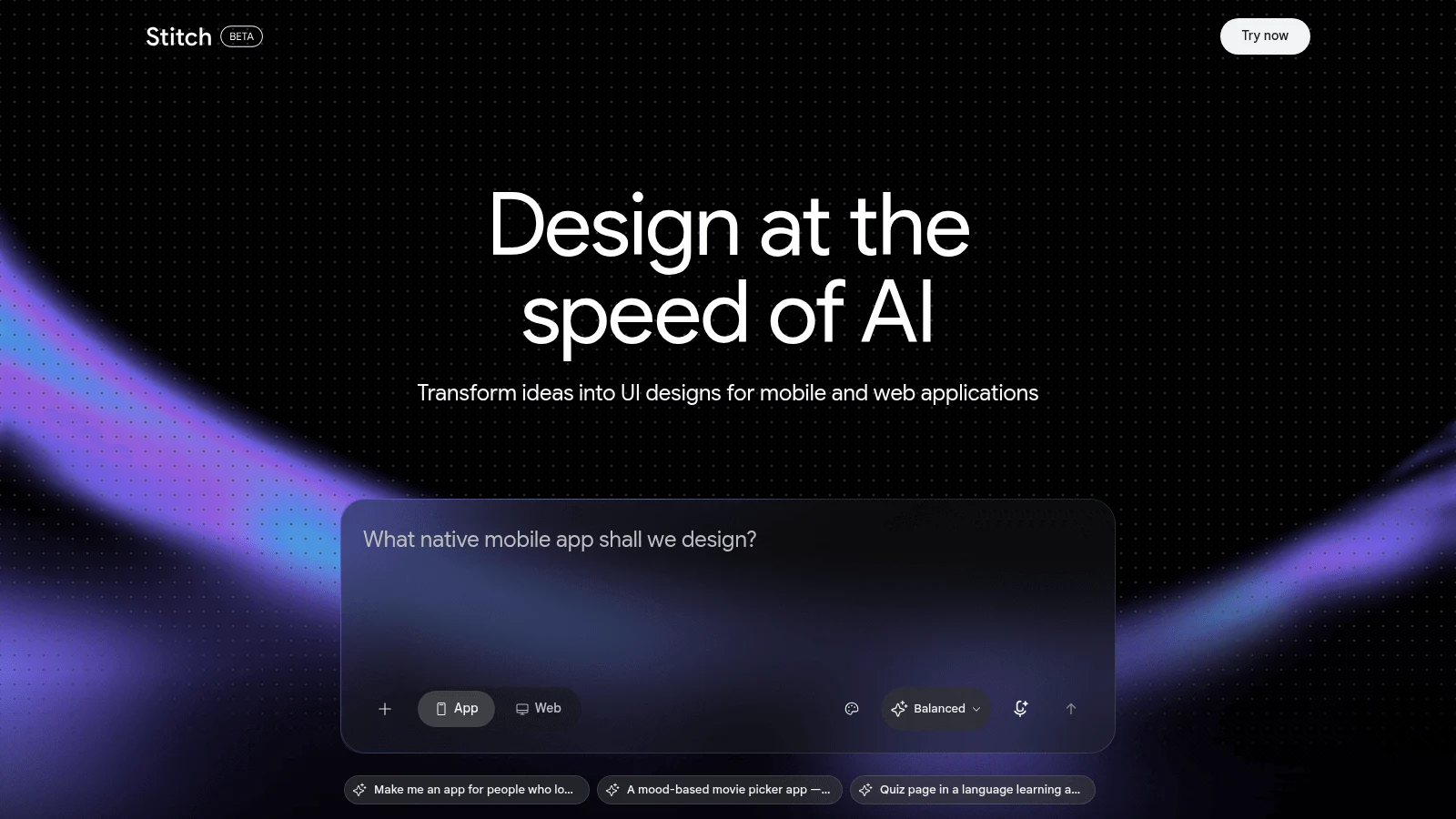
Overview: Stitch, from Google Labs, generates UI screens on an infinite canvas from prompts or voice. A March 2026 redesign added a design agent beside an MCP server, and in May Google added export to Antigravity and publishing through Netlify.
Key features:
- A DESIGN.md file that moves your design rules in and out of other tools.
- Code and image download from each screen.
- An MCP server and SDK, so coding agents can read your designs.
Pricing: Google publishes no price or plan for Stitch, and the docs still carry a beta label. Treat any limit you read on third-party sites as unconfirmed.
Pros: Fast exploration across many screens, export routes into Google's coding tools, a design-first canvas
Cons: Its docs describe the code download as HTML that converts to other formats, a hand-off rather than app code; Google's own announcement sends you to Antigravity to "plug in your backend logic"; terms can change while it's a beta
Where it fits: The design step before the build, when you want options rather than an app.
Final verdict: Use Stitch to decide what to build, then hand the screens to a tool on this list that writes the app.
7. Magic Patterns
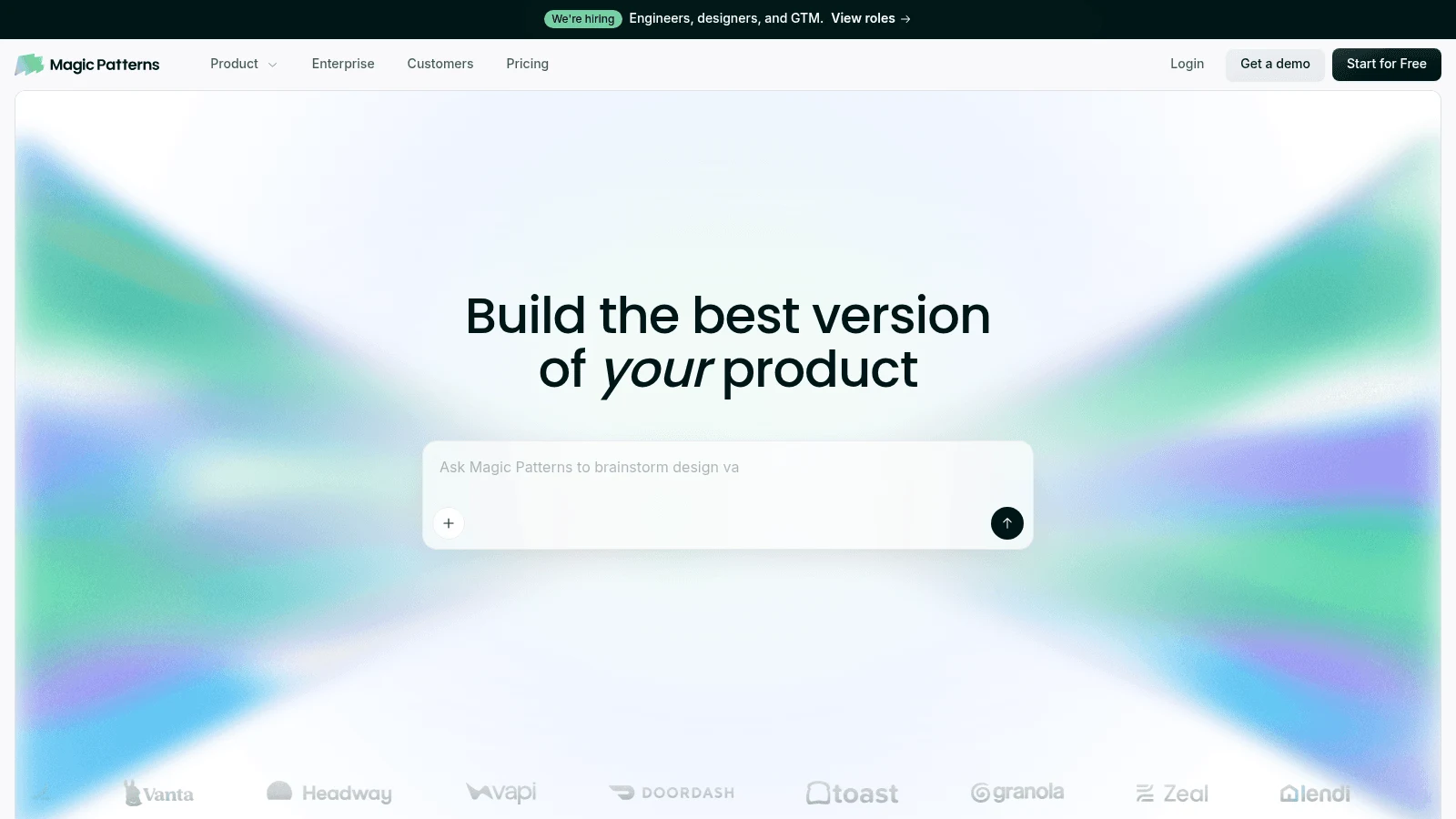
Overview: Magic Patterns generates clickable prototypes in React 18, TypeScript and Tailwind, exported as a standalone Vite project. Its docs describe the interactivity as stubbed: "no API calls, no auth, no backend."
Key features:
- Presets for shadcn/ui, Chakra, Mantine and MUI, useful when your team already works from one design system.
- Two-way GitHub sync on paid plans, plus ZIP and Figma export.
- A published table of credits per prototype size.
Pricing: Starter is $20 per seat monthly or $17 billed yearly, with 1,000 credits. Business is $100 monthly or $85 yearly per seat with 5,000 credits, and extra credits cost $0.02 each.
Pros: Typical credit costs published by page size, design-system presets, clean React to hand to a developer
Cons: No backend by design, GitHub sync only on paid plans and only to a new repo, and the free plan doesn't state its credit amount
Why it's a strong v0 alternative: It writes the same kind of React front end v0 does and publishes typical credits per page for budgeting.
Final verdict: Pick Magic Patterns for prototypes you'll hand to engineers, not for apps that store data.
8. Builder.io
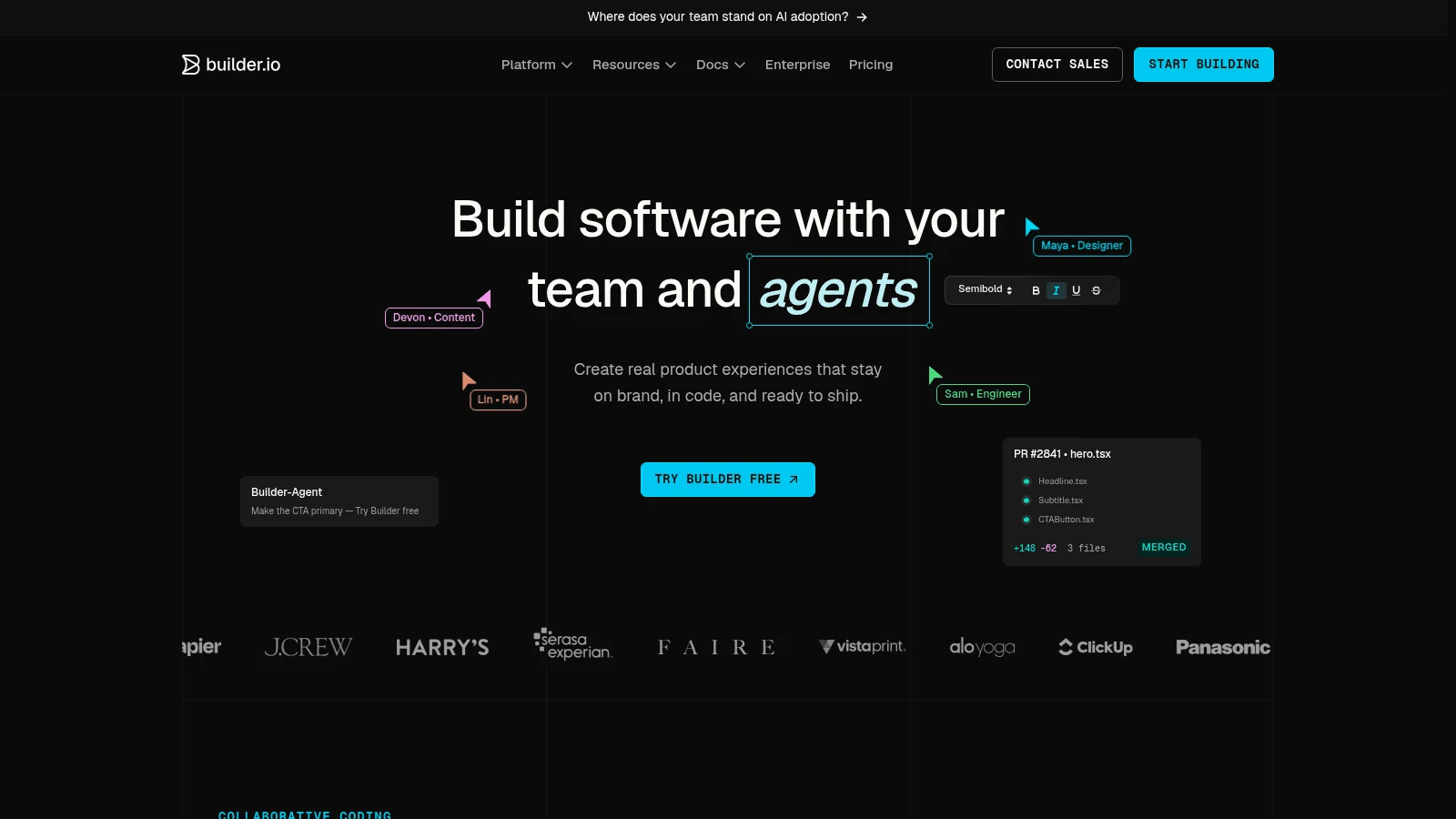
Overview: Builder Code, Builder.io's Visual IDE, works inside the repository you already have. Its product page says it runs "with the frameworks your product already ships on," and its local-repo docs list React, Vue, Svelte and Angular, with every change landing as a pull request.
Key features:
- Edits your existing codebase, or starts fresh from a prompt or Figma.
- GitHub, GitLab and Bitbucket on every plan.
- A Figma plugin, a VS Code extension and an MCP server.
Pricing: Pro shows $24 per user a month billed yearly by default, or $30 monthly, with 500 Agent Credits. Team is $40 yearly or $50 monthly, and extra credits cost $25 per 500.
Pros: No rebuild, your current backend stays as it is, review through normal pull requests
Cons: More setup than a hosted sandbox, by its own blog's account; the free plan gives 15 credits a day; AI training is on for Free and Pro, with opt-out only from Team
Its real strength: Teams leaving v0 because they already have a product in Vue or Angular can keep it.
Final verdict: The pick when the app exists and you want AI edits on top of it.
9. Base44
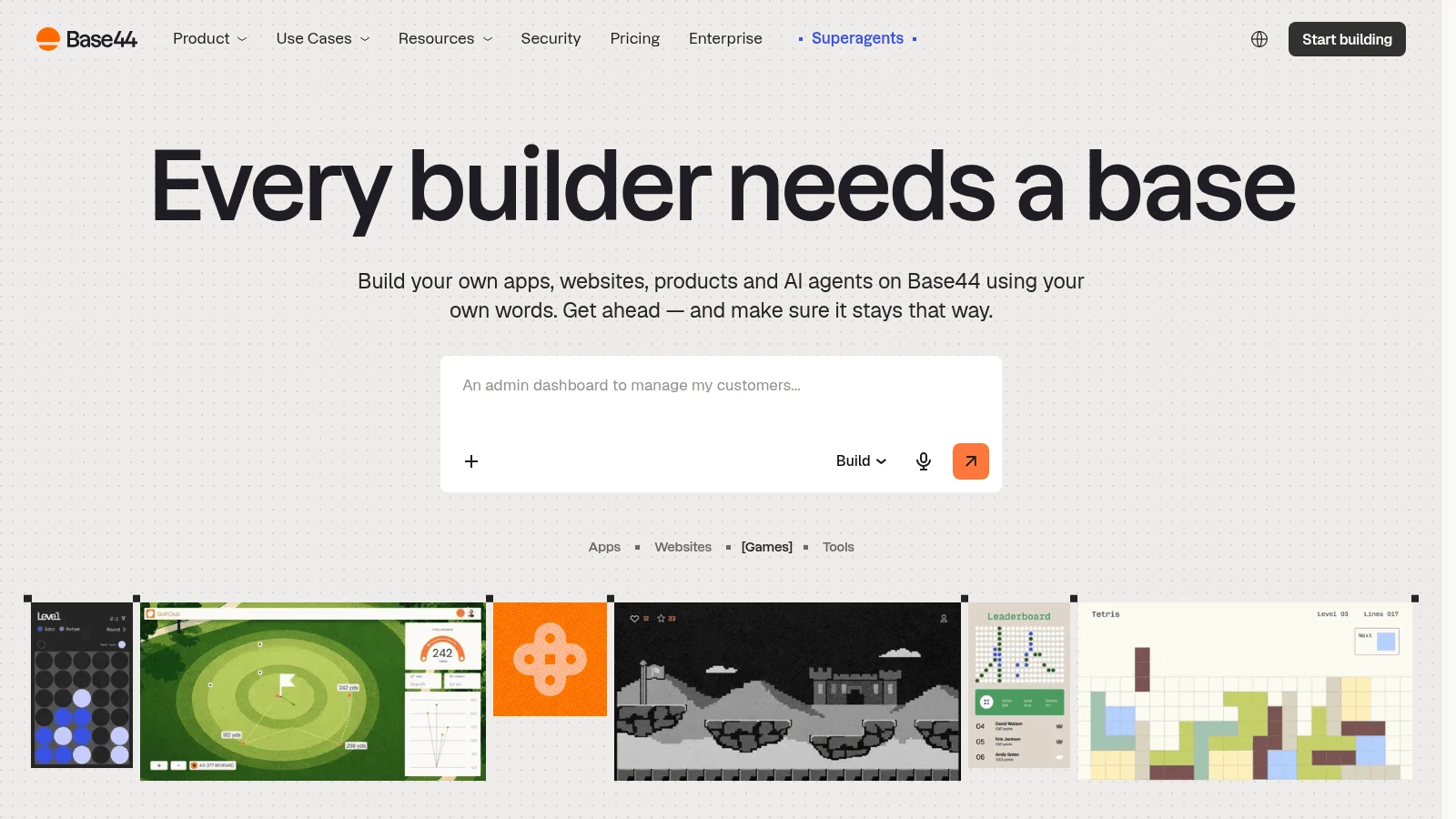
Overview: Wix owns Base44, which generates an app from a prompt: a Vite-powered React front end sitting on Base44's own backend. Hosting, the database and auth come with every plan, while Deno serverless functions start on the Builder plan.
Key features:
- Backend included from the free plan up.
- Separate credits for building and for the running app.
- Two-way GitHub sync from the Builder plan.
Pricing: Starter comes to $16 a month paid yearly, or $20 paid monthly, for 100 message credits and 2,000 integration credits. Builder, where GitHub sync starts, is $50 monthly or $40 yearly.
Pros: Ties for the lowest yearly price here at $16 a month, no backend setup, simple for non-developers
Cons: GitHub sync and backend functions start at Builder, two credit types to budget, and the backend is Base44's own platform
Who it suits: Founders who want a working tool with logins and data, and don't care which framework sits underneath.
Final verdict: Choose Base44 for small internal or customer apps where setup time matters more than code control.
10. Cursor
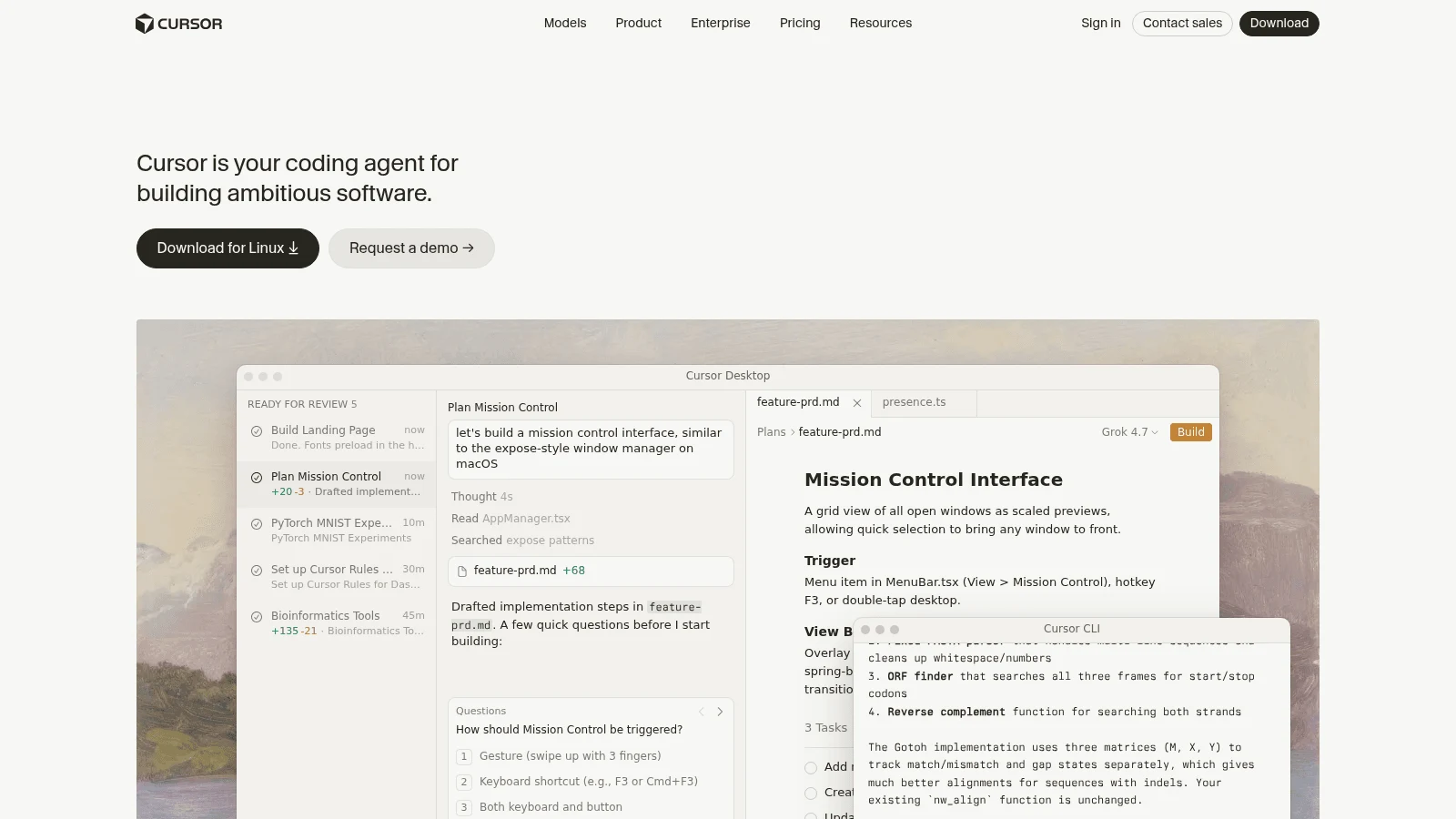
Overview: Cursor is an AI code editor, not a visual builder. It runs as a desktop IDE, a CLI and cloud agents, and it works in any language and framework in a repo you control.
Key features:
- Agents that read and edit your whole codebase.
- Any stack, including the Next.js app v0 gave you.
- Normal Git, so the code never leaves your workflow.
Pricing: Pro runs $20 a month, or $16 if you pay for the year; Pro+ is $60 and Ultra $200 a month. Usage past the included pool bills at API rates, and by Cursor's own docs, people who run agents daily usually end up between $60 and $100 a month all in.
Pros: Total control of stack and backend, no platform lock-in, a natural next step for v0 code
Cons: The steepest learning curve here for non-developers, no visual canvas, usage costs that climb with heavy agent work
Why developers pick it: It matches the workflow the Reddit commenter described earlier: v0 for the first mockup, then an editor for the real build.
Final verdict: Cursor is where to go once you're the one maintaining the code.
Best v0 alternatives with backend support
If "with backend" is why you're leaving, the honest answer is that v0 now has one too, through Marketplace databases. The difference is where the backend lives and who manages it. Here is how all ten tools on this list compare as v0 platform alternatives with backend support:
- Lovable, Replit and Base44 run the database and auth inside the product, so there's nothing to connect.
- Bolt.new offers its own Bolt Cloud databases or a Supabase project you link.
- Figma Make uses your Supabase, but only for key-value stores, not a full SQL schema.
- Builder.io and Cursor keep whatever backend your repo already has.
- Magic Patterns and Google Stitch stop at the front end.
- Awesomic Studio makes no backend or database claim on its pages.
Among v0 platform alternatives with backend included, a built-in one is fastest to start and hardest to leave, because your data sits on the vendor's platform. A provider account you own, such as the Neon or Supabase account v0 opens for you, takes longer to set up and moves with you.
How much v0 alternatives cost per screen
v0's Plus plan is $30 per user a month, with $30 of credits plus $2 of free credits each day you log in. Business costs $100 and includes the same credits, so the extra $70 buys business features such as training opt-out by default, not more building.
Here is the cheapest paid plan on each tool, with its billing basis and what the allowance measures:
| Tool | Cheapest paid plan | Billed monthly | Billed yearly | Allowance measured in |
|---|---|---|---|---|
| v0 | Plus | $30/user | No yearly option | Dollar credits drawn per token |
| Awesomic Studio | Basic | $20 | Not published | Dollar budget for agents and models |
| Lovable | Pro | $25 | About $21/month | 100 credits a month |
| Bolt.new | Pro | $25 | $18/month | Tokens, from 10 million a month |
| Replit | Core | $20 | $18/month | Dollar credit for models, plus Free Mode hours |
| Figma Make | Professional Full seat | $20 | $16/month | 3,000 AI credits a month |
| Google Stitch | None published | No price | No price | Not published |
| Magic Patterns | Starter | $20/seat | $17/month | 1,000 credits a month |
| Builder.io | Pro | $30/user | $24/month | 500 Agent Credits a month |
| Base44 | Starter | $20 | $16/month | 100 message + 2,000 integration credits |
| Cursor | Pro | $20 | $16/month | Usage pool at API rates |
On monthly billing, v0's $30 ties Builder.io's Pro for the highest entry price in the table. On yearly billing, Base44, Figma Make and Cursor share the lowest at $16 a month.
Sticker price says little about a screen. Magic Patterns publishes credits per output: about 70 for one generation, 110 to 200 for a small prototype, and about 400 for a full page or flow of 11 to 20 versions. That puts Starter's 1,000 credits at two or three full pages a month, with each extra page around $8 at $0.02 a credit.
Lovable's pricing FAQ prices single prompts instead: 1.70 credits for "Build me a landing page, use images," which made a five-section page with three generated images. That's one prompt, not the rounds of revision Magic Patterns counts, so read it as a floor against Pro's 100 monthly credits.
The other plan pages we read, v0's included, quote rates per token, credit or message rather than per page, so test one real screen before you commit. If you'd rather pay a fixed fee for people than a meter for agents, a web design subscription prices the work by the month instead.
Does the stack decide the quality?
Less than vendors imply. The WebAIM Million report scanned the home pages of the top million sites in February 2026 and found an average of 56.1 detected accessibility errors per page. Pages built with Next.js averaged 40.9 errors and React pages 43.5, about a quarter fewer than the average page, while Vue.js pages averaged 64.6.
WebAIM's numbers are correlations from automated checks, and WebAIM ties the error count to heavier pages, more reliance on third-party frameworks and "AI-assisted coding practices," rather than to any one framework.
Whichever tool you pick, run an automated checker on the output, test the page with a keyboard, and fix contrast and missing labels before launch. For a page that has to convert, a landing page designer can review layout and accessibility together before traffic arrives.
How to move a v0 project to another tool
v0 makes leaving fairly easy, because GitHub sync is on every plan, including Free. What you can bring depends on whether the v0.dev alternatives on your shortlist accept existing code. Follow this order:
- Sync the chat to GitHub, or export the code, so you have the full Next.js project.
- List every environment variable and Marketplace database, since those provider accounts stay yours after you leave.
- If your next tool works in a repo (Builder.io or Cursor), open the project there and keep going.
- If it doesn't, screenshot each screen and rebuild the busiest one first. Lovable's FAQ, for one, says you can't start a project from an existing repo.
- Reconnect the database or migrate its data, then compare record counts.
- Move the domain and deployment last, after the new version has run for a week.
Screenshots of the live page are the most useful input for a rebuild, the same method behind copying a website layout without lifting its code.
How to choose among the best alternatives to v0
Start with the code you need at the end. The best alternatives to v0 split cleanly by that one question:
- If you want React without Next.js, Magic Patterns and Figma Make write it, and Lovable writes it on TanStack Start.
- If you want any JavaScript framework in a hosted builder, Bolt.new.
- If you want any language, or native mobile, Replit.
- If you already have a codebase, Builder.io for visual edits or Cursor for full control.
- If you want designs first and code later, Google Stitch.
- If you want a backend with no setup at all, Base44 or Lovable.
Check each price against a real screen rather than the plan card, because v0 competitors meter usage in dollars, credits or tokens, and none of those maps neatly to a page.
A marketing site may not need an app builder at all: the Framer alternatives we've reviewed host and edit a site without code, which suits pages a marketer will update weekly.
Which v0 alternative to try first
Pick the two tools from the table whose stack matches the code you want to own, and build one identical screen on each, on the cheapest plan it offers. Record what it cost in credits, whether the backend came with it, and whether you could export the result.
If the page needs its images and video made along with the code, with an Awesomic expert on call (quoted separately) when it gets hard, our Studio's $20 Basic plan is the place to Get started.
FAQ
What are the v0 alternatives?
The main v0.dev competitors are Lovable, Bolt.new, Replit and Base44 for full apps; Figma Make, Magic Patterns and Google Stitch for design-first front ends; and Builder.io and Cursor for working in your own repo. They differ most in the stack they write and whether they host a database.
Is there a free v0 alternative?
Most have a free plan. Lovable gives 5 credits a day, Bolt.new 1 million tokens a month, Builder.io 15 credits a day, and Replit, Magic Patterns, Base44 and Cursor have free tiers too. Figma's free Starter plan lets you try Make, and Google publishes no price for Stitch.
Can v0 build a backend?
Yes. v0's docs describe one-click integrations with Upstash, Neon, Supabase and Vercel Blob, and its previews run server-side code and API routes. Each integration opens a separate account on that provider, and the full workflow assumes your repo is connected to a Vercel project.
Can you recommend some v0 alternatives for non-developers?
Base44 and Lovable are the easiest, because the database, auth and hosting are built in and you never pick a framework. Designers tend to do better with Figma Make or Magic Patterns, which start from a design or a prompt and write React you can hand to a developer.
Is Cursor a v0 alternative?
For developers, yes, though it works differently. Cursor is a code editor with AI agents, so it gives you no visual canvas, but it works in any framework, including the Next.js project v0 exports.





