 Awesomic Team
Key takeaways:
- Measured by the cheapest plan that keeps one app live in both the App Store and Google Play, five builders below undercut both of Thunkable Builder's prices ($37 a month billed yearly, $59 monthly): Draftbit from $12, Bravo Studio from $18, Rork at $20, FlutterFlow from $29.25 and Adalo from $36.
- MIT App Inventor and Kodular cost nothing but only reach Google Play. App Inventor's App Store builds are in a closed beta, and Kodular's own site describes Android apps only.
- No builder removes the store fees. Apple charges $99 a year, Google charges $25 once, and a new personal Google Play account must run a 12-tester, 14-day closed test before it can publish.
- Thunkable's pricing FAQ says published apps "become unavailable" if your subscription expires, so its $37 to $59 a month pays to keep the app alive, not only to build it.
Thunkable is a drag-and-drop builder for native iOS and Android apps, with block coding for the logic and an AI prompt that now drafts screens. Its homepage promises you can publish "to Apple's App Store and Google Play directly from the Thunkable platform," and that part does what it says.
The catch is which plan you need for it. The Free and Accelerator plans list no live published app, so shipping starts on Builder, at $37 a month billed yearly or $59 billed monthly, for one app.
This list of Thunkable alternatives judges eight tools on that question: what's the cheapest plan that puts an app in both stores, and who handles the submission. Screens are only one of the types of product design an app needs, and none of these builders does the user research or UX thinking for you. We took every price from the builders' pricing pages on October 8, 2026.
Why people look for Thunkable alternatives
Three complaints come up, and Thunkable's own pricing page backs the first two.
Publishing starts on the third plan up
Thunkable sells four self-serve plans. Free costs $0, Accelerator costs $18 a month billed yearly or $19 monthly, Builder costs $37 or $59, and Advanced costs $99 or $189. Only Builder and Advanced include a live published app, and Thunkable's docs confirm the published apps page is "only available to paid plans (builder and advanced)."
Builder covers one live app. A second one means Advanced, which costs $99 a month billed yearly. The page also opens on monthly billing, so the first Builder price most people see is $59.
Your app stops when the subscription does
The pricing FAQ is direct: "if your subscription expires, any published apps will become unavailable for your end users." Three years of one live app on Builder therefore costs $1,332 on yearly billing or $2,124 on monthly, before any store fees, and stopping at any point takes the app away from its users.
Test builds have a clock too. Thunkable's FAQ says testing downloads expire after 72 hours.
The price is steep for a hobby app
In a Reddit thread on r/nocode, one user said they liked Thunkable's free placement of components and its block coding, then added: "The problem is that the pricing is way too high for me." The same post mentioned Kodular and MIT App Inventor, saying they "feel too restrictive."
It's a single user's account, yet it sums up the trade the cheaper tools below ask you to make.
How we picked and measured "cost less"
The yardstick is the lowest-priced plan that can hold one published app in Apple's and Google's stores at once, set against Thunkable Builder on monthly and yearly billing. Every builder after Studio states which measure it wins on, and two win on a different one, since App Inventor and Kodular charge nothing but stop at Google Play.
We dropped two tools that often appear on these lists. Glide's help center says its apps are progressive web apps and that publishing to the App Store or Google Play "is not supported."
Bubble's cheapest store-capable plan, Mobile Starter, costs $42 a month billed yearly, above Builder's $37, so it beats Builder only on monthly billing. It also meters usage in workload units, so neither price is a ceiling.
Store fees are left out of the plan prices because every tool pays them. They're covered in their own section below.
The best Thunkable alternatives compared
The table lists each tool's lowest plan with publishing to both stores, how it compares with Thunkable Builder's $37 (yearly) and $59 (monthly) prices, and the limitation that matters most. Awesomic Studio is the exception: it makes no store-publishing claim and costs more than Thunkable's free tier.
| Tool | Best for | Cheapest plan that publishes to both stores | Where it costs less than Thunkable | Main limitation |
|---|---|---|---|---|
| Awesomic Studio | App design and a hosted build with an expert route | None: no App Store or Google Play publishing claimed | Neither measure: Basic ($20/month) costs more than Thunkable Free ($0) and Accelerator ($18–$19) | No native device features claimed; no free plan |
| Draftbit | AI-built native apps on a small budget | Standard: $12/month billed yearly, $15 monthly | Beats both Builder prices | AI credits cost extra unless you bring a Claude or ChatGPT subscription |
| Bravo Studio | Turning a Figma design into a native app | Solo: $18/month billed annually, $22 monthly | Beats both Builder prices | Bravo logo on the app icon and splash screen unless you pay to remove it |
| Rork | Prompting a native app into existence | Rork Pro: $20/month, monthly prices only | Beats both Builder prices | Pro needs an Expo account; Android upload is manual |
| FlutterFlow | Visual builds with code you can download | Basic: $29.25/month billed annually, $39 monthly | Beats both Builder prices | One editor on Basic; you set up and pay for the backend |
| Adalo | Native apps with no code and flat prices | Starter: $36/month billed annually, $45 monthly, 1 app | Beats both Builder prices, by $1 on yearly | Push notifications and geolocation start on Professional ($52/month billed annually) |
| MIT App Inventor | Learning to build Android apps | Google Play only, free; App Store builds in closed beta | Price, for Google Play only | Education-first blocks; iOS features listed as future work |
| Kodular | Free Android apps built from blocks | Google Play only, free; its site describes Android apps only | Price, for Google Play only | No iOS build listed on its site |
Studio opens the list because it's ours, not because it wins on price. The seven builders after it are ordered by the cheapest plan that publishes to both stores, lowest first on yearly billing where it's offered, with the two Google Play-only tools at the end.

1. Awesomic Studio
Best for: Testing an app before a store plan
Overview: Awesomic Studio is the AI workspace we build. Describe the app in plain words, or attach a file, a link or a rough idea, and the agents (Codex, Claude Code, OpenCode) build it. "Mobile app" is on Studio's own list of what you can make, and built-in hosting puts each build at a live address you share with your team or with anyone.
We'll be straight about the store question. Studio makes no App Store or Google Play publishing claim and no native device-feature claim, so it doesn't replace Thunkable's Builder plan for a store release. Where it earns its place is the stage before that: getting screens, flows and a clickable build right while changes are still cheap.
When you need the real app shipped, the Dedicated setup hands ongoing work to "a vetted specialist or multi-skill team." Studio comes from the same Y Combinator-backed team as Awesomic, and it leads to our designers and developers rather than standing in for them.
Key features:
- Mobile app screens and flows from a prompt, a file or a link.
- Built-in hosting, shared privately with your team or publicly.
- Self-serve building "directly with agents and leading models."
- Image and video models for onboarding art and promo clips.
- Code or other-tool export for the developer who takes the app further.
- The Dedicated setup hands ongoing delivery to a vetted expert or team.
Pricing: Studio's plans run $20 (Basic), $200 (Pro) and $500 (Maximum) monthly, and the fee is what the agents and models spend that month. There's no free plan or trial, no published figure for what a single build uses, and Basic costs more than Thunkable's Free ($0) and Accelerator ($18 billed yearly) plans. Dedicated is priced separately, as our custom dedicated-talent service.
Pros: Design and a hosted build in one workspace, builds that carry on while you're away, one monthly figure for the fee and the usage, a human expert route through Dedicated
Cons: No store publishing or native device features (push notifications, camera) claimed, and it costs more than Thunkable's free tier
How to start using it:
- On a Basic plan, describe your app's three most important screens.
- Attach screenshots of your Thunkable project or a sketch of the flow.
- Correct the build in plain words until it clicks through the way you want.
- Share the private link with five people who'd actually use the app.
- Move to the Dedicated setup when it's time to ship the real app.
Why it's a good Thunkable alternative: Studio settles what the app should be before you pay for a store plan, and the Dedicated setup, priced separately, leads to a person who can ship it.
Final verdict: Choose Studio to design and test a mobile app with agents, and use a builder below for the store release itself.
2. Draftbit
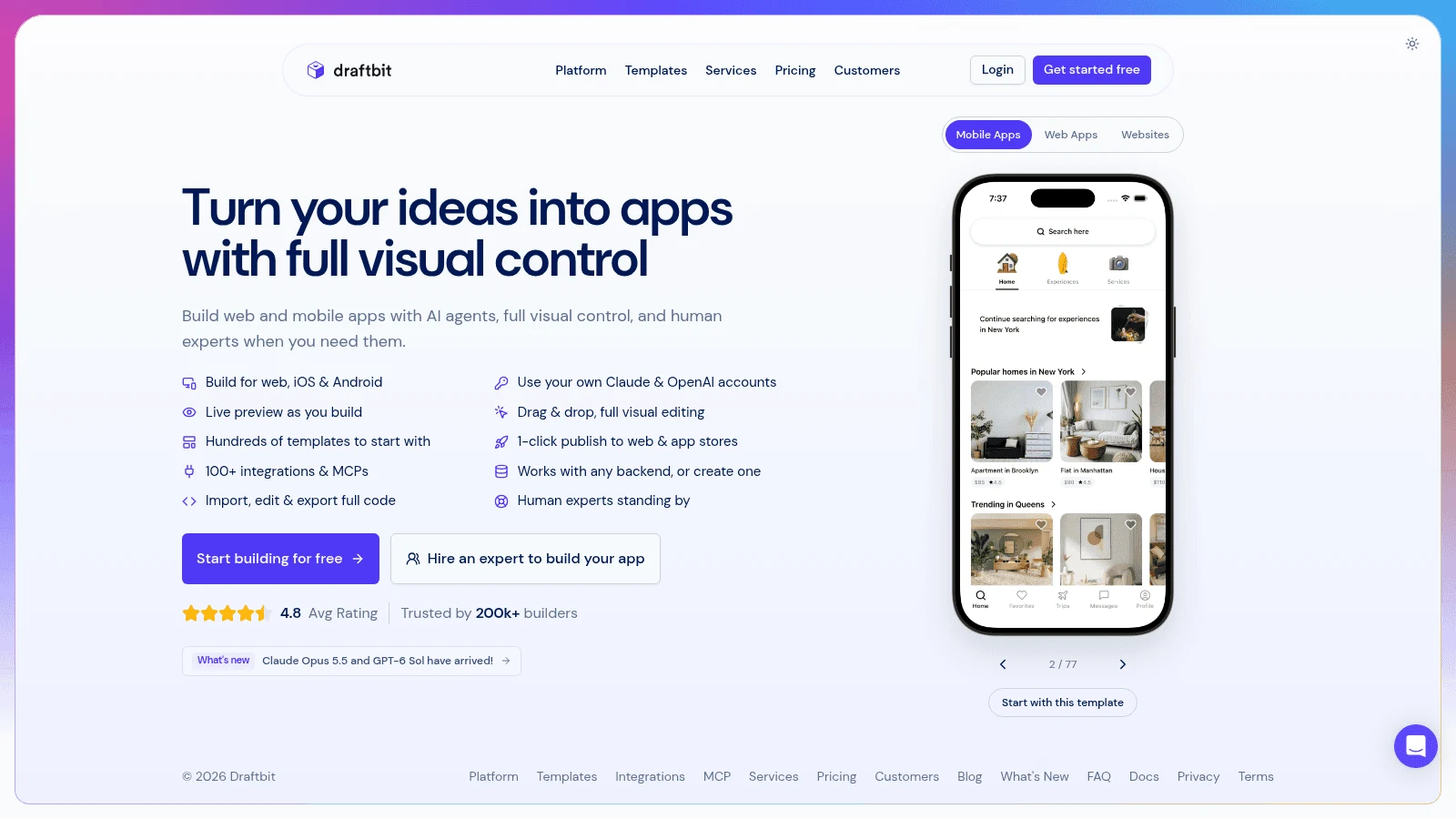
Overview: Draftbit builds native and web apps with Claude Code and OpenAI Codex agents next to a visual editor. Its paid plans publish to iOS, Android and the web in one click, and you can edit and export the full code.
Key features:
- Runs on your own Claude or ChatGPT subscription, or an API key, instead of bought credits.
- 1-Click Publishing for iOS, Android and web from Standard.
- Full code editing and export on Standard.
Pricing: Standard costs $12 a month billed yearly ($144 a year) or $15 monthly, plus $8 a month per extra seat billed yearly. Pro, at $24 billed yearly or $30 monthly, adds App Store submission assistance and iOS and Android simulators.
Pros: The lowest two-store price on this list, code you can take away, AI usage covered by a subscription you may already pay for
Cons: Credits cost extra without your own subscription (from $5 for 5,000), submission help only on Pro, one concurrent agent and sandbox on Standard
Where it costs less: Standard undercuts Builder by $25 a month on yearly billing and $44 on monthly.
Final verdict: The cheapest way here to keep one app in both stores, if you're happy steering an AI agent.
3. Bravo Studio
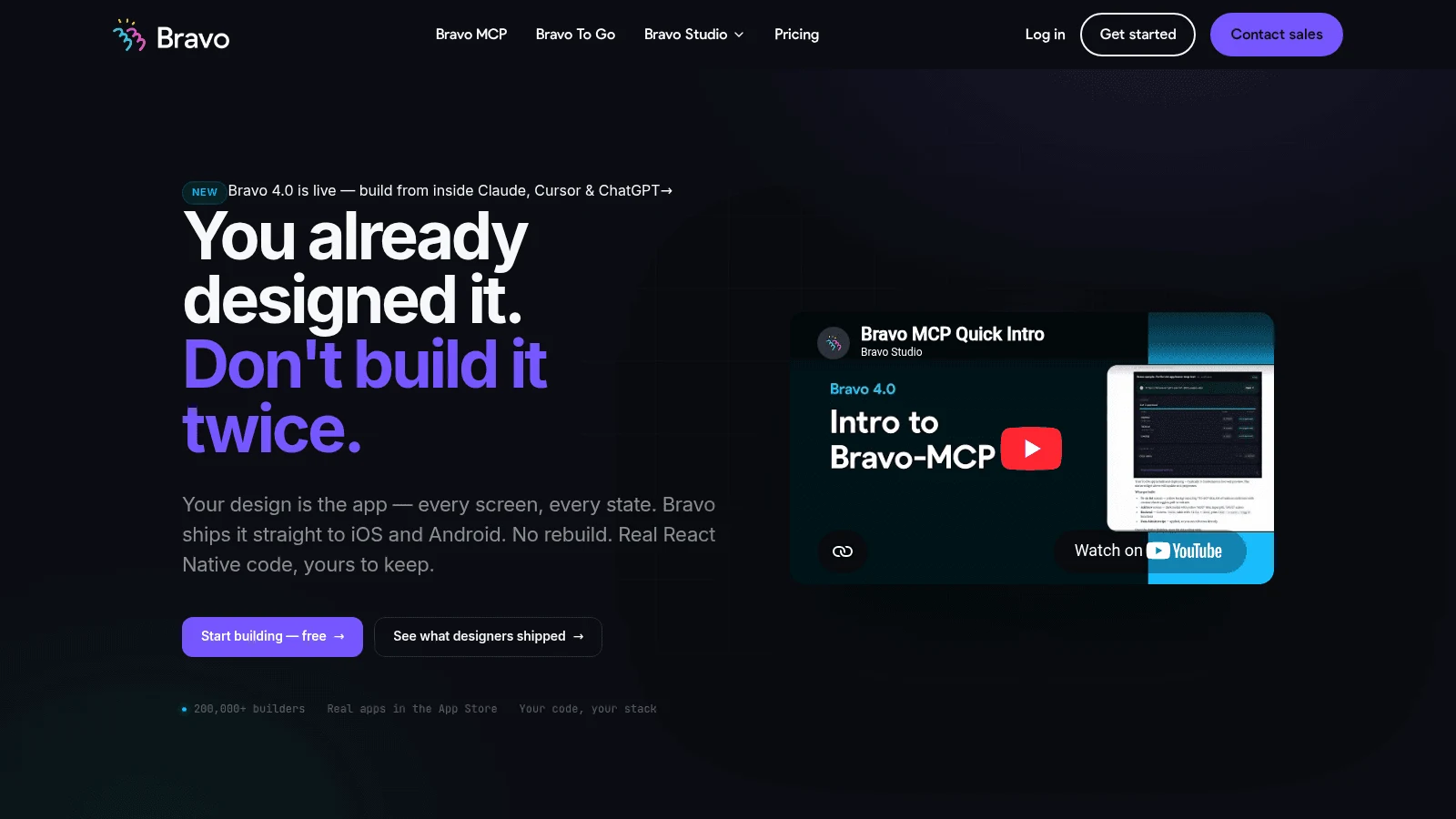
Overview: Bravo Studio turns a design into a native app. You design the screens in Figma, which Bravo calls your source of truth, and Bravo produces the store files. Bravo MCP, in beta, also builds from Claude, ChatGPT or Cursor and outputs React Native source you own.
Key features:
- Unlimited native builds on Solo, as AAB files for Android and IPA files for iOS.
- A visual workspace that turns a Figma design into native iOS and Android builds.
- Stripe, OAuth and Firebase connections on Solo.
Pricing: Solo costs $18 a month billed annually or $22 monthly. Bravo's page shows dollars but says prices follow the current exchange rate, with the exact figure at checkout. Bravo To Go, a done-for-you build launched on the stores, costs $999 per app, once.
Pros: The second-lowest two-store price here on yearly billing, full design control from Figma, a paid route that handles the whole launch
Cons: The Bravo logo appears on the app icon and splash screen unless you buy custom branding; a 30-screen cap per app in the no-code builder; you upload the build files yourself on Solo
Where it costs less: Solo saves $19 a month against Builder's yearly price and $37 against its monthly one.
Final verdict: The pick for designers who already work in Figma and want a store build without writing code.
4. Rork
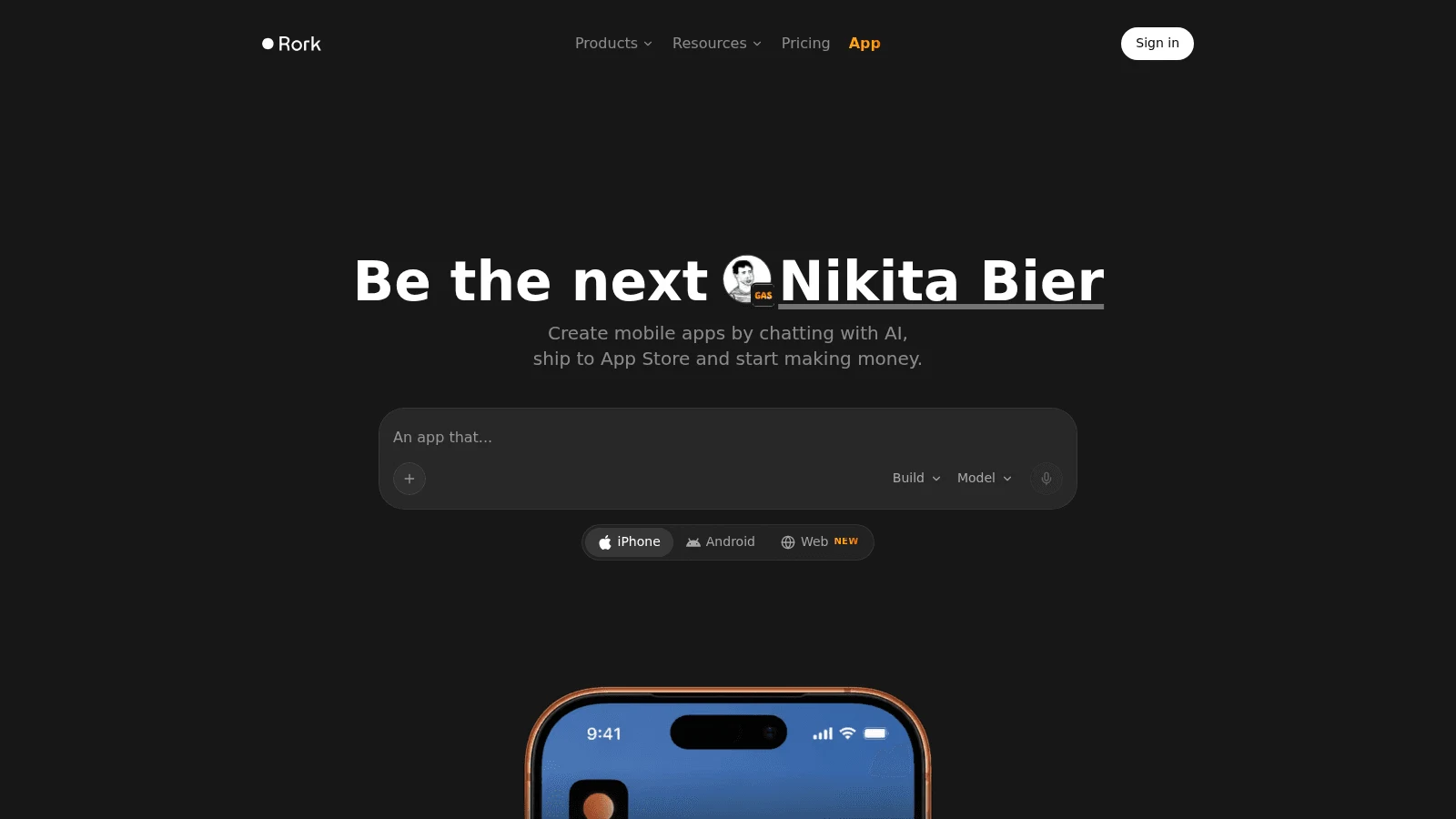
Overview: Rork builds mobile apps from a prompt, and its FAQ calls them "real, native mobile apps, not web wrappers or prototypes." Rork Pro covers iPhone, Android and web apps.
Key features:
- Built-in App Store publishing from a Publish button.
- An Android App Bundle (.aab) for upload in Play Console.
- Code export through GitHub on paid plans.
Pricing: Rork Pro costs $20 a month for 100 credits, and Rork lists monthly prices only. Rork Max starts at $200 a month and builds iOS-only apps for iPhone, iPad, Apple Watch and Vision Pro.
Pros: A flat $20 a month, under both of Builder's prices, exportable code, a free design mode for testing the idea first
Cons: 100 credits a month on Pro, a separate Expo account for Pro builds, a manual Android submission
Where it costs less: For prompt-first building, Rork Pro sits $17 under Builder billed yearly and $39 under billed monthly.
Final verdict: A flat-priced, prompt-first route to an app in both stores, as long as 100 credits cover your month.
5. FlutterFlow
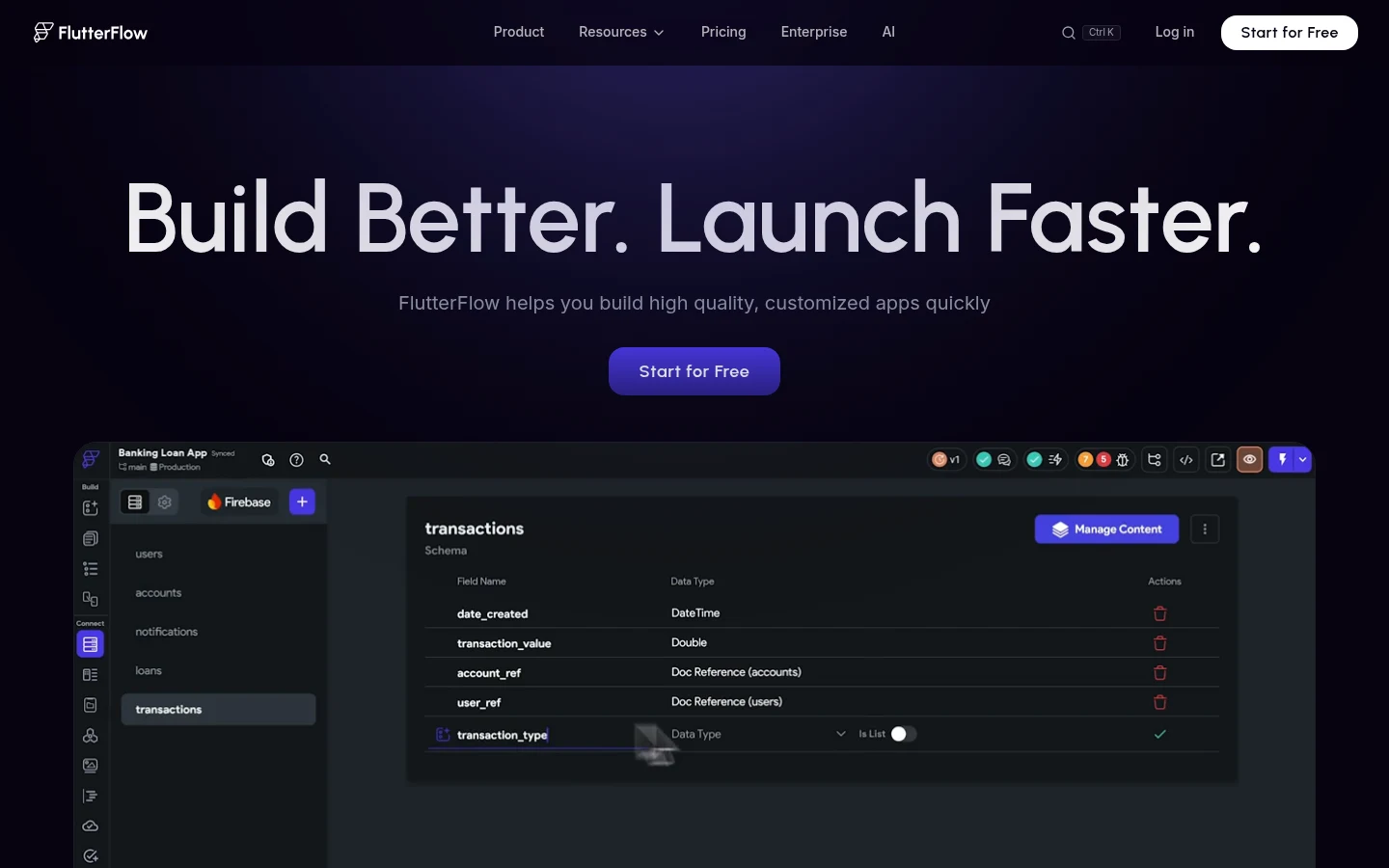
Overview: FlutterFlow is a visual builder that compiles real Flutter apps. From Basic, it deploys to the App Store and Google Play in one click, using your own developer accounts. You connect a Firebase or Supabase backend yourself.
Key features:
- One-click App Store and Google Play deployment from Basic.
- Flutter code and APK downloads on Basic.
- A free plan that publishes to the web on free subdomains, for trying the editor.
Pricing: Basic costs $29.25 a month billed annually or $39 monthly. Growth, which adds real-time collaboration, costs $60 a month for the first seat billed annually, or $80 monthly.
Pros: Code you can take with you, compiled native builds, room to grow into a team plan
Cons: One editor on Basic, the backend is a separate setup and bill, AI capped at 50 requests a month on Basic
Where it costs less: Basic comes in $7.75 a month under Builder on yearly billing and $20 under on monthly.
Final verdict: The best fit here if you want native performance and a codebase a developer can pick up later.
6. Adalo
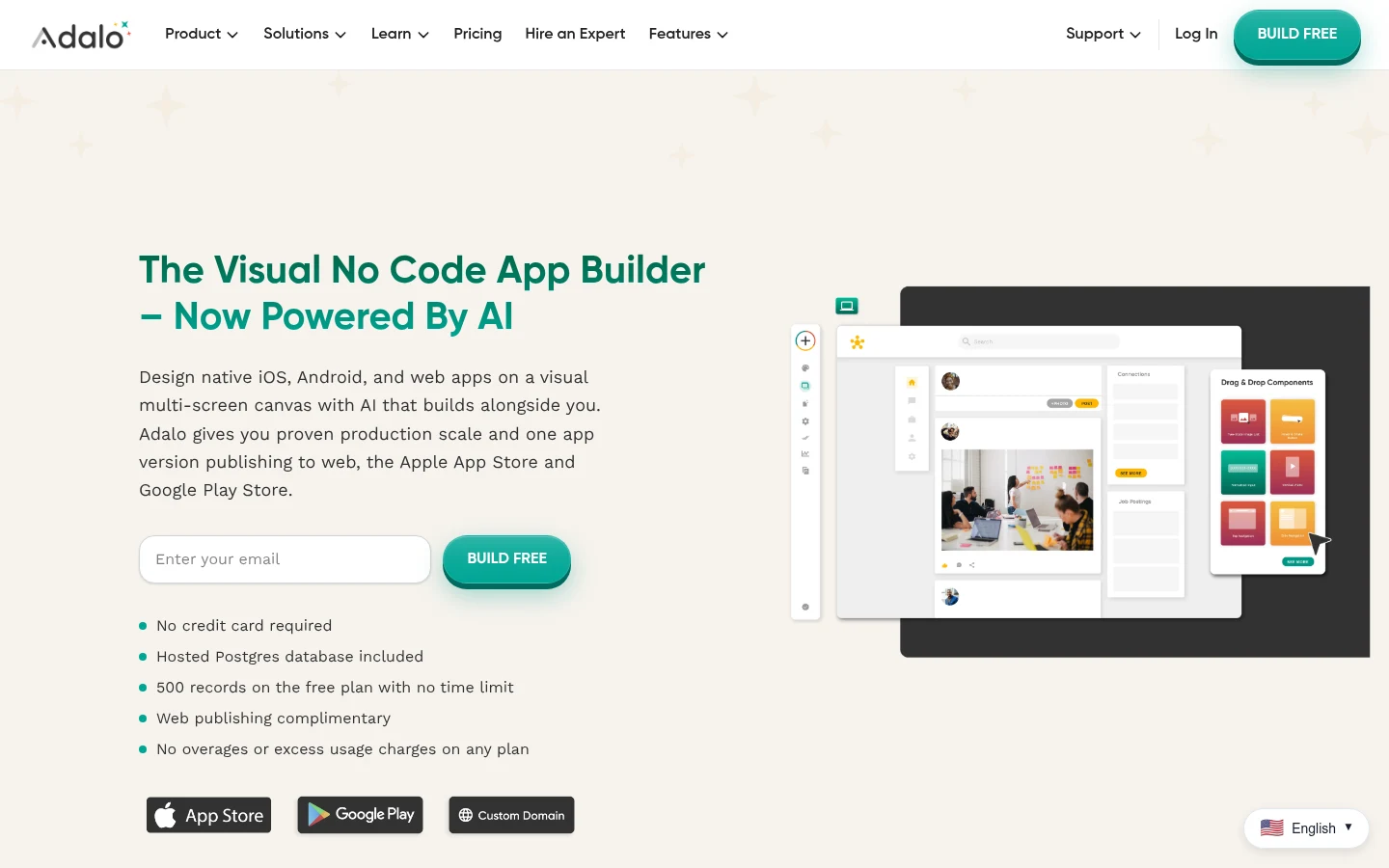
Overview: Adalo is a no-code builder whose pricing FAQ says it "generates true native builds (IPA and APK)" rather than web wrappers. Its plans carry "No usage or token-based charges," so the bill doesn't move with your traffic.
Key features:
- Automated App Store publishing, plus Google Play, from Starter.
- Flat plan prices with no usage meter.
- Unlimited test apps on the free plan before you pay to publish.
Pricing: Starter, which covers one published app, is $36 a month on annual billing or $45 month by month. Professional, at $52 a month billed annually, adds push notifications, geolocation, a second app and five editors.
Pros: A predictable bill, true native builds, no code to touch
Cons: Push notifications and geolocation need Professional, one editor on Starter, one published app per Starter plan
Where it costs less: Starter undercuts Builder by $1 a month billed annually and $14 monthly, but an app that needs push notifications moves to Professional, which costs $15 more than Builder on yearly billing.
Final verdict: A good no-code swap for a simple app, as long as you price the plan your features actually need.
7. MIT App Inventor
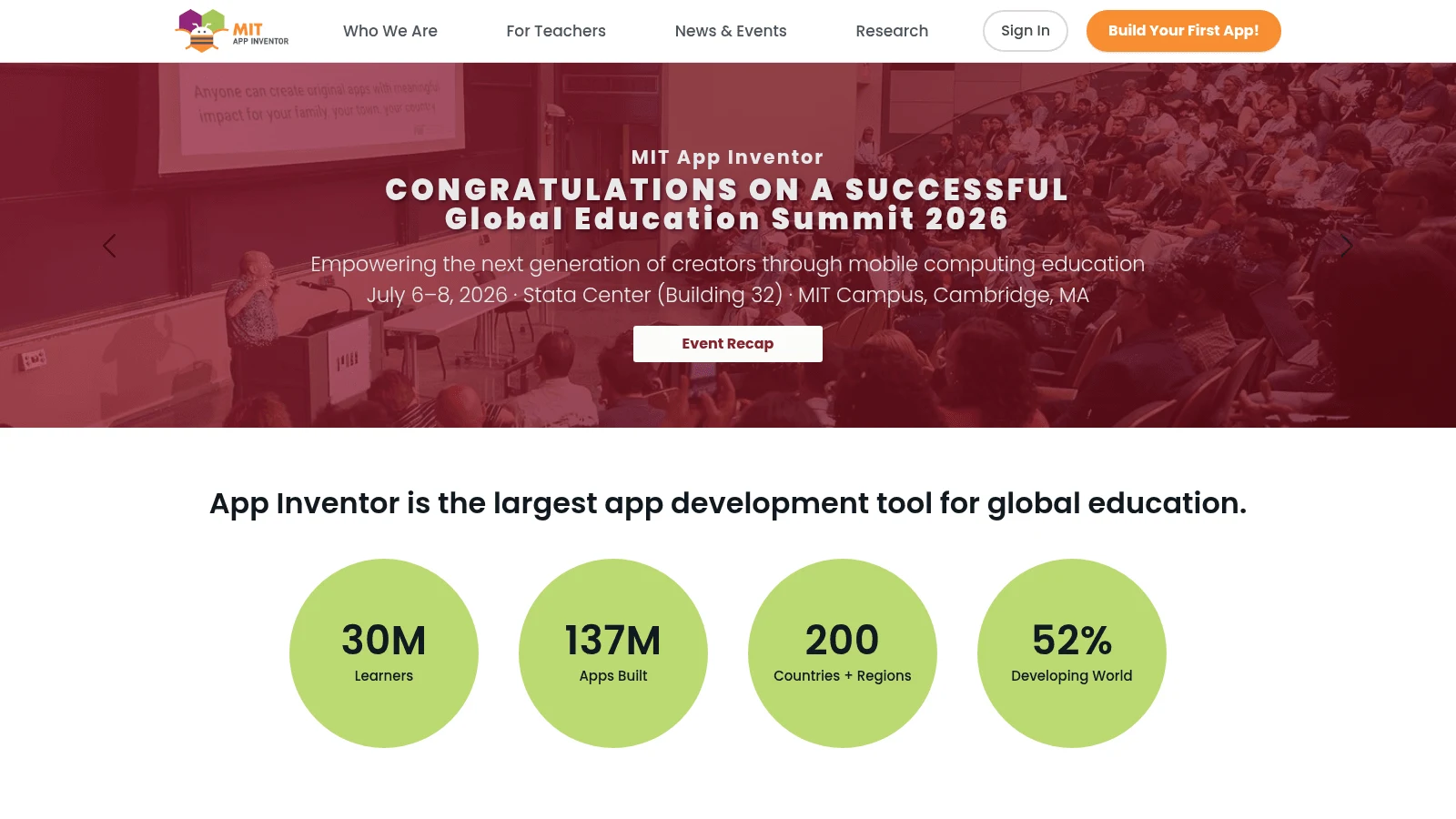
Overview: MIT App Inventor is a block-based builder from MIT, built for teaching, and its homepage says it "is free and runs right in your browser." You snap logic blocks together much as you would in Thunkable.
Key features:
- Android App Bundle (.aab) export, the format Google Play asks for.
- The iOS Companion app for live testing on an iPhone.
- No plans or tiers, so nothing to upgrade.
Pricing: App Inventor is free. Publishing on Google Play still costs Google's $25 one-time fee, and you upload the .aab in Play Console yourself.
Pros: Costs nothing, blocks Thunkable users will recognize, live testing on Android and iPhone
Cons: MIT's own iOS page puts App Store packaging in a closed beta; iOS lacks extensions, charts, Bluetooth and NFC for now; an education-first editor with fewer layout options
Where it costs less: For an Android app, it costs $37 to $59 a month less than Builder, though it can't match Builder's App Store reach.
Final verdict: The right start for students and Android-only prototypes, and the wrong one for a two-store launch.
8. Kodular
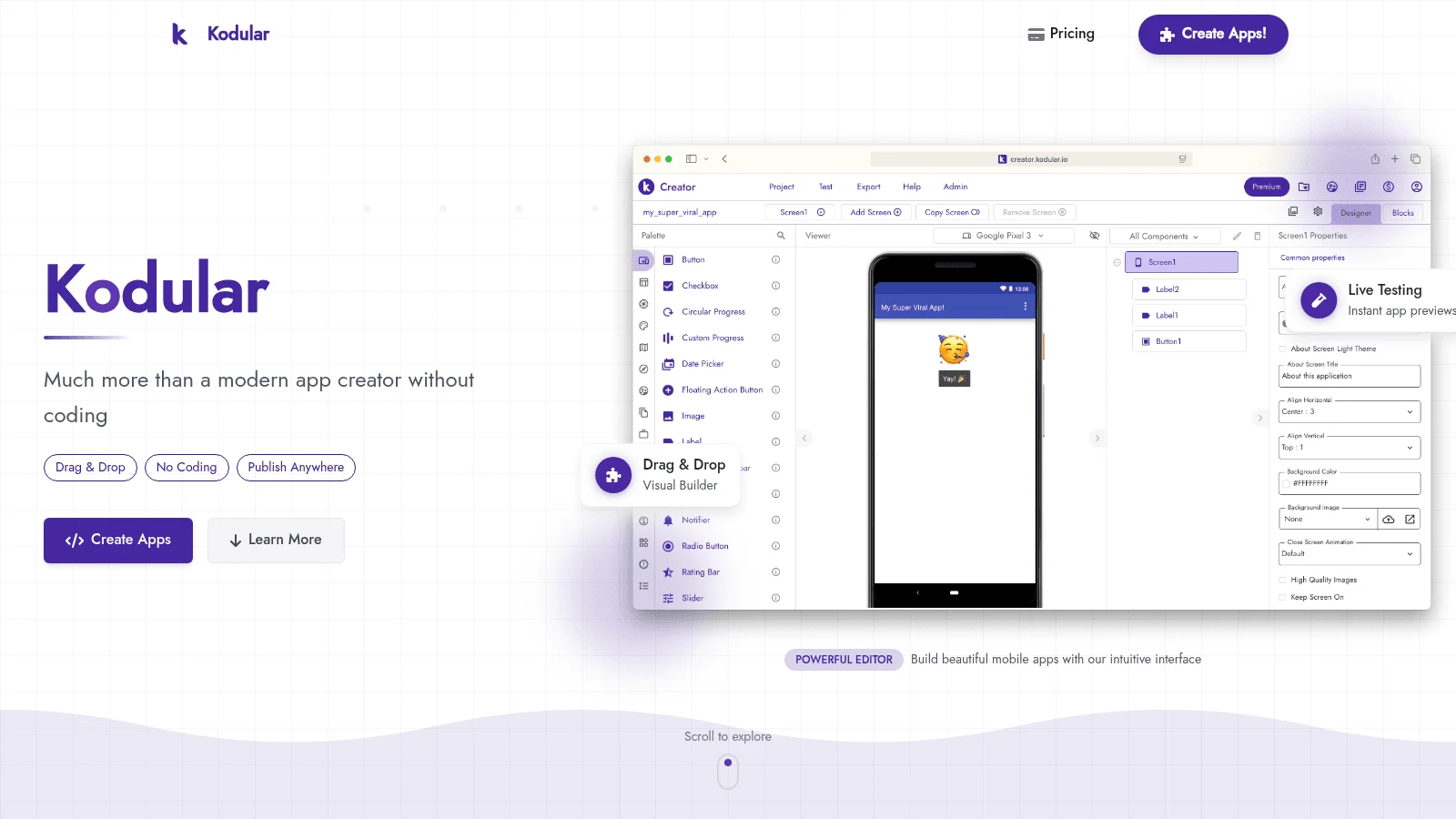
Overview: Kodular is a block-based builder that its own site calls "a free platform to let your ideas become Android apps." You design with drag-and-drop components, then download an APK or export an AAB for Google Play.
Key features:
- A free plan with 10 projects and 5 extensions per project.
- No ads in your finished app; its pricing page says "We don't insert ads in your app."
- AAB export for Google Play.
Pricing: The free plan builds and exports apps. Premium costs €3.99 a month or €40.99 a year (EUR) on Kodular's own pricing page, the one price on this list shown only in euros.
Pros: Free Android builds, no ads in the finished app, a low-cost upgrade if you outgrow Free
Cons: Android only, per its own site; a 10MB asset cap on Free; Premium billed in euros
Where it costs less: For an Android-only app, Kodular keeps block coding at no monthly cost, against Builder's $37 to $59.
Final verdict: A solid free choice for Android apps, and no help if you need the App Store.
The costs no builder removes
Every builder above, Thunkable included, leaves you paying the stores directly. Apple's developer program is "99 USD per membership year," and Google charges "a US$25 one-time registration fee." So the floor for one app in both stores is $124 in the first year and $99 a year after that, before any builder fee.
Google adds a time cost. Personal developer accounts created after November 13, 2023, must run a closed test with at least 12 testers, opted in continuously for 14 days, before they can apply for production access.
Google says the stricter checks work: Google's security blog says it stopped more than 1.75 million policy-violating apps from being published on Google Play in 2025, and names testing requirements among the initiatives that raised the bar.
Here's how to get through the closed test without losing two weeks to a restart:
- Recruit 15 testers rather than 12, so one dropout doesn't leave you short.
- Upload your first .aab to a closed testing track in Play Console.
- Add your testers' Google account emails to the track and send them the opt-in link.
- Check the tester count every few days until 14 days have passed.
- Apply for production access from the Play Console dashboard.
Start the test as soon as you have a stable build, since the 14 days run whatever builder you chose.
How much do Thunkable alternatives cost?
Here's the first-year cost of one app in both stores on each tool's cheapest qualifying plan, on yearly billing where it exists, with Apple's $99 and Google's $25 added in. Thunkable sits in the first row as the benchmark.
| Tool | Plan that publishes | Billed yearly | Billed monthly | First year, both stores |
|---|---|---|---|---|
| Thunkable (benchmark) | Builder, 1 app | $37/month | $59/month | $568 |
| Draftbit | Standard | $12/month | $15/month | $268 |
| Bravo Studio | Solo | $18/month | $22/month | $340 |
| Rork | Rork Pro | Not listed | $20/month | $364 |
| FlutterFlow | Basic | $29.25/month | $39/month | $475 |
| Adalo | Starter, 1 app | $36/month | $45/month | $556 |
| MIT App Inventor | Free | $0 | $0 | $25, Google Play only |
| Kodular | Free | $0 | $0 | $25, Google Play only |
| Awesomic Studio | No store publishing claimed | Not listed | $20/month (Basic) | Not comparable |
Draftbit's first year is $300 cheaper than Thunkable's, while Adalo saves just $12, and that edge disappears once the app needs push notifications. Monthly billing widens every gap, because Builder jumps to $59.
Draftbit's $268 assumes its agent runs on an AI plan or API key you already pay for. Without one, you buy credits at $1 per 1,000 (from $5), spent per AI call at the model's price plus a Draftbit markup, so that cost depends on how much you build.
The longer-term saving is about what happens if you stop paying. FlutterFlow (Basic), Draftbit (Standard) and Rork (paid plans) let you export code, and Bravo MCP outputs source you own, so leaving doesn't mean starting from nothing. On Thunkable, by its own FAQ, the app goes offline, and on any tool without export, leaving means a rebuild.
If someone else will design the screens, budget that as its own line, since outsourcing product design is a cost on top of any builder plan.
Who submits your app to the stores
Submission is where many first apps stall. Apple's transparency report for 2025 shows 9,100,620 app submissions reviewed and 2,093,244 rejected, about 23%. Performance problems such as crashes and incomplete builds drove 1,354,418 rejections, the largest category, and Apple says its Design category covers apps with "minimum functionality."
On r/nocode, in a Reddit thread about cost-effective builders, a commenter who runs a development agency said wrapped web apps get rejected under that rule, adding: "That's where most beginners actually get stuck: submission, not building." Treat that as one practitioner's experience, from someone who sells build services.
Each tool splits the work differently:
- Thunkable, FlutterFlow, Draftbit and Adalo submit from inside the builder, using your own Apple and Google accounts.
- Rork publishes to the App Store from its Publish button, and you upload the Android bundle yourself.
- Bravo Studio's Solo plan hands you the files to upload, while Bravo To Go launches the app for $999.
- MIT App Inventor and Kodular give you an AAB, and the Play Console steps are yours.
- Draftbit Pro adds submission help, at $24 a month billed yearly.
A Design rejection often means the app does too little or feels like a wrapped website, which a mobile app designer can rethink before you resubmit, without switching builders.
Pros and cons of switching from Thunkable
The main gain is money: five builders here undercut both of Builder's prices, and FlutterFlow, Draftbit, Rork and Bravo (through MCP) let you take code with you. Some also bring their own workflow, such as Bravo's Figma-first design or Draftbit running on a Claude or ChatGPT subscription you may already pay for.
The costs are real too. You rebuild every screen and block of logic by hand, you relearn an editor, and the free Android tools give up the App Store entirely. If the rebuild is large, quotes from app design agencies give you a fixed-price benchmark to weigh against your own hours.
How to move an app off Thunkable
Keep your Thunkable plan active until the replacement is live in both stores, because the FAQ says published apps become unavailable when the subscription expires. Then make the move step by step:
- Screenshot every screen and list every block-based workflow in your Thunkable project.
- Rebuild the one flow users touch most on the new tool's free plan or design mode.
- Connect the data source and test sign-in on a real phone.
- Start Google's closed test early if your Play account needs one.
- Submit to both stores, then cancel Thunkable only after both versions are approved.
Since you're rebuilding anyway, that's when design fixes cost least, and the choice between freelancers and an agency comes down to how many screens you have and how soon you need them.
How to choose the right Thunkable alternative
Start with the stores you need. For both stores at the lowest price, Draftbit's Standard plan costs $12 a month billed yearly, if you already pay for an AI subscription. If your design already lives in Figma, Bravo Studio keeps you there, and if you'd rather describe the app than build it, Rork Pro is a flat $20.
Choose FlutterFlow when a developer may inherit the app, since Basic includes the Flutter code. Choose Adalo when you never want to see code and the app is simple enough for Starter.
If you only need Android, MIT App Inventor suits a classroom or a first app, and Kodular suits a hobby app you want on Google Play for $25 total. Founders with funding and a deadline can skip the builder question and hire one of the startup product design agencies to design and ship the app.
Which Thunkable alternative to try this week
Pick the two cheapest tools from the cost table that cover the stores you need, and rebuild your main screen on each free plan or design mode. Note how long it took and whether the store publishing you need sits on the plan you'd pay for.
If you'd like agents to design and host the app first, with an Awesomic designer or developer ready (Dedicated, priced separately) to take it to a real release, Get started on Studio's $20-a-month Basic plan.
FAQ
What are the best Thunkable alternatives?
For both stores at a lower price, Draftbit, Bravo Studio, Rork, FlutterFlow and Adalo all undercut Thunkable's Builder plan. For Android only, Kodular and MIT's App Inventor are both free to build with.
Which Thunkable alternative is cheapest for publishing to both app stores?
Draftbit. Its Standard plan publishes to iOS and Android for $12 a month billed yearly or $15 monthly, against $37 or $59 for Thunkable Builder. Bravo Studio's Solo plan comes next at $18 billed annually.
Can you publish a Thunkable app for free?
No. Neither the $0 Free plan nor the Accelerator plan ($18 billed yearly) includes a live app, and Thunkable's publishing docs limit that feature to Builder and Advanced. Builder starts at $37 a month billed yearly, plus Apple's and Google's own fees.
What happens to a Thunkable app if you cancel your plan?
The app stops working for your users. Thunkable's FAQ warns that a lapsed subscription takes published apps offline. Projects on a downgraded free account go into read-only mode, so keep paying until a replacement app is live.
Do I still need Apple and Google developer accounts with these builders?
Yes. Apple charges $99 a year and Google charges $25 once, whichever builder you use. New personal Google Play accounts also need a closed test with 12 testers for 14 days before they can publish.





