Oleh, Mirona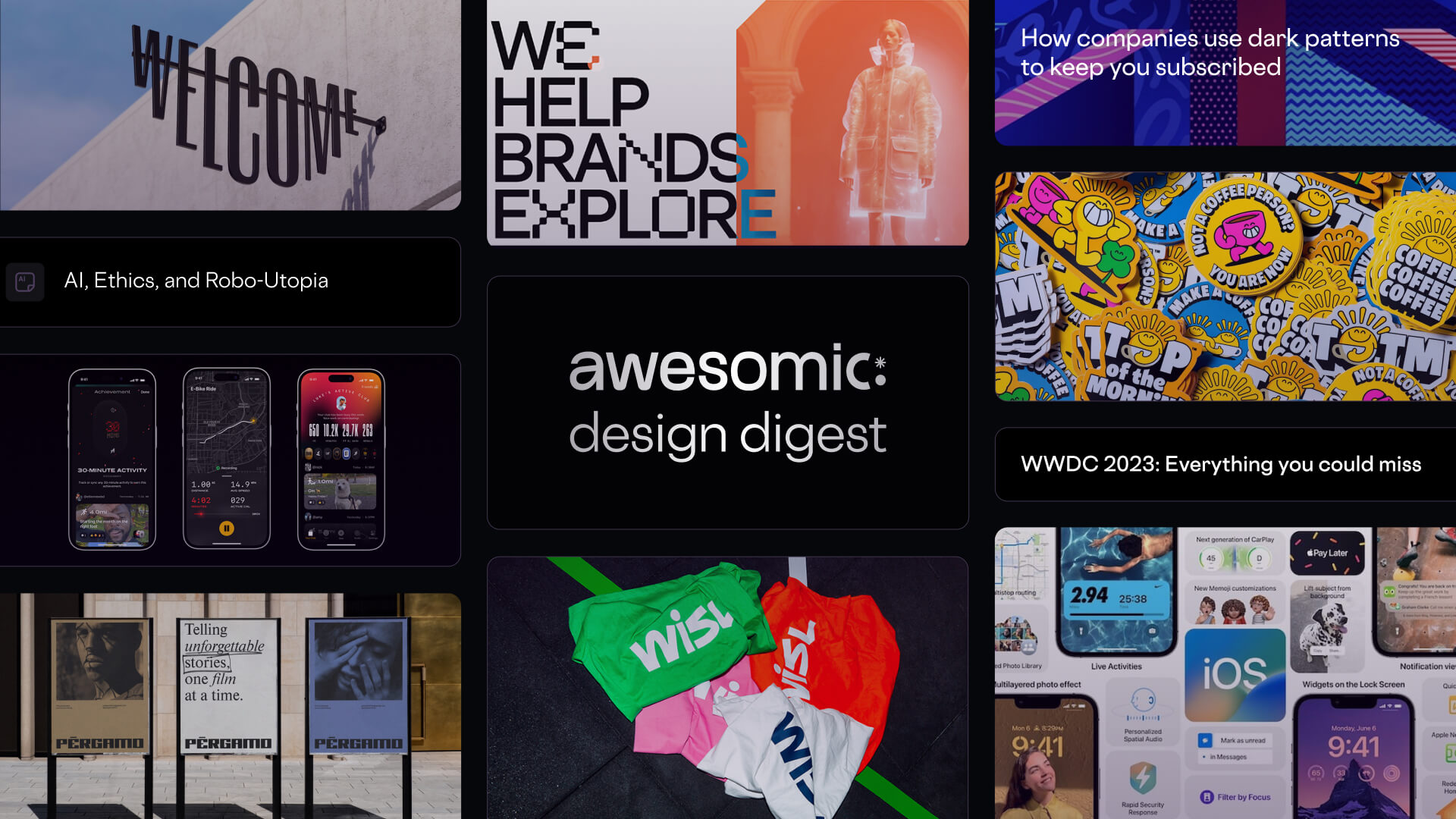
This digest was collected by Oleh Idolov, Anastasia Buhaenko, Zakhar Kryvoshyya, and Hamza Haj Taieb at Awesomic.
Discuss the digest in the comments, and sign up for the updates!
🦄 Product and UI/UX Design
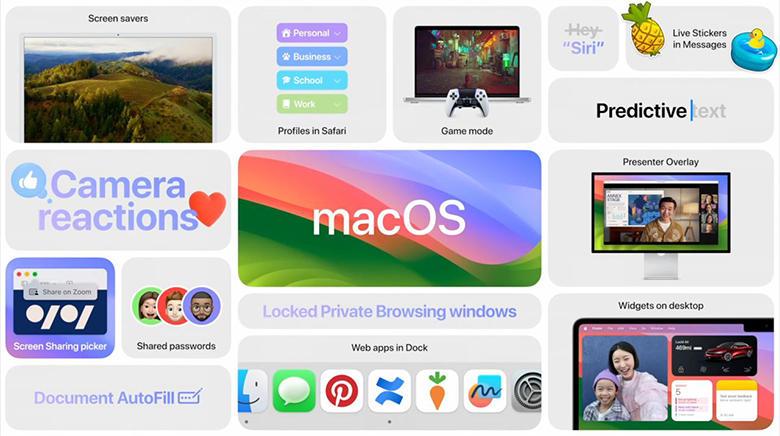
WWDC 2023: Everything you could miss during the keynote
visionOS | Apple Developer
– Spotlight on developing for visionOS
**
Design manuals:**
– Principles of spatial design
– Design for spatial interfaces
iOS17 Preview
– iMessages: New features, including animated stickers, improved Autocorrect, and a new way to share content
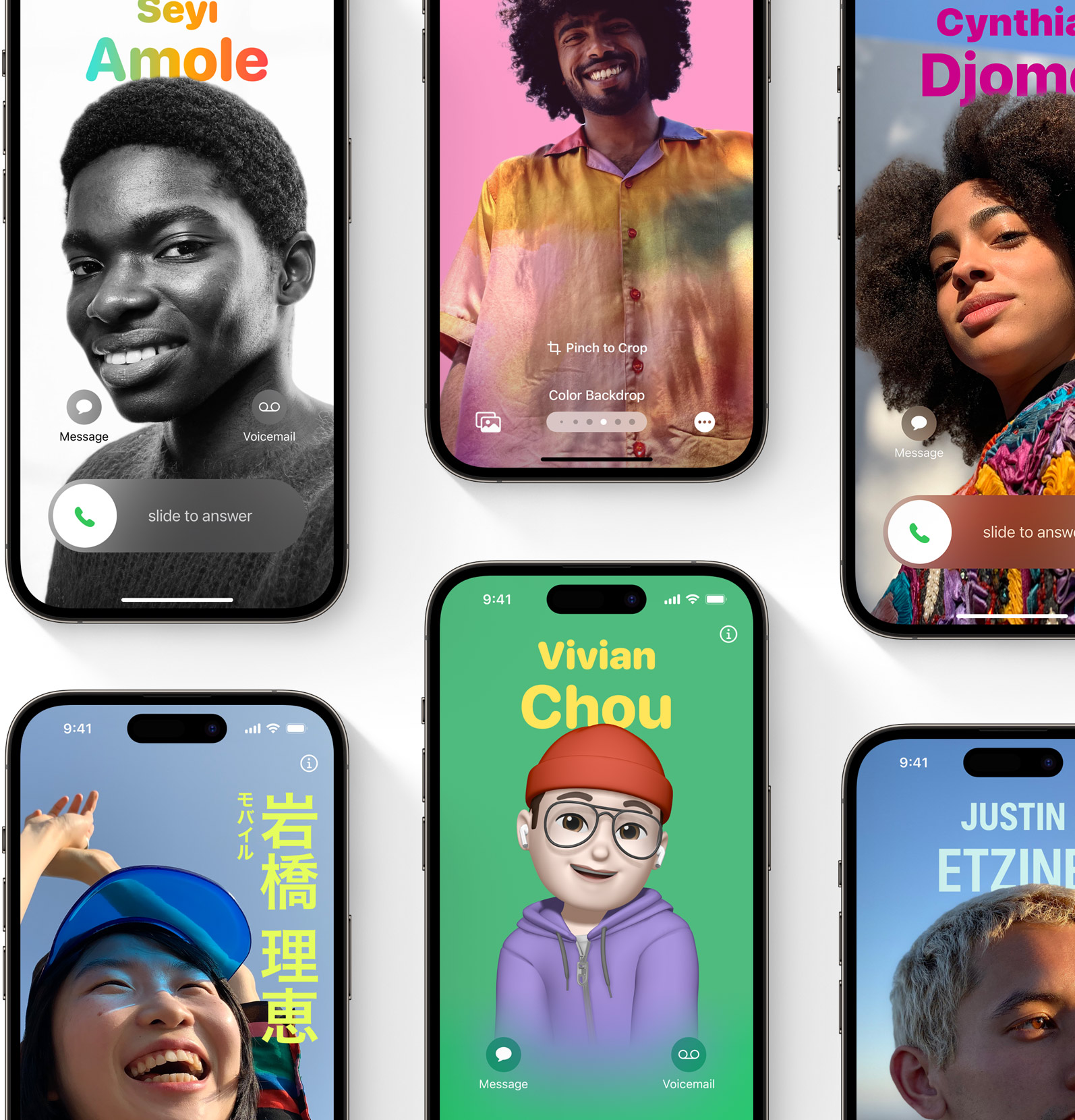
– Customizable call screens
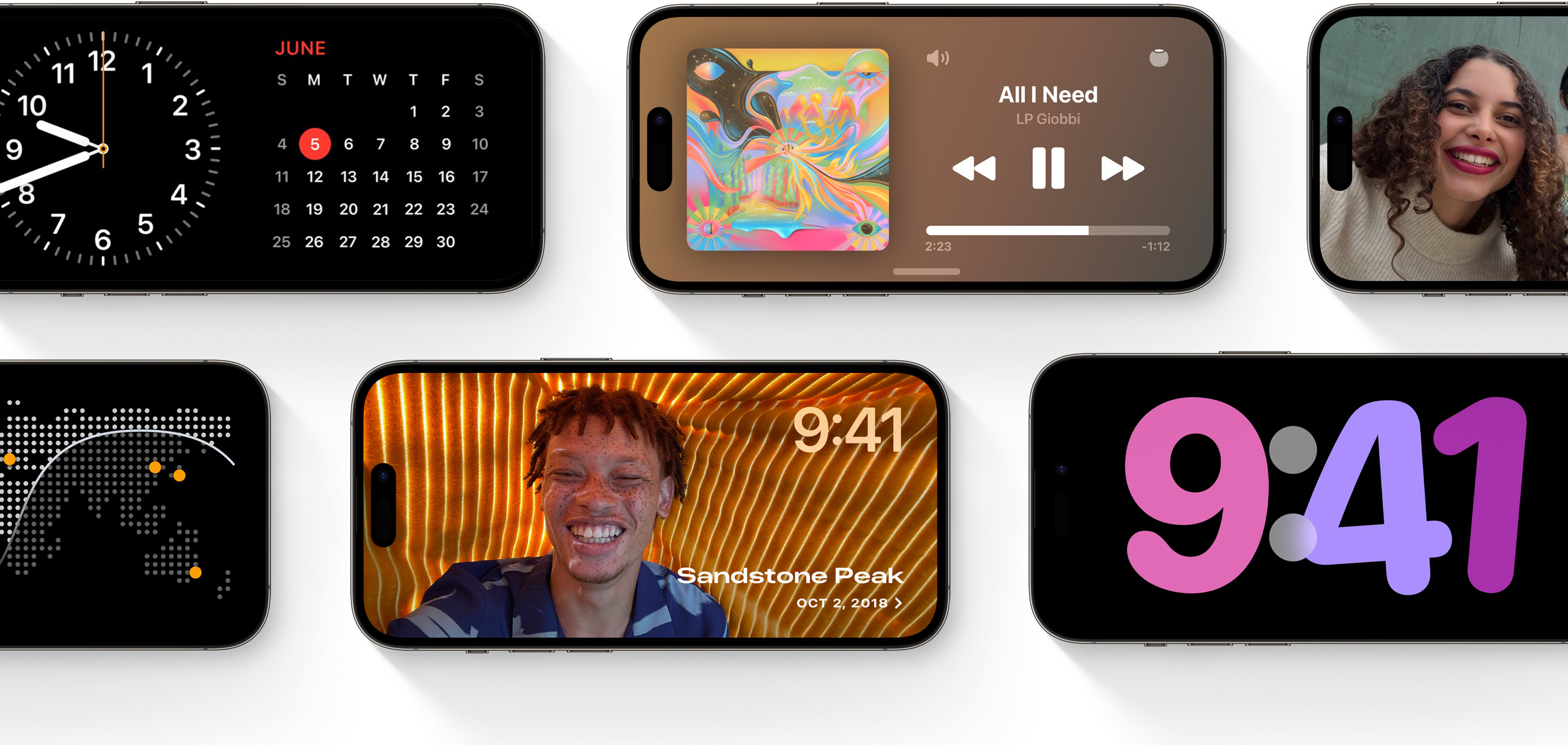
– New landscape ‘StandBy’ mode for lock screen
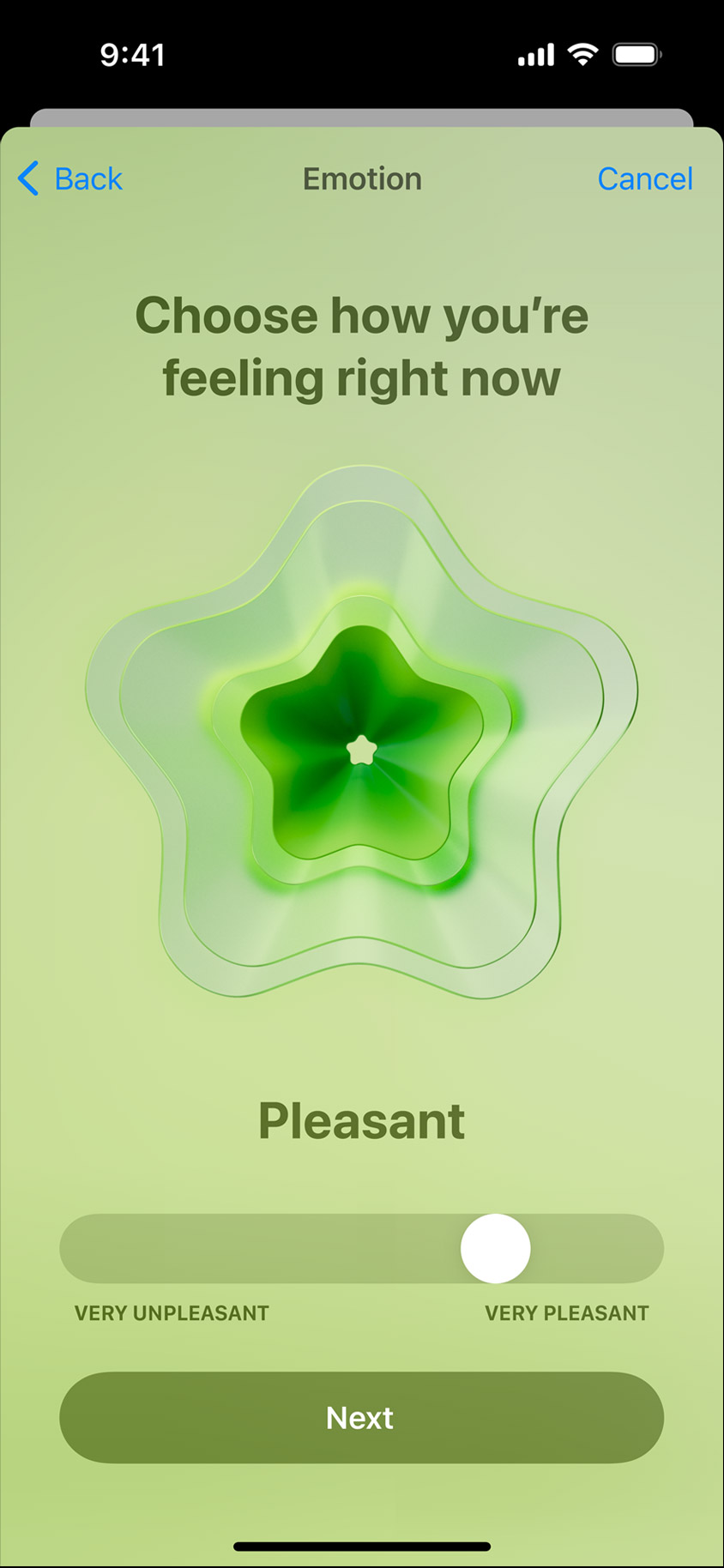
– Mental Health Tracking and Journal, a new app to write and remember
– Shared AirTags and AirPods
– Improved auto-correction and predictive text input

iPadOS 17 Preview
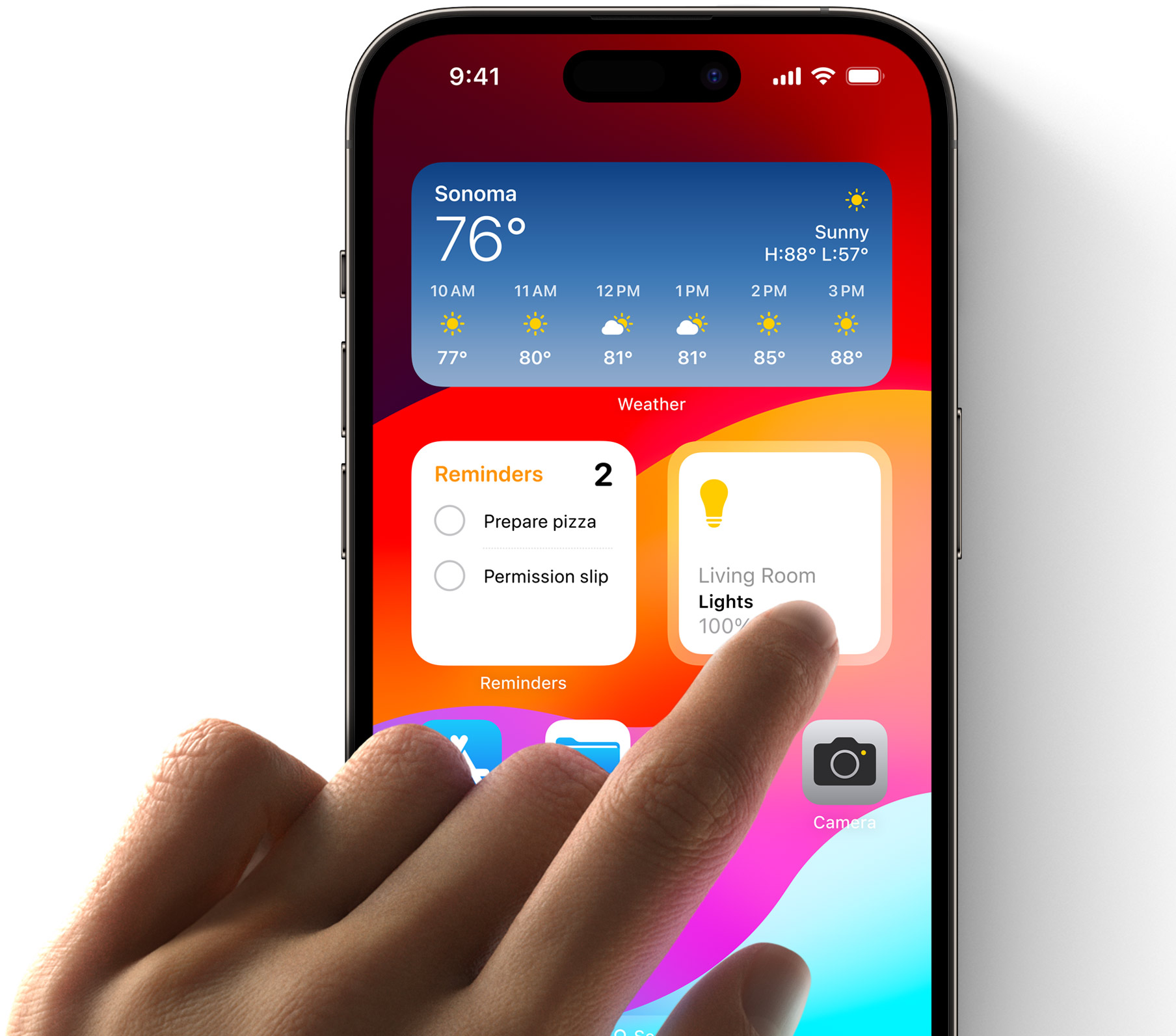
– Interactive widgets
– Redesigned Lock Screen with a new, more personal look. You can add widgets, change fonts, and choose from a variety of styles
– Enhanced PDFs: new features that make it easier to mark up, annotate, and sign documents. You can now add comments, highlight text, and draw on PDFs using the Apple Pencil
– Seamless sharing in Messages: Sharing files, photos, and videos in Messages is now even easier

watchOS 10 Preview
– New features for fitness, sleep, and heart health: workout metrics, including running form metrics, help you train smarter and improve your performance
– A new Medications app makes it easier to track your medications and stay on top of your prescriptions
– New sleep stages and sleep respiratory rate data help you better understand your sleep patterns and identify areas for improvement

macOS Sonoma Preview
– Personalization: Widgets and screen savers are now available on the desktop
– Safari: Live Text, Passkeys, and enhanced privacy protections are added
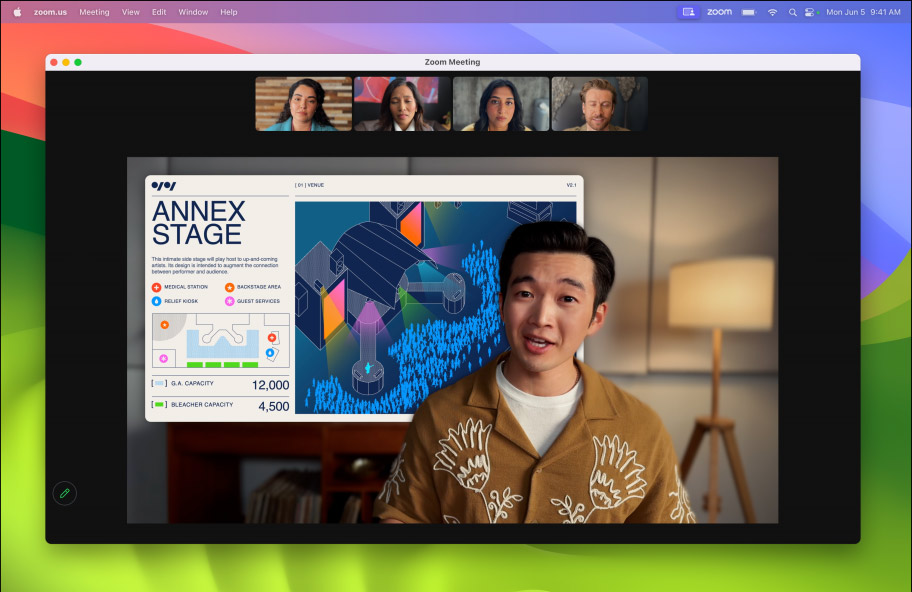
– Video calls: FaceTime gets Portrait Mode and Grid View
– Gaming: Metal 3 delivers up to 10 times faster graphics performance
– Security: Lockdown Mode and improved GateKeeper
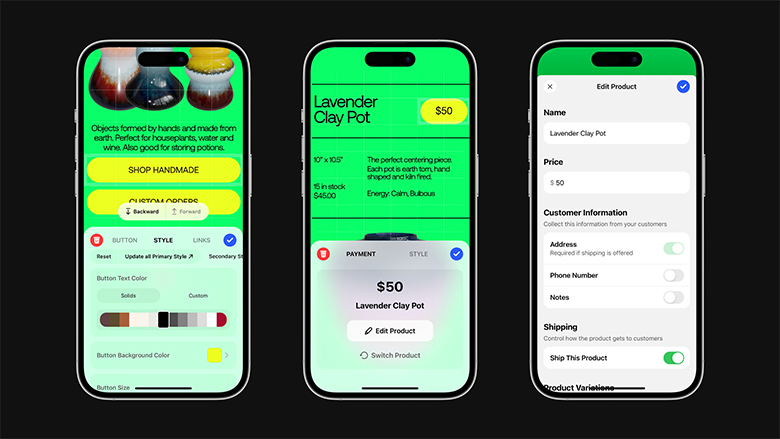
Actionable materials and templates for designers:
The official Apple iOS 17 and iPadOS 17 Kit, now on Figma Community
Make features discoverable with TipKit
Design dynamic Live Activities
Design Shortcuts for Spotlight
Design Spatial UI - Apple Vision Pro UX analysis | Malewicz
* * *
Google I/O: a brief summary
Material Design:
- Material You for Compose is now production-ready, bringing dynamic colors, custom shapes, and animations to Android apps.
- Material 3 is now available for Flutter, with new colors, typography, and components.
- Google released new guidance for designing for large screens.
- Google updated the Material Design accessibility guidelines.
- Material 3 Design Kit | Figma Community
New website Design for Android | Android Developers
Android 14:
Material You allows users to choose their own colors and shapes for their app's UI.
New widgets make it easier for users to access their favorite apps and services without having to open the app itself.
Improved accessibility features make it easier for users with disabilities to use their devices.
New Jetpack libraries provide designers with powerful tools for building high-quality apps.
Articles & Case Studies
Error-Message Guidelines | NN/group
How companies use dark patterns to keep you subscribed | Pudding
How Screen-Reader Users Type on and Control Mobile Devices | NN/group
Leveraging LLMs in product design: opportunities and challenges | by Irina Nik, UX Collective
Designing Sticky Menus: UX Guidelines | Smashing Magazine
“That little island changes everything” How we designed Lyft Live Activities to elevate the rider experience | Alexander Savard, Lyft Design+
The era of disappearing interfaces | Sabina Sujecka, Bootcamp
Object-centric vs. Canvas-centric Image Editing | Luke Wroblewski
The Shifting Landscape of UX Design: Embracing Generalists in the Era of Evolving Skills | by Erik Torres, Bootcamp
Motion – a website that showcases the power of UI/UX animation | Zajno
Practical Design Tips And Guidelines For Beginner Designers | Smashing Magazine
How I use ChatGPT as a UI/UX Designer | Vikalp Kaushik, UX Planet
Projects
Apple announces winners of the 2023 Apple Design Awards
Behind the Design:



👁 SwingVision | App Store

* * *
👁 Diagram – Unleash your creativity with Diagram's AI-powered design tools

👁 Now in Android – Case Study | Instrument

👁 VRTL WRLD | HOLOGRAPHIK, Ilja van Eck

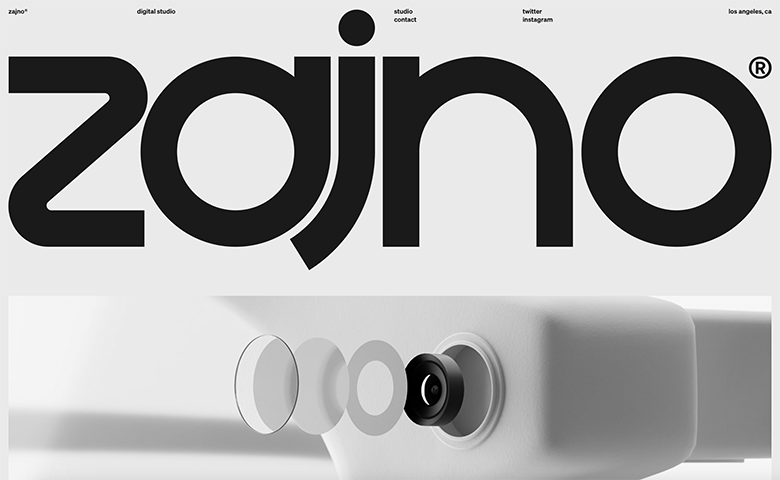
👁 zajno
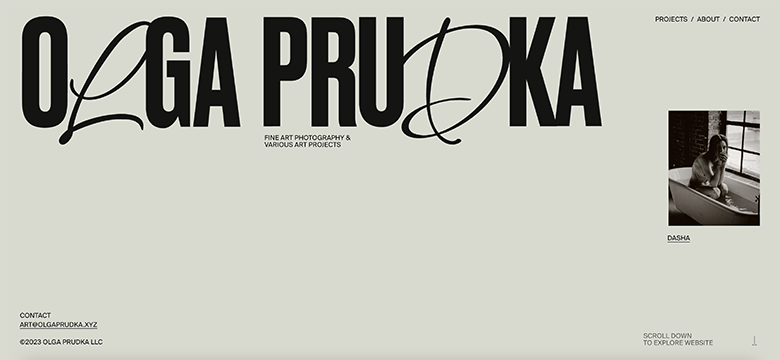
👁 Olga Prudka | obys
👀 Visual Communication
Articles and case studies
How I used Midjourney to design a brand identity | Matty Brownell, UX Collective
I M Internazionale Milano, Magazines and Munich: we have a quick catch-up with Bureau Borsche | The Brand Identity
Neville Brody on authenticity, outrage, and his thoughts on AI | Creative Boom
How the Ragged Edge and Wise teams came together to craft a pivotal rebrand for ‘The World’s Money’ | The Brand Identity
Brand Shift, the evolution of brands and creativity in the age of AI | Rei Inamoto, UX Collective
Branding a city: What makes a successful design? | It’s Nice That
Designing the Future: How the Bauhaus Transformed Popular Culture | Elaine McKimm, Bootcamp
The Test of Time: How are designers creating long-lasting, impactful work? | It’s Nice That
Pentagram's latest project lets you play the world's most famous synthesizer online | Creative Boom
TfL shakes up its safety messaging with striking 3D posters from Andrew Hudson | It’s Nice That
Studio Xuxa draws attention to Spain's heatwave crisis with retro travel posters | Creative Boom
Projects
👁 Celebrate Pride Month with Behance

👁 Team GB Gears Up For 2024 Paris Olympics With A New Visual Identity | DESIGNTAXI

👁 Andrea Reza creates a nostalgic, lucid and lovable identity for yum cha restaurant Easy House

👁 zendesk | brand identity update

👁 wisl | brand identity by andstudio

👁 The Best in Packaging From 2023: Dieline Awards Winners Revealed
The Dieline's Best of May 2023
👁 Skittles Partners With LGBTQ+ Designers For Limited-Edition Pride Packs | Dieline

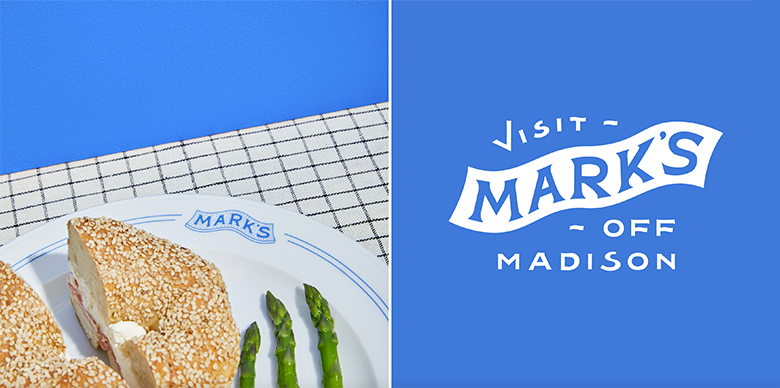
👁 Marks | brand identity by Young Jerks
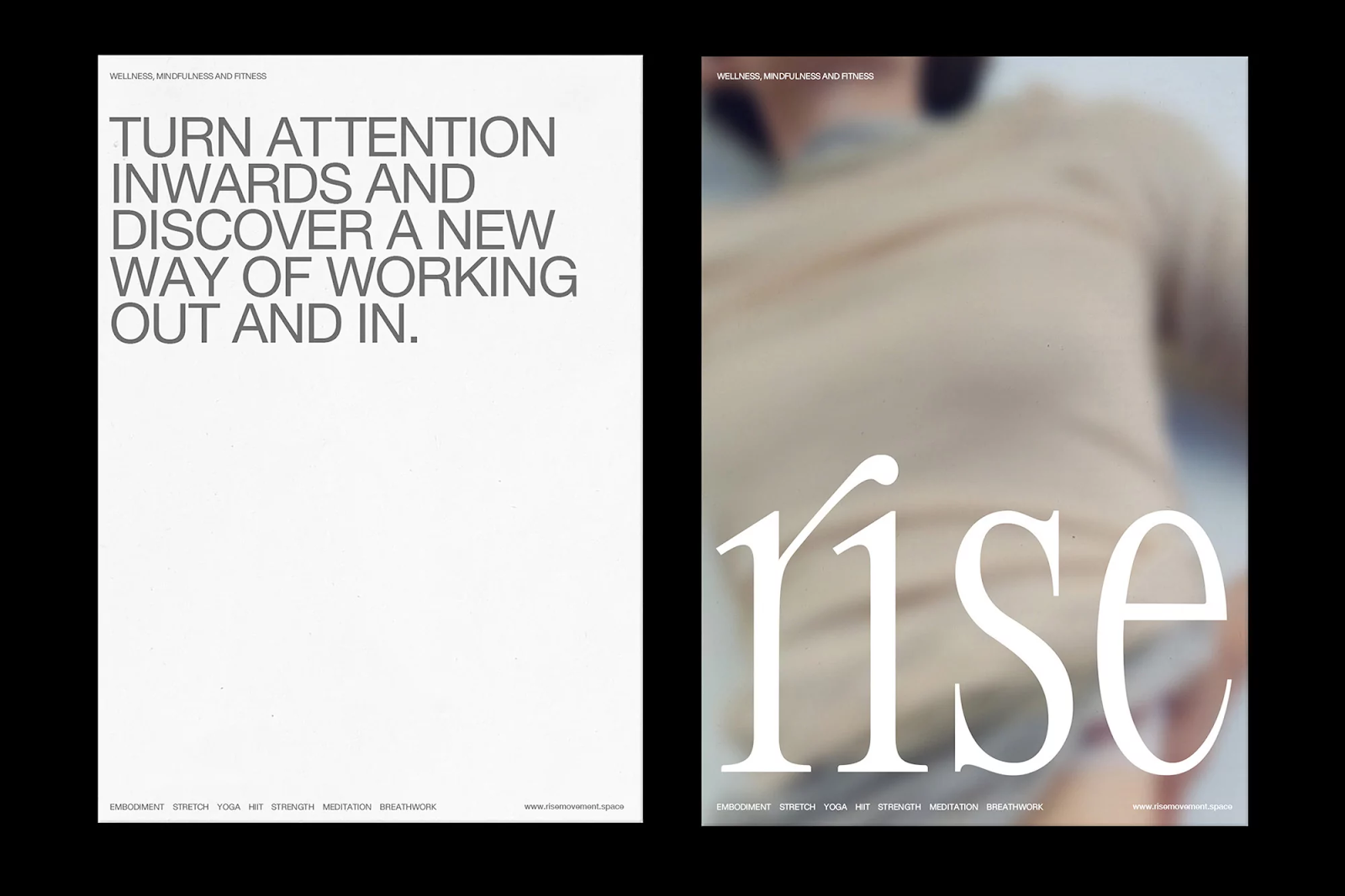
👁 Rise | brand identity by Gemma Mahoney
👁 ABSURDLY POSITIVE COFFEE | brand identity by Earthling Studio
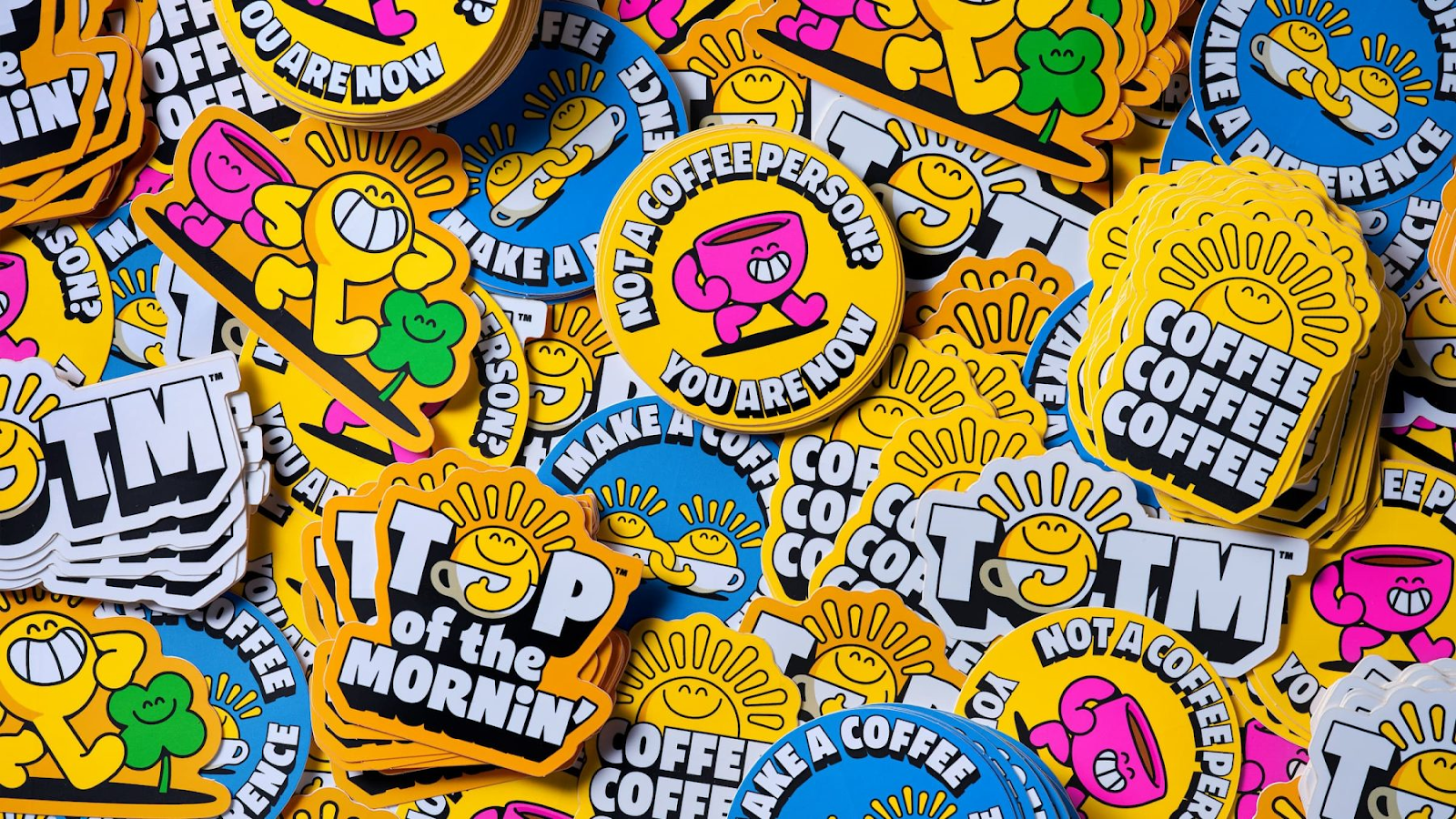
👁 Pérgamo | brand identity by Jose Manuel Vega

👁 ARK | brand identity by OMSE

👁 Bloom | brand identity by Parsons

🇺🇦 Kovalska Group | brand identity by spiilka

👩🚀 Career Growth, Design Management and Leadership
How can ChatGPT make you a better manager? | Slava Shestopalov, Design Bridges
Design Risks: How to Assess, Mitigate, and Manage Them | NN/group
Shaping Future Interactions: AI, Ethics, and Robo-Utopia | UX Magazine
DesignOps from the ground up: paving the way in your first 60 days | UX Collective
Efficiency over craftsmanship. When the principles of design place a greater emphasis on optimizing efficiency over nurturing craftsmanship, a notable shift occurs toward industrialization | UX Collective
🔠 Typography
People are mad about TikTok’s (great) new font | FastCompany
Graduation typefaces | of Type Media 22
May’s font – Lab DJR | Font of the Month Club
ROM typeface – a confident fusion of styles channeling ’60s conceptual art | Seb McLauchlan, Dinamo Typefaces
🇺🇦Docudays custom typeface | Dmytro Rastvortsev
🇺🇦Megogo custom typefamily | Dmytro Rastvortsev
🚀 Products and Tools
Figma
Config Figma – Figma’s global annual conference. Join us June 21-22 in San Francisco, and virtually.
FigJam updates: Discover new ways to bring your team’s templates, tools, and personalities into FigJam, so you can stay aligned from the first idea to the final delivery.
Adobe
Experience the future of Photoshop with Generative Fill |
Sketch
Sketch v97 – Selection Improvements, Collections, Redesigned Save Dialog, Multi-Layer Renaming and overall improvements.
Also
MyMind – a private place to save your most precious notes, images, quotes, and highlights.
SVG Grabber – get all the SVG’s from a site.
Maccy – clipboard manager for macOS which does one job - keep your copy history at hand. Period.
Shottr – a free macOS screenshot app with scrolling screenshots, OCR, annotation and measurement instruments.
Randoma11y – Get random, accessible color combinations
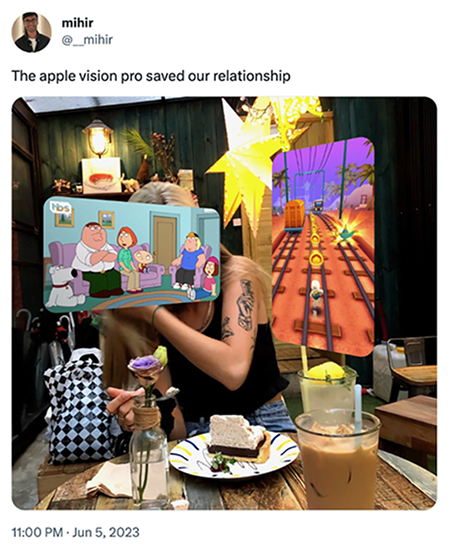
🤪 Memes: WWDC
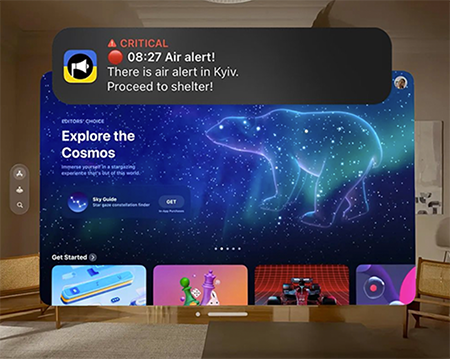
Apple Vision Pro: Ukrainian edition


Awesomic is an open-minded team of people who are changing the way of getting design done. It’s the right place for professional design growth and a great spot for motivated individuals. And for humor, of course!
Join if you feel the same. We have open positions for UI/UX Designer (US timezone), Senior Full-Stack Developer and others.
Want to stay updated on what’s going on in the design community? Sign up for our email subscription 😉